Restaurant technology has advanced significantly in recent years. A legacy point-of-sale (POS) system that was once considered robust can struggle to meet the speed, flexibility, and data requirements of a modern restaurant.
With online ordering, delivery platforms, self-service kiosks, QR ordering, and mobile payments becoming increasingly common, restaurant owners are looking more closely at whether their existing POS infrastructure is still fit for purpose.
For New Zealand restaurants, the decision is not simply about replacing an old terminal. It is about choosing a system that can improve order flow, reduce manual work, connect different sales channels, and give operators better visibility over the business.
In this guide, we'll compare legacy POS systems with cloud POS systems across features, operating costs, migration, scalability, and potential ROI — with a particular focus on what the switch means for NZ restaurants.
The Shift from Traditional POS to Cloud-Based POS: A Smarter Future for NZ Restaurants
Traditional POS systems were designed around a different restaurant environment: fixed terminals, locally stored data, manual updates, and relatively limited integration with digital ordering channels.
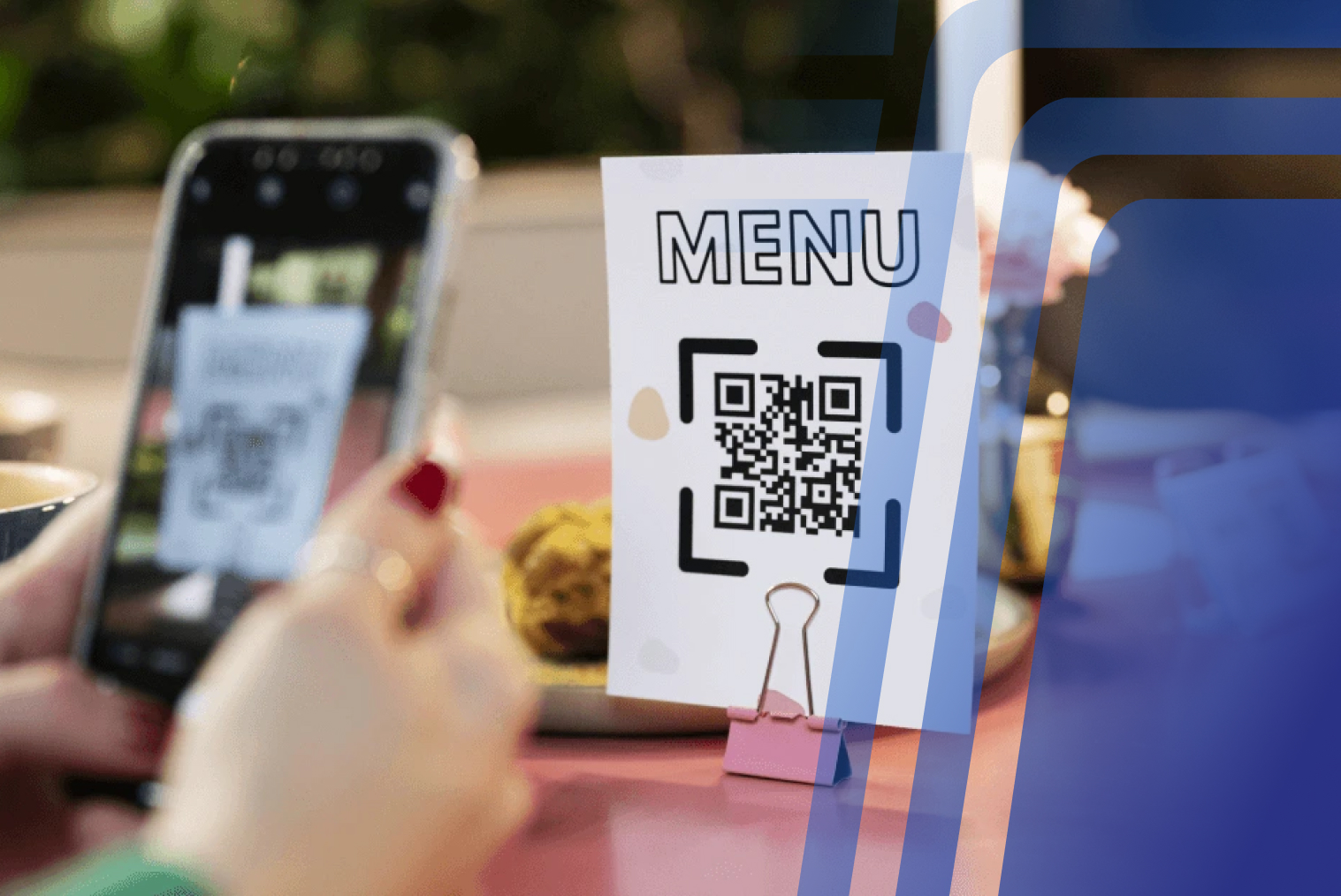
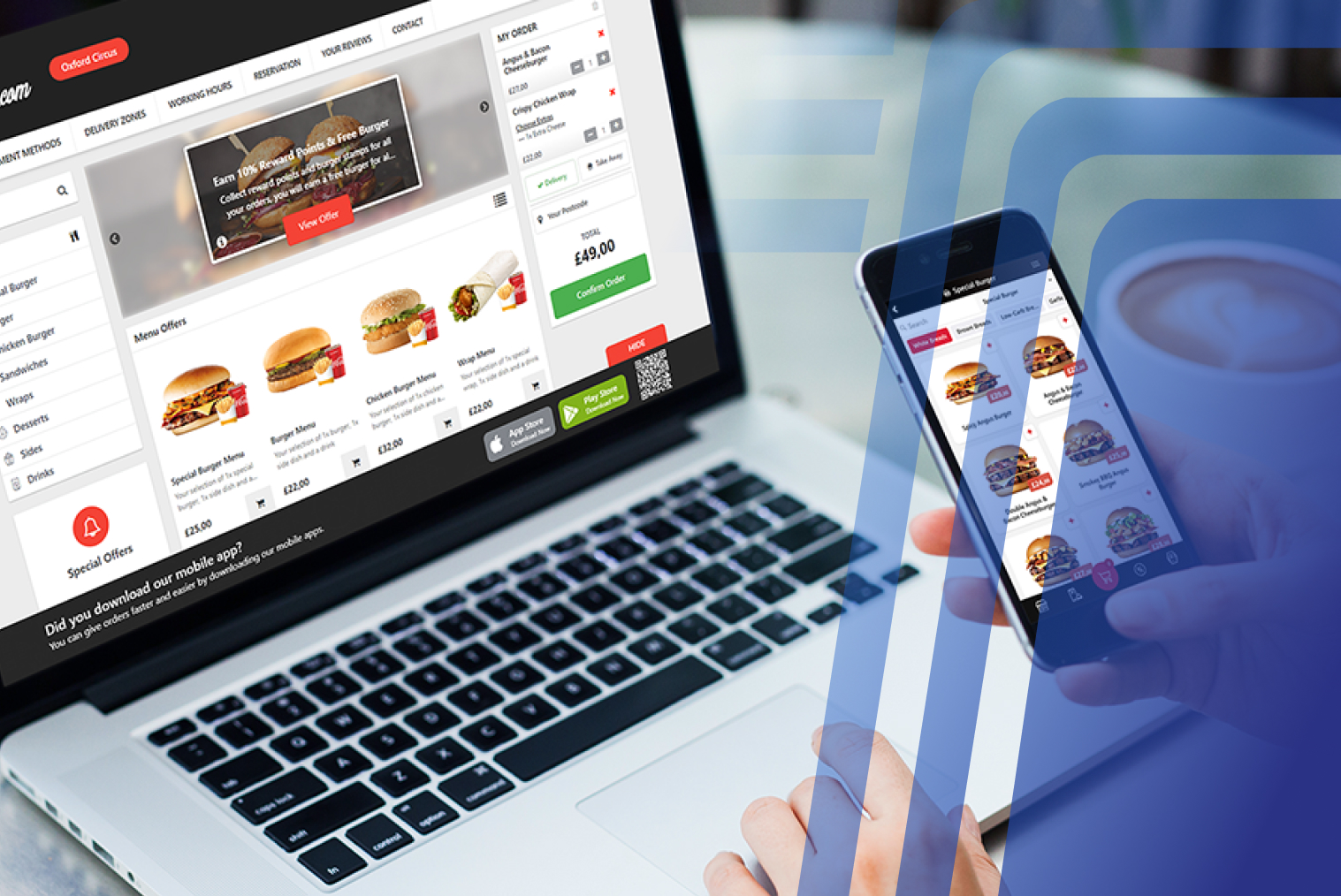
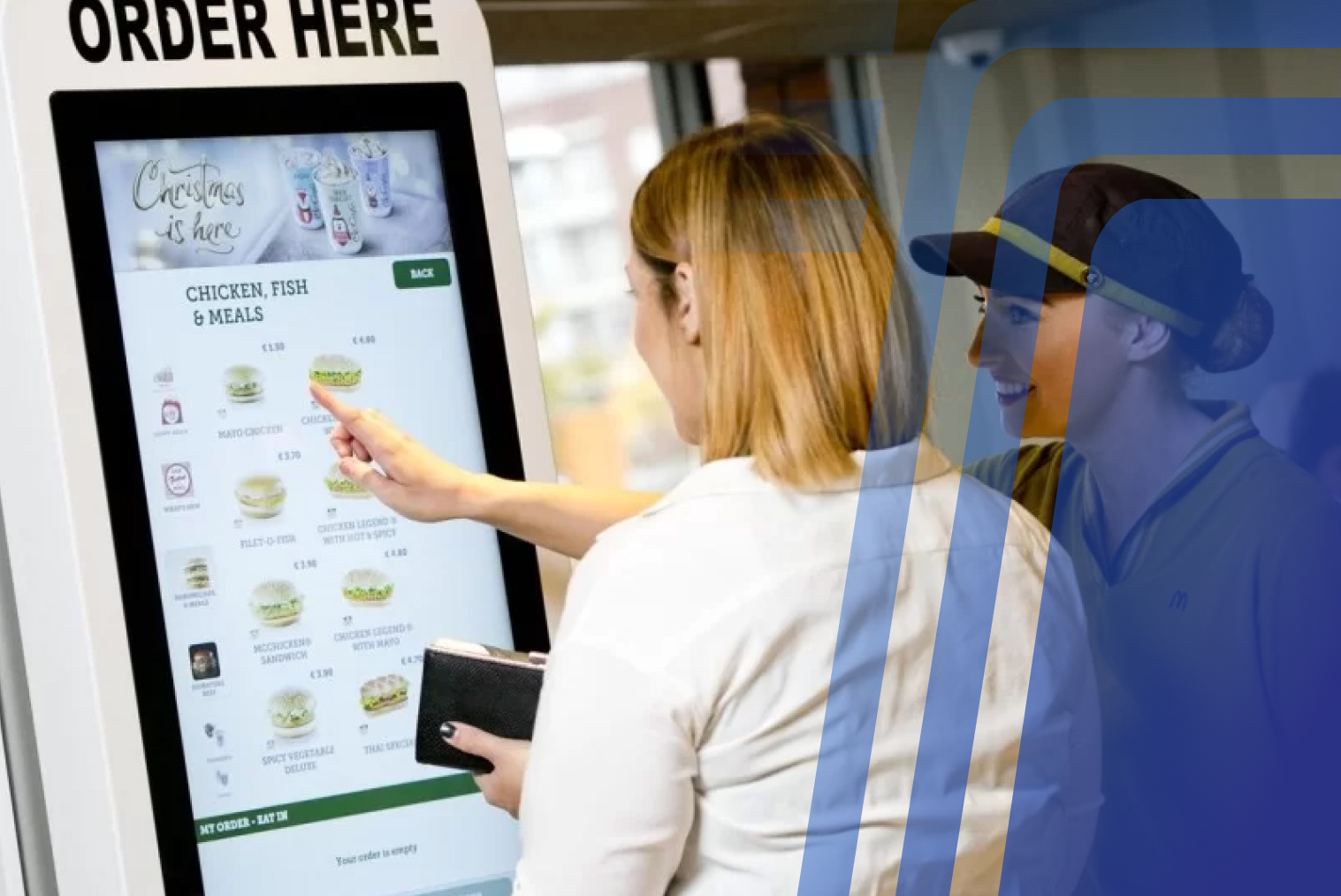
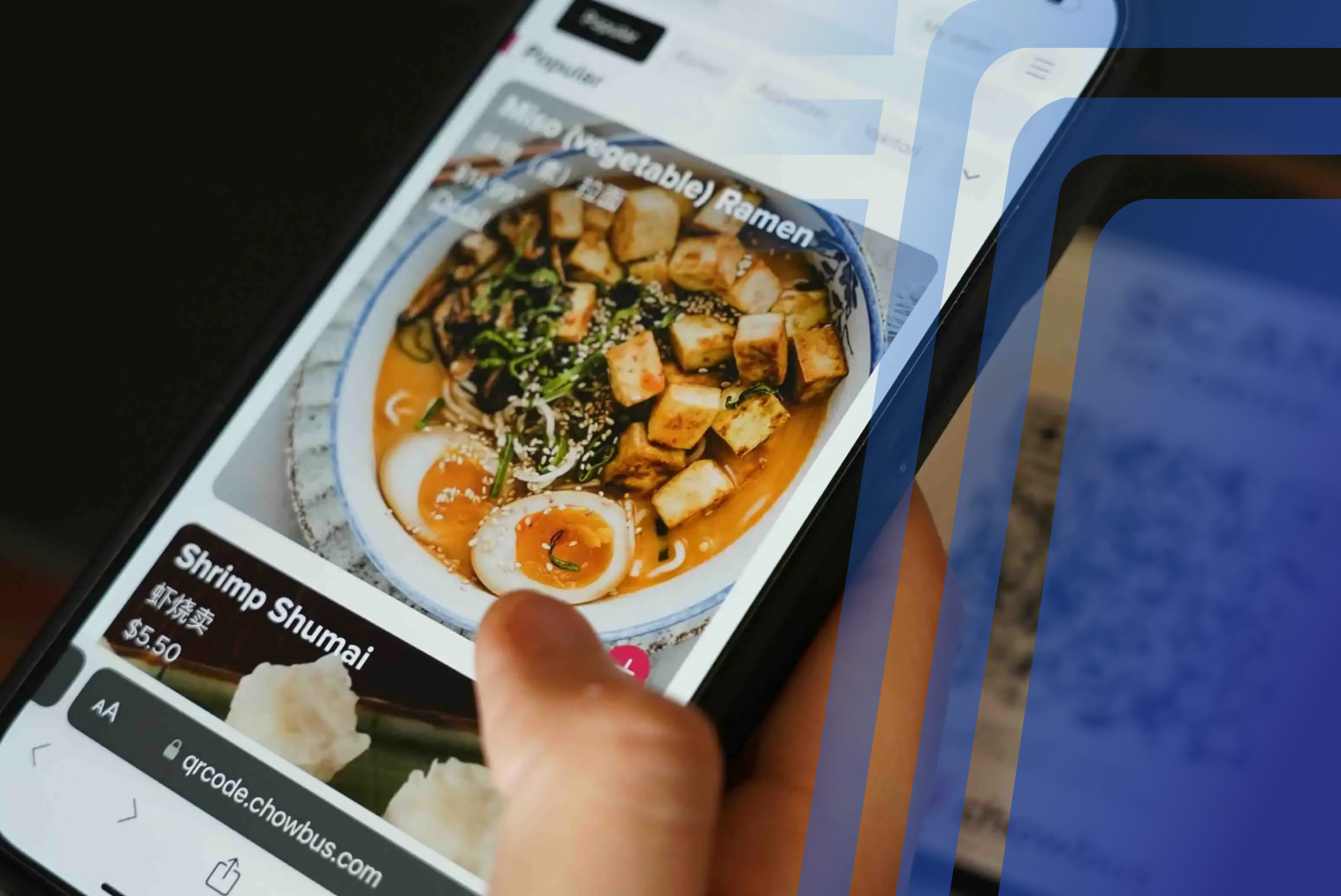
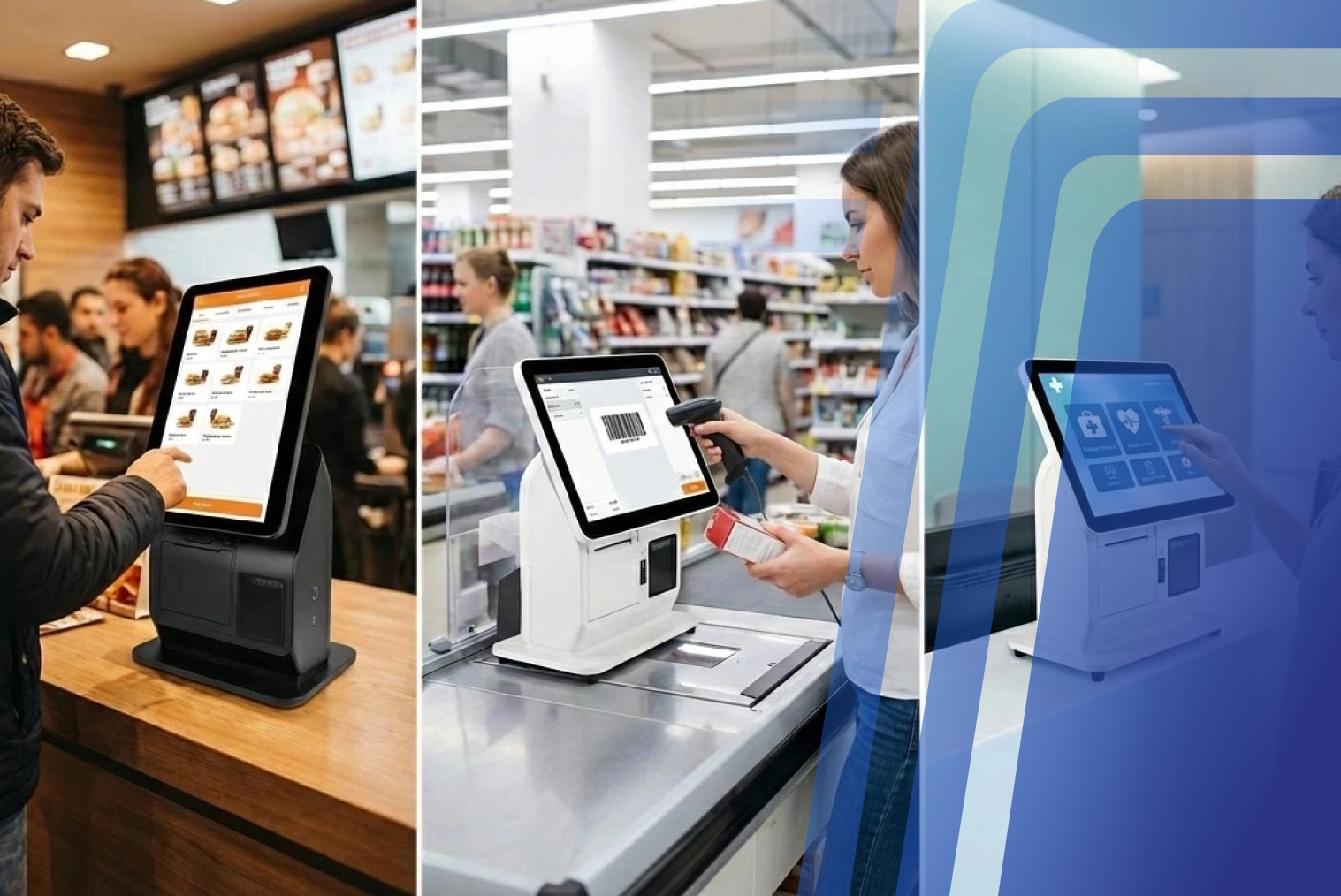
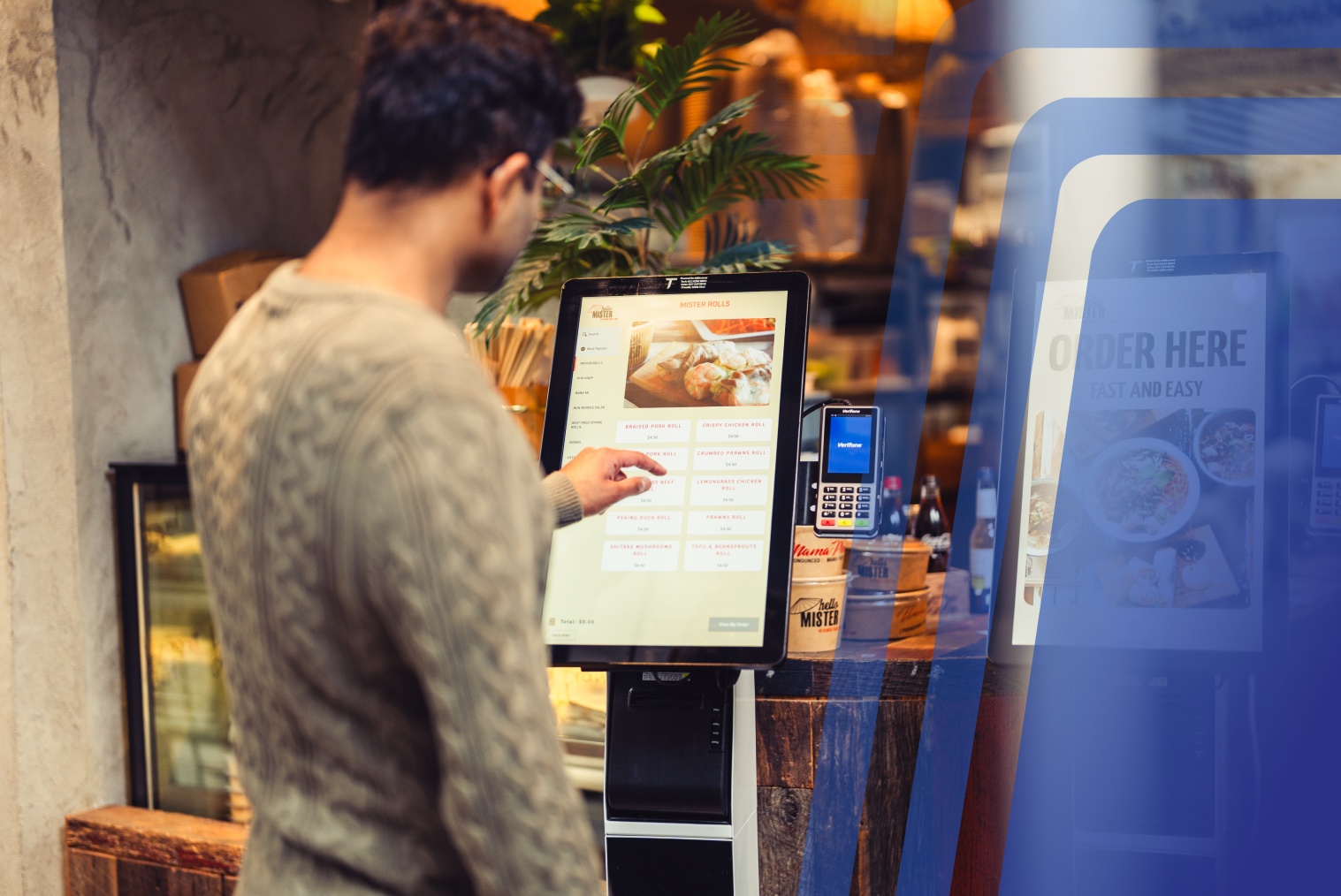
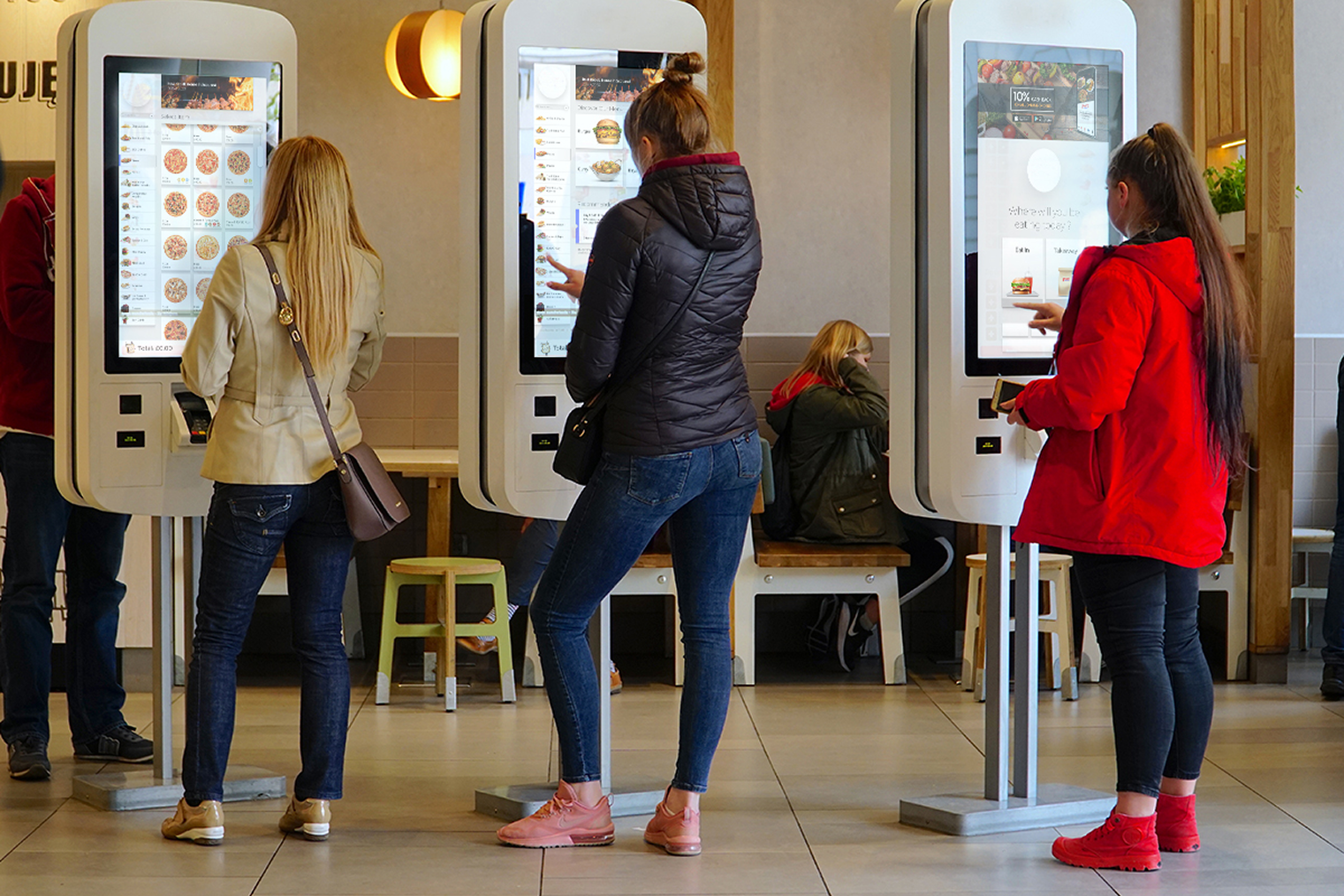
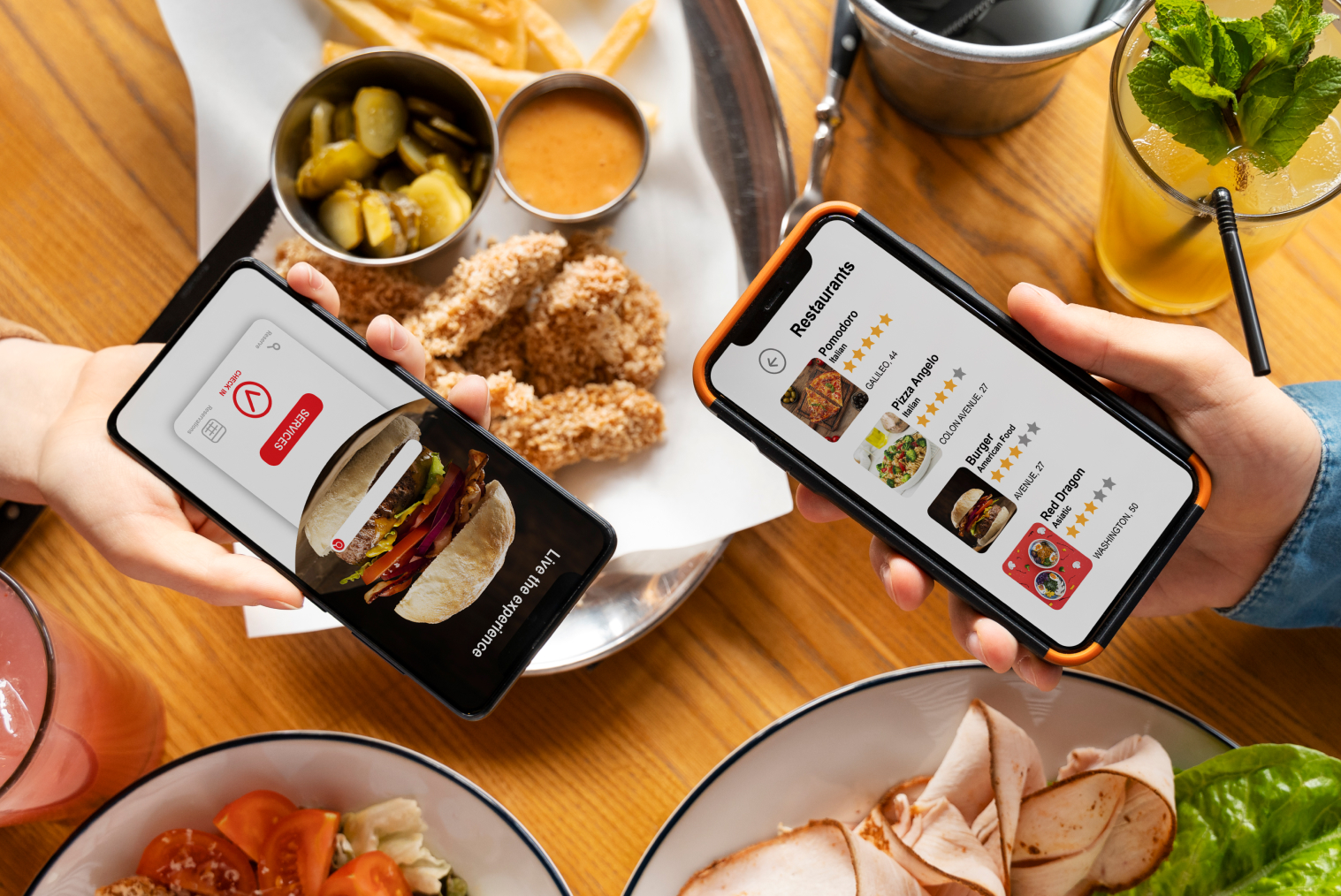
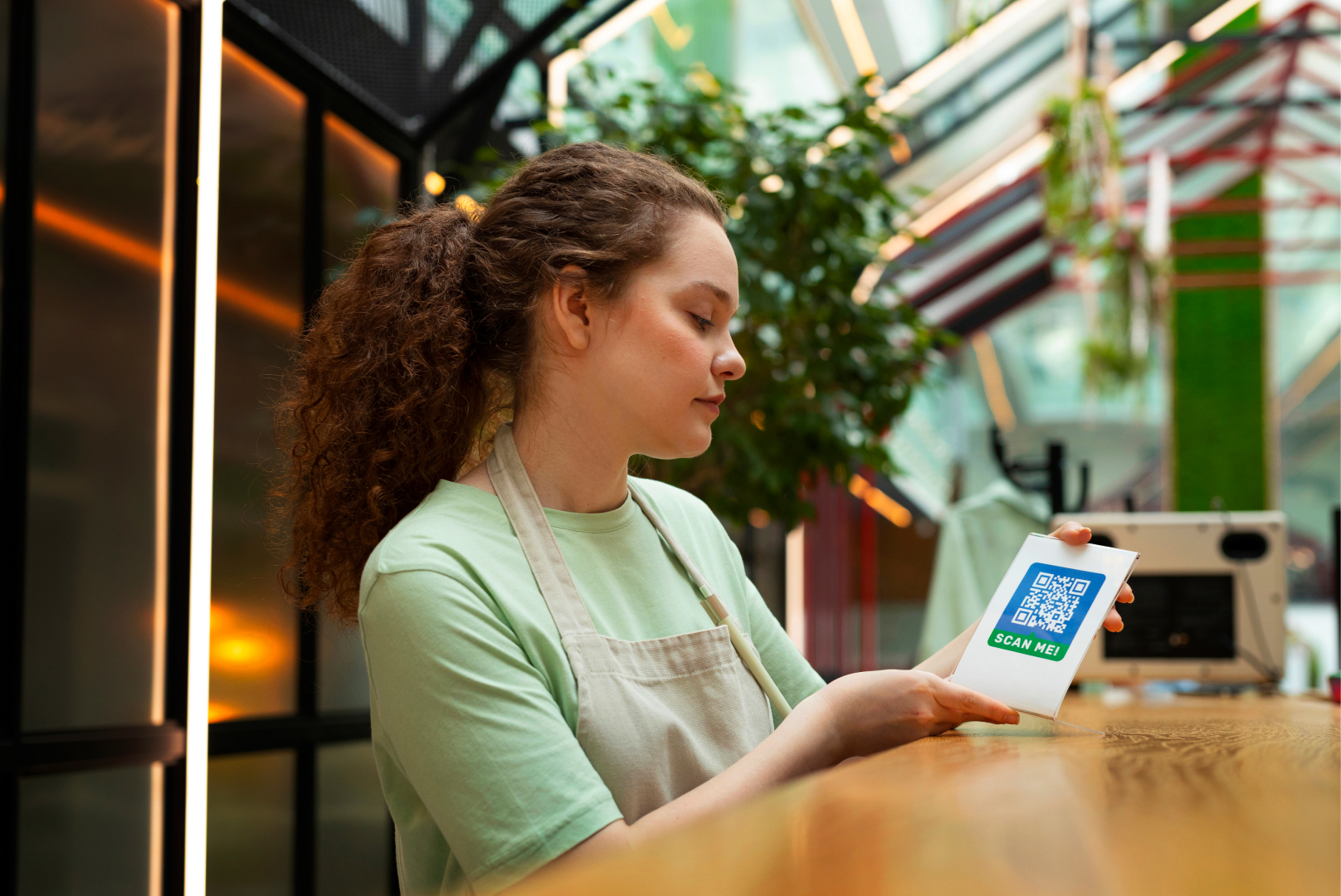
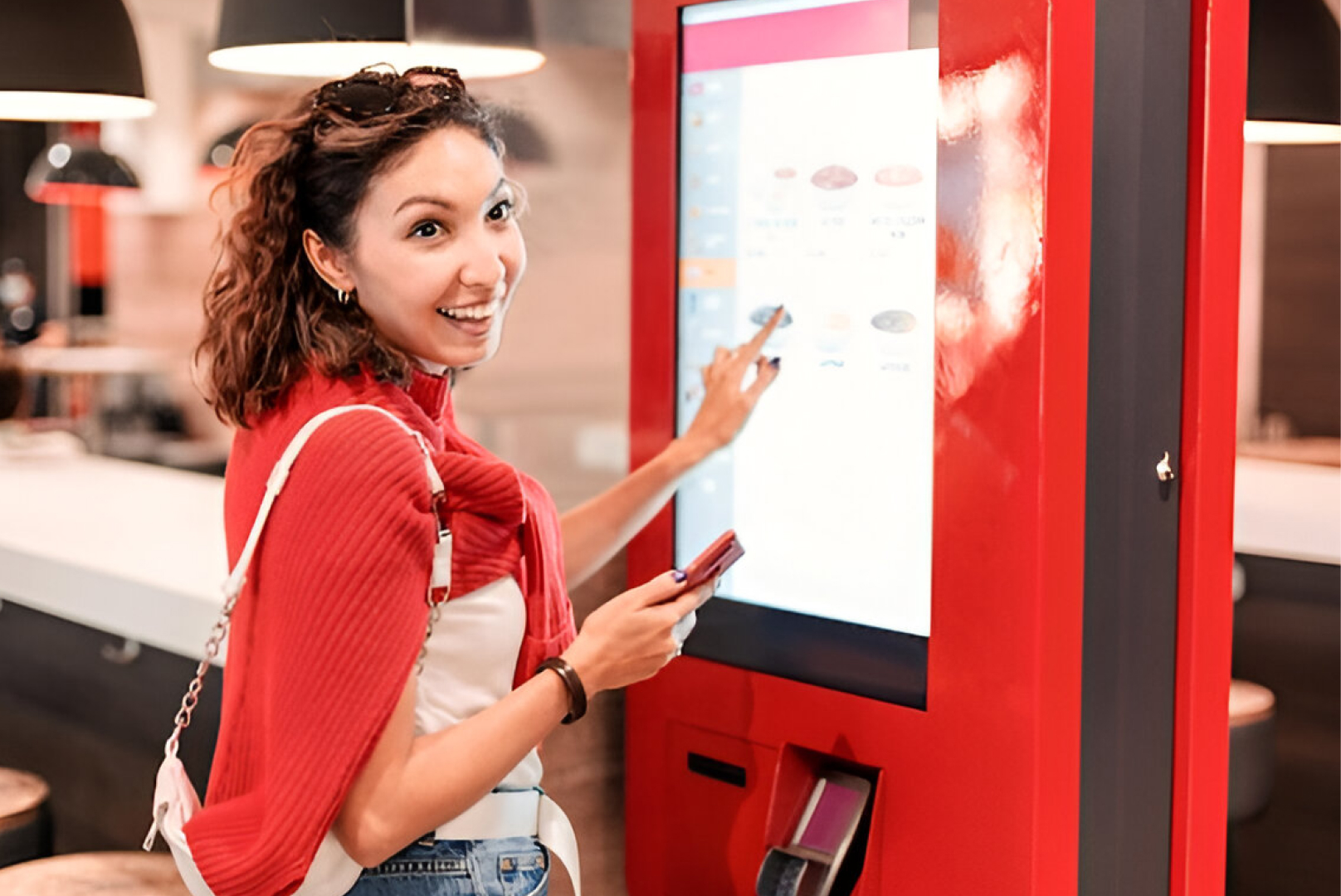
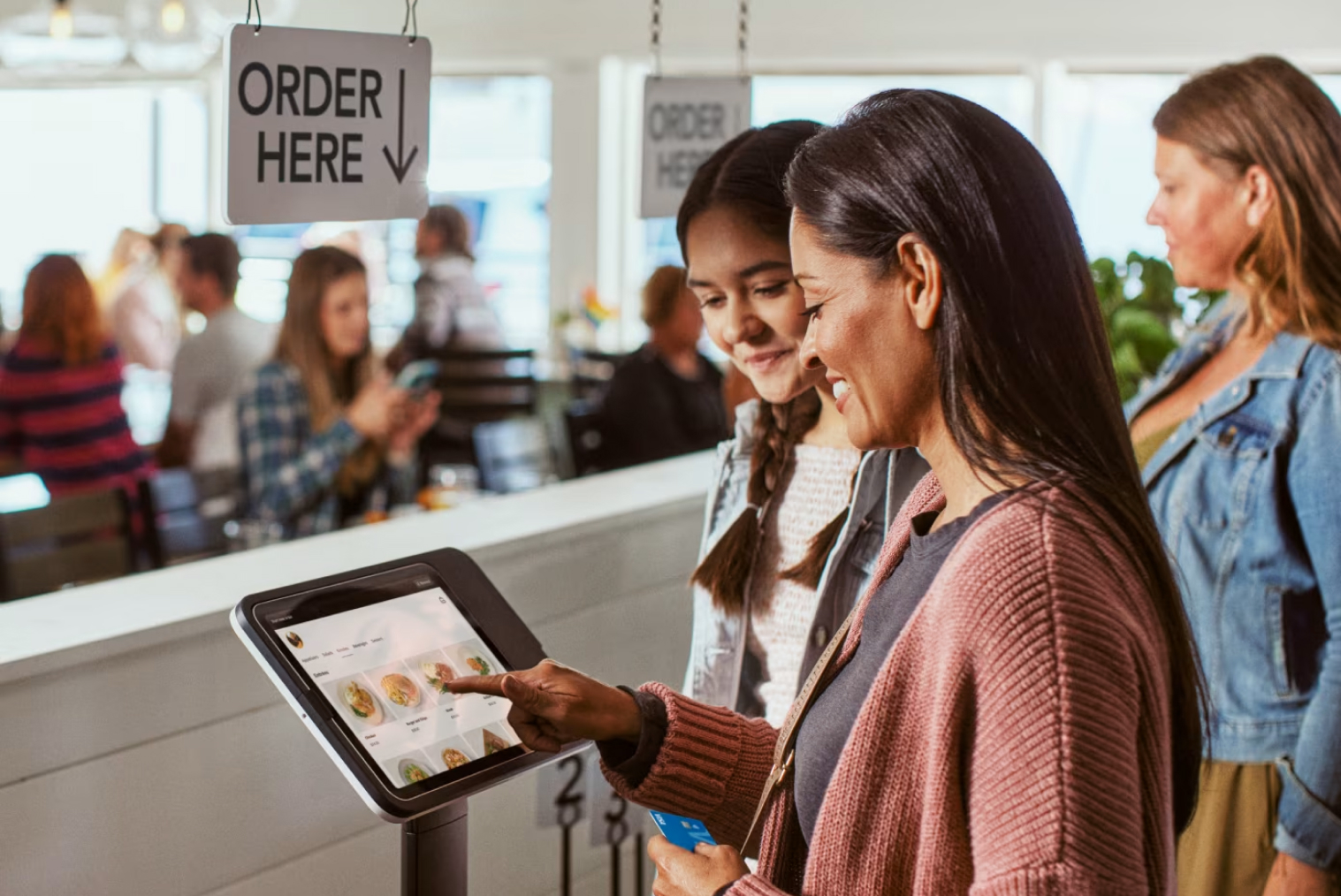
Today's restaurants often operate across multiple channels. A customer might order at the counter, through a kiosk, via QR code, from an online ordering page, or through a delivery platform.
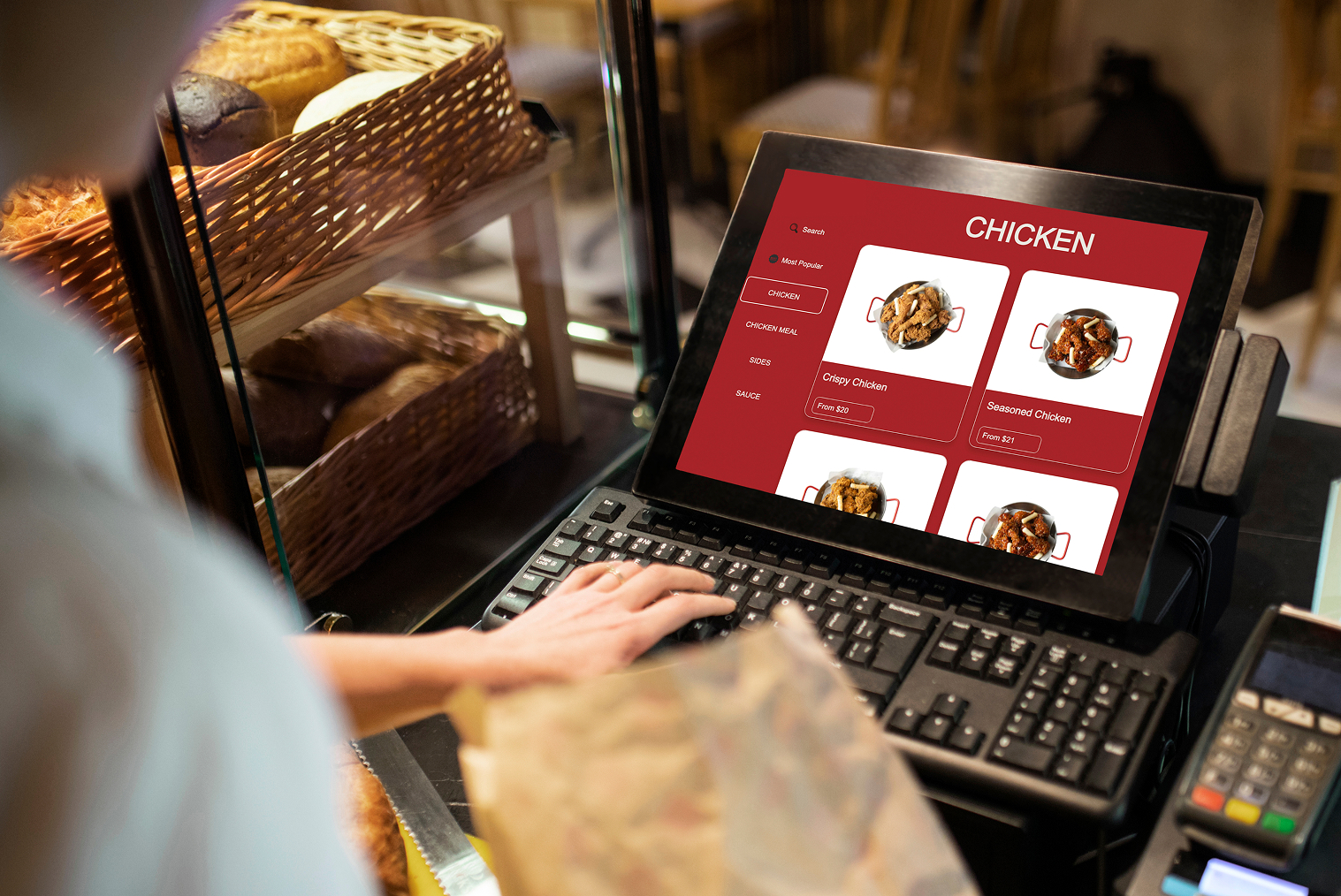
A cloud POS can bring these channels together while allowing owners and managers to access business information remotely.
This is particularly relevant in New Zealand, where hospitality operators continue to face pressure around labour costs, staffing, and operational efficiency. The Restaurant Association of New Zealand regularly reports on the cost and operating pressures facing hospitality businesses, making efficiency an important consideration when evaluating restaurant technology.
For restaurants, the question is therefore less about whether cloud technology is newer and more about whether it can solve genuine operational problems.
What Is a Legacy POS System?
A legacy POS system is a locally installed, on-premises point-of-sale system that runs on in-store servers or dedicated hardware. These systems were designed before cloud computing became mainstream and typically operate independently within a single location.
Legacy POS systems often:
- Require manual software updates
- Store data locally on in-house servers
- Depend heavily on fixed terminals
- Have limited remote access or reporting capabilities
While legacy systems can be stable, they are often rigid, expensive to maintain, and difficult to scale, especially for restaurants managing multiple sales channels.
What Is a Cloud POS / Cloud-Based Restaurant POS System?
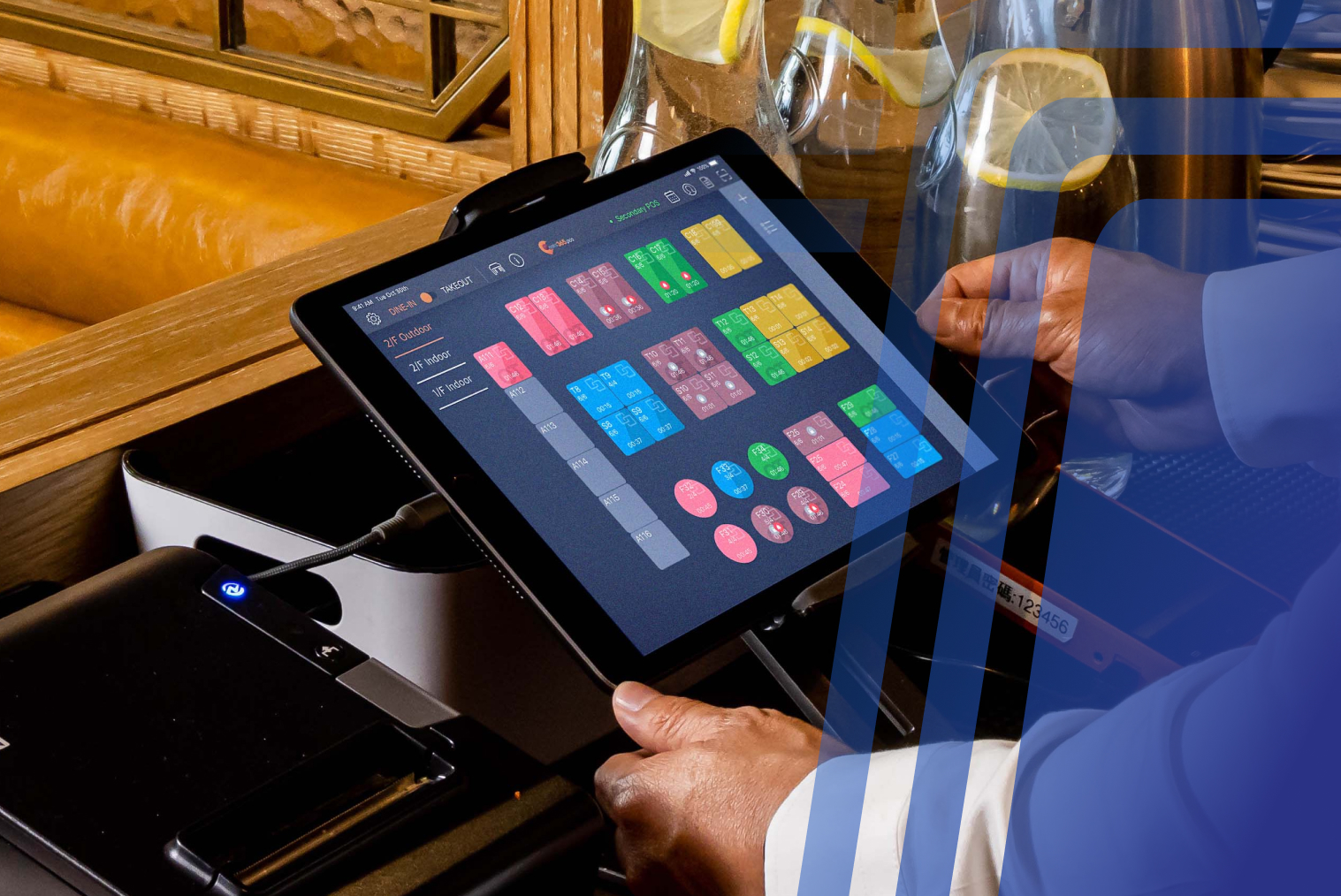
A cloud POS system uses internet-connected software to store and synchronise operational data through cloud infrastructure.
Instead of relying entirely on an in-store server, restaurant owners can access information such as sales, menus, reporting, and inventory from supported devices.
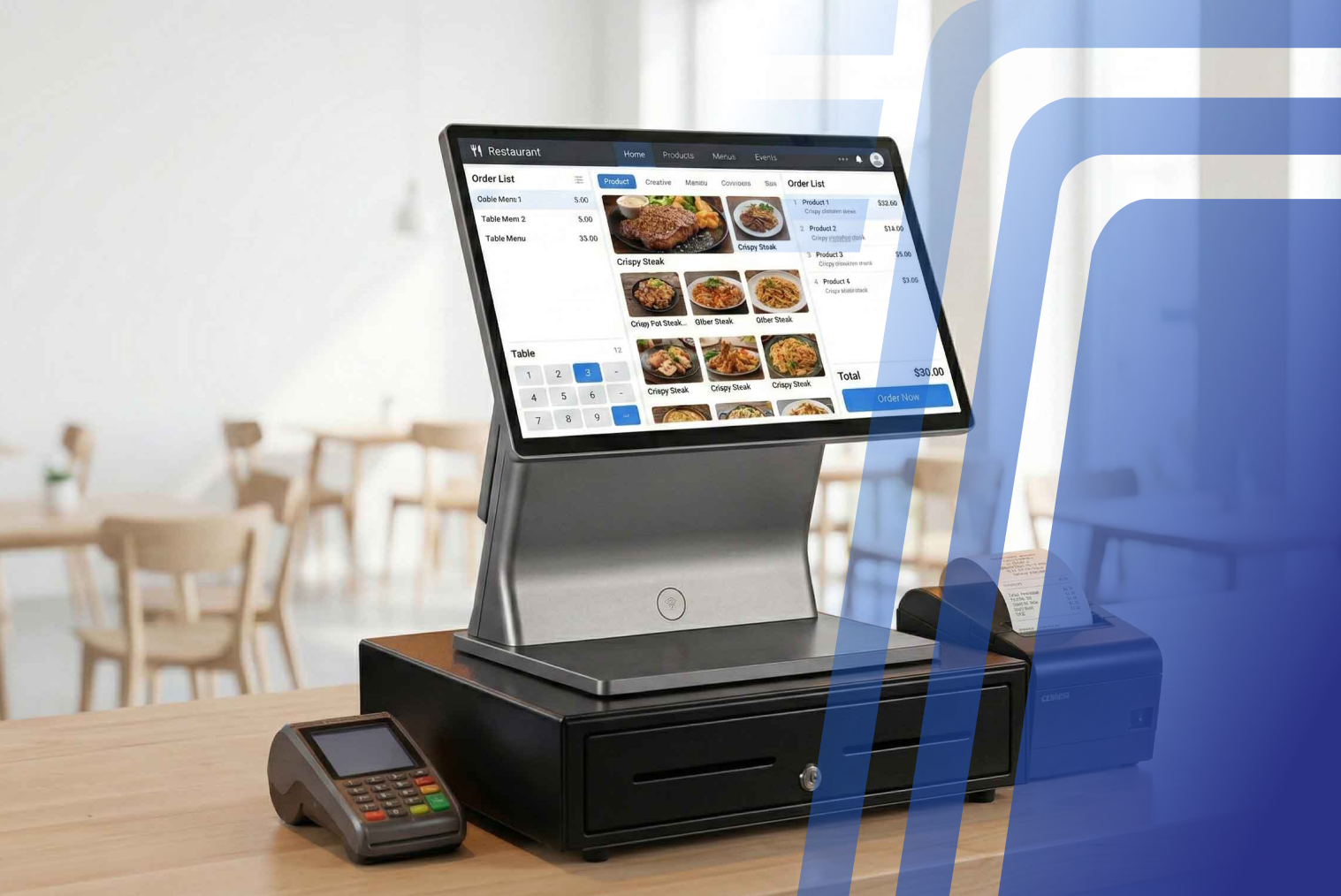
Modern cloud POS systems can offer:
- Real-time data synchronisation
- Automatic software updates
- Remote reporting and management
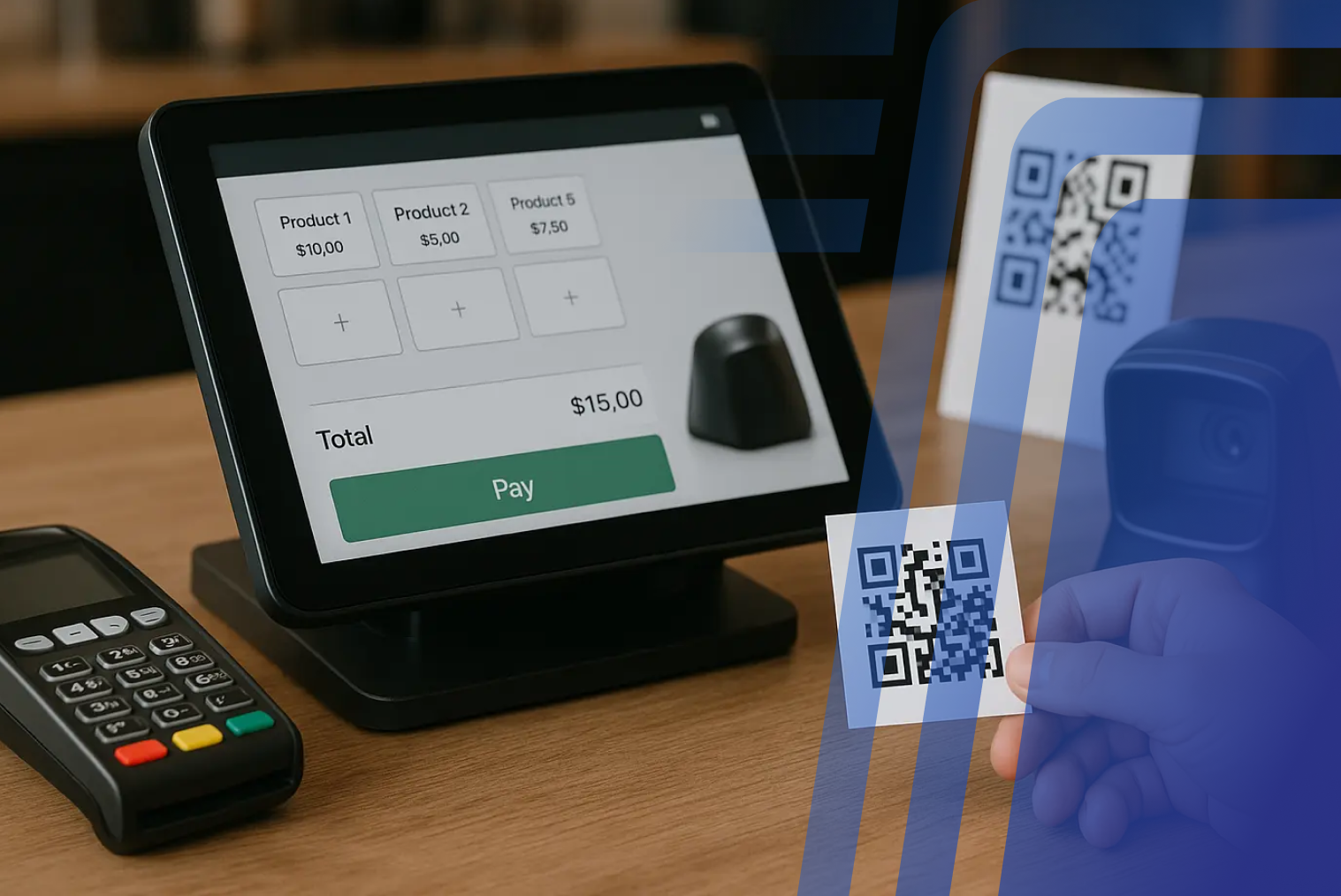
- Integration with EFTPOS, kiosks, QR ordering, and delivery platforms
- Centralised management for multiple locations
- More detailed sales and operational reporting
For restaurants that are adding digital ordering channels or expanding to additional locations, this flexibility can be particularly valuable.
Legacy POS vs Cloud POS: Feature Comparison
| Feature |
Legacy POS |
Cloud POS |
| Installation |
Primarily on-premise hardware |
Cloud-based software with supported hardware |
| Data access |
Usually local |
Remote access where supported |
| Updates |
Often manual |
Generally automatic |
| Scalability |
Can require additional hardware and configuration |
Easier to expand across locations |
| Integrations |
Often more limited |
Designed for broader integrations |
| Reporting |
Basic to moderate |
Real-time dashboards and analytics |
| Multi-location management |
More complex |
Centralised management |
| Digital ordering |
May require separate systems |
Can integrate with digital ordering channels |
| Kiosk integration |
Often limited |
Can support connected kiosk ecosystems |
| Remote management |
Limited |
Available through cloud dashboards |
Why Legacy POS Systems Are Holding Restaurants Back
Traditional POS systems operate on fixed hardware, closed software, and limited integrations. While they may still “work,” they introduce friction at every stage of service:
- Orders must be entered manually at a fixed terminal
- Payments are tied to countertop EFTPOS machines
- Menu or price updates require system downtime
- Reporting is delayed or incomplete
In high-volume environments, this slows down service and increases the risk of human error.
According to Hospitality Net, outdated POS systems are one of the leading causes of order inaccuracies and checkout delays in restaurants.
Pros and Cons of Legacy POS Systems
Pros
- Works without internet
- Familiar interface for long-term users
- Stable for simple, single-location operations
Cons
- High upfront hardware costs
- Manual updates and maintenance
- Limited integrations with modern tools
- Poor scalability for growing businesses
- Slower reporting and data access
Pros and Cons of Cloud-Based Restaurant POS Systems
Pros
- Faster order processing through automation
- Real-time syncing with mobile EFTPOS NZ solutions
- Seamless integrations with delivery apps and kiosks
- Lower upfront costs
- Advanced analytics for better decision-making
- Ideal for multi-location and growing restaurants
Cons
- Requires a stable internet connection
- Ongoing subscription fees (though often lower overall cost)
ROI Comparison: Legacy POS vs Cloud POS
The potential ROI of moving from legacy POS to cloud POS comes from more than the software subscription.
The financial impact can come from several operational improvements:
- Faster order entry
- Fewer order mistakes
- Less manual administration
- Better inventory visibility
- Easier menu management
- More efficient payment processing
- Additional ordering channels
- Better sales reporting
A Simple Worked Example
Consider a restaurant processing 150 orders per day with an average order value of NZD $25.
That represents approximately:
150 × $25 = $3,750 in daily sales
If better ordering workflows helped the restaurant process just 10 additional orders during a busy day, without increasing average order value:
10 × $25 = $250 additional daily sales
Over 26 trading days, that would represent:
$250 × 26 = $6,500 in additional monthly sales
This is not a guaranteed result from switching to cloud POS. It simply demonstrates why small improvements in throughput can have a meaningful financial impact in a high-volume restaurant.
The same principle applies to errors.
If a restaurant currently experiences 8 avoidable order errors per day and each remake or refund costs an average of $12:
8 × $12 × 26 = $2,496 per month
Reducing those errors would not necessarily put the entire amount straight onto the bottom line — food, labour, and other costs still apply — but it illustrates the value of reducing avoidable operational waste.
The Payback Question
Instead of asking "Is cloud POS more expensive?", restaurant owners should ask:
"How much additional efficiency or revenue do I need for the system to pay for itself?"
That calculation should include:
- Software subscription
- Hardware
- EFTPOS costs
- Payment processing
- Installation
- Staff training
- Migration
- Ongoing support
This gives a much more realistic picture of ROI than comparing software subscription prices alone.
What Does Switching to Cloud POS Actually Cost in NZ?
The cost depends on the restaurant's hardware requirements, integrations, number of terminals, and support requirements.
For example, TABIN's Complete Starter Pack starts from NZD $49 + GST per month, providing a lower-cost entry point for businesses looking to move towards a modern POS setup.
However, the monthly software price is only one part of the total cost.
Before switching, ask for a complete quote covering:
- POS software
- Hardware
- EFTPOS terminal
- Payment processing
- Installation and setup
- Menu migration
- Staff training
- Ongoing support
For a tailored NZ POS setup, contact TABIN for current pricing and configuration options.
NZ Restaurants Also Need to Consider Payment Costs
Switching POS systems does not automatically reduce payment processing costs.
In New Zealand, restaurants should consider how the POS works with their chosen EFTPOS provider and whether the integration supports the payment methods they actually use.
A modern POS should make it easier to connect ordering and payment workflows rather than forcing staff to manually reconcile separate systems.
For restaurants evaluating providers, look at the combined cost of POS software, EFTPOS rental, transaction fees, hardware, and support, rather than comparing the monthly POS subscription alone.
Revenue Growth Through Faster Payments and Better Ordering
Cloud POS can also create opportunities beyond basic order processing.
For example, an integrated system can support:
- Faster checkout workflows
- Automated upselling
- Digital loyalty programmes
- Online ordering
- QR ordering
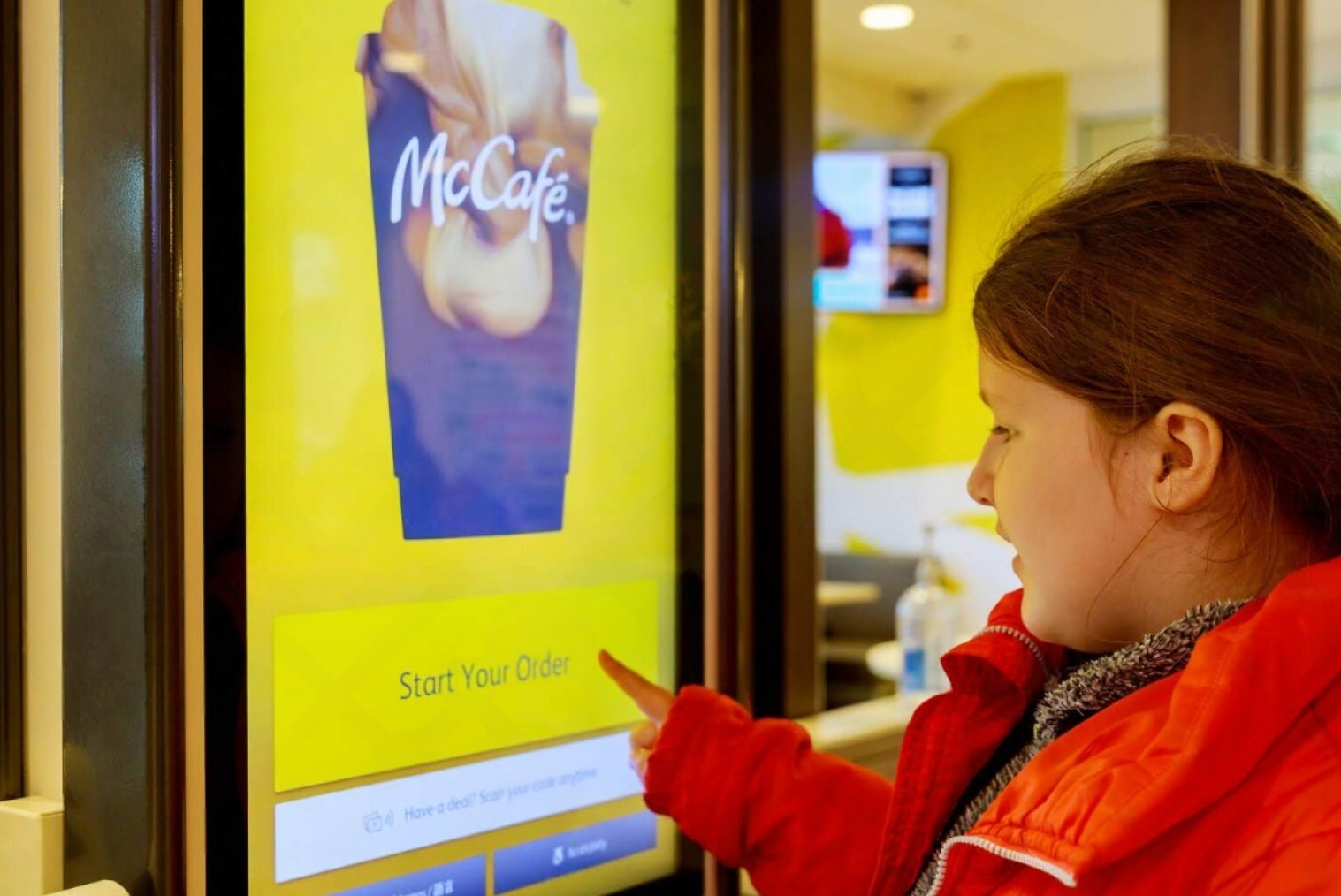
- Self-service kiosks
- Integrated EFTPOS
- Sales analytics
The important distinction is that these features do not automatically guarantee higher revenue. Their value comes from how effectively a restaurant uses them.
A café might use automated prompts to promote an extra shot or pastry. A quick-service restaurant might use a kiosk to give customers another ordering channel. A multi-site operator might use sales analytics to identify underperforming menu items.
The POS becomes a tool for improving the operation rather than simply recording transactions.
Which POS System Is Right for Your Restaurant?
If your restaurant operates a single location with minimal digital requirements, a legacy POS may still function adequately. However, for restaurants that:
- Accept mobile payments
- Use delivery platforms
- Operate kiosks
- Plan to scale
- Want real-time insights and control
A cloud-based POS system is the more future-ready choice.
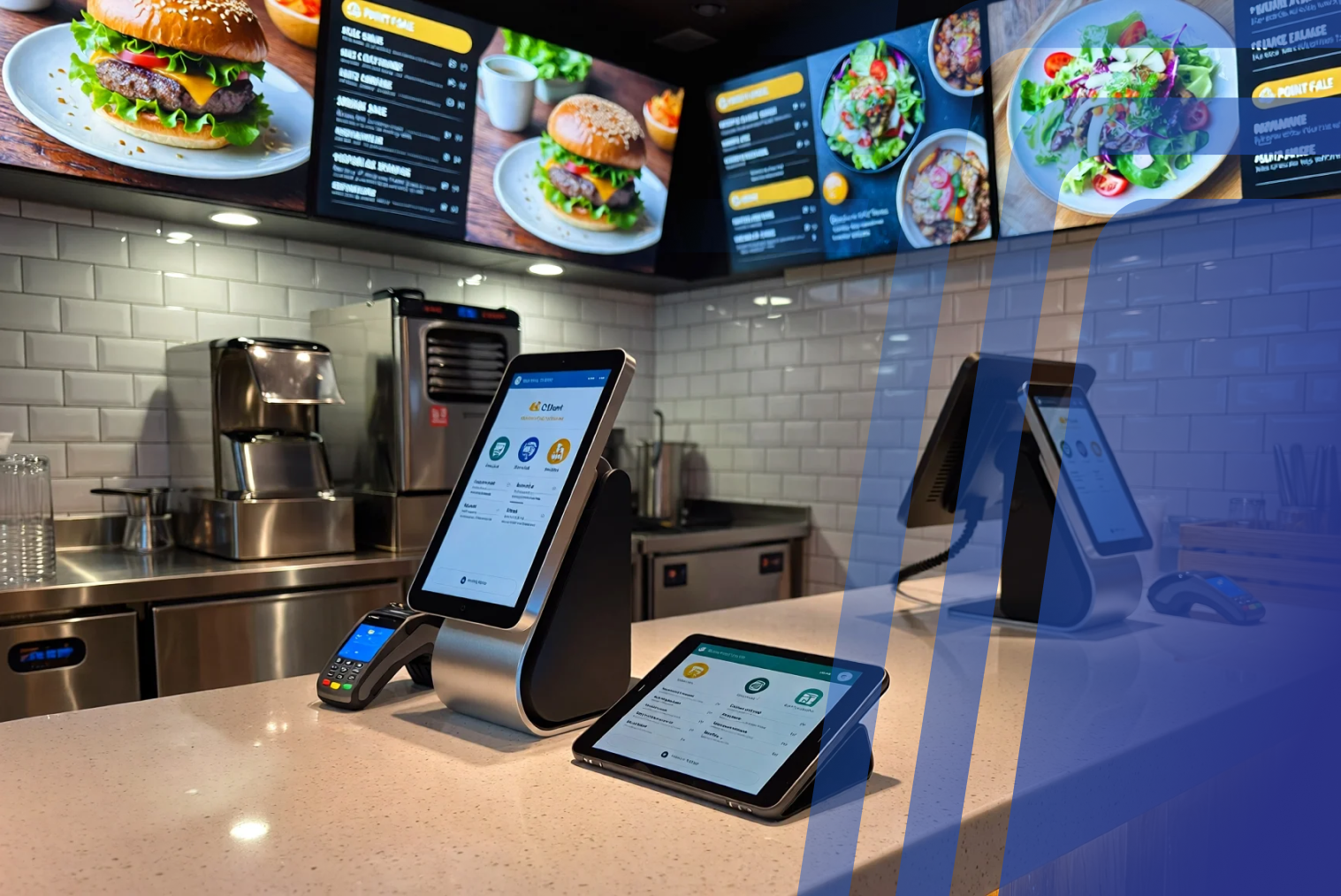
Modern cloud POS platforms, when paired with EFTPOS solutions for restaurants, create a unified ecosystem that improves speed, accuracy, and revenue—without the operational limitations of legacy systems.
Final Thoughts: Why the Switch Is Worth It
Switching from a legacy POS to a cloud-based system is not simply a technology upgrade. It is an opportunity to rethink how orders, payments, reporting, inventory, and digital channels work together.
The strongest reasons to switch are not that cloud POS is newer, but that it can provide:
- Faster and more flexible ordering
- Better access to business data
- Easier integration with digital channels
- Reduced manual administration
- Better scalability
- More opportunities to optimise operations
For NZ restaurants, the right decision ultimately comes down to the numbers. Compare your current hardware and maintenance costs with the subscription, hardware, payment, and support costs of a modern system — then estimate how much improved efficiency would be worth to your business.
Frequently Asked Questions (FAQs)
Q1: Can cloud POS integrate with online ordering platforms?
Yes. Modern cloud POS systems can integrate with online ordering platforms, delivery services, restaurant websites, and other digital ordering channels. When properly integrated, orders can flow directly into the POS rather than requiring staff to manually re-enter them.
Q2: How difficult is it to migrate from a legacy POS to a cloud POS?
Migration is usually manageable when properly planned. The process can involve menu configuration, data migration, hardware installation, payment setup, testing, and staff training. A staged migration can help minimise disruption during the transition.
Q3: What industries benefit most from switching to cloud POS?
Restaurants, cafés, food trucks, QSRs, hospitality businesses, and multi-location operators can all benefit. Cloud POS is particularly useful for businesses that need remote reporting, multiple ordering channels, integrated payments, or centralised management.
Q4: Does cloud POS work offline?
Some cloud POS systems provide offline functionality, but the exact capabilities vary between providers. Restaurants should confirm which functions continue to work during an internet outage and how transactions synchronise once connectivity is restored.
Q5: How quickly can a restaurant see improvements after switching to cloud POS?
Operational improvements such as faster reporting, easier menu updates, and better visibility can be noticeable soon after implementation. Revenue or efficiency improvements depend on factors such as order volume, staff workflow, integrations, and how effectively the restaurant uses the new system.
Q6: Is cloud POS cheaper than a legacy POS?
Not necessarily on the monthly subscription alone. Cloud POS normally involves recurring software costs, while legacy systems may have larger upfront hardware and maintenance costs. The better comparison is the total cost of ownership, including software, hardware, EFTPOS, payment processing, support, upgrades, and maintenance.
Q7: What should I consider before switching POS providers?
Compare the full cost, migration process, integrations, EFTPOS compatibility, offline functionality, reporting, support, hardware requirements, and scalability. Also confirm which data can be migrated from your existing POS and how long the transition is expected to take.


.webp)












.png)

















.webp)


