With an extensive range of specialised hardware and software available, interactive kiosks are increasingly becoming crucial to an organisation's overall marketing strategy. They make it easier than ever to give entertainment and information. Interactive kiosks used to be little more than upscale phone booths. However, as kiosk software has improved, many sectors have accepted kiosks as workable touchscreen solutions that can improve user experience while creating an engaging solution for clients. With an emphasis on their uses, benefits, and future potential, this blog examines how touchscreen kiosks can enhance user experience engagingly and educationally.
What is a Touch Screen Kiosk?
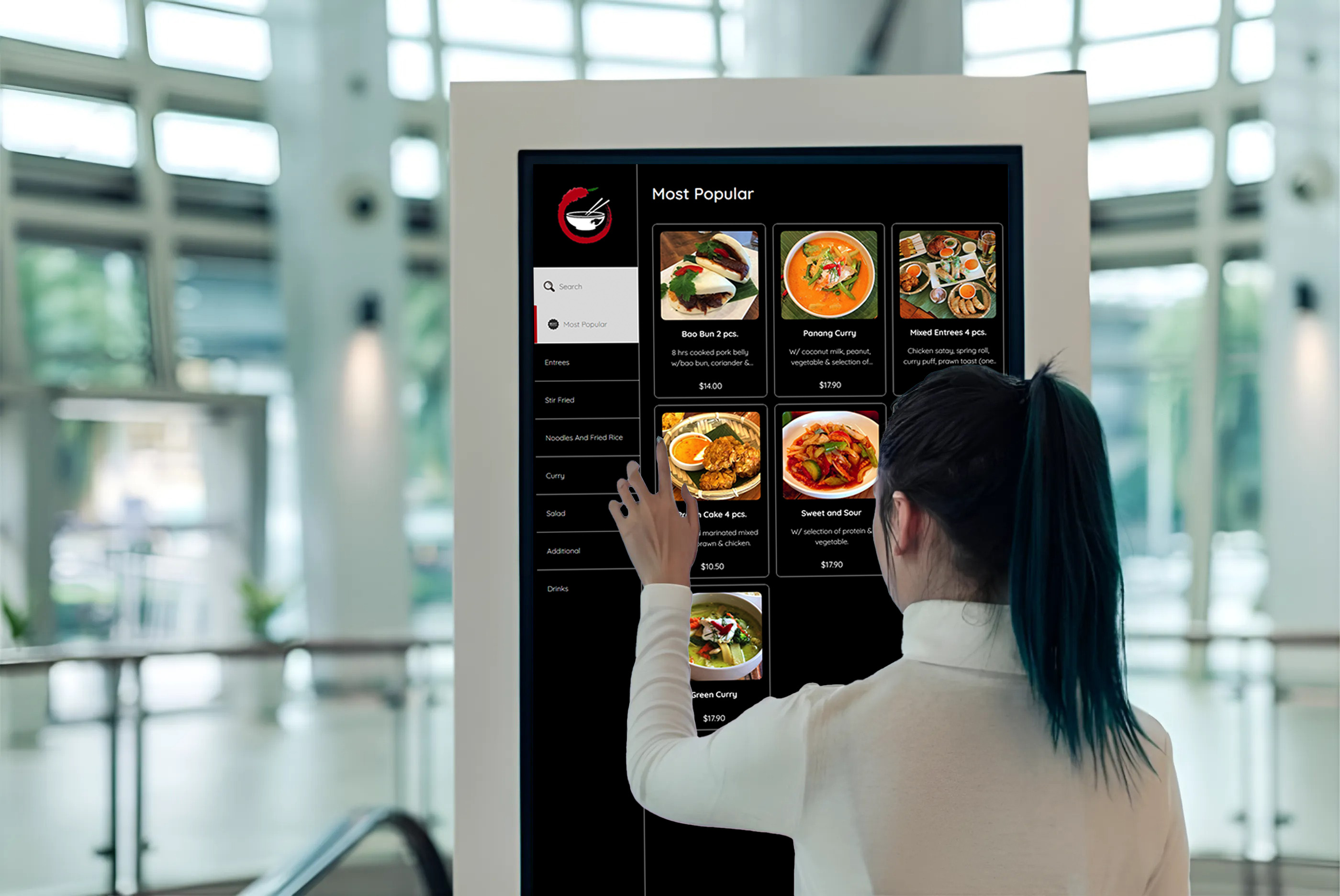
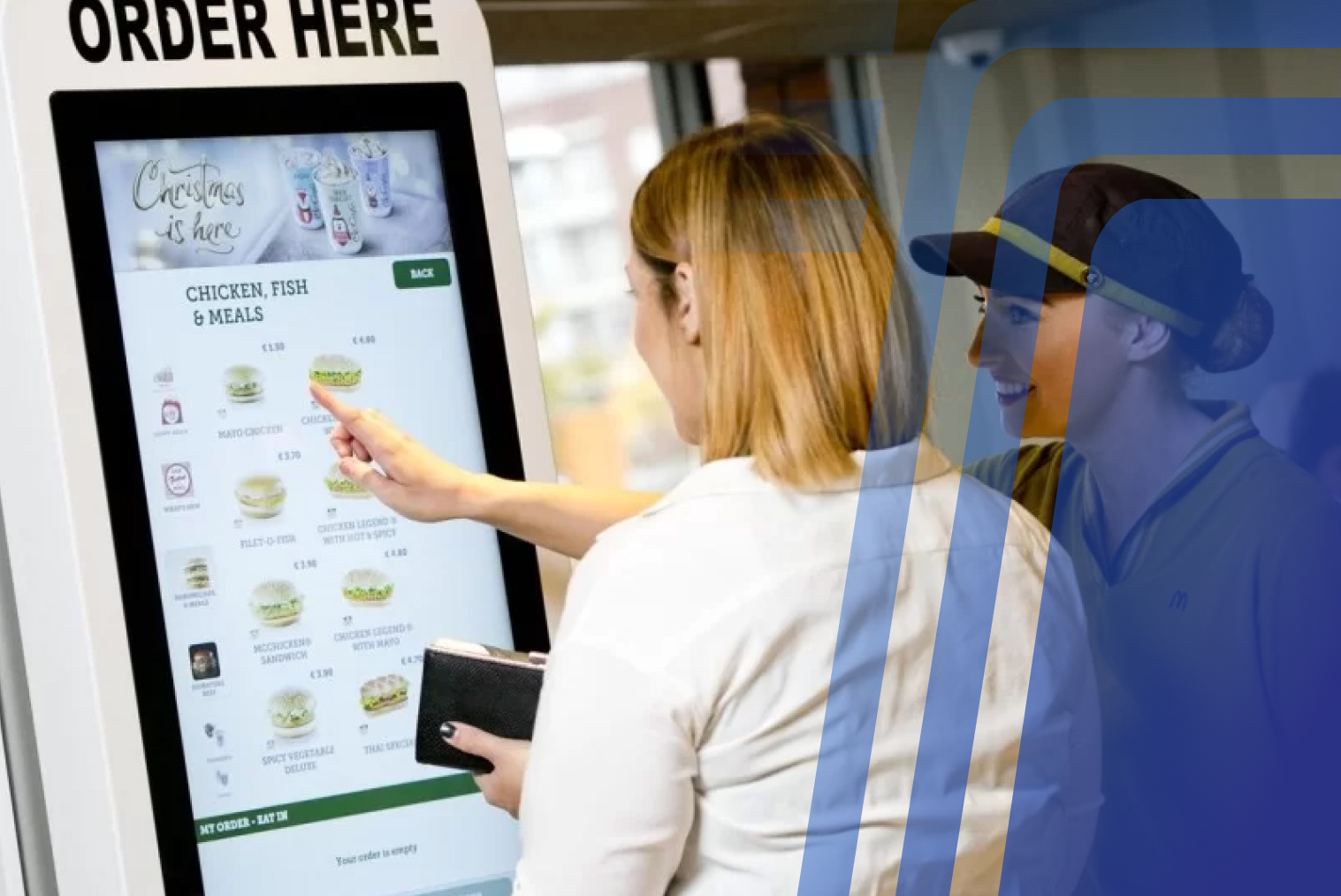
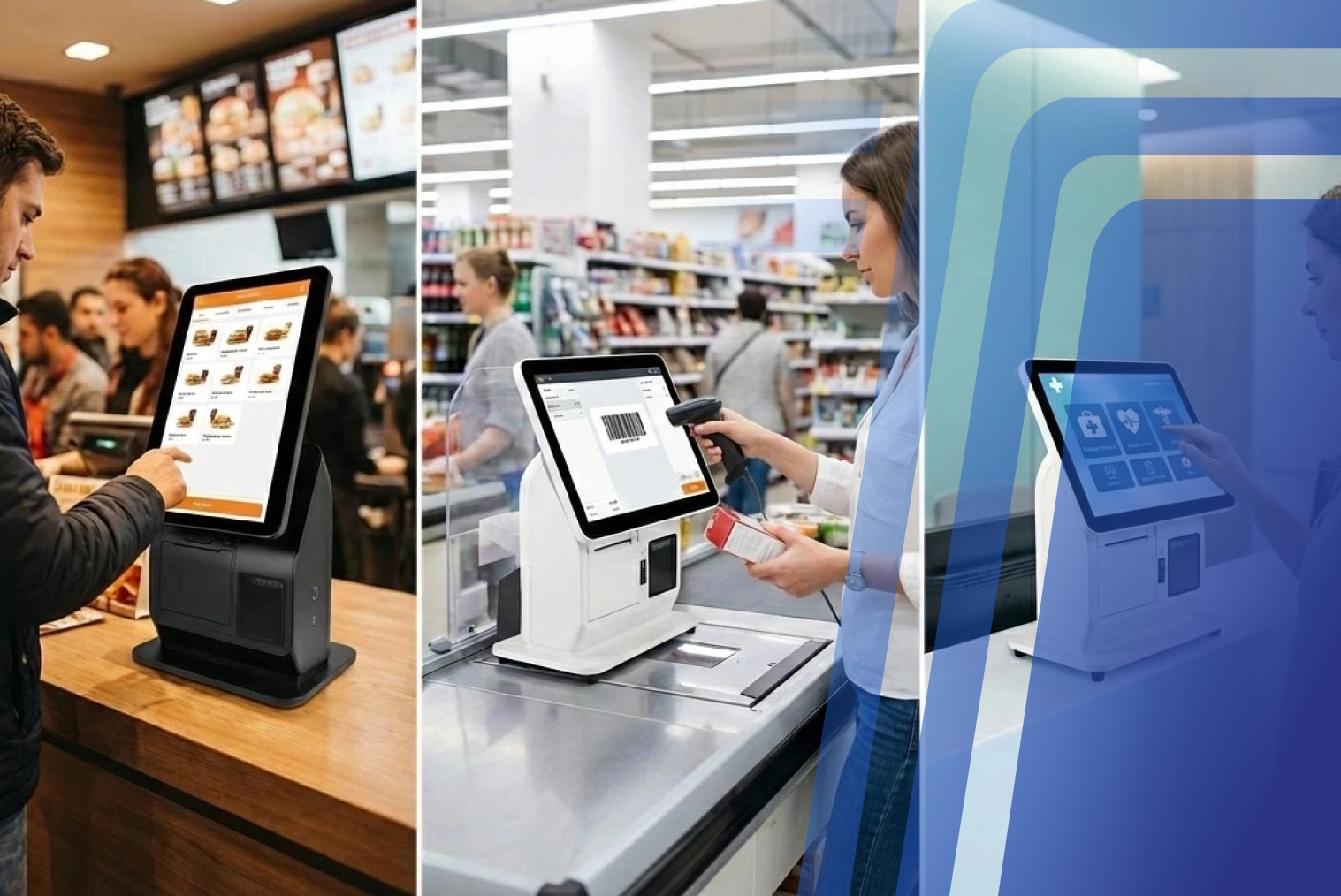
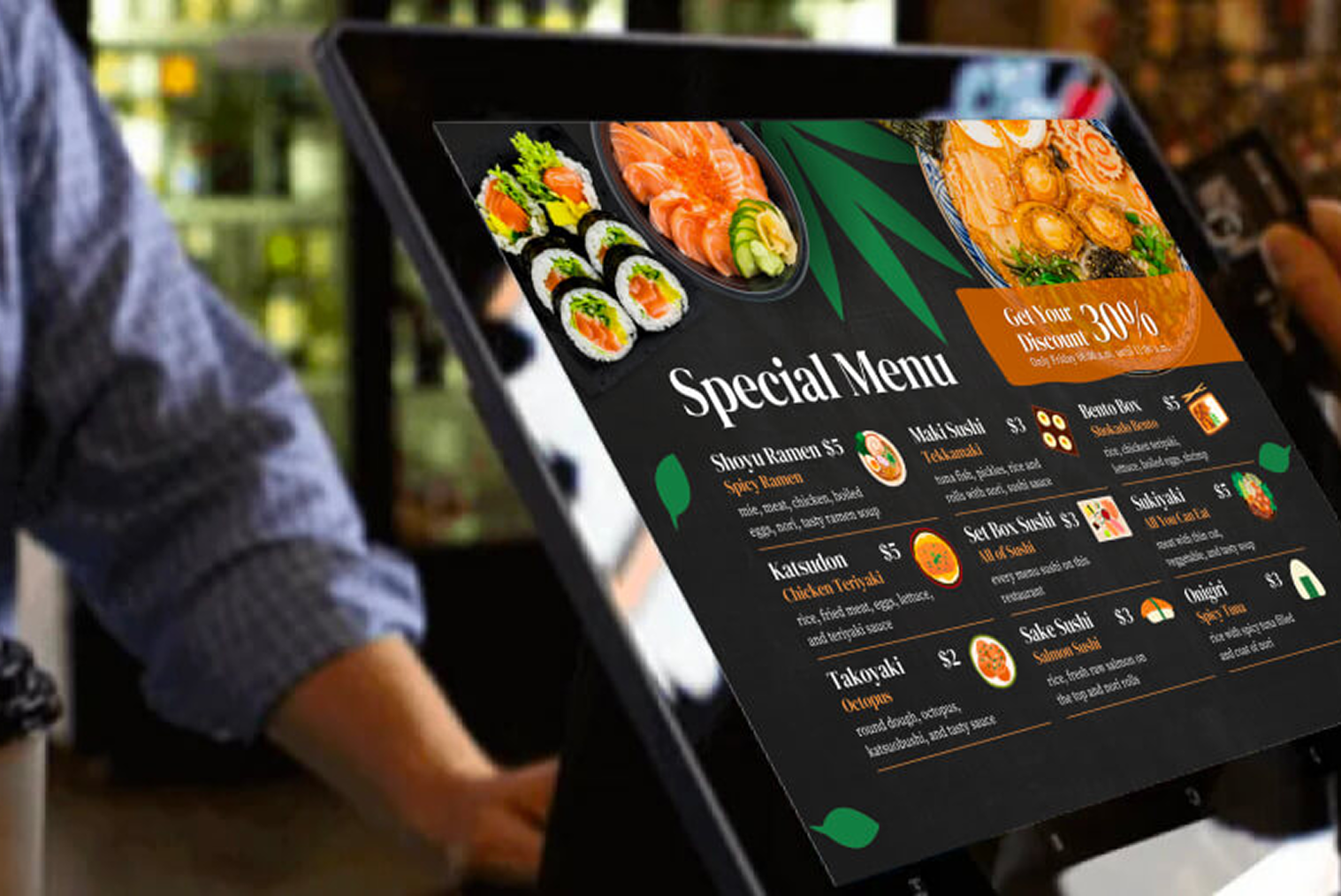
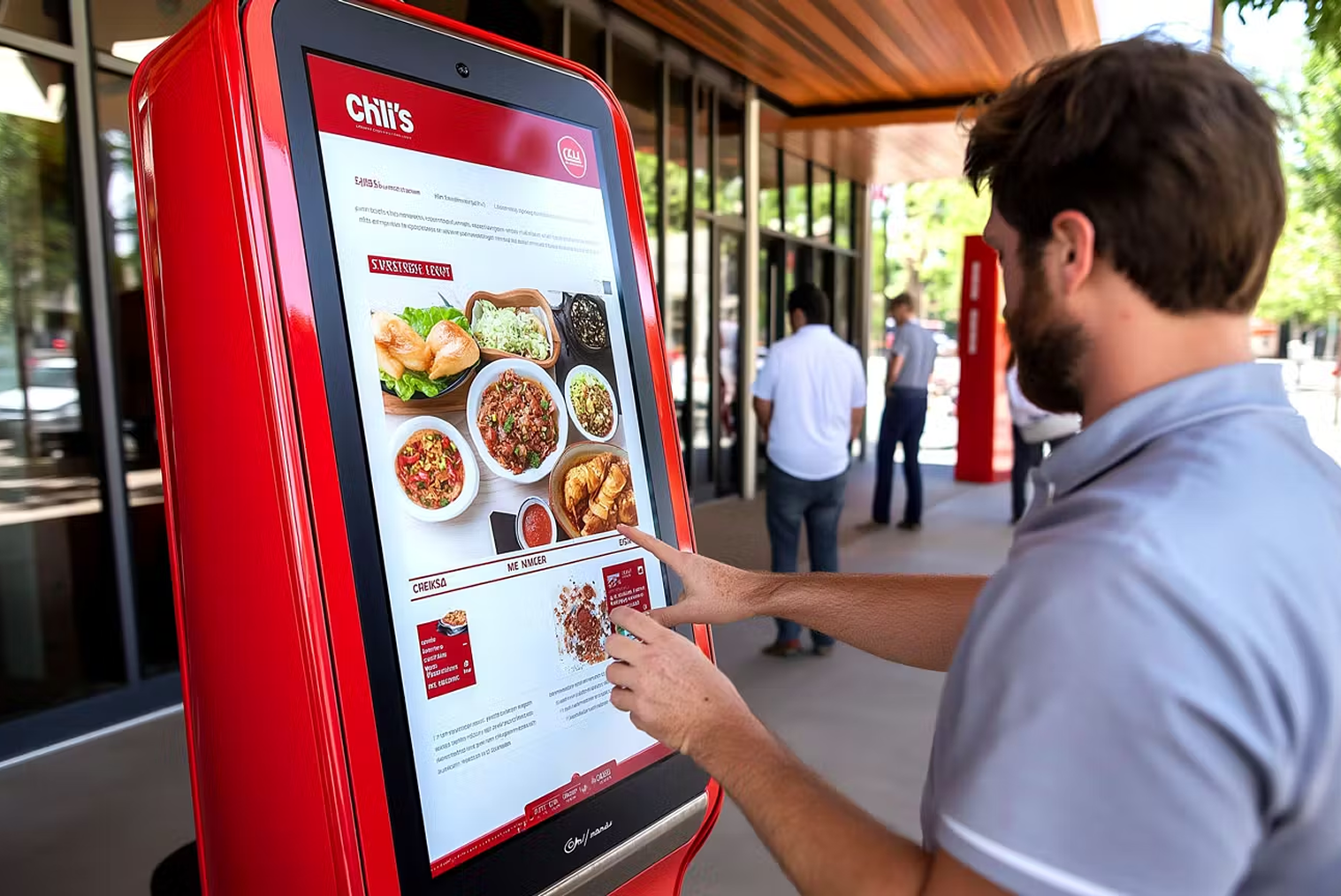
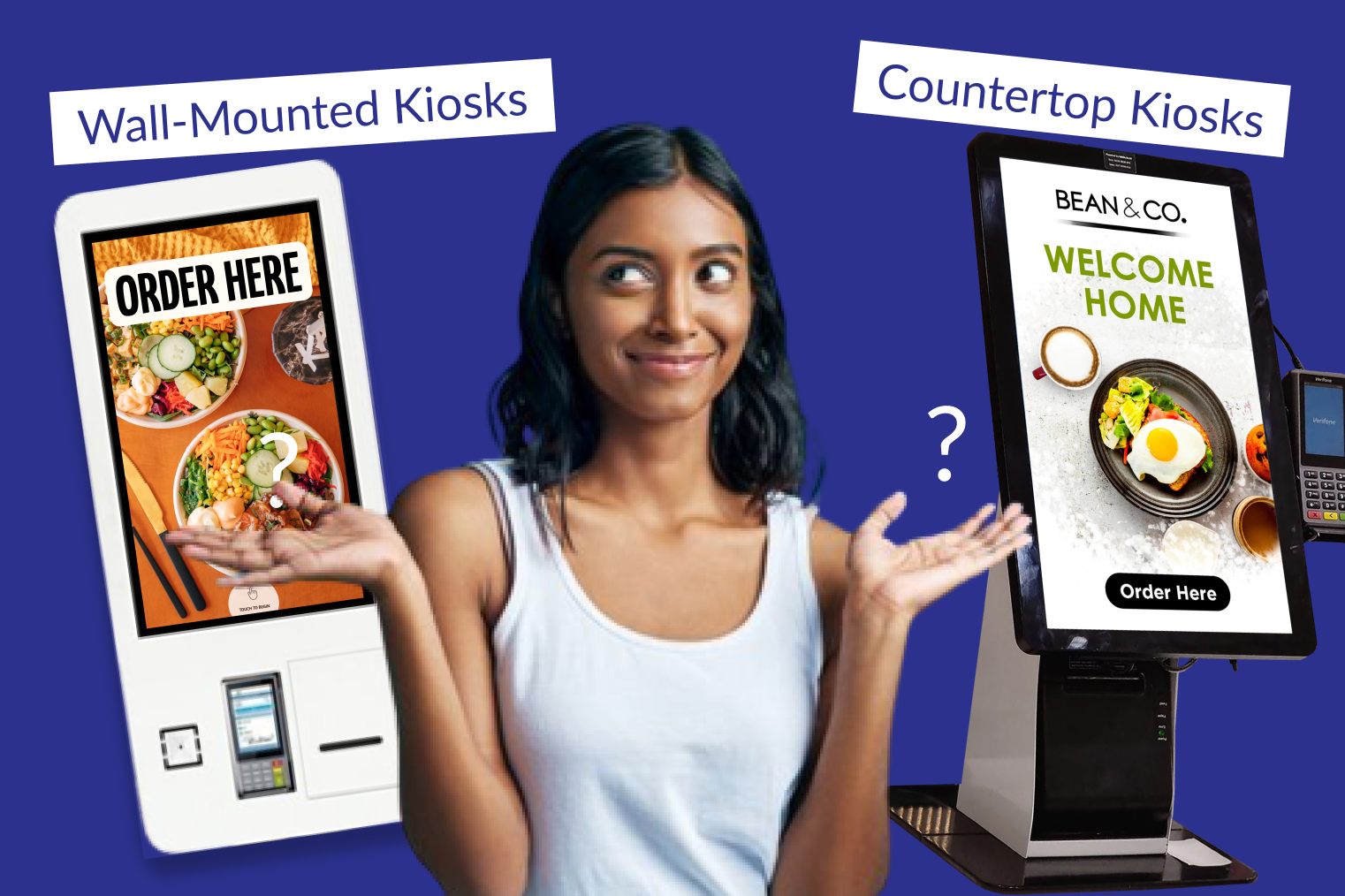
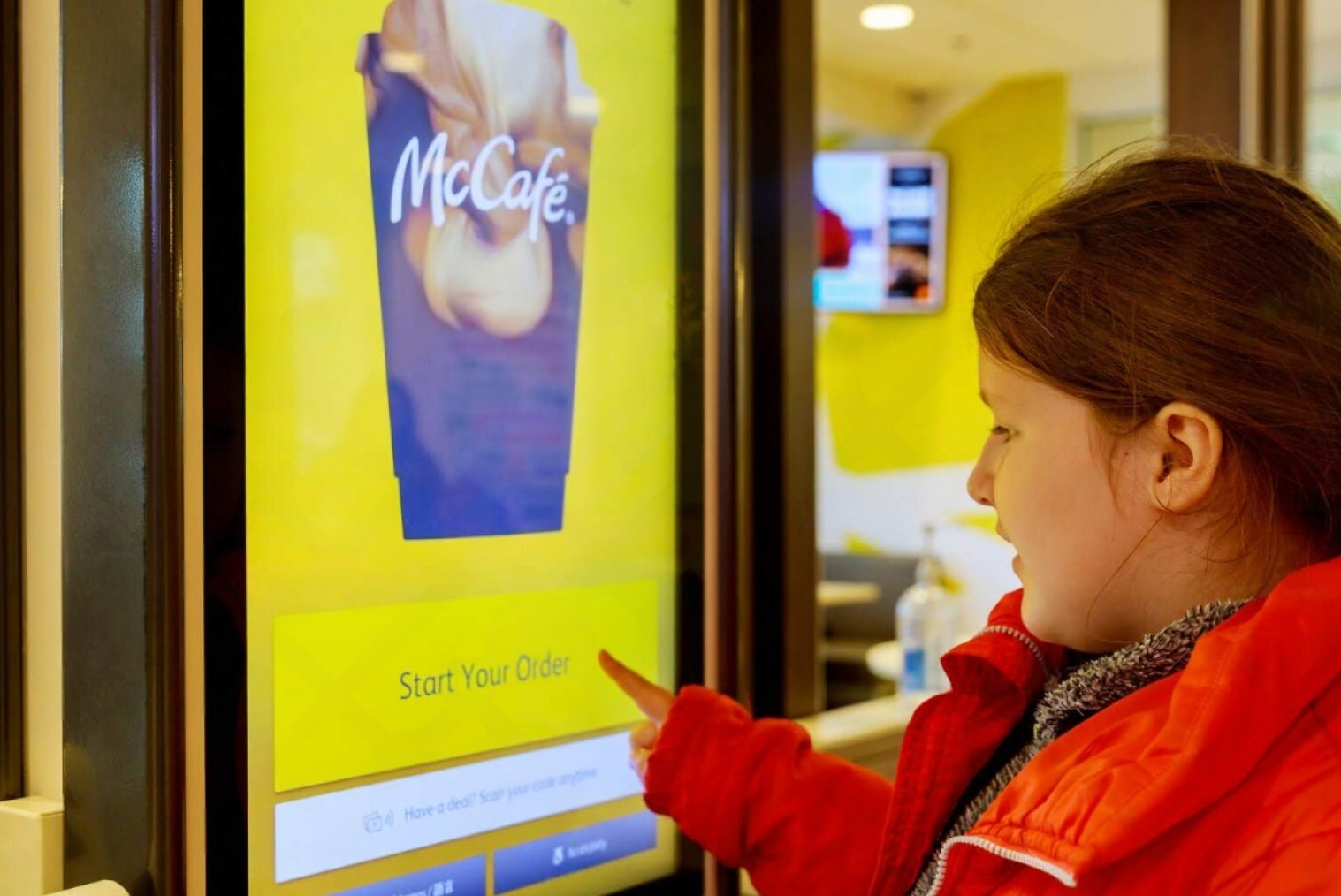
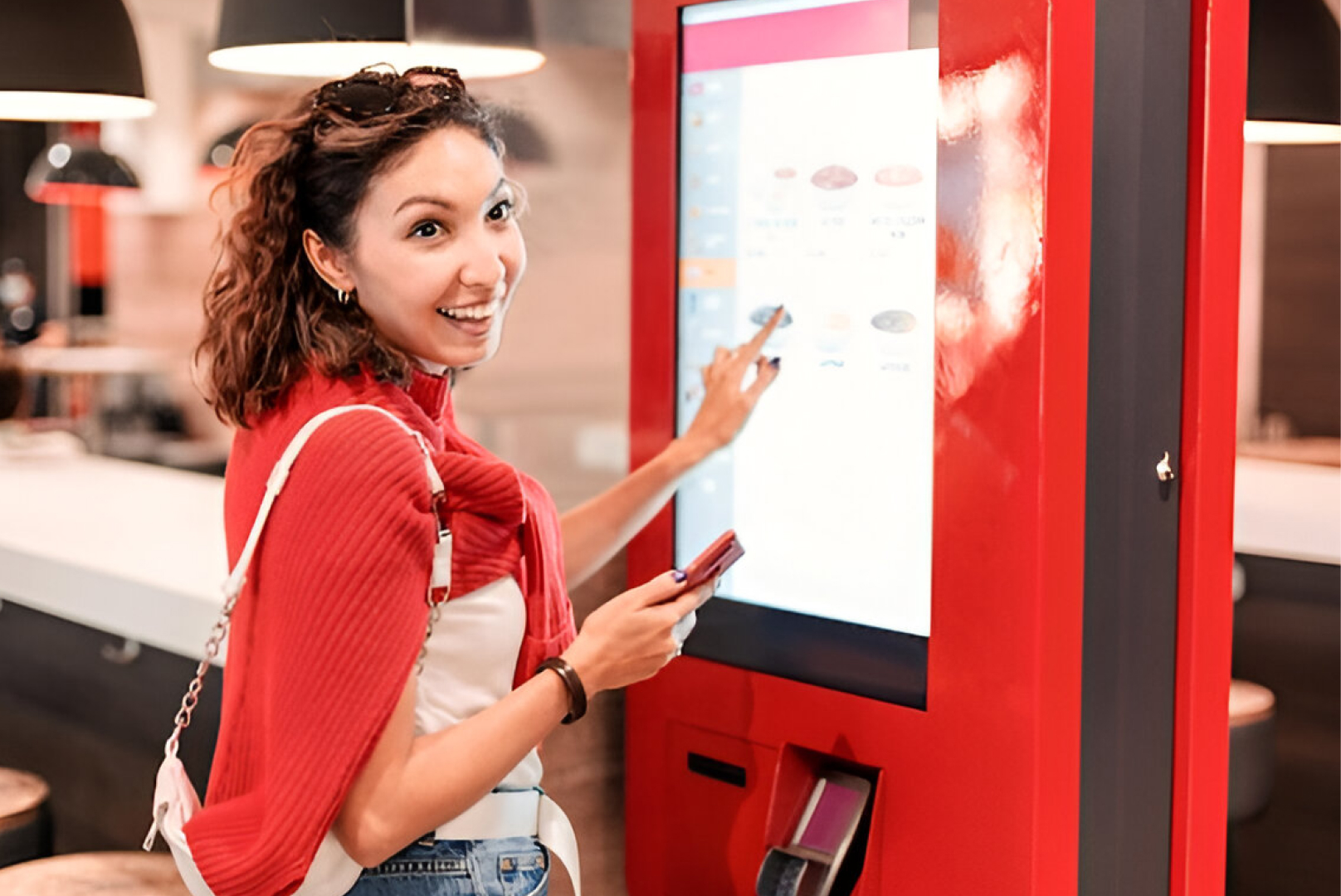
A touchscreen kiosk is a self-contained terminal with a touchscreen interface that allows people to engage with digital content and perform various functions. Serving as conventional standalone units, these kiosks are strategically positioned to offer help, information, or self-service choices in various public spaces, such as hotels, shops, banks, hospitals, and airports. Touchscreen kiosks eliminate the need for traditional keyboards and mice by offering consumers an intuitive interface.
To put it simply, a touchscreen kiosk answers the user's question: what is touch screen kiosk and how can it simplify tasks that typically require manual assistance? Modern configurations also support interactive touch screen kiosks, enabling more immersive engagement.
How Does a Touch Screen Kiosk Work?
A touch screen kiosk works by detecting user input through touch-sensitive technology and translating it into digital actions.
Resistive or capacitive touch screen technology is commonly used in kiosks to recognize and respond to user interactions. Capacitive touch screens detect touch using the electrical properties of the human body, while resistive screens respond to pressure applied to the surface. When users tap, swipe, or drag on the screen, the kiosk software processes the input and performs the corresponding action. Depending on the software configuration, kiosks can support tasks such as placing orders, processing payments, browsing information, or printing receipts.
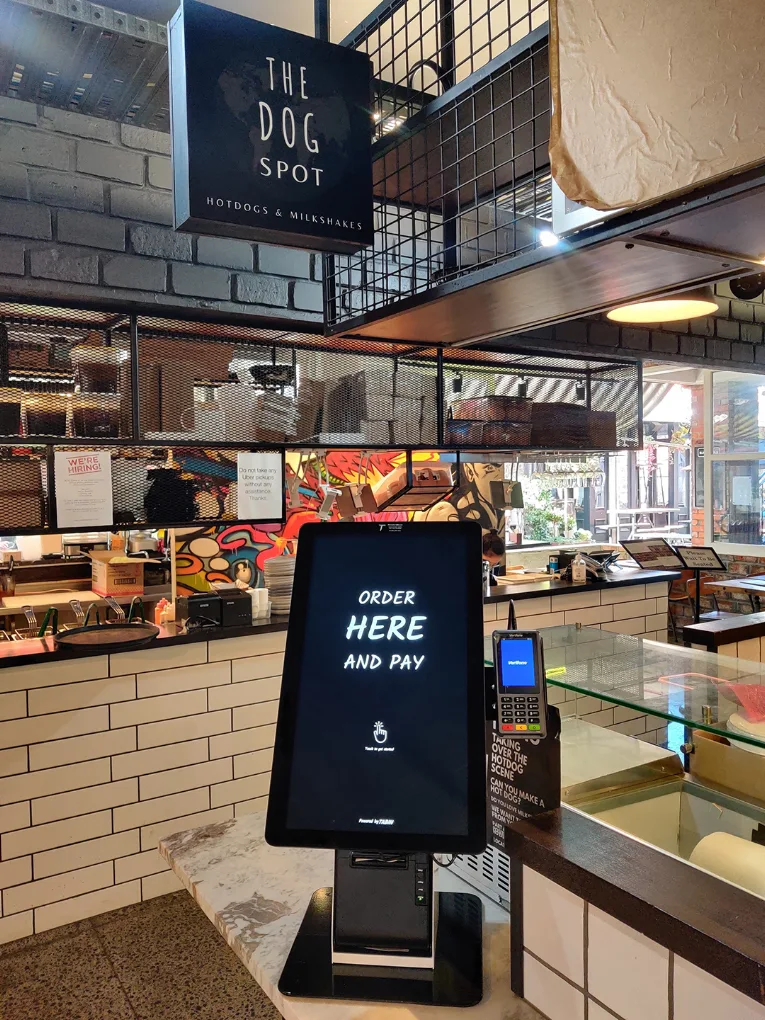
Touchscreen kiosks are often adopted as self-service kiosks for businesses that want to streamline customer-facing processes without compromising on user experience or operational efficiency.
The Benefits of Touch Screen Kiosk
Touchscreen kiosks are valuable for companies in various industries due to their many advantages. They have completely changed how companies communicate with their clients. These cutting-edge gadgets offer an unmatched degree of efficiency and ease, improving the general client experience.
Touch screen kiosks provide rapid access to information and services, whether you're exploring product catalogues, checking flight information, or completing an order. Touch screen kiosks save consumers time and do away with the requirement for human assistance in straightforward transactions. Customers now have greater control over their interactions thanks to this simplified experience, enabling them to make decisions independently of other influences. Touch screen kiosks are helpful for various tasks, including purchasing, checking into a flight, and retrieving critical information to aid you with a smooth and user-friendly interface.
Increasing Customer Interaction and Engagement
Touchscreen kiosks are transforming the way companies interact with their clientele. Unlike conventional static displays or human interactions, these kiosks offer a dynamic and interactive experience.
1. Interactive Content
Videos, infographics, and animations are just a few examples of the interactive material that touchscreen kiosks can display. This dynamic presentation draws users in and keeps them interested. Touchscreen kiosks, for instance, can display interactive exhibitions in museum settings where visitors can examine historical events, examine intricate 3D models, or watch brief films. This enhances the visit's engagement and informational value.
2. Personalised Experience
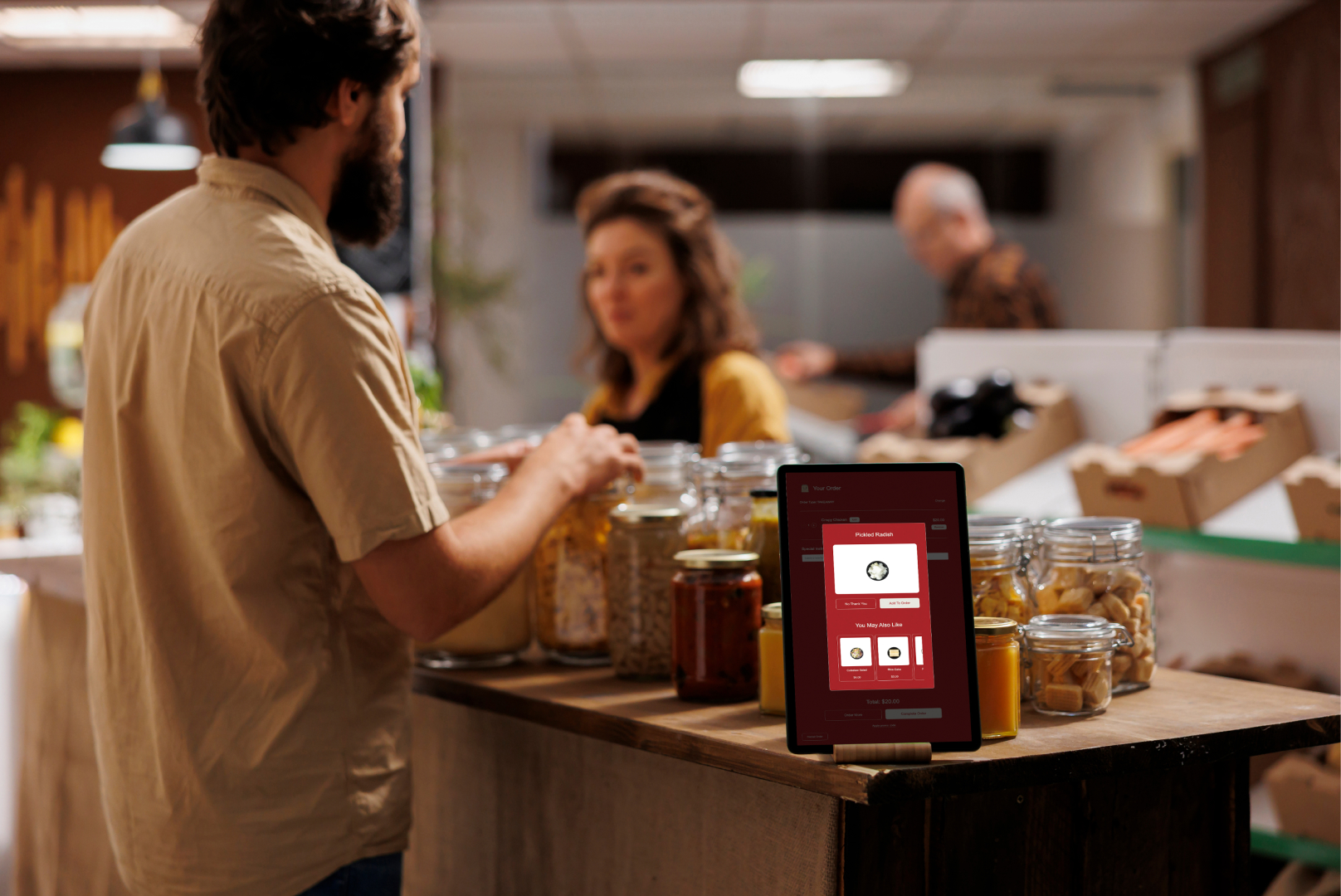
These kiosks can provide a personalised experience by modifying content in response to customer input. Users can submit specific information, answer quizzes, or set preferences to obtain content specifically tailored to them. This personalisation in retail settings can result in tailored product recommendations, exclusive deals, and a more enjoyable shopping experience.
3. Usability
Contemporary touchscreen kiosks have user-friendly interfaces that make navigating around them easy. Large symbols, touch-responsive features, and clear directions guarantee that even individuals with no technical knowledge may use them efficiently. Accessibility is essential to maximise user happiness and guarantee that a large audience can use the technology.
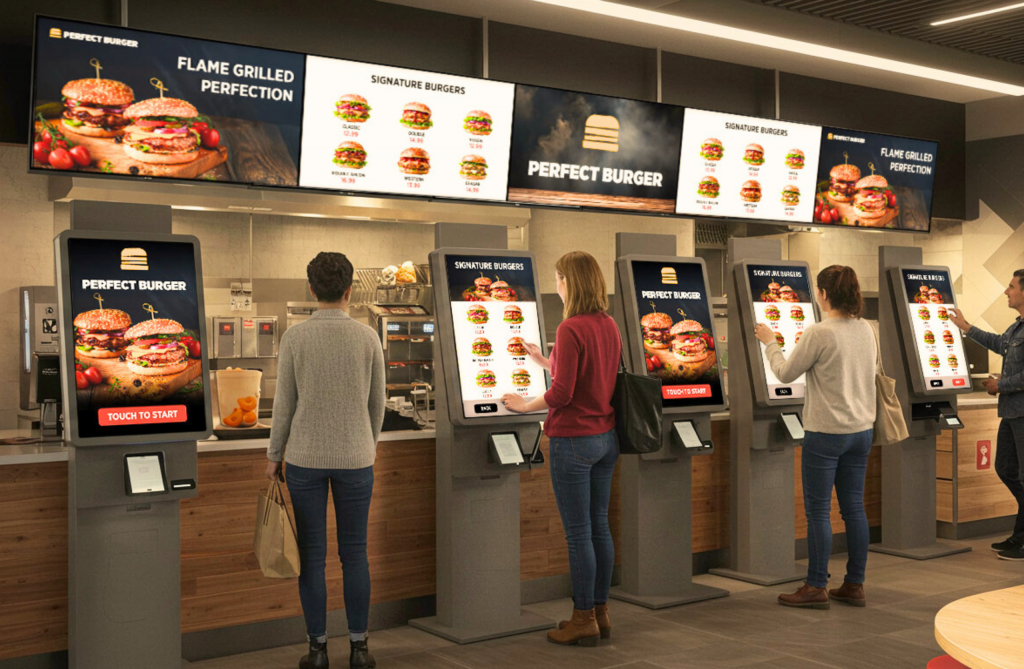
Businesses in hospitality and retail also adopt kiosks as part of larger restaurant kiosk solutions to improve convenience and engagement at the point of service.
Optimising Processes and Increasing Productivity
Touch screen kiosks provide businesses and organisations with several operational benefits that increase productivity and save costs.
1. Automated Services
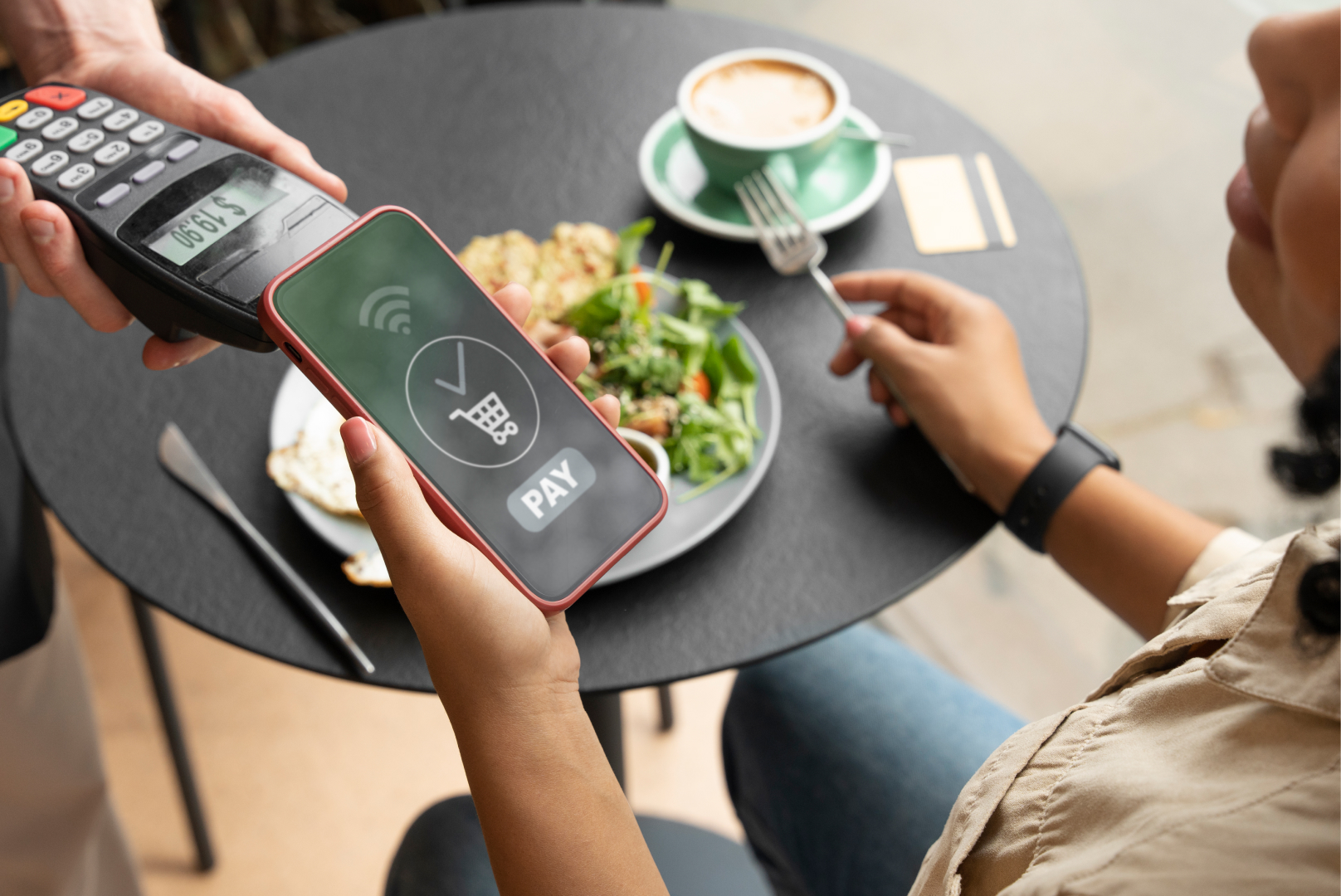
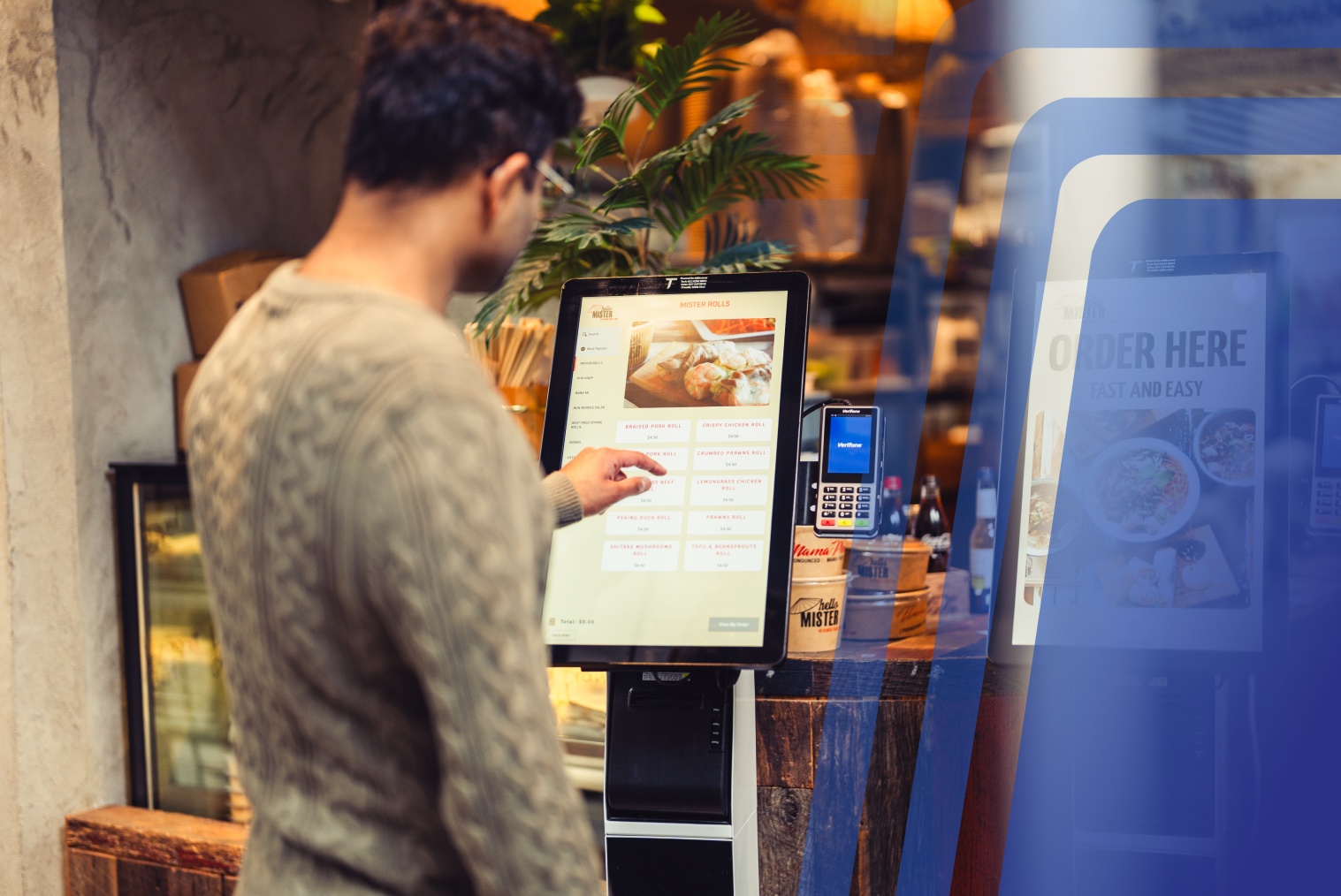
Touchscreen kiosks can automate many tasks, including food ordering, payment processing, and ticketing and check-in procedures. Because less staff interaction is required due to this automation, workers may concentrate on more challenging jobs and provide faster overall service.
2. Data Collection
Kiosks can be used to obtain user behaviour and preference data. Through analysis, one can learn more about the target audience's needs, enhance service offerings, and develop more effective marketing plans. A retail establishment, for instance, can use information from kiosks to determine which products are in demand and then modify inventory appropriately.
3. Accuracy and Consistency
Kiosks offer more accurate service and are less likely to make mistakes than human employees. This dependability guarantees that users receive the same quality of service no matter when or where they engage with the kiosk. For instance, at fast-food establishments, order kiosks provide precise order taking, minimising the possibility of errors arising from spoken instructions.
Organisations often adopt touchscreen systems as part of larger self-service kiosks for business initiatives focused on automation and operational efficiency.
Frequently Asked Questions (FAQs)
Q1. How do touchscreen kiosks enhance customer interaction in restaurants?
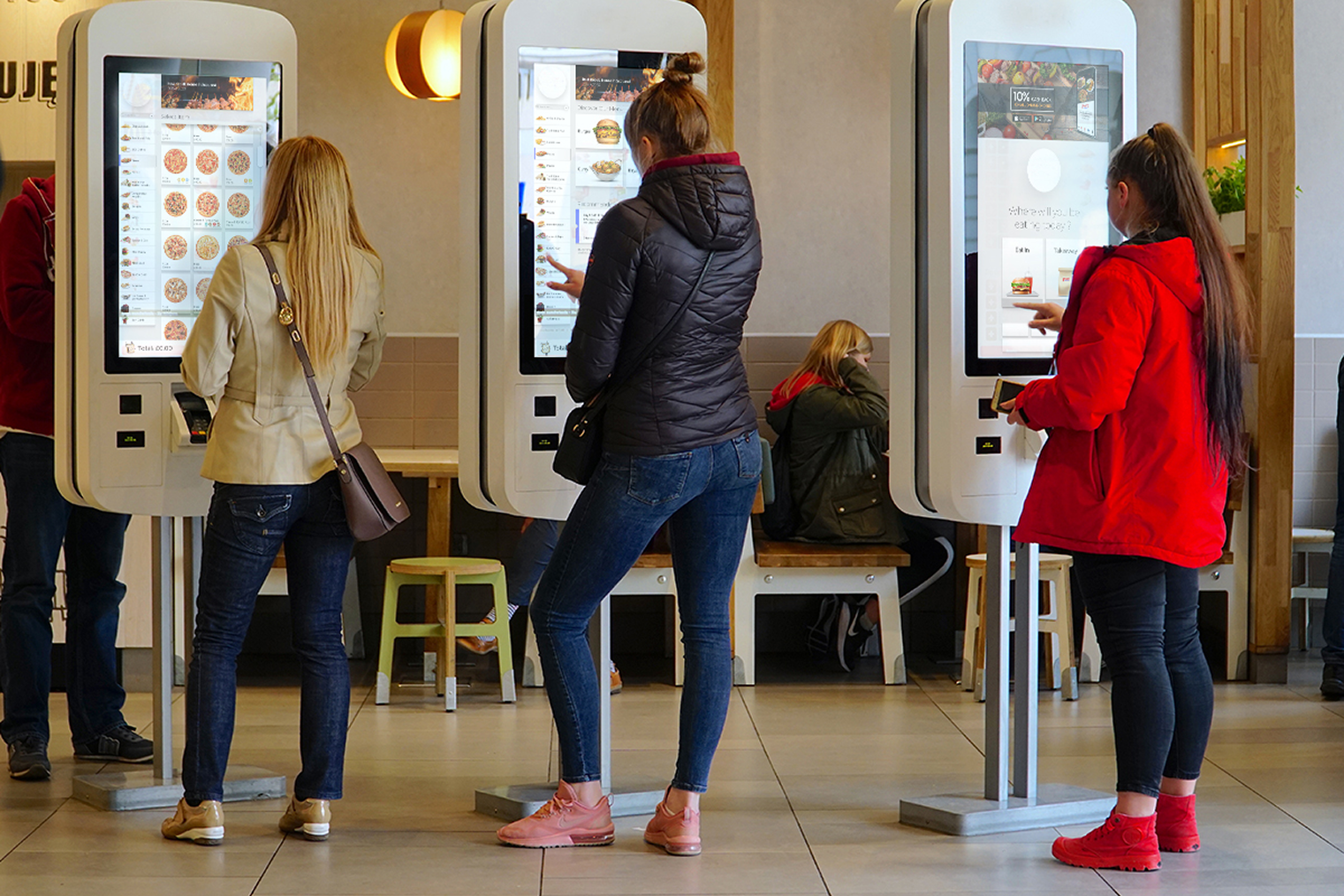
They allow customers to browse menus, customise orders, and place requests independently, improving both speed and satisfaction.
Q2. Can touchscreen kiosks be used to educate customers about menu items and offers?
Yes, kiosks can display item descriptions, calorie information, allergy details, combo offers, and upsell prompts to guide informed decisions.
Q3. How do kiosks improve ease of use for first-time customers?
User-friendly layouts, guided prompts, and visual cues allow newcomers to navigate the interface with confidence and a minimal learning curve.
Q4. Are touchscreen kiosks suitable for all types of food businesses?
Kiosks can be implemented in QSR, fast casual, cafes, food courts, and even dine-in venues, as long as the workflow and menu structure are compatible.


.webp)














.png)




















.webp)


