QR table ordering lets restaurant guests scan a table QR code, browse a digital menu, order and pay from their phones, and send orders directly to the POS or kitchen. For NZ restaurants, QR ordering can also help address ongoing hospitality workforce and cost pressures while giving customers a convenient contactless ordering option.
Introduction
QR table ordering in restaurants is changing the way orders are placed and managed. Customers can use a QR code available at their table to order using their phones. A restaurant QR code ordering system reduces the need for staff to take orders manually, which can improve speed and simplify the ordering process.
Restaurants of all sizes — from cafés to full-service dining — are adopting QR code table ordering to reduce wait times, improve efficiency, and offer contactless dining experiences.
For New Zealand restaurant operators, the technology also has relevance beyond customer convenience. The Restaurant Association reported that hospitality businesses continued to face workforce shortages and cost pressures in 2025. Its 2025 remuneration survey reported an average hospitality wage of $27.84 per hour, while its industry reporting highlighted continuing shortages in skilled kitchen and front-of-house roles.
For restaurants operating with lean teams, technologies such as QR table ordering can therefore help reduce the amount of staff time spent manually taking orders, allowing teams to focus on food preparation, hospitality and other service tasks.
What Is a QR Table Ordering System?
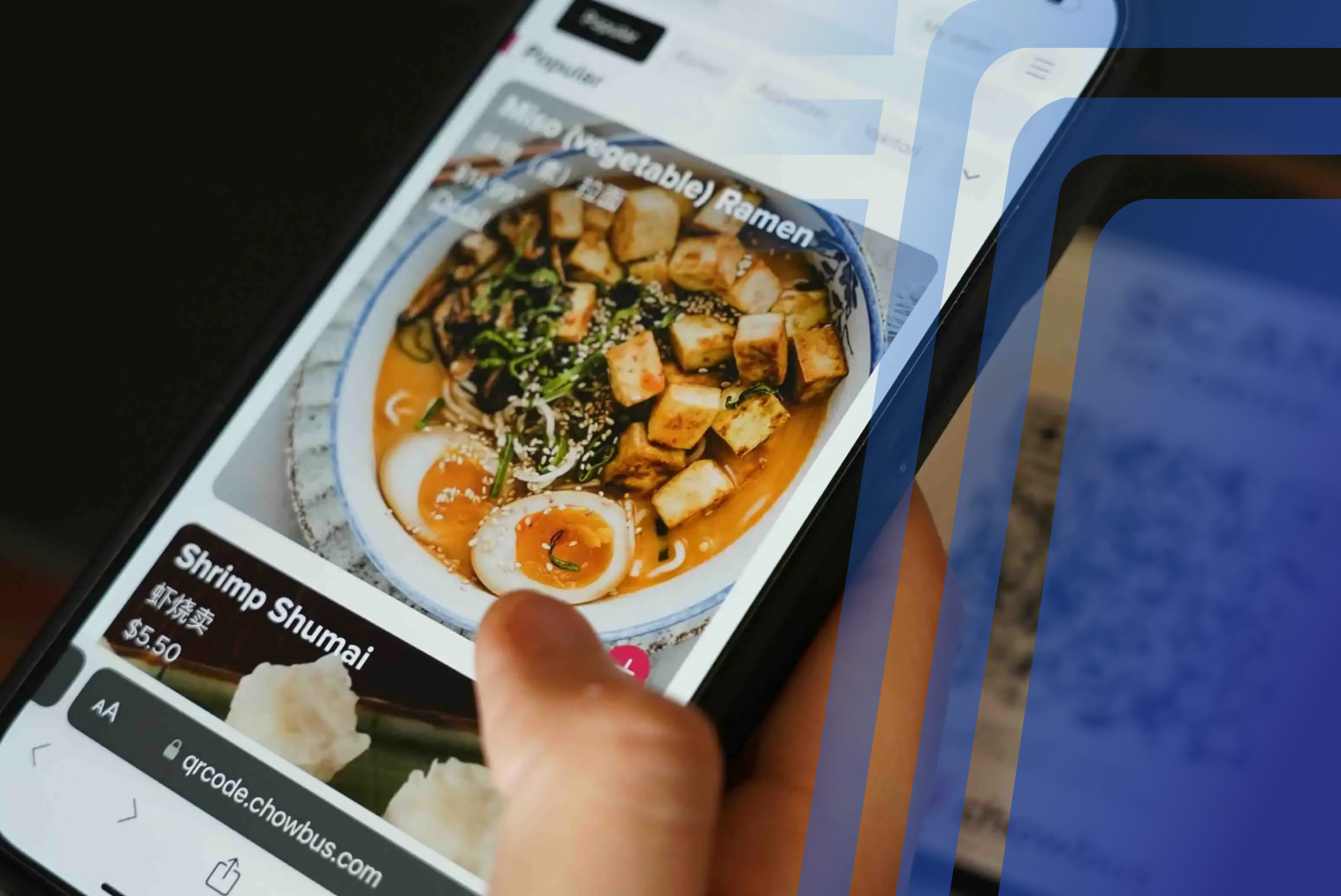
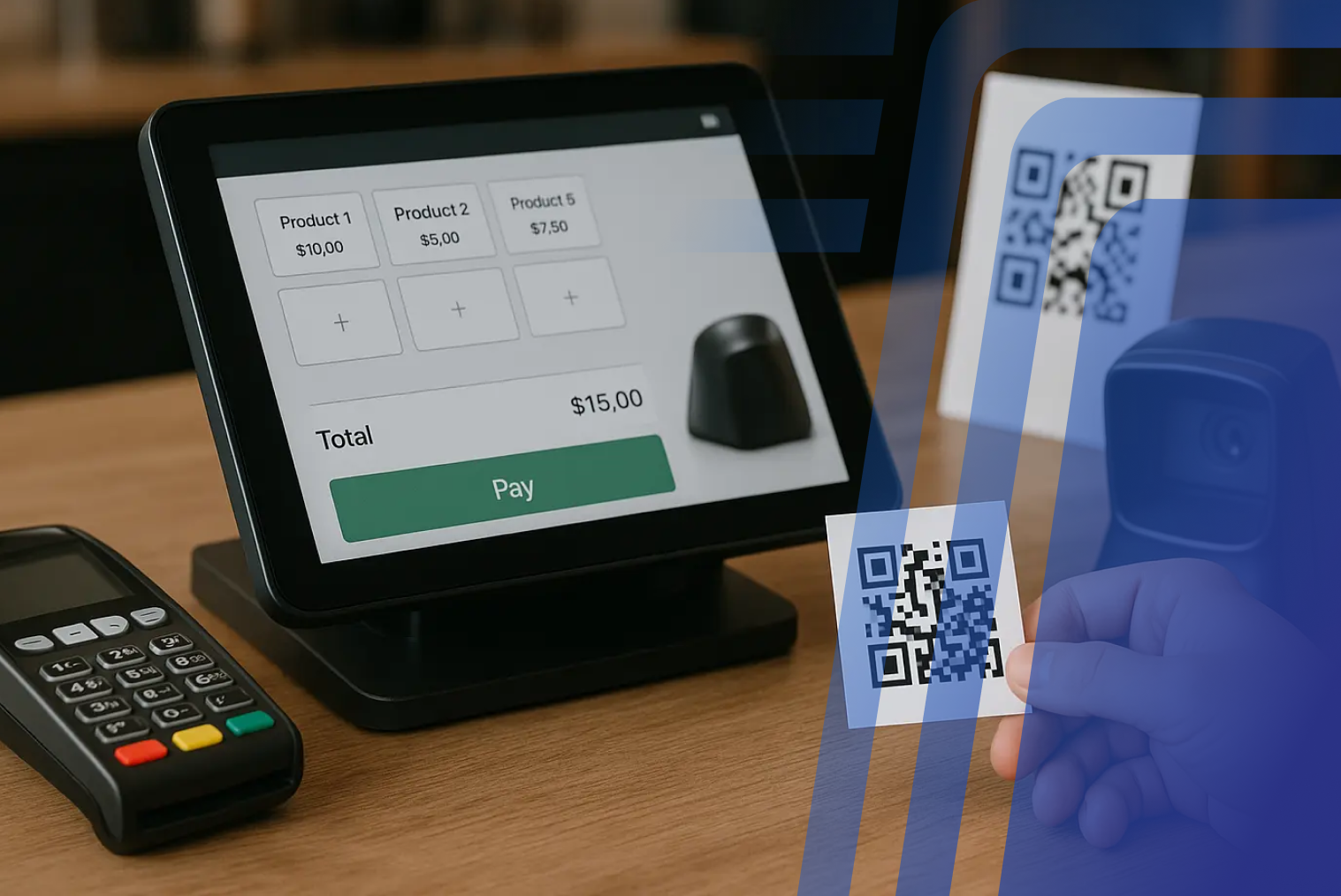
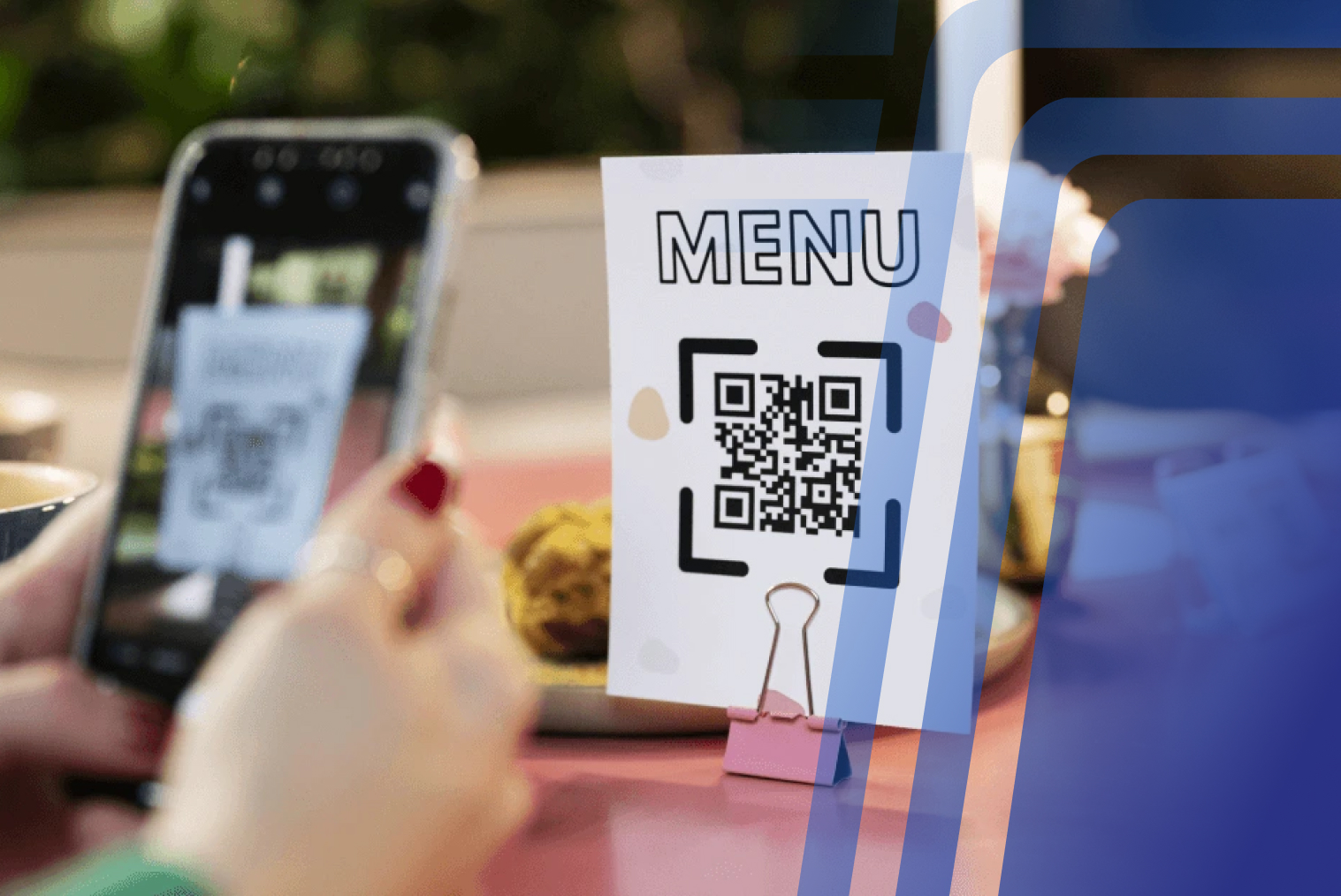
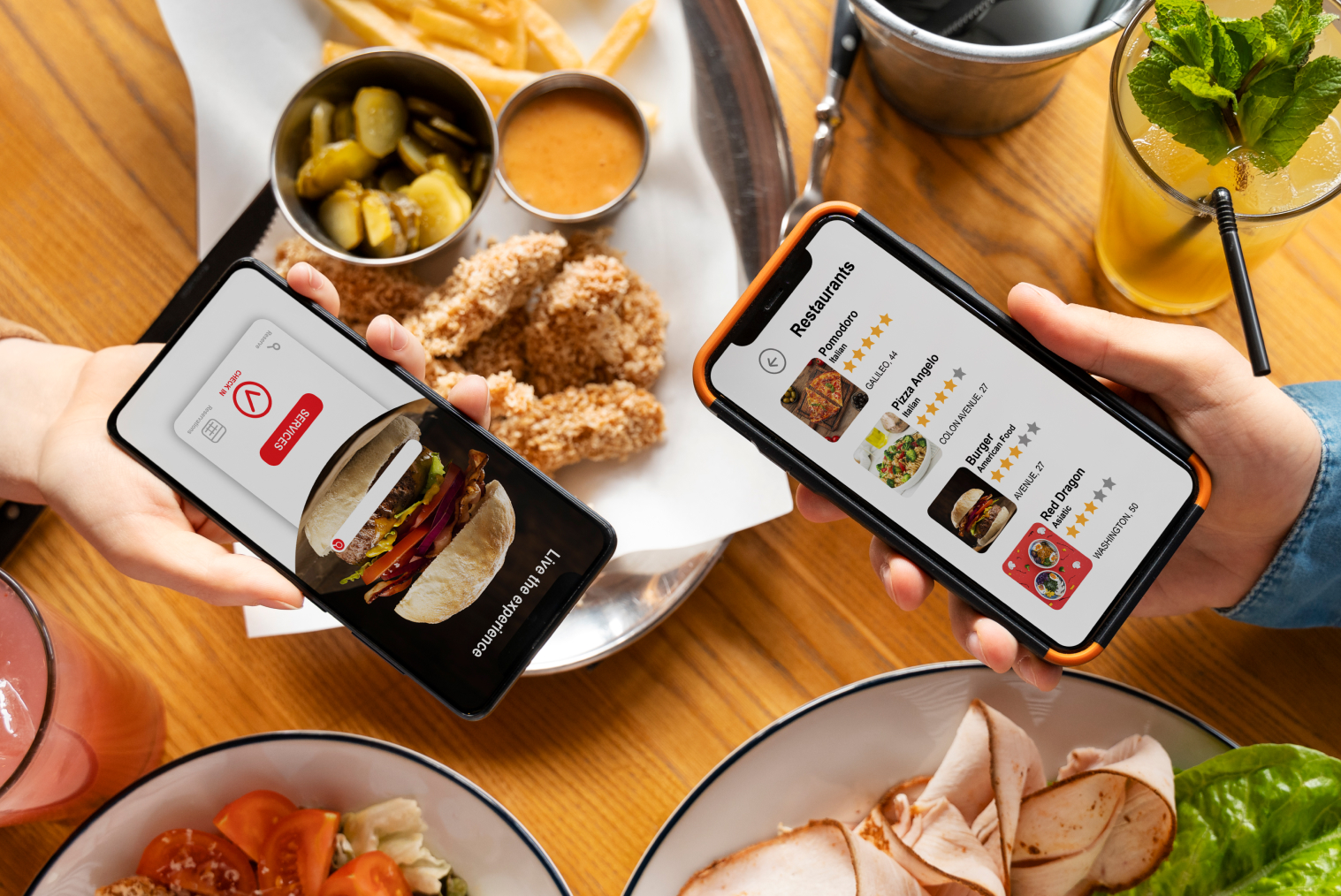
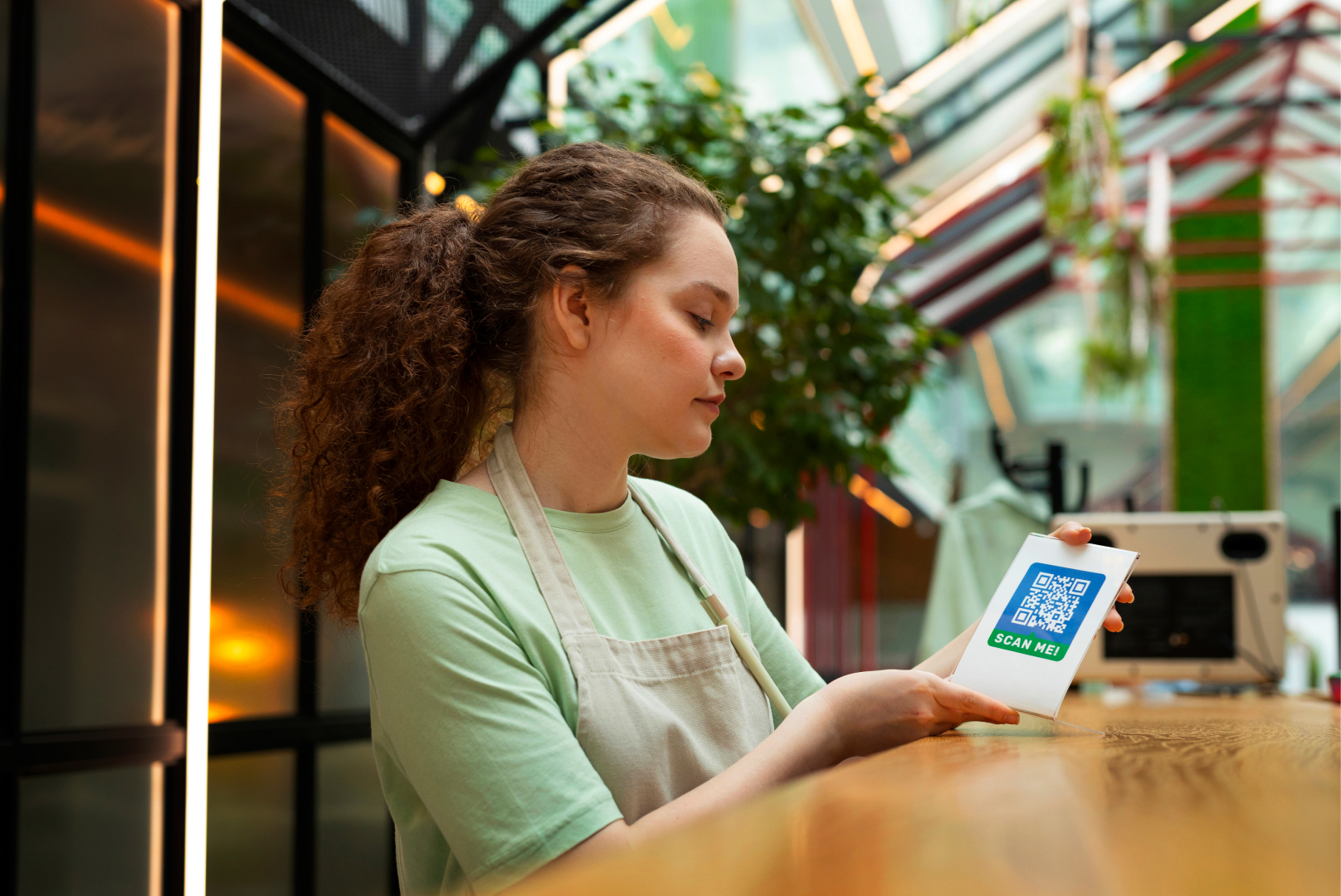
A QR table ordering system allows customers to scan a QR code placed on a table, view the digital menu, and place orders directly from their smartphone. Orders are sent automatically to the POS or kitchen system without staff intervention.
This system is commonly used in dine-in restaurants, cafés, and bars to streamline service.
How QR Table Ordering Systems Work (Step-by-Step)
QR table ordering systems are simple and intuitive for both customers and staff.
Step 1: Customer Sits at the Table
The customer sits at their table and accesses the QR code provided at the table.
Step 2: Customer Scans the QR Code
The customer scans the QR code using their smartphone camera.
Step 3: Digital Menu Opens
The digital menu opens in the customer's phone browser.
Step 4: Customer Selects and Customises Items
The customer browses the menu, selects items, and adds modifiers or special instructions.
Step 5: Customer Pays or Selects a Payment Option
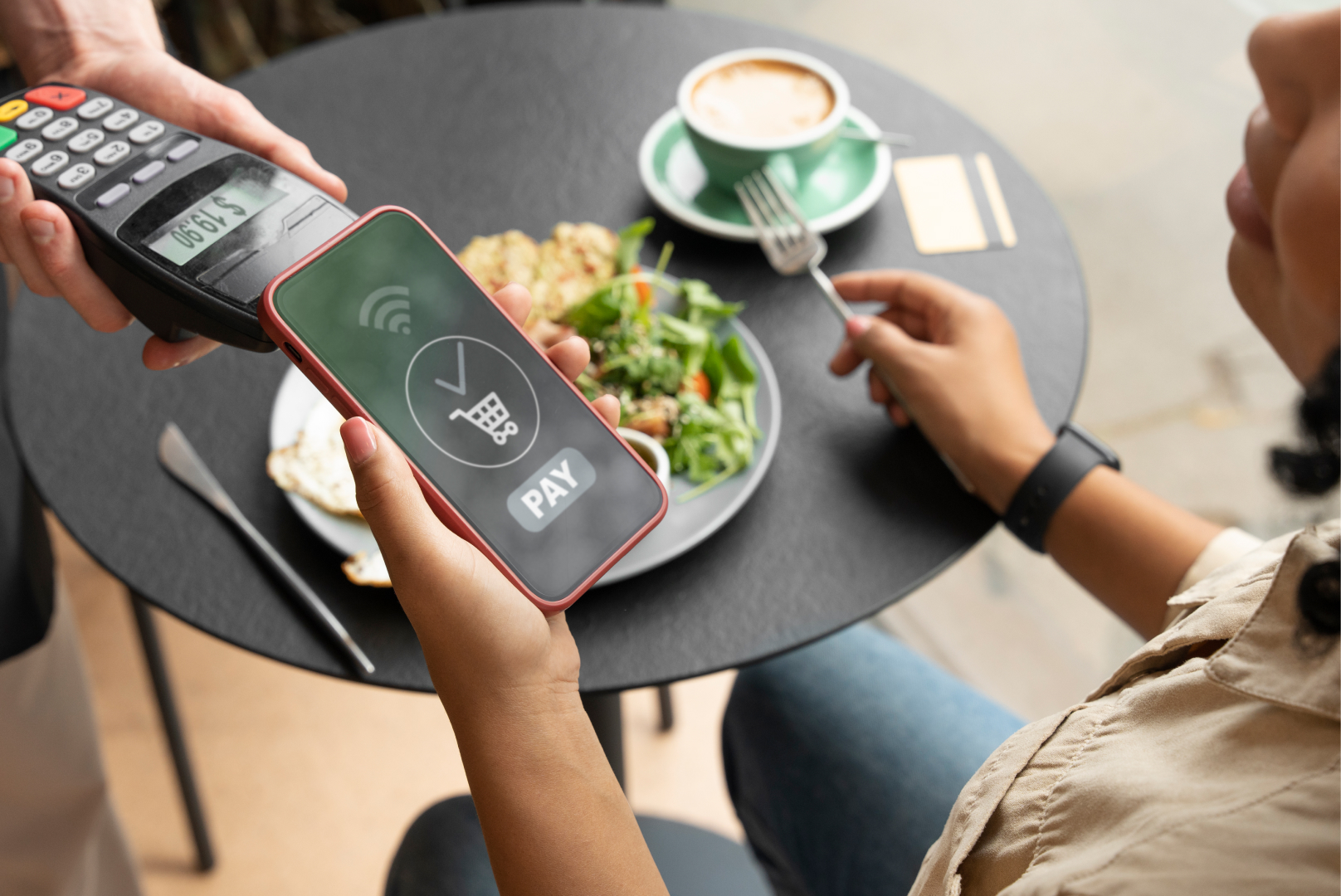
The customer pays online or chooses an available pay-at-counter option, depending on the restaurant's setup.
Step 6: Order Is Sent to the POS or Kitchen
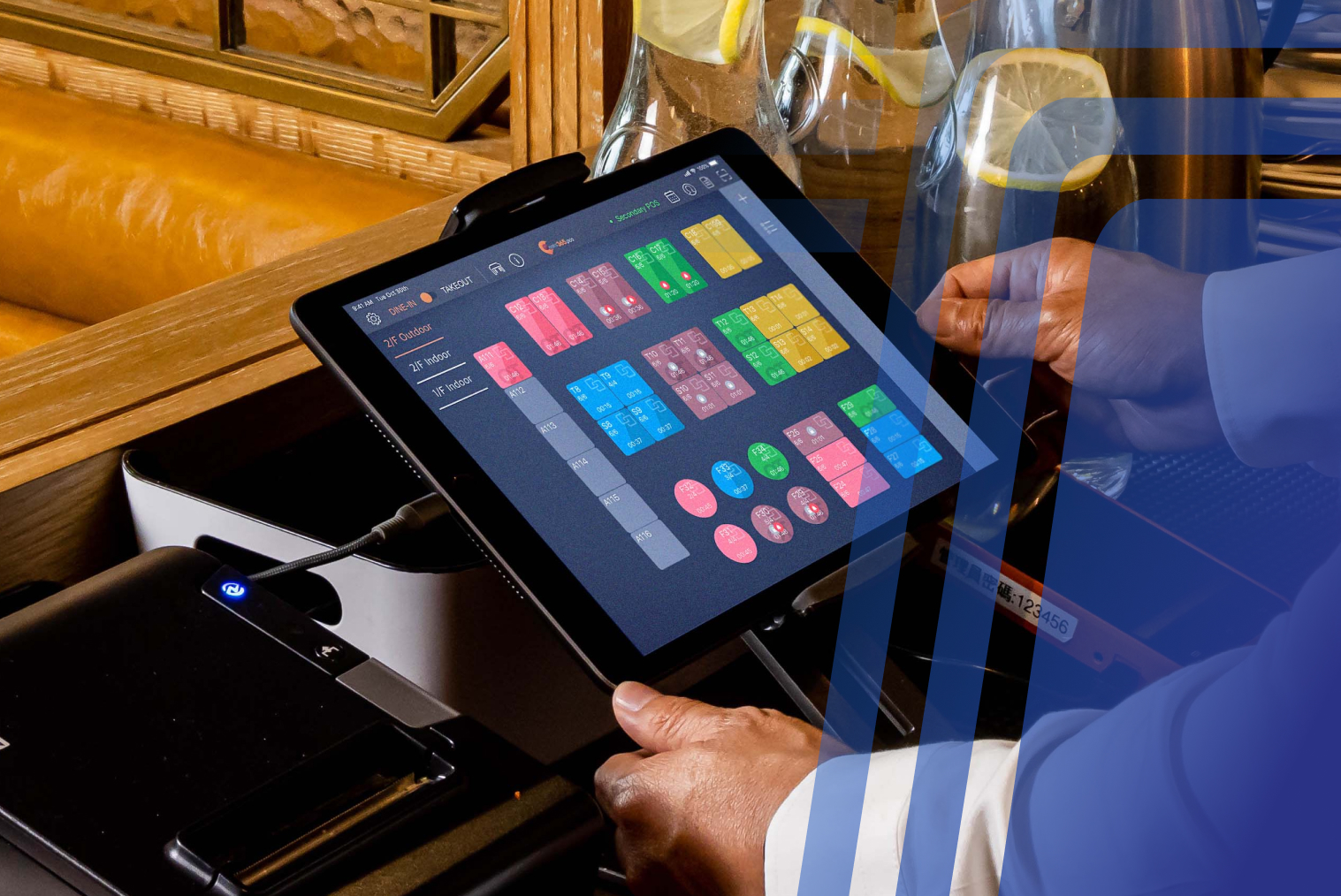
The order is transmitted to the restaurant's POS and/or kitchen display system.
Step 7: Staff Prepare and Deliver the Food
Restaurant staff receive the order, prepare it, and deliver it to the customer's table.
This workflow reduces the amount of manual order-taking required from staff and can help keep service moving during busy periods.
Cost of QR Table Ordering Systems for Restaurants
The cost of a restaurant QR code ordering system varies depending on features, integrations, and number of locations.
Typically, costs may include:
- Software subscription
- POS integration
- Payment gateway fees
- Menu setup
- QR code printing
Compared to hardware based solutions, QR ordering is often more affordable because it doesn’t require kiosk devices.
Factors Affecting QR Table Ordering Cost
Several factors influence the total cost:
- Number of tables
- POS integration requirements
- Payment gateway fees
- Custom branding
- Multi-location setup
- Advanced features (loyalty, analytics)
Because there is minimal hardware cost, QR ordering is often a budget-friendly option.
Common Challenges & How to Overcome Them
While QR code table ordering offers many benefits, some challenges may arise.
Customers Not Familiar With QR Ordering
Some customers may prefer traditional ordering.
Solution: Staff can assist customers initially.
Internet Connectivity Issues
QR ordering requires internet access.
Solution: Provide stable Wi-Fi for customers.
Menu Complexity
Large menus may slow ordering.
Solution: Simplify categories and highlight popular items.
Payment Concerns
Customers want secure payment options.
Solution: Use trusted payment gateway integration.
These challenges are manageable with proper implementation.
Best Practices for QR Table Ordering Success
To maximize results, restaurants should follow best practices.
- Use clear QR code signage
- Provide free Wi-Fi
- Optimize menu layout
- Highlight best-selling items
- Enable quick reordering
- Offer multiple payment options
- Train staff for support
- Monitor analytics and optimize
These practices improve adoption and performance.
Final Thoughts: Is QR Table Ordering Right for Your Restaurant?
QR table ordering systems are becoming a powerful tool for modern restaurants. They reduce staff workload, improve ordering speed, and enhance customer experience. With minimal hardware investment, QR table ordering provides an affordable digital ordering solution for restaurants of all sizes.
By implementing a restaurant QR code ordering system, restaurants can streamline operations, increase efficiency, and offer customers a convenient ordering experience. When combined with online ordering for restaurants, QR ordering becomes part of a complete digital ordering ecosystem.
If your restaurant is looking to improve service speed, reduce labour pressure, and modernize operations, QR code table ordering is worth considering.
Key Features of QR Table Ordering Systems for Restaurants
A modern restaurant QR code ordering system includes features designed to improve operations and customer experience.
- Digital menu with images and descriptions
- Table-based ordering
- Real-time menu updates
- POS system integration
- Multiple payment options
- Order tracking
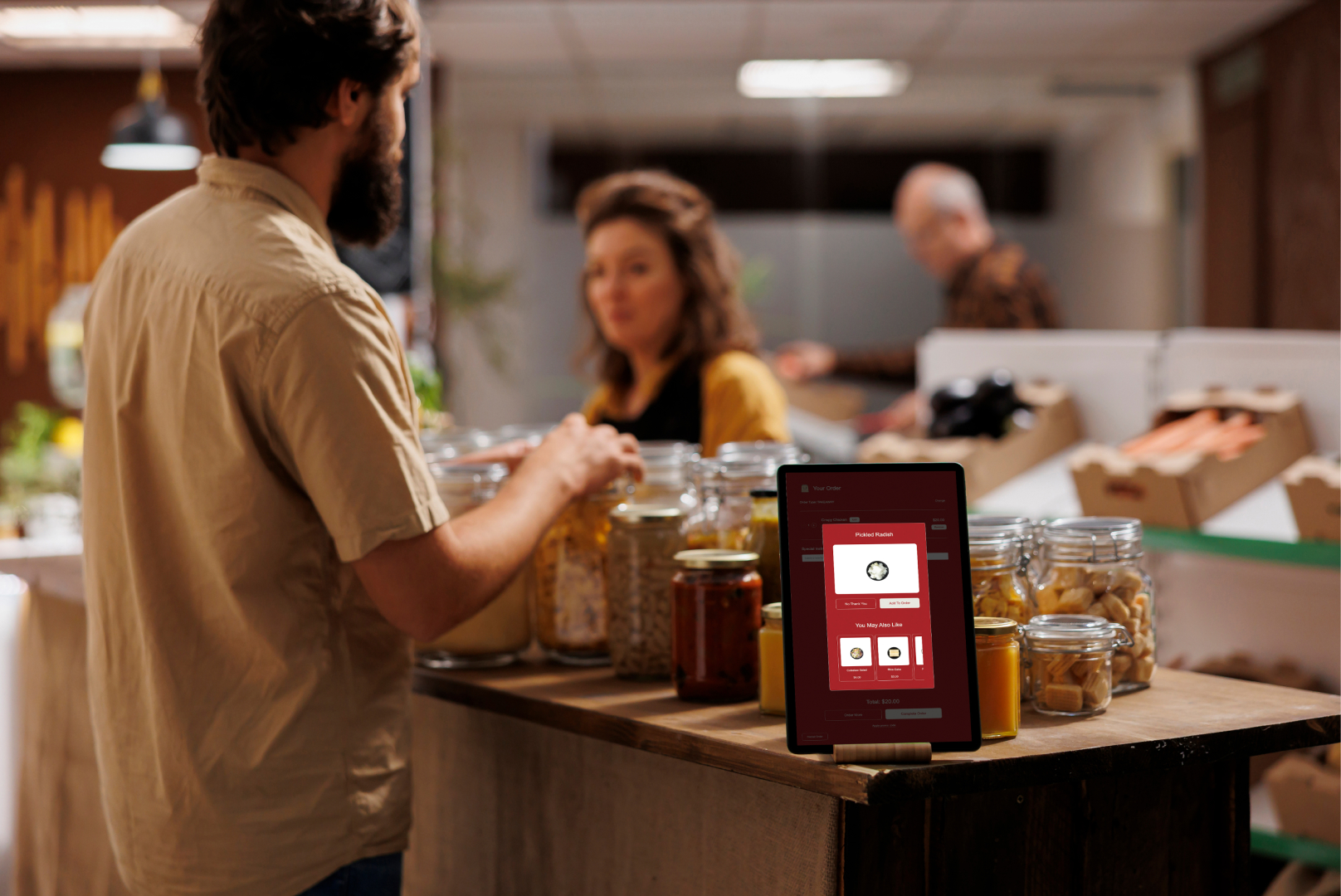
- Upselling suggestions
- Multi-language support
- Cloud-based management
- QR code table identification
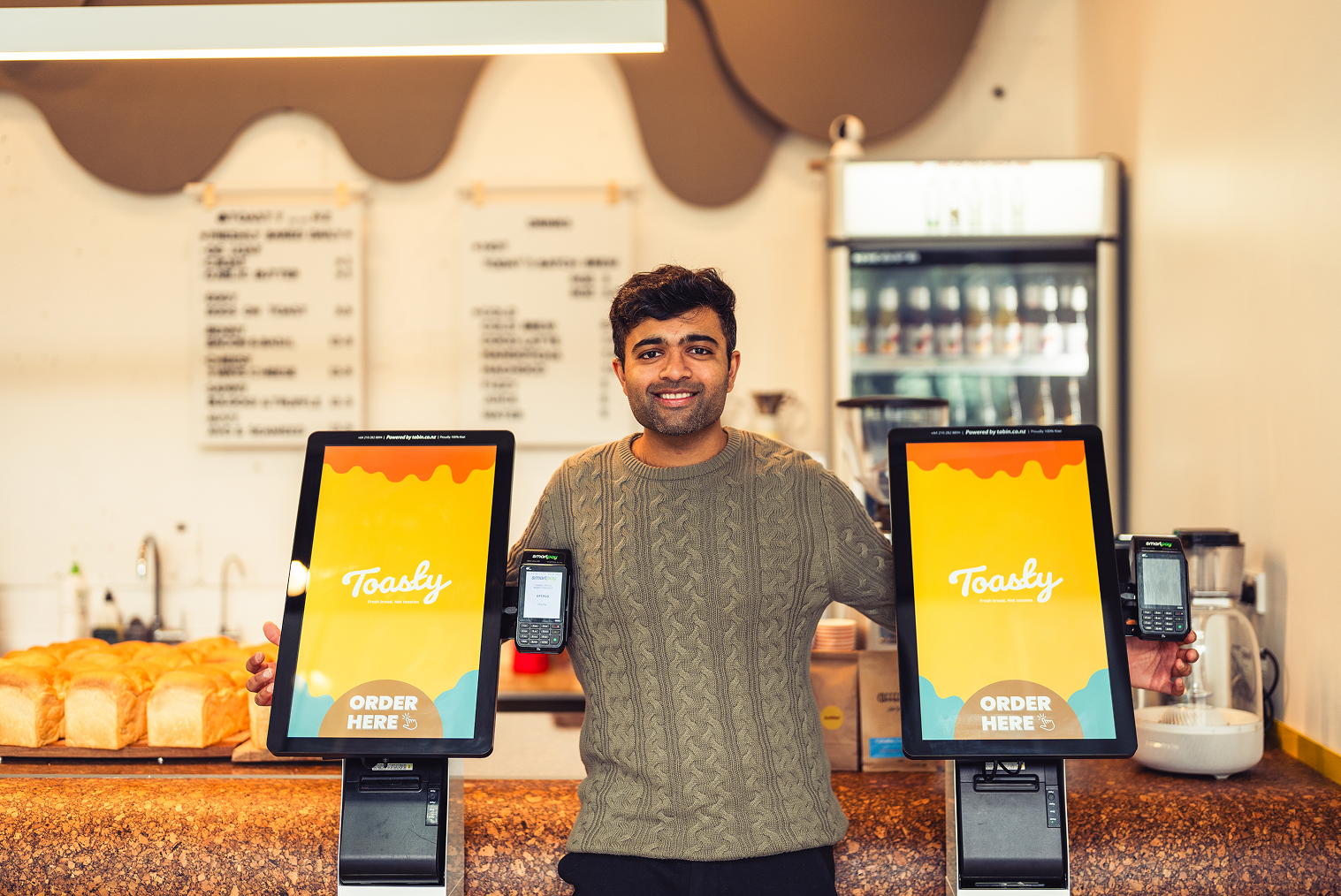
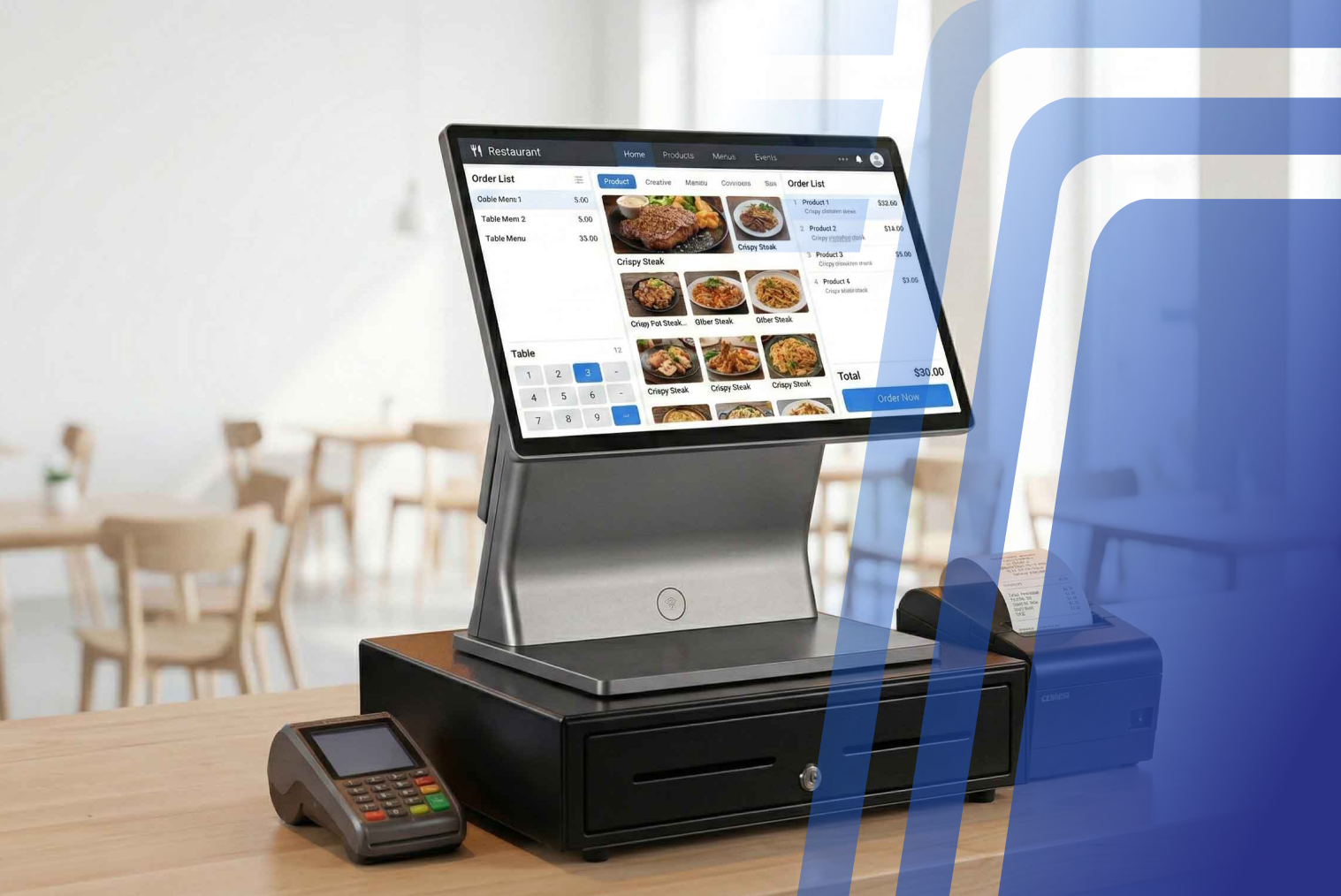
These features make QR code table ordering ideal for modern restaurants. For restaurants looking for a broader technology setup, TABIN's restaurant POS system combines POS functionality with table-side QR ordering, kitchen display integration, online ordering and payment capabilities.
TABIN QR Table Ordering for Restaurants
TABIN offers QR table ordering built into its restaurant technology platform, allowing guests to browse, customise, order and pay from their phones while orders flow directly into the POS and kitchen display system.
Each table can have its own QR code, helping staff identify where orders belong without manually re-entering them.
Learn more about TABIN QR Code Ordering →
Benefits of QR Table Ordering for Restaurants
QR table ordering provides operational advantages for restaurant owners. It reduces manual order-taking and improves efficiency, especially during peak hours.
Key benefits include:
- Reduced staff workload
- Faster order processing
- Improved order accuracy
- Increased table turnover
- Reduced queues
- Lower operational costs
- Real-time menu updates
- Better sales tracking
The study highlights that contactless dining technologies, including QR code menus and mobile ordering, were widely adopted to reduce physical contact and improve customer confidence in restaurant safety.
This shift is driving adoption of QR table ordering systems worldwide. The NZ hospitality industry continues to operate under significant workforce and cost pressures. The Restaurant Association's 2025 industry reporting highlighted workforce shortages and rising labour costs, while its 2025 remuneration survey reported an average hospitality wage of $27.84 per hour.
For NZ restaurants, this makes efficient order-taking particularly relevant. QR ordering does not replace the need for hospitality staff, but it can reduce the amount of time staff spend manually taking orders and re-entering information.
This gives the article a clear New Zealand-specific reason for considering QR table ordering rather than presenting the technology as a generic global trend.
Benefits of QR Table Ordering for Customers
Customers also benefit from QR code ordering systems. The process is faster, more convenient, and reduces waiting time.
Customers can:
- Order without waiting for staff
- Browse full menu with images
- Customize items easily
- Split bills digitally
- Pay contactless
- Reorder quickly
- Avoid miscommunication
These advantages improve the dining experience and customer satisfaction.
Looking for QR Table Ordering for Your Restaurant?
TABIN offers QR table ordering built into your POS, allowing customers to scan a table QR code, browse your menu, place orders and pay from their phones. Orders can flow directly into your POS and kitchen workflow.
Learn more about TABIN QR Code Ordering →
How to Set Up a QR Table Ordering System (Complete Setup Guide)
Implementing a QR table ordering system is straightforward when following the right steps.
Step 1: Choose a QR Ordering Platform
Select a system that integrates with your POS system and kitchen workflow. A connected POS allows QR orders to flow into the same system used to manage restaurant sales and operations.
Step 2: Upload Menu
Add items, pricing, categories, and modifiers to the digital menu.
Step 3: Generate Table QR Codes
Create unique QR codes for each table.
Step 4: Integrate with POS
Ensure orders flow directly into your POS and kitchen display.
Step 5: Enable Payment Options
Add online payment, card payment, or pay-at-counter options.
Step 6: Place QR Codes on Tables
Print and place QR codes on tables for customers.
Step 7: Train Staff
Staff should assist customers initially and monitor incoming orders.
Step 8: Launch and Optimize
Track usage and optimize menu layout for faster ordering.
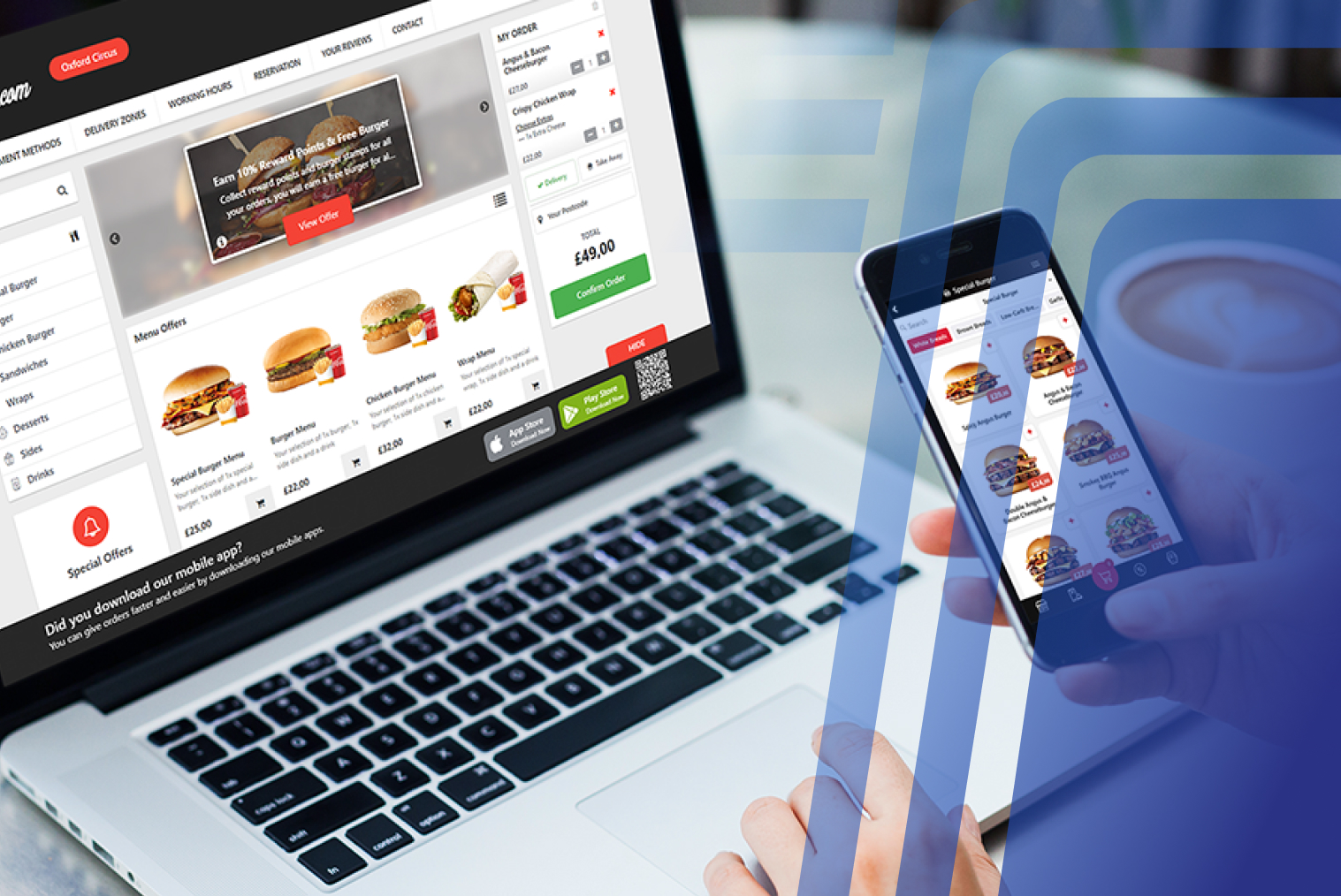
Many restaurants also integrate QR ordering with online ordering for restaurants to create a unified ordering experience.
How Much Does QR Table Ordering Cost?
The cost of a restaurant QR code ordering system varies depending on the platform, integrations, payment setup, number of locations and required features.
Typical costs may include:
- Software subscription
- POS integration
- Payment gateway fees
- Menu setup
- QR code printing
- Branding and customisation
Compared with hardware-based ordering systems, QR ordering can require less upfront hardware investment because customers use their own smartphones.
Payment costs are another factor to consider when comparing QR ordering platforms. Restaurants should review payment processing options alongside their ordering system. TABIN's guide to mobile EFTPOS for small businesses in NZ provides additional information on mobile payment options for NZ businesses.
TABIN QR Ordering Pricing
TABIN's Complete Starter Solution is available from $49 + GST, providing restaurants with a lower-entry way to adopt digital ordering technology. The exact cost of a QR ordering setup can depend on the services and integrations required.
Contact TABIN to discuss QR ordering and current pricing →
TABIN's current website advertises its Complete Starter Solution from $49 upfront, while its QR service is integrated with POS and KDS
Factors Affecting QR Table Ordering Cost
Several factors influence the total cost:
- Number of tables
- POS integration requirements
- Payment gateway fees
- Custom branding
- Multi-location setup
- Advanced features such as loyalty and analytics
Because there is minimal customer-side hardware, QR ordering can be a budget-friendly option for restaurants that want to introduce digital ordering without installing dedicated ordering terminals.
Common Challenges & How to Overcome Them
While QR code table ordering offers many benefits, some challenges may arise.
Customers Not Familiar With QR Ordering
Some customers may prefer traditional ordering.
Solution: Staff can assist customers initially.
Internet Connectivity Issues
QR ordering requires internet access.
Solution: Provide stable Wi-Fi for customers.
Menu Complexity
Large menus may slow ordering.
Solution: Simplify categories and highlight popular items.
Payment Concerns
Customers want secure payment options.
Solution: Use trusted payment gateway integration.
These challenges are manageable with proper implementation.
Best Practices for QR Table Ordering Success
To maximise results, restaurants should follow best practices.
- Use clear QR code signage
- Provide free Wi-Fi where appropriate
- Optimise menu layout
- Highlight best-selling items
- Enable quick reordering
- Offer multiple payment options
- Train staff for support
- Monitor analytics and optimise
These practices can improve adoption and overall ordering performance.
Final Thoughts: Is QR Table Ordering Right for Your Restaurant?
QR table ordering systems are becoming a useful tool for modern restaurants. They can reduce manual order-taking, improve ordering speed, and give customers greater control over their dining experience.
With minimal dedicated hardware, QR table ordering can provide an accessible digital ordering option for restaurants of different sizes.
By implementing a restaurant QR code ordering system, restaurants can streamline operations, improve ordering efficiency, and offer customers a convenient ordering experience. When combined with online ordering for restaurants, QR ordering becomes part of a broader digital ordering ecosystem.
If your restaurant is looking to improve service speed, reduce manual order-taking, and modernise operations, QR code table ordering is worth considering.
Explore TABIN's QR Code Ordering →


.webp)












.png)
















.webp)


