Most NZ restaurant owners switch POS providers because their current setup is fragmented — a separate POS, a separate kiosk, a separate online ordering tablet, and no single dashboard to manage them. An all-in-one platform removes that operational overhead. Switching is less disruptive than it used to be. This guide explains what to compare, what to expect during migration, and how to make the move without losing a service.
Why NZ Restaurants Switch POS Providers
The decision to switch POS systems rarely comes from a single breaking point. It's usually the accumulation of smaller frustrations: the best POS system NZ operators describe as genuinely useful is one that they never have to think about — it just works. When a system starts generating friction instead of removing it, the economics of staying begin to look worse than the effort of switching.
As of 2026, NZ's hospitality sector is generating NZD $15.99 billion in annual sales against record labour costs of 40% of revenue. There's no room for systems that duplicate work, create errors, or require manual reconciliation between three separate platforms. Operators managing a POS, a kiosk, and an online ordering system as three separate tools are paying the hidden cost of fragmentation in every single service.
This guide covers how to evaluate your options, what switching actually involves, and how to make the move without disrupting service.
What to Compare When Choosing a POS & Kiosk Provider
When comparing POS and kiosk providers in NZ, the five criteria that matter most are: native integration (does everything connect in one system?), local support availability, NZD pricing transparency, scalability, and compliance with NZ payment standards (Windcave, Verifone, 15% GST).
- Integration depth: Does the system natively connect POS, kiosk, QR ordering, KDS, and online ordering — or does it rely on third-party middleware that can break?
- NZ-based support: When your POS fails at 7:45 am on a Monday, you need someone in your time zone. Confirm support hours match NZ trading hours, including weekends.
- Transparent NZD pricing: Request a line-by-line quote covering software, hardware, EFTPOS rental, payment processing, and setup fees. Any gap is a hidden cost.
- Scalability: If you open a second location in 18 months, can the system grow with you? What does a multi-site licence cost?
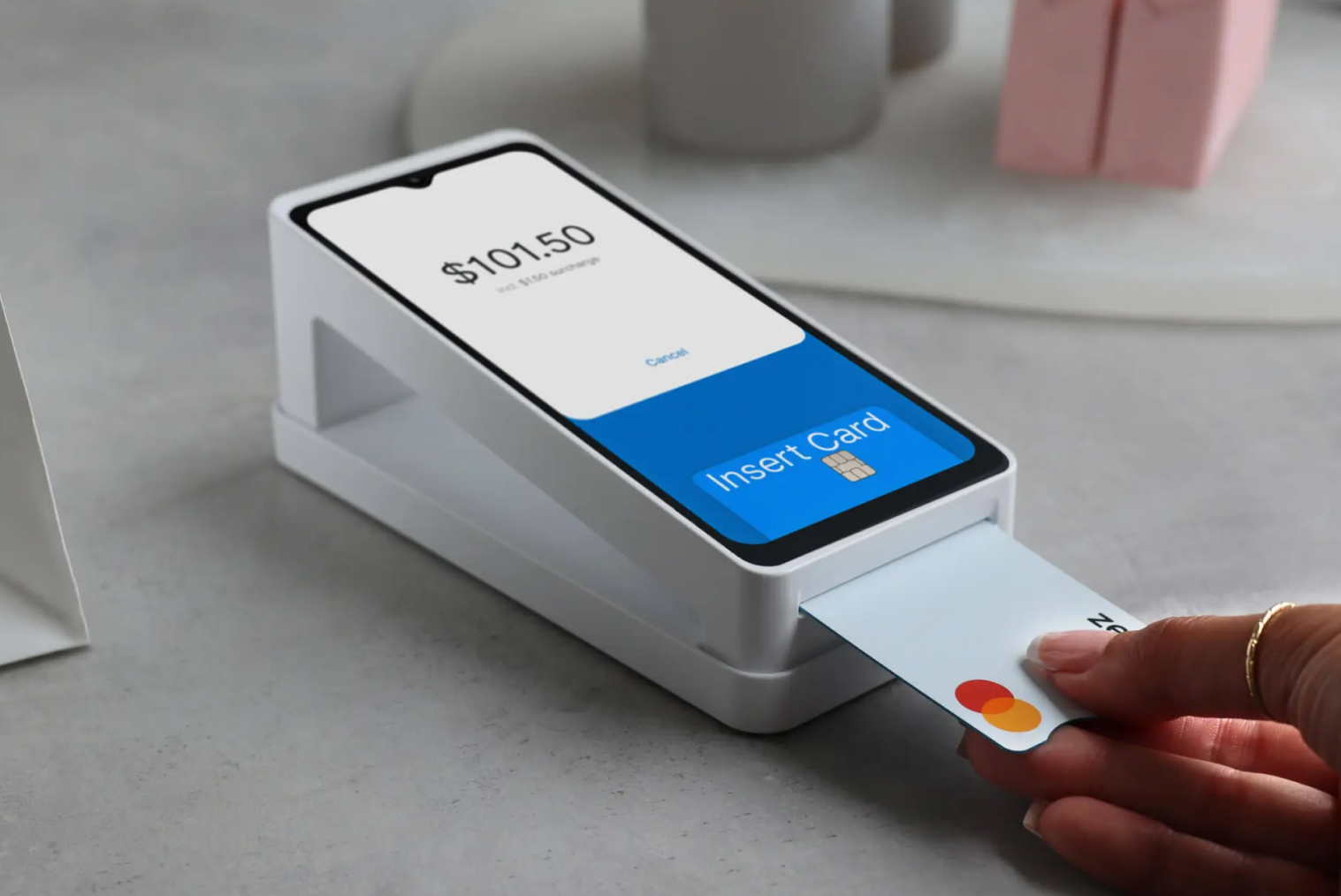
- EFTPOS NZ compliance: Confirm the system integrates natively with Windcave, Verifone, or SmartPay — not just international card readers.
All-in-One vs Stitched-Together Systems
The most important structural decision in your POS comparison is whether you're evaluating a genuinely integrated platform or a collection of separate products stitched together through APIs. That distinction has real operational consequences.
| Criterion |
All-in-One Platform (e.g., TABIN) |
Stitched-Together Systems |
| Order flow |
Single unified queue: counter, kiosk, QR, online |
Separate queues per channel — staff monitor multiple screens |
| Menu management |
Update once; all channels sync automatically |
Update separately in each system — easy to miss one |
| Reporting |
Single dashboard, all channels consolidated |
Export from 3 systems and reconcile manually |
| EFTPOS integration |
Native, certified with NZ payment network |
May require separate integration or third-party bridge |
| Support |
One team, one contract |
Multiple vendor support queues — blame-shifting risk |
| KDS routing |
Direct from all order channels to correct station |
Manual routing or middleware with failure risk |
| Monthly cost |
One subscription, transparent |
Multiple subscriptions — total cost often unclear until year 2 |
| Failure risk |
Lower — fewer integration points |
Higher — each API connection is a potential failure point |
A restaurant POS system NZ that natively connects every ordering channel isn't just more convenient — it's more reliable. Every integration point between separate systems is a potential failure point during a busy service.
The Hidden Cost of Running Separate POS, Kiosk & Online Ordering
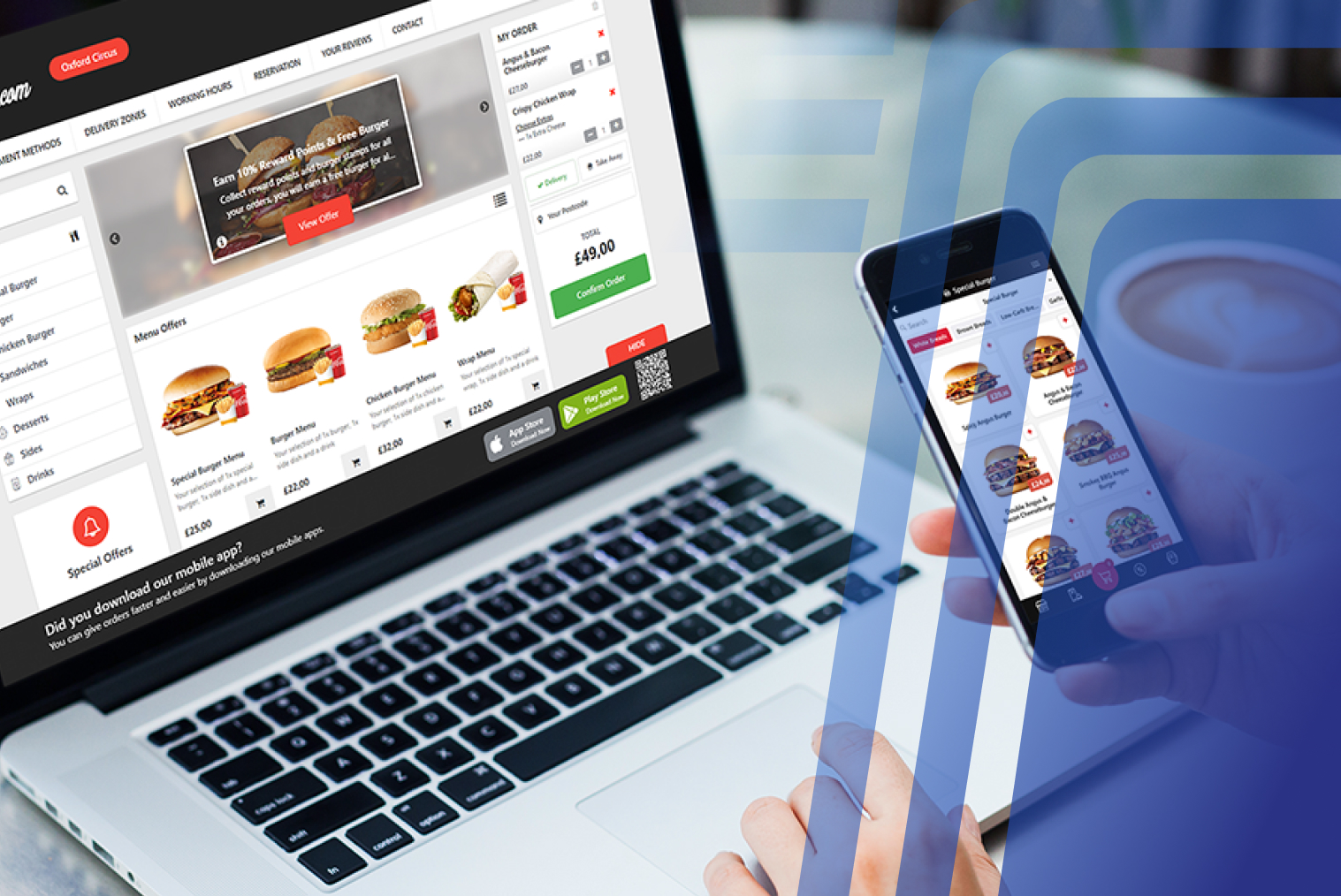
The visible cost of a fragmented system is the sum of three subscriptions. The hidden cost is the labour and error rate that comes from running them separately. For an NZ venue processing 150 covers per service across counter, kiosk, and delivery, manual reconciliation between three systems can consume 3–5 hours of management time per week.
In 2026, NZ hospitality managers cost approximately NZD $40–$50/hour in loaded employment costs. At 4 hours per week, that's NZD $8,000–$10,400 per year in management time spent on reconciliation that a unified system eliminates. Add the error cost from manual menu updates and order transfer mistakes, and the 'cheaper' fragmented stack often isn't.
Menu inconsistencies are a common symptom: a price updated in the POS but not in the kiosk creates customer confusion and staff awkwardness. A sold-out item still showing on the online ordering platform generates failed orders and customer frustration. These are avoidable — but only with a system where one update propagates everywhere instantly.
What Switching Actually Involves
Switching POS systems involves four things: data migration (menus, customer records, loyalty balances), hardware setup, staff training, and a cutover moment where the old system goes off and the new one goes live. Each of these is manageable with planning. The fear of switching is almost always larger than the reality.
For a single NZ restaurant location, the typical timeline from contract signing to go-live is two to four weeks — including menu configuration, hardware installation, staff training, and a soft-launch period. Multi-location rollouts take longer but follow the same process per site.
Data migration is the step most operators underestimate. The critical data to migrate: menu structure (including all modifier combinations), customer loyalty balances, historical sales data for reporting, and staff login permissions. A reputable provider handles this migration for you — but always keep your own backup before the cutover begins.
How to Migrate Without Downtime
The safest approach to a POS migration is parallel running: the new system is fully configured and tested before the old system is switched off. Staff use the new system in training mode alongside the live old system, then you flip the switch at the start of your slowest service — typically a Tuesday or Wednesday morning.
- Confirm data migration scope with your new provider — what they handle, what you need to export
- Export and back up all data from your current system before any changes begin
- Configure the new system in full (menus, modifiers, staff logins, table layout, EFTPOS)
- Run parallel for 3–5 days, with staff using both systems in controlled conditions
- Conduct a full test of the order flow: counter, kiosk, QR, online ordering, KDS routing
- Set a go-live date and time at the start of your lowest-volume service
- Have your new provider's NZ support contact on standby for the first two services
Operators who plan their switch around a slow trading period and run parallel testing consistently report smooth migrations. The ones who encounter difficulty are typically those who attempt a rushed cutover without proper parallel testing.
Checklist: Is It Time to Switch?
If you're answering yes to three or more of these, it's worth a conversation with a new provider:
- Your POS, kiosk, and online ordering are on separate platforms with no native integration
- Menu updates require logging into multiple systems separately
- Your end-of-day reporting requires manual reconciliation across more than one data source
- EFTPOS transactions require manual amount re-entry (standalone terminal)
- Your support contact is in a different time zone and response times are slow
- Staff regularly work around the system rather than through it
- You're paying for modules or subscriptions you don't use
- You're planning to add a second location and the current system can't scale cleanly
Why NZ Venues Choose an Integrated Platform
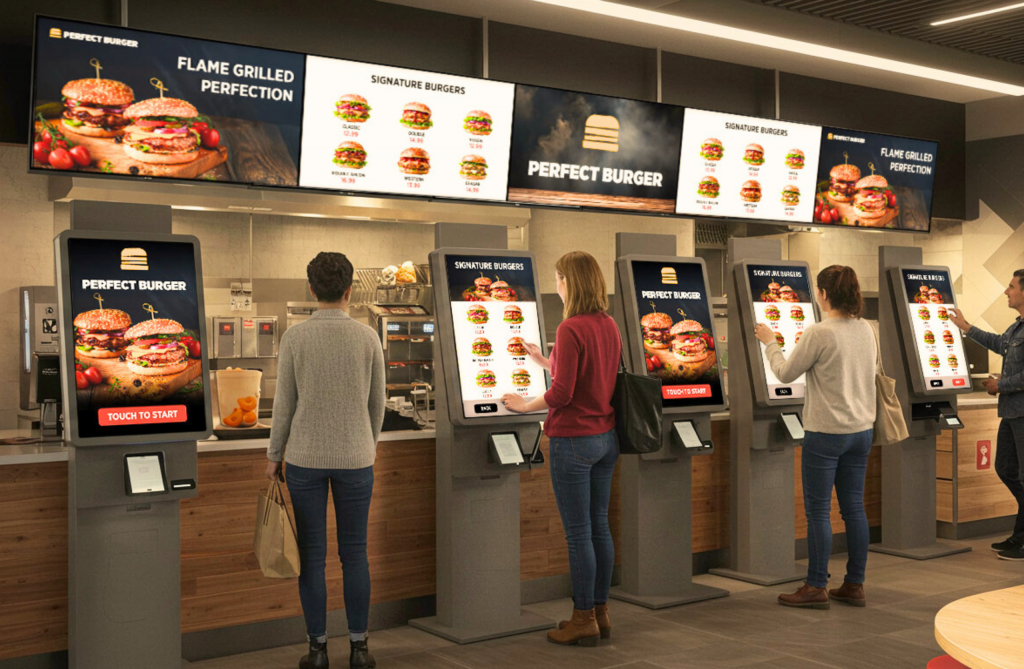
The NZ hospitality operators who have moved to an integrated platform consistently report the same outcome: less time managing technology and more time managing the restaurant. When POS, kiosk, QR ordering, and KDS all live in one system, online ordering for restaurants stops being an operational burden and becomes a straightforward revenue channel.
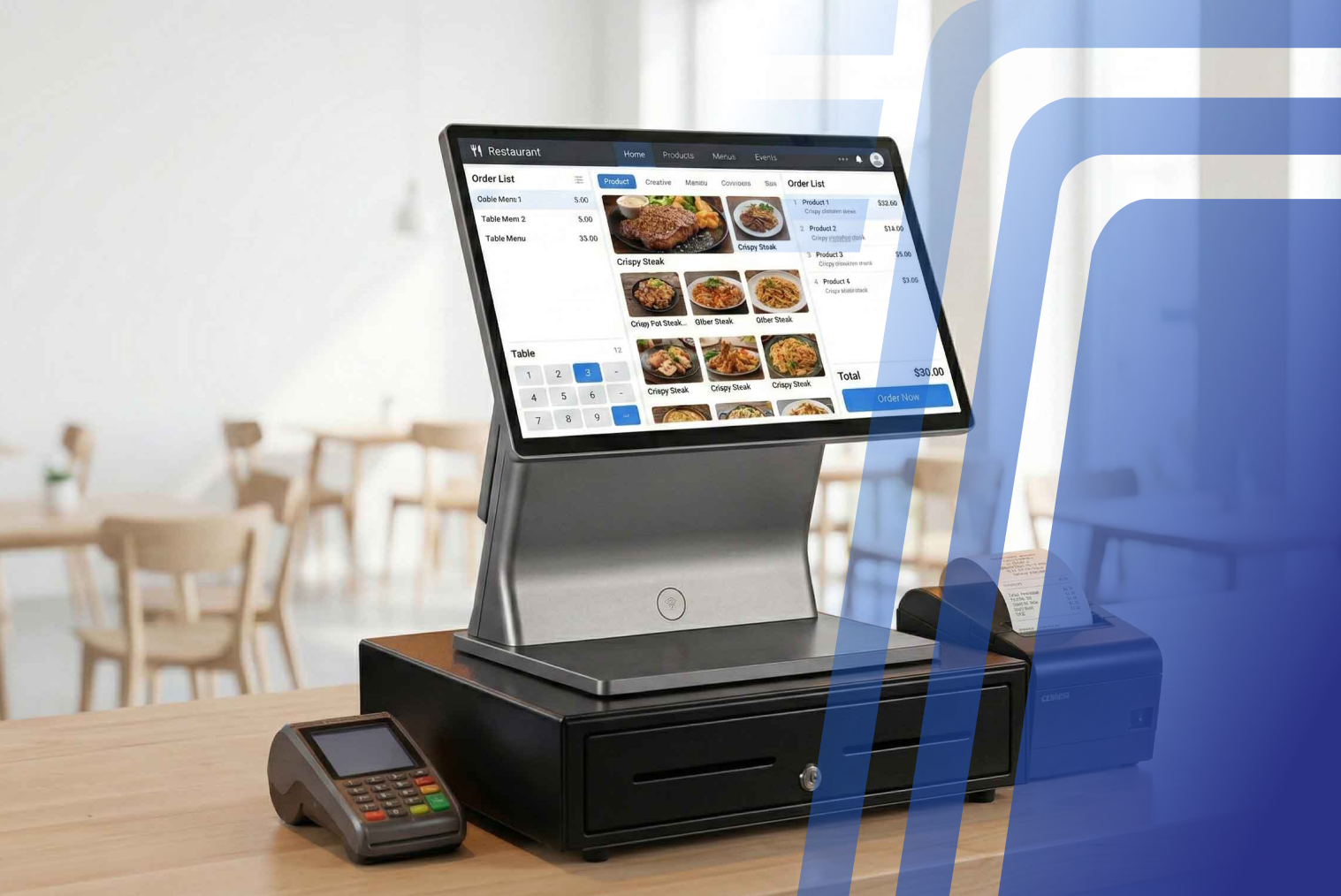
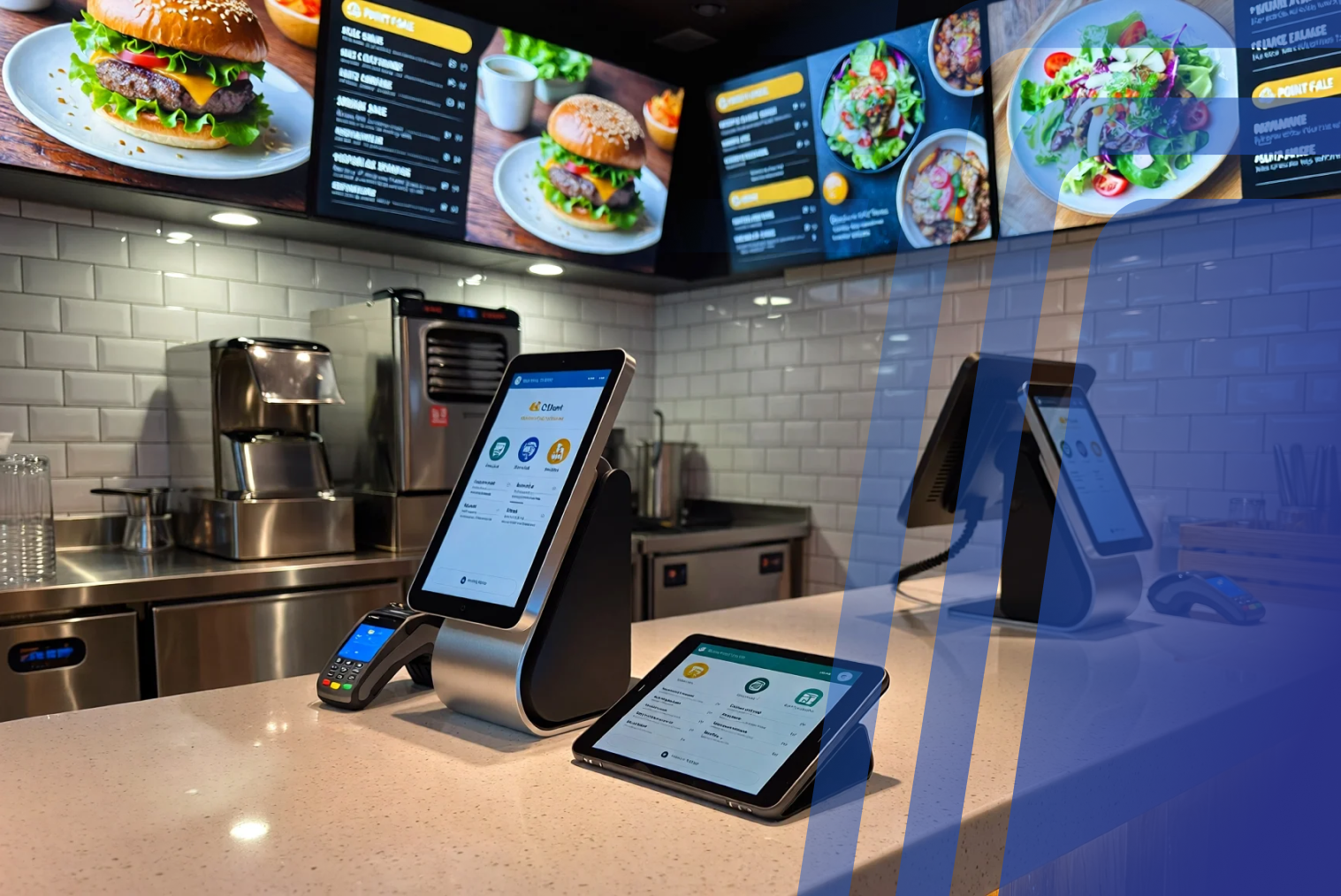
TABIN's restaurant POS system is built specifically for NZ hospitality — native Windcave/Verifone EFTPOS integration, 15% GST handling, NZD pricing, and NZ-hours support. Kiosk, QR ordering, online ordering, and KDS all connect to a single dashboard. One menu update reaches every channel. One report covers every order source.
If your current setup is fragmented and you're ready to see what an integrated platform looks like for your venue, contact the TABIN team to book a demo. Bring your current monthly costs and we'll build a full comparison.
Conclusion
The pos for food business nz decision is a five-to-seven year commitment that shapes every workflow in your venue — from how orders reach the kitchen to how your end-of-week reporting works. Getting it right means evaluating total cost of ownership, not just monthly subscription price, and choosing integration depth over the false economy of three cheaper separate systems.
Switching is less disruptive than it used to be. With proper planning, parallel testing, and a provider that offers NZ-based support on cutover day, most NZ restaurants are running smoothly on their new system within two to four weeks. Talk to TABIN to start that conversation.
Frequently Asked Questions
Q1: How do I compare POS and kiosk providers in NZ?
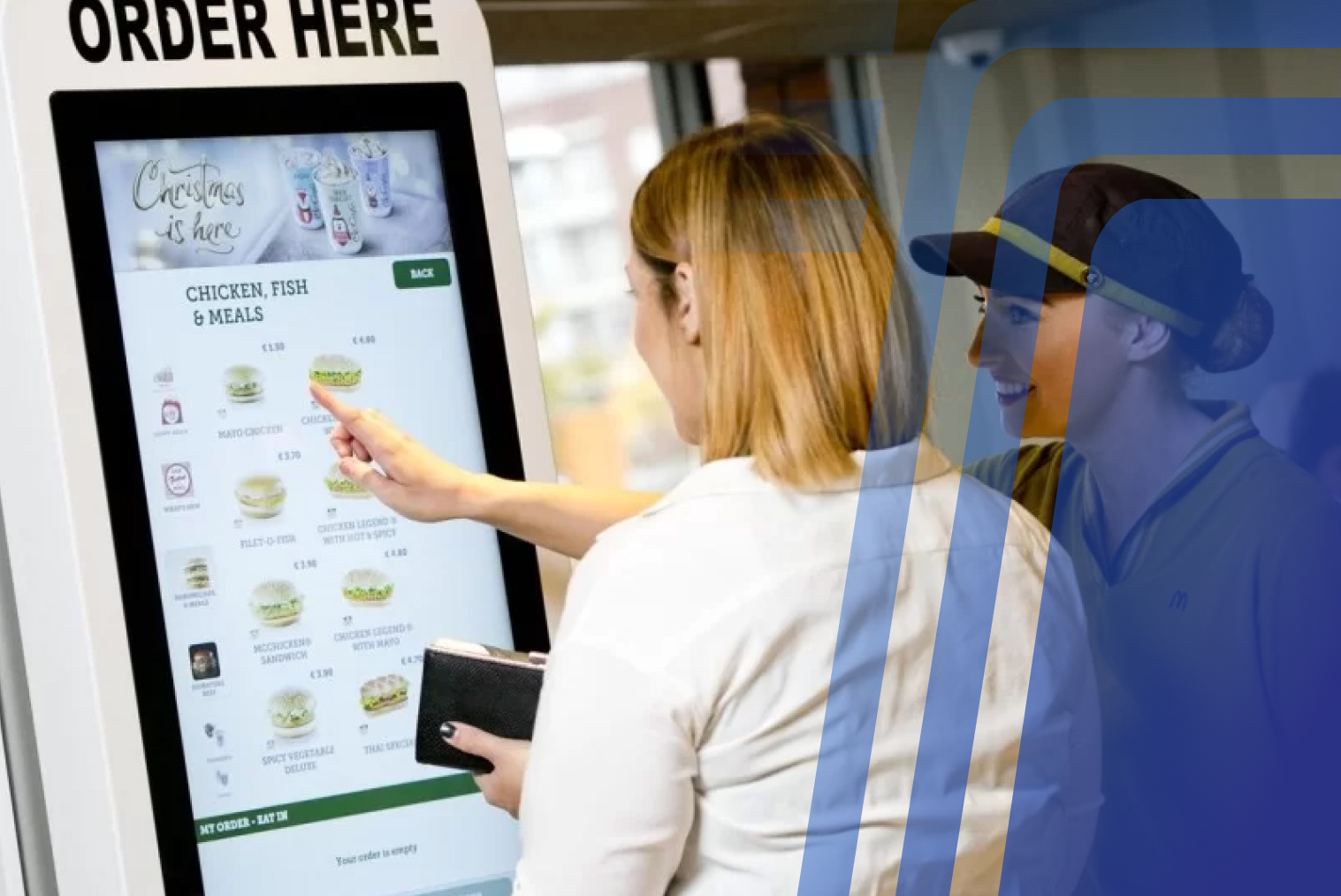
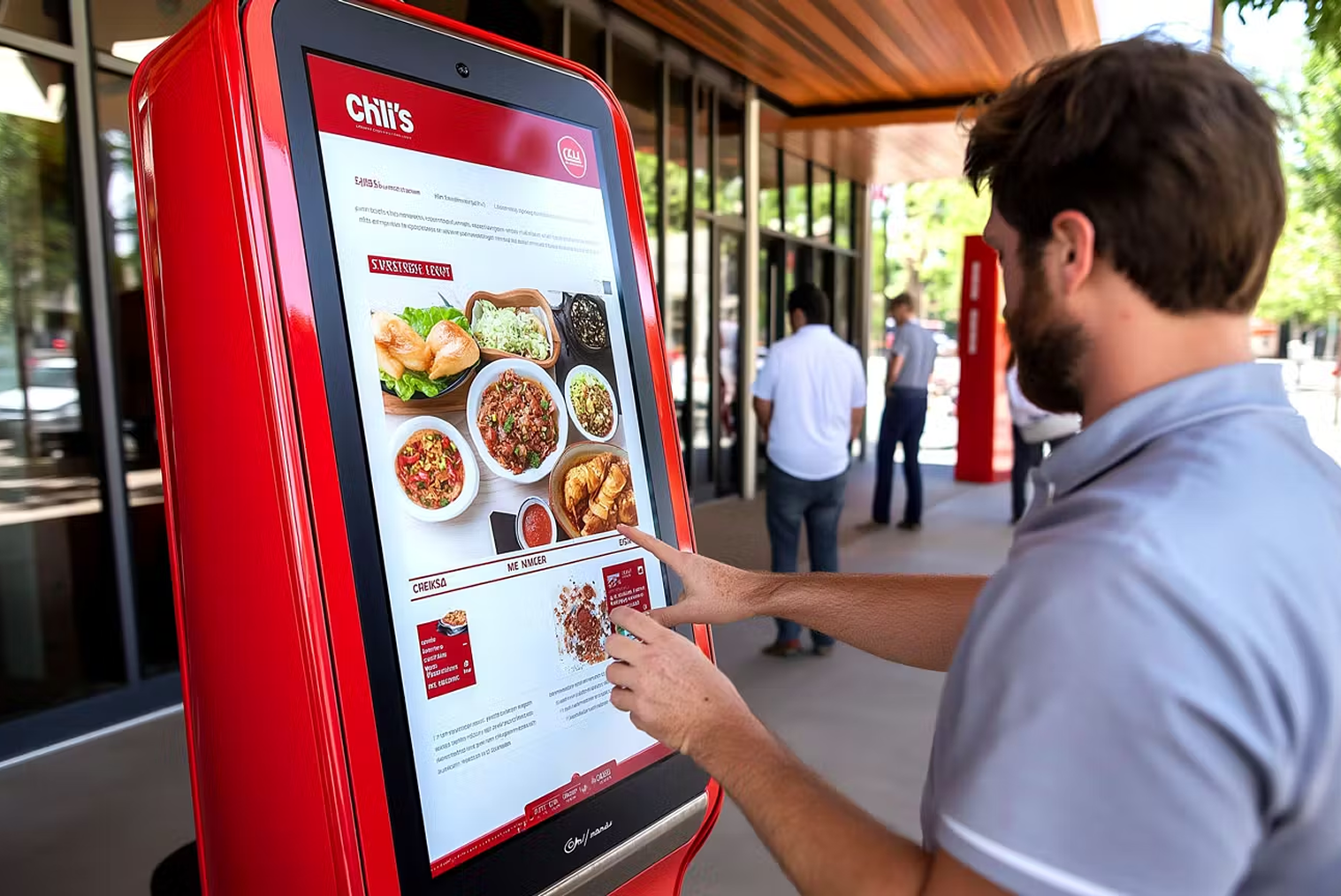
Compare providers across five criteria: native integration (does the POS connect to kiosk, QR, online ordering, and KDS in one system?), NZ-based support during trading hours, transparent NZD pricing (request a line-by-line quote), EFTPOS NZ compliance (Windcave, Verifone, or SmartPay), and scalability for future sites. A hospitality kiosk that doesn't integrate with your POS natively is a separate system to manage — factor that operational cost into your comparison.
Q2: Is it hard to switch POS systems?
Less hard than most operators expect. For a single NZ location, the typical go-live timeline is two to four weeks — including menu setup, hardware install, staff training, and a parallel-running period. The keys to a smooth migration are proper data export before you begin, full system testing before go-live, and scheduling the cutover at your lowest-volume service.
Q3: Will I lose data when changing POS provider?
Not if your migration is properly managed. The critical data to migrate includes menus, modifier structures, customer loyalty balances, and historical sales data. A reputable provider handles the import — but always keep your own verified backup copies before migration begins. Confirm exactly what data the new provider will migrate before signing the contract.
Q4: What should an all-in-one hospitality system include?
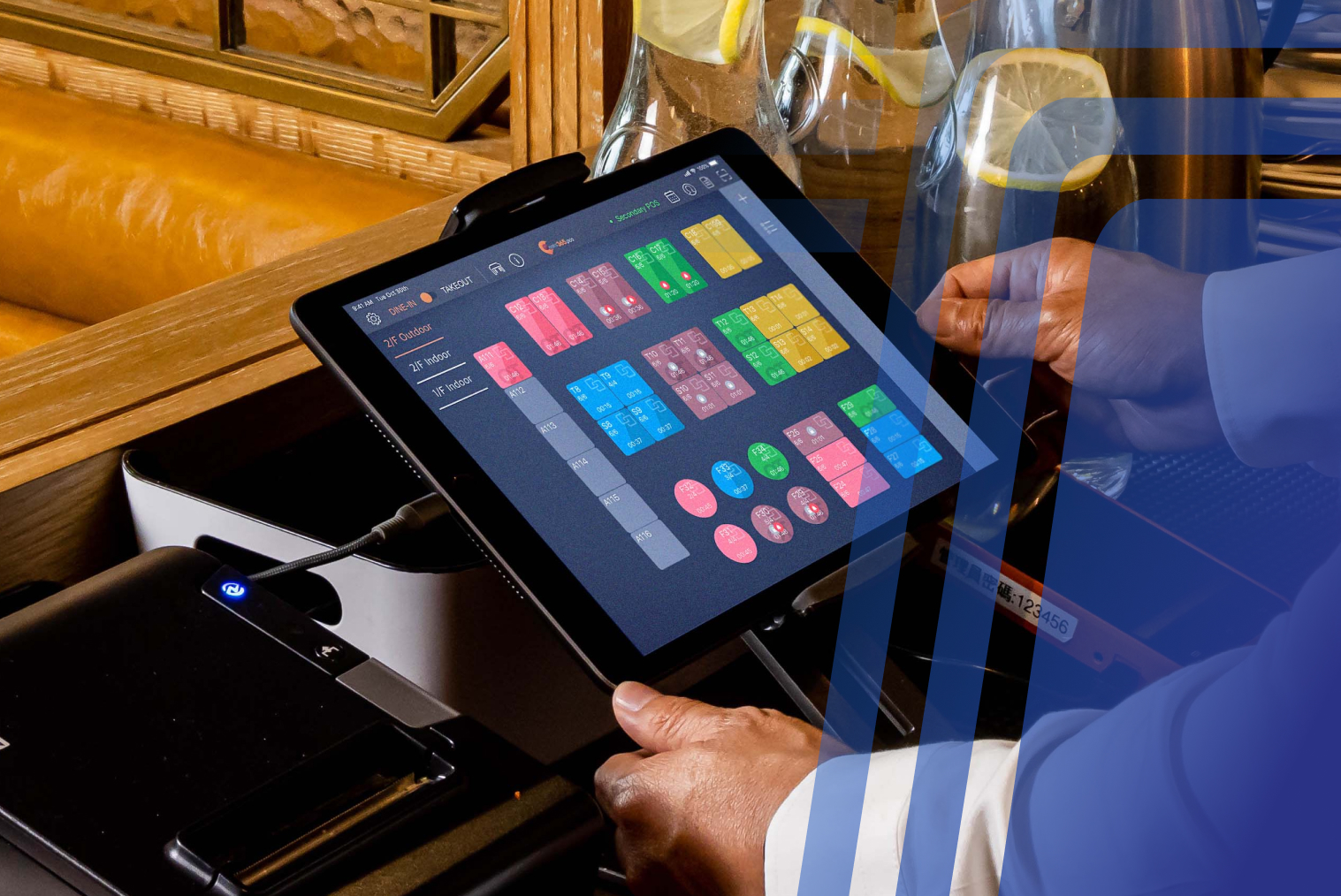
A genuine all-in-one restaurant POS system NZ should include: counter POS, self-ordering kiosk, QR/table ordering, online ordering, kitchen display system (KDS), loyalty programme, EFTPOS NZ integration, and consolidated reporting — all managed from one dashboard. If any of these requires a separate login or generates a separate report, it's a stitched-together system, not a unified one.
Q5: How long does it take to switch to a new POS?
For a single NZ restaurant location, allow two to four weeks from contract signing to confident go-live — including menu configuration, EFTPOS setup, hardware installation, staff training, and a soft-launch period. Multi-location rollouts typically take six to twelve weeks per location wave, ideally scheduled during a slow trading season to minimise impact on service.


.webp)











.png)


















.webp)


