Businesses in retail and restaurants often compare POS vs kiosk systems when upgrading their ordering and payment experience. A POS system helps staff manage orders, payments, and reporting, while a self-service kiosk allows customers to place orders and pay independently. Understanding what is the difference between a POS system and a kiosk is important when deciding which solution fits your business. Comparative factors can be divided into functionality, cost, application scenarios, scalability, and customer experience. Mostly, POS systems are needed for the backend part of operations, while kiosks enhance the front-end process; hence, a lot of companies can use both simultaneously.
What Is a POS System?
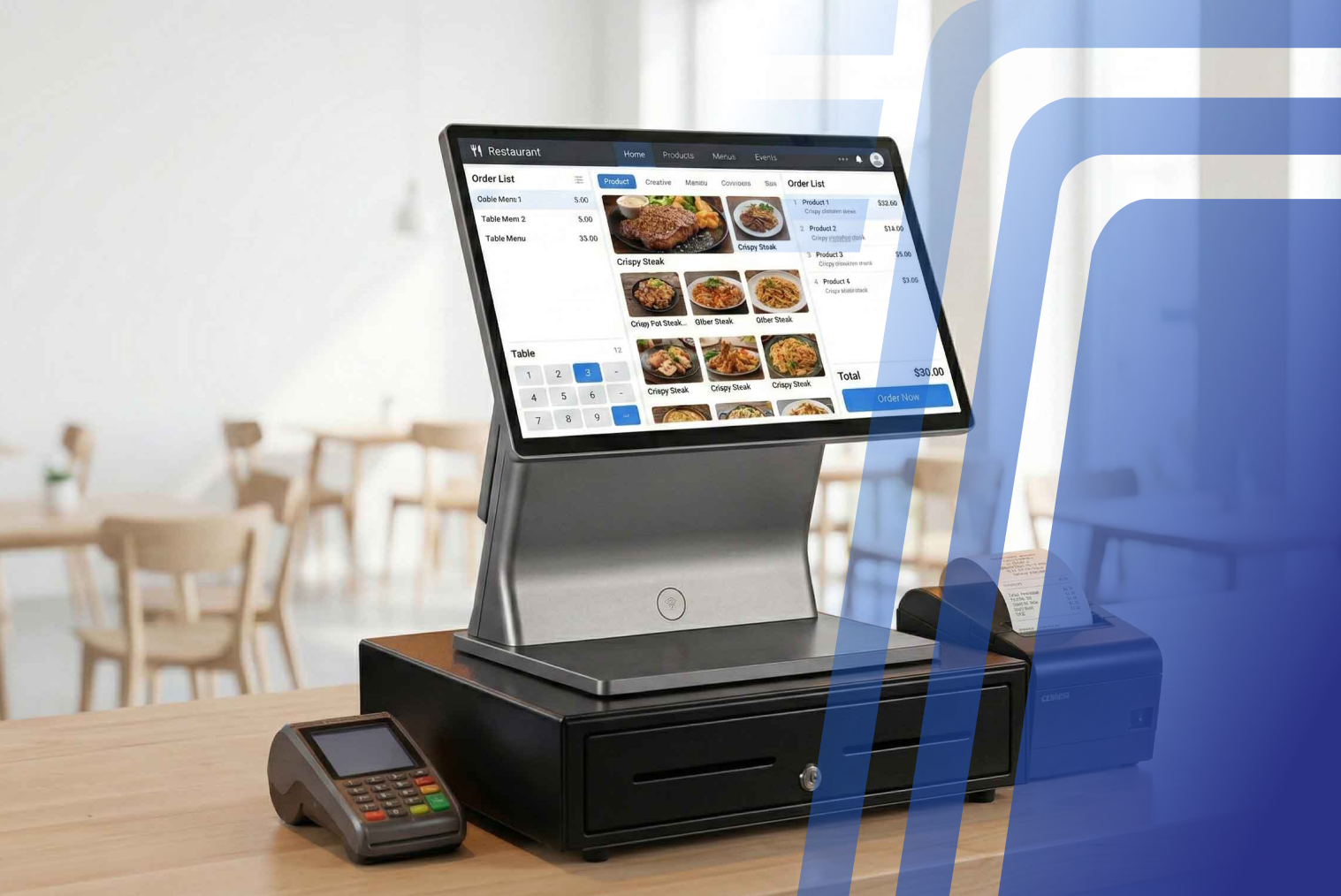
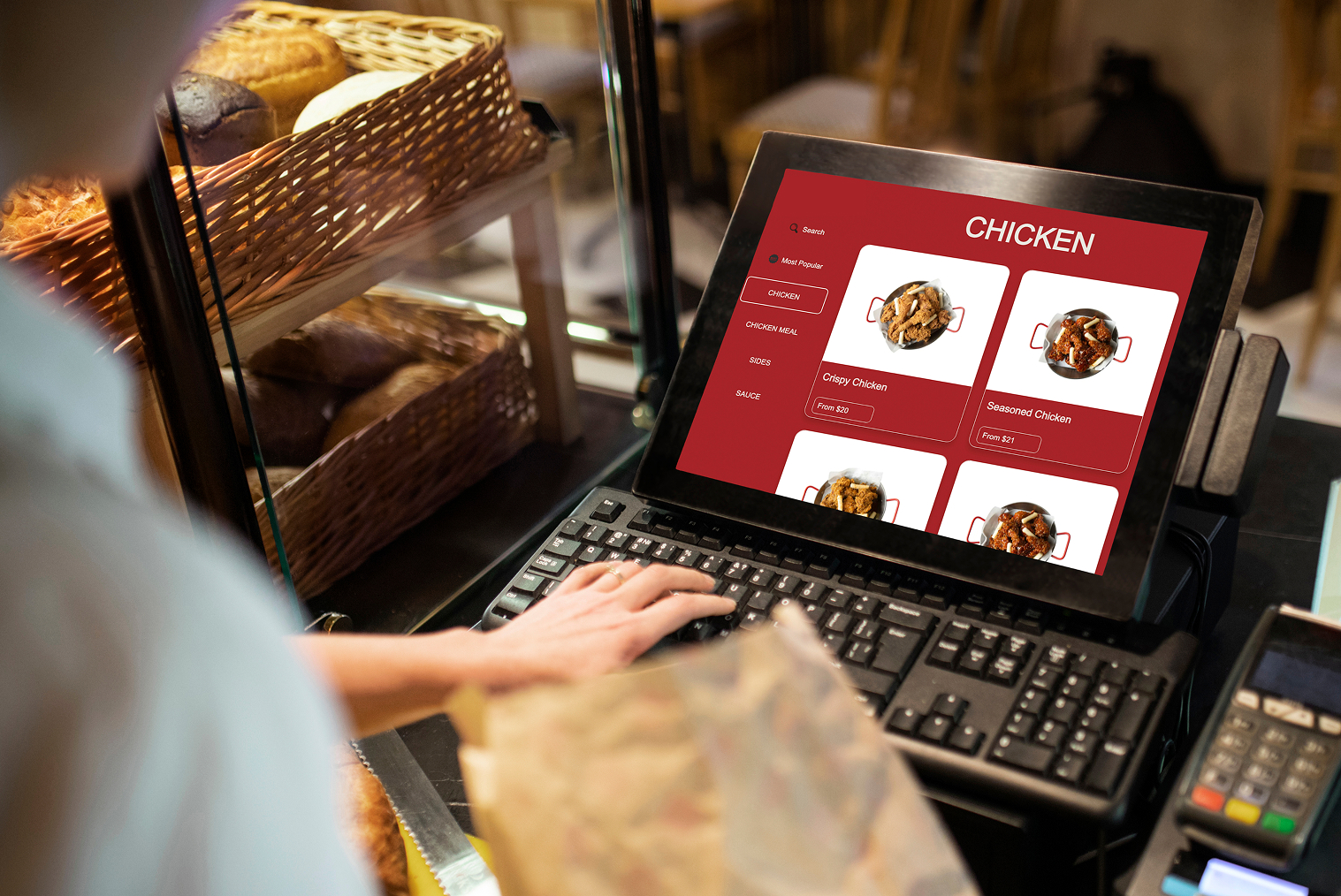
A POS (Point of Sale) system is the central software and hardware used by businesses to process transactions, manage sales, and track operations.
Typical POS system features include:
- Order management
- Payment processing
- Inventory tracking
- Sales reporting
- Staff management
- Customer data tracking
- Receipt printing
POS systems are commonly used in:
- Restaurants
- Retail stores
- Cafés
- Supermarkets
- Service businesses
According to Statista, the global POS software market is projected to exceed $42 billion by 2027, showing how essential POS systems are for modern businesses.
POS systems are designed primarily for staff use rather than direct customer interaction.
What Is a Self-Service Kiosk?
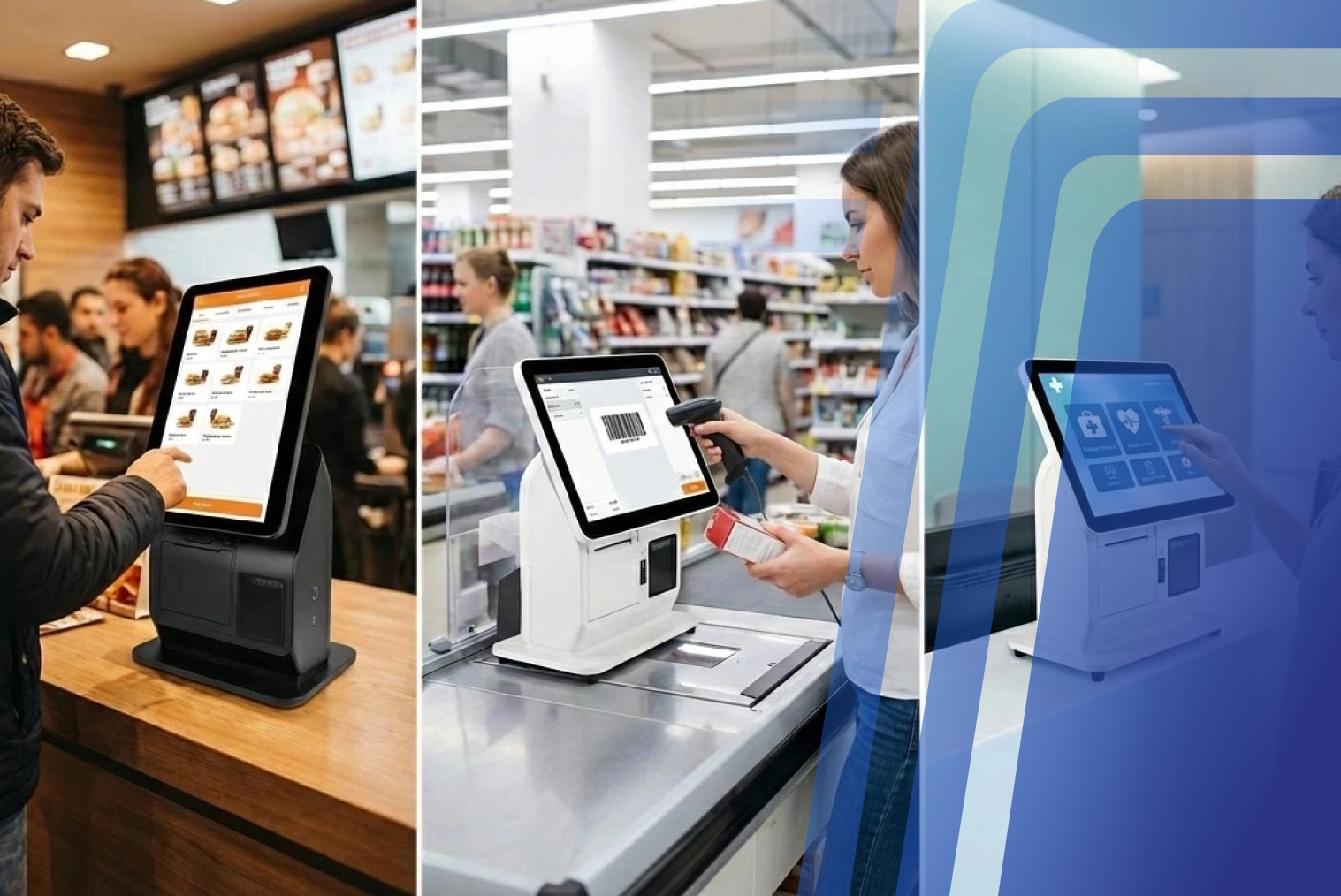
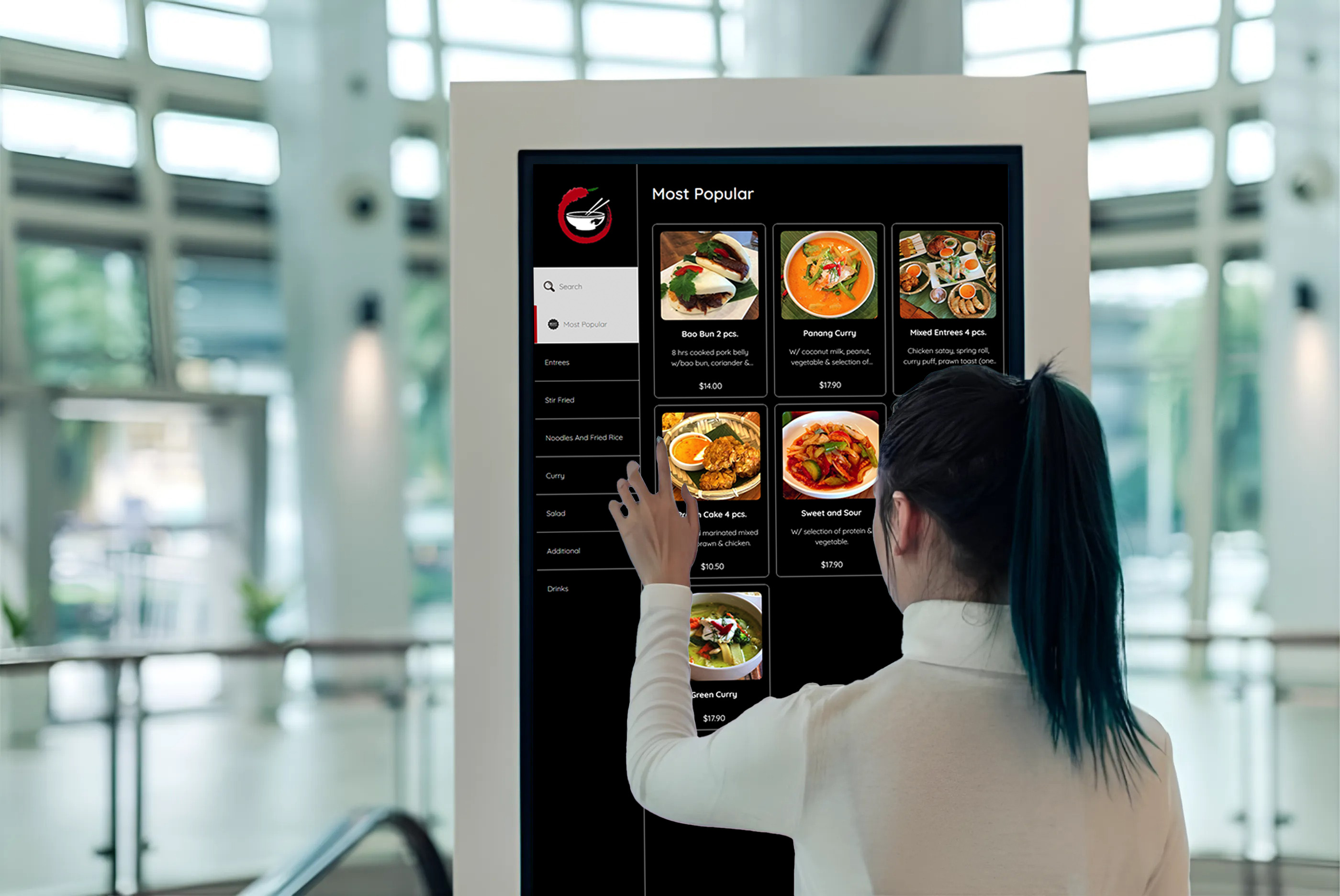
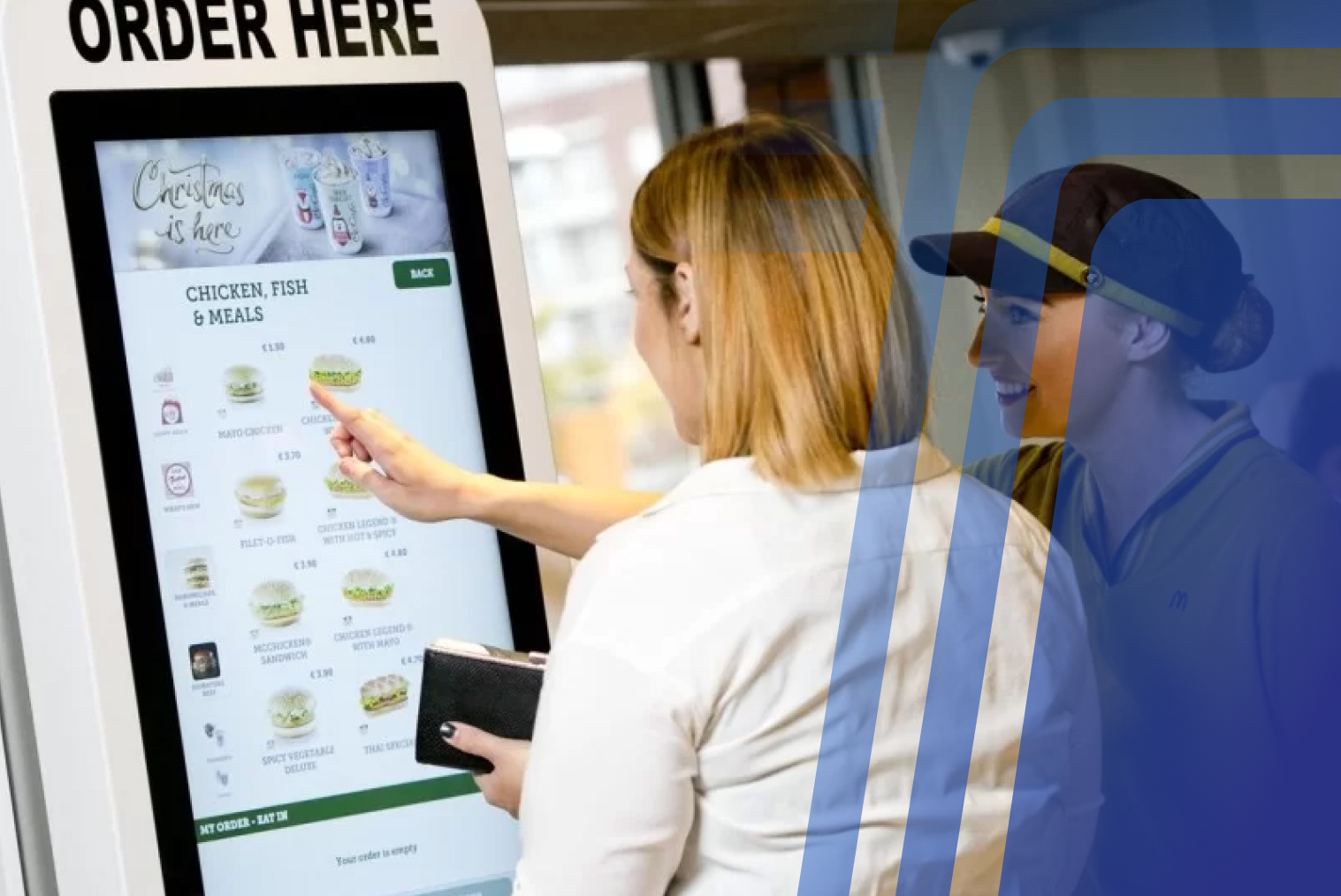
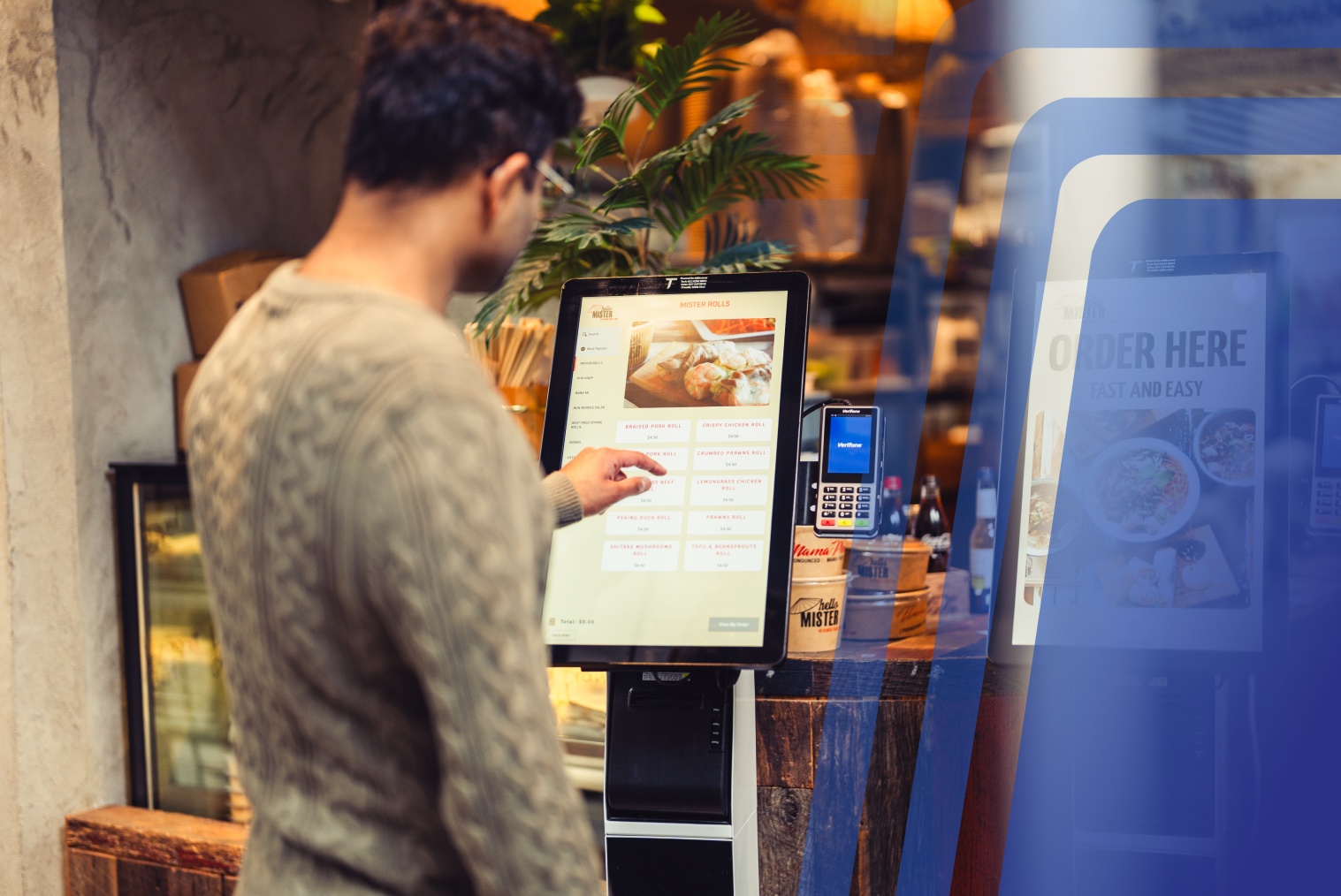
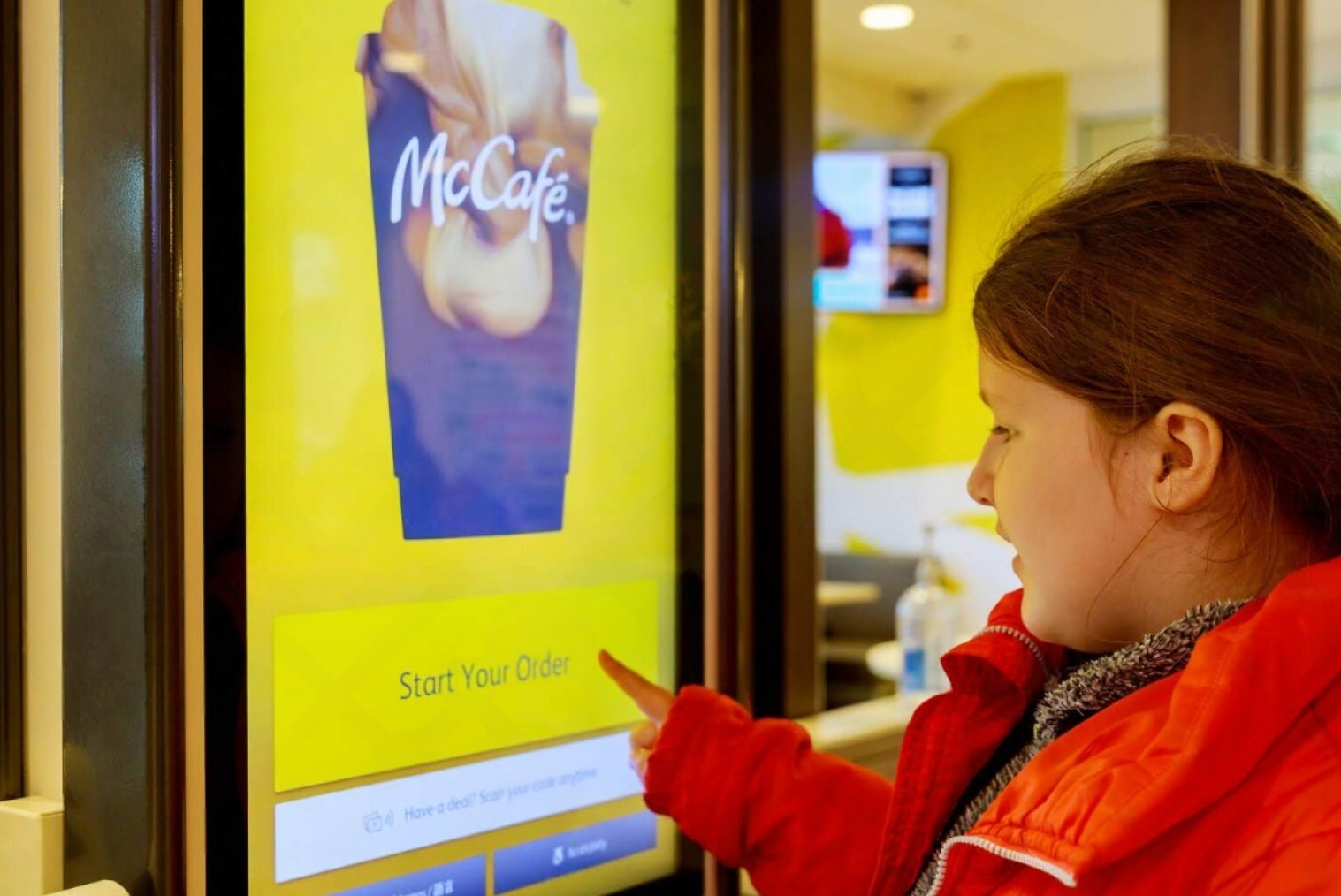
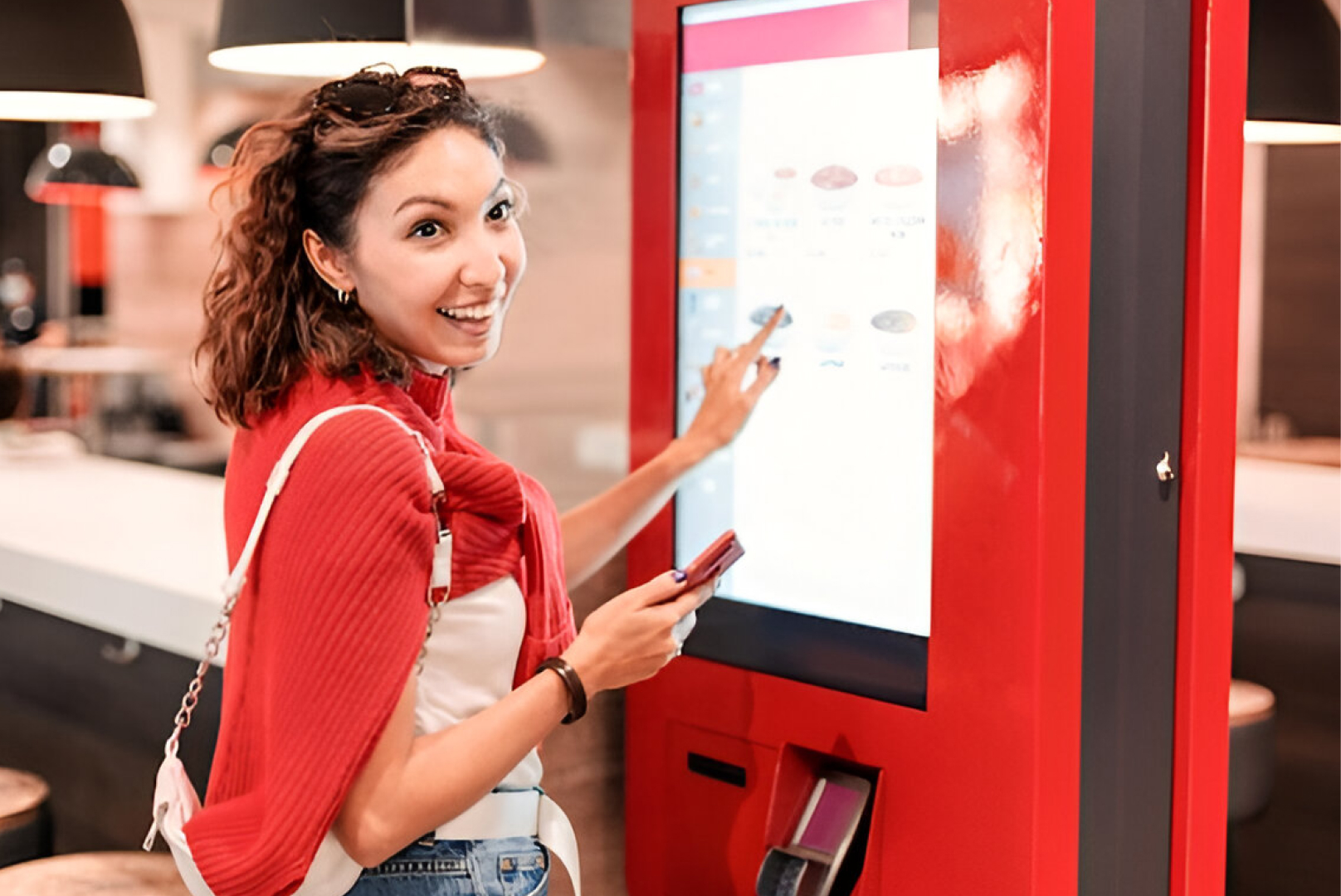
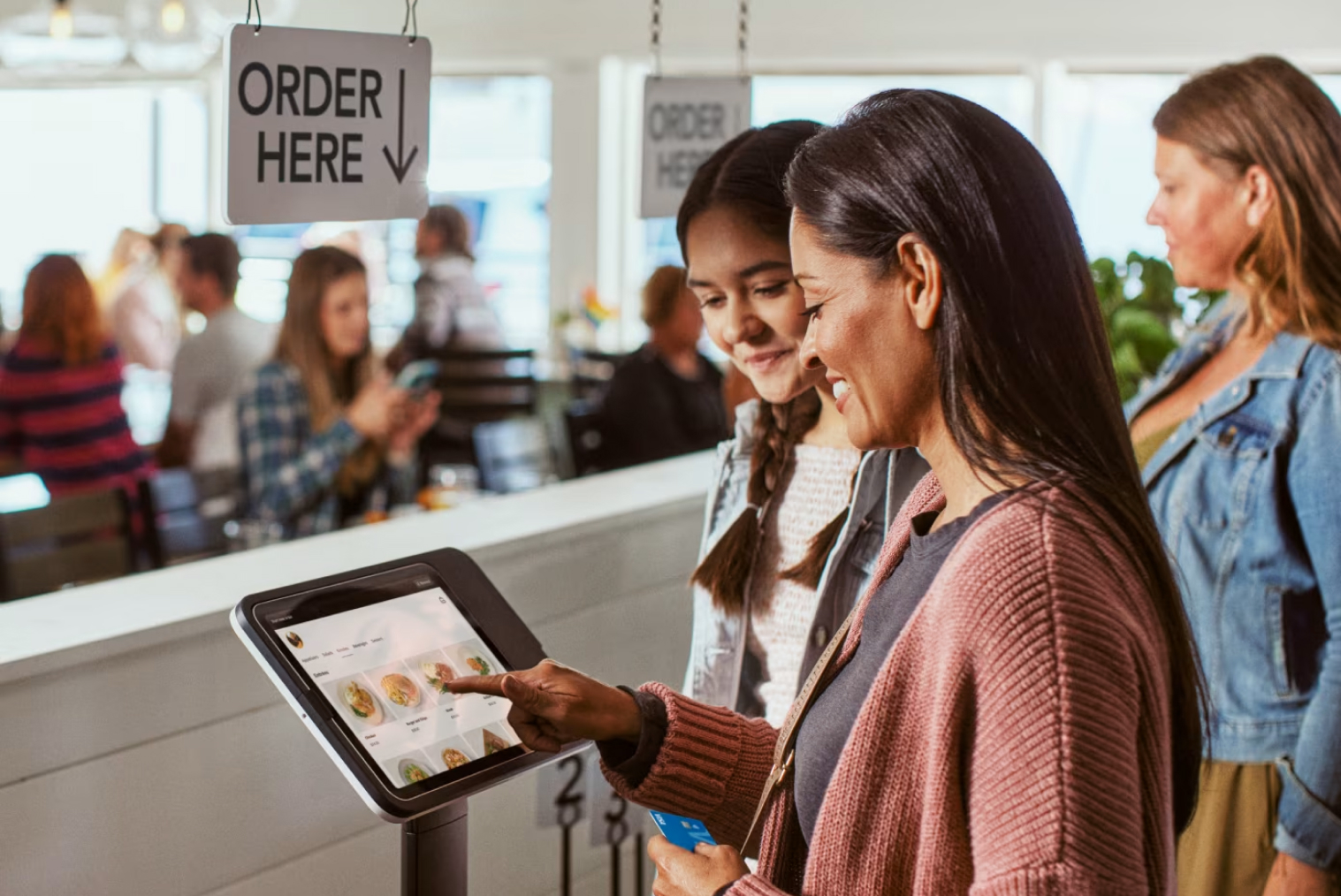
A self-service kiosk is a touchscreen device that allows customers to place orders and make payments without staff assistance.
Kiosks typically include:
- Digital menu browsing
- Product selection
- Order customization
- Payment processing
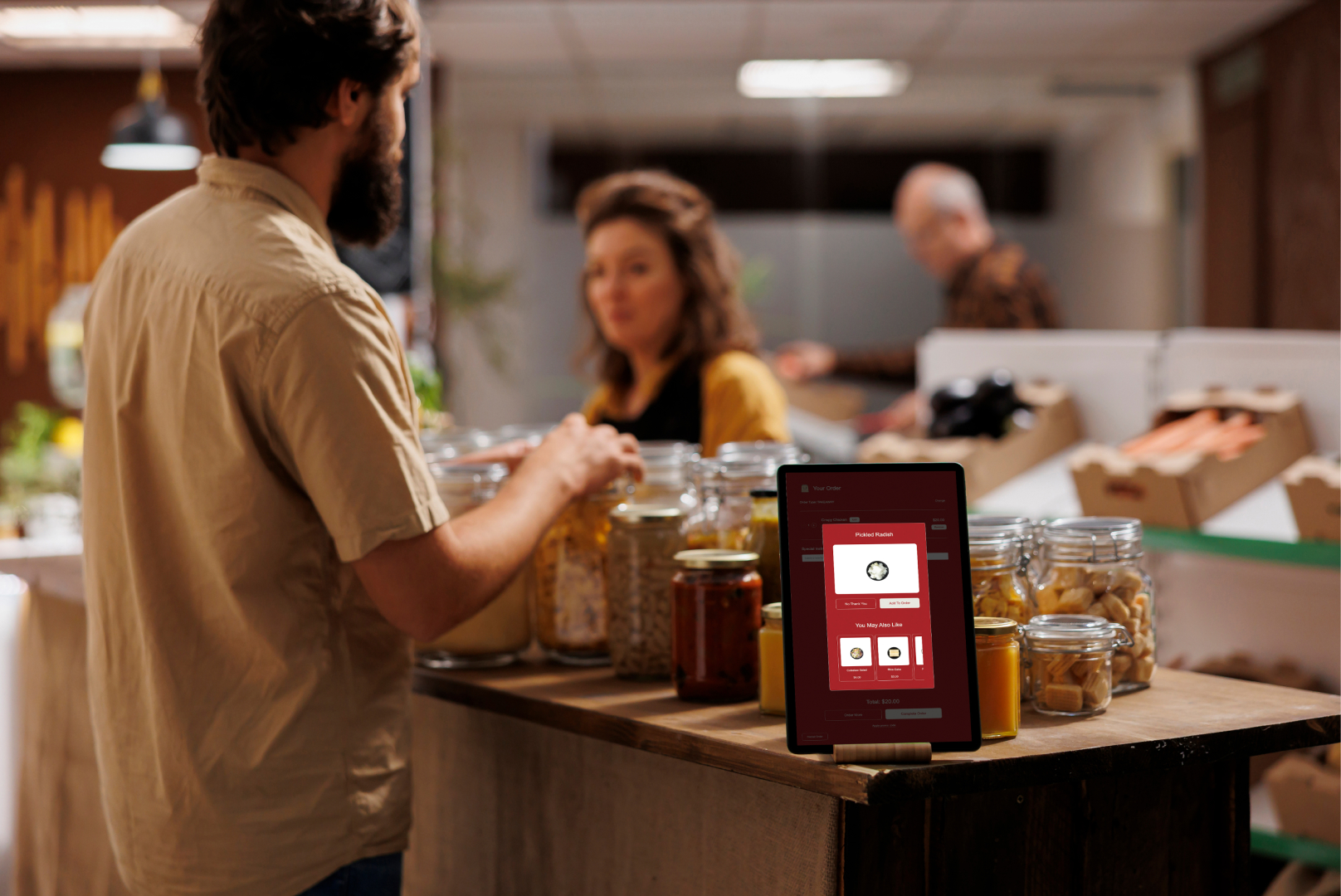
- Upselling prompts
- Order number display
Kiosks are widely used in:
- Quick-service restaurants
- Takeaway shops
- Food courts
- Retail self-checkout
- Cinemas
- Airports
Research from Tillster shows that self-service kiosks can increase average order value by up to 30% because customers spend more time exploring menu options.
POS vs Kiosk: Key Differences Explained
The key difference between a POS system and a kiosk is that POS systems are designed for staff to manage orders, payments, and operations, while kiosks are customer-facing devices that allow users to place orders and pay independently. A POS system acts as the backend control center for sales, reporting, and inventory, whereas a kiosk focuses on improving front-end ordering speed and reducing queues. Many businesses use POS systems for operational management and kiosks to enhance customer experience.
When comparing pos vs kiosk, the main difference is who uses the system.
| Feature |
POS System |
Self-Service Kiosk |
| Primary User |
Staff |
Customers |
| Main Function |
Order & payment management |
Self-ordering & self-payment |
| Interaction Type |
Staff-assisted |
Customer self-service |
| Upselling |
Depends on staff |
Automated suggestions |
| Queue Reduction |
Limited |
High impact |
| Customer Control |
Staff enters order |
Customer enters order |
| Scalability |
Add terminals & staff |
Add kiosks without hiring |
| Order Accuracy |
Human input errors possible |
Customer-controlled orders |
| Best Use Case |
Backend operations |
Front-end ordering |
This table clearly explains what is the difference between a POS system and a kiosk.
Pros and Cons of POS Systems
POS systems form the core of operations in restaurants and retail. Businesses can use POS to perform transactions, keep inventory, make various reports, and evaluate daily performance. Although the POS is critical for the back end, it requires employee involvement in customer interactions, which may cause delays during peak times.
Advantages of POS Systems
POS systems provide strong operational control and are suitable for nearly all business types. Key benefits include:
- Centralized sales and transaction management
- Inventory tracking and stock control
- Staff management and permissions
- Detailed reporting and analytics
- Integration with payment gateways
- Suitable for both retail and restaurant environments
These advantages make POS systems a necessary tool for managing business operations effectively.
Limitations of POS Systems
Despite their benefits, POS systems do not fully optimize customer ordering, especially in high-traffic environments. Some limitations include:
- Requires staff to take every order
- Slower service during peak hours
- Limited automated upselling
- Higher dependency on labour
- Queues form when customer volume increases
Because of these limitations, many businesses complement POS systems with kiosks.
Pros and Cons of Self-Service Kiosks
The idea of kiosks is to enhance front-end services by enabling clients to independently make payments. Kiosks save time, eliminate mistakes made by cashiers and employees, increase sales, but require an investment.
Advantages of Self-Service Kiosks
Self-service kiosks improve operational efficiency and customer experience, especially in high-volume businesses. Major benefits include:
- Faster ordering and reduced wait times
- Automated upselling suggestions
- Increased average order value
- Improved order accuracy
- Reduced pressure on staff
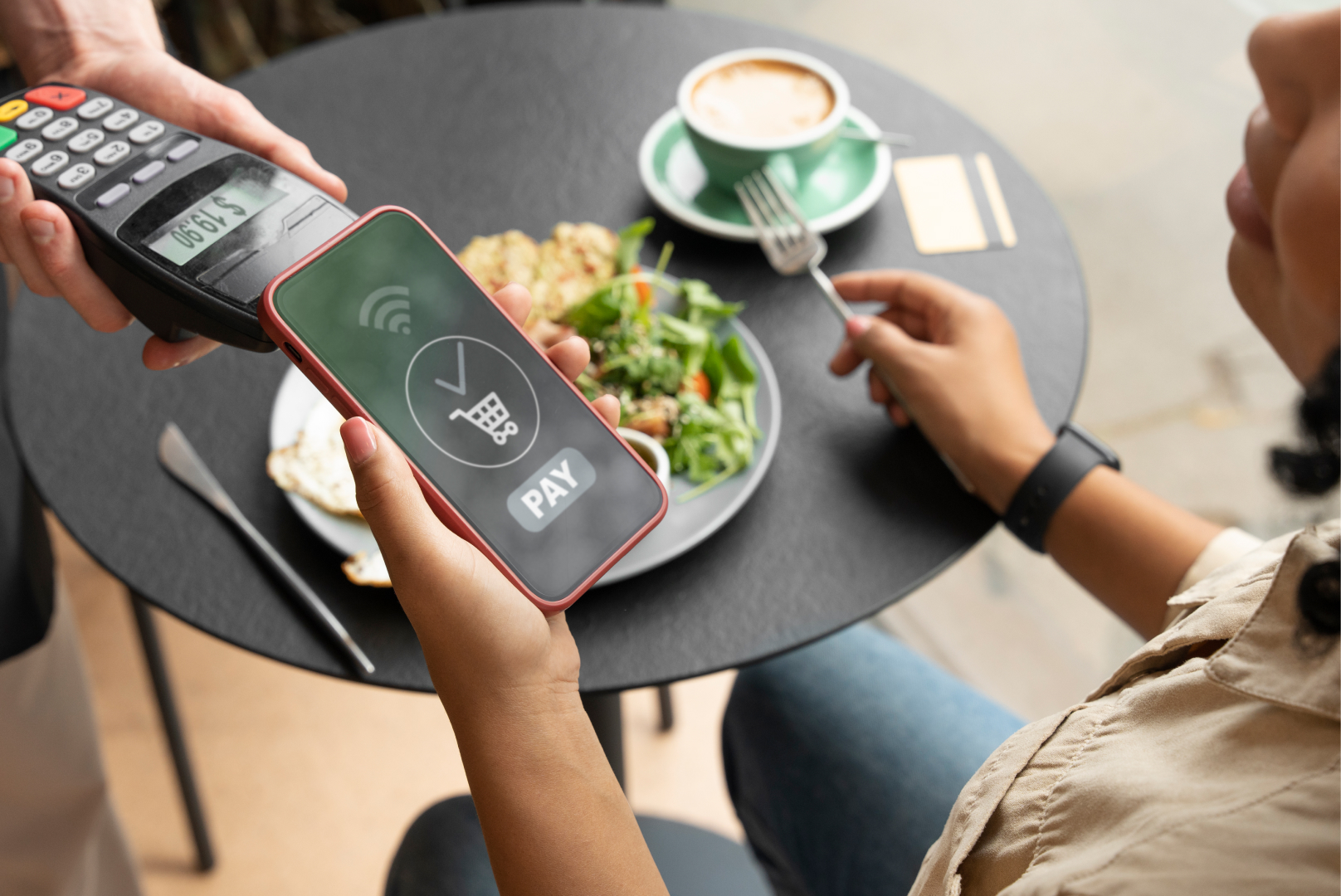
- Contactless and digital payments
- Scalable for business growth
These benefits make kiosks ideal for quick-service restaurants and busy retail environments.
Limitations of Self-Service Kiosks
While kiosks offer strong advantages, there are some considerations:
- Higher upfront investment compared to POS
- Requires integration with POS system
- Some customers prefer staff interaction
- Requires space for installation
- Staff needed for occasional assistance
With proper planning, most of these challenges can be easily managed.
POS vs Kiosk: Which One Is Better for Your Business?
When comparing POS vs kiosk, it’s important to understand that both systems serve different purposes.The main difference between POS and kiosks is that a POS system controls backend operations and kiosks are used for front-end customer ordering services.
Businesses that benefit most from POS systems include:
- Full-service restaurants
- Small retail stores
- Service-based businesses
- Low customer volume environments
In these cases, staff-assisted ordering is sufficient and kiosks may not be necessary.
On the other hand, kiosks are better suited for businesses with high customer traffic, such as:
- Quick-service restaurants
- Takeaway outlets
- Food courts
- Cafés
- High-volume retail stores
These businesses benefit from faster ordering, reduced queues, and improved efficiency.
In reality, many businesses achieve the best results by combining both systems. POS handles reporting, payments, and inventory, while kiosks handle customer ordering and upselling. This integrated approach improves both operational control and customer experience.
Cost Breakdown: POS vs Kiosk
Cost is one of the biggest factors when comparing POS and kiosk. POS systems typically have lower upfront costs, while kiosks require higher initial investment but offer long-term savings through automation.
POS System Costs
POS systems usually involve subscription-based pricing along with hardware costs. Common expenses include:
- POS software subscription
- POS terminal hardware
- Receipt printer
- Cash drawer
- Payment processing fees
Although POS systems are more affordable initially, they require staff to operate, which increases long-term labour costs.
Kiosk Costs
Self-service kiosks involve higher upfront investment but reduce staffing dependency over time. Typical costs include:
- Touchscreen kiosk hardware
- Kiosk software license
- Payment terminal integration
- POS integration
- Installation and setup
While kiosks may cost more initially, businesses often recover the investment through increased order value, improved efficiency, and reduced labour requirements. For high-volume businesses, kiosks typically deliver stronger ROI compared to relying only on POS systems.
Industry reports suggest that self-service kiosks allow restaurants to operate with fewer front-of-house staff, helping reduce payroll and long-term operational costs.
This makes kiosks attractive for high-volume businesses.
Conclusion: POS vs Kiosk — Do You Need One or Both?
When comparing pos and kiosk, it’s important to understand that these systems serve different purposes. POS systems manage business operations, while kiosks improve customer ordering and reduce queues.
POS systems are essential for backend management, while kiosks enhance front-end efficiency and increase order value.
For most restaurants and retail businesses, the best solution is not choosing one over the other but using both together. This creates a complete system that improves operations, reduces labour pressure, and enhances customer experience.
Frequently Asked Questions (FAQs)
Q1. Can POS systems and kiosks work together in a restaurant or retail store?
Yes. Most modern kiosks integrate directly with POS systems. Orders placed at kiosks are automatically sent to the POS and kitchen, creating a seamless workflow.
Q2. Are kiosks more expensive than POS systems?
Kiosks usually have higher upfront costs, but they can reduce labour expenses and increase order value, providing better long-term ROI.
Q3. Which businesses benefit more from kiosks?
Quick-service restaurants, takeaway shops, food courts, cafés, and high-traffic retail stores benefit the most from kiosk systems because they handle large customer volumes.


.webp)













.png)



















.webp)


