Running a small café demands a POS system that goes well beyond processing payments. The right café POS handles fast coffee modifier entry, integrates with EFTPOS NZ, tracks inventory in real time, manages staff access, and connects to your kitchen display and self-ordering kiosk. In NZ, hardware typically costs NZD $1,500–$5,000 upfront with software at $50–$150/month. This guide walks you through exactly what to look for before you buy.
Introduction
Running a small café is about speed, consistency, and customer experience. Whether you're managing a morning coffee rush or tracking daily sales, the right café POS system can significantly impact how smoothly your business operates.
A modern café POS system goes far beyond billing. It becomes the control centre for orders, payments, inventory, and staff management. Choosing the best POS for café operations ensures your business can grow without adding unnecessary complexity or cost.
This guide explains what to look for when selecting the right café POS software, especially for cafés aiming to improve efficiency, accuracy, and customer satisfaction.
What Is a Café POS System?
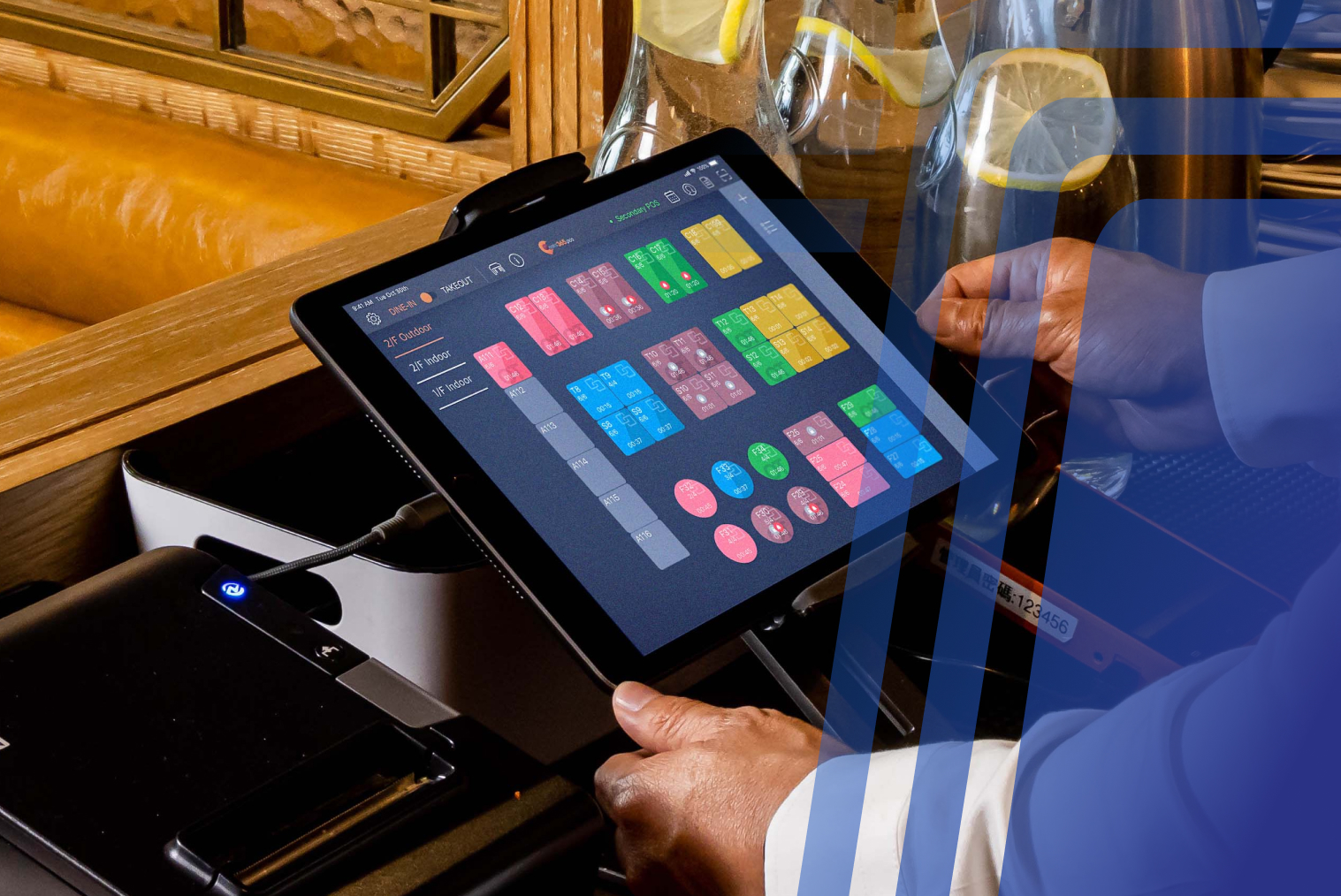
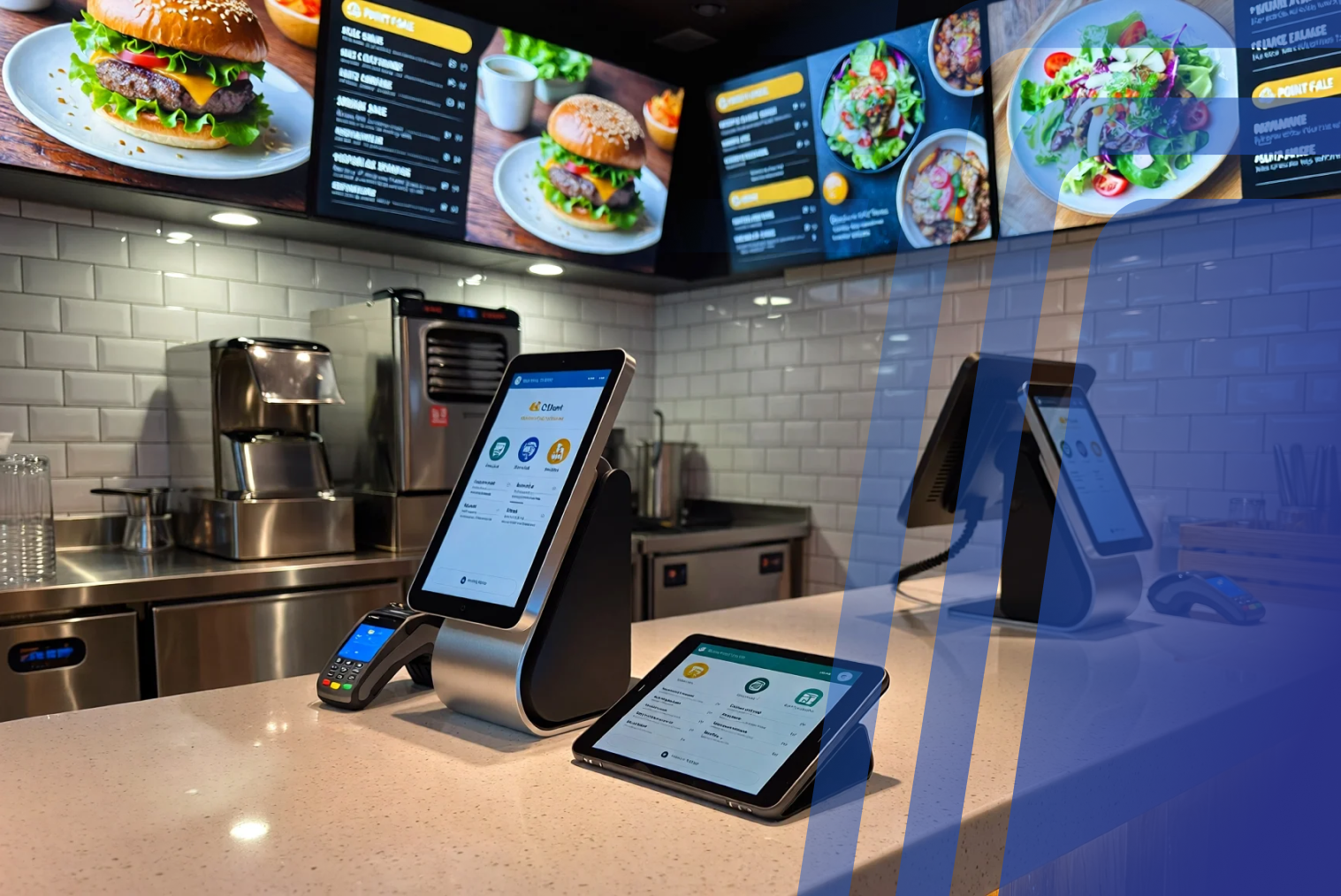
A café POS system is an integrated digital platform for handling customer orders, processing payments, tracking inventory, and generating business insights. Unlike a traditional cash register, a modern café POS is cloud-based, hospitality-specific, and designed to manage the unique demands of a high-volume beverage and food environment.
For small cafés, a well-designed POS system helps:
- Speed up ordering and checkout
- Reduce order errors through digital confirmation
- Track stock and ingredient usage in real time
- Manage staff shifts and access permissions
- Analyse sales trends and peak-hour patterns
This makes café POS software an essential operational tool — not a luxury. Cloud-based POS systems used in hospitality consistently outperform legacy systems on speed, reporting accuracy, and integration depth.
How a Café POS System Works (Step by Step)
A café POS system acts as the central hub that connects ordering, payments, inventory, and reporting into one streamlined workflow.
Step 1: Order Placement
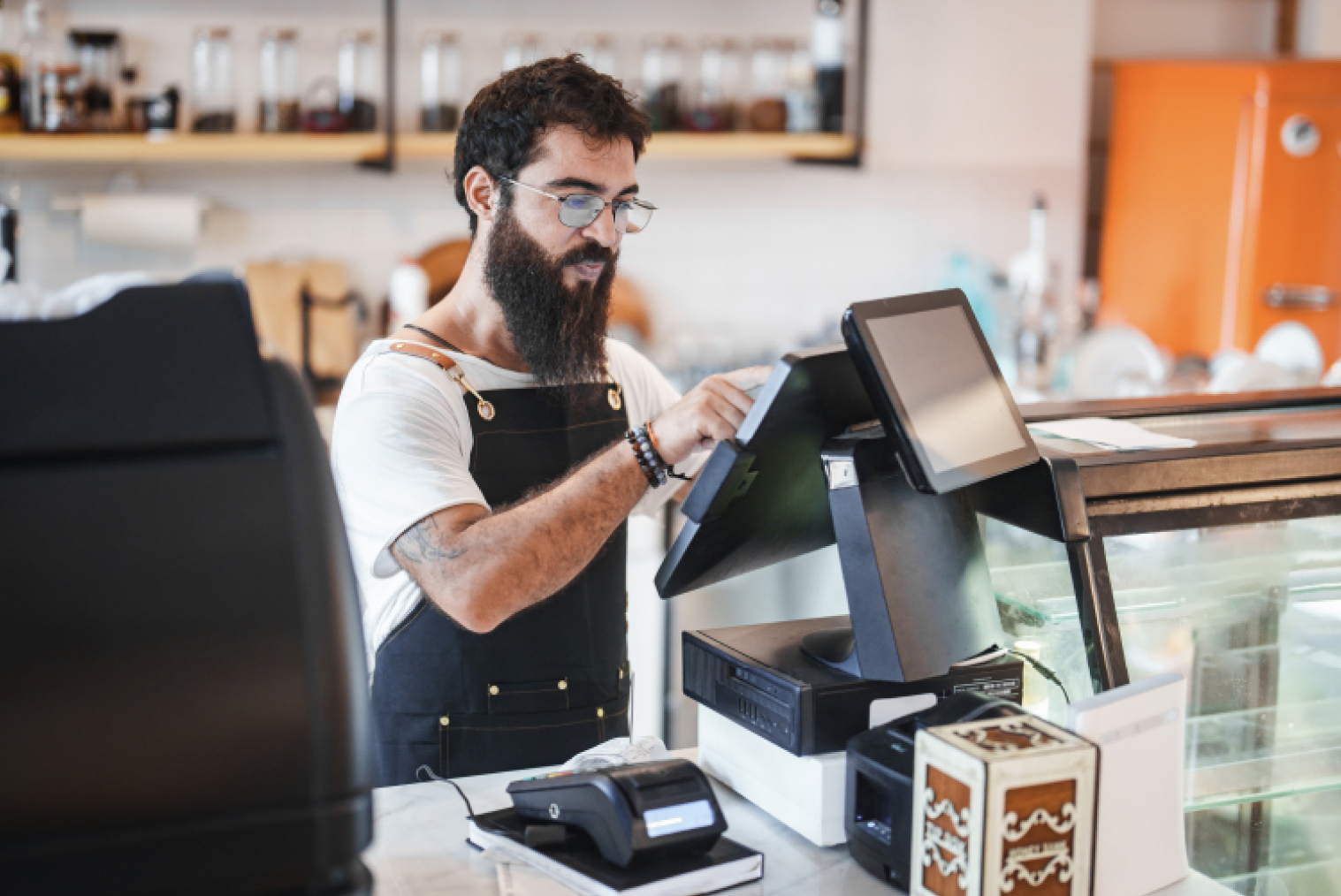
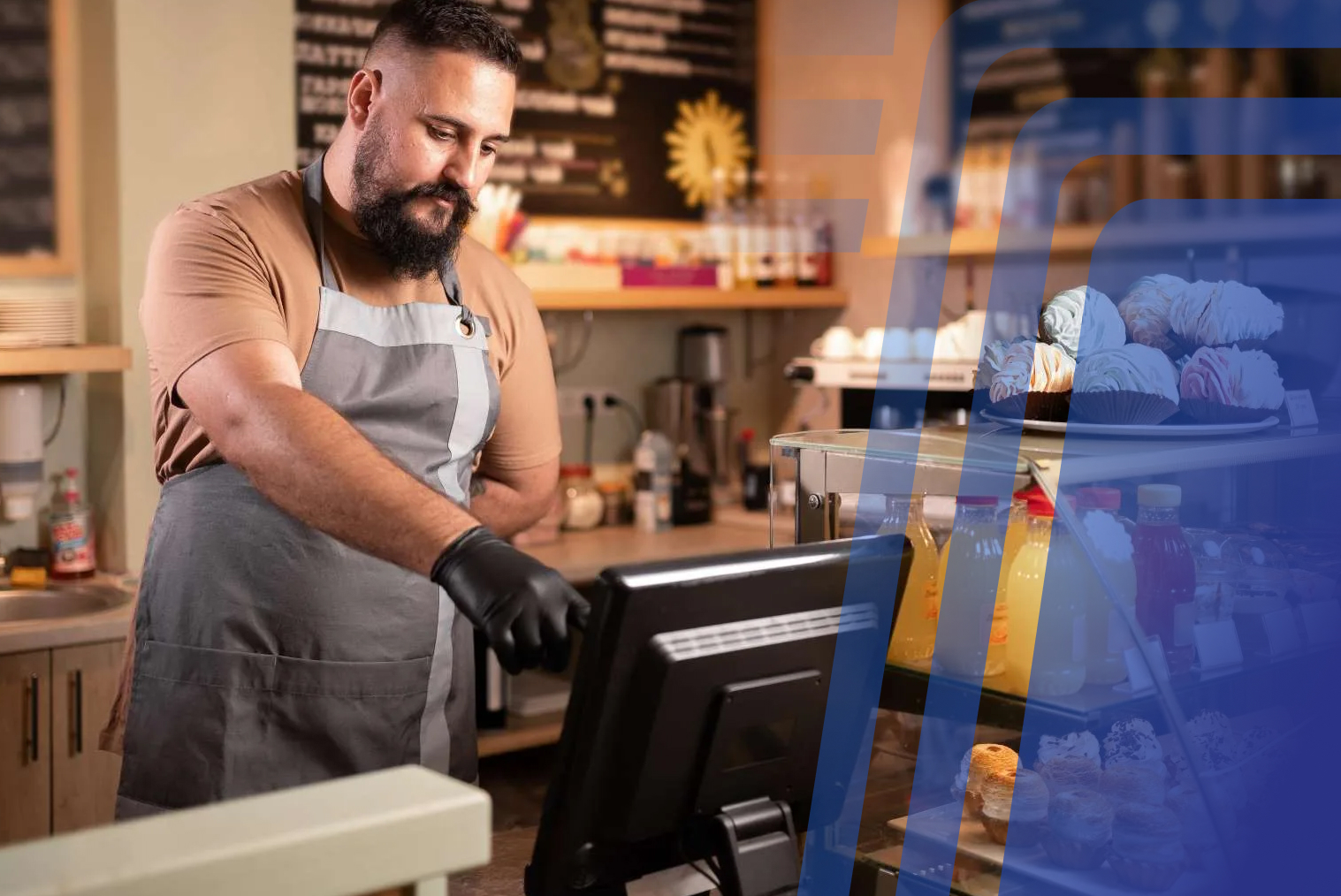
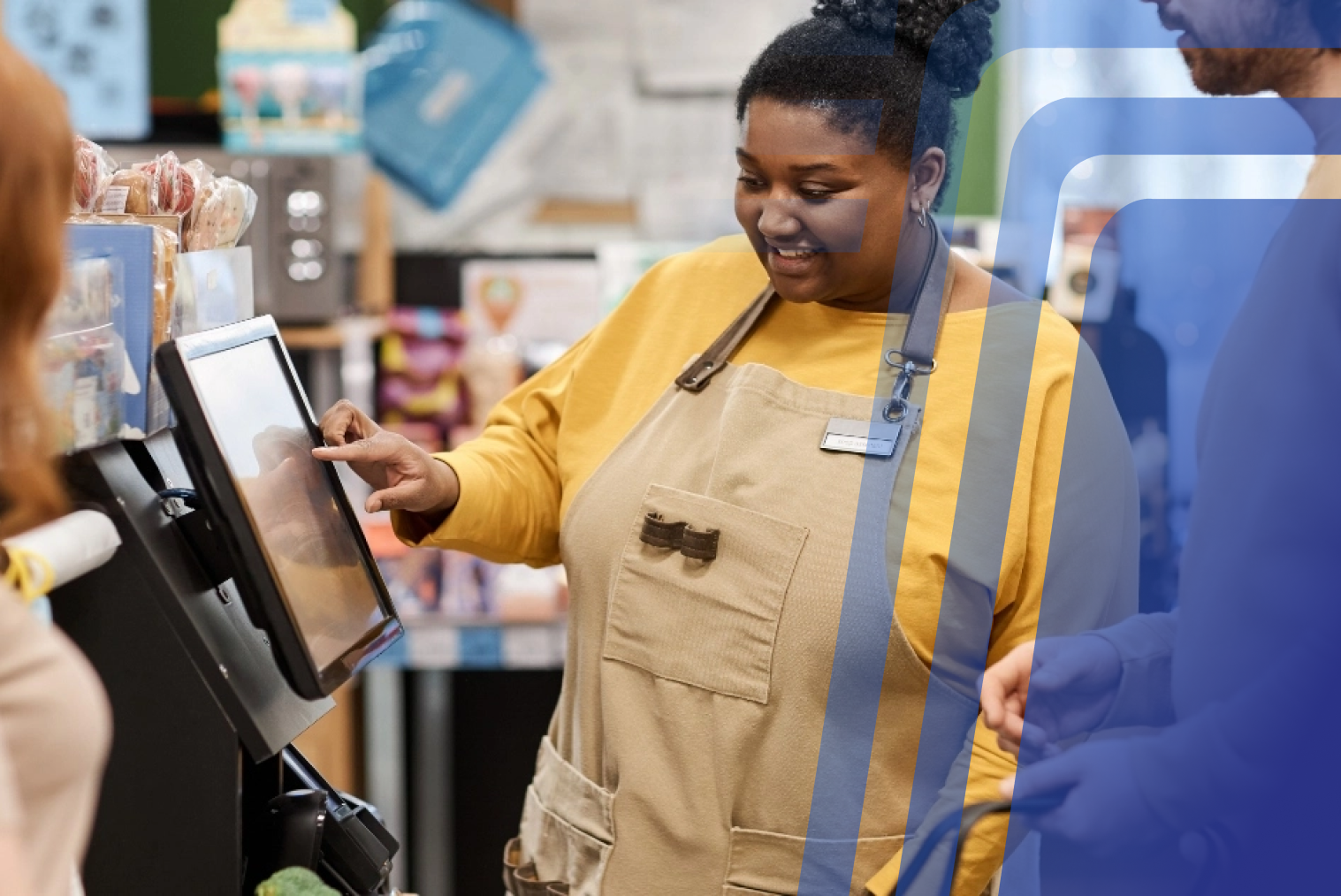
Orders are entered into the POS either by counter staff or directly by customers using self-ordering features. This ensures accurate capture of choices, modifications, and quantities from the moment the order is placed.
Step 2: Order Processing and Kitchen Communication
Once confirmed, the order is sent automatically to the kitchen display system (KDS) or receipt printer. This removes the verbal relay step, ensuring accurate and immediate communication between front-of-house and kitchen.
Step 3: Payment Handling
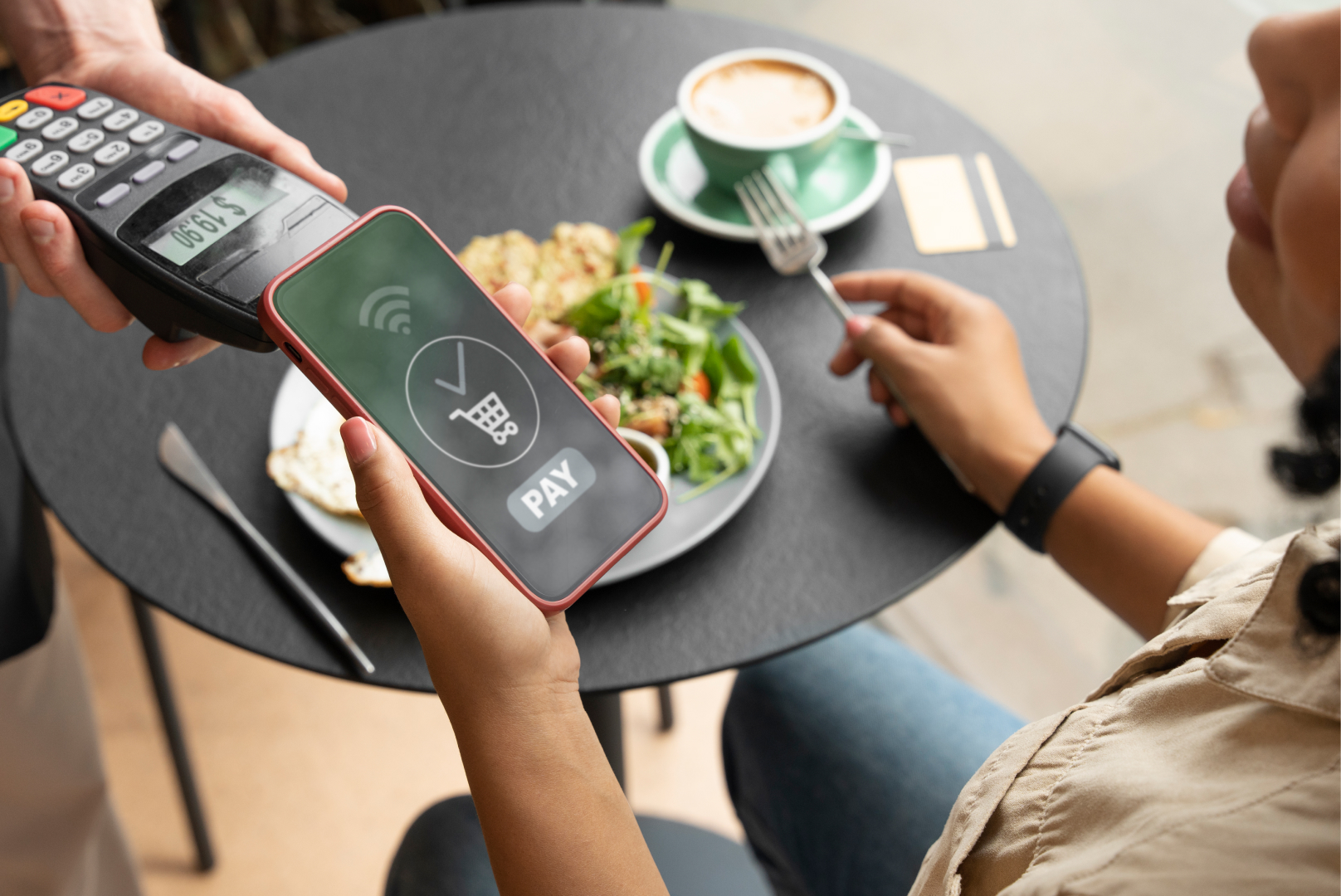
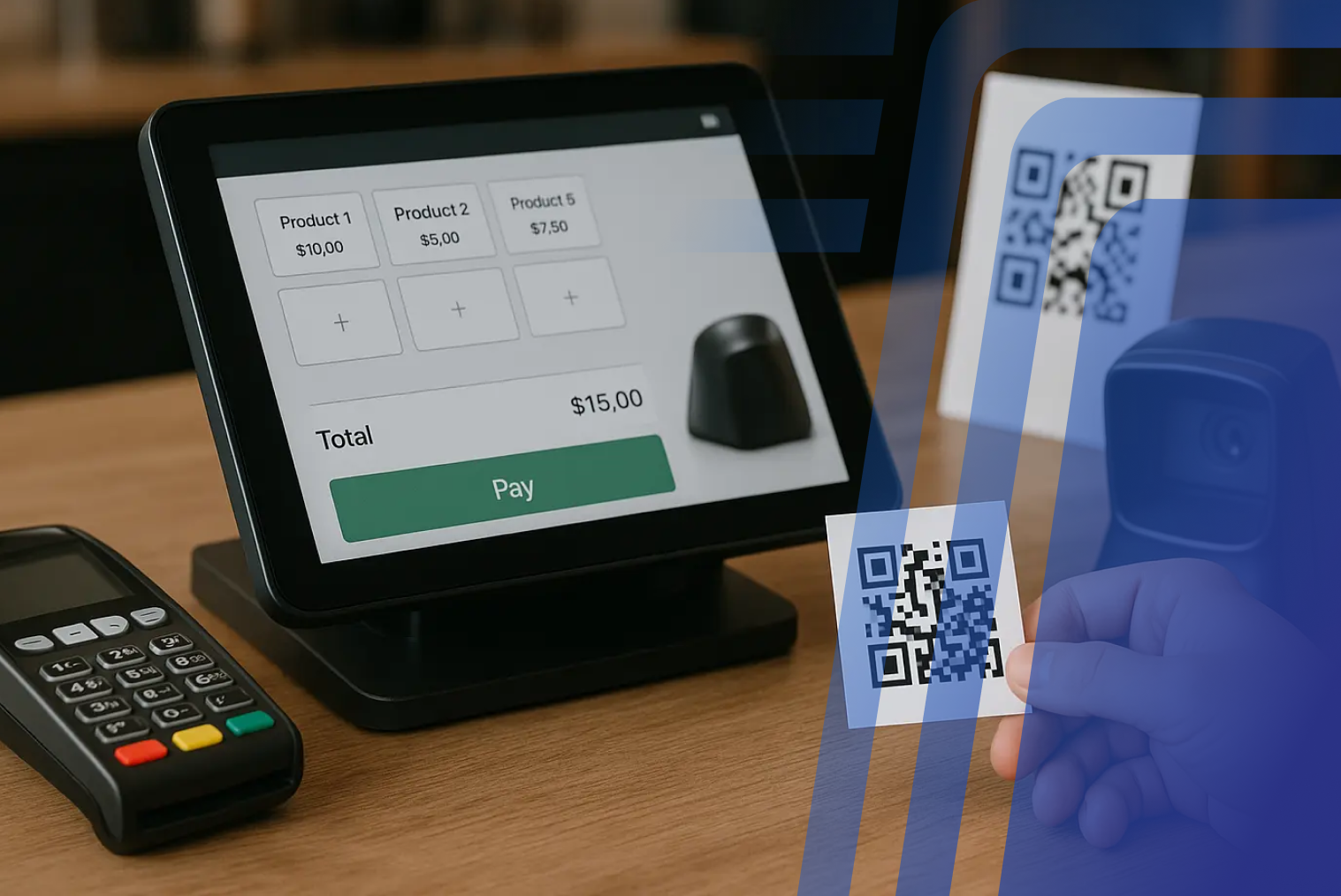
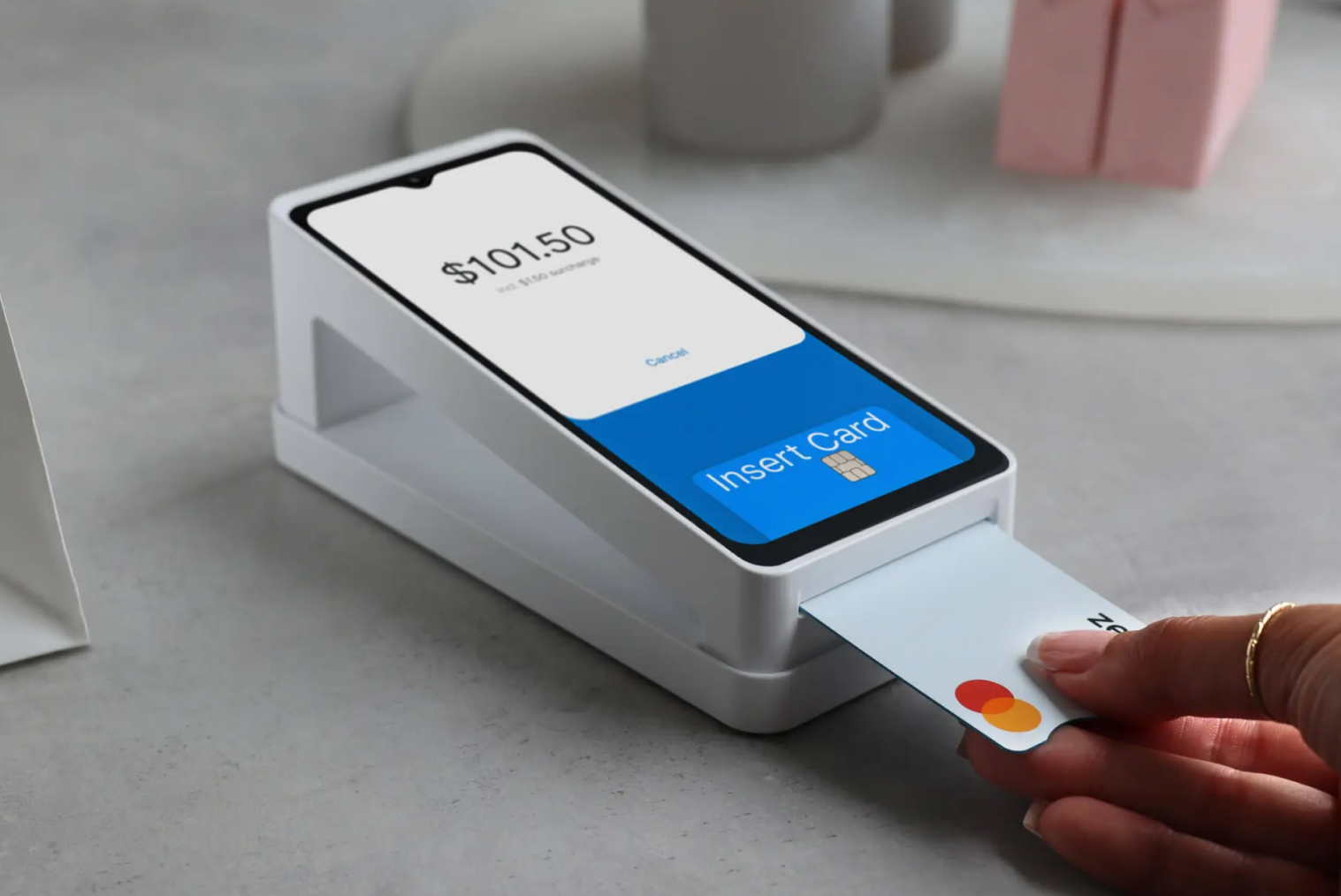
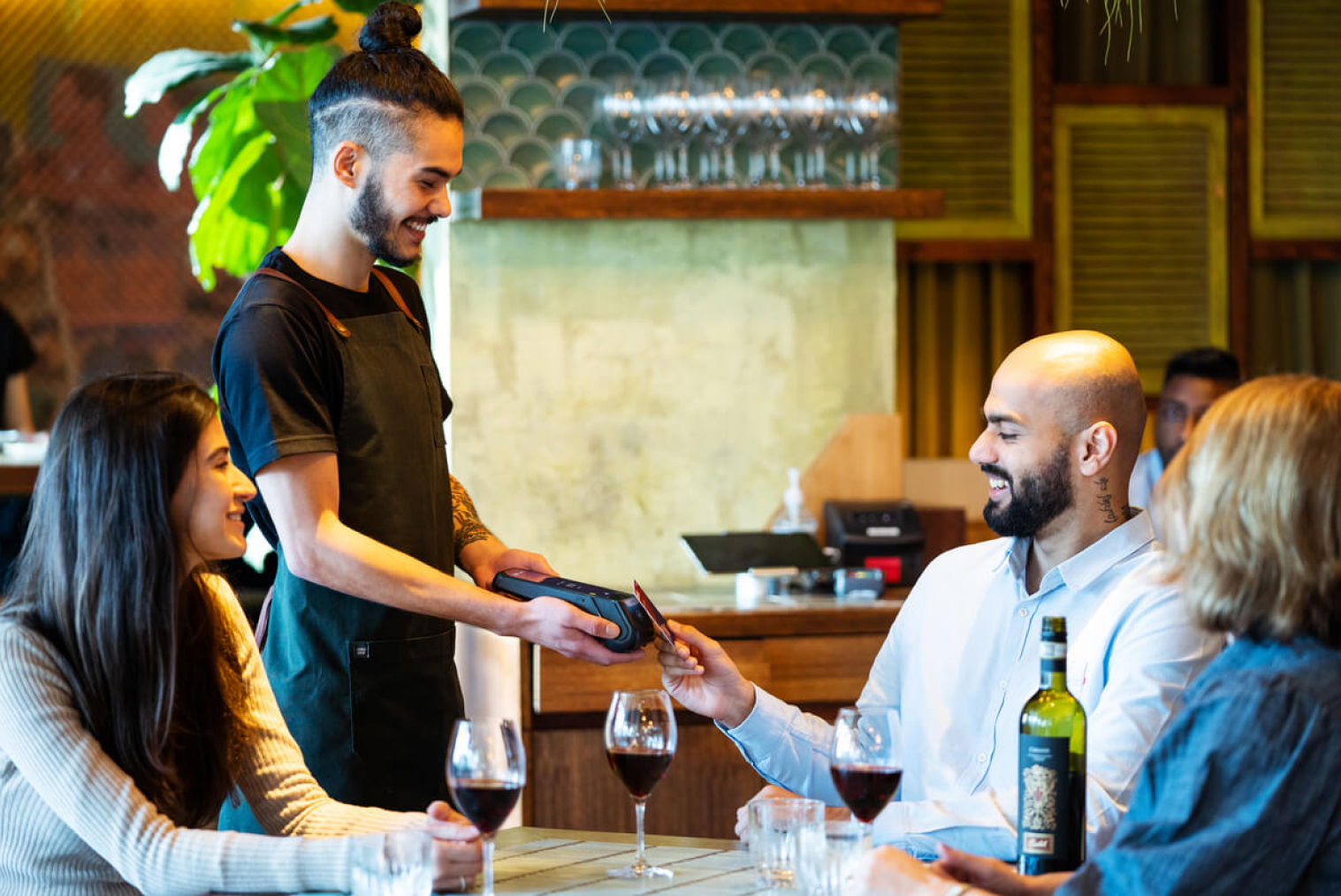
The POS handles transactions via EFTPOS, contactless card, digital wallet (Apple Pay, Google Pay), or cash. All transactions are captured automatically, eliminating manual entry errors and accelerating checkout speed.
Step 4: Inventory Updates
Sales data updates inventory figures in real time. This lets café owners monitor stock levels for ingredients like coffee beans, milk, syrups, and cabinet food — avoiding both over-ordering and unexpected stockouts.
Step 5: Sales and Performance Reporting
The POS generates reports on daily sales, best-selling items, peak hours, and staff performance. These insights help café owners make informed decisions about menus, staffing, and promotions.
Step 6: System Integration and Scaling
Modern café POS software can integrate with loyalty programmes, self-service kiosks, and online ordering tools. As the café grows, the POS can scale to support additional locations or services without disrupting existing operations.
Why Small Café Owners Need a POS System
Faster Service and Shorter Queues
Speed is essential in cafés. A well-configured POS lets counter staff enter orders in seconds, with kitchen communication happening simultaneously. QSRs using modern POS platforms report 10–20% faster service times — a gap that's even more pronounced in small cafés where every minute of the morning rush matters.
Improved Order Accuracy
Miscommunication is a prominent issue in manual order-taking. A digital POS eliminates the verbal relay step — the customer's choices are captured exactly as entered, with modifier confirmations reducing the most common sources of café order errors.
Better Inventory Control
The POS system's built-in stock management automatically tracks café inventory. This enables owners to monitor the availability of items like coffee beans, milk, syrups, and baked goods — avoiding over-ordering and unnecessary wastage.
Staff Management Made Simple
An integrated staff management tool lets café owners track employee performance and access permissions from one platform. This is particularly useful for smaller crews with rotating schedules.
Data-Driven Decisions
Sales reports highlight best-selling items, slow movers, and busy hours. These insights help optimise menus, pricing, and staffing for both day-to-day operations and longer-term planning.
Key Features to Look for in the Best POS for Café Operations
When selecting a POS system for a small café, focus on features that support daily operations without overcomplicating workflows:
1. User-Friendly Interface
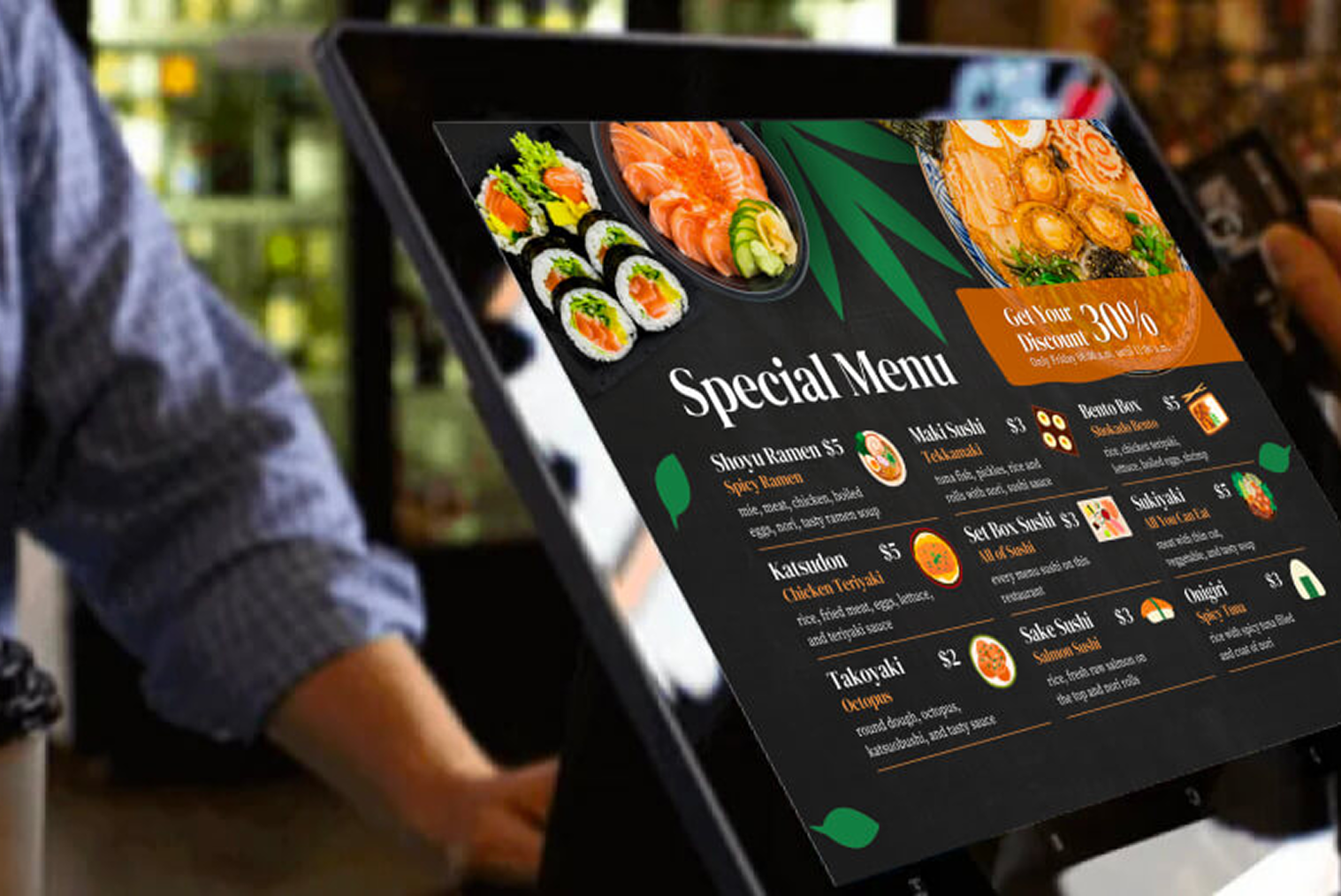
A clean, intuitive touchscreen interface ensures staff can learn and operate the system quickly — reducing training time and minimising errors during peak service.
2. Cloud-Based Access
Cloud POS systems allow café owners to access sales data, reports, and settings from anywhere — ideal for owners managing multiple locations or reviewing performance remotely.
3. Integrated Payments
Support for contactless cards, EFTPOS NZ (Windcave/Verifone), mobile wallets, and digital payments is essential for modern NZ cafés. Faster payment processing means quicker table turnover and shorter queues.
4. Inventory & Menu Management
Real-time inventory updates and easy menu editing help cafés stay agile — whether adding seasonal drinks or managing ingredient shortages during a busy service.
5. Scalability
The best café POS software should grow with your business, supporting additional terminals, locations, or integrations as needed — without requiring a complete system replacement.
Looking for a Café POS Built for NZ Coffee Shops?
TABIN's Café POS is built for NZ coffee shops, with tools designed around fast ordering, EFTPOS integration, inventory management, reporting, and café-specific workflows. Plans start from $49/month.
Explore TABIN's Café POS plans →
Best Café POS Software NZ: How TABIN Compares
Searching for the best café POS software NZ typically means you're comparing options — not just reading a feature list. Here's how TABIN stacks up against common NZ-relevant alternatives on the criteria that matter most to café operators:
| Feature |
TABIN |
Square for Restaurants |
Lightspeed Restaurant |
Kounta (now Lightspeed) |
| Monthly cost (software) |
From NZD $49/month |
Free–$149/month USD |
From NZD $99/month |
Merged into Lightspeed |
| Hardware cost |
NZD $1,500–$5,000 |
Own hardware or Square reader |
NZD $1,500–$5,000+ |
— |
| Kiosk / QR integration |
✓ Native (kiosk + QR) |
✗ Limited |
✓ Via add-ons |
✗ Limited |
| Offline mode |
✓ Full offline |
✓ Partial offline |
✓ Full offline |
✓ Full offline |
| NZ-based support |
✓ NZ hours |
✗ US-based |
✗ Global support |
✓ NZ-based (legacy) |
| EFTPOS NZ integration |
✓ Windcave / Verifone |
✗ Square terminal only |
✓ Windcave supported |
✓ NZ EFTPOS |
| 15% GST handling |
✓ Built-in |
✓ Configurable |
✓ Built-in |
✓ Built-in |
Note: Pricing is indicative and subject to change. Check TABIN's POS pricing for current plans. For a deeper look at how digital POS compares to traditional options, see TABIN's guide on cloud POS vs traditional POS in NZ.
Why Café-Specific POS & Kiosk Systems Matter
Not all POS systems cater to café needs. Standard retail POS software lacks the speed, modifier depth, and flexibility required to manage the demands of a busy coffee shop. According to the Restaurant Association of New Zealand, labour cost pressures are among the top challenges facing NZ hospitality operators — making the efficiency gains from a well-integrated POS more financially significant than ever.
Contactless payment adoption is also accelerating. Payments NZ data shows that contactless transactions now account for the majority of in-person payments across NZ — making EFTPOS and digital wallet integration a baseline requirement rather than a nice-to-have for any NZ café POS.
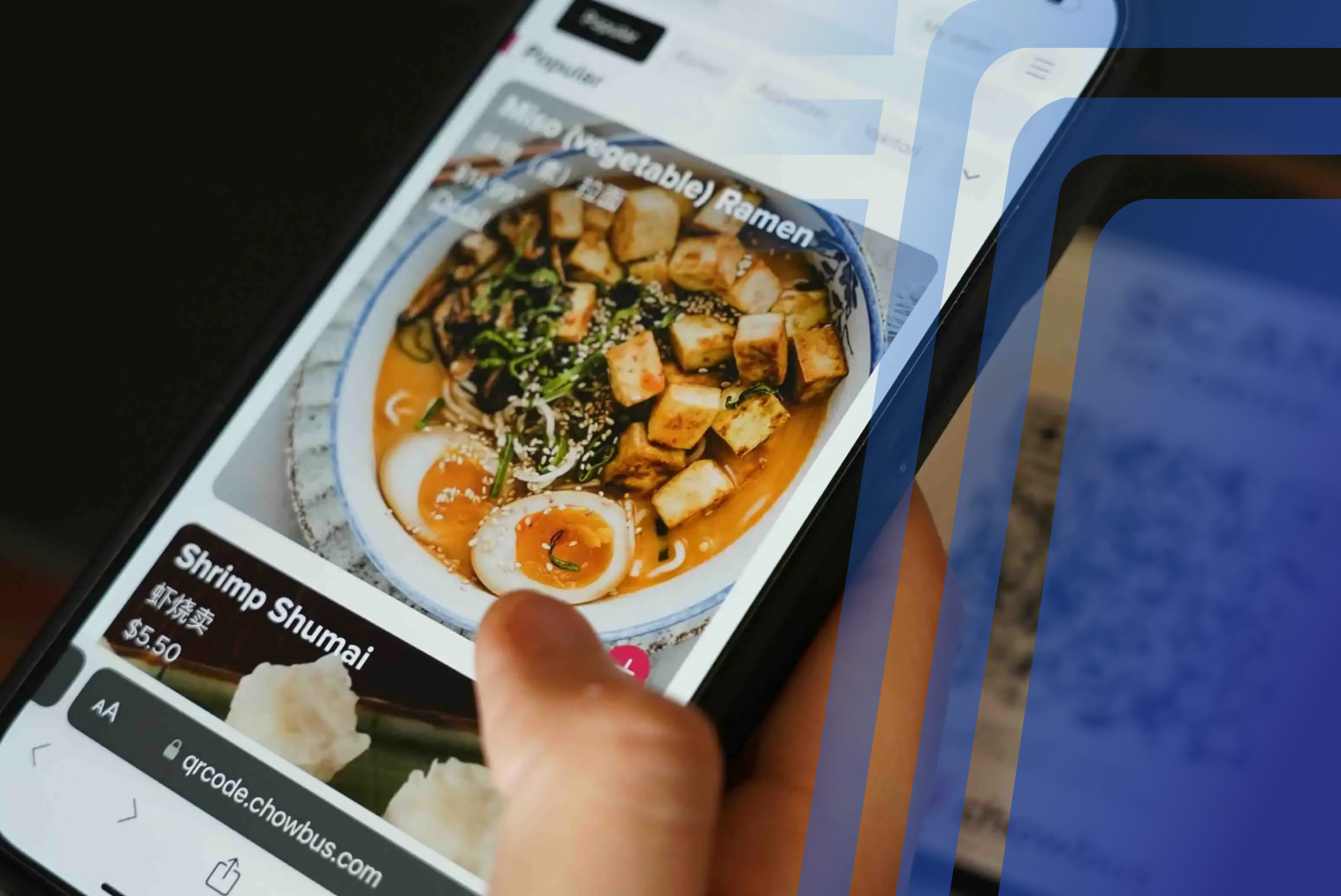
Platforms built specifically for hospitality — particularly those that combine POS with self-ordering technology — help cafés streamline operations from ordering to payment. TABIN's café-focused POS and kiosk ecosystem is designed to support high-volume beverage orders, quick customisation, and seamless integration with self-service coffee kiosk setups.
For café owners weighing up whether to move away from a cash register setup entirely, TABIN's guide on POS vs cash register for small business NZ covers the practical differences. And for cafés considering mobile payment options for counter or outdoor service, mobile EFTPOS for small business NZ is worth reviewing alongside your POS decision.
POS Systems and Self-Service Kiosks in Cafés
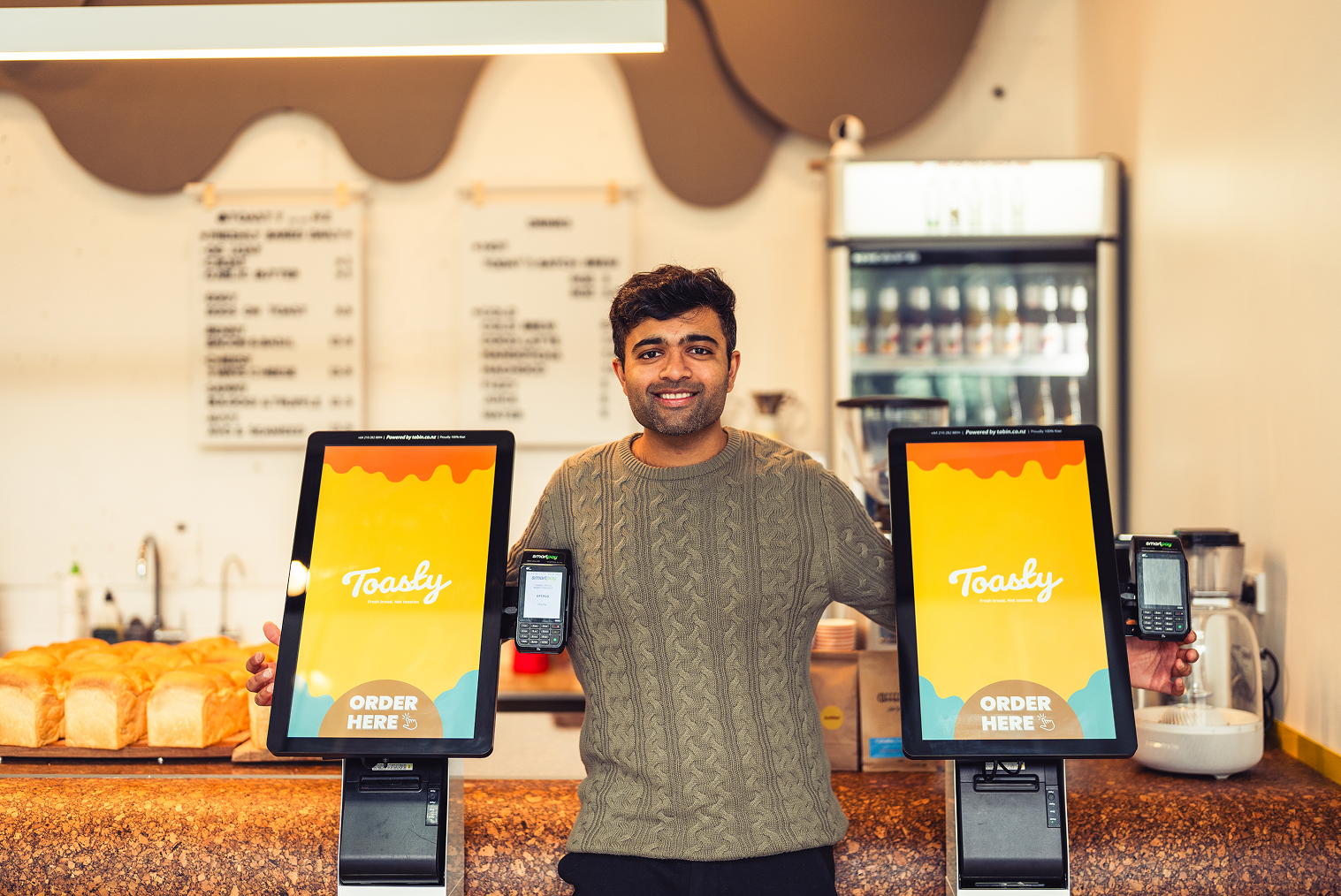
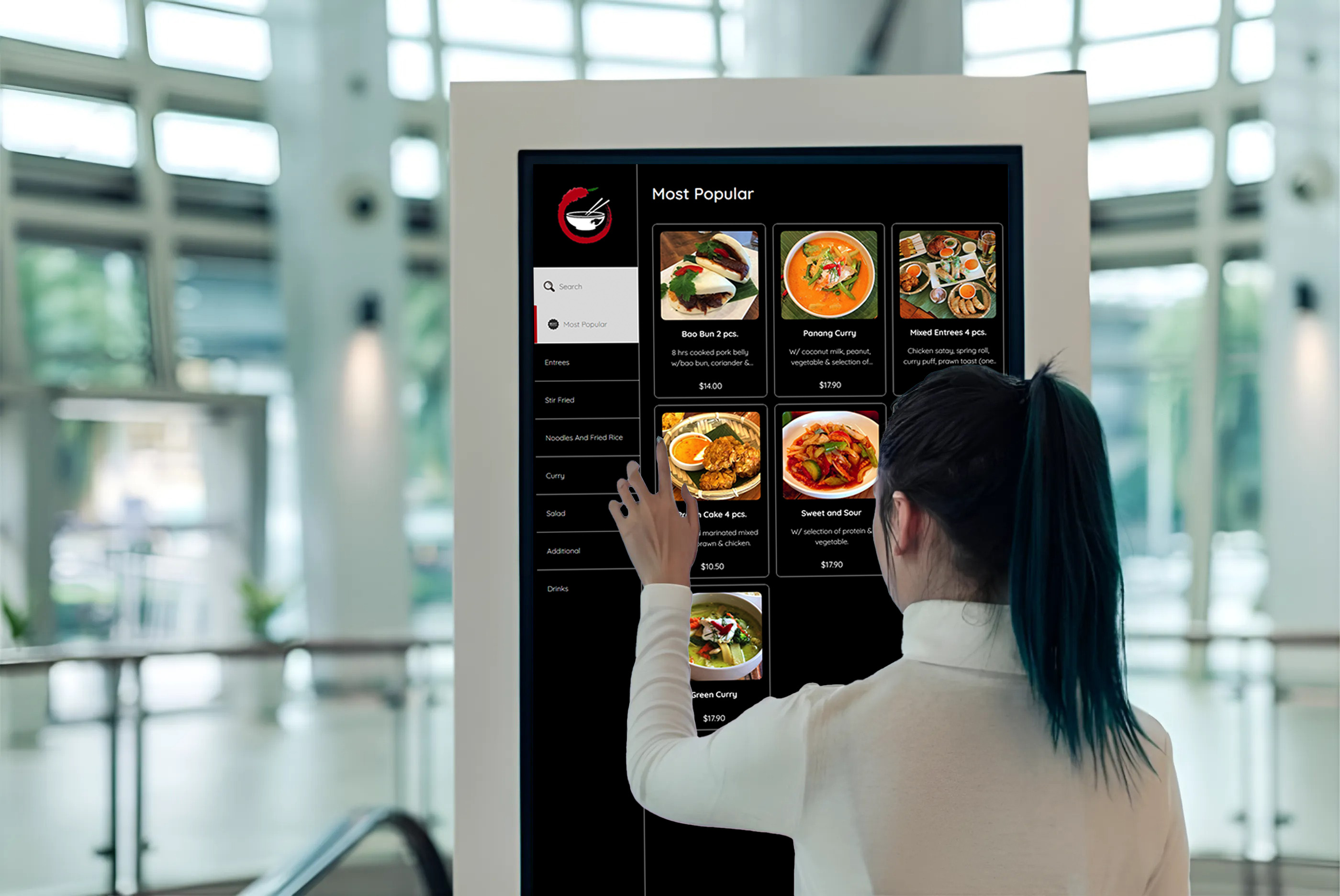
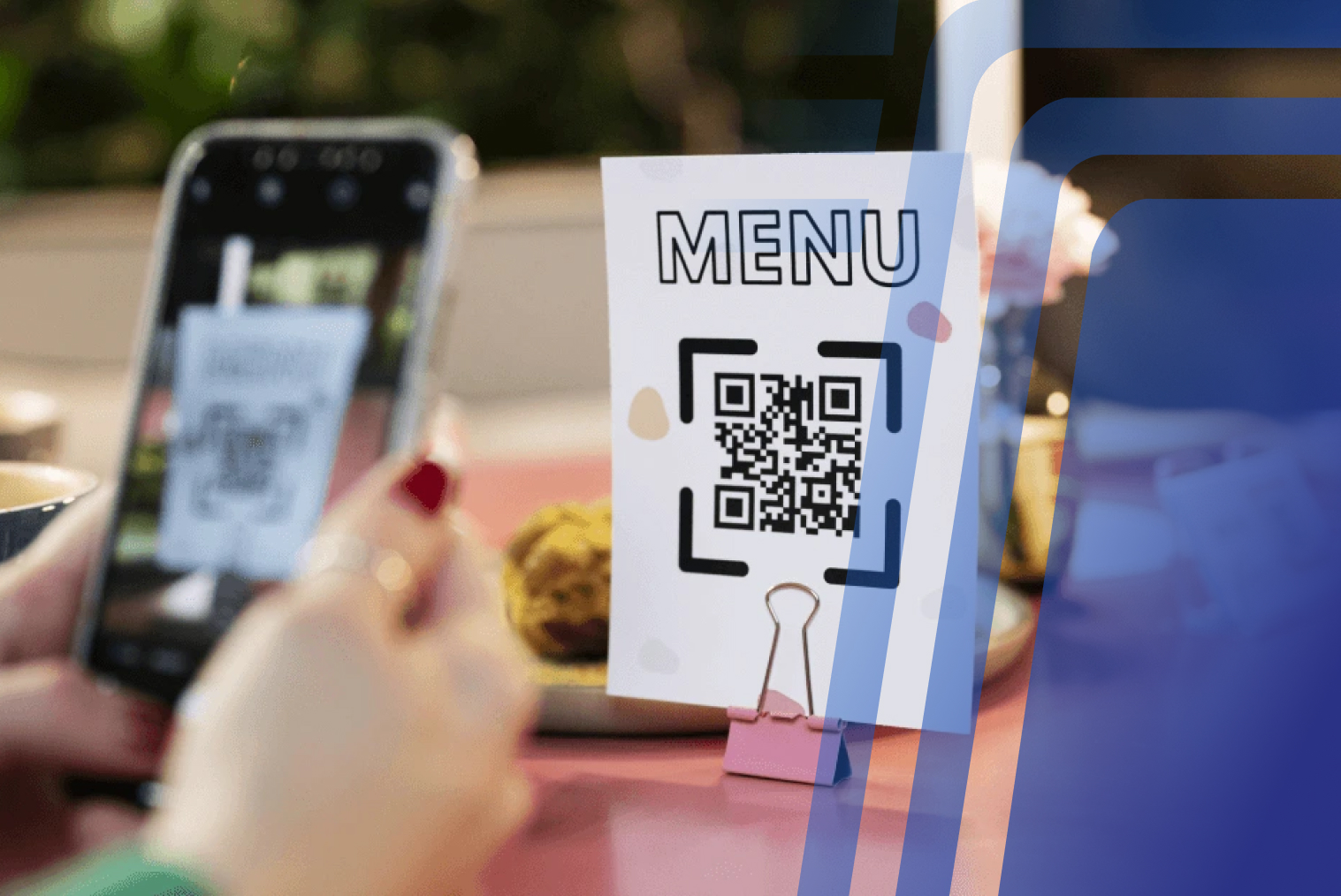
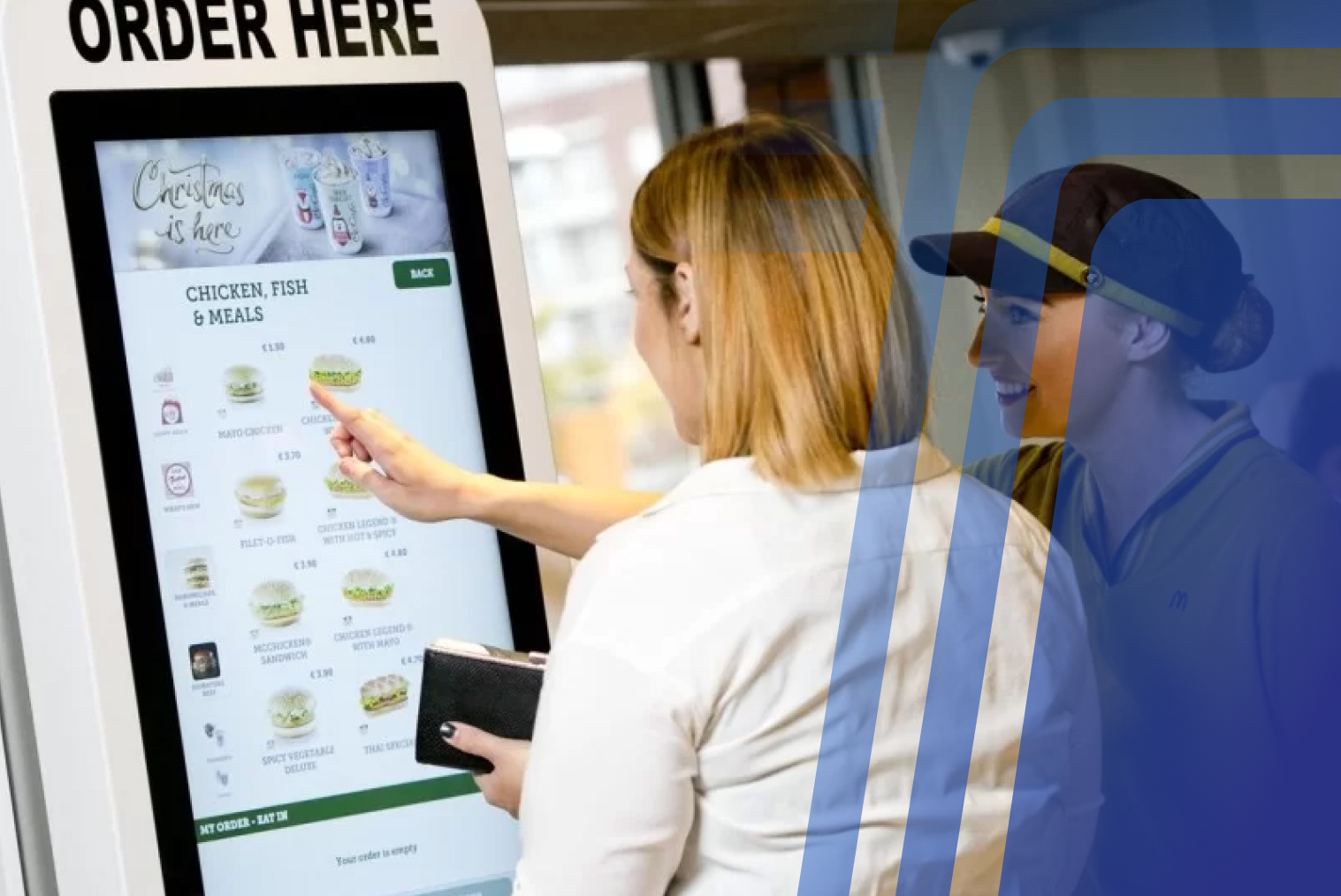
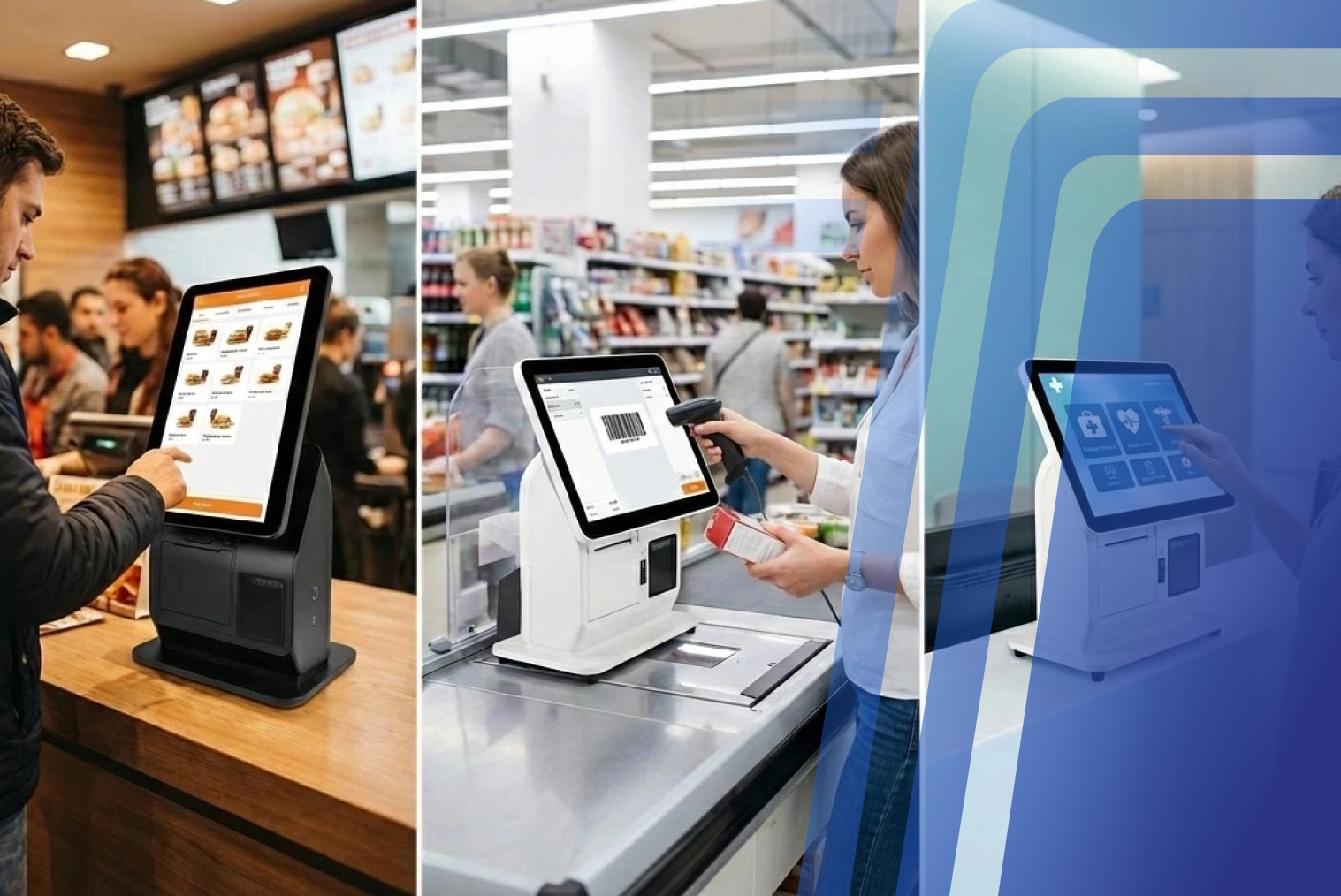
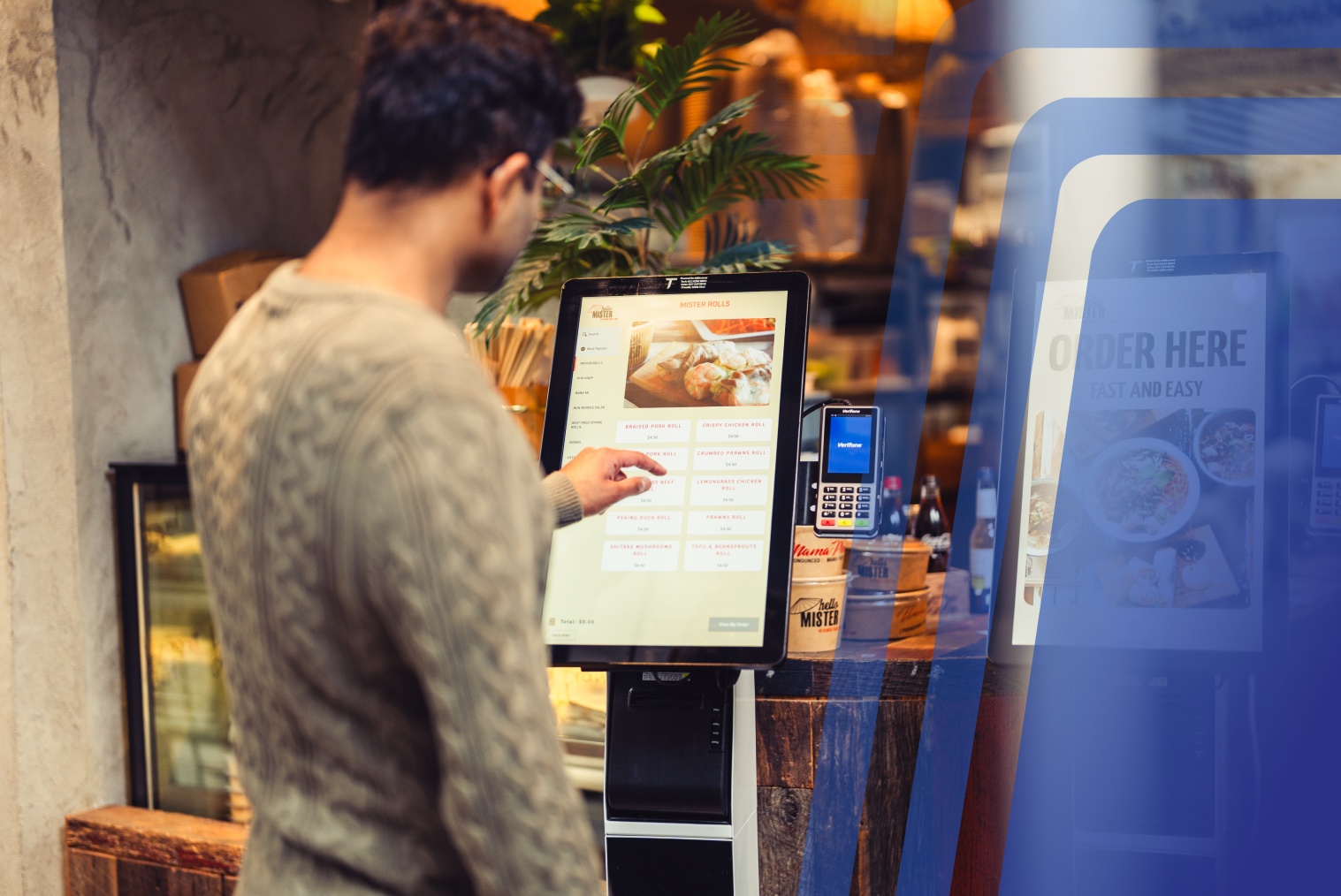
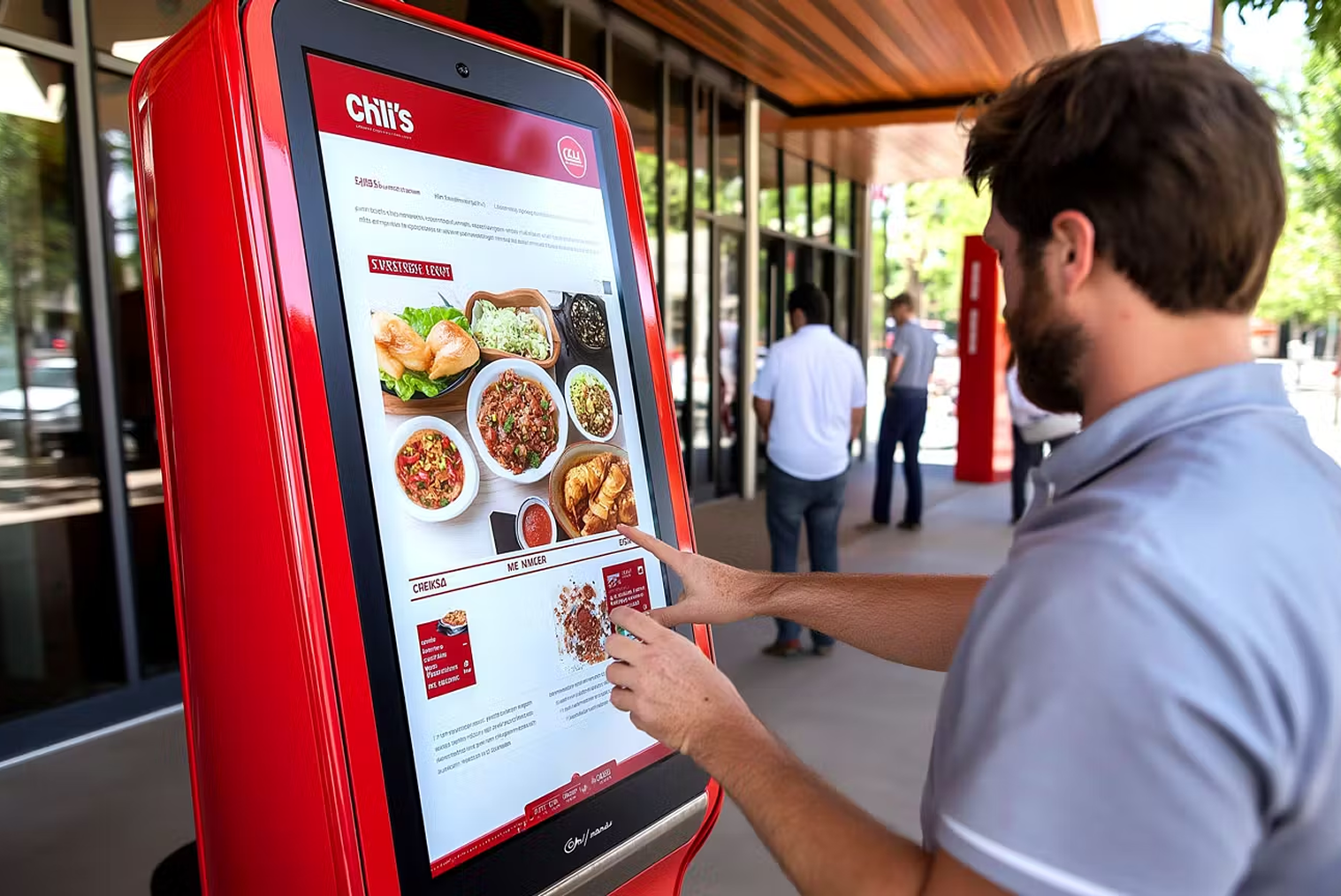
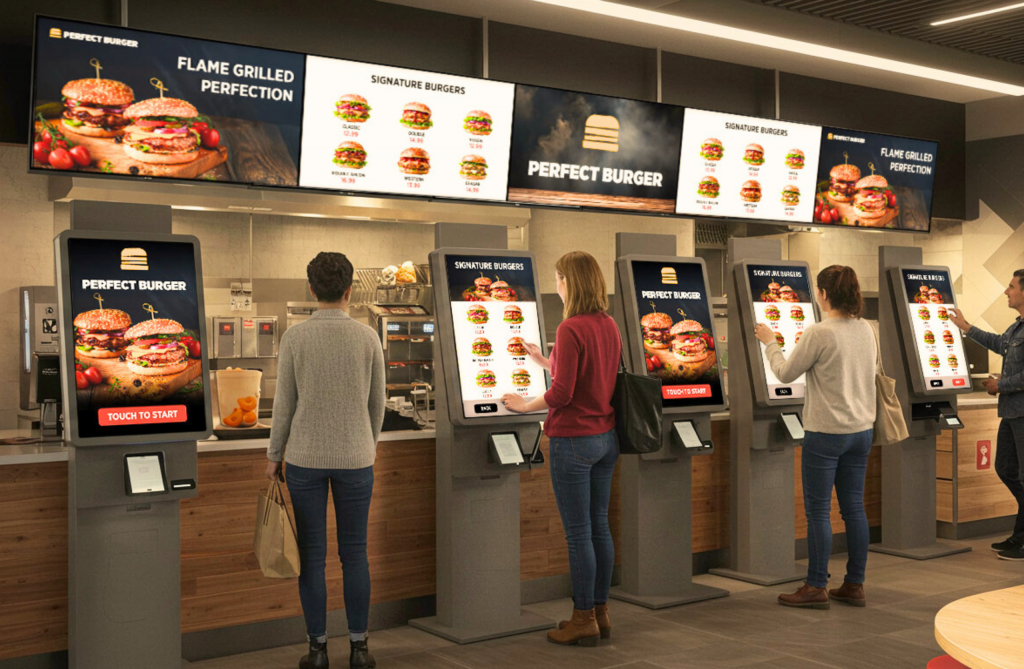
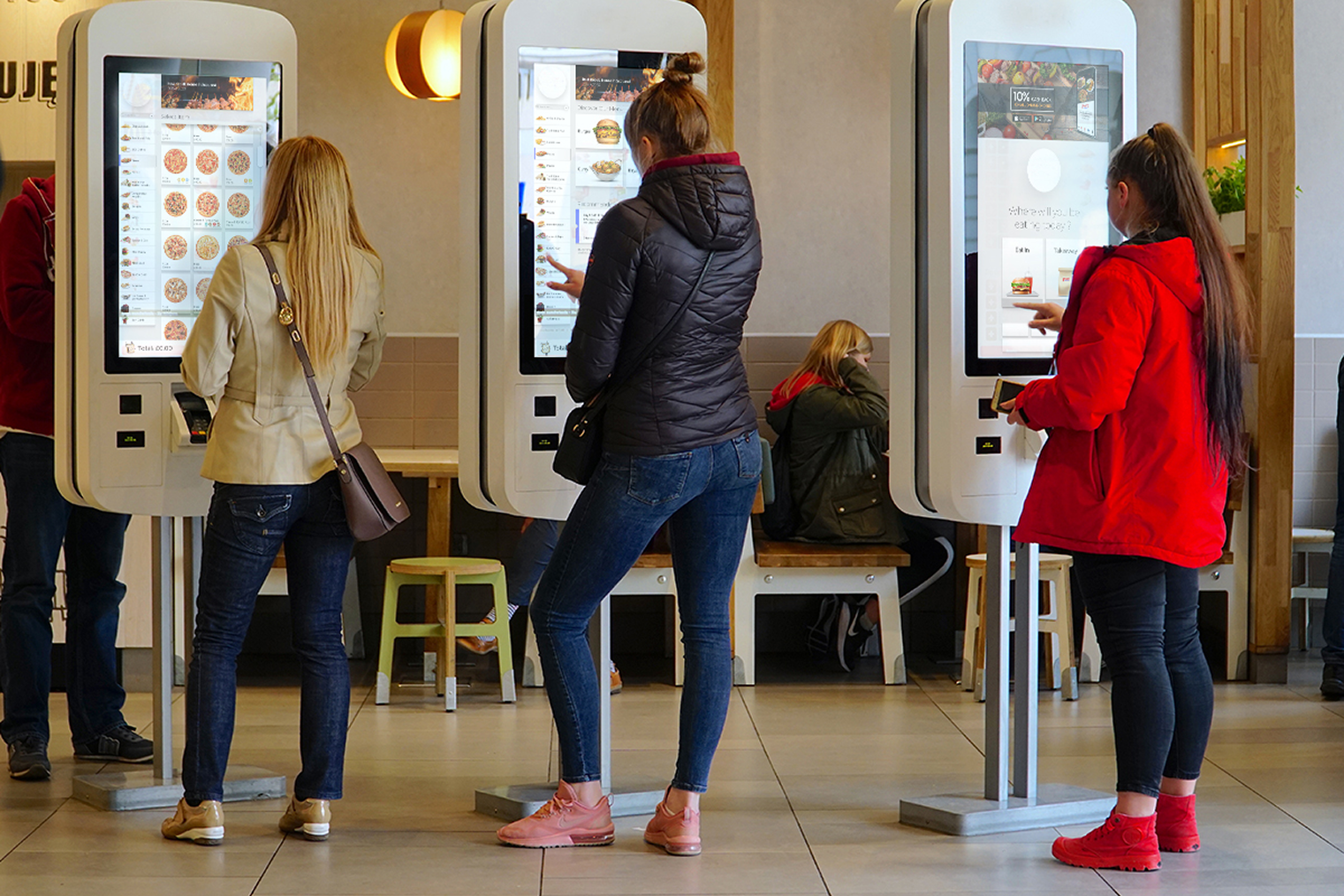
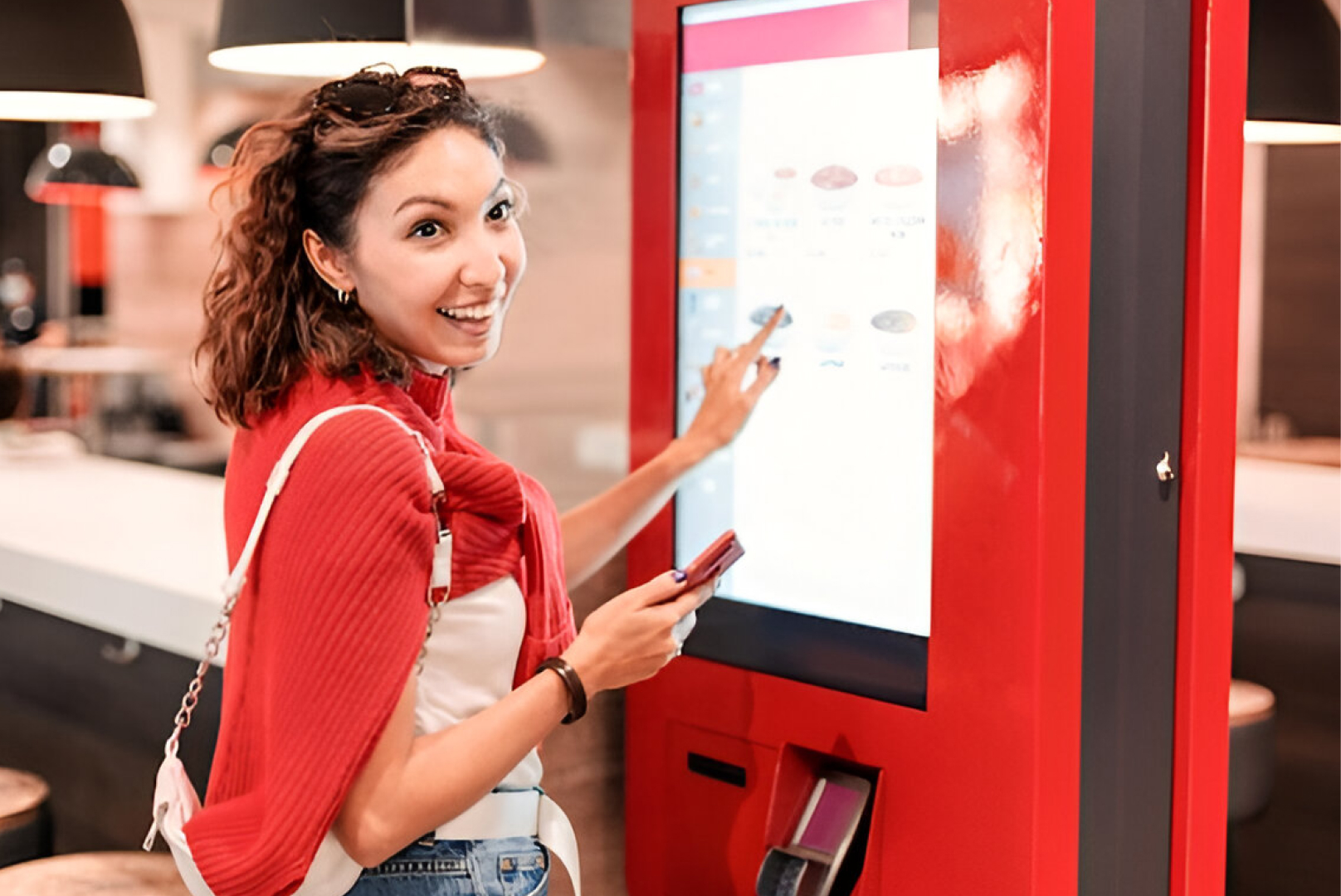
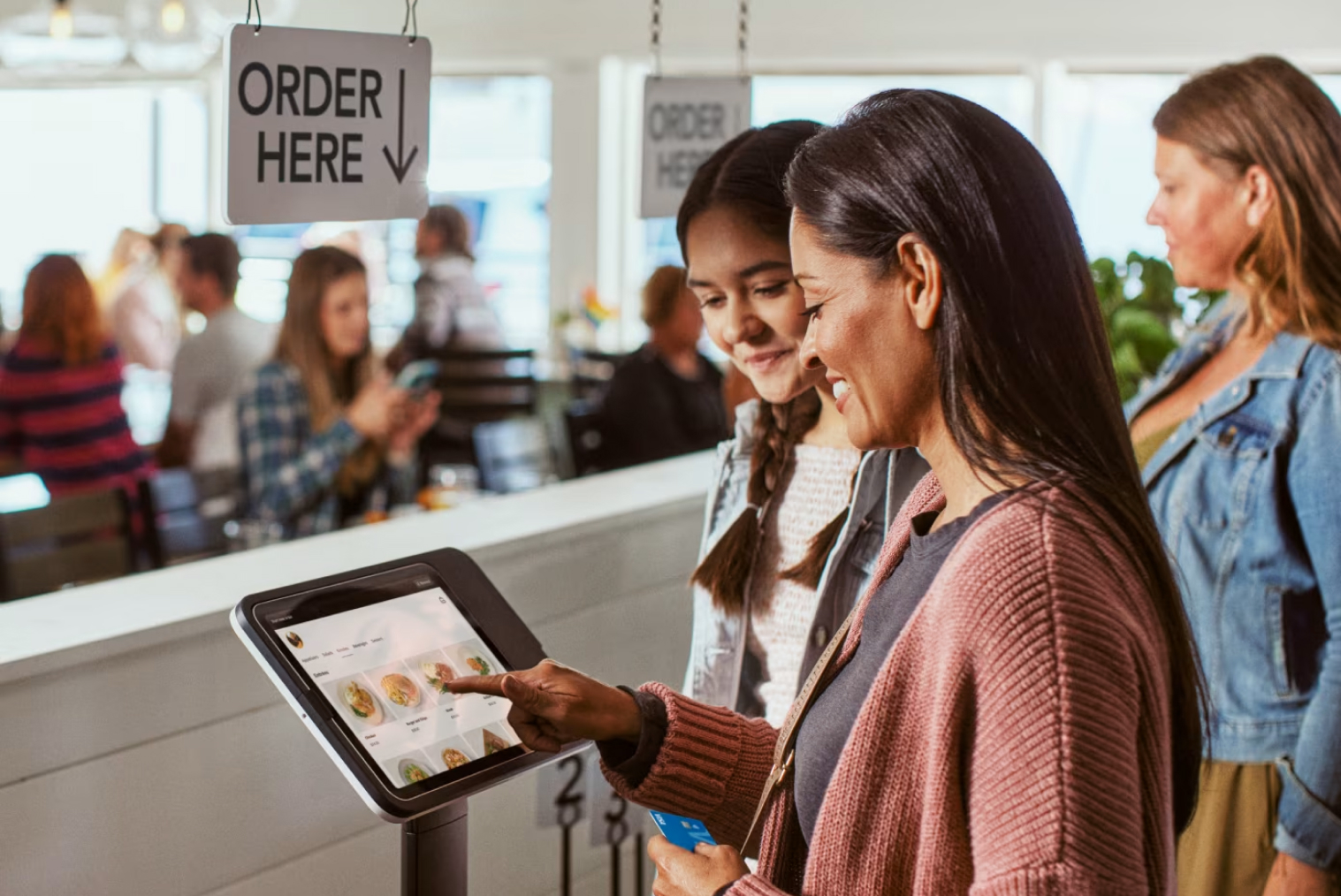
Many cafés are now combining POS systems with self-ordering technology to further improve efficiency. When integrated with self-service kiosk solutions, cafés can:
- Reduce front-counter congestion during peak hours
- Let customers customise their orders easily and accurately
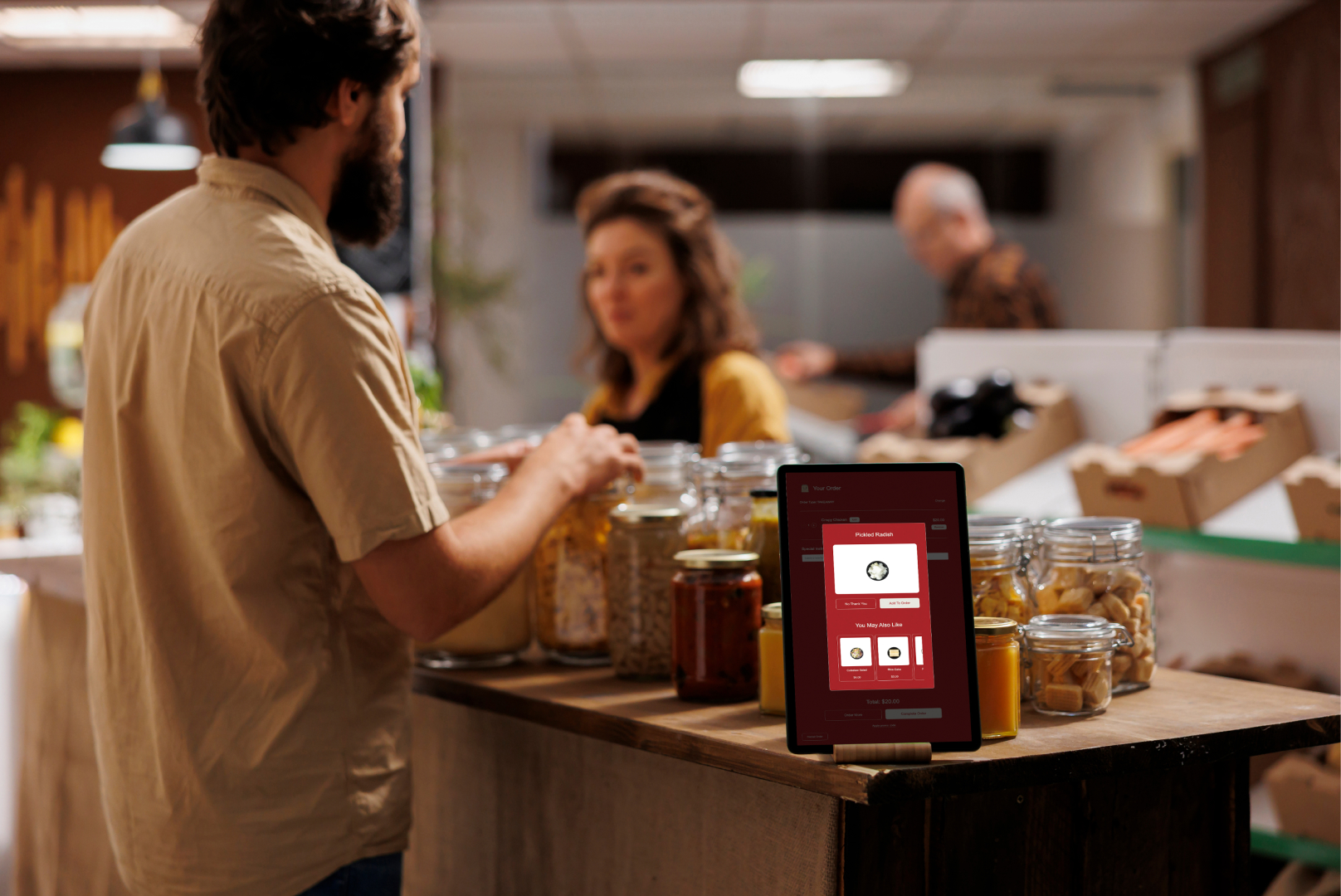
- Increase average order value through contextual upselling
- Free staff to focus on drink preparation and service quality
This combination creates a seamless ordering ecosystem that benefits both customers and staff — and is increasingly becoming the standard for competitive NZ café operations.
How Much Does a Café POS System Cost in NZ?
In New Zealand, the average cost of a café POS system typically ranges between NZD $1,500 to $5,000 upfront for hardware — including a touchscreen terminal, receipt printer, and payment integration. Most café POS software operates on a subscription model, costing approximately NZD $50 to $150 per month, depending on features such as inventory management, reporting tools, staff management, and cloud access.
For cafés that choose more advanced setups — such as integrated self-service kiosks or multi-location support — the total investment may be higher. However, many small café owners find that improved order accuracy, reduced staff pressure, and better inventory control quickly offset the initial cost.
The cost of a café POS system depends on features, scale, and hardware requirements:
- Software: Cloud-based POS subscriptions offer flexibility for small café budgets — typically NZD $50–$150/month.
- Hardware: Touchscreens, receipt printers, and payment terminals are usually one-time capital expenses in the NZD $1,500–$5,000 range.
- Transaction Fees: Digital payment processing charges apply per transaction, varying by payment method and provider.
For small cafés, modular systems are often the most cost-effective — allowing owners to pay only for the features they actually need.
How POS Software Supports Café Growth
Beyond daily operations, a strong POS system supports long-term growth by:
- Identifying top-performing menu items
- Highlighting customer ordering patterns and preferences
- Supporting loyalty programmes and promotional campaigns
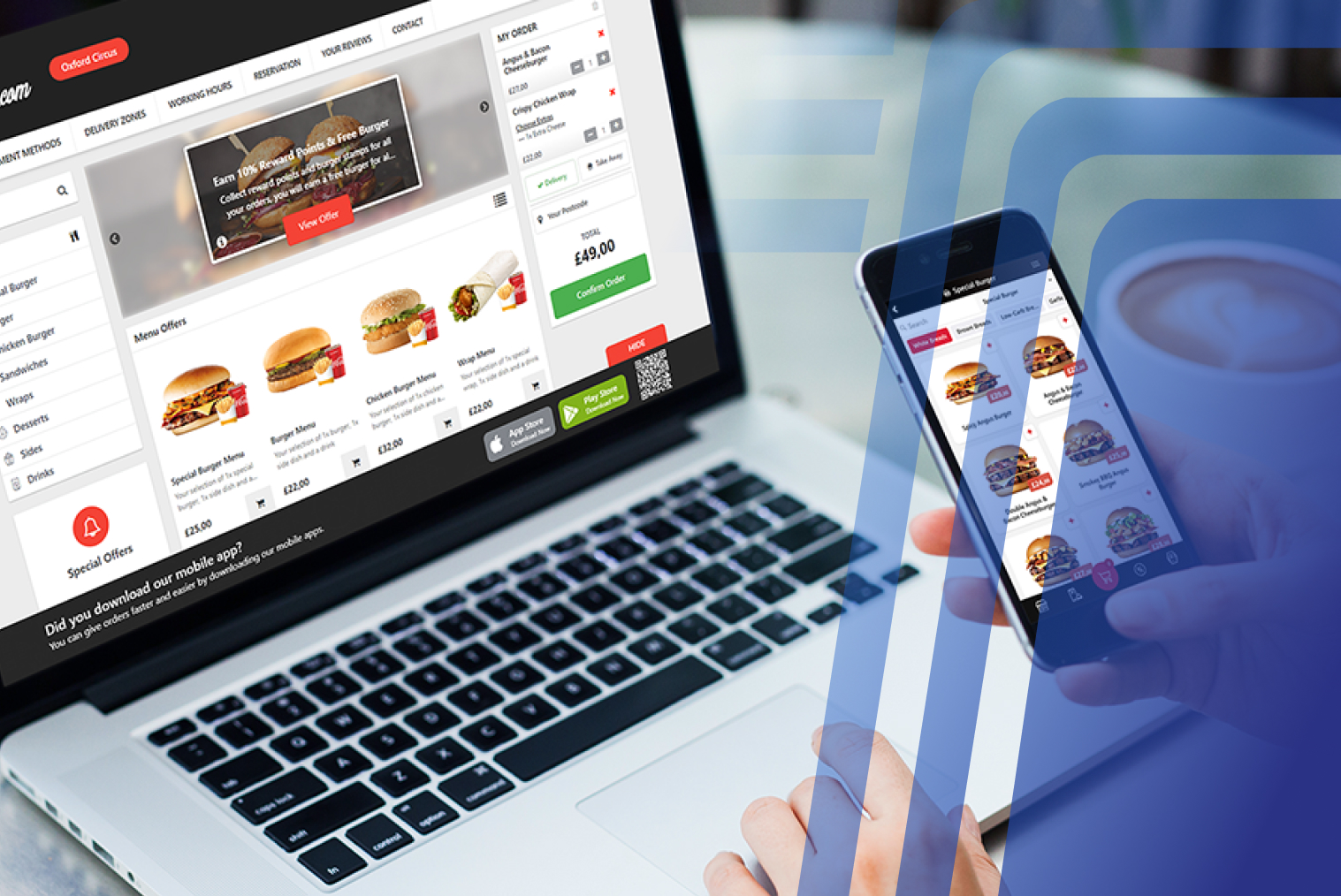
- Integrating with online ordering platforms and self-ordering kiosks
When combined with smart digital ordering solutions, POS systems help cafés operate efficiently while delivering a modern, consistent customer experience.
Conclusion
As customer expectations continue to shift toward faster, contactless, and self-directed ordering, cafés need systems that can evolve alongside them. POS platforms that integrate with digital ordering solutions, self-service kiosks, and data-driven reporting position café owners for long-term success.
TABIN focuses on creating an ecosystem where POS, kiosks, and ordering technology work together — helping NZ cafés stay competitive without constantly changing systems. Explore TABIN's café POS system and self-service kiosk solutions to see how the full stack works together. Or book a demo with the TABIN team to walk through the system with your own café setup.
Frequently Asked Questions
Q1: Can a POS system help manage café inventory and staff?
Yes. A café POS system tracks inventory in real time and provides staff management tools such as shift tracking, performance monitoring, and access control — all from a single platform.
Q2: Is cloud-based POS software better for cafés?
Cloud-based POS software offers flexibility, automatic updates, real-time reporting, and remote access — making it ideal for fast-moving café environments and owners who manage operations across multiple sites or from outside the venue.
Q3: Which POS system is best for small café owners in NZ?
The best POS system for small café owners in New Zealand is one designed for hospitality workflows, supports local payment methods (Windcave, Verifone), handles 15% GST correctly, and offers NZ-based support. Café-specific platforms that combine POS with self-ordering and kiosk integrations help cafés operate efficiently while staying compliant with local business requirements.
Q4: What features should a small café POS system include?
A small café POS system should include fast order entry with multi-level coffee modifiers, contactless payment processing, real-time inventory tracking, staff management tools, sales and reporting dashboards, offline mode for connectivity dropouts, and integration with kitchen displays or self-ordering kiosks.
Q5: Can a POS system increase café revenue?
Yes. By improving order accuracy, reducing wait times, enabling contextual upselling prompts, and providing actionable sales insights, a modern café POS system helps increase average order value and customer retention. Restaurants using integrated POS and kiosk systems consistently report higher revenue per shift compared to those running disconnected systems.
Q6: Do café POS systems work offline?
Many cloud-based POS systems offer offline functionality, ensuring transactions can continue even during temporary internet disruptions. Data syncs automatically once connectivity is restored — a critical feature for NZ cafés in areas with less reliable broadband.
Q7: What hardware is required for a café POS system?
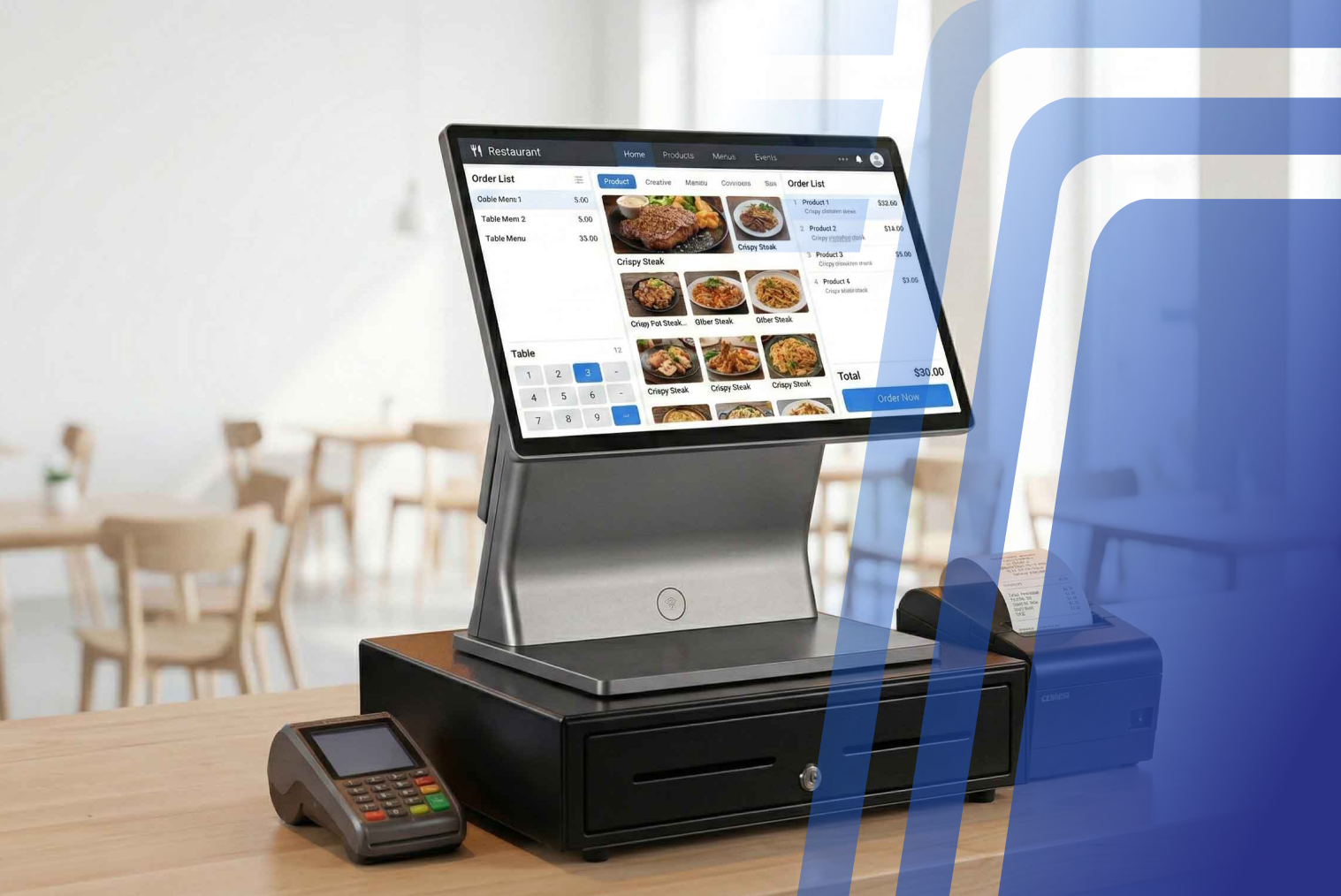
Typical hardware includes a touchscreen terminal, receipt printer, cash drawer (if accepting cash), payment terminal, and optionally a kitchen display system or self-service kiosk. In NZ, the standard hardware bundle for a single-terminal café setup costs approximately NZD $1,500–$5,000.


.webp)









.png)
















.webp)


