Online food ordering has become a big revenue stream for restaurants. However, when orders from Uber Eats, DeliverEasy, DoorDash, and YUMMi arrive through independent devices and systems, it can get confusing, slow down your operation, and lead to errors. That's where POS delivery integration comes in. A contemporary POS system that directly interfaces with delivery apps enables restaurants to handle all orders—dine-in, takeaway, or online under one roof. The global online food delivery market is large and continues to grow. Grand View Research estimates the market at over USD 200 billion in 2024, and forecasts continued expansion as more customers can opt for delivery and pickup. This article discusses how integrating a delivery app with POS can simplify online orders and boost your profit margins substantially.
Why Delivery App Integration Is Crucial
Your customers are already on delivery apps—particularly at late nights, weekends, or rainy days. But here's the catch:
Without integration, your team must switch between POS screens and several app tablets, resulting in:
- Manual entry errors (incorrect items, amounts, or modifications)
- Slower order processing
- Double handling of the same order
- Poor kitchen-to-front-of-house communication
In a hectic restaurant, this adds pressure and impacts service quality. In fact, many restaurants report meaningful revenue gains from delivery partners — Uber’s 2024 “Pulse Check” and other industry surveys show that a large majority of operators say delivery platforms have increased their revenue over the last year.
What Is POS Delivery Integration?
POS delivery integration is when your restaurant's POS system is integrated with online food delivery platforms such as Uber Eats, DeliverEasy, DoorDash, and YUMMi. Your orders from these platforms are automatically fed into your POS system without any manual intervention. You can control menus, pricing, order tracking, and inventory updates—all under one umbrella.
Advantages of POS with Uber Eats, DoorDash, and others. Technology adoption is accelerating: the National Restaurant Association and industry trackers report that 70%+ of operators increased tech investment in recent years, proving restaurants are actively upgrading systems to handle multi-channel ordering.
1. Efficient Order Management
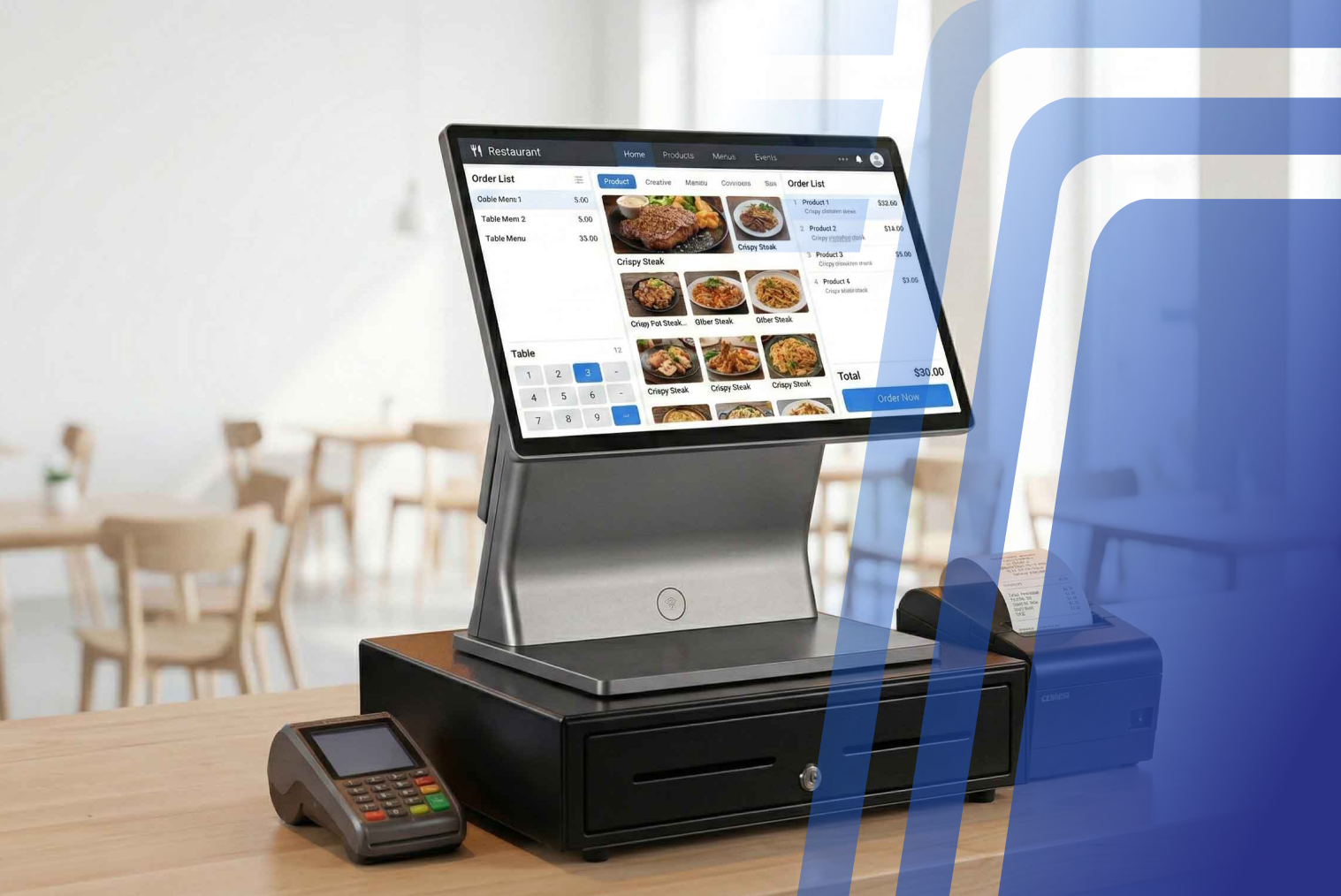
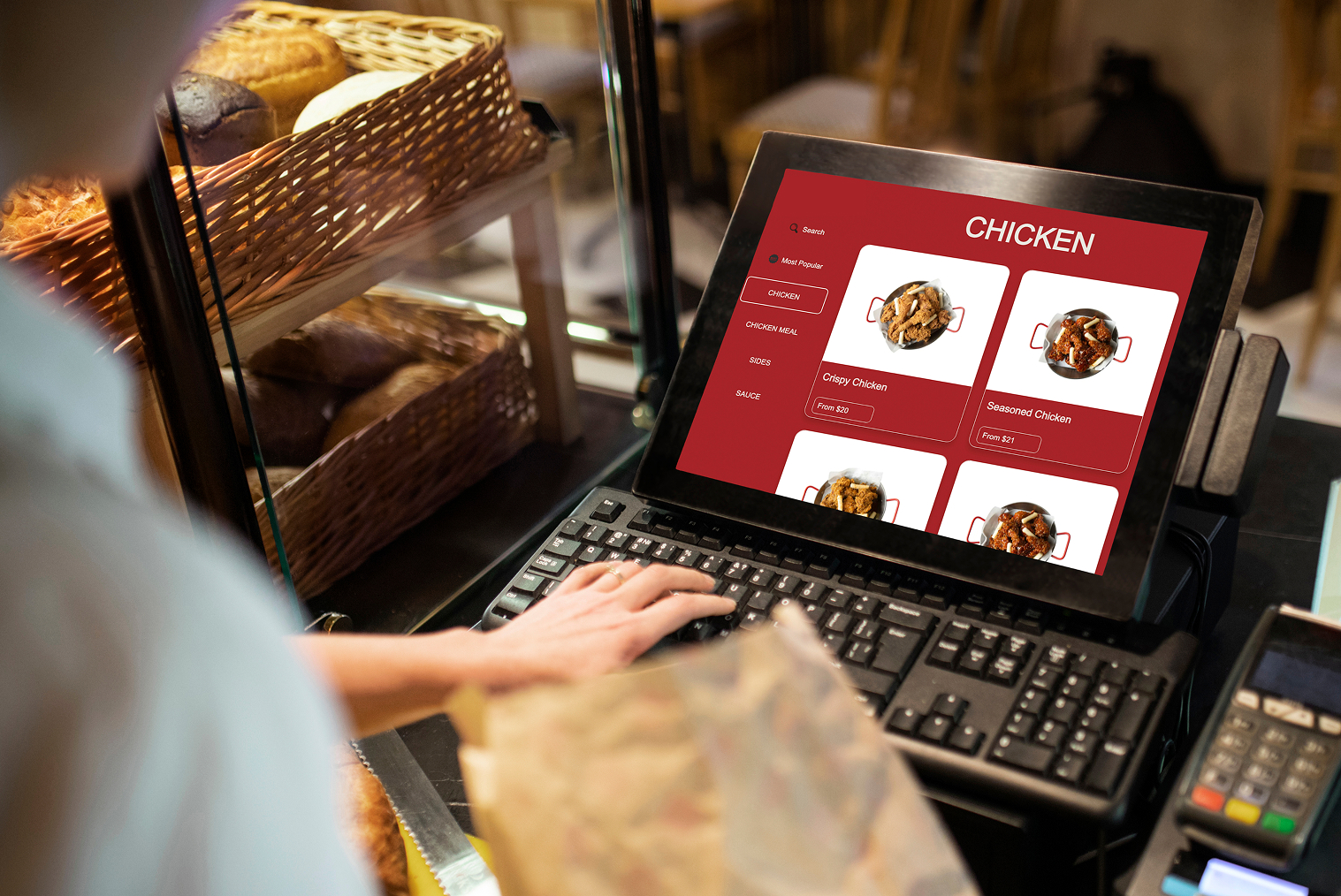
Every order, whether dine-in, kiosk, or delivery, comes in on one single POS dashboard. You no longer have to:
- Scan five tablets
- Re-enter customer orders
- Manually send them to the kitchen
Not only does this enhance kitchen speed, but it also keeps your staff free for prep and service.
2. Accurate Orders, Fewer Errors
Manual typing raises the risk of:
- Omitting add-ons (e.g., extra cheese or spice level)
- Sending the incorrect item
- Slowed-down deliveries due to kitchen miscommunication
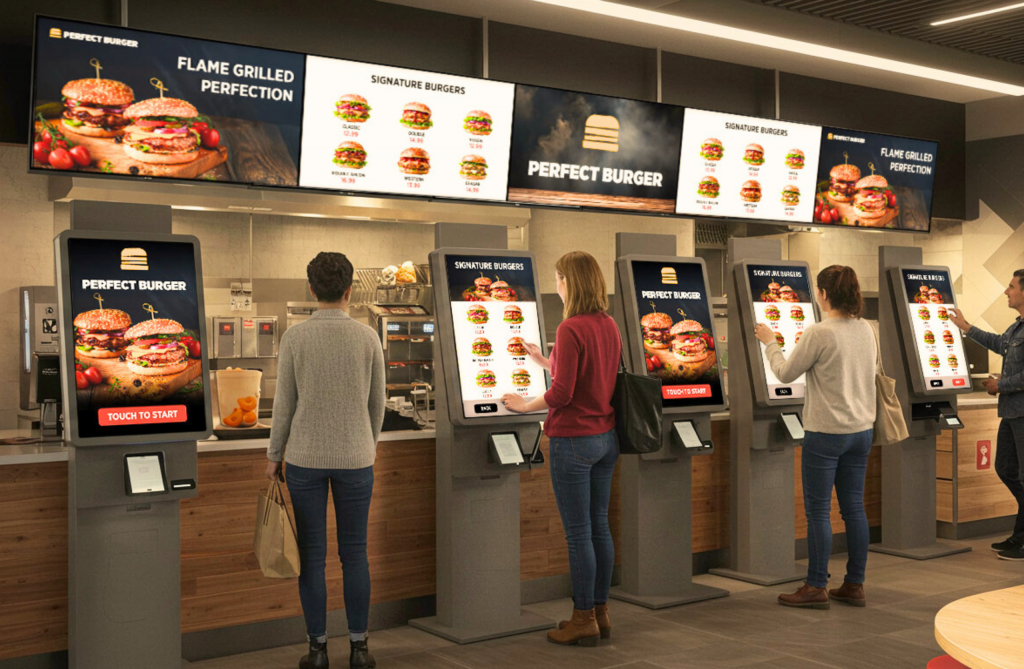
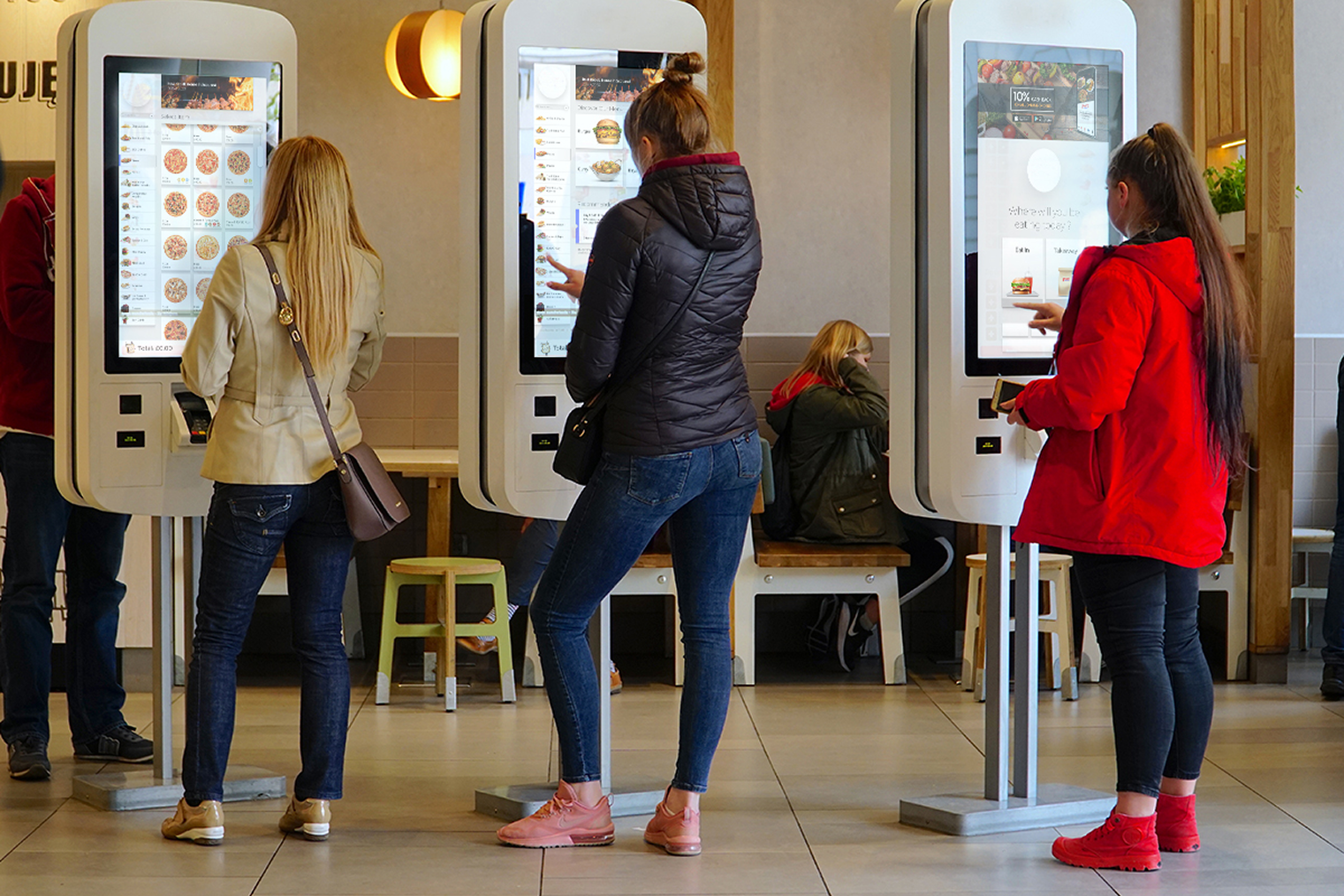
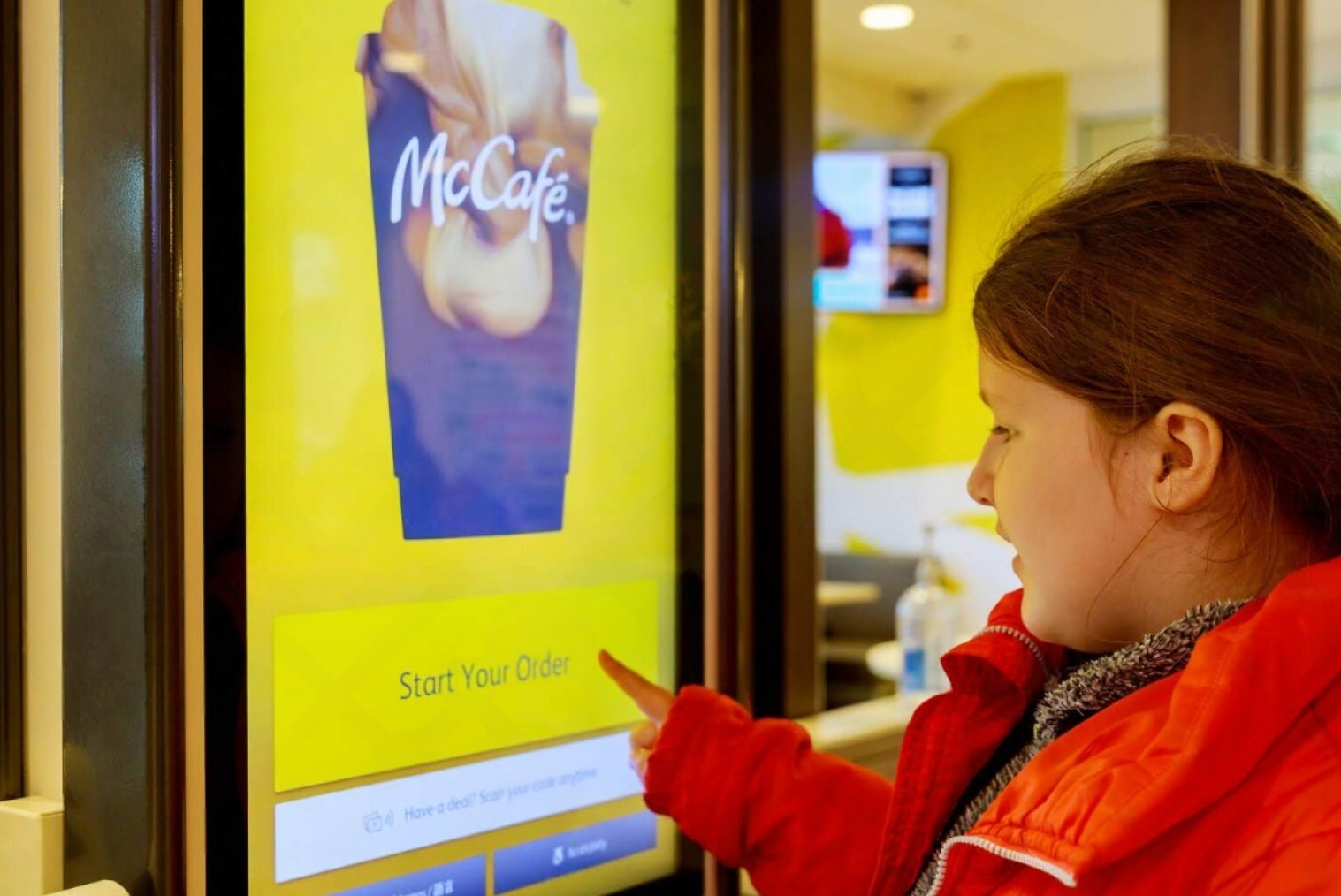
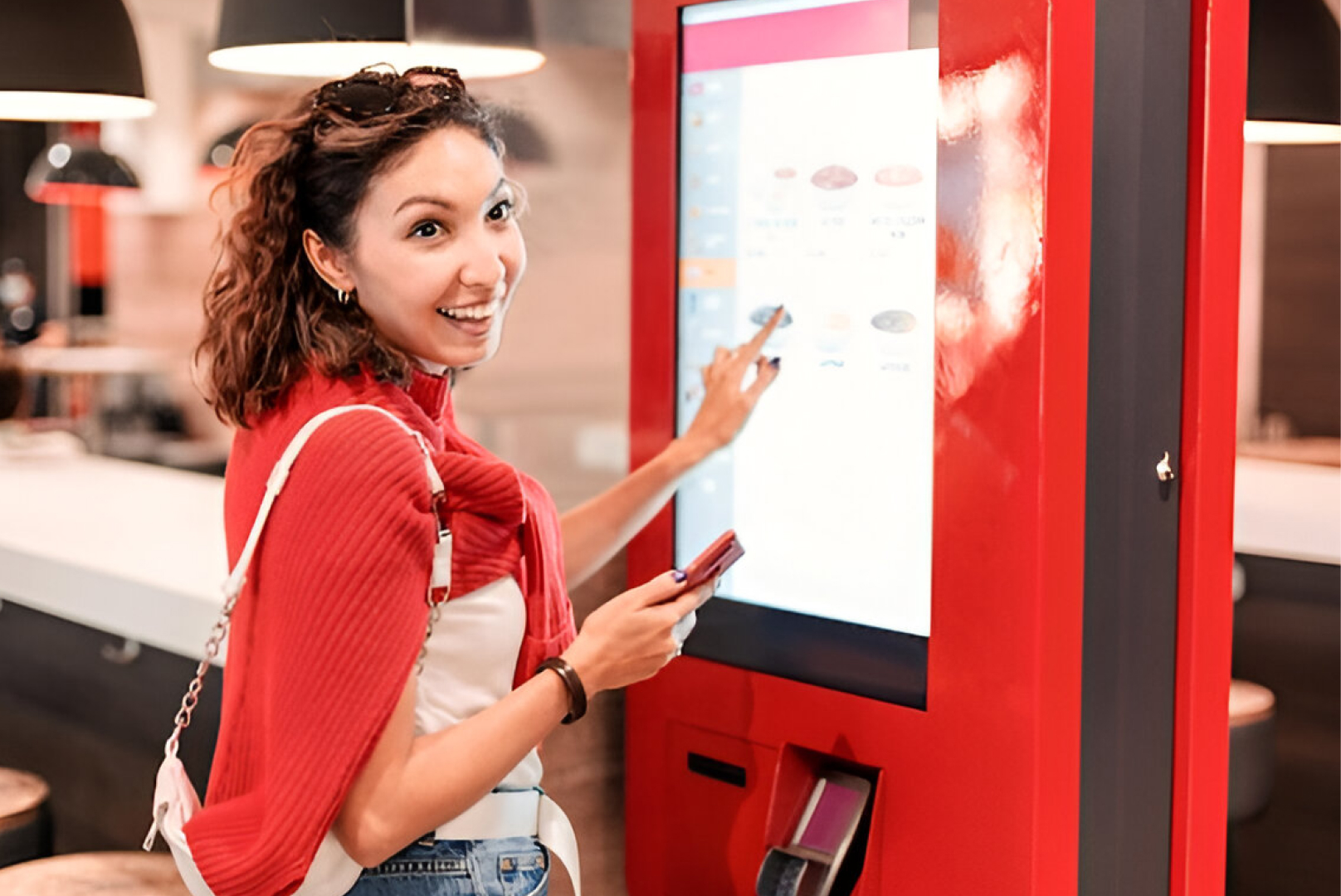
With built-in POS, orders are transmitted as originally keyed by the customer to the kitchen system or KDS (kitchen display system), enhancing accuracy and efficiency. Industry case studies show that self-ordering kiosks and digital menu boards typically increase average order value. Many QSRs report 10–30% higher ticket sizes after adopting kiosk ordering and smart upsell prompts.
3. Menu & Price Updates from Centralized Location
With a cloud POS such as Tabin, you can make a price or menu change once and roll it out instantly across all platforms.
Example: Want to increase the price of a combo or turn off an out-of-stock item? It updates your Uber Eats or DoorDash listing in real-time, no need to log into every app.
This prevents confusion, complaints, and inconsistency.
4. Real-Time Inventory Sync
Short on that important ingredient? With delivery integration, your POS can do the following automatically:
- Turn off that item on all delivery platforms
- Notify your staff
- Tune your stock levels between dine-in and delivery
This enhances customer satisfaction by avoiding orders that are cancelled because items are out of stock. Out-of-stock issues account for 18% of all cancelled delivery orders, making real-time POS-to-app stock syncing critical for customer satisfaction.
5. Quicker Service and Happier Staff
By eliminating the necessity for staff to monitor apps manually or input data, they can devote their time to:
- Speeding up food preparation
- Handling dine-in customers
- Streamlining kitchen operations
- Less pressure = fewer errors and quicker delivery times.
6. Improved Reporting and Analysis
With all orders within one POS system, you can monitor:
- Delivery sales versus dine-in
- Top-performing apps (Uber Eats, Delivereasy, DoorDash, and YUMMi)
- Average value of delivery orders
- Top-performing items in online orders
- Delivery commissions versus profits
These are the insights that enable you to run smarter promotions, refine your delivery pricing strategy, and concentrate on what you do best.
7. Loyalty and Customer Retention (Advanced Feature)
Advanced POS systems can even identify repeat delivery customers using mobile numbers or accounts, so you can:
- Automatically add loyalty points
- Provide repeat user exclusive offers
- Sync loyalty across kiosk, dine-in, and online
Common Challenges of Delivery App Integrations & How to Overcome Them
As restaurants increasingly rely on online orders, integration issues can appear if systems are not designed to work together smoothly. Here are the most common challenges and how a modern integrated POS solution solves them:
1. Menu Mismatches Across Platforms
When every app has its own menu version, inconsistencies occur.
Solution:
- Use a POS with one-click menu sync
- Update menus and pricing once
- Push changes instantly across Uber Eats, DeliverEasy, DoorDash, and YUMMi
2. Delayed or Missed Orders
Multiple tablets create confusion and slow response times.
Solution:
- Use Uber Eats POS integration to centralize all orders
- Get real-time order notifications directly inside your POS
3. Inventory Not Updating Automatically
Out-of-stock items appearing online lead to cancellations.
Solution:
- Enable real-time stock auto-sync
- Remove unavailable items in seconds
4. Long Kitchen Prep Times
Non-integrated systems create bottlenecks.
Solution:
Choosing the Right POS for Delivery App Integration: Key Features Checklist
Before investing, ensure your POS includes the following:
The benefits of upgrading to an advanced POS system are not just software—it’s the foundation of modern restaurant technology.
Regional Differences: How NZ vs Australia Restaurants Handle Delivery Integration
Restaurants in New Zealand and Australia share similar delivery trends but differ in operational setups:
New Zealand
- Heavy reliance on Uber Eats and DeliverEasy
- Smaller kitchens → Integration reduces workload
- Faster adoption of AI-driven tools and kiosks
Australia
- Larger chains → Higher order volumes
- More advanced loyalty programs
- Strong preference for multi-location POS integrations
Both regions benefit significantly from pos integration that connects kiosks, delivery apps, and dine-in operations under one system. Market trackers show Uber Eats is the dominant platform in New Zealand (holding about half the market in recent surveys), which is why NZ restaurants often prioritise Uber Eats integration first. (source)
Don't Forget: The Hidden Costs of Poor Integration
Restaurant owners tend to forget the unseen costs of handling delivery apps in silos—additional staff to deal with tablets, a greater likelihood of canceled or delayed orders, and inconsistent customer experiences. These inefficiencies erode your margins over time. Worse, they create frustration for customers and staff. A fragmented system may work short-term, but it limits scalability and growth in the long run. That's why investing in proper POS delivery integration isn’t just a tech upgrade—it’s a strategic business move. Multiple industry reports and operator surveys warn that handling delivery apps in silos — extra tablets, manual entry, and duplicated labor — increases labor costs and error rates, eroding margins and limiting scale; operators that unify orders under a single POS report smoother operations and measurable gains in throughout.(source)
How Tabin Makes Delivery Integration Easy
Tabin offers seamless POS delivery integration with:
- A unified POS dashboard for all order types
- One-click menu sync across platforms
- Auto-stock sync and real-time updates
- Easy analytics to track delivery performance
- Offline mode that holds orders in queue and syncs when reconnected
Whether you have a fast food shop or an expanding restaurant chain, Tabin's integration saves your time, minimizes errors, and increases online sales.
Frequently Asked Questions (FAQs)
Q1: Which delivery apps can be integrated with most POS systems?
You know how POS systems work, integrate with Uber Eats, DeliverEasy, DoorDash, YUMMi, and other major platforms, depending on the region.
Q2: Does POS integration work for multi-location restaurants?
Yes. Cloud-based POS systems enable centralised management of menus, pricing, stock, and reporting across multiple sites.
Q3: How long does it take to set up POS integration with delivery apps?
Typically 24–48 hours, depending on menu size, number of apps connected, and configuration needs.
Q4: Will my existing menu automatically sync with delivery apps?
Yes. A strong integrated POS solution will sync your menu across all platforms from one dashboard.
Q5: Is a separate device needed for integrated delivery orders?
No. Orders flow directly into your POS, eliminating the need for multiple tablets.
Q6: Can POS integration help improve delivery preparation speed?
Absolutely. Orders go directly to the kitchen or KDS, reducing manual entry delays.
Q7: How much does POS integration with delivery apps typically cost?
Pricing varies by provider but usually ranges from a small monthly fee to bundled charges depending on features.
Q8: Should small restaurants or cafés invest in POS-delivery app integration?
Yes. Integration reduces mistakes, saves staff time, and boosts operational efficiency — crucial for small teams.
Q9: Will I need to have a different menu for every delivery app?
No. You can build one menu and export it to all apps you're connected to from your POS.
Q10: Will customers still get notifications from the delivery apps?
Yes. Although the order goes through your POS, the customer is still getting notifications from the app as before.
Q11: Is it difficult to configure POS integration?
Not at all. Tabin does the integration setup for you and has support to get everything aligned and up and running.


.webp)









.png)













.webp)


