Customer loyalty programs aren’t just nice-to-haves; they’re a powerful way to boost repeat business, increase average order value, and build lasting relationships. But not all loyalty features are equal. Whether you’re using a traditional POS or self-service kiosk, your system needs to support a seamless, rewarding customer experience. In this post, we’ll break down the must-have features in a loyalty and rewards program for restaurants using POS and kiosk systems.
Why Loyalty Programs Matter More Than Ever
In a crowded restaurant market, loyalty is key. Acquiring a new customer costs 5 times more than retaining an existing one. Indeed, 51% of U.S. restaurant patrons now report using a loyalty program. And according to the National Restaurant Association, 96% of loyalty customers say they’re getting great value, with over half already enrolled. A well-executed loyalty program encourages customers to return, spend more, and promote your brand to others. With today's technology, such as Tabin's POS and kiosk systems, you can now operate customised, digital loyalty programs that customers love to use—no punch cards, no friction, just rewards.
The Role of POS and Kiosk Systems in Loyalty
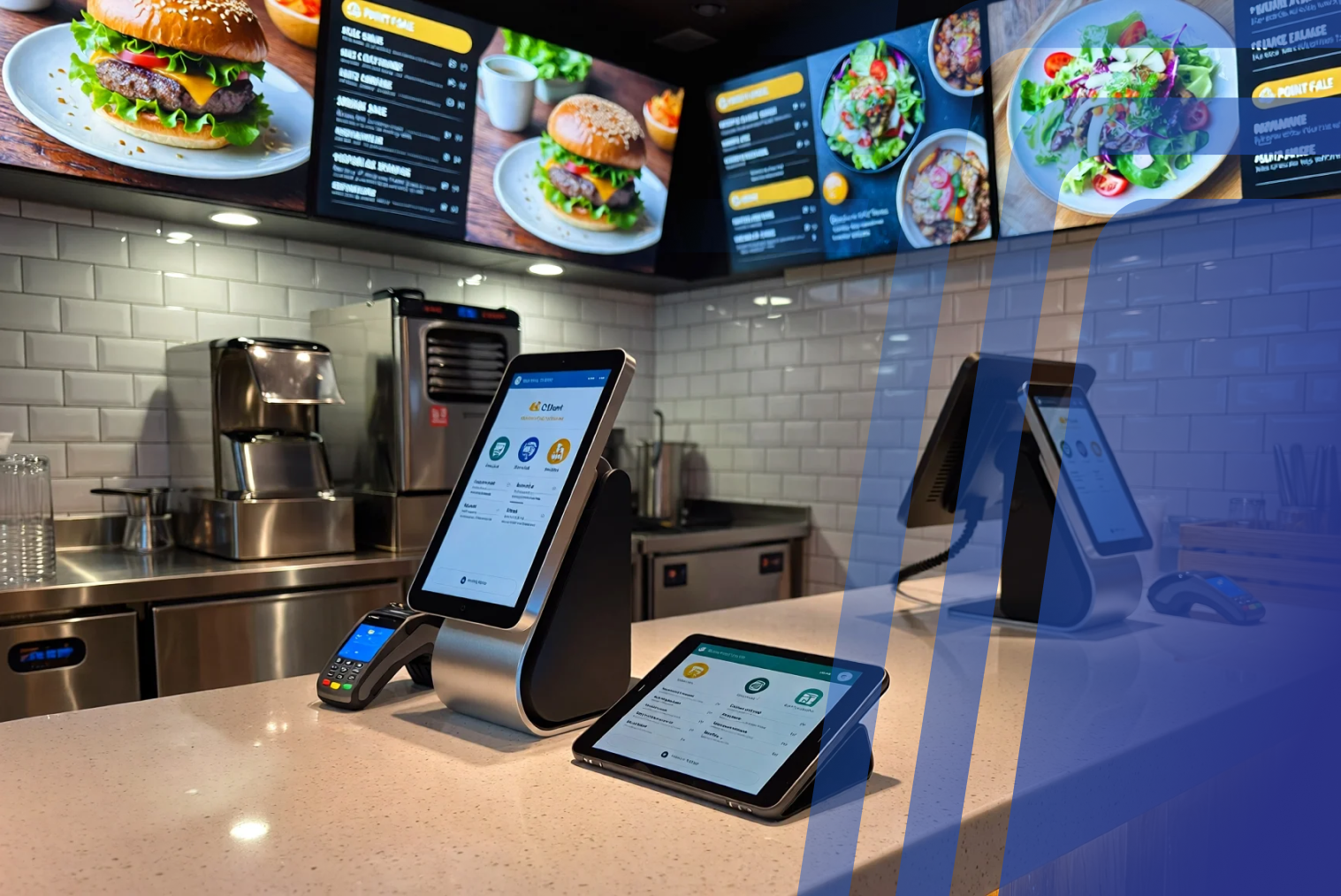
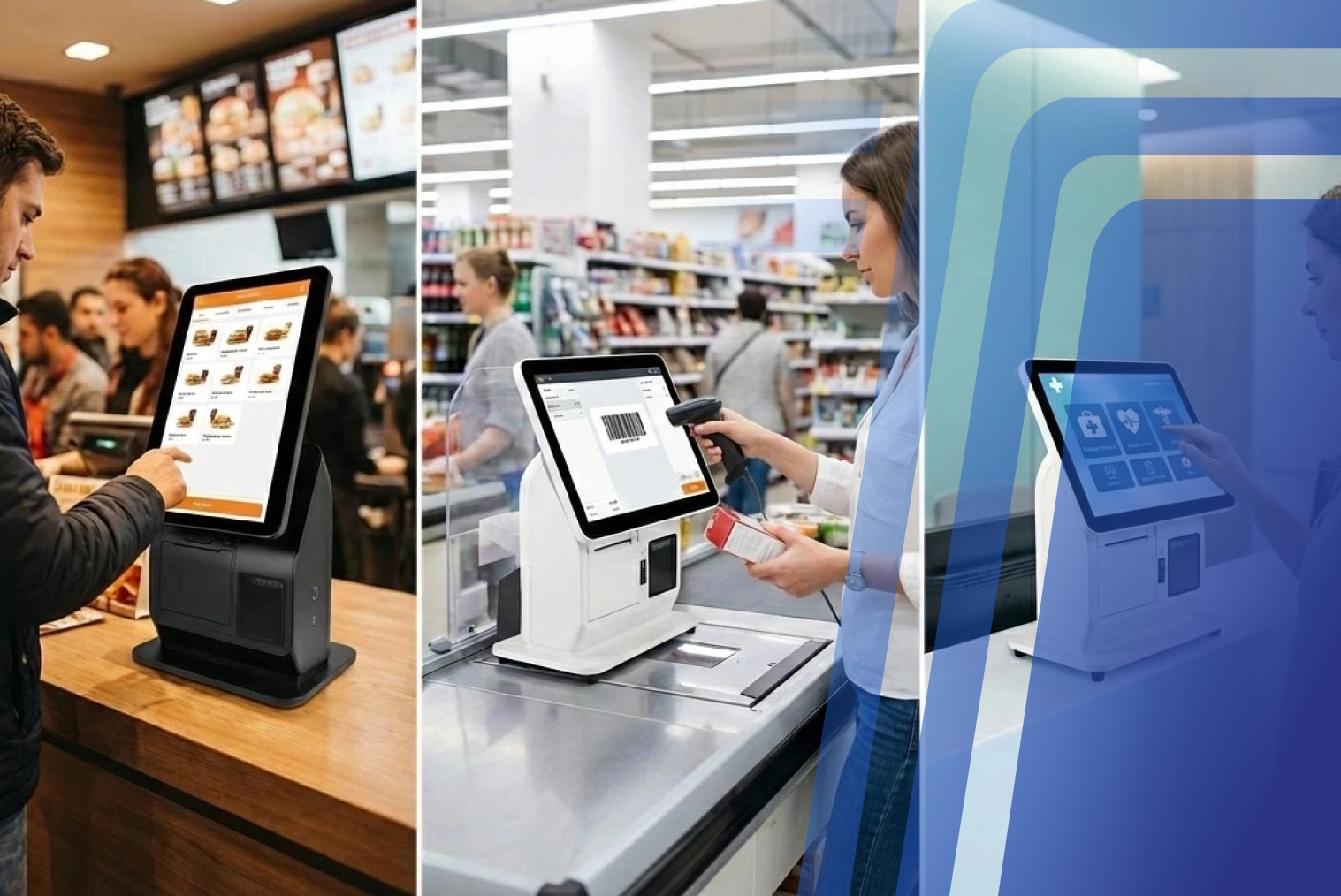
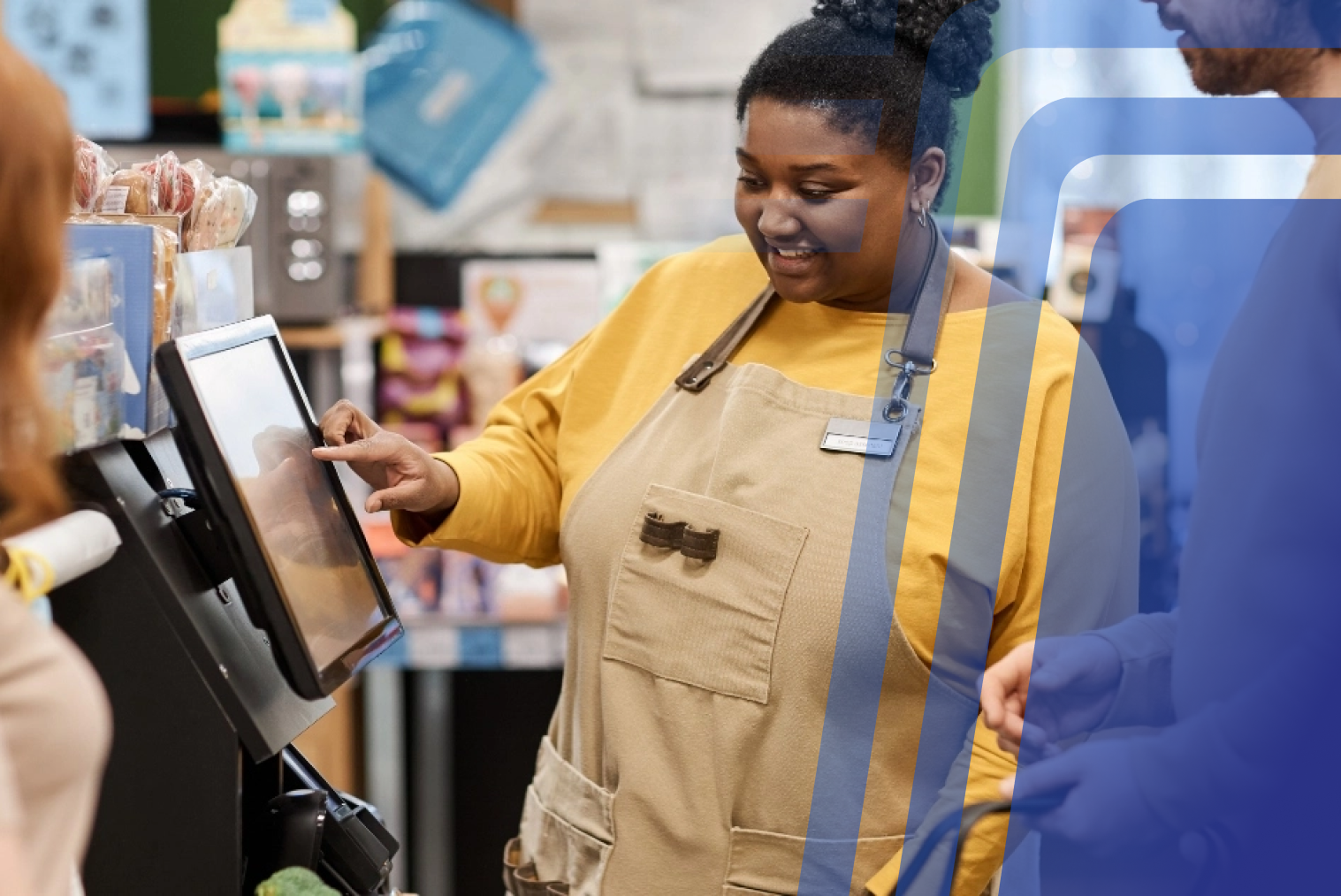
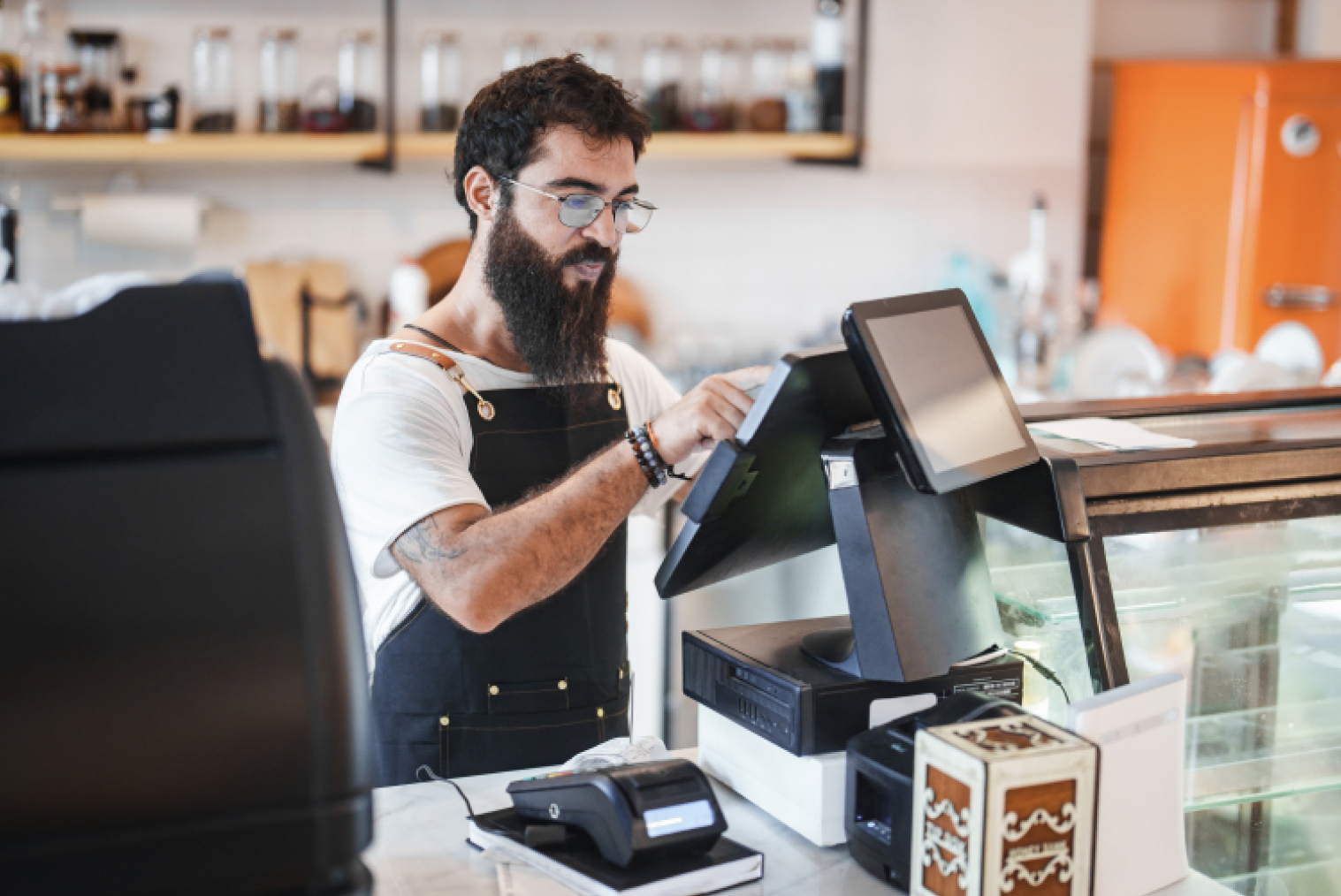
Loyalty programs should function wherever your customers engage, whether they are ordering from your POS at the counter or a self-service kiosk. Integration between your loyalty system and sales platform is essential.
Why Integration is Important
Unified tracking: Customers earn and redeem points regardless of how they order
Speedier checkouts: Rewards get loaded automatically at the POS or kiosk. Systems can offer rewards or upsell items based on previous orders
No double entries: All data moves into one location—your POS dashboard
Whether a customer clicks through a kiosk or engages with your employees, they should be recognised and rewarded immediately.
What to Look for in a POS Loyalty Program
When considering loyalty programs, these are the most important features to consider in a POS-integrated system:
1. Points-Based System
The customers must be able to earn points for each rupee or dollar spent and earn them to redeem for discounts, free products, or special offers.
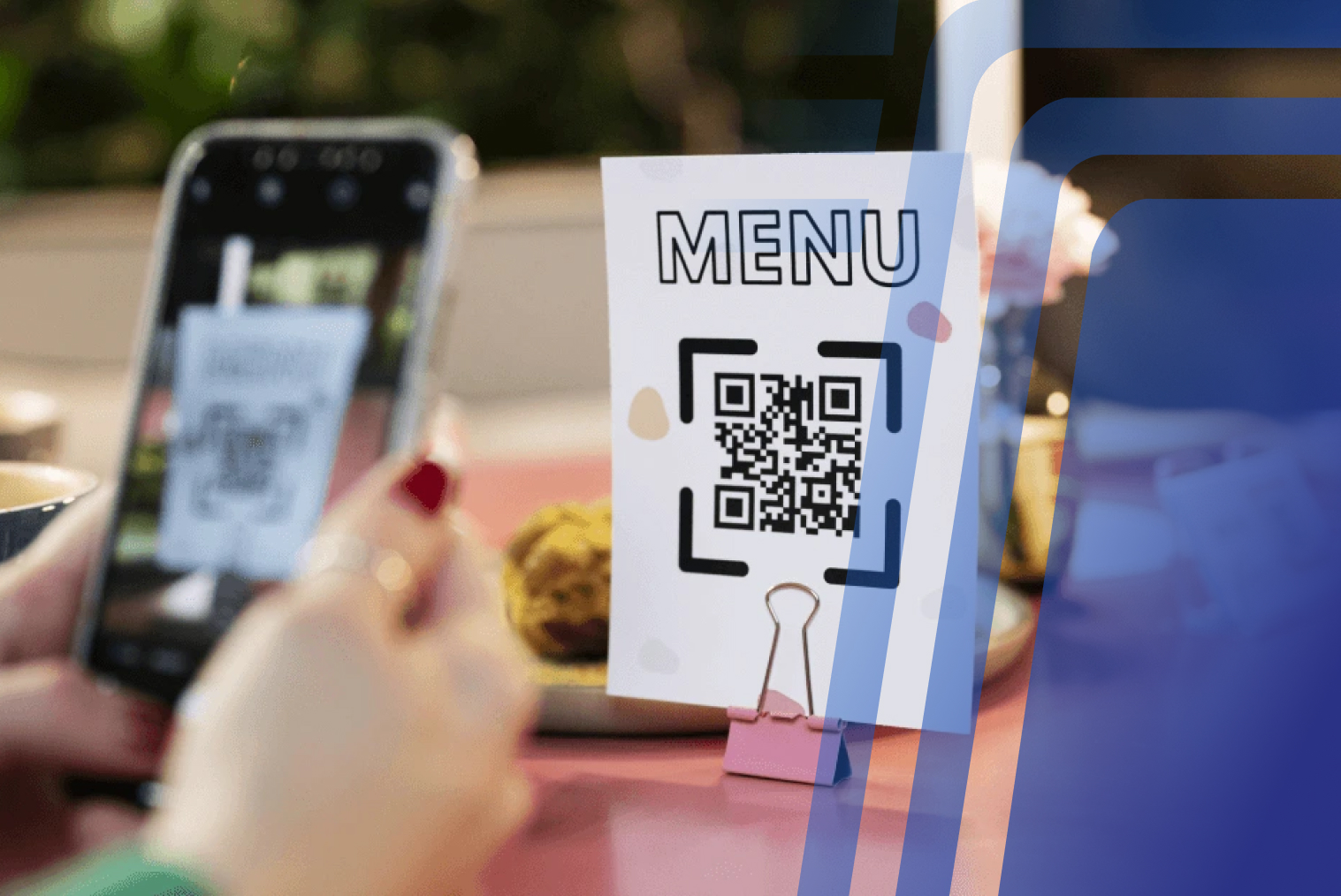
2. Mobile Number or QR Integration
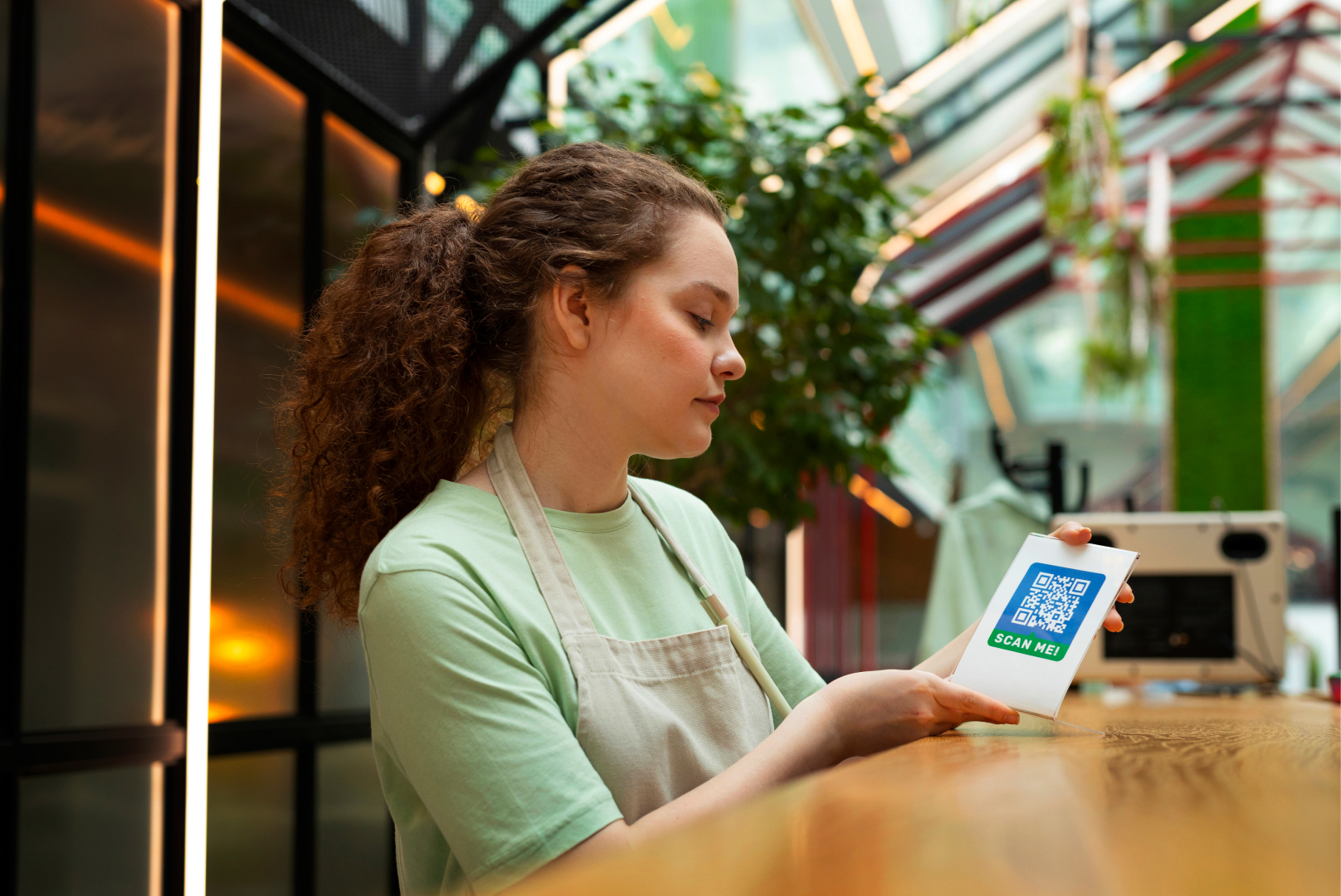
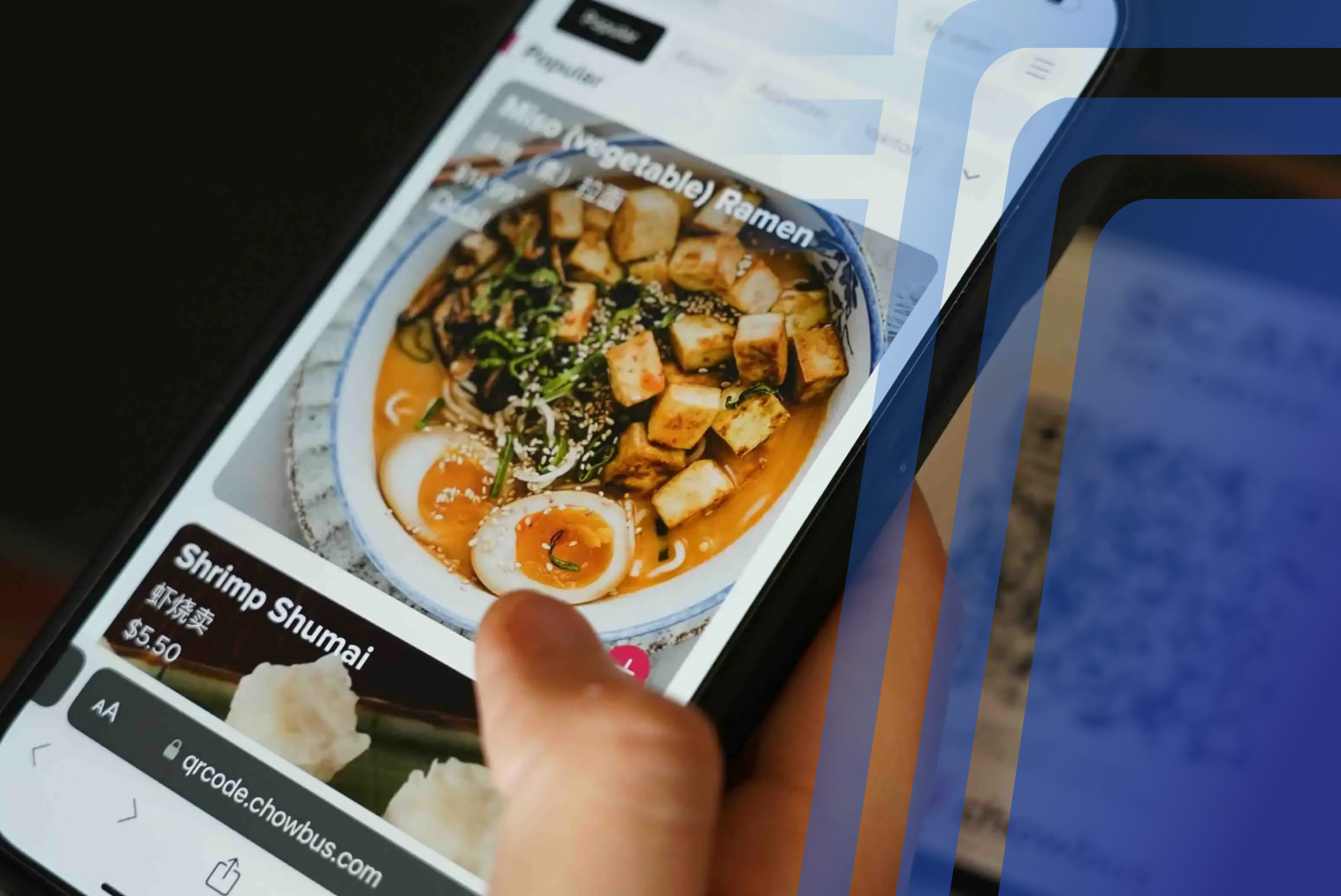
Make it convenient for customers to join or view their rewards balance by inputting a mobile number or scanning a QR code—on the spot at the POS or kiosk.
3. Customisable Reward Rules
Seek systems that allow you to have custom rules:
-Points per dollar spent
-Birthday rewards
-Double points on certain days
-Referral rewards for friends
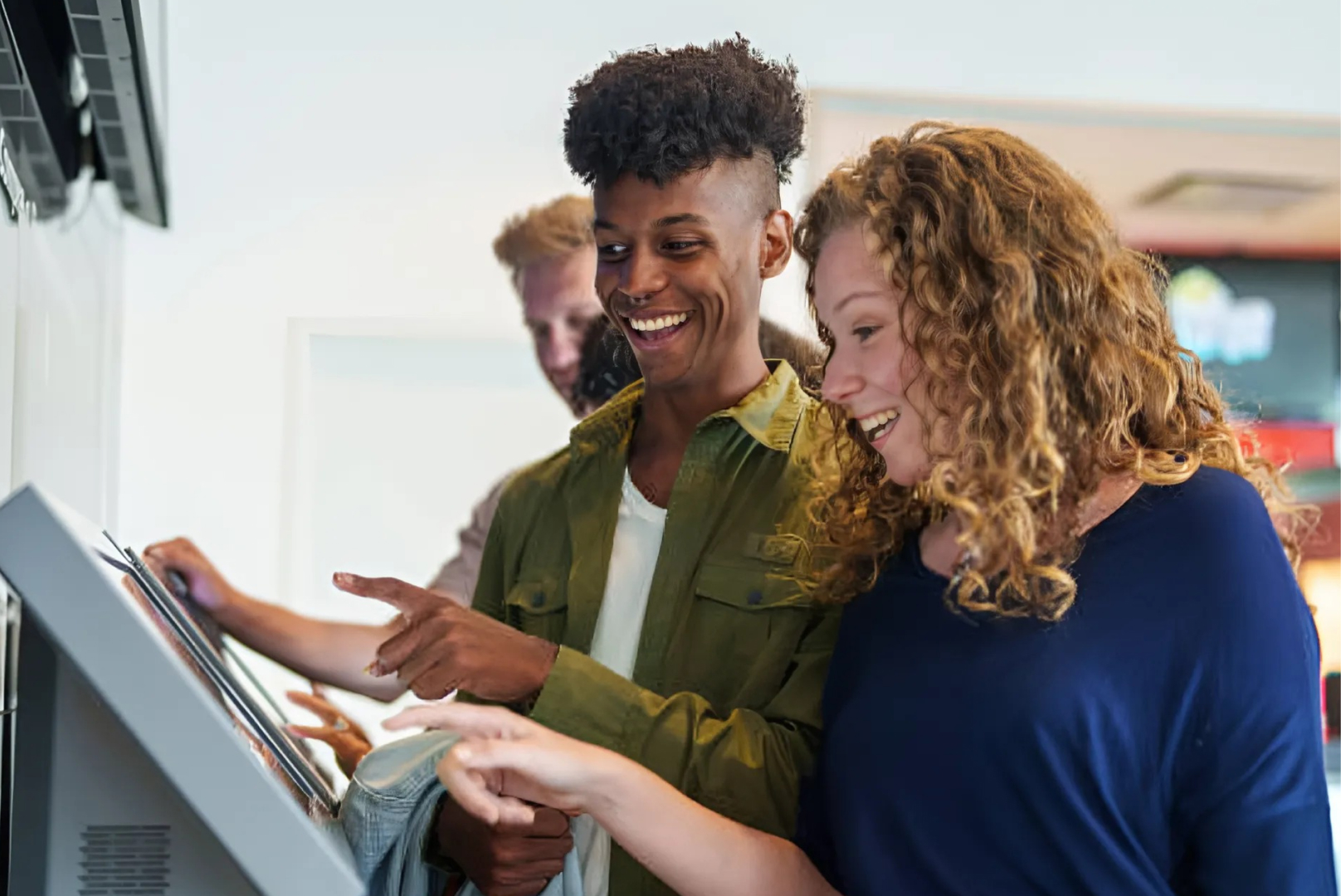
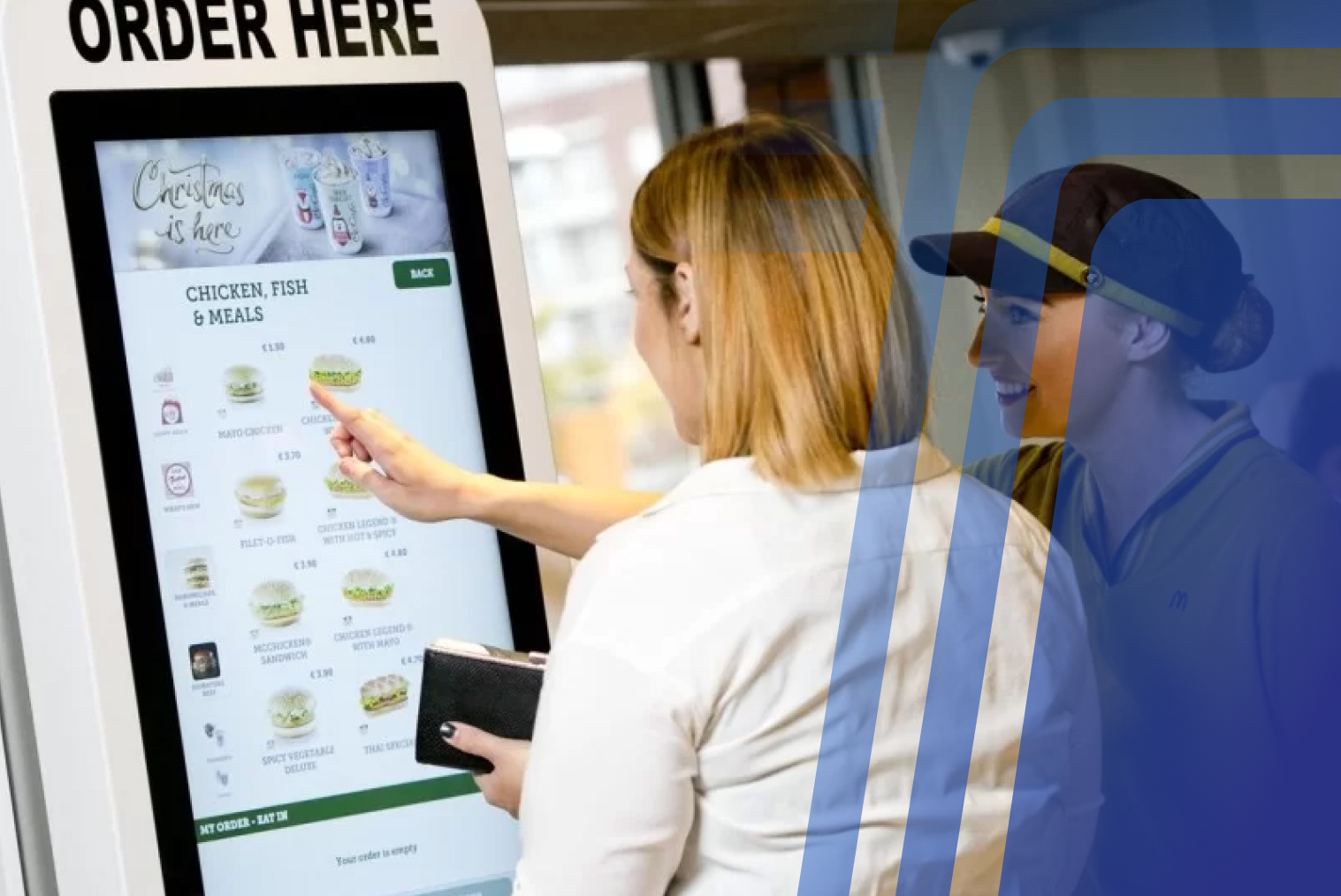
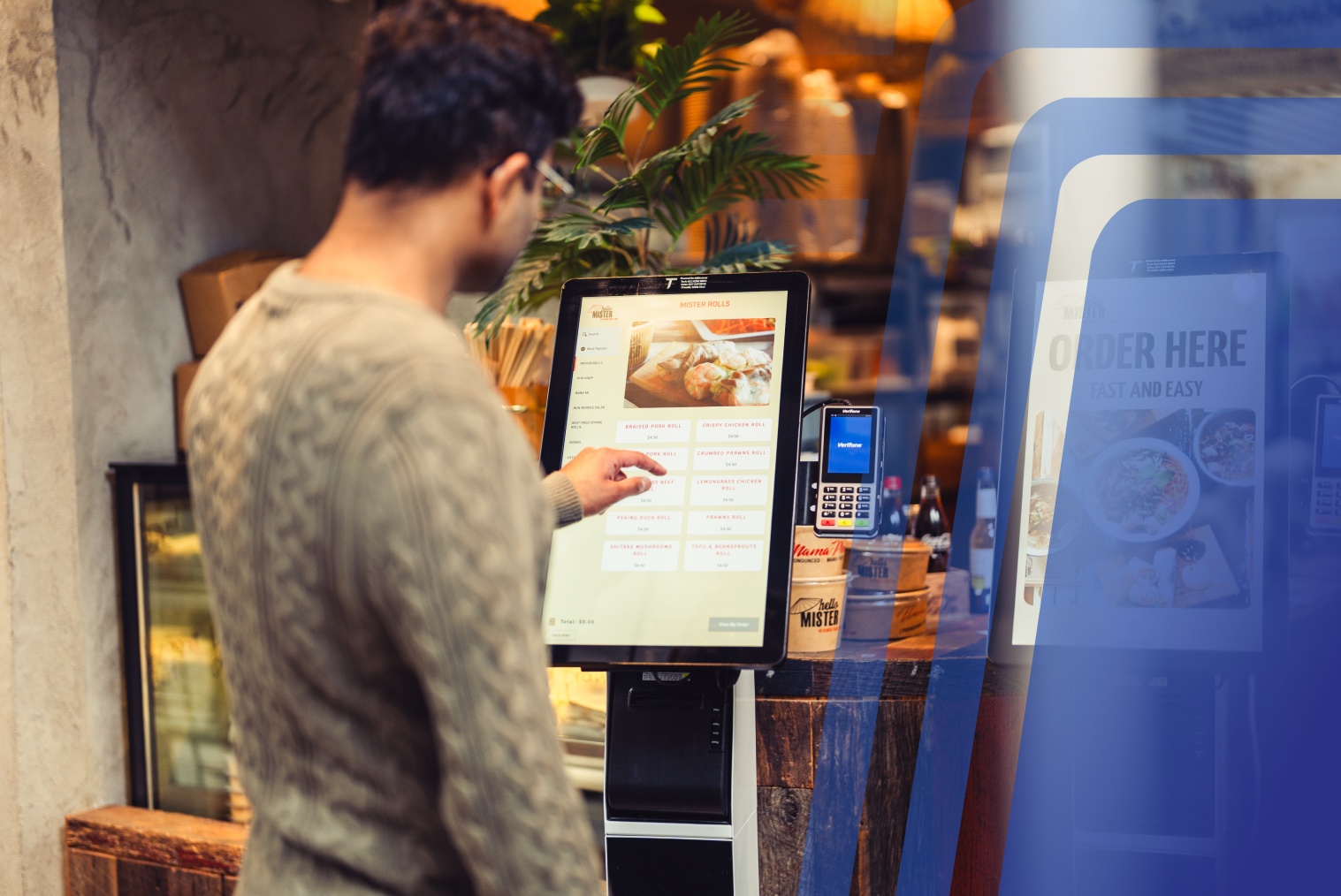
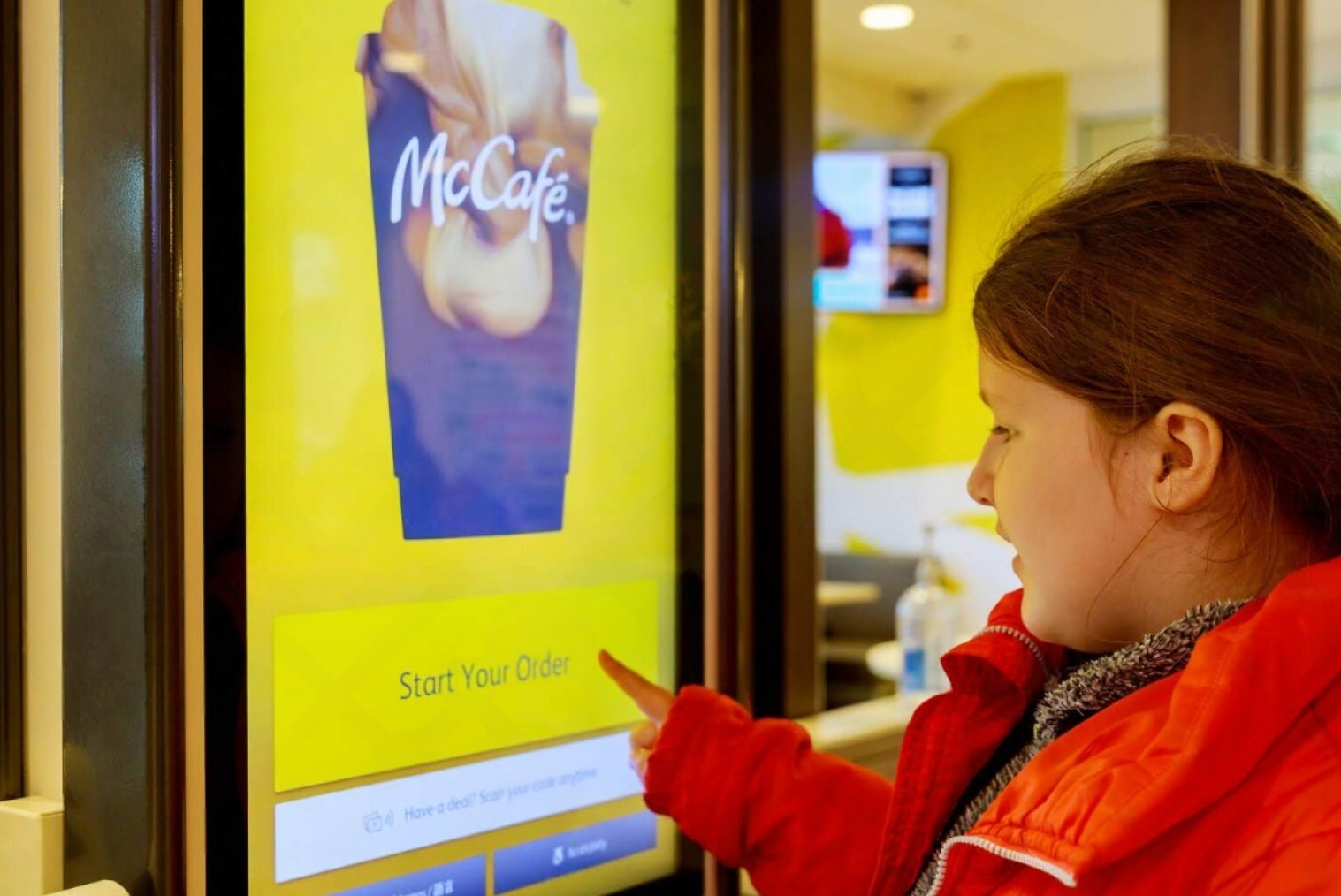
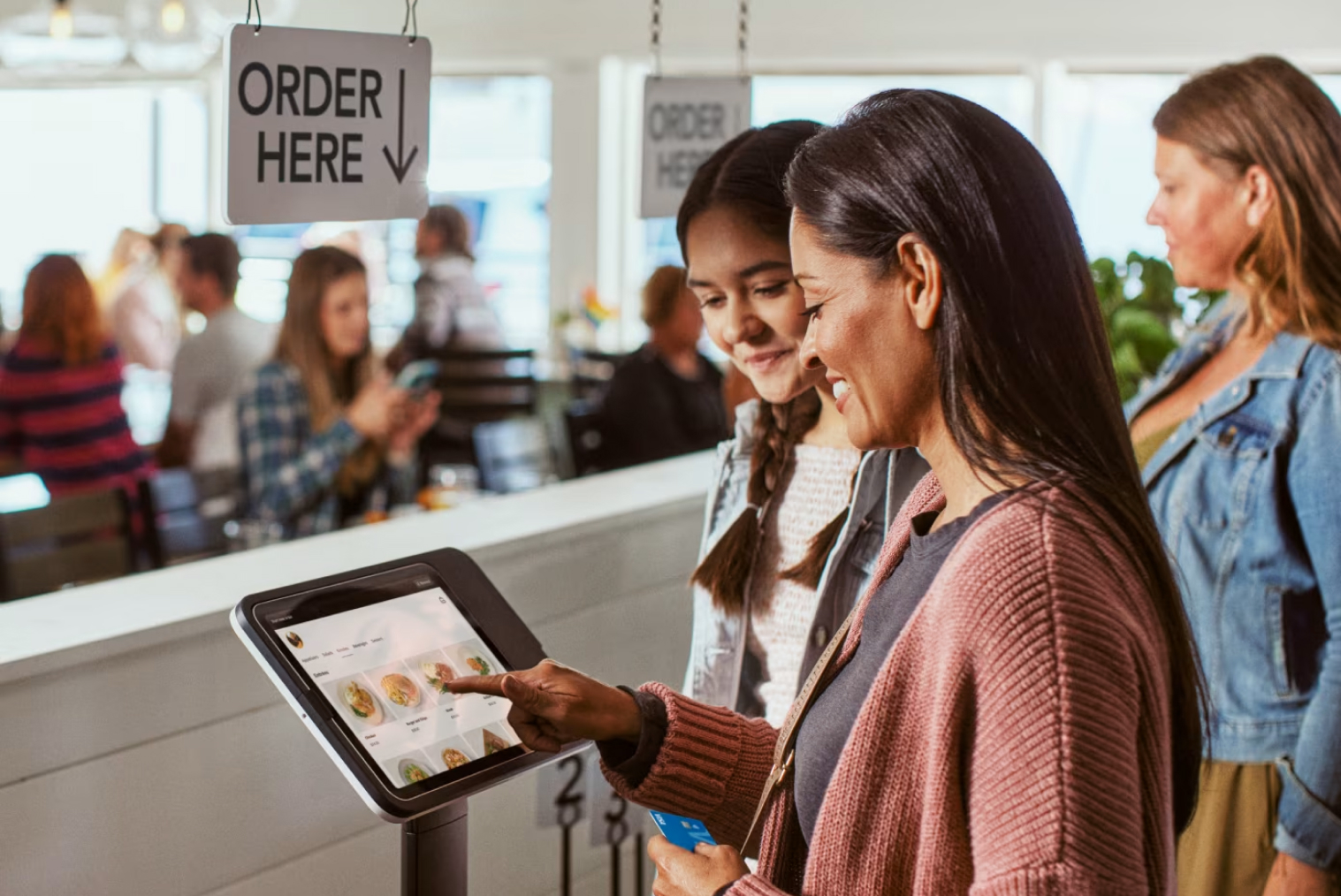
4. Kiosk-Friendly UI
Make the kiosk interface present loyalty choices clearly:
-Display accessible points or offers pre-checkout
-Allow users to redeem rewards without any staff intervention
-Encourage signups to new customers directly from the screen
5. Real-Time Syncing with POS
Every loyalty data should sync in real time between the kiosk and the POS. This avoids problems such as customers losing points or viewing stale offers.
Top-performing restaurants report that up to 37% of their transactions come from loyalty members.
What to Look for in a Kiosk Loyalty Program
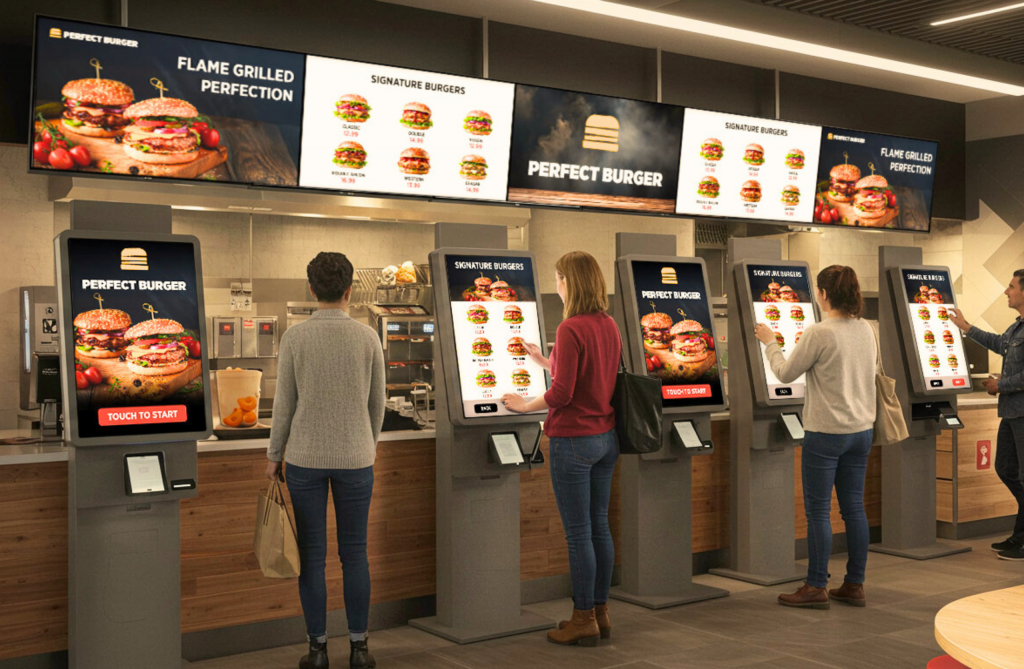
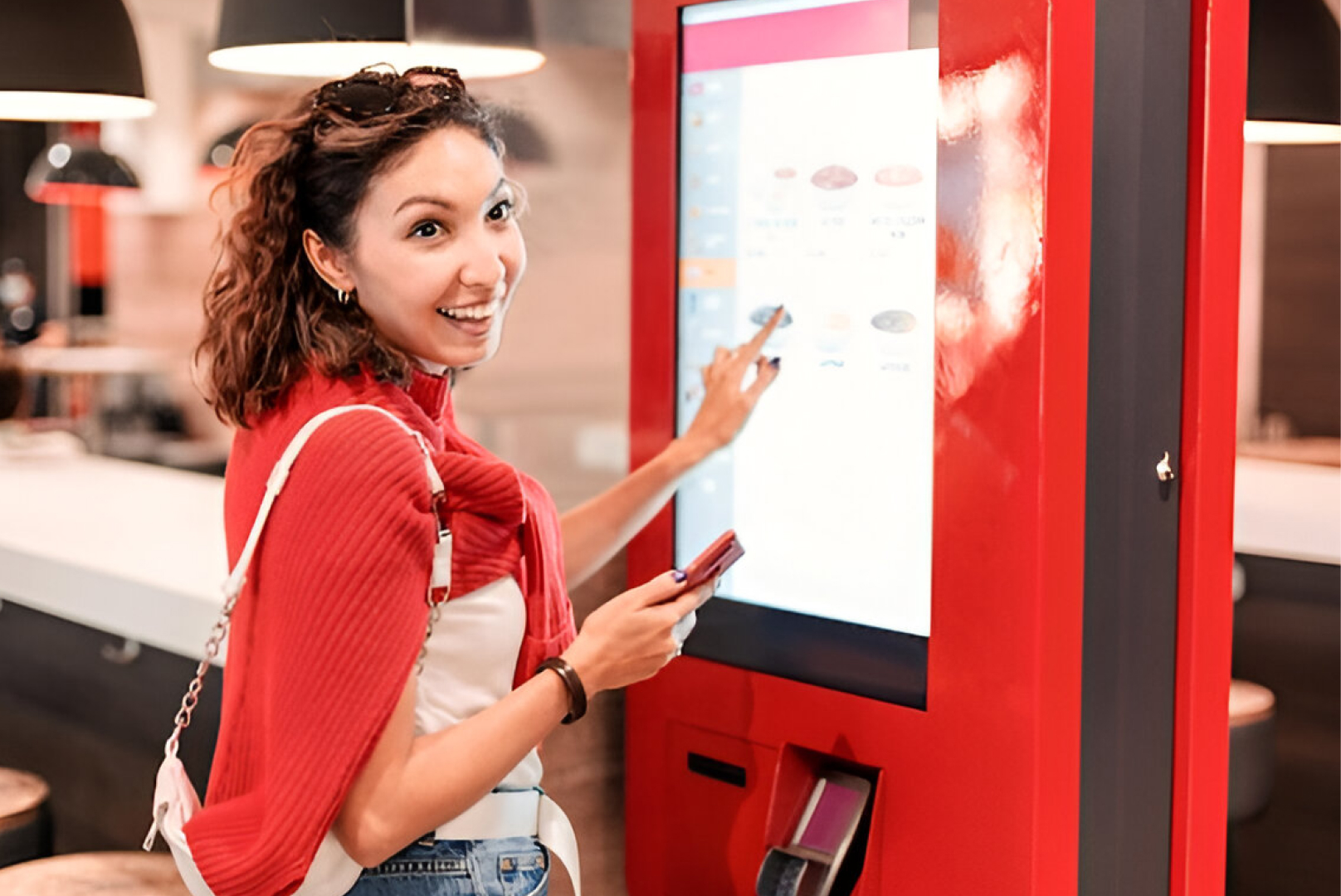
Self-service kiosks are growing more popular for quick, streamlined ordering—but they need to be loyalty-friendly too. Here's what counts
Easy opt-in: Permit new customers to opt into your loyalty program at kiosk checkout
Auto-login: Enable repeat customers to enter their phone number or scan a QR code to access their rewards instantly.
Recommended rewards: When a customer has 50 points, the kiosk can recommend a reward item at checkout
Few steps: Simplify the loyalty process—do not use lengthy sign-up forms or redirects
Pro Tip: Leverage the kiosk screen to tout rewards. For instance, "Get a free burger on your next visit—sign up now!"
Bonus Features to Add: If you want a high-end experience, here are some advanced features you should have in your POS/kiosk loyalty solution:
- Multi-outlet sync – Monitor and redeem points in all locations
- Customer segmentation – Provide varied rewards for high spenders or new users
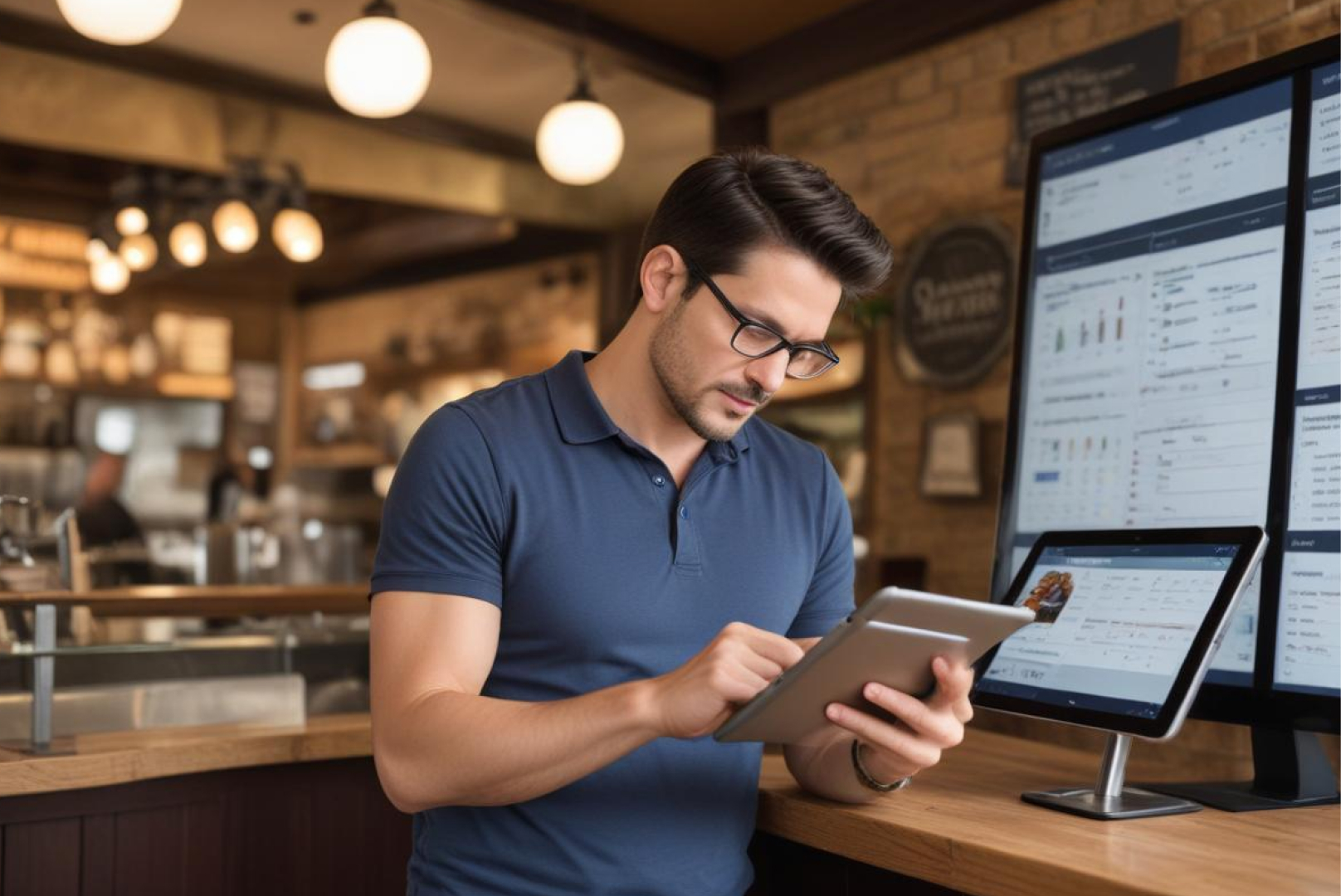
- Analytics & reports – Track reward redemptions, most frequent users, etc.
- Marketing tools – Trigger SMS or push notifications on new promotions
How to Choose the Right Loyalty Setup for Your Restaurant Type
Choose a loyalty program that matches how customers actually buy from you - the right match makes adoption instant and frictionless.
Quick-Service & Fast Casual
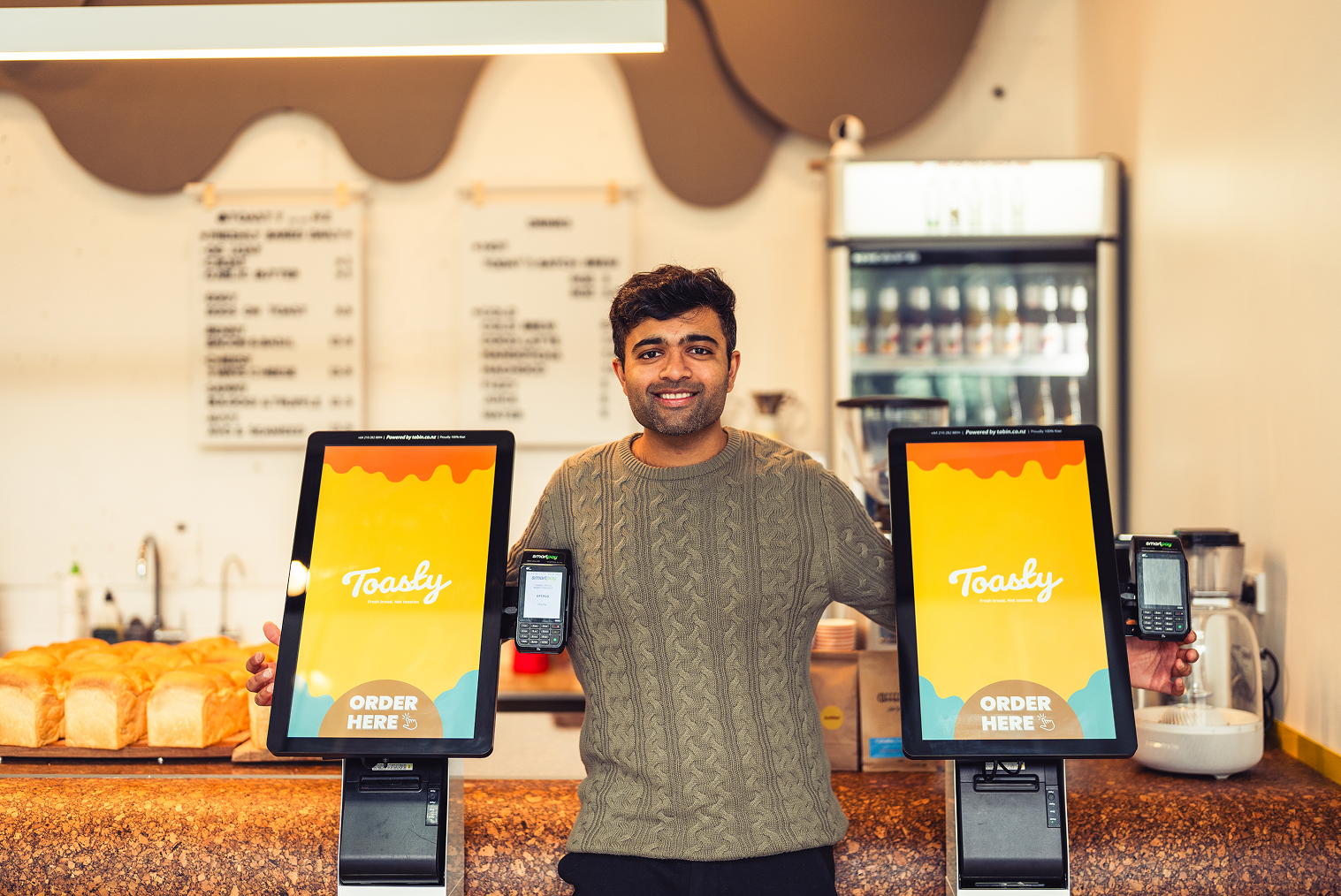
Best configuration: self-service ordering kiosk + POS-integrated loyalty including points and instant redemptions. Kiosks speed checkout and surface rewards visually at the moment of purchase, increasing sign-ups and redemptions — especially when paired with a POS system with a rewards program that syncs points instantly.
Cafés & Bakeries
Best setup: mobile-number loyalty at the counter POS. A fast sign-up via phone number or QR works best for repeat morning customers.
Multi-Outlet Chains Best setup:
Cloud-based, centrally managed loyalty where customers use the same account across stores. This is a must for running any national campaigns and tracking ROI centrally.
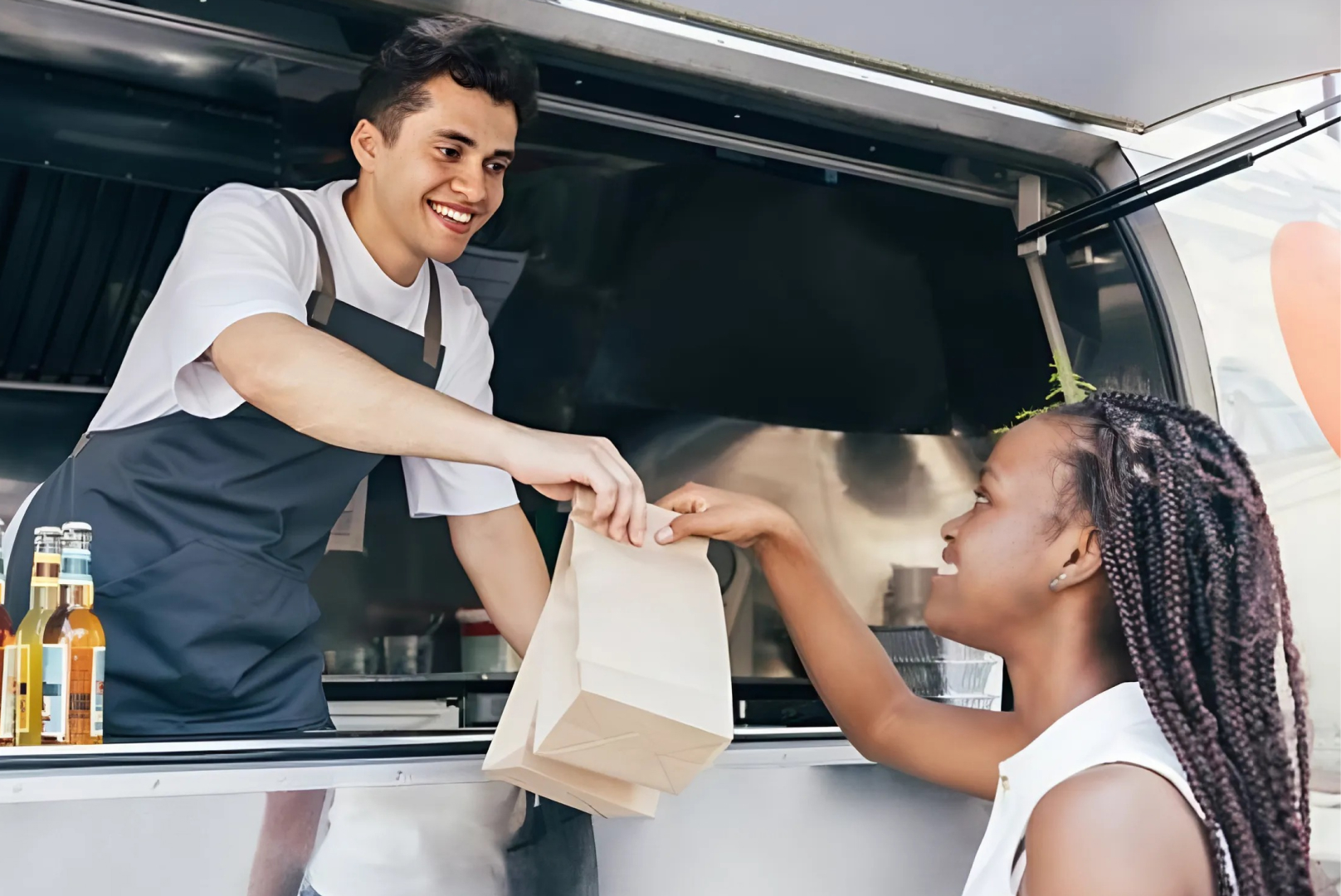
Food Trucks & Mobile Vendors Best setup:
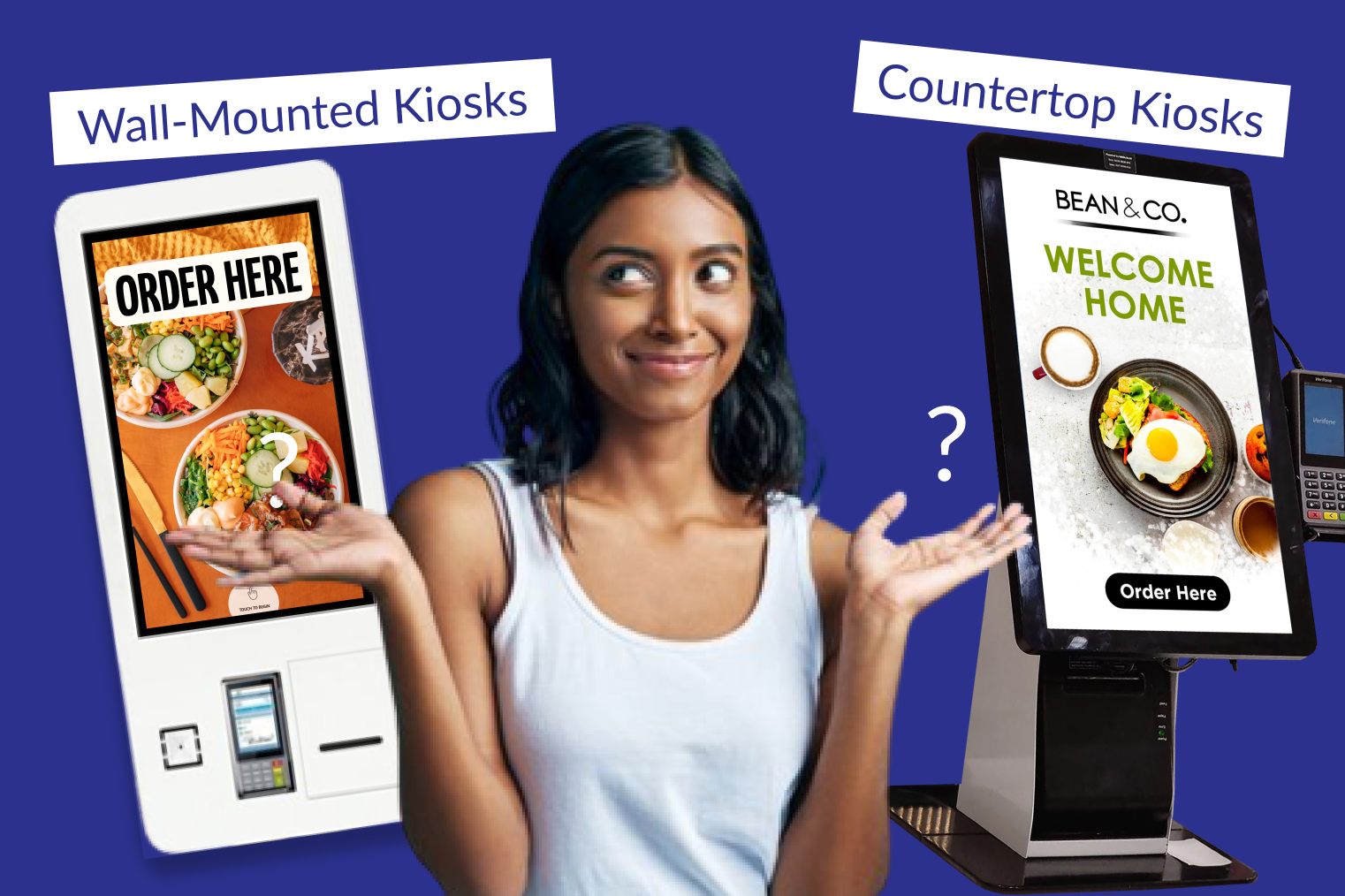
A POS system for a mobile food truck with QR-based loyalty enrollment. Mobile POS plus a digital ordering kiosk for restaurants (or a lightweight countertop kiosk) allows customers to join with one tap and redeem on the spot.
Why it matters: The right combination of kiosk + POS turns a loyalty program from a marketing idea into revenue, especially when coupled with easy payment options such as EFTPOS solutions for restaurants.
Common Mistakes to Avoid in Restaurant Loyalty Systems
Avoid these traps, and your loyalty program will actually work.
- Asking for too much at sign-up. Keep fields minimal: phone or email only. Long forms kill conversions.
- Rewards that take too long to earn. Small and frequent wins increase engagement.
- Loyalty not available across channels. If customers can't redeem rewards at both the kiosk and the counter, you'll create frustrated users. Make sure the loyalty module is connected to both your kiosks and your POS.
- Forgetting to use loyalty data. Use your POS reports to drive campaigns and reduce churn. This is also how pos solutions reduce shrinkage waste in restaurants — through tailoring promotions and controlling inventory.
- Poor training of staff. Staff should be able to sign up customers, redeem points, and explain how the perks work in a sentence.
Tips to Boost Customer Signup at Kiosks
Small UX nudges at the kiosk drive big adoption gains.
Idle-screen CTAs
Display messages such as “Sign up now — get 25 points instantly!” on the kiosk idle screen.
One-click sign-up
Allow sign-up with a mobile number or QR code, with no passwords. If it is quick, people will register.
Welcome reward
Provide an immediate, inexpensive reward for (e.g., free small drink) sign-ups — it creates momentum.
Reward progress bar
At checkout, show "20 points to your free dessert." These nudges add-ons and increase AOV.
Cross-sell with loyalty
If there's a customer close to a threshold, suggest a reward-eligible item. Display "Use points? Redeem for ₹50 off" next to the product.
Combine with Payment Prompts
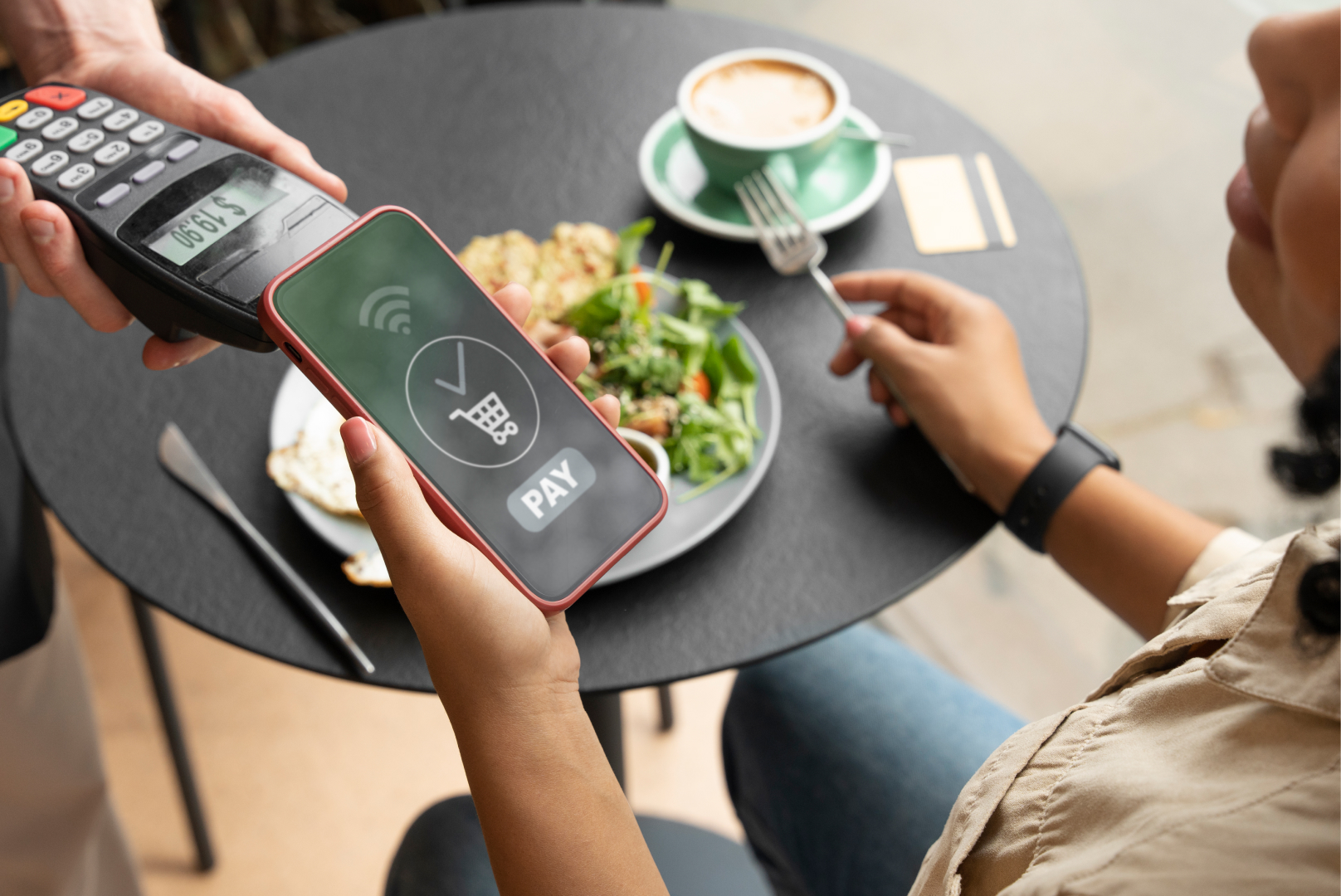
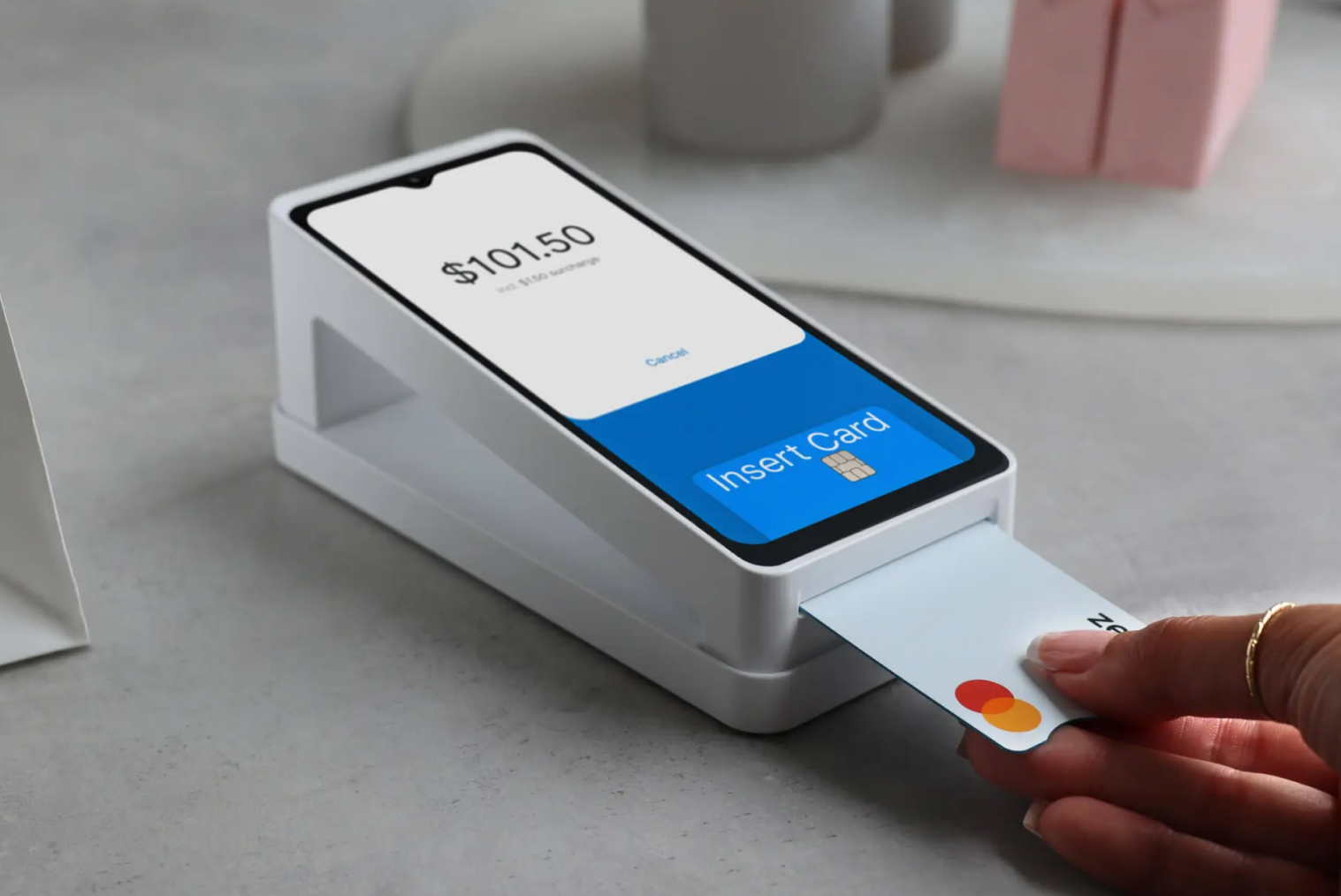
Immediately after the loyalty prompts, offer contactless payment options such as EFTPOS solutions for restaurants to make checkout frictionless.
How to Set Up a POS and Kiosk Loyalty System (Step-by-Step)
A practical checklist that a tech team or manager should follow.
- Enable loyalty from your POS dashboard and set point rules —for example, 1 point/₹1.
- Ensure your restaurant's digital ordering kiosks pull in loyalty balances and allow redemption at checkout.
- Enable phone number, QR login, or loyalty PIN on kiosk and/or POS.
- Configure small, frequent redemptions in addition to a major milestone reward.
- Kiosk idle screens, counters, receipts, and staff should all promote the programme.
- Confirm that kiosks can cache loyalty actions if a site goes offline and sync when back online. This is important for mobile and outdoor setups.
- Measure KPIs with your POS reports to track sign-ups, redemptions, repeat rate, and incremental AOV. This proves the program's ROI driven by the loyalty and rewards program in place.
- Iterate by using A/B tests on welcome offers, point values, and redemption thresholds to find what works best in your market. For example, the best loyalty programs in NZ may have local preferences.
Why Tabin's POS and Kiosk Loyalty Tools Work Seamlessly
Tabin's ecosystem is built to accommodate both POS and kiosk interactions with a common backend. Customers can earn and redeem their points whether they order at the counter or at a kiosk. You also receive a centralised dashboard that shows loyalty usage, campaign performance, and customer insights all in one place. That matters because loyalty traffic has doubled in the restaurant industry between 2019 and 2024, with these users now making 39% of all visits. In fact, restaurants that run digital loyalty programs have seen an 18% increase in repeat visits and 22% higher spend per customer, according to recent industry research.
Frequently Asked Questions (FAQs)
Q1: Can customers redeem loyalty points on the kiosk and the POS?
Yes, in case your system is integrated (as Tabin's is), points can be earned and redeemed on either channel.
Q2: How do customers enroll in the loyalty program?
They can enroll by using their phone number or scanning a QR code—either during checkout or when they visit for the first time.
Q3: Can I personalise the rewards and point rules?
Absolutely. Tabin lets you determine how points are earned, when they expire, and what they're good for.
Q4: Do kiosks require the internet to sync loyalty data?
Yes, but they can function in offline mode and sync data when they come back online.
A contemporary loyalty program can be the key to a first-time customer and a frequent visitor. Proper POS and kiosk integration makes rewards simple to earn, redeem, and enjoy—regardless of how your customers order.
Q5: Do rewards apply to both dine-in and takeaway orders?
Yes. As long as your POS and kiosk share the same loyalty program, rewards apply everywhere.
Q6. Which kiosk platforms support loyalty & reward programs?
Modern platforms like Tabin offer seamless loyalty integration across both POS and kiosks.
Q7. Can the loyalty program work at the counter POS and the self-service ordering kiosk?
Yes — the system simply identifies the customer by mobile number or QR code.
Q8. Does a kiosk-linked loyalty program work offline?
Most systems require the internet for syncing; however, kiosks like Tabin support offline caching until reconnection.
Q9. Can customers use one loyalty account across multiple outlets?
Yes — when using a cloud-based centralised loyalty setup.


.webp)









.png)














.webp)


