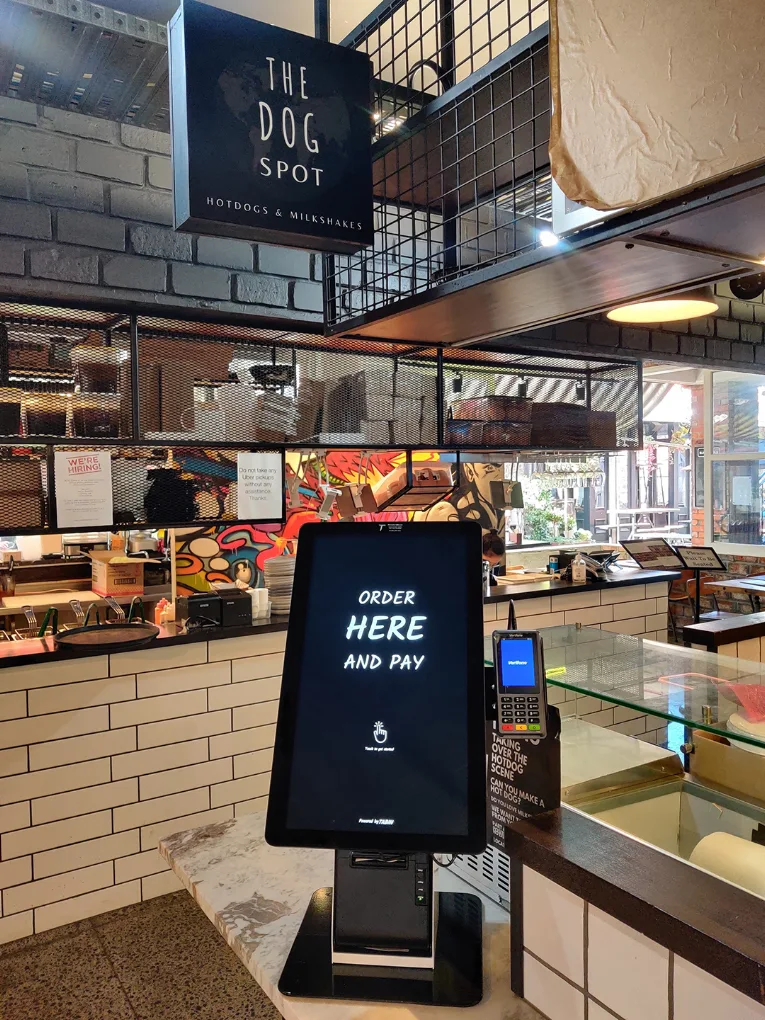
Self-service kiosks have transformed how restaurants serve customers. What once felt like a futuristic add-on is now a fundamental part of modern dining. But the success of a kiosk doesn't just depend on having a screen—it depends on how well it works for the customer.
Some kiosks make the process seamless; others end up frustrating users. The difference? The features that shape the customer experience. Here are five of the most important ones that influence whether a customer will use the kiosk again—and recommend it to others.
What Makes a Self-Service Kiosk Great for Customers
The effectiveness of digital kiosks for restaurants depends largely on how intuitive, inclusive, and reliable their features are during real-world use.
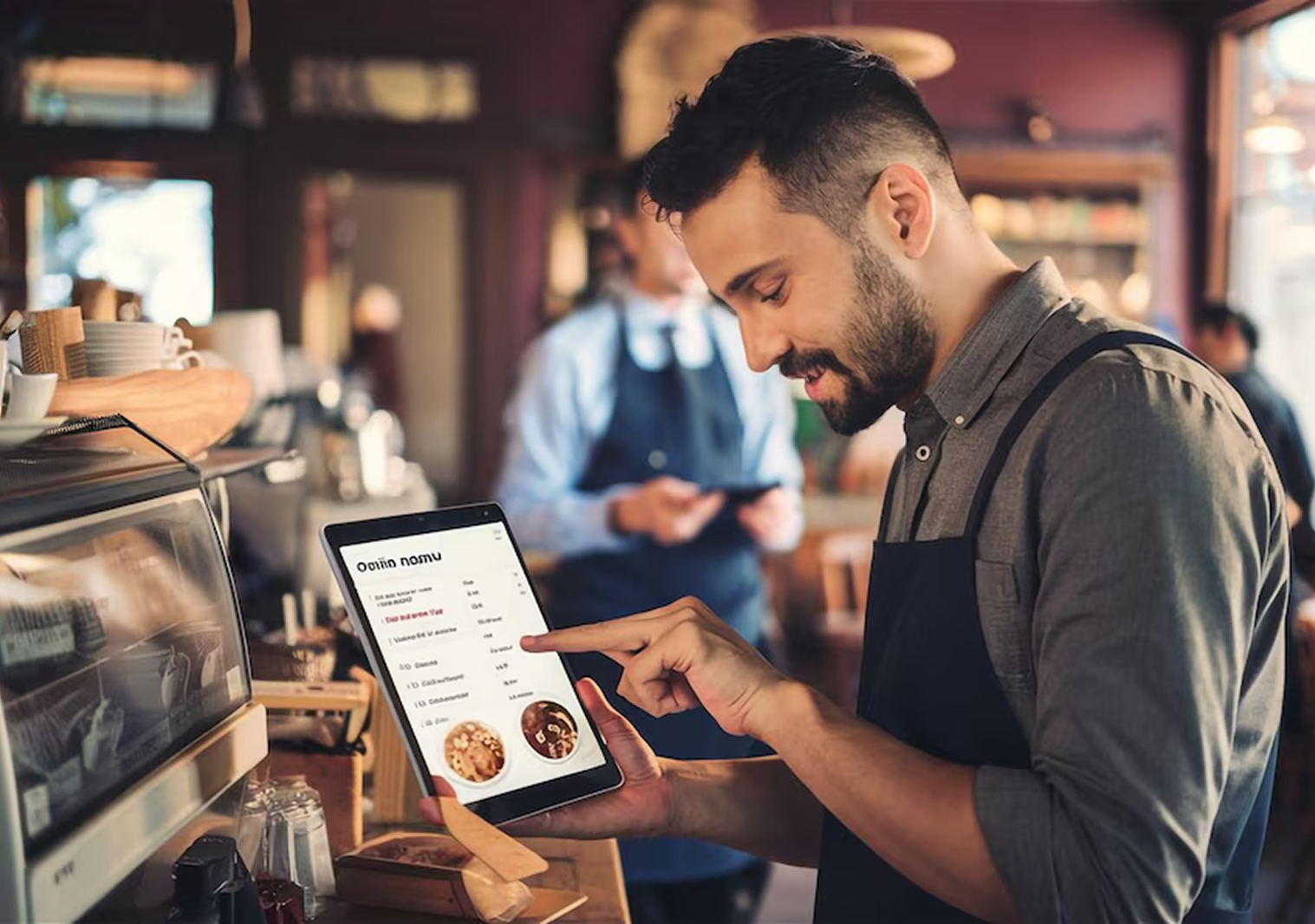
1. Easy-to-Use Interface That Speeds Ordering
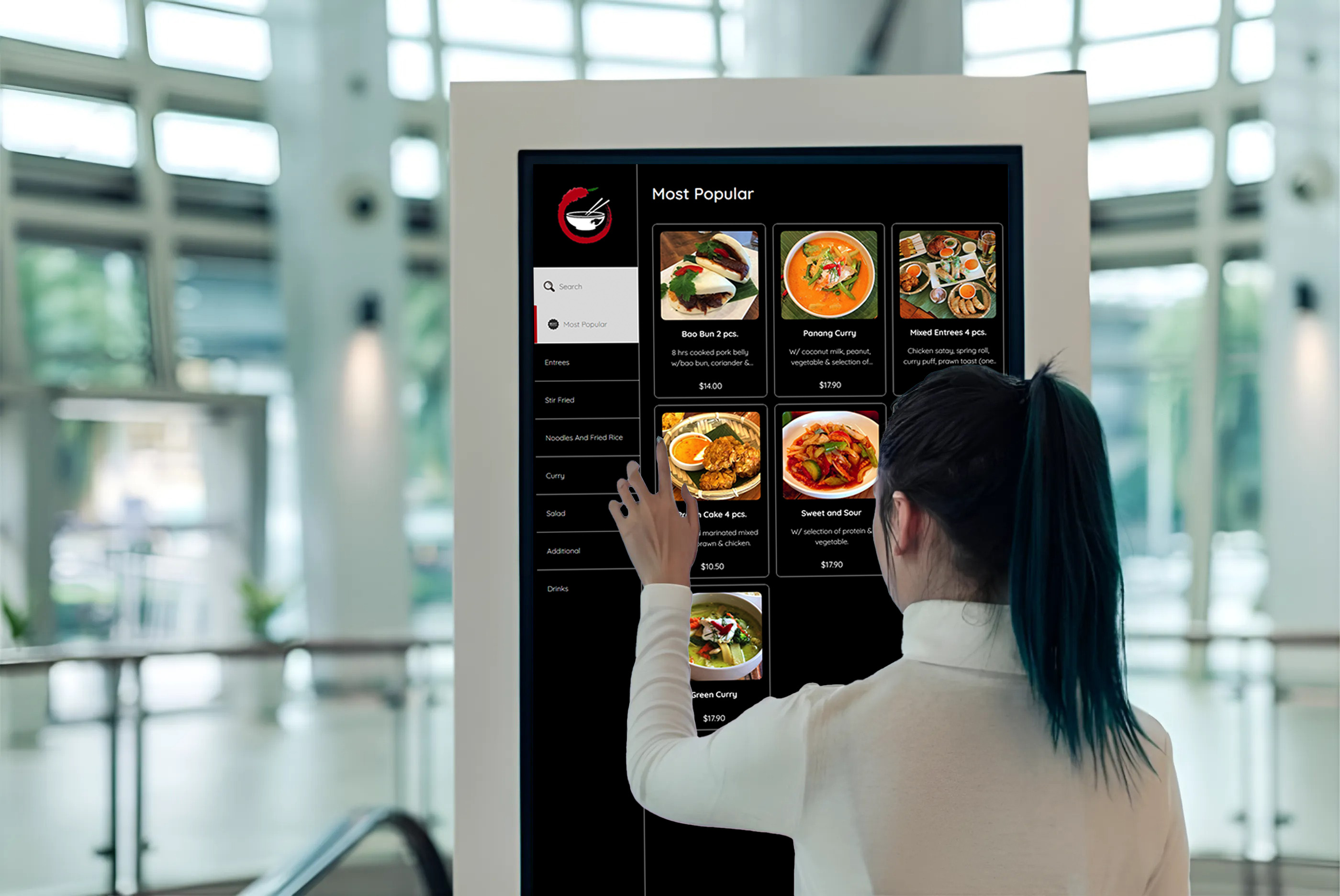
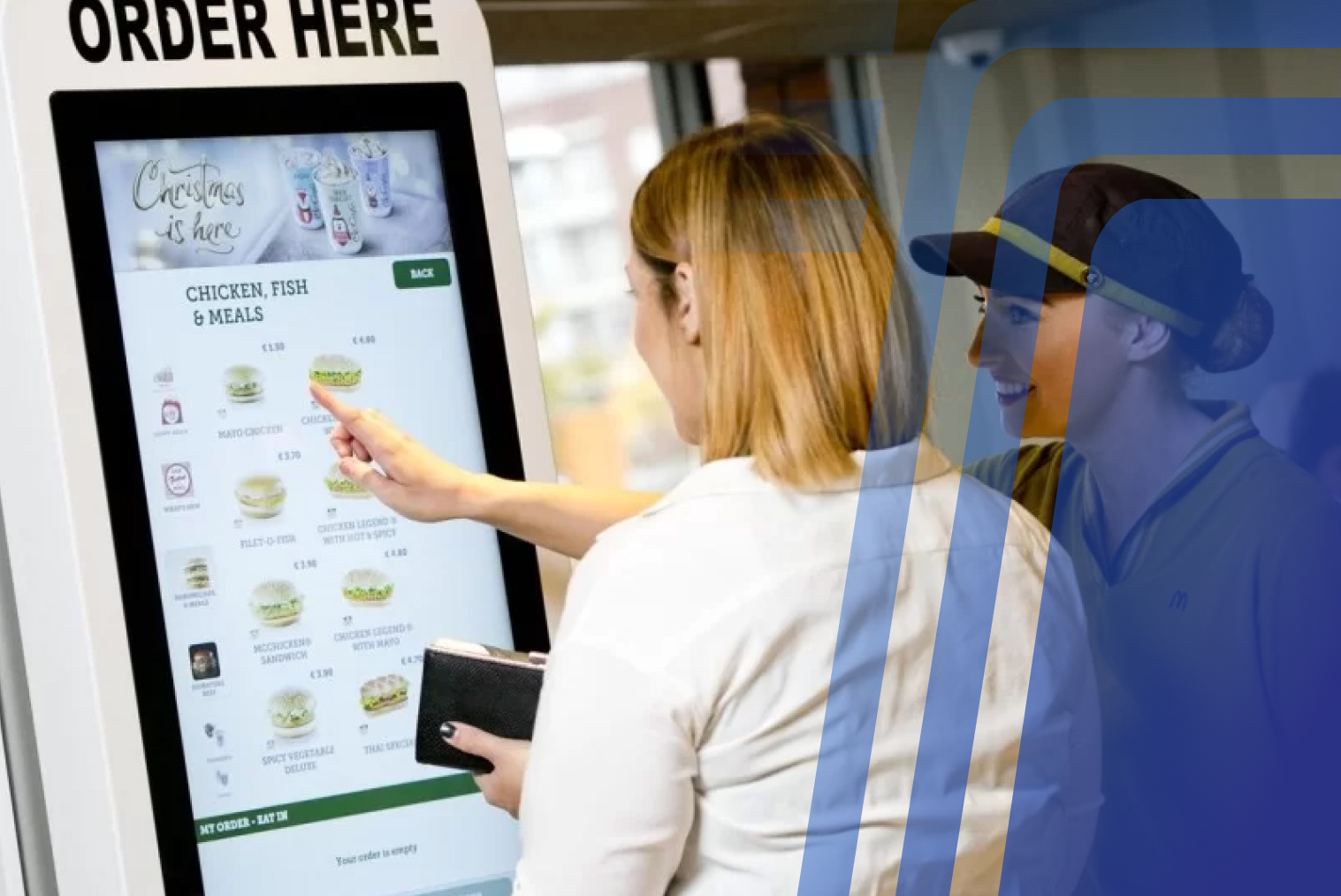
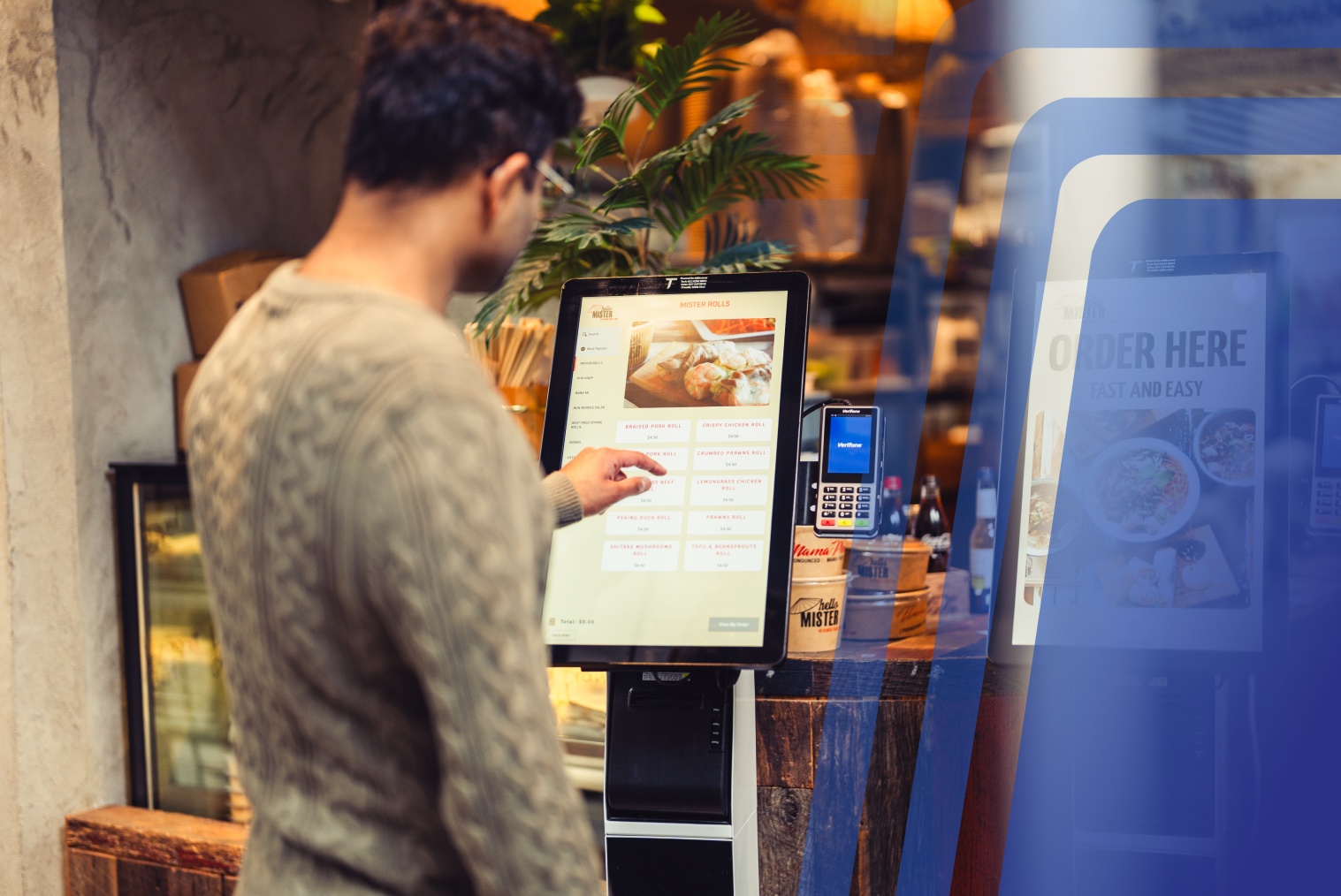
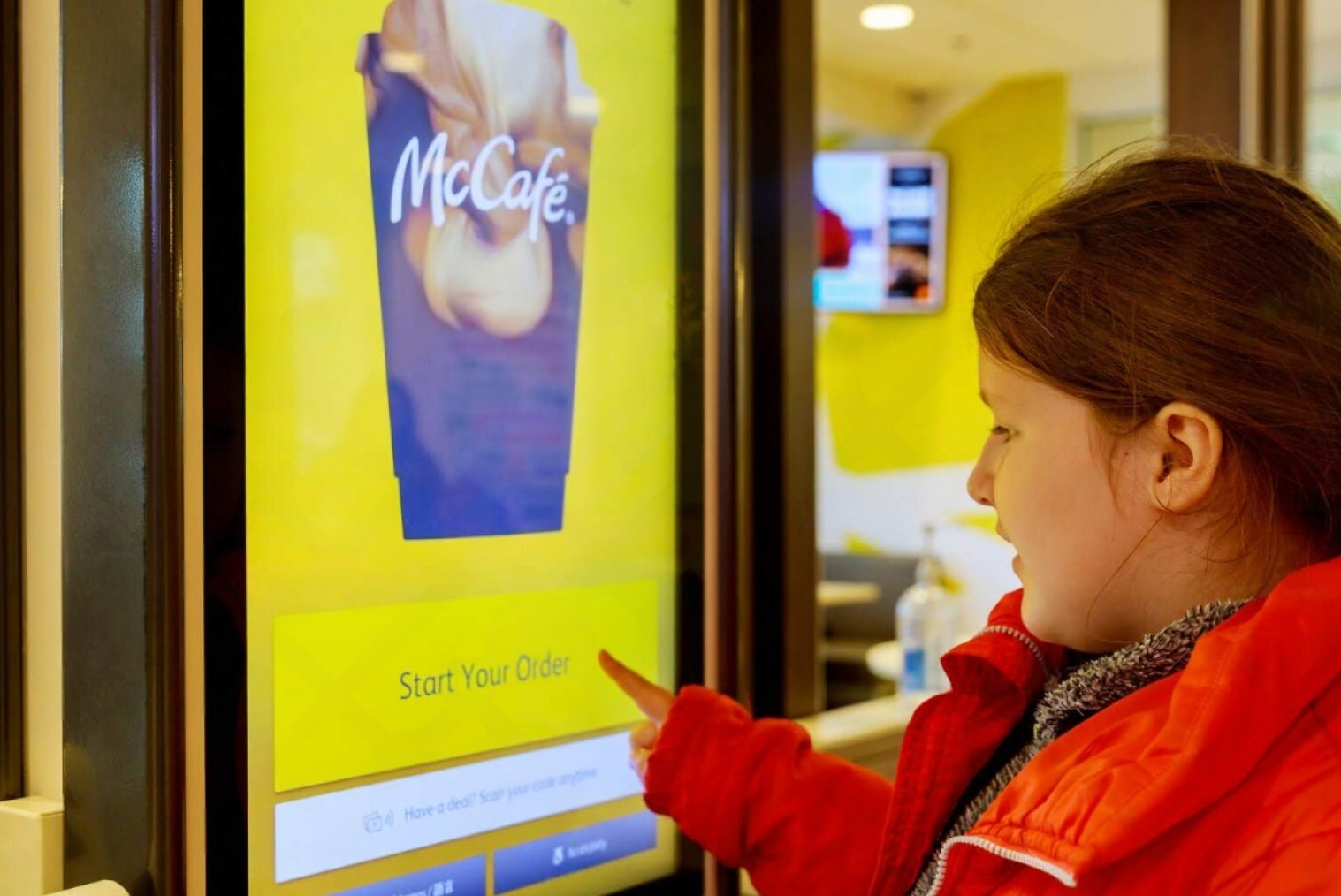
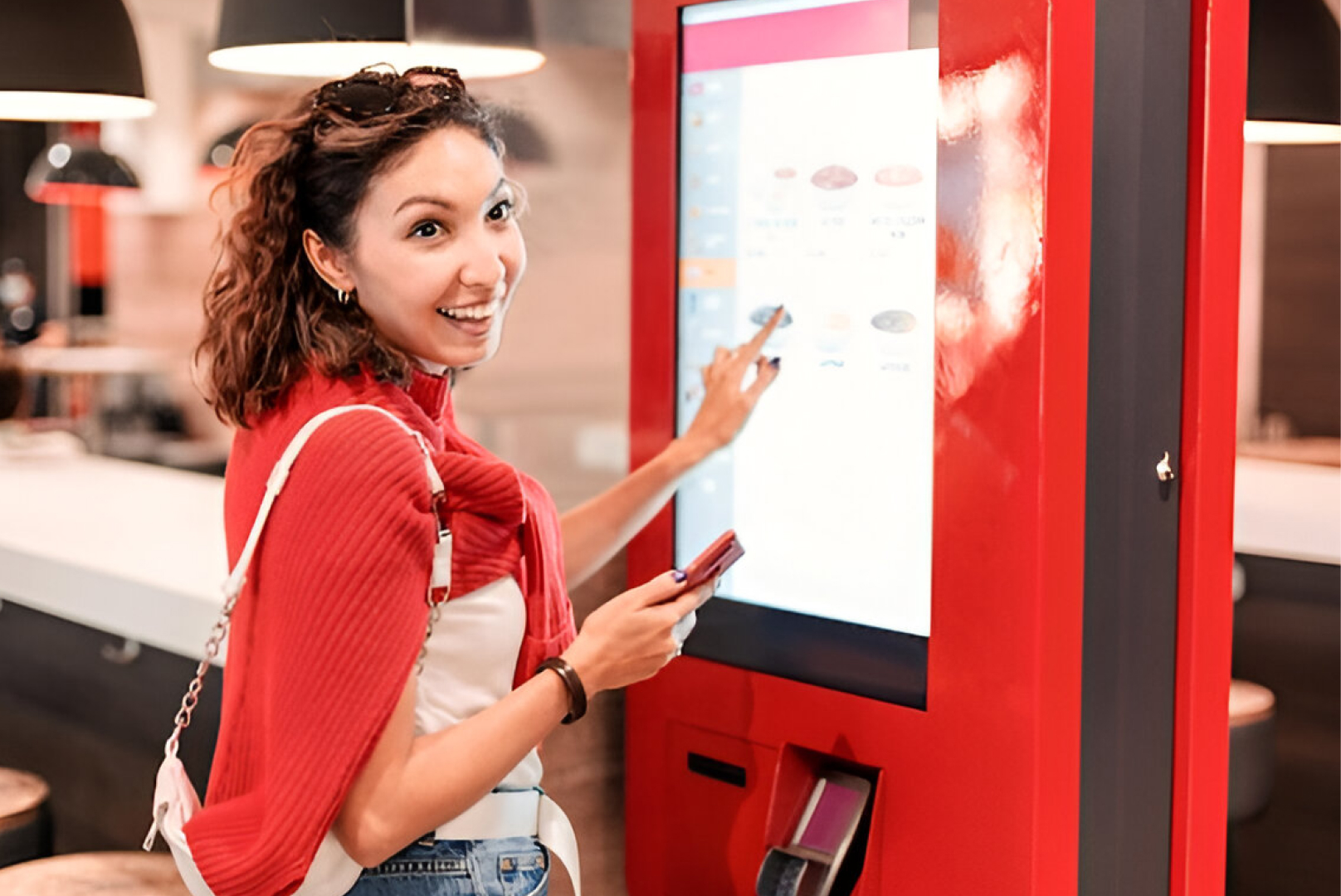
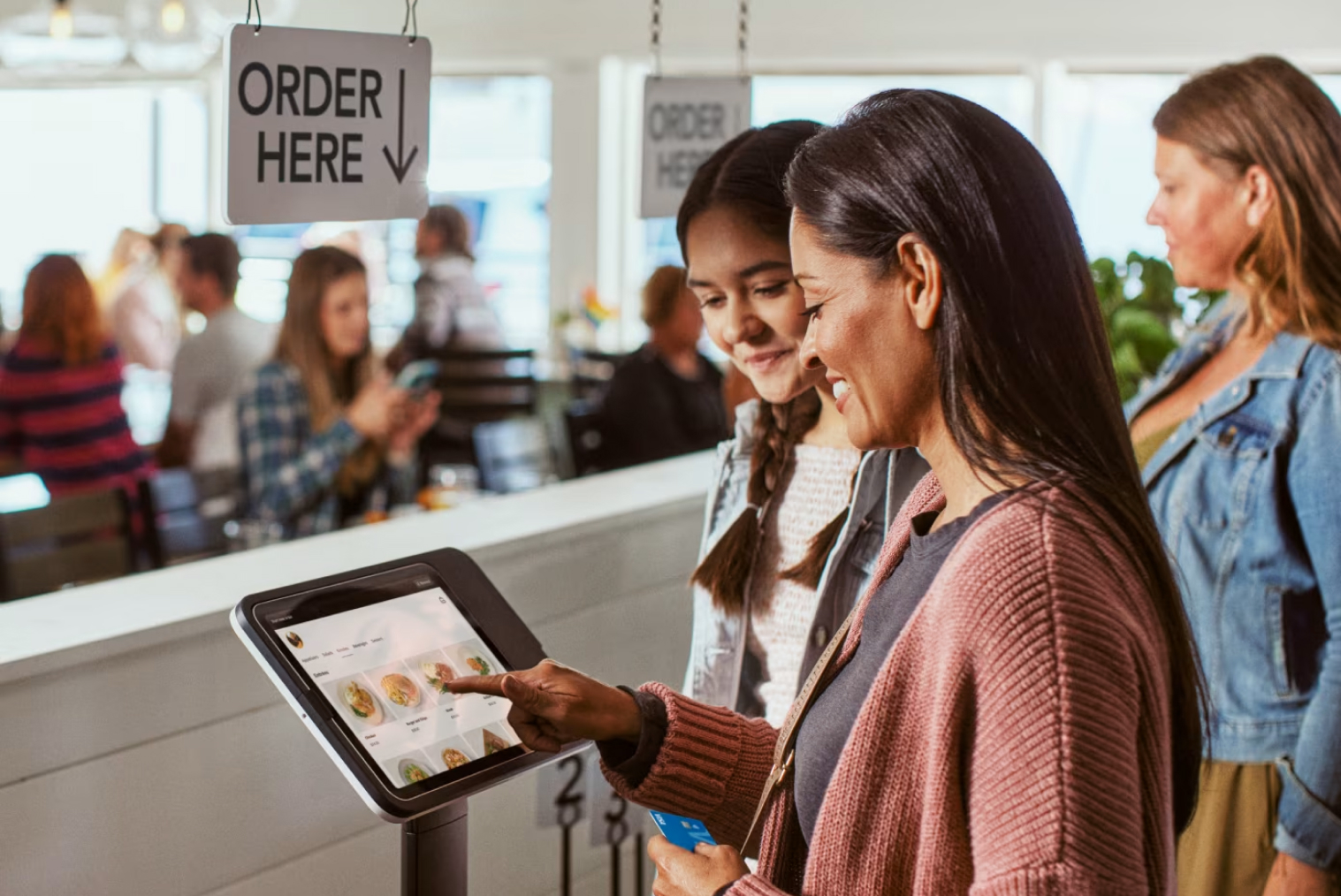
The first thing customers notice about a kiosk is how it feels to use. A confusing or cluttered layout leads to hesitation and mistakes, while a clean, clear design builds confidence.
What matters most:
- Intuitive category structure (e.g., burgers → chicken → add-ons)
- Responsive touch experience with large, readable buttons
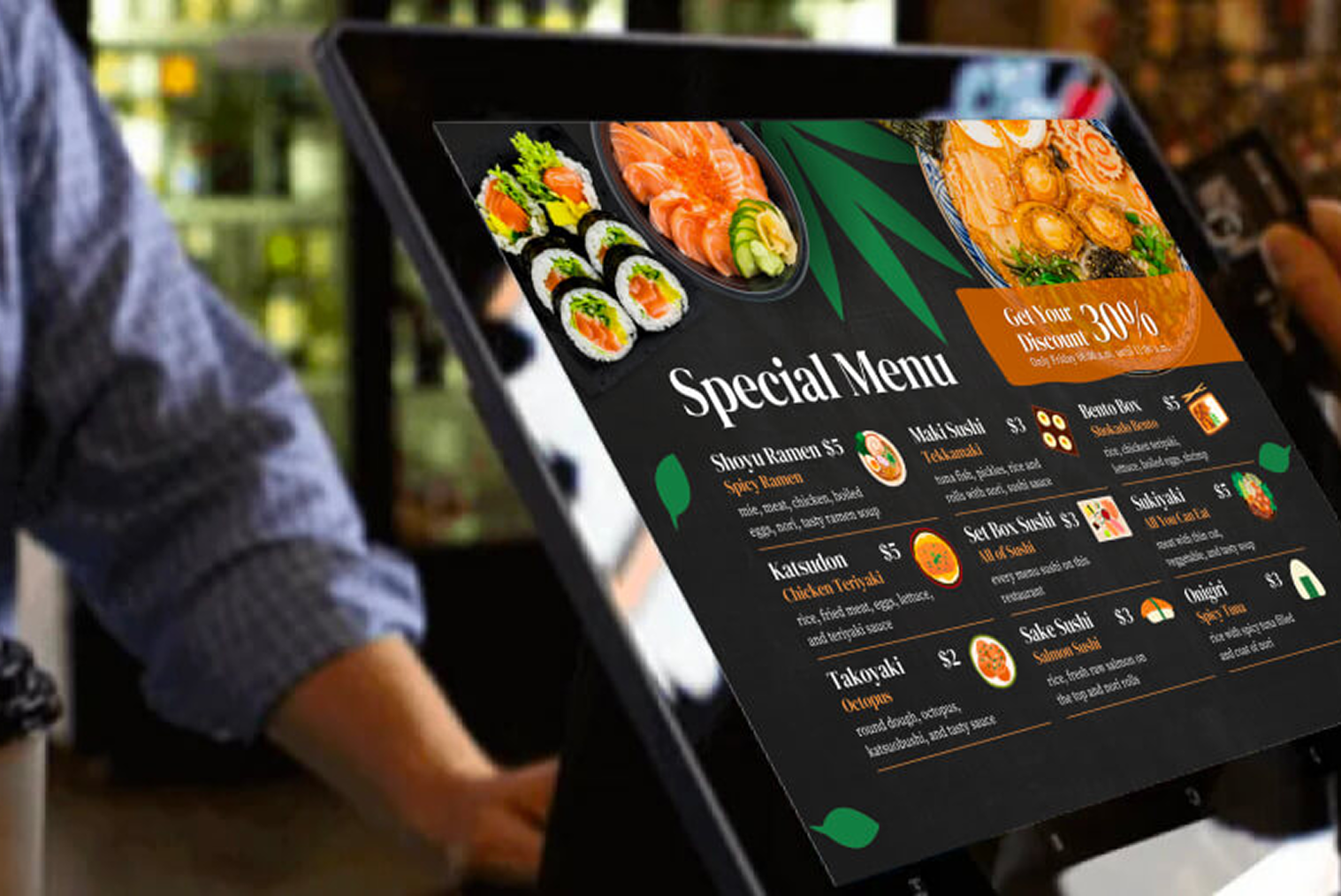
- Visually appealing menu photos
- Smooth transitions between screens
Even someone using it for the first time should be able to place an order without help. A well-designed UI keeps lines short and customers satisfied. This is one of the most important self service kiosk key features influencing repeat usage.
2. Customisation Options That Personalise the Experience
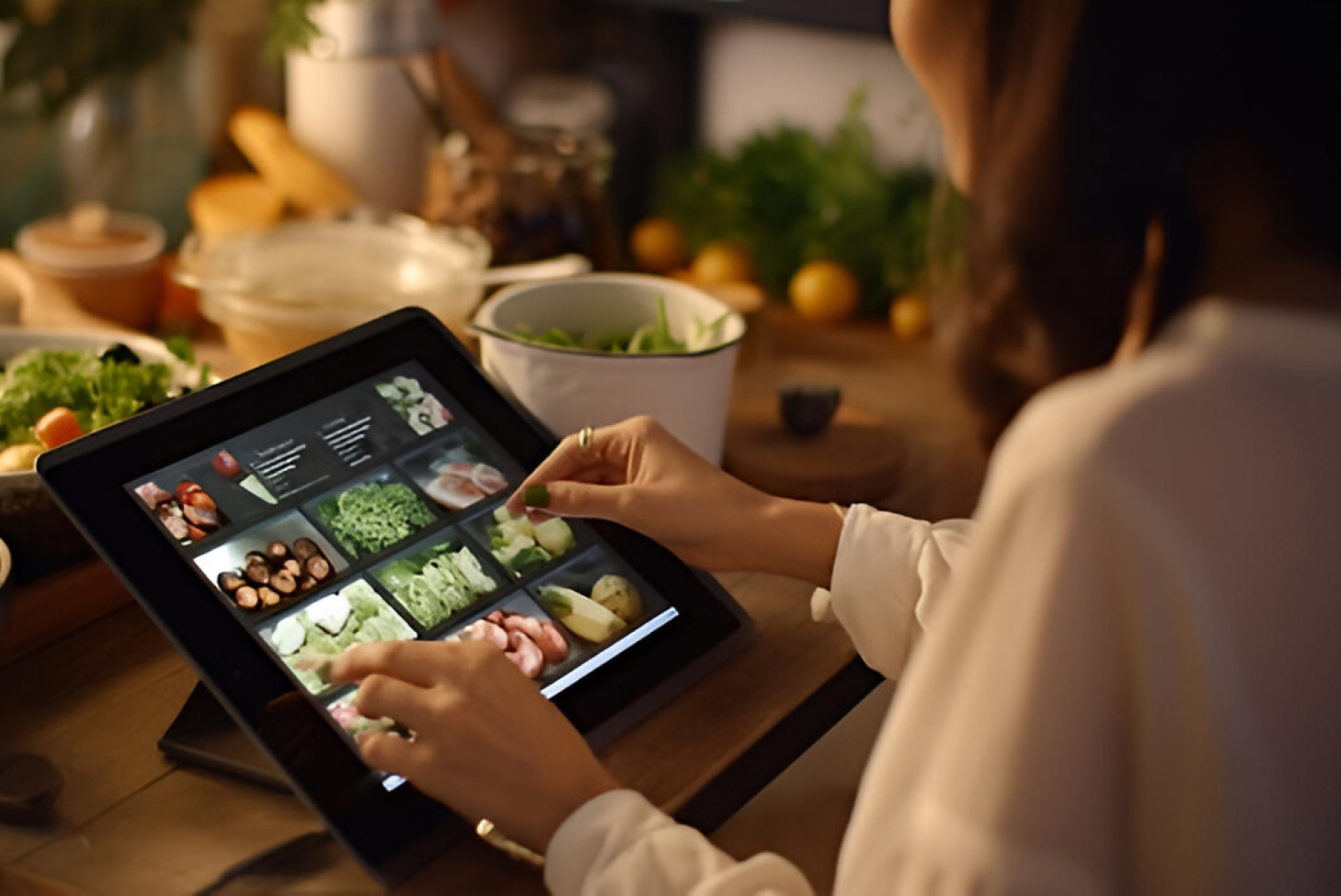
One of the biggest advantages of self-service kiosks is the level of control they give customers. Unlike traditional ordering, where customers may feel rushed or hesitate to ask for modifications, kiosks allow users to personalise every detail of their meal comfortably and at their own pace.
Customers can:
- Remove or add ingredients
- Choose portion sizes
- Select combo upgrades
- Modify spice levels or dietary preferences
Because the customisation process is visual and step-by-step, customers feel more confident that their order is correct. This reduces errors while increasing satisfaction.
Smart Upselling Within the Customisation Flow
Upselling works best when it feels like part of the ordering journey—not an interruption.
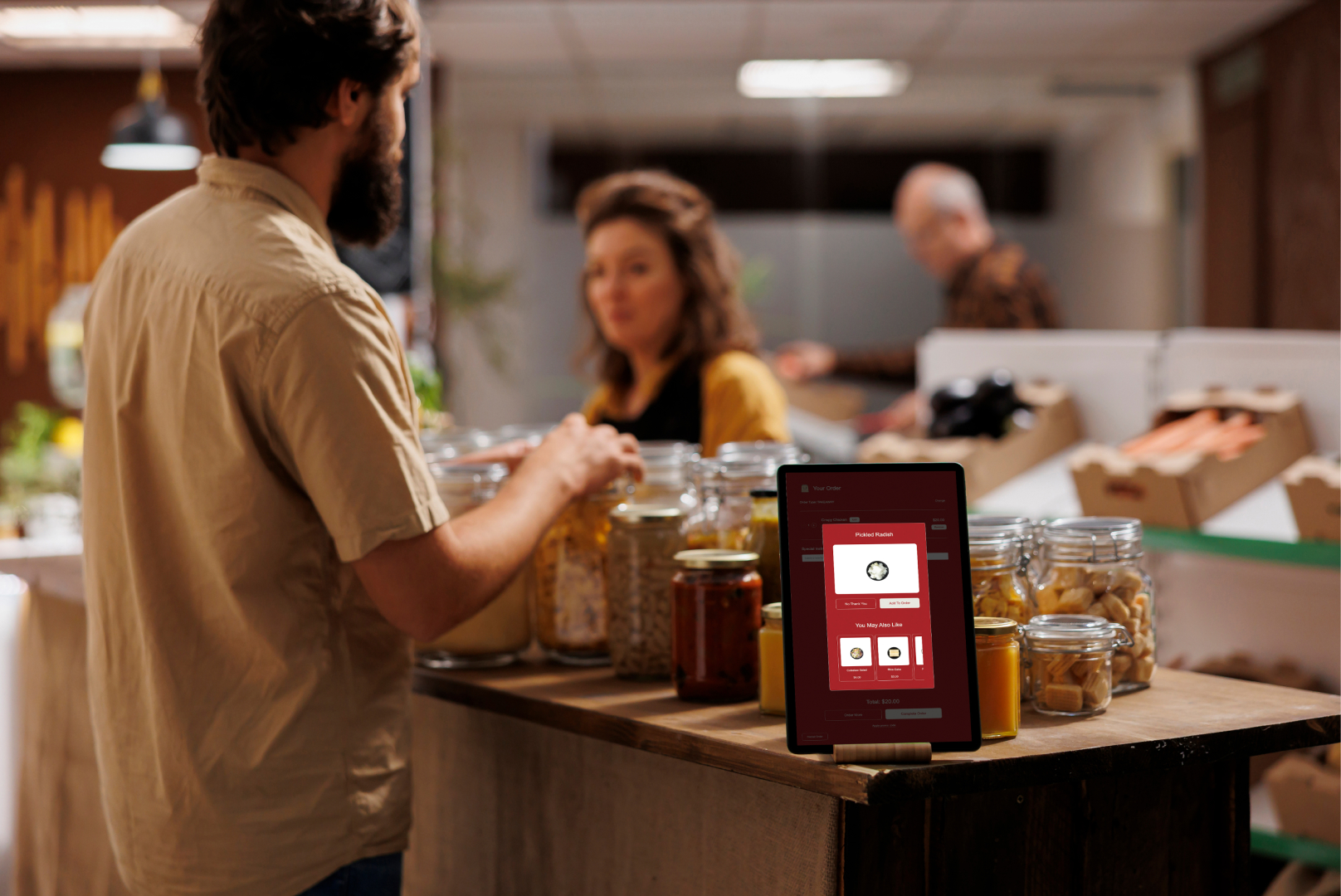
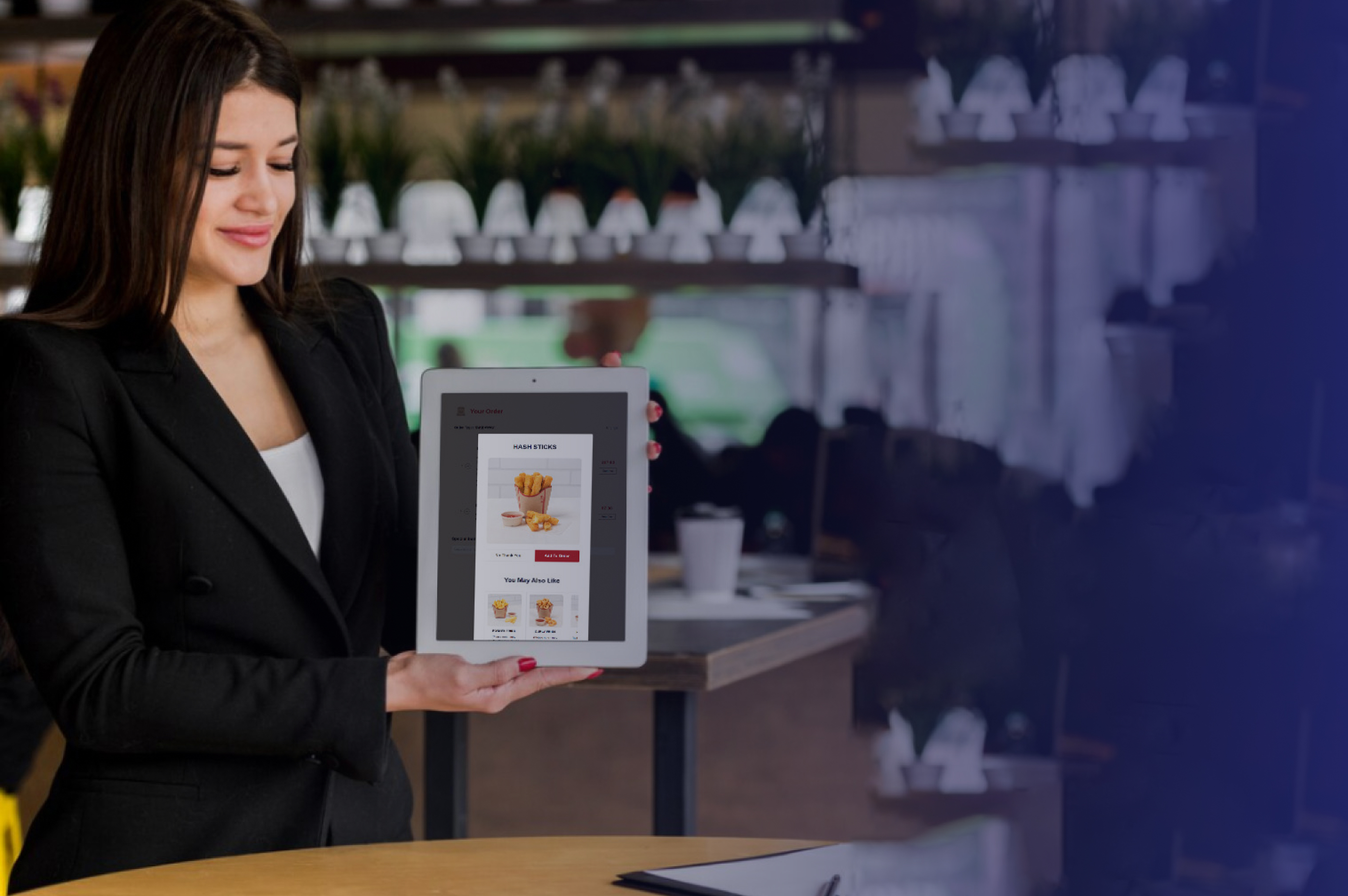
Instead of pushing aggressive pop-ups, effective kiosks integrate upsell suggestions naturally during item selection. For example, after choosing a burger, the screen might show:
- “Make it a combo?”
- “Add fries to complete your meal?”
- “Upgrade to large for $2 more?”
These suggestions are contextual and easy to accept or skip. Because they appear during customisation—when customers are already making choices—they feel helpful rather than intrusive.
This approach increases average order value while keeping the experience smooth and customer-friendly.
3. Fast and Reliable Performance Improves Satisfaction
A kiosk experience should feel instant and responsive. Any delay between taps, screen transitions, or confirmations can reduce trust and frustrate customers—especially during peak hours.
Reliable performance ensures customers move smoothly from selection to payment without hesitation, helping maintain flow and satisfaction.
4. Multilingual and Accessibility Features for All Customers
In any public space, especially in diverse cities, you can’t assume everyone speaks the same language—or has the same level of comfort with technology.
A kiosk becomes significantly more inclusive when it offers:
- Multiple language options
- Adjustable font sizes
- Icons instead of just text
- Audio prompts or simplified modes for elderly users
By making kiosks usable for everyone, restaurants expand their reach and create a more welcoming experience across all customer groups.
5. Seamless POS Integration and Order Tracking
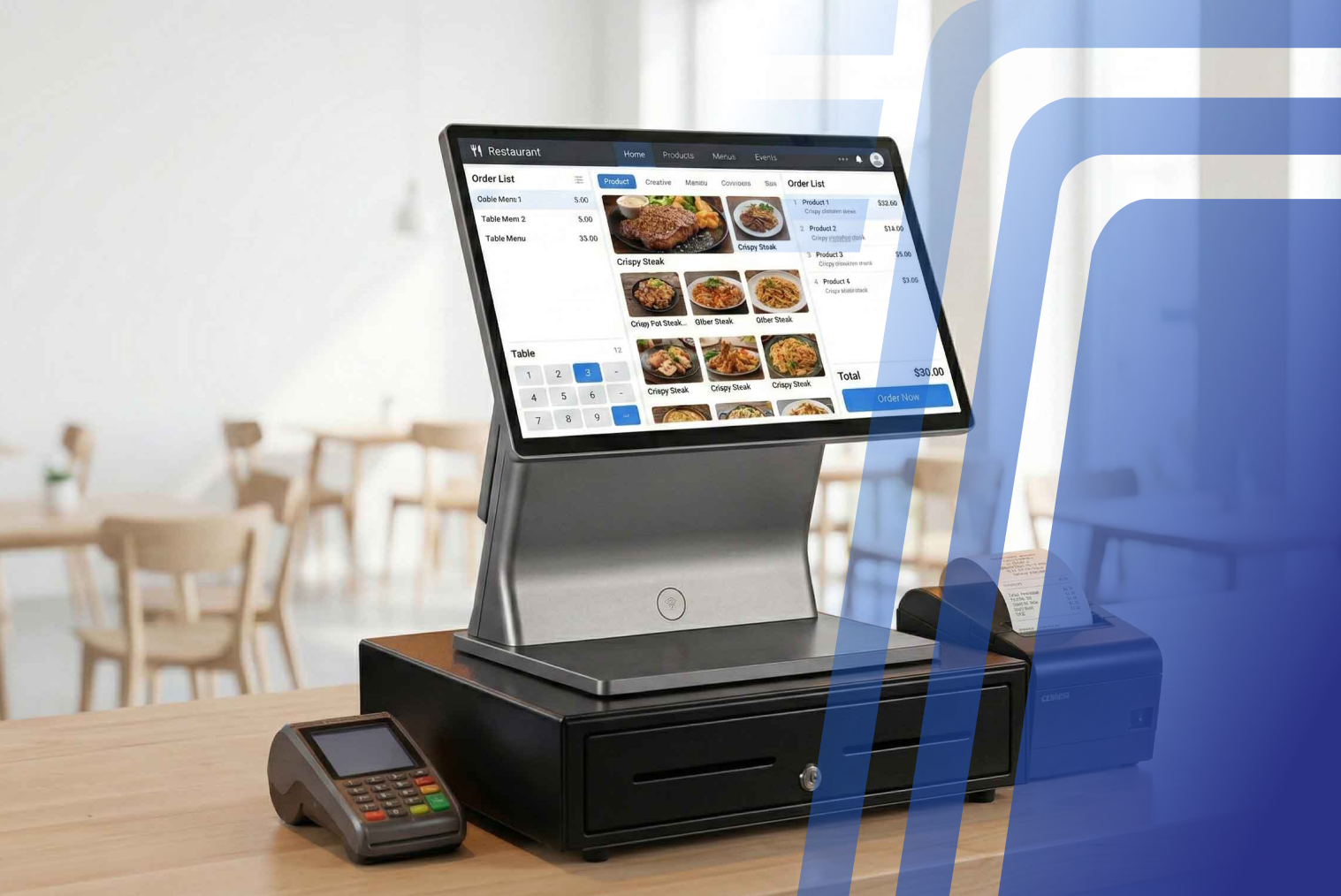
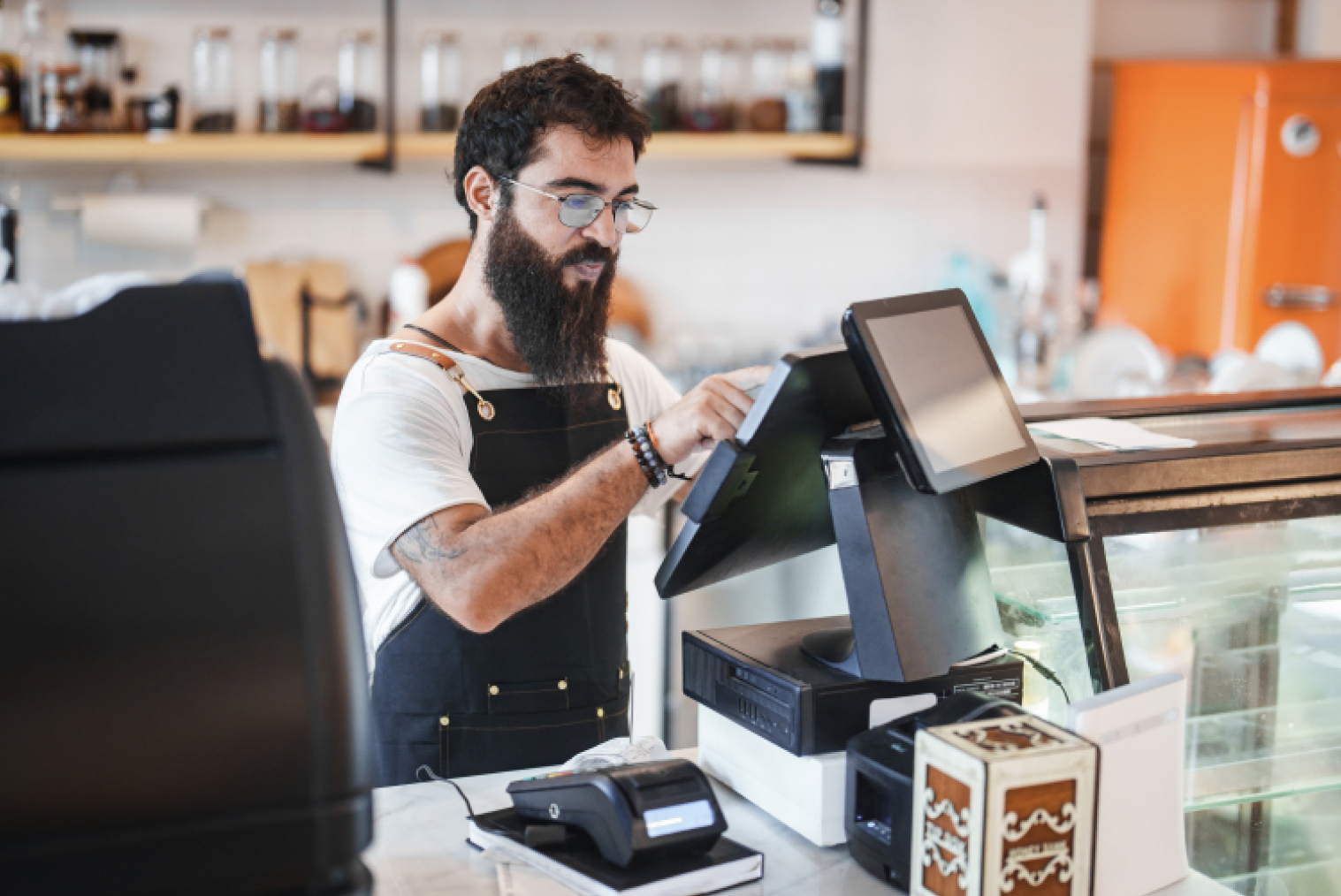
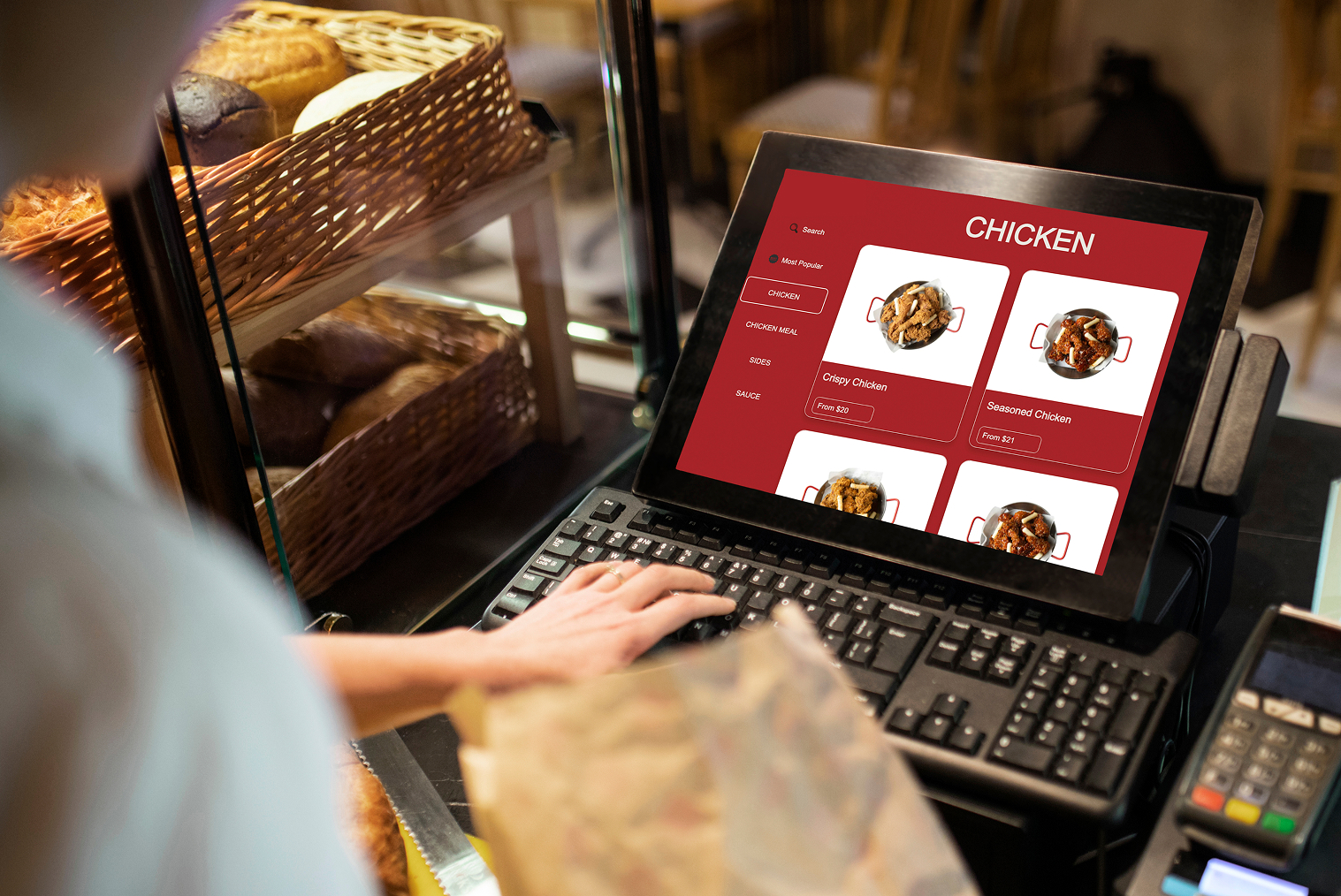
Accurate order flow is critical. Kiosks that integrate directly with POS and kitchen systems ensure orders are processed consistently without manual intervention, reducing delays and confusion.
This integration strengthens operational reliability and contributes to smoother repeat experiences for returning customers.
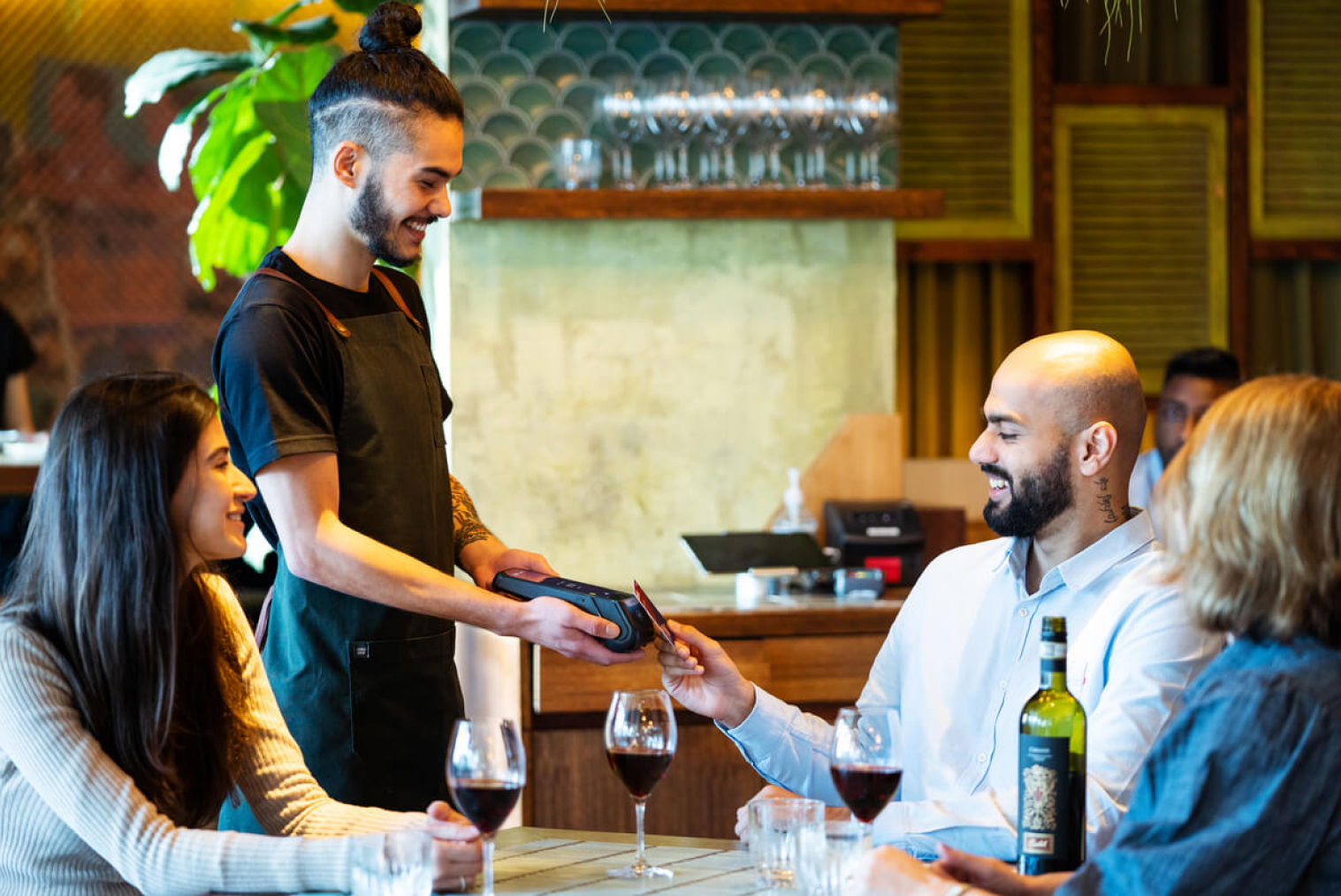
6. Fast, Flexible Payment Options
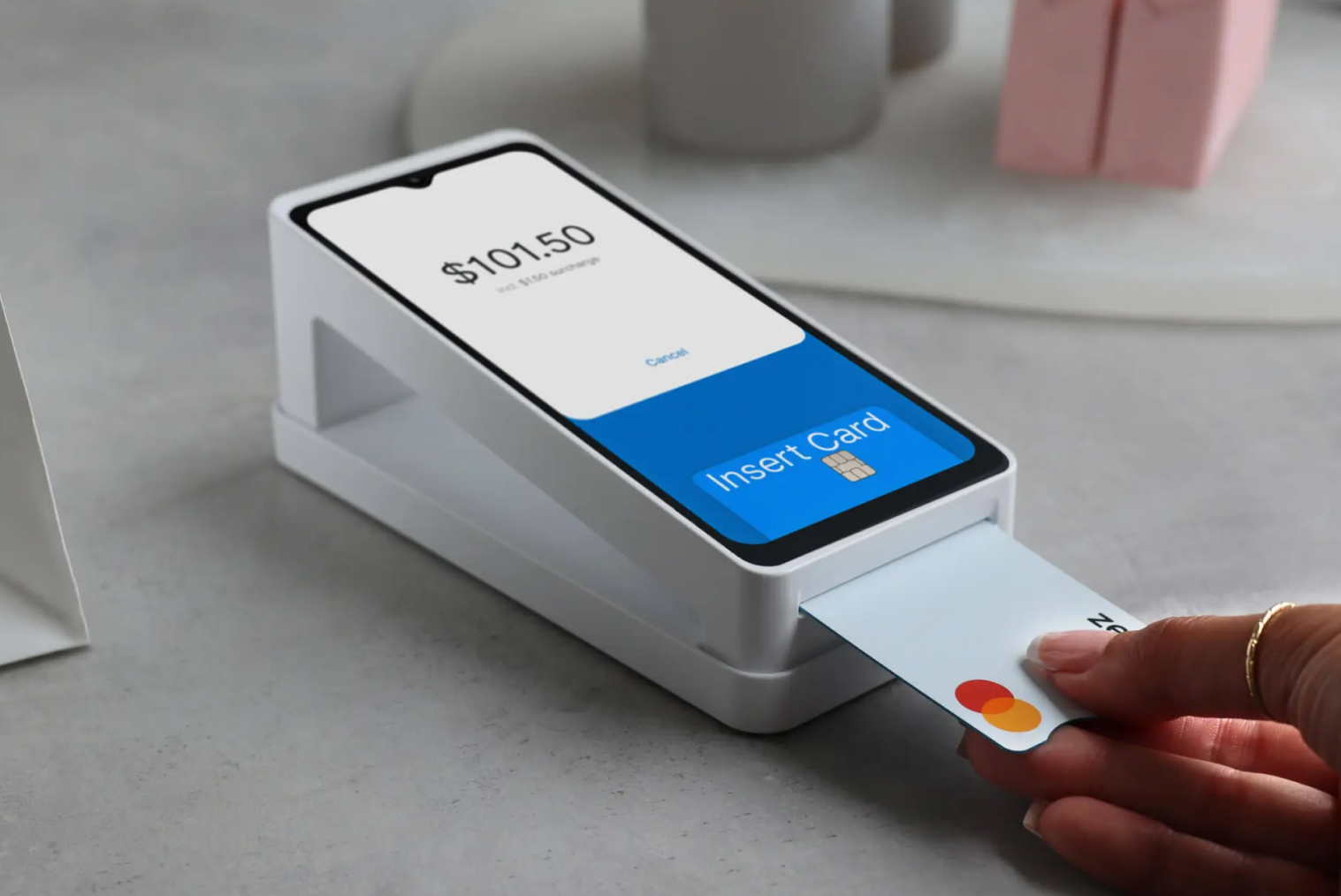
The final step in the ordering process—payment—should never be where things slow down. If it’s clunky or limited, it leaves a negative last impression.
Key features include:
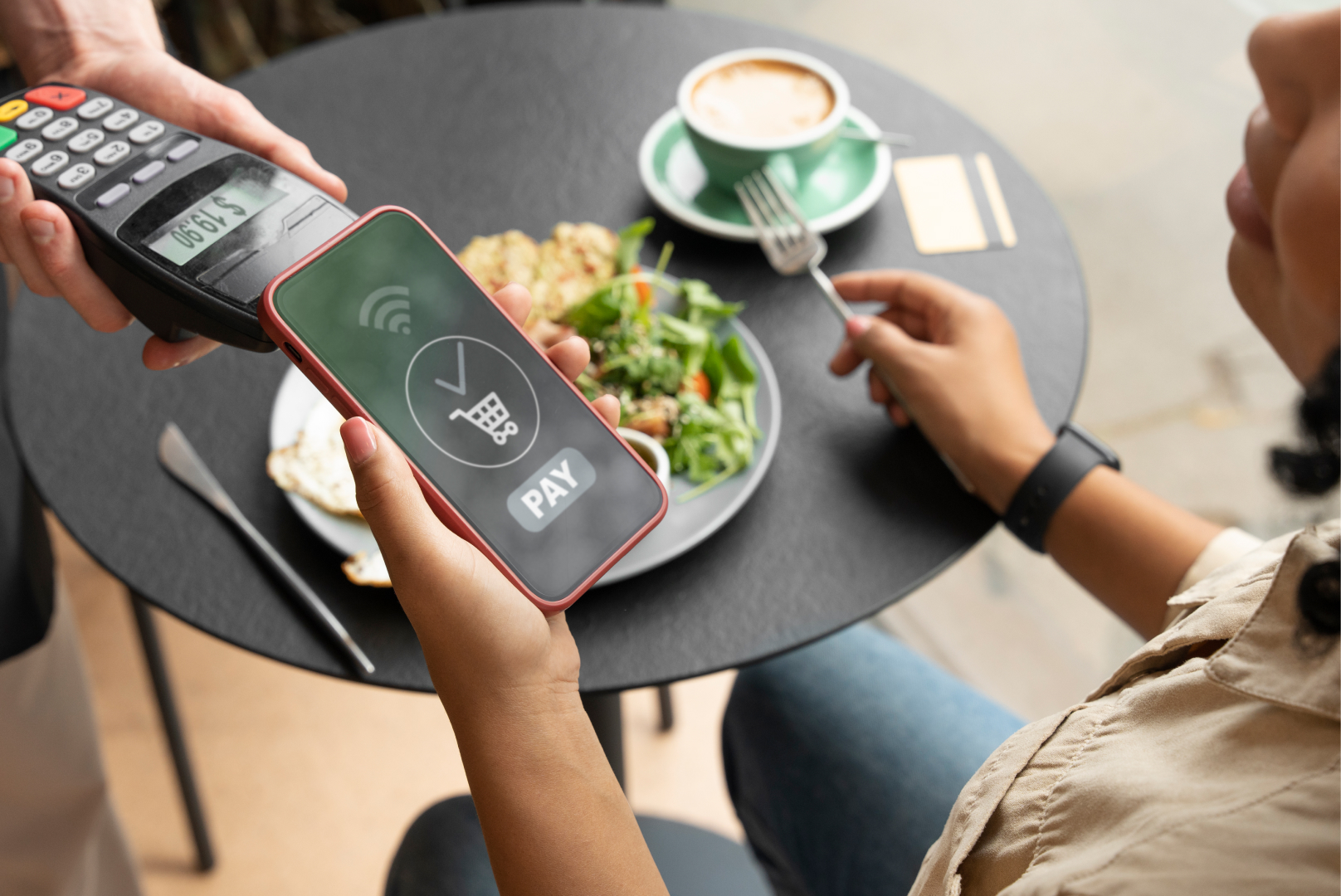
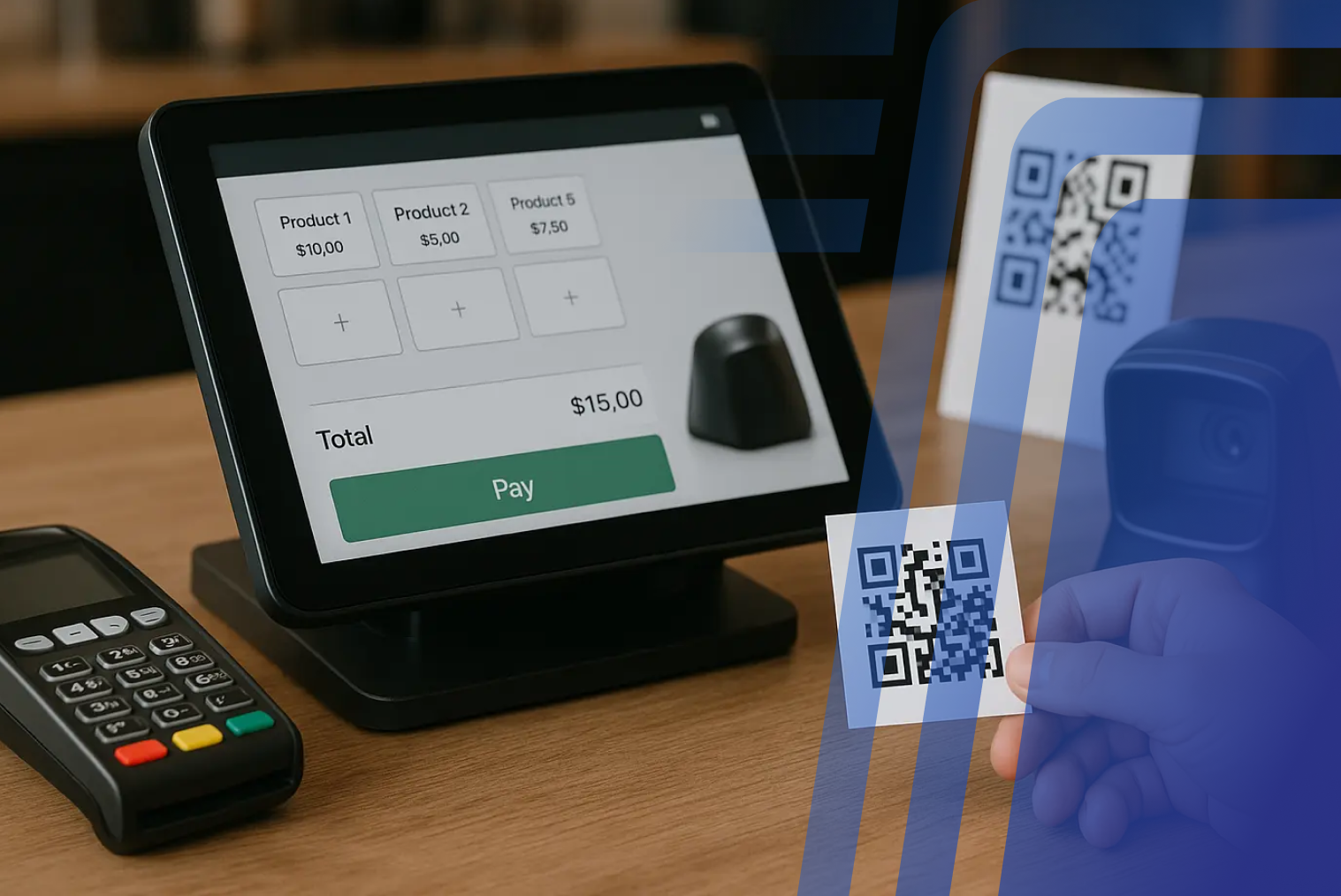
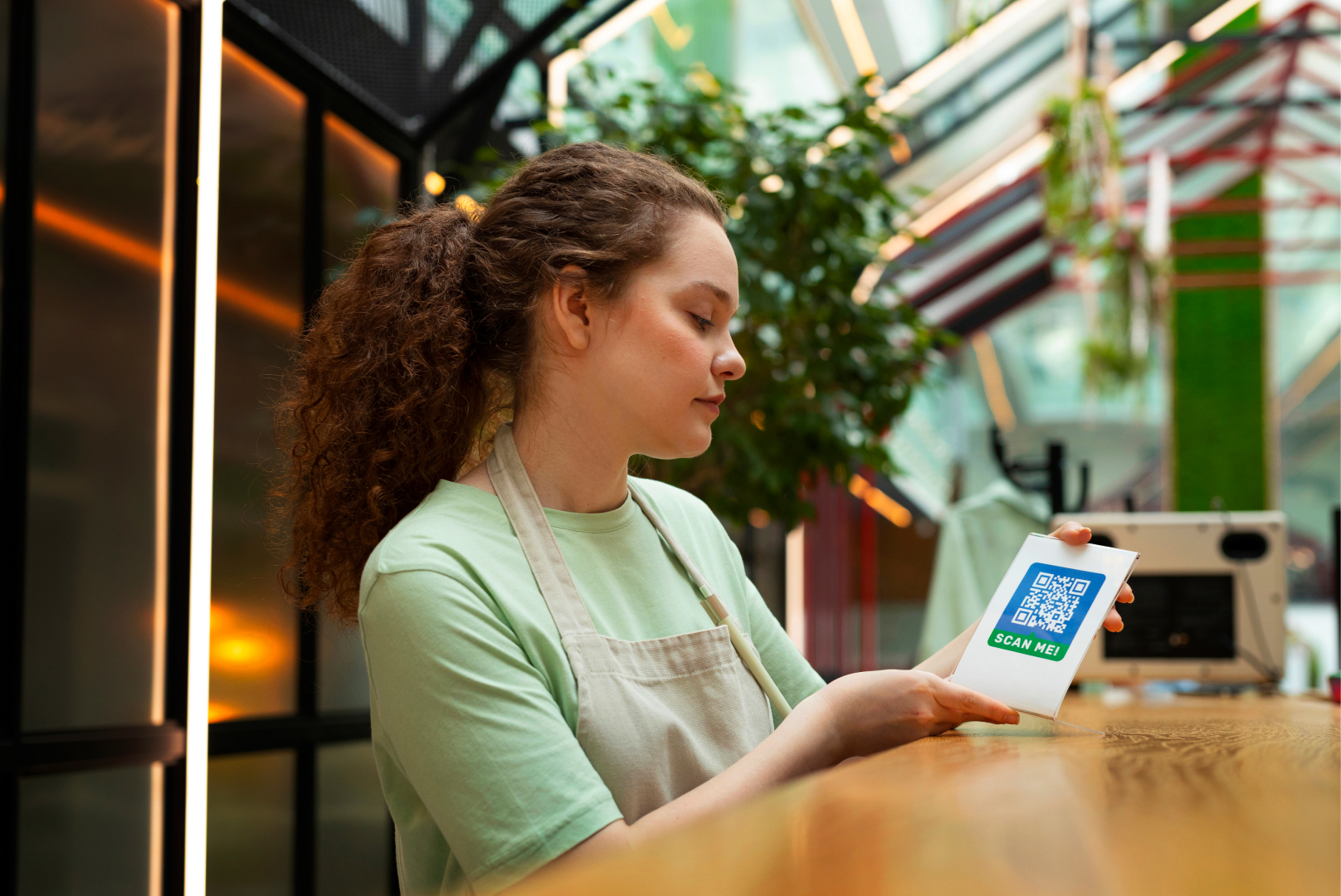
- Support for UPI, QR payments, debit/credit cards, and tap-to-pay
- Option for printed or SMS receipts
- Quick refunds or edits in case of mistakes
Streamlining the payment flow not only improves service speed but also frees up staff from handling routine transactions—letting them focus on what truly needs attention.
Bonus: Real-Time Feedback Collection
The fact that it is possible to gather feedback in real-time means that restaurants are able to determine the satisfaction level of their customers while it is still fresh in their minds. Instead of having to wait for the outcome of online feedback or surveys that are sent out at a later date, restaurants are able to utilize kiosks to gather feedback from customers immediately after their transaction is complete with a simple question such as “How was your experience today?”
This will allow restaurants to immediately determine the areas of concern that customers have in relation to menu clarity, ordering, and payment. Over time, restaurants will be able to utilize this information to improve the layout and design of the kiosk.
How These Kiosk Features Boost Customer Return Rates
When the features of the kiosk are developed with the concept of ease, speed, and personalization in mind, it results in a seamless ordering process that customers want to come back to again and again. When the ordering process is smooth, easy to understand, and fast, it eliminates stress and uncertainty associated with the ordering process, giving customers a sense of reliability with every order.
Loyalty program access, personalized recommendations, and correct order confirmation are some features that give customers a sense of reliability and trust. Customers feel that they are getting exactly what they have ordered, without any delay or confusion. This is a major factor that helps customers return to the restaurant again and again.
These trends indicate that well-designed kiosk features do more than improve ordering — they help build ongoing customer relationships by meeting modern expectations for speed, convenience, and accuracy.
Self-Service Kiosk Features vs Traditional Ordering Features
Self-service kiosks often match—and in many cases outperform—traditional counter ordering. The difference becomes clearer when we compare them side by side.
| Feature |
Self-Service Kiosk |
Traditional Counter Ordering |
| Order Accuracy |
Up to 99% order accuracy due to direct customer input |
Higher risk of miscommunication between staff and customers |
| Error Reduction |
69% of restaurants report improved order accuracy after implementing kiosks |
Manual order entry increases the chance of mistakes during busy hours |
| Speed of Service |
Can reduce total order time by nearly 40% |
Slower during peak periods due to queues and manual processing |
| Consistency |
Same structured experience for every customer |
Experience varies based on staff workload and training |
| Customisation |
Easy step-by-step modifications with visual confirmation |
Customers may feel rushed or hesitant to request multiple changes |
| Scalability |
Handles high volumes without increasing staffing pressure |
Requires more staff to handle increased demand |
By reducing order errors, speeding up service, and maintaining consistency, kiosks directly improve both operational efficiency and customer satisfaction. Over time, these advantages contribute to stronger customer retention and repeat visits.
Final Thoughts
The best self-service kiosks don’t just take orders—they create experiences. When thoughtfully designed, kiosks can:
- Make ordering easier
- Increase average bill value
- Encourage repeat visits
- Make your restaurant more inclusive
In short, it's not just about speed—it’s about smart features that put the customer first.
Frequently Asked Questions (FAQs)
Q1: Why do customisation options keep customers coming back to a kiosk?
Customisation allows customers to order exactly what they want, increasing satisfaction and trust in the system.
Q2: Does fast kiosk performance increase customer retention?
Yes. Faster response times reduce frustration and create a smoother experience, encouraging repeat usage.
Q3: Can kiosk integration with POS systems improve repeat business?
Seamless POS integration ensures consistent order fulfillment, which builds reliability and customer confidence.
Q4. What accessibility features should kiosks have for inclusive customer service?
Multilingual support, adjustable text sizes, visual icons, and simplified modes help serve a wider audience.
Q5. Are self-service kiosks better at keeping customers than traditional ordering?
When well-designed, kiosks often outperform traditional ordering by offering speed, control, and consistency that customers value.


.webp)












.png)














.webp)


