Coffee shops compete on two things every day: great coffee and fast, convenient service.
During the morning rush, even a small queue can create pressure on staff and discourage customers who are in a hurry. At the same time, cafés need to increase average order value, reduce ordering mistakes, and make the most of every customer interaction.
This is where a self-service coffee kiosk can become more than just another ordering channel.
A well-integrated kiosk can let customers browse the menu, customise their coffee, add food or extras, and pay without waiting for a staff member to take their order. For the café, that can mean less pressure at the counter, more consistent upselling, and a smoother connection between ordering, payments, and kitchen or barista workflows.
But does a kiosk actually increase sales?
The answer depends on how it is implemented. A kiosk does not automatically generate more revenue simply because it has a touchscreen. The real opportunity comes from combining faster ordering, better upselling, accurate order capture, and efficient staff utilisation.
What Is a Self Service Coffee Kiosk?
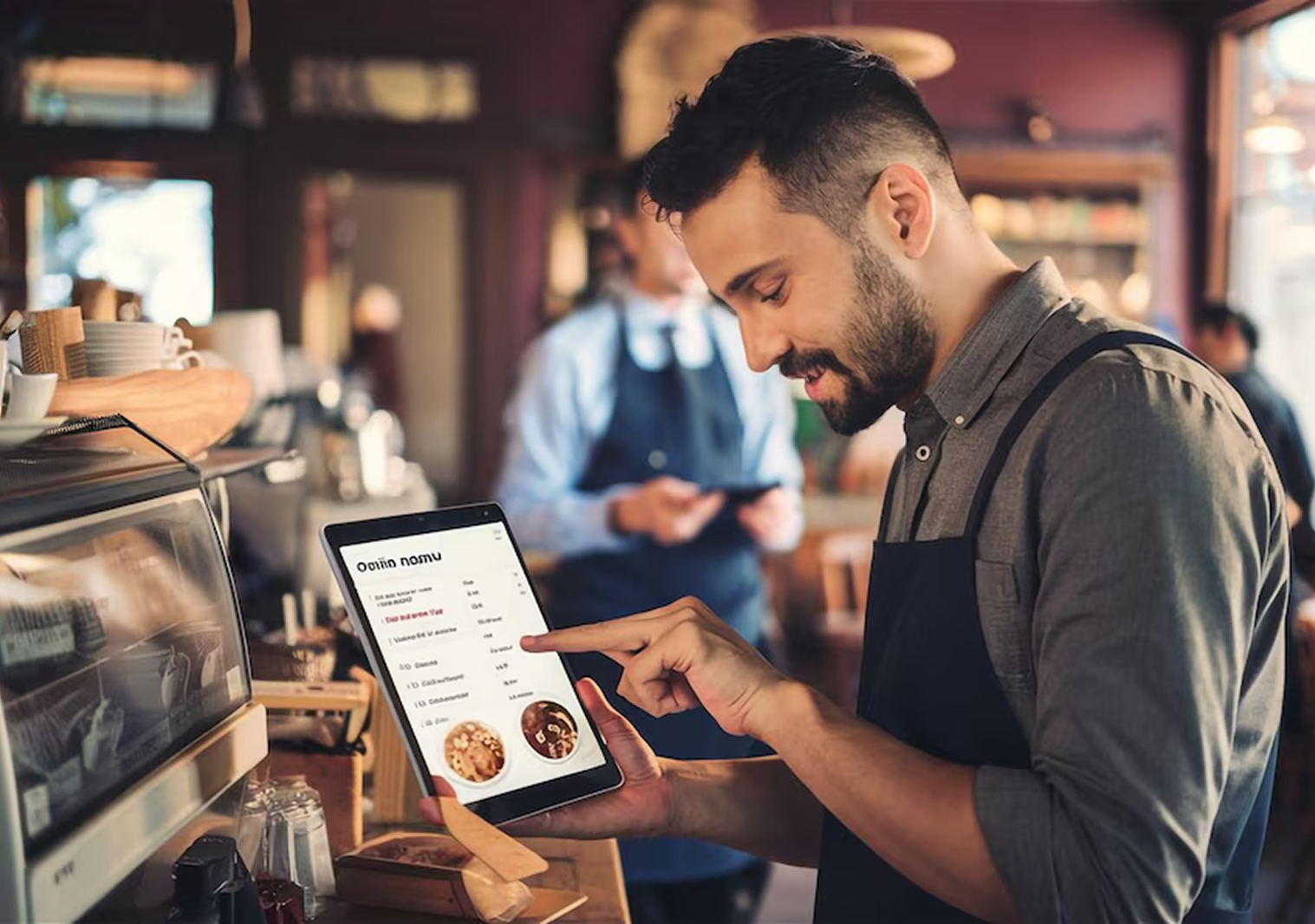
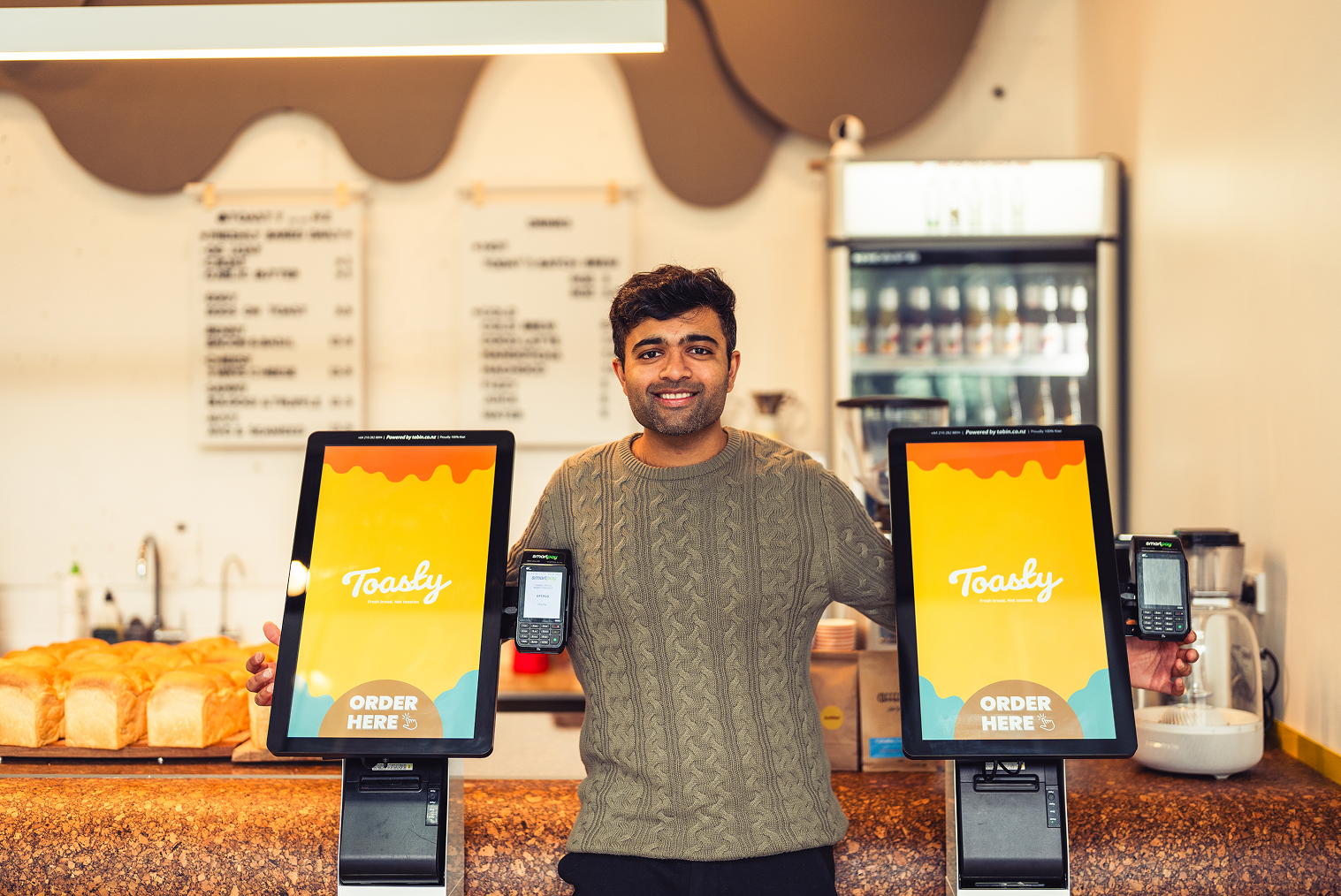
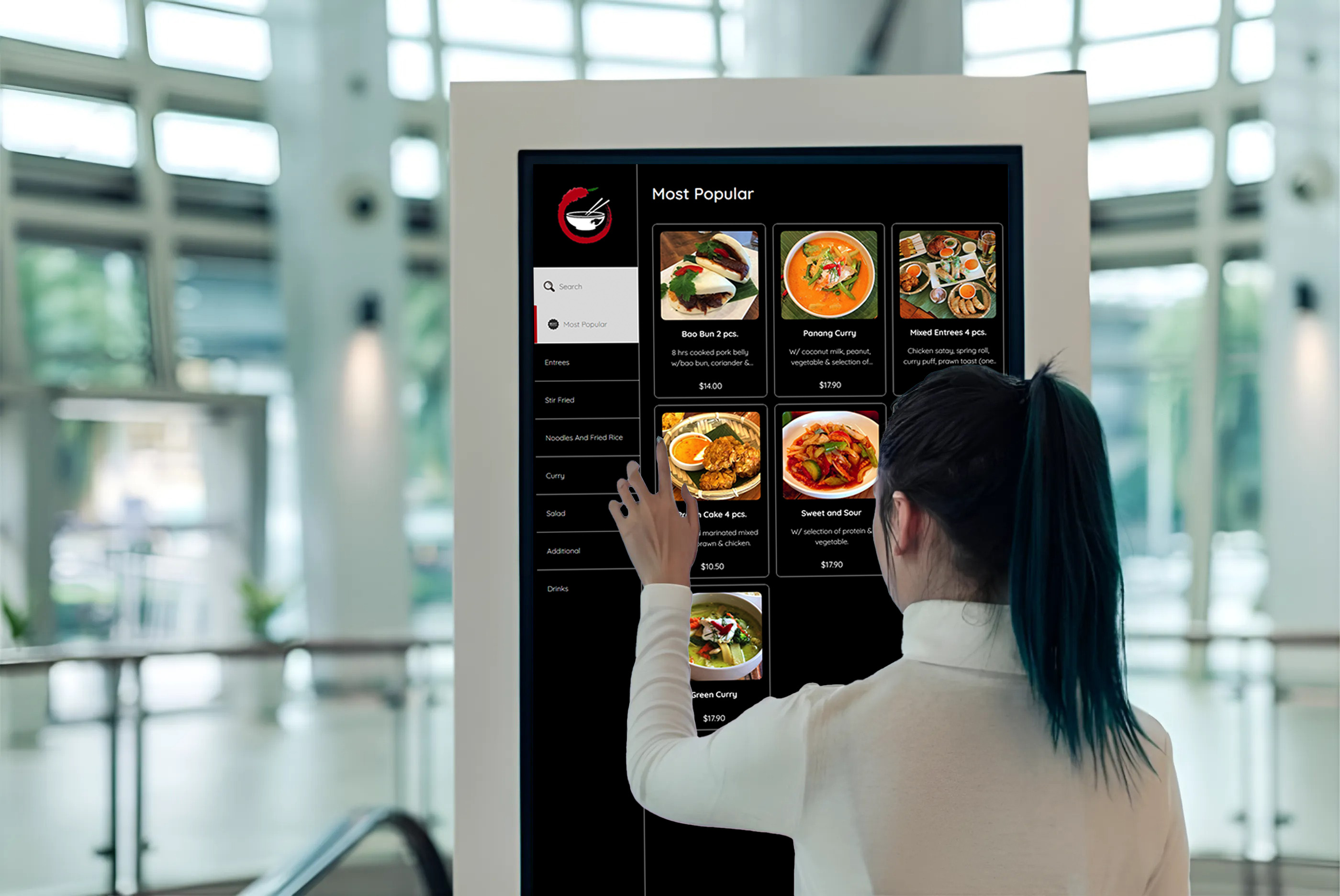
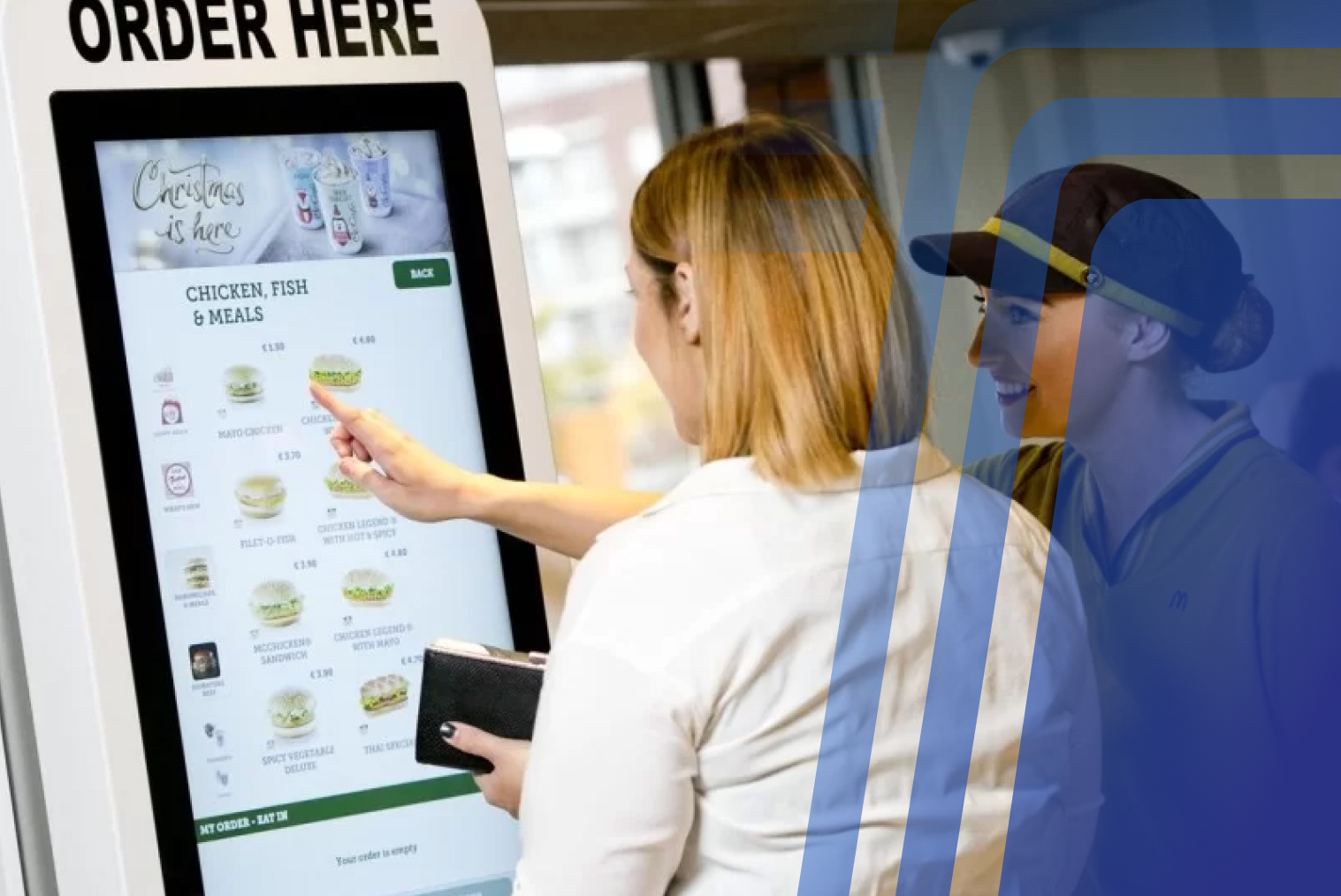
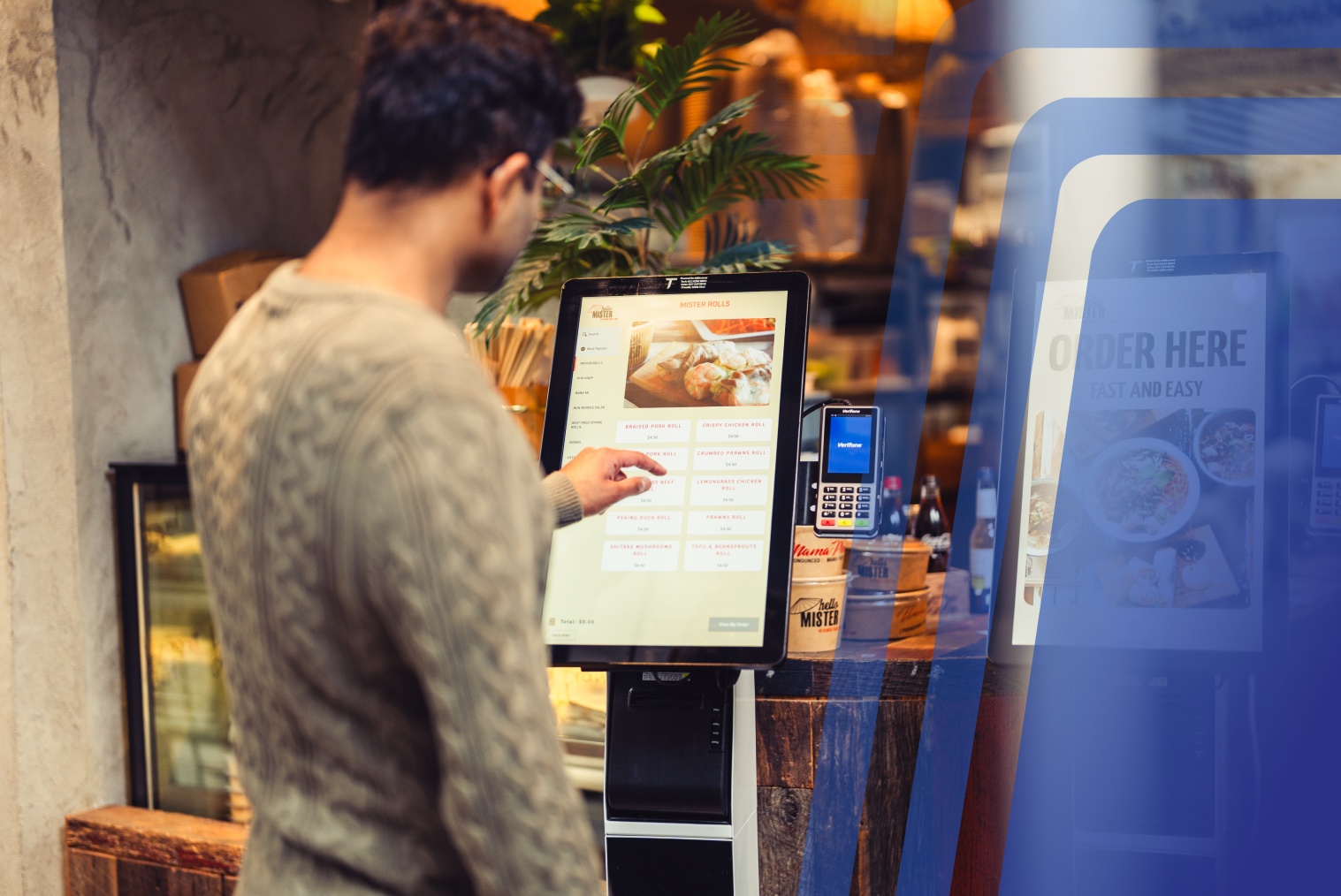
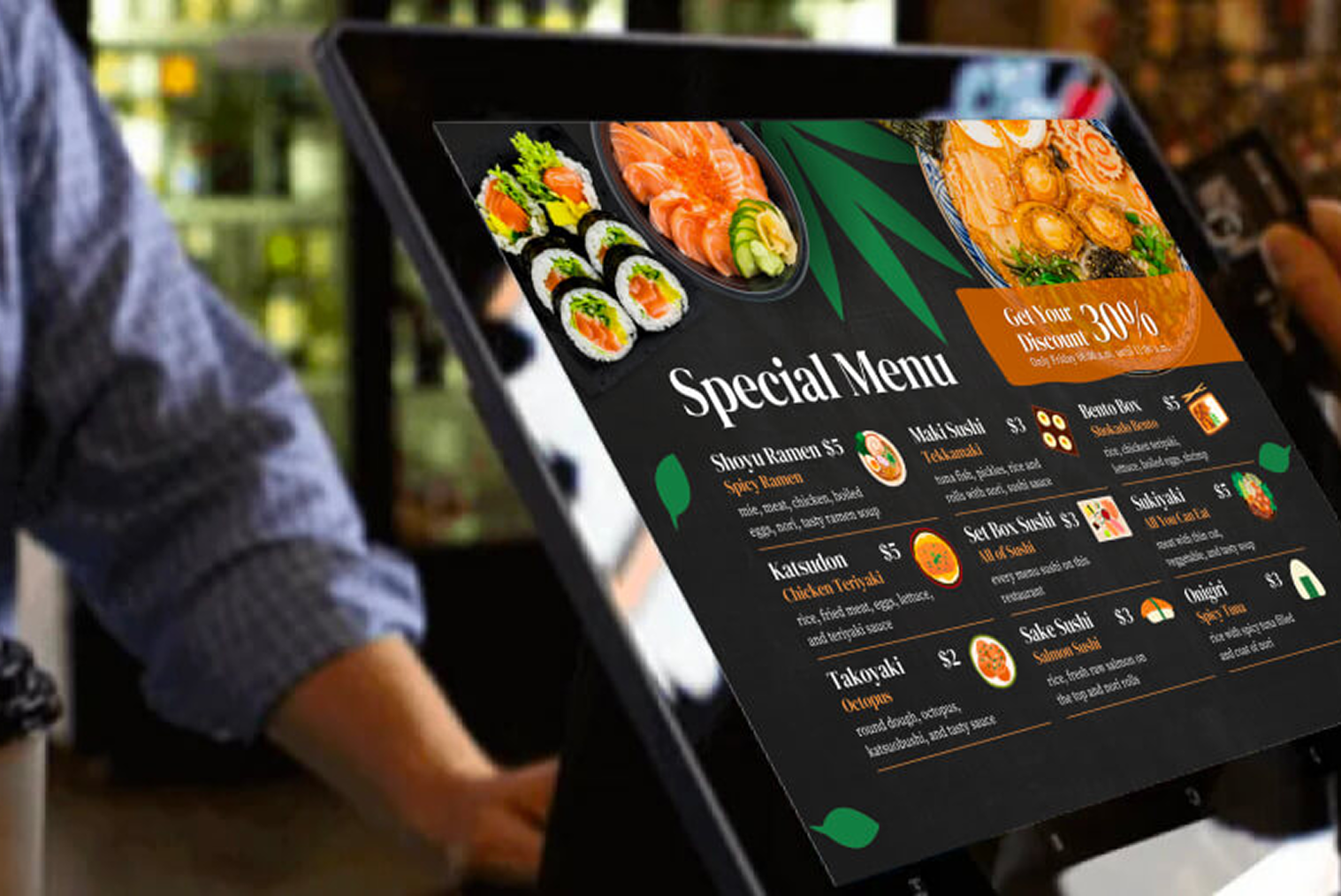
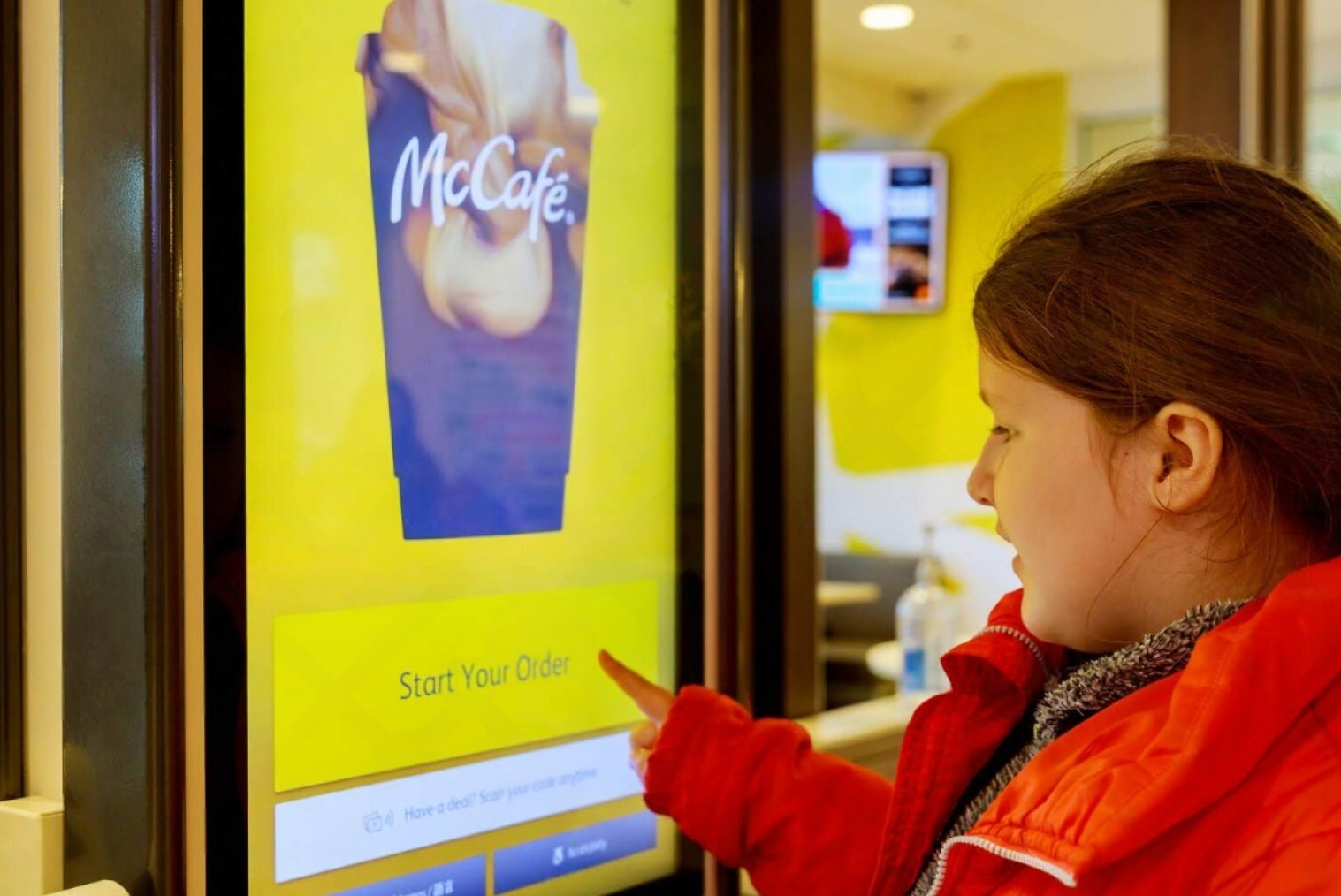
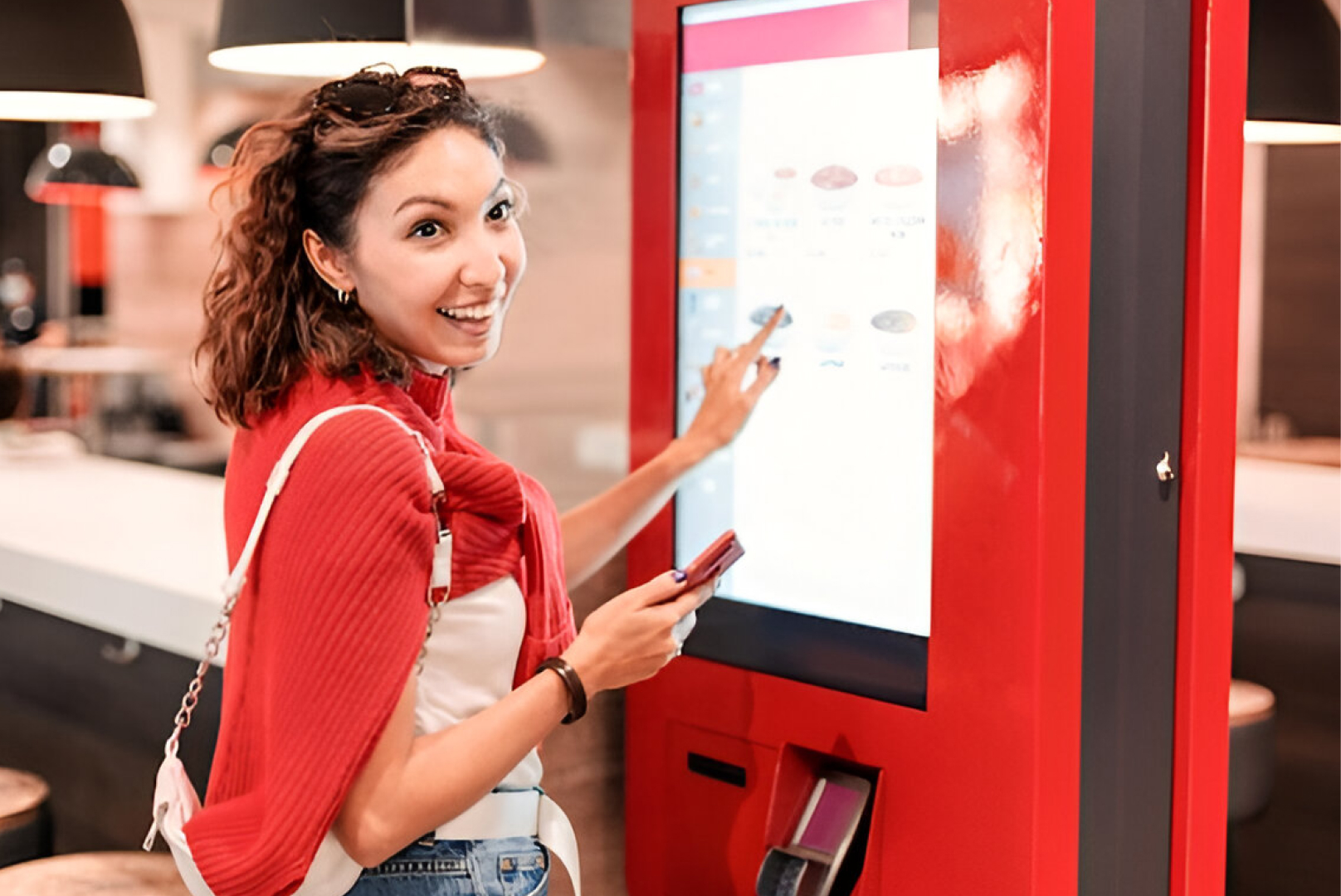
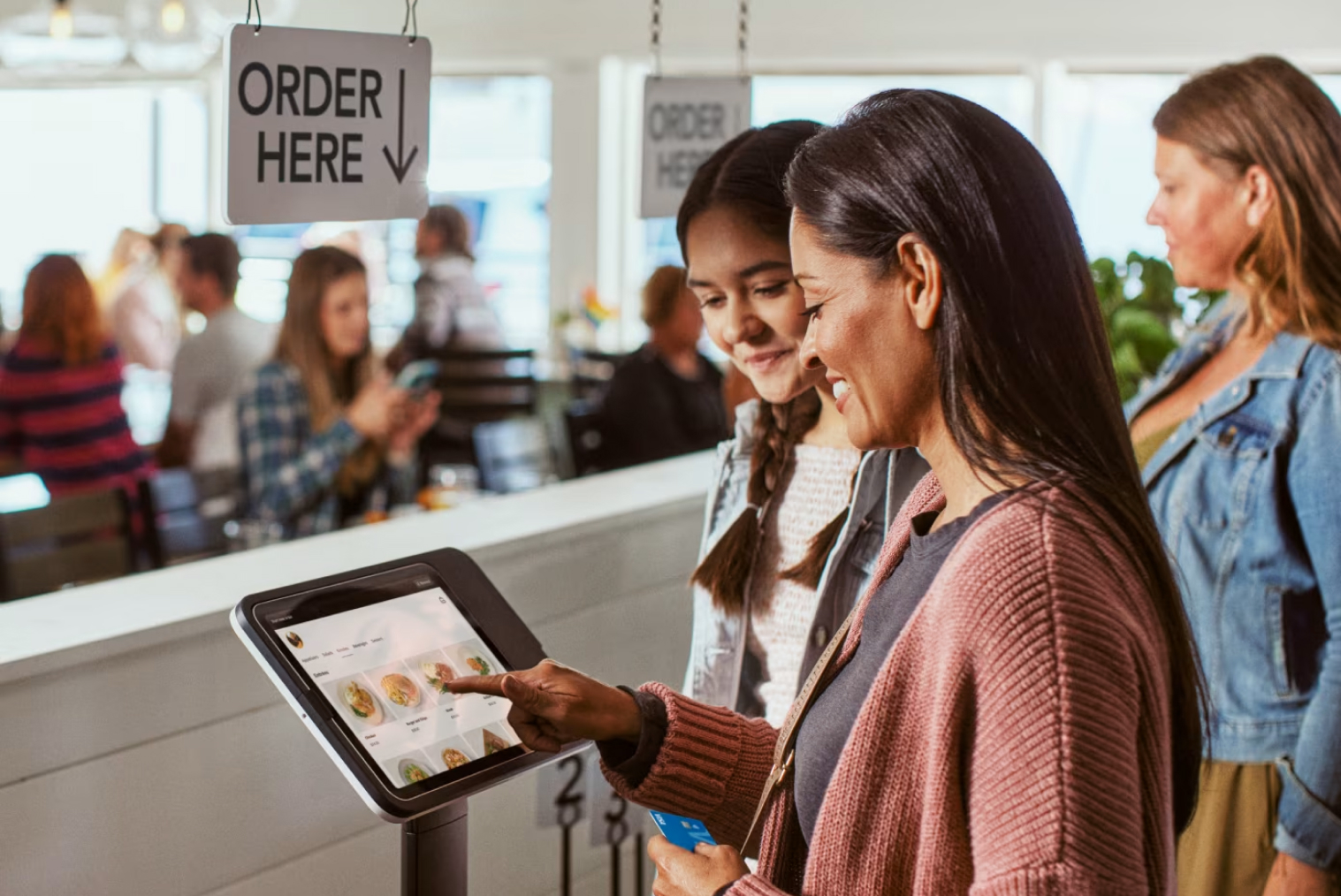
A self-service coffee kiosk is a touchscreen ordering system that allows customers to place and pay for their own orders without going through a traditional cashier.
A customer can typically:
- Browse the café menu
- Select coffee sizes and modifiers
- Choose milk, syrups, temperature, and other options
- Add pastries, cabinet food, or extras
- Review the order
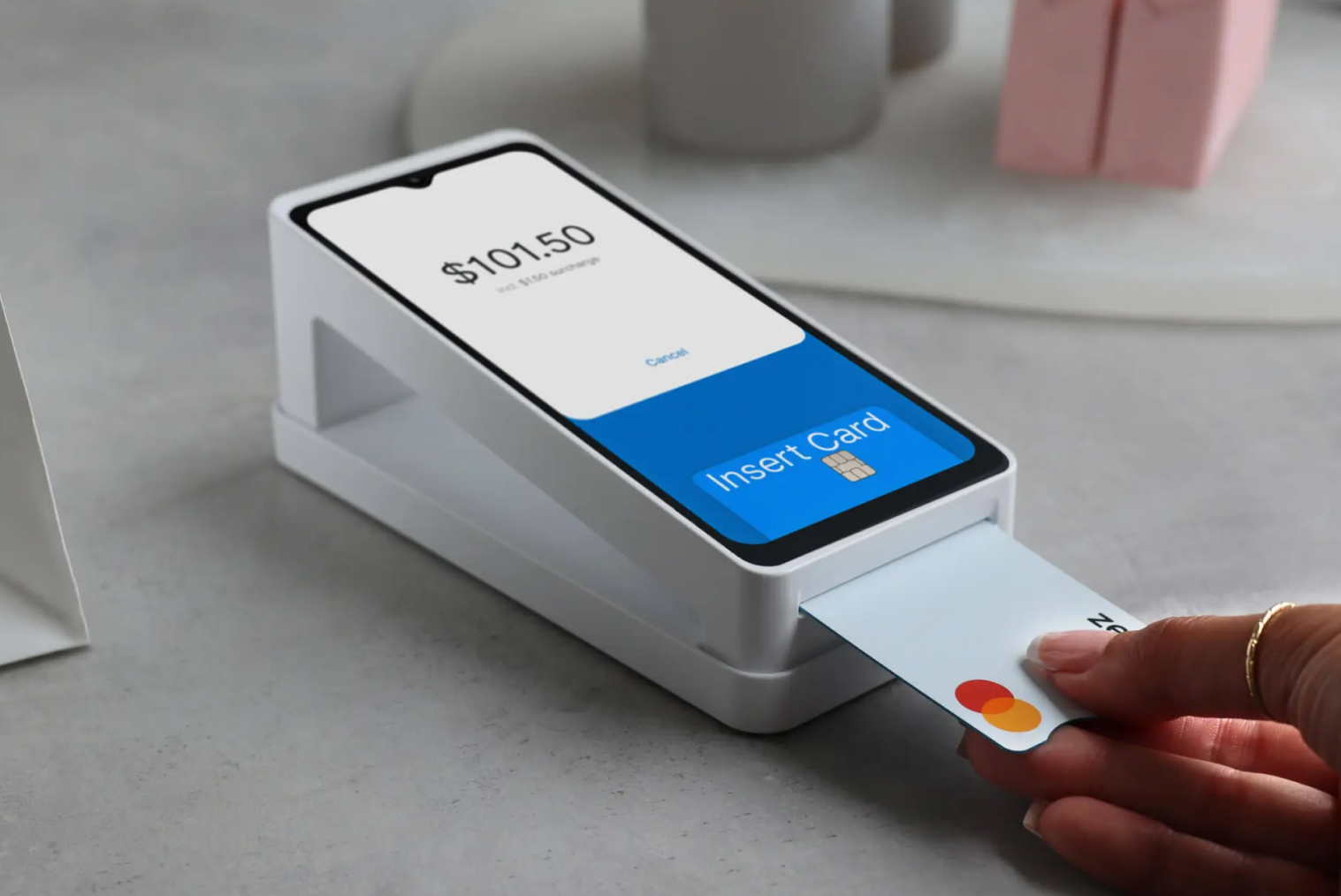
- Pay using supported payment methods
- Submit the order directly to the café's POS and kitchen workflow
A self-service ordering kiosk effectively creates another ordering point inside the café.
Instead of every customer joining the same queue, some customers can order independently while baristas concentrate on preparing drinks and food.
The important part is integration. A kiosk that operates as a completely separate system can create additional work. An integrated kiosk should send orders into the café's existing POS and, where supported, into the KDS or printer workflow.
How Does a Coffee Kiosk Increase Sales?
A kiosk can influence café revenue in several different ways.
It can help increase the number of orders a café can process during busy periods, make upselling more consistent, reduce ordering friction, and give customers more control over customising their purchases.
However, these benefits should be viewed as operational opportunities rather than guaranteed percentage increases.
1. Faster Ordering Can Increase Peak-Hour Capacity
Morning rushes are one of the biggest challenges for cafés.
Customers may already know what they want, but they still need to wait for someone to take the order, answer questions, process payment, and move the transaction through the system.
A self-service kiosk creates another ordering channel.
Instead of:
Customer → Queue → Staff member → POS → Payment
the workflow can become:
Customer → Kiosk → Payment → POS/KDS → Barista
That does not necessarily mean every customer will use the kiosk. The goal is to give customers another option.
For a café with a busy counter, even shifting a portion of orders to self-service can reduce congestion and allow staff to focus more heavily on preparation and fulfilment.
This is particularly relevant in New Zealand's current hospitality environment.
The Restaurant Association reported that New Zealand hospitality sales reached NZ$15.99 billion for the year ended June 2025, but cafés and restaurants recorded only 0.3% year-on-year sales growth. The Association also reported that wage costs had reached approximately 40% of revenue, putting significant pressure on hospitality operators.
For café owners, technology that improves the productivity of the existing team can therefore be more valuable than simply adding more labour.
2. Kiosks Make Upselling Consistent
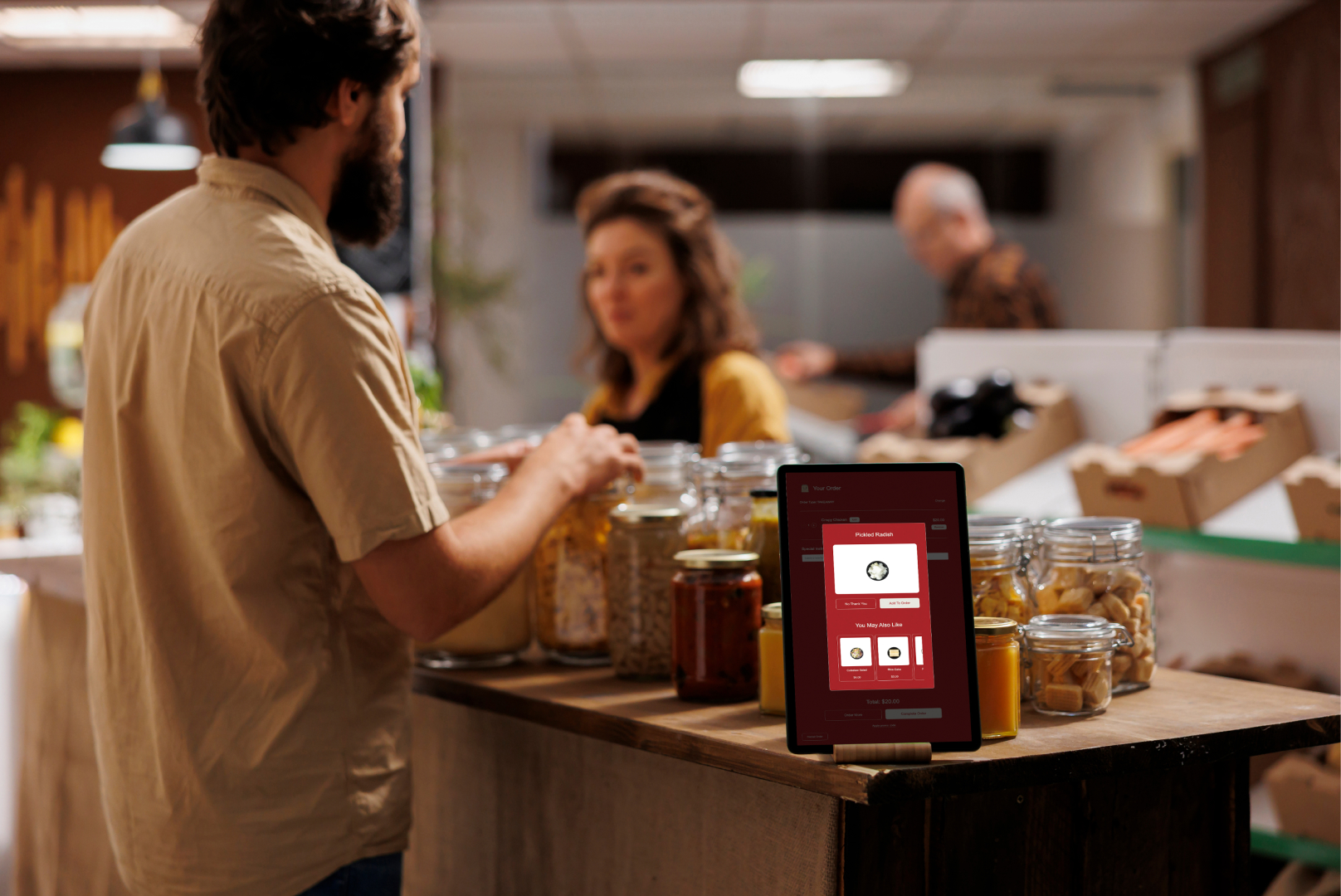
One of the biggest advantages of self-service ordering is that the kiosk can present upsell opportunities to every customer.
A staff member may remember to ask:
“Would you like a croissant with that?”
But during a busy morning rush, staff may be focused on keeping the queue moving.
A kiosk can present the same opportunity consistently.
For example:
Your Latte
Regular — $5.50
Make it large?
+ $0.80
Add an extra shot?
+ $0.70
Add a fresh pastry?
+ $5.00
The customer makes the decision themselves.
This can be particularly useful for cafés because coffee orders naturally lend themselves to modifiers and complementary purchases.
The important point is not to assume that a kiosk will automatically generate a specific percentage increase in average order value.
Instead, the café should measure its own results.
A Simple Café Upselling Example
Consider a hypothetical café processing 100 kiosk orders per day with an average order value of $8.
That produces:
100 × $8 = $800 in daily kiosk sales
Now imagine the café introduces a pastry recommendation and 20 customers per day add a $1.50 item.
That's an additional:
20 × $1.50 = $30 per day
Across 26 trading days, that would represent:
$30 × 26 = $780 additional monthly sales
This is only an illustration — not a claim that every café will achieve these results.
The actual outcome depends on customer behaviour, menu pricing, product mix, location, kiosk placement, and how the upselling journey is designed.
The important takeaway is that small increases in add-on purchases can become meaningful when repeated across hundreds or thousands of transactions.
Tabin's Self-Service Kiosks for NZ Cafés
Tabin's self-service kiosks are built for NZ cafés — see how they work →
For cafés that already use a POS, the kiosk can become another ordering channel rather than another completely separate system.
You can also explore TABIN's café POS system to see how POS, ordering, payments, reporting, and kiosk functionality can work together.
3. Customers Can Customise Their Coffee More Easily
Coffee orders can become complicated quickly.
A customer might want:
- Large flat white
- Oat milk
- Extra hot
- Extra shot
- Vanilla syrup
Trying to communicate all of those requirements verbally during a busy rush creates opportunities for mistakes.
A well-designed kiosk can display the options clearly.
Customers can select their preferences themselves and review the final order before paying.
This can improve the ordering experience while giving the café structured information that can be sent directly to the barista workflow.
For cafés, this is one reason the kiosk interface matters so much.
A generic restaurant kiosk may not be ideal for a coffee business.
A café-focused interface should make common coffee modifiers easy to navigate rather than burying them behind multiple screens.
4. Fewer Ordering Errors Can Reduce Waste
An incorrect coffee is more than an inconvenience.
It can mean:
- Wasted coffee beans
- Wasted milk
- Wasted syrups
- Wasted cups
- Staff time spent remaking the drink
- A frustrated customer
When customers select their own modifiers, the order is captured digitally rather than being dependent on verbal communication or handwritten notes.
That does not eliminate mistakes completely. Customers can still select the wrong option.
However, the digital order gives the barista a clear record of what the customer actually selected.
The result can be a more consistent connection between what the customer ordered and what the barista prepares.
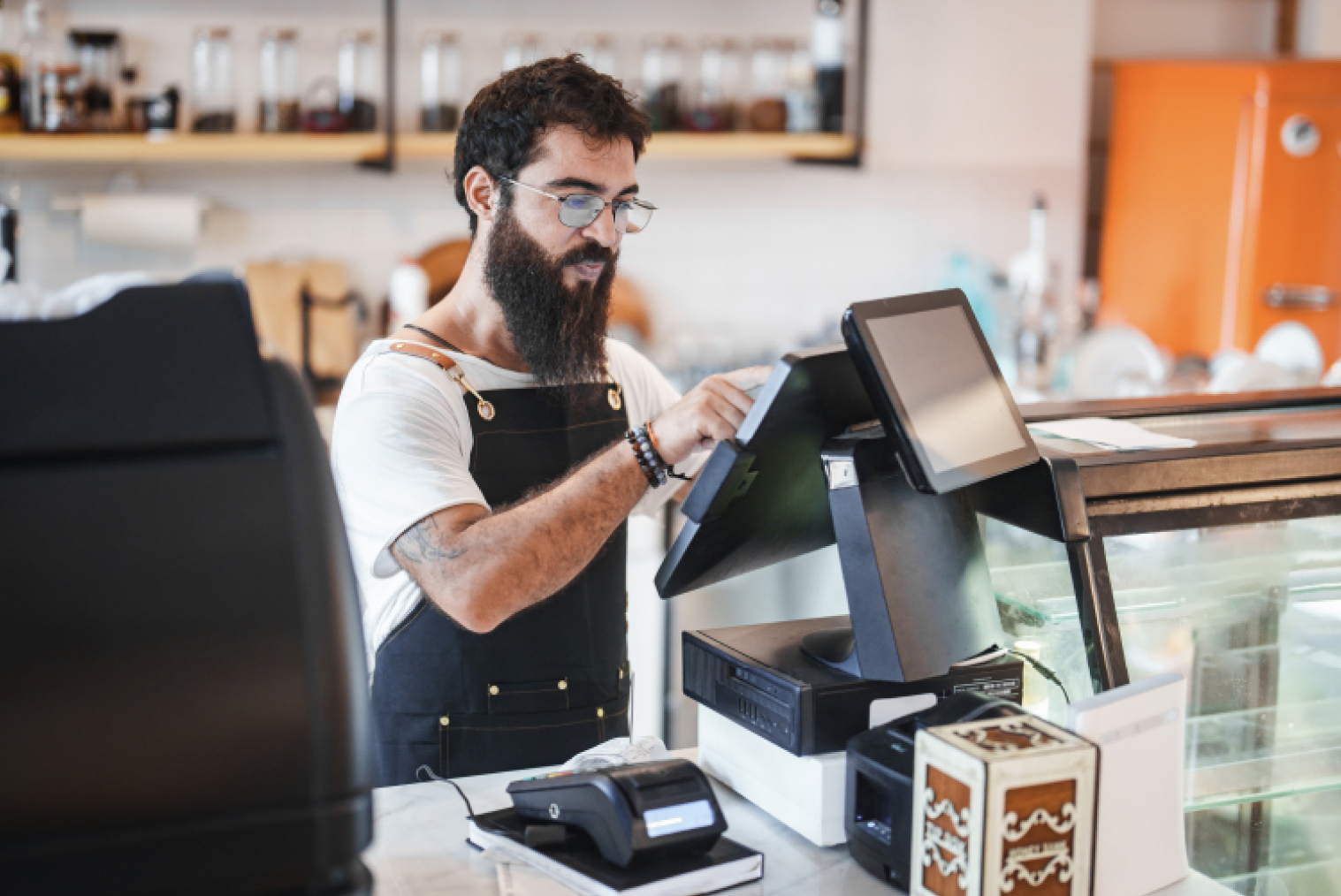
5. Kiosks Can Free Staff to Focus on Coffee and Service
A kiosk does not have to replace café employees.
In many cafés, the more useful role is to remove repetitive ordering tasks from the team's workload.
Instead of having a staff member spend the entire morning:
Taking order → Entering order → Taking payment → Repeating
the team can focus more heavily on:
Preparing drinks → Preparing food → Managing orders → Customer service
This distinction matters because the New Zealand hospitality sector continues to face significant labour-cost pressure.
The Restaurant Association's 2025 Remuneration Survey reported average hospitality wages of $27.84 per hour, while wage costs were reported at approximately 40% of revenue.
A kiosk should therefore be evaluated not simply as a labour-replacement device, but as a tool for improving how existing staff spend their time.
6. More Ordering Channels Can Help During Busy Periods
A café may already accept orders through several channels:
- Counter
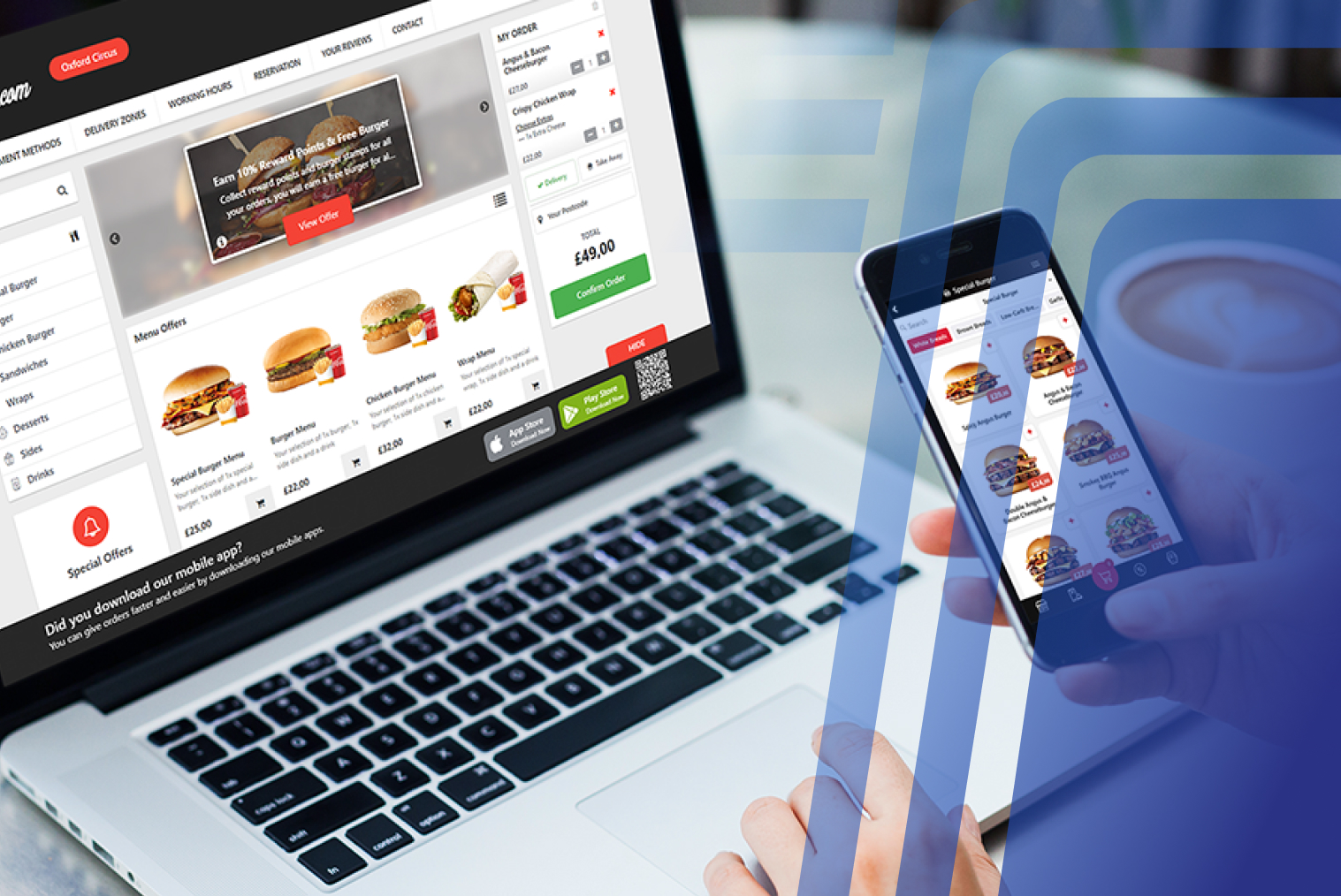
- Online ordering
- Click-and-collect
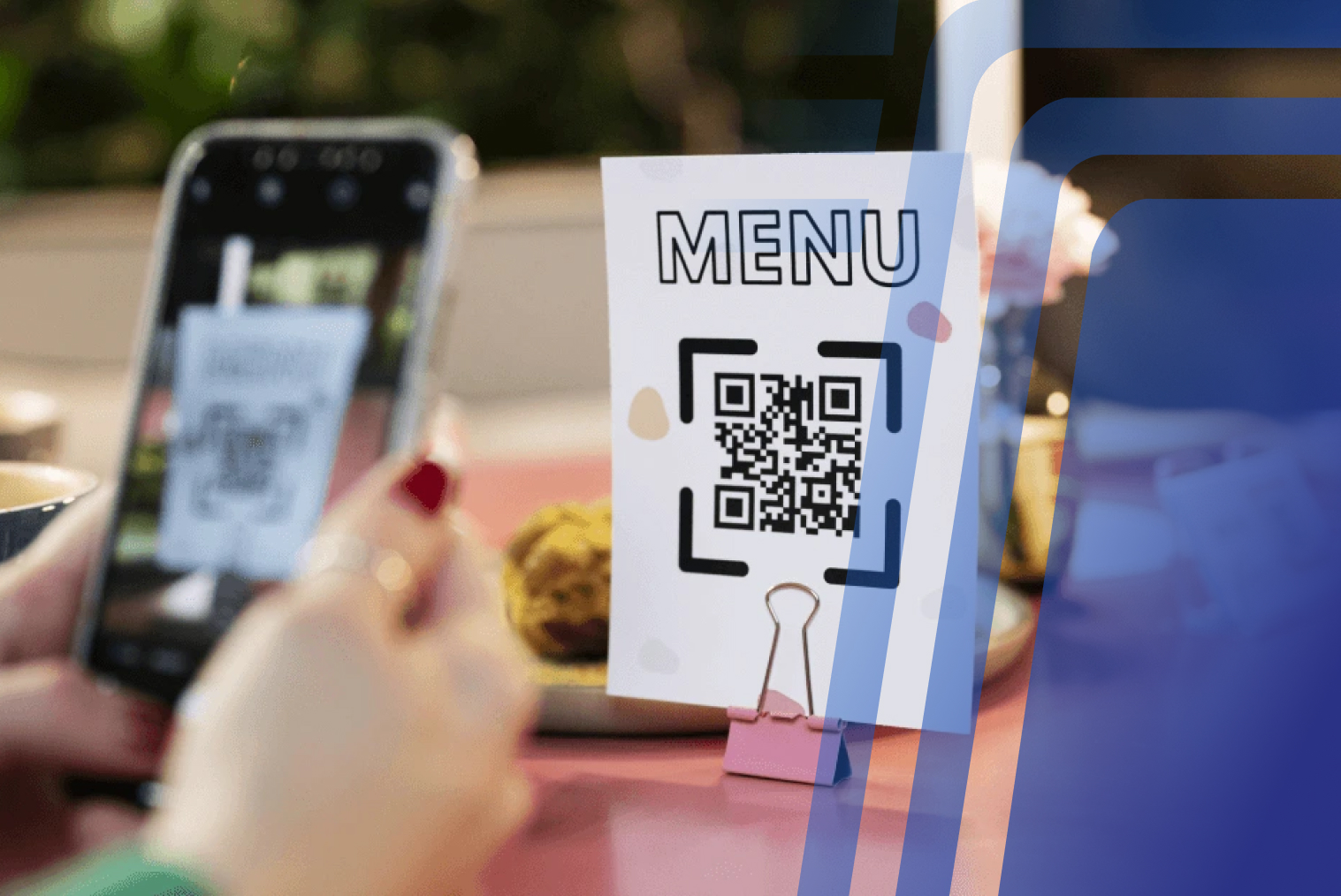
- QR ordering
- Delivery
- Self-service kiosk
The challenge is making sure these channels don't create separate operational systems.
If every channel has a separate menu, dashboard, payment process, and kitchen workflow, technology can actually create more work.
An integrated kiosk should instead connect with the café's POS.
That means menu changes, pricing, modifiers, and order information can be managed through a connected system.
This is also why choosing the right café POS matters.
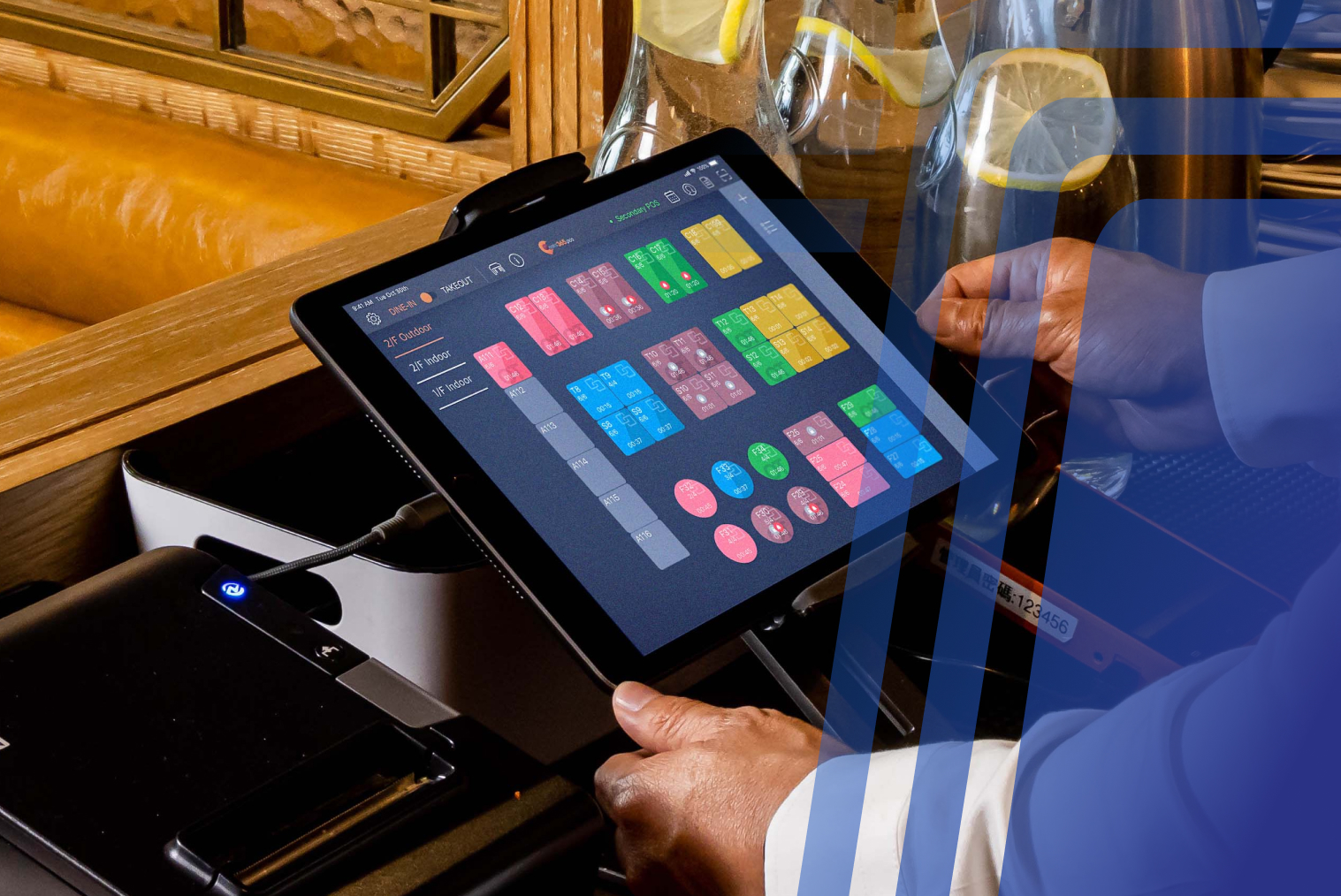
TABIN's café POS system is designed around café workflows and can integrate with self-service ordering technology.
For a deeper look at what café owners should consider when choosing their POS, see POS System for Small Café Owners: How to Pick the Best Café POS Software.
7. Customer Data Can Improve Menu Decisions
A kiosk can generate useful ordering data.
Over time, café owners can analyse:
- Most popular coffees
- Most selected milk options
- Popular sizes
- Most common add-ons
- Average order value
- Peak ordering periods
- Popular food combinations
- Best-performing products
What Should a Self-Service Coffee Kiosk Include?
Not every kiosk is suitable for a café.
When evaluating one, look for:
Touchscreen Ordering
The interface should be easy to understand and fast to navigate.
Coffee Modifiers
Customers should be able to customise size, milk, strength, temperature, flavours, and other options without excessive tapping.
POS Integration
Orders should flow into the existing POS rather than requiring staff to manually re-enter them.
KDS or Printer Routing
Orders should reach the appropriate preparation area automatically.
Integrated Payments
The kiosk should support the payment methods appropriate for the café's customers.
Custom Branding
The interface should look like your café rather than a generic ordering system.
Menu Management
Prices, products, modifiers, availability, and specials should be easy to update.
Reporting
The system should provide useful data about sales and ordering behaviour.
Loyalty Integration
Where supported, loyalty should work across the café's ordering channels rather than creating a disconnected customer database.
What Does a Coffee Kiosk Cost?
Cost depends on the kiosk hardware, software, payment configuration, integrations, installation, and support requirements.
For cafés considering TABIN, the Complete Starter Pack is available from $49 + GST/month, subject to the applicable package and configuration.
For a precise quote based on your café's requirements, contact TABIN.
The important thing is to compare the total cost of ownership, rather than looking only at the kiosk hardware.
How to Measure Whether a Coffee Kiosk Is Increasing Sales
Don't judge a kiosk solely by whether customers like using it.
Measure what changes after implementation.
Track:
Average Order Value
Compare average kiosk order value with counter orders.
Orders Per Hour
Measure how many transactions the café can process during its busiest periods.
Add-On Rate
Track how often customers add pastries, larger sizes, extra shots, or other extras.
Queue Length
Observe whether the average queue becomes shorter during peak periods.
Order Errors
Compare remake and correction rates before and after implementation.
Staff Allocation
Measure how much time staff spend taking orders versus preparing and fulfilling them.
Kiosk Usage
Track what percentage of customers choose the kiosk.
This gives the café a much more realistic picture of whether the investment is delivering operational and commercial value.
Conclusion: Can a Self-Service Coffee Kiosk Increase Café Sales?
A self-service coffee kiosk is not a magic button for increasing revenue.
Its value comes from how it changes the ordering process.
By giving customers another way to order, cafés can potentially reduce counter congestion, make upselling more consistent, capture customised orders accurately, and free staff to focus on preparing great coffee and food.
The biggest opportunity may not be one dramatic increase in sales.
It may be hundreds of small improvements repeated every day:
- One more pastry sold
- One fewer order mistake
- One less customer abandoning a queue
- One more order processed during the morning rush
- One less repetitive task for a barista
Over time, those operational improvements can add up.
For NZ cafés facing rising operating costs and a competitive market, the right self-service kiosk can therefore be more than a technology upgrade. It can become another part of the café's sales and service strategy.
See how TABIN's self-service kiosks work for cafés →
Frequently Asked Questions (FAQs)
Q1: Are self-service coffee kiosks profitable?
A self-service coffee kiosk can contribute to revenue and operational efficiency when it is correctly matched to the café's customer volume, workflow, menu, and location. Potential benefits include faster ordering, consistent upselling, fewer ordering errors, and better use of staff time. However, profitability depends on the individual café and should be evaluated using its own sales, labour, and operating data.
Q2: How much does a self-service coffee kiosk cost?
The cost varies depending on hardware, software, payment integration, POS integration, installation, and support. TABIN's Complete Starter Pack is available from $49 + GST/month, subject to the package and configuration. For a complete kiosk setup tailored to your café, request a quote from TABIN.
Q3: Is a kiosk worth it for a small café?
It can be, particularly if the café experiences regular queues, has a high volume of customised coffee orders, or wants to provide an additional ordering channel. The best way to evaluate the investment is to compare the expected operational benefits with the total cost of the kiosk and associated software.
Q4. How long does it take to install a coffee kiosk?
Installation time depends on the kiosk hardware, network setup, POS integration, payment configuration, and menu complexity. A simple setup can be configured relatively quickly, while a more integrated deployment may require additional testing. Your provider should confirm the expected installation and go-live timeline before purchase.
Q5: Do kiosks work alongside baristas, or do they replace them?
Kiosks are generally designed to work alongside café staff. The kiosk handles customer ordering and payment while baristas and other employees continue preparing drinks, food, and fulfilling orders. The objective is to reduce repetitive ordering work and allow staff to focus on preparation and customer service.
Q6: Can a coffee kiosk upsell pastries and other food?
Yes. A kiosk can present complementary products and upgrades during the ordering process. Examples include pastries with coffee, larger drink sizes, extra espresso shots, alternative milk, syrups, or cabinet food. The café should test different offers and use its sales data to determine which combinations perform best.
Q7: Can a coffee kiosk integrate with a café POS?
Yes, if the kiosk and POS support the required integration. An integrated setup can allow customer orders to flow directly into the POS and then to a KDS or kitchen printer. This avoids manually transferring kiosk orders into the café's main ordering system.
Q8: Can customers customise coffee orders on a kiosk?
Yes. A café-focused kiosk can allow customers to select options such as drink size, milk type, strength, temperature, syrups, and additional shots. The interface should be designed so that common customisations can be completed quickly.
Q9: Does a coffee kiosk work with loyalty programmes?
It can, provided the kiosk and loyalty system are integrated. This can allow cafés to connect self-service orders with their wider customer loyalty strategy rather than treating kiosk customers as a separate group.
Q10: How do I know if a coffee kiosk is increasing my sales?
Track metrics before and after installation, including average order value, orders per hour, add-on rate, kiosk usage, queue times, and order errors. Comparing these metrics over similar trading periods gives a better indication of the kiosk's impact than relying on anecdotal feedback alone.


.webp)










.png)














.webp)


