Self-ordering kiosks are becoming a standard ordering solution across food courts and standalone restaurants. However, the way kiosks operate in these two environments is very different. A food court kiosk vs restaurant kiosk setup varies in terms of customer behavior, order complexity, and operational goals. Food courts prioritize speed and handling high volumes, while standalone restaurants use kiosks to enhance customer experience and increase order value. Understanding how kiosks work in food courts compared to standalone restaurants helps businesses implement the right kiosk system for restaurants and improve overall efficiency.
Self-ordering kiosks are becoming increasingly common in quick-service and fast-casual restaurants, where they help streamline ordering and reduce front-line staff workload. Industry coverage notes that kiosks allow customers to place orders directly while helping restaurants manage peak-hour traffic more efficiently.
What is the Difference Between Food Courts and Standalone Restaurants
However, before analyzing different approaches, it is vital to understand the differences in consumer behavior in both types of facilities. Specifically, at food courts, consumers tend to make rapid decisions amid multiple brand offerings. The ordering process is quick, and the ultimate goal is queue reduction. On the contrary, standalone restaurants offer a specialized experience where consumers may browse through the menu, personalize their orders, and choose add-ons or upgrades.
These considerations influence the design and positioning of the kiosks. Food courts usually need multiple kiosks optimized for rapid ordering. However, standalone restaurants often have fewer kiosks that allow in-depth menu navigation and upselling.
Customer behavior differs significantly between food courts and standalone restaurants, and this directly affects how kiosks should be designed. In food courts, customers are usually in a hurry and want to place orders quickly. In standalone restaurants, customers are more relaxed and willing to browse, customize, and explore menu options. These differences matter because kiosk layout, menu structure, and ordering flow must match the environment to avoid delays and improve conversions.
Here’s how customer behavior typically differs:
- Customers in food courts make fast decisions and prefer quick pickup
- Customers in standalone restaurants spend more time browsing options
- Food courts prioritize speed over personalization
- Standalone restaurants focus on customer experience and upselling
- Food courts operate with shared seating, while standalone restaurants manage dining flow
Understanding these patterns helps businesses design kiosks more effectively. Food court kiosks should reduce steps and enable faster ordering to handle high traffic, while standalone restaurant kiosks can include more customization and upsell prompts. When kiosk design matches customer behavior, restaurants can reduce queues, improve ordering speed, and increase average order value.
Because of these factors, restaurant kiosk vs standalone restaurant kiosk strategies must be planned differently.
How Do Kiosks Work in Food Courts
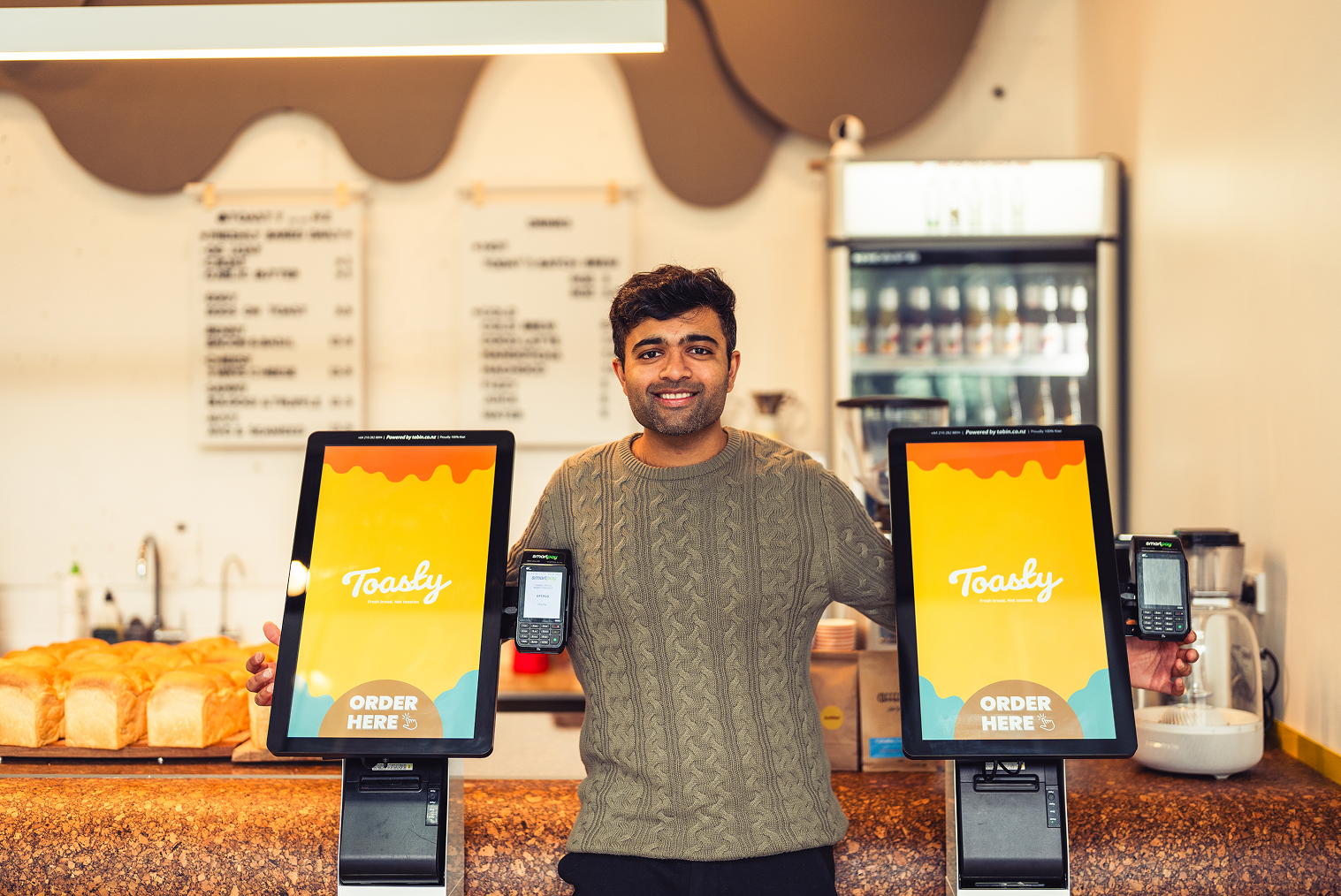
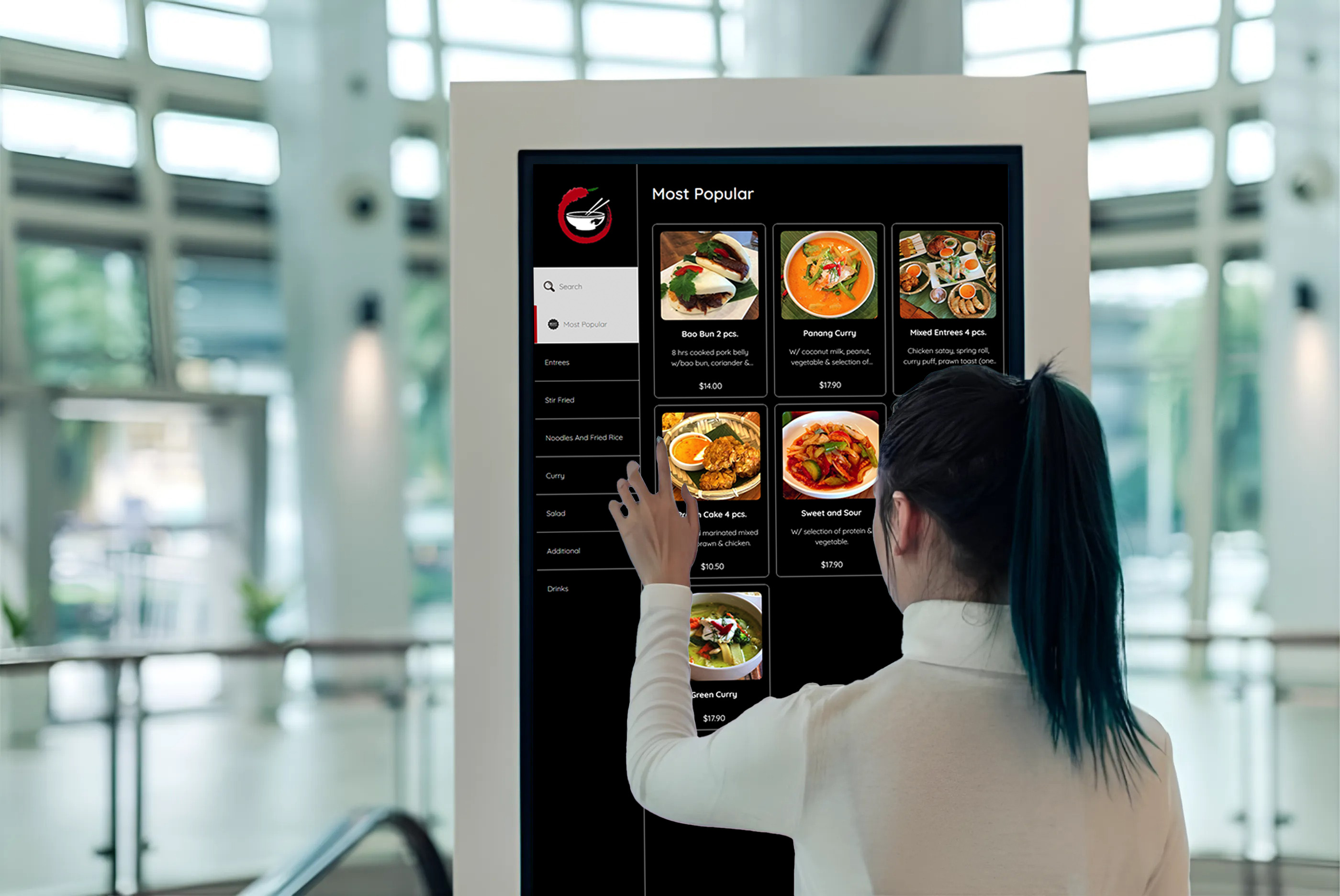
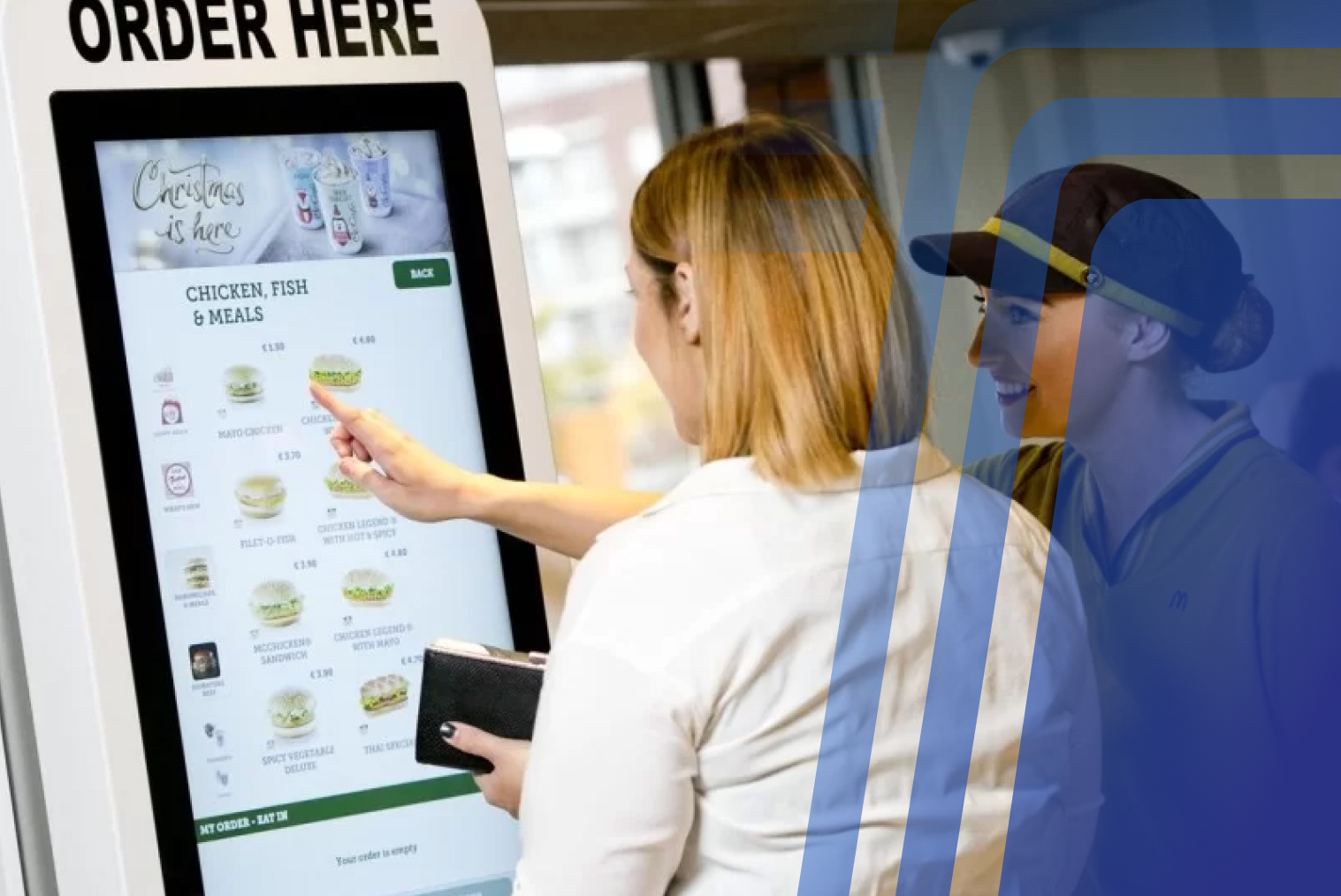
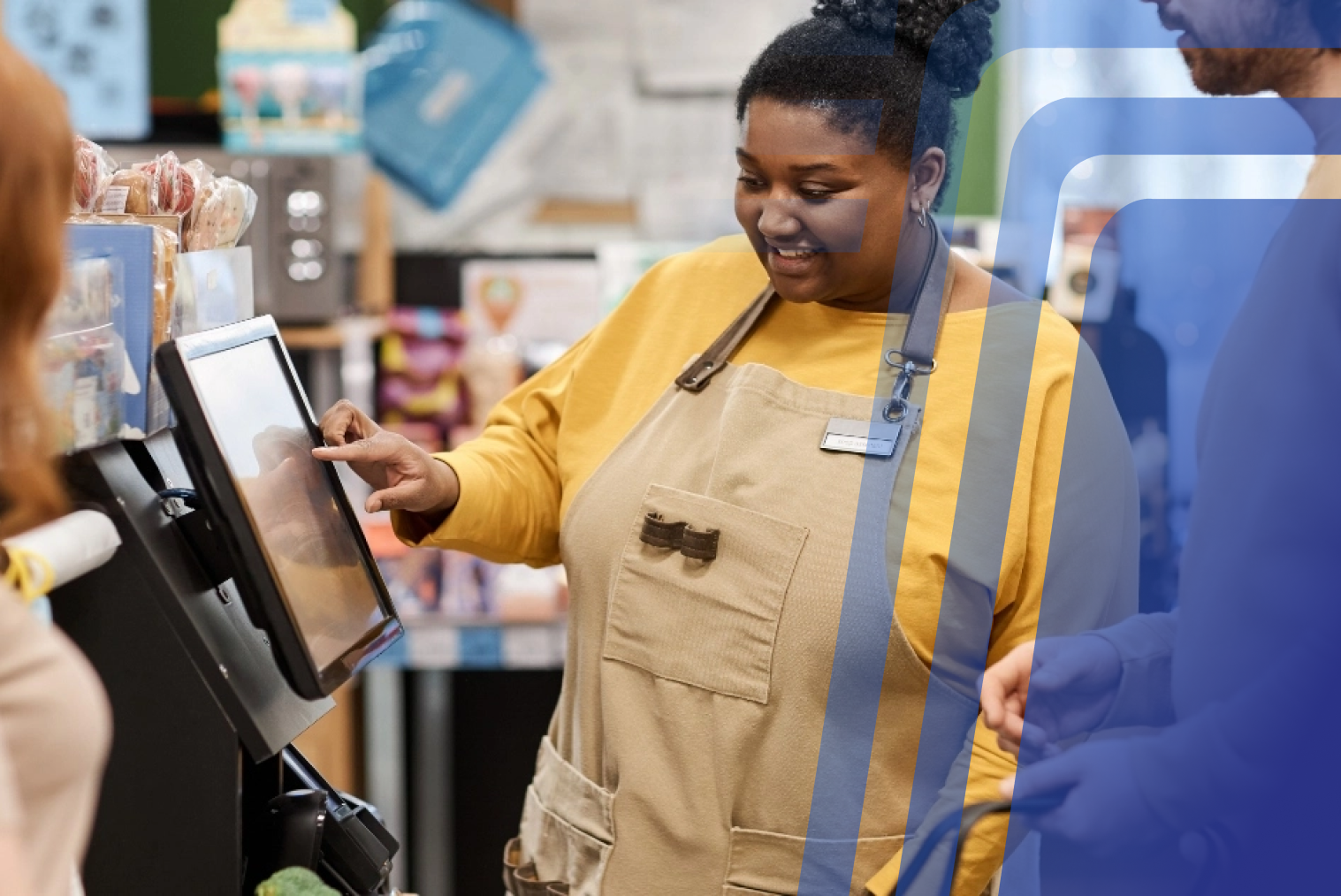
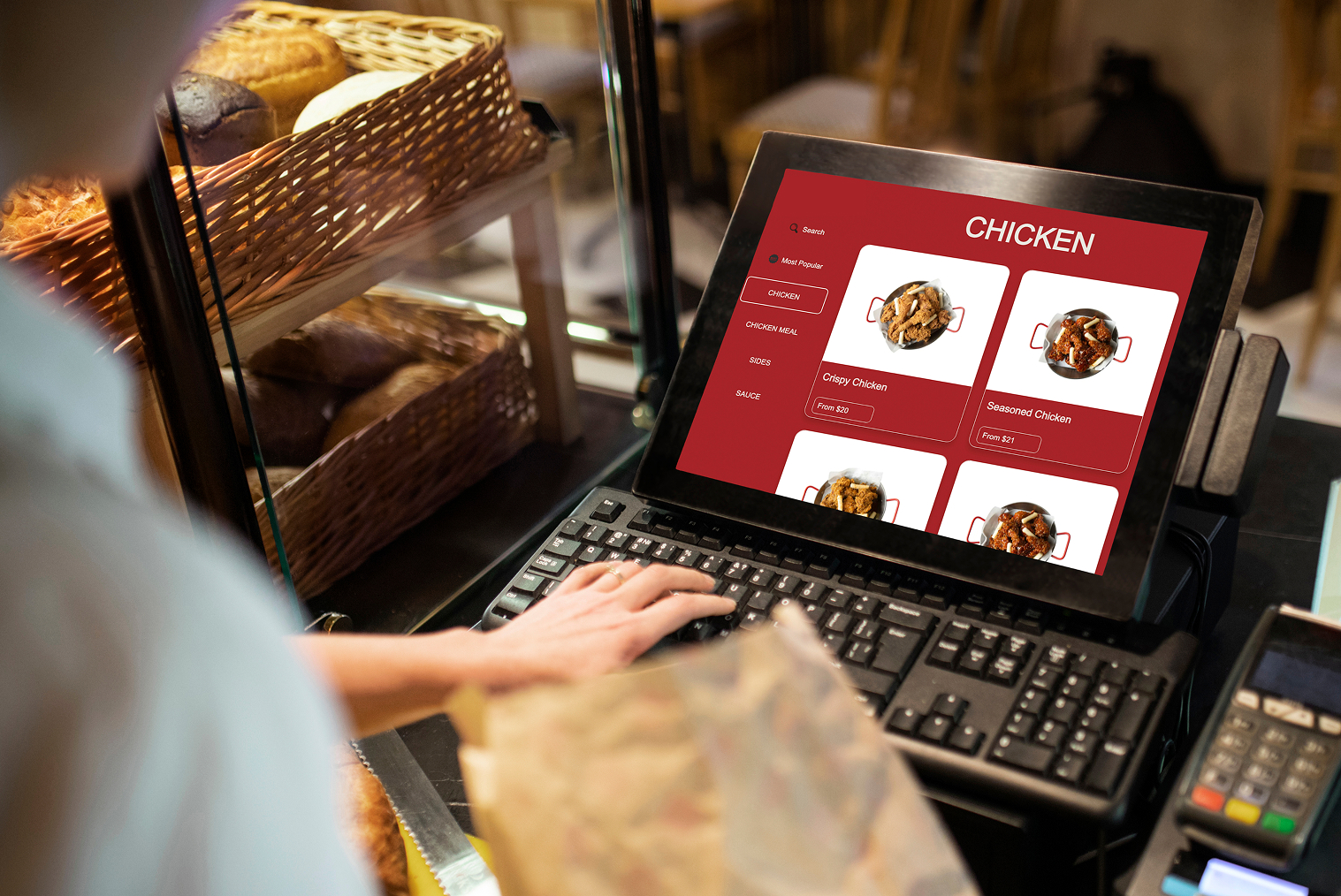
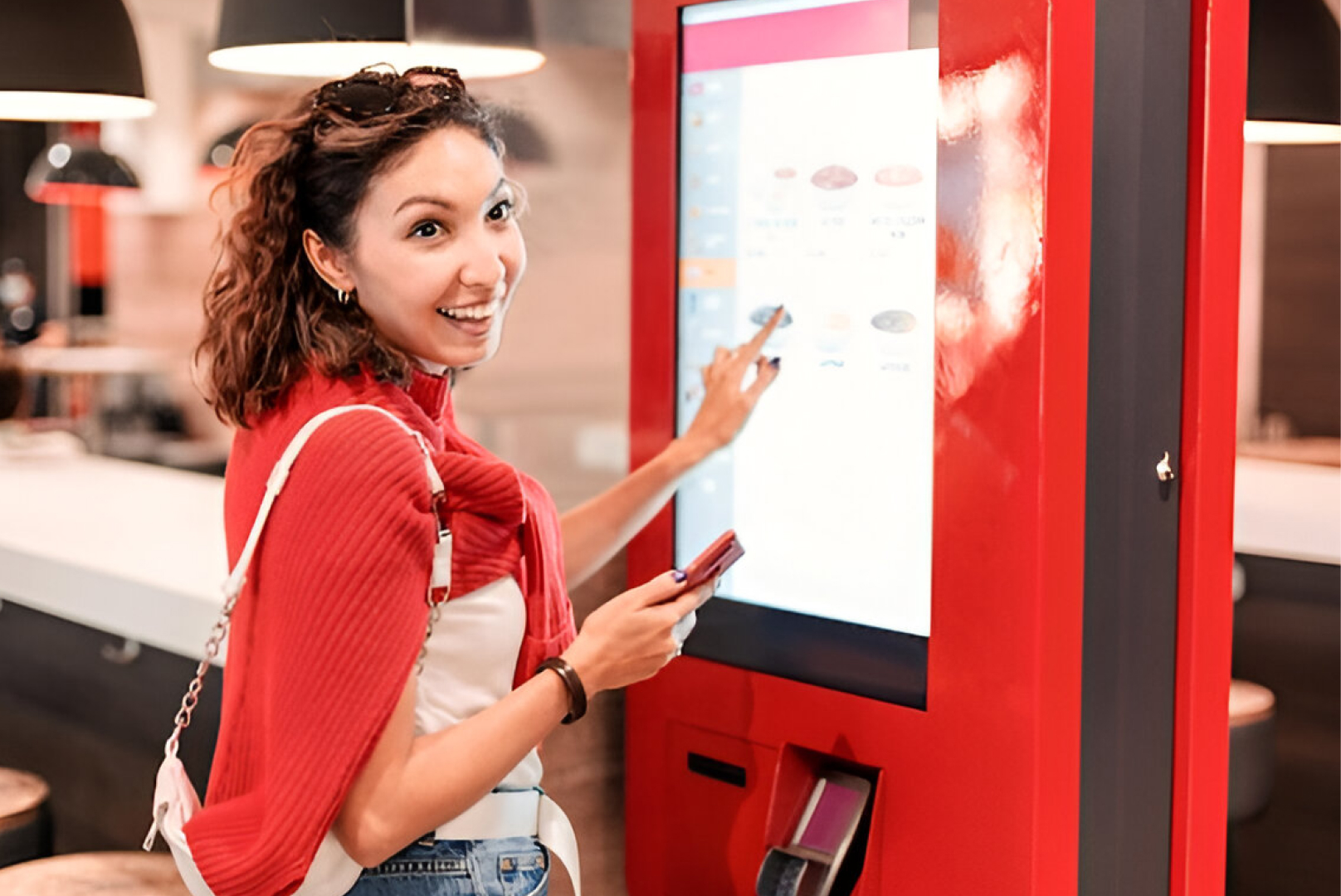
Kiosks in food courts are specifically designed for busy times and to accommodate heavy customer foot traffic. In a food court setting, customers walk up to the kiosk, place their order quickly, and proceed to the common seating area. This helps avoid long queues at the counter while enabling several customers to order at the same time.
Unlike traditional ordering, kiosks in food courts act as queue distributors. Instead of one long line, multiple customers can place orders simultaneously. This significantly increases throughput during peak lunch and dinner periods.
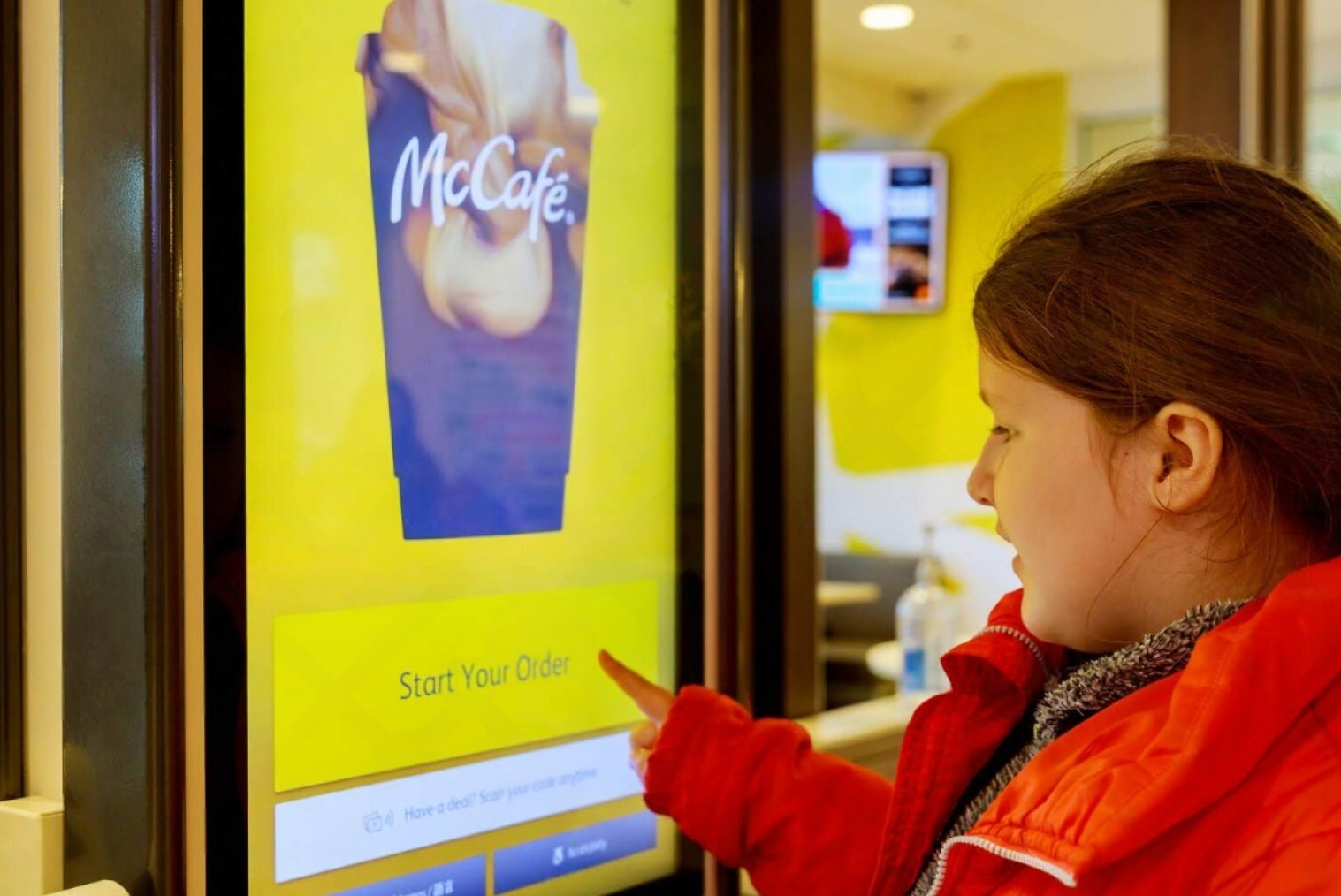
Real-world implementations show measurable improvements in high-traffic environments. For example, McDonald’s reported that digital ordering kiosks helped increase average check size by 5–6% after deployment, as customers spent more time browsing and adding items.
| Feature |
Food Court Kiosks |
Standalone Restaurant Kiosks |
| Primary Goal |
Speed & high volume |
Experience & upselling |
| Customer Decision Time |
Short |
Longer |
| Menu Structure |
Simplified |
Detailed |
| Customization |
Limited |
Extensive |
| Upselling |
Basic combos |
Advanced recommendations |
| Queue Management |
Critical |
Moderate |
| Branding |
Minimal |
Strong brand experience |
| Order Volume |
High |
Moderate |
| Average Order Value |
Lower |
Higher |
| Kiosk Quantity |
More kiosks required |
Fewer kiosks required |
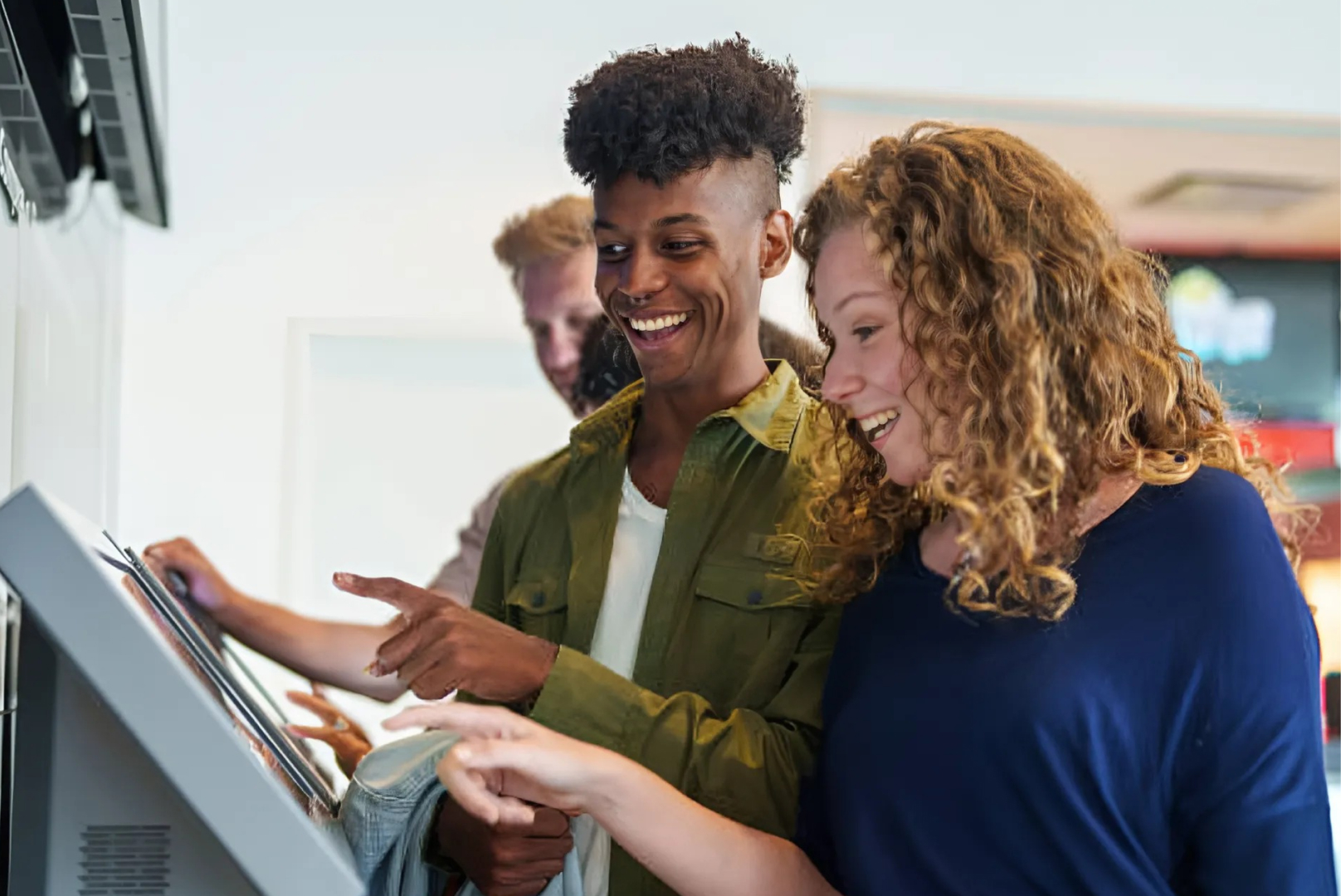
Additionally, self-service kiosks help reduce queues by allowing multiple customers to order at once.
20%–30% Higher Spend: Research highlights that customers spend 20% to 30% more when ordering through self-service kiosks compared to traditional counter service.
Increased Order Size: Self-order kiosks can increase average order value, as customers are more likely to browse and accept upsell suggestions like combos, drinks, and sides. Some kiosk deployments have reported average order value increases ranging from 10% to 30%, driven by visual menus and automated upselling.
Unbiased Upselling: Unlike staff, kiosks consistently prompt for upselling, with AI-driven recommendations leading to increase in kiosk usage.
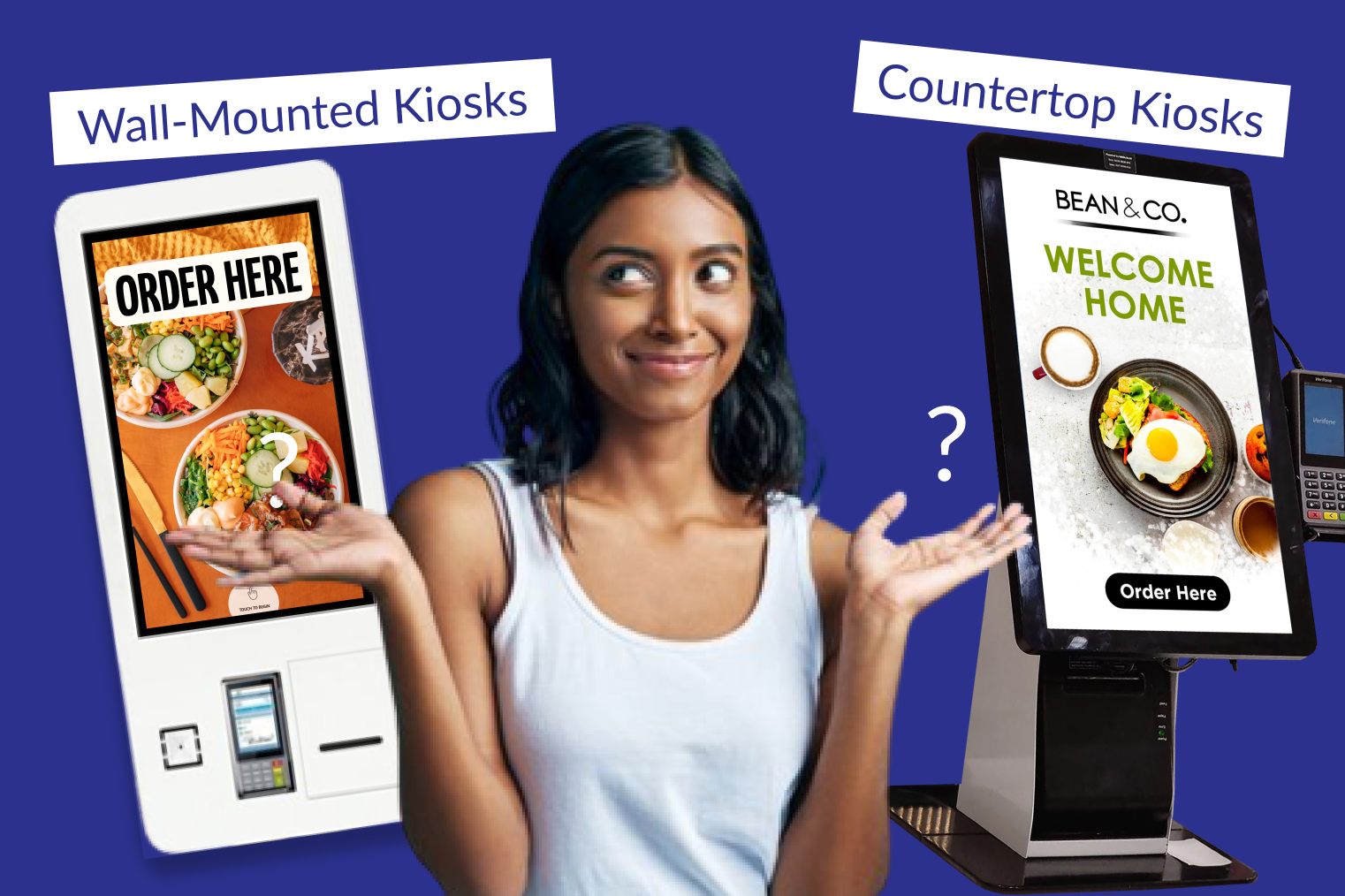
Typical food court kiosk setups include:
- Multiple kiosks placed near the storefront
- Simplified menu layout for faster decisions
- Quick combo selections
- Minimal customization steps
- Order number display for pickup
- Fast payment flow
These self-ordering kiosks for food courts are optimized for speed rather than deep menu exploration.
Another important factor is customer movement. In food courts, customers often decide quickly and move on. Because of this, kiosks must reduce friction in ordering and avoid complex steps. A streamlined interface ensures that customers complete orders quickly without slowing down the line.
How Do Kiosks Work in Standalone Restaurants
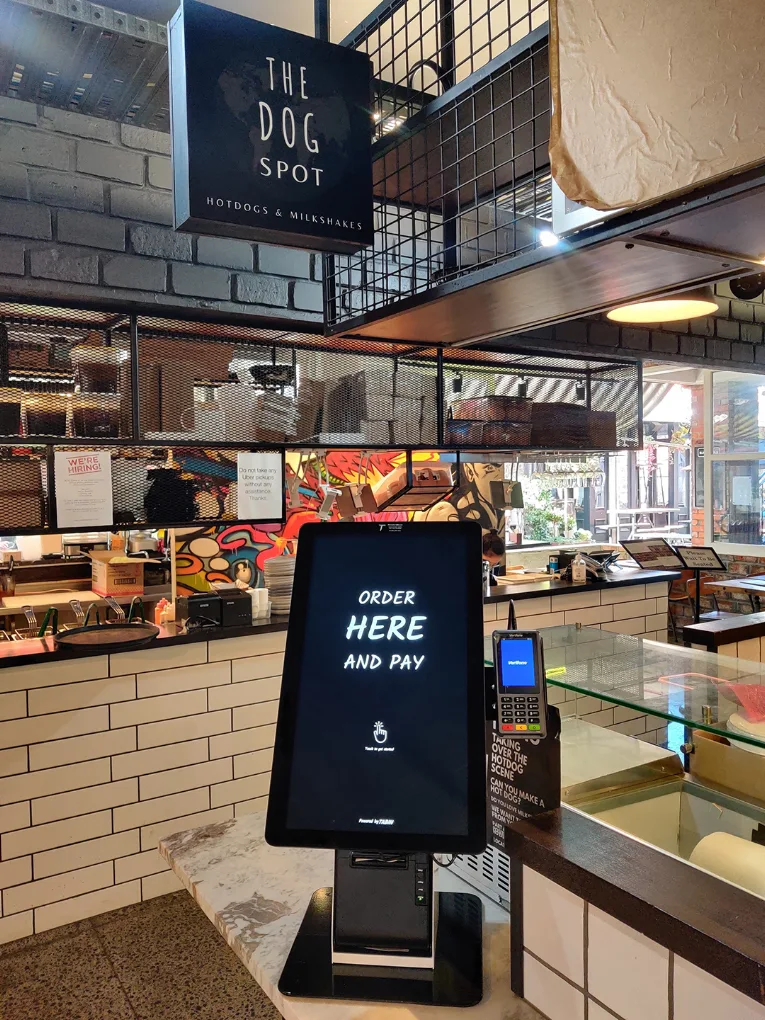
In standalone restaurants, kiosks serve a completely different purpose. They are not made to make the ordering process faster. On the contrary, the main idea here is to make the process pleasant and enjoyable for customers.
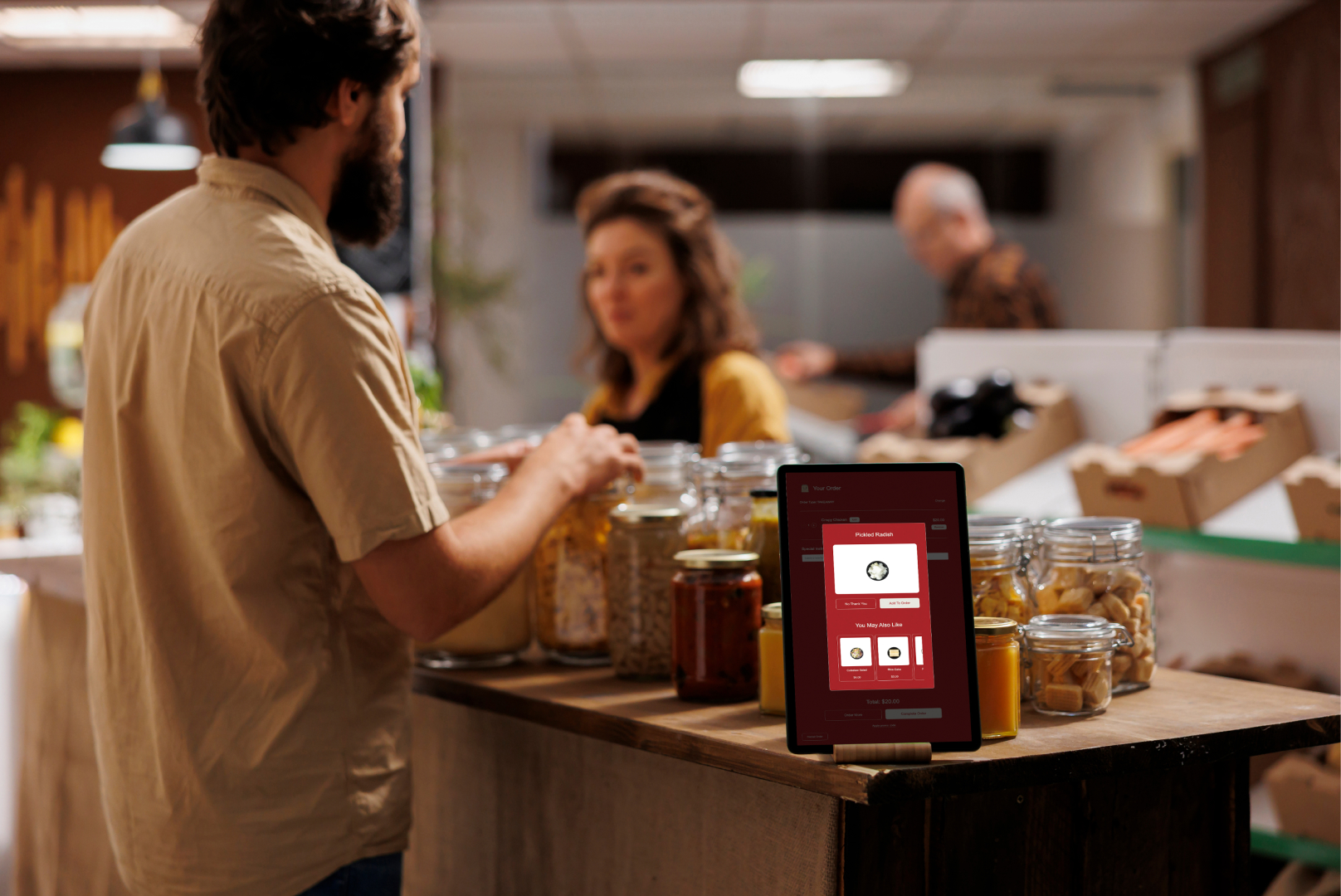
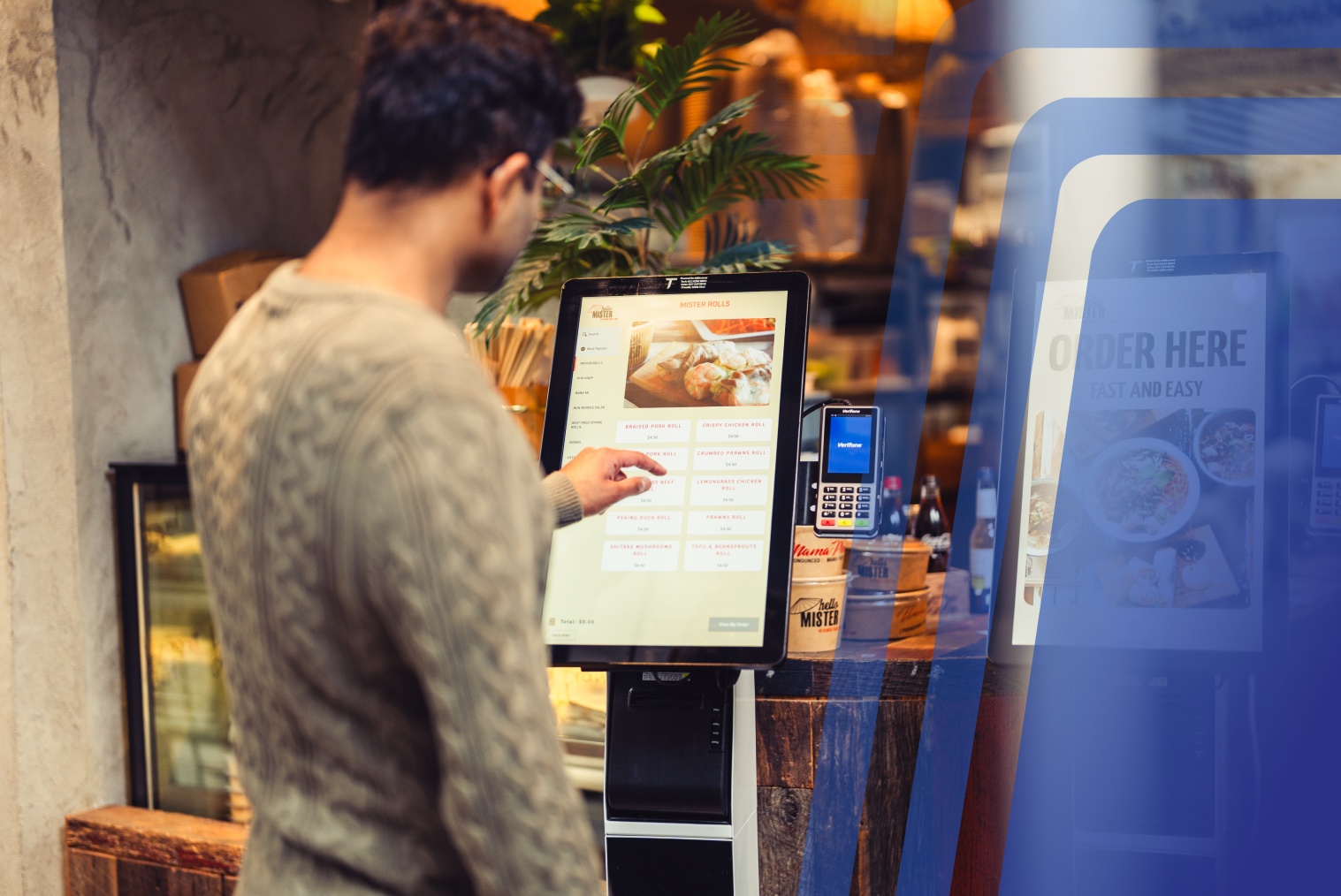
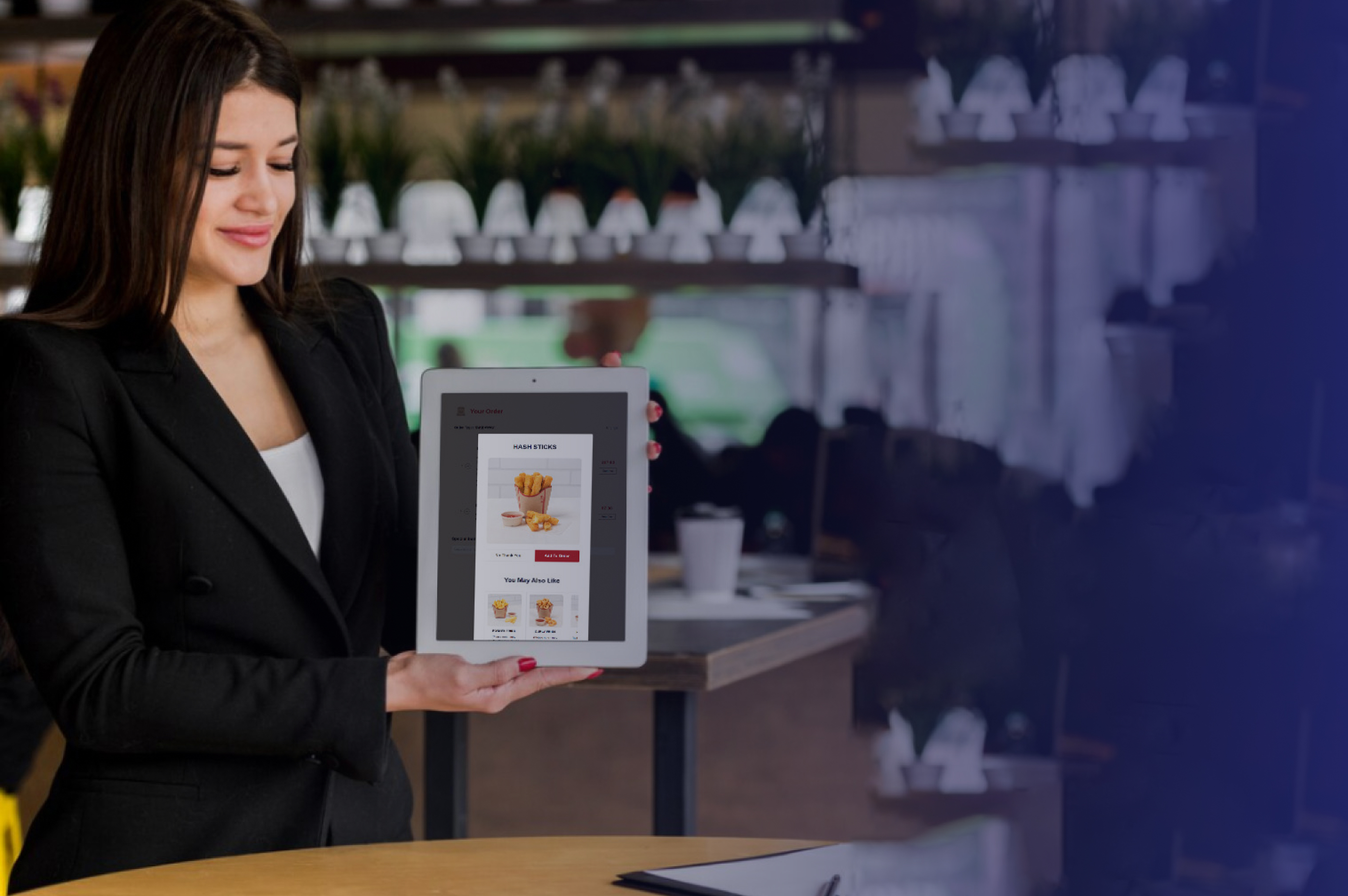
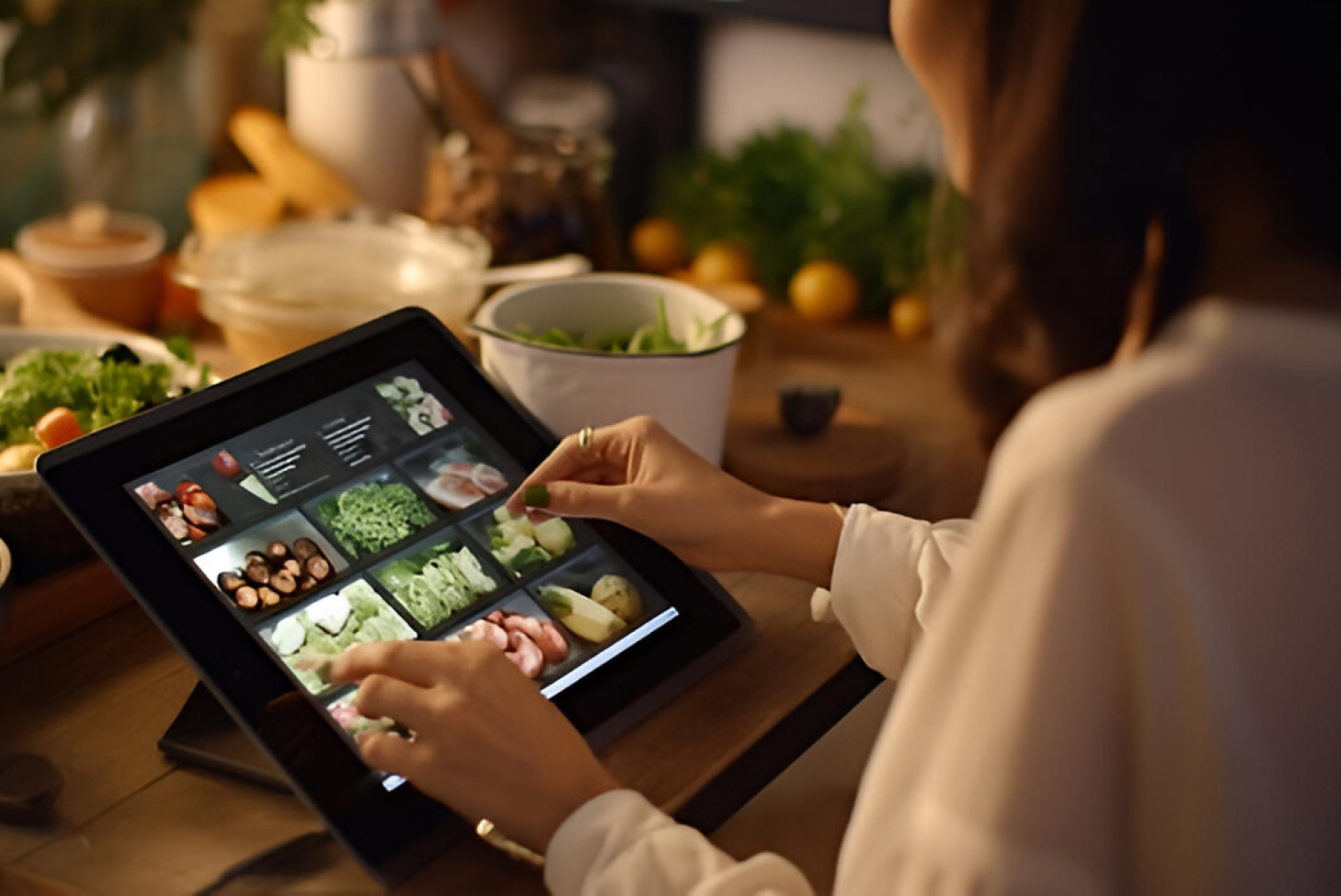
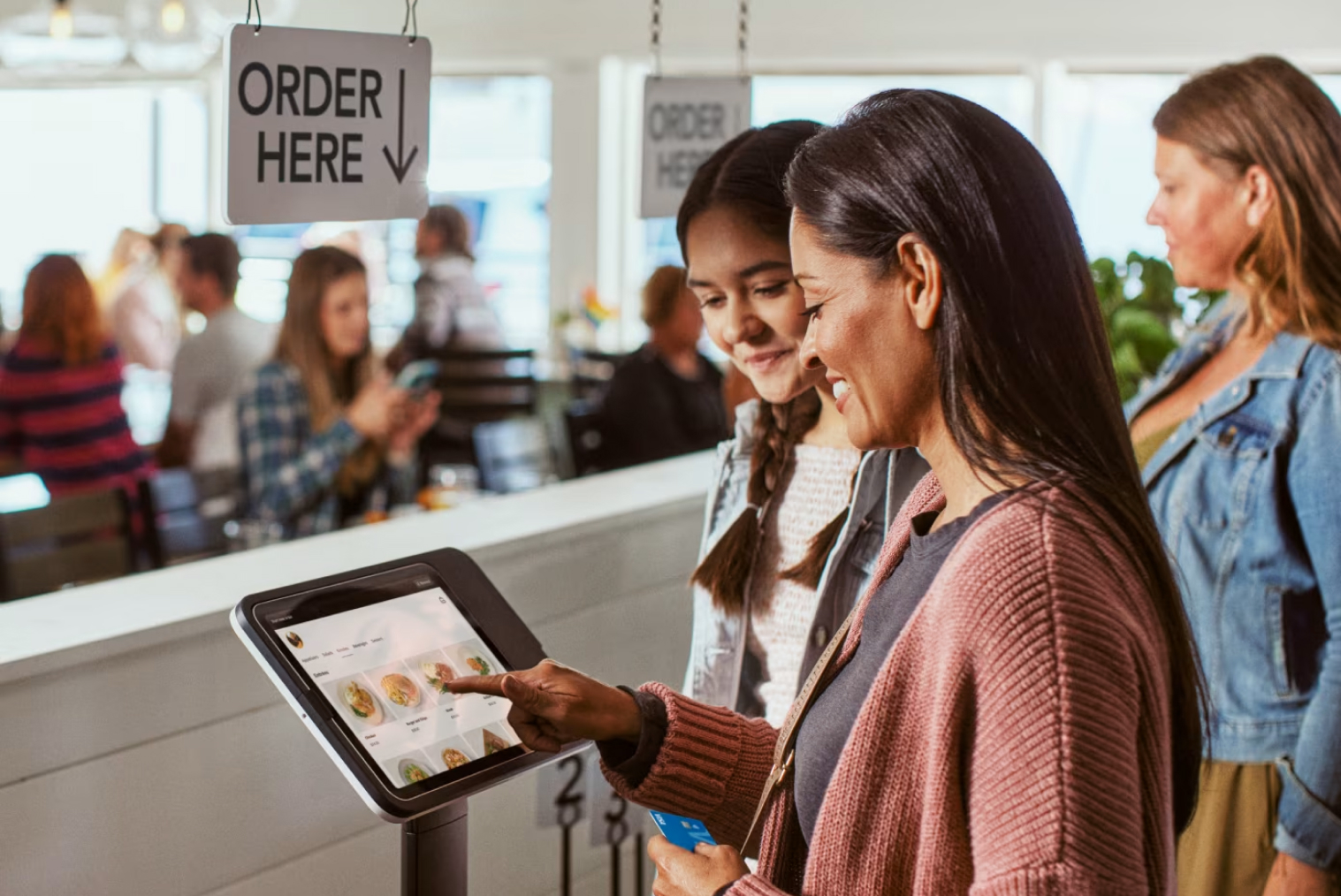
To achieve this goal, standalone restaurant kiosks are usually equipped with detailed menus, pictures of products, and prompts for upselling. They encourage customers to spend more time browsing the menu and adding items to their orders.
- Standalone kiosk environment includes:
- Detailed menu navigation
- Product pictures
- Customization options
- Modifiers/add-ons
- Combos
This type of kiosk system for restaurants focuses on both efficiency and revenue growth.
Customers also behave differently in standalone locations. They are more willing to:
- Customize meals
- Add extras or upgrades
- Explore new menu items
- Order for dine-in or takeaway
- Spend more time browsing
Because of this, standalone restaurant kiosks often generate higher average order value compared to food court kiosks.
Food Court Kiosk vs Restaurant Kiosk: Key Differences
Here’s a quick side-by-side comparison to help you choose the right kiosk setup based on your business model:
| Metric |
Impact of Proper Kiosk Ratio |
Source |
| Order Value |
15–30% increase in average ticket size due to automated upselling. |
Kiosk Industry |
| Customer Preference |
78% of QSR customers prefer kiosks over cashiers for speed and privacy. |
Gloryglobal |
This comparison helps businesses decide between food court kiosk vs restaurant kiosk strategies.
How Do Kiosks Reduce Congestion Differently
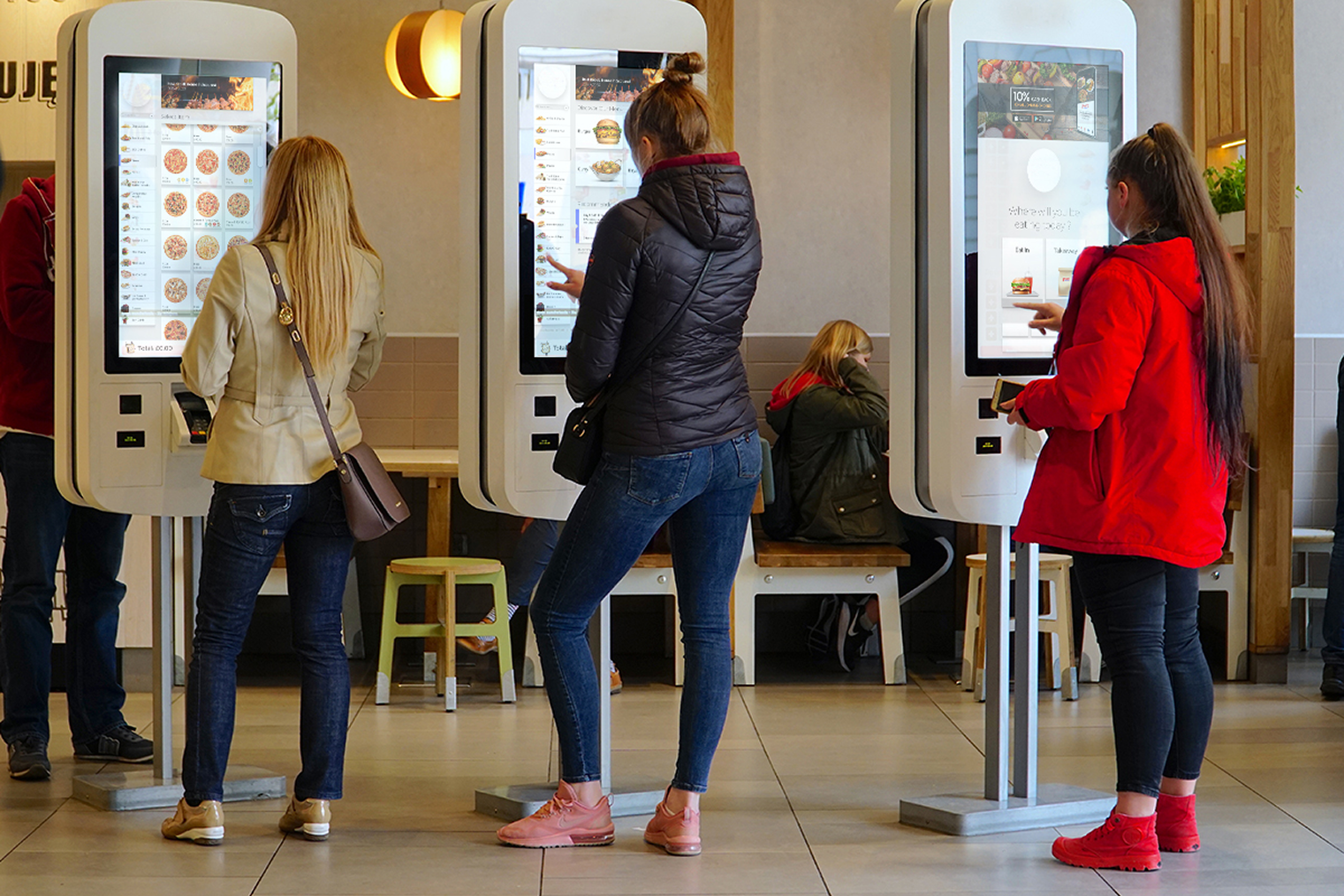
One of the advantages of kiosks is that they help eliminate congestion, although this varies depending on the kind of restaurant. For food court restaurants, congestion takes place at the point of order taking. Kiosks reduce congestion in food court restaurants by providing more ordering points, hence minimizing queues.
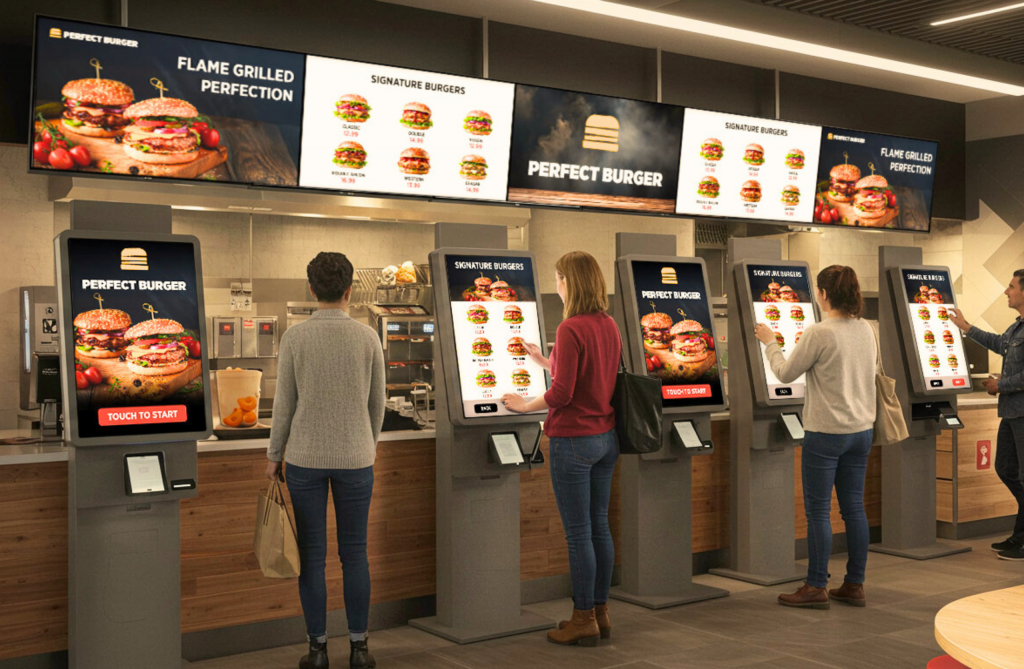
Food court restaurants position several kiosks next to each other to facilitate traffic diversion. This way, congestion is minimized by making sure that orders are taken quickly.
On the other hand, congestion in standalone restaurants results from delays in order taking and customer hesitation during decision-making. By positioning the kiosk inside an independent restaurant, congestion can be minimized. There are instances where independent restaurants position their kiosks at the entrance to minimize congestion.
This approach helps improve ordering speed with kiosks while maintaining a smooth dining experience.
What is the Ideal Kiosk-to-Customer Ratio?
The "right" number of kiosks isn't just about floor space; it’s about peak throughput. Industry benchmarks suggest that for every cashier you replace or supplement, you typically need 1.5 to 2 kiosks to maintain flow, as customers tend to spend more time browsing digital menus than speaking to a human.
Food Courts: The "High-Frequency" Model
Food courts require a higher density of kiosks because they operate on a "pulse" traffic model—massive waves of customers arriving simultaneously during a 90-minute lunch window.
- 2–4 Kiosks (Small Outlets): Ideal for niche vendors where the menu is limited.
- 4–6 Kiosks (High-Volume Brands): Necessary to prevent "queue abandonment."
- The Reasoning: Research from Taylor & Francis indicates that a 3:3 kiosk-to-counter ratio can reduce total average wait times by 28% and slash queue lengths by 77%. In food courts, where visibility is key, a long line at the counter often drives customers to a competitor; kiosks "hide" the wait by letting multiple people start their order at once.
Standalone Restaurants: The "Controlled Flow" Model
In standalone locations, the journey is more linear. Customers enter at a steadier pace, and the environment allows for a hybrid approach.
- 1–2 Kiosks (Small Restaurants): Focuses on "line-busting" during sudden rushes.
- 2–3 Kiosks (Medium Traffic): Allows for one dedicated "express" kiosk and others for full browsing.
- The Reasoning: Standalone shops benefit from a Hybrid Model. According to Kiosk Industry, kiosks reduce ordering time by 20-40%. In a standalone setting, this speed allows you to process more orders with fewer front-of-house staff, reallocating labor to food prep to keep up with the increased digital volume.
Why Ratios Matter: The Data Behind the Decision
Pro-Tip: The "Success Threshold" for kiosks is generally 40%. If your kiosks aren't handling at least 40% of your peak-hour orders, you likely have a ratio or placement issue—either too few kiosks to be noticed or a layout that bottlenecks the entrance.
How Do Kiosk Strategies Change as Restaurants Scale
As restaurants expand, kiosk strategies evolve. Food court brands typically standardize kiosk layouts across locations. This ensures consistent speed and operational efficiency.
When scaling food court kiosks, restaurants usually:
- Keep menus simplified
- Standardize UI design
- Optimize for fast ordering
- Maintain consistent placement
Standalone restaurants, however, often focus on enhancing customer experience when scaling. They may introduce:
- Loyalty integrations
- Personalized recommendations
- Multi-location menu management
- Table ordering options
These strategies allow businesses to adapt their kiosk system for restaurants as they grow.
Final Thoughts: Food Court vs Standalone Restaurant Kiosks
Self-ordering kiosks are suitable for both food courts and standalone restaurants, but their implementation strategies vary significantly. Food courts are designed for speed, high volume, and quick decision-making, whereas standalone restaurants focus more on customization, branding, and upselling. Understanding how kiosks work in food courts compared to standalone restaurants helps businesses choose the right setup. With proper planning, kiosks can reduce congestion, improve customer flow, and increase order value in both environments.
Businesses should choose food court kiosks when the priority is handling high foot traffic, reducing queues, and enabling fast ordering during peak hours. These setups work best in shared seating environments where customers want quick service and minimal interaction.
On the other hand, standalone restaurant kiosks are better suited when the goal is to enhance customer experience, offer customization, and increase average order value. This approach works well for restaurants with detailed menus, dine-in service, and strong branding focus.
Choosing the right food court kiosk vs restaurant kiosk strategy ensures better efficiency, smoother operations, and improved customer experience.


.webp)











.png)













.webp)


