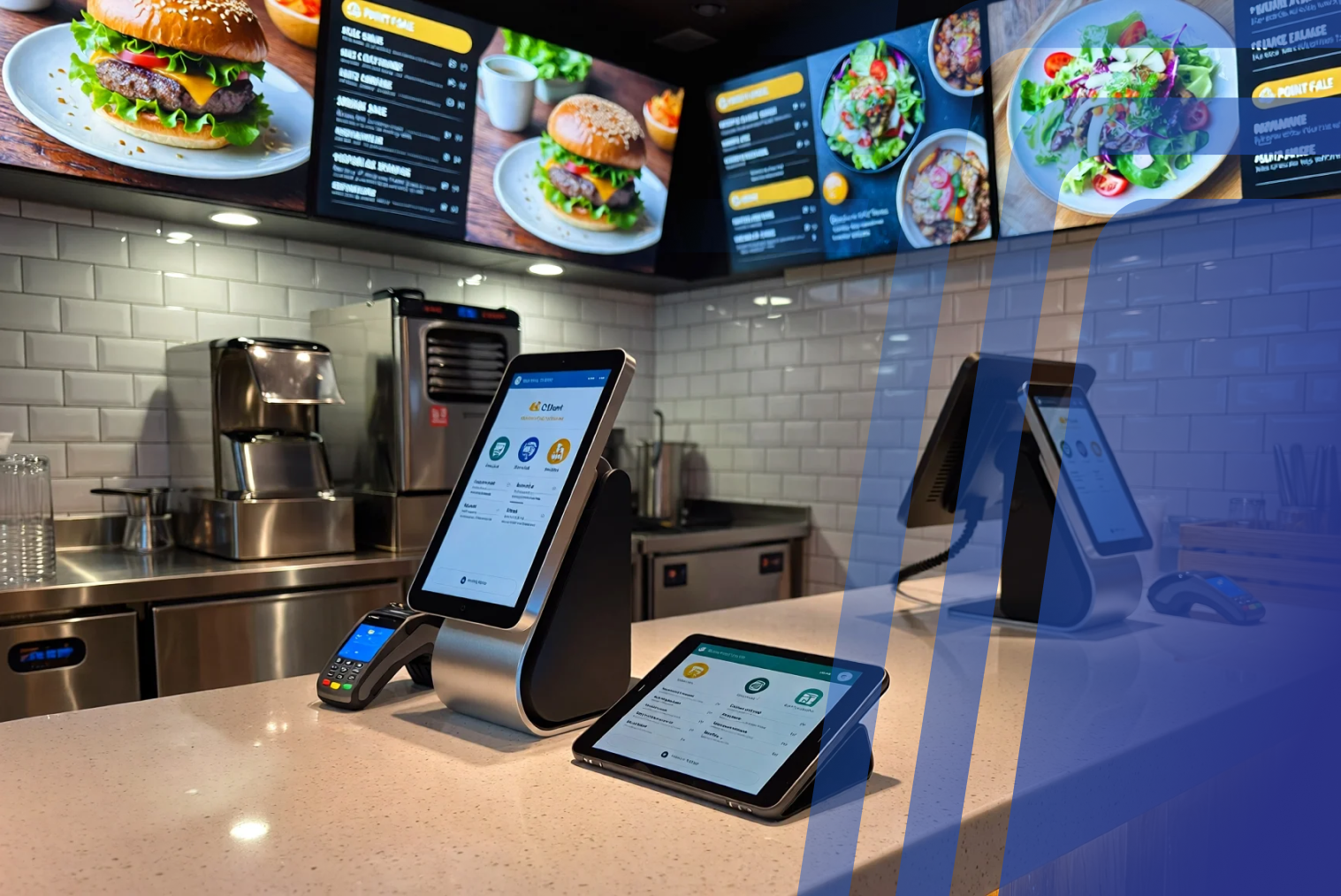
POS, kiosk, and online ordering integration means connecting all ordering channels to a single system where orders, menus, and payments sync in real time. This allows restaurants to reduce errors, streamline operations, and manage all orders from one central POS platform. Modern restaurants no longer depend on one mode of ordering. Orders can be placed from kiosks, mobile phones, and online ordering sites. These systems cannot work well in isolation without integration. A unified restaurant ordering system connects POS, kiosks, and online ordering into one central platform, ensuring orders flow seamlessly into the kitchen and reporting stays accurate.
When you integrate POS kiosk and online ordering, restaurants can reduce order errors, streamline operations, and improve customer experience. This guide explains how POS kiosk online ordering integration works, why it matters, and how to implement it successfully.
Why Restaurants Need a Unified Ordering System
When a restaurant uses separate software for their POS system, kiosk, and online ordering, operational challenges can arise. These systems may not communicate with each other, leading to duplicate menus, manual order entry, and inconsistent pricing. Over time, this increases staff workload and creates inefficiencies during peak hours.
A restaurant system integration POS kiosk approach solves this by connecting all ordering channels to a single backend. This means whether a customer orders at a kiosk, online, or at the counter, everything flows into one system and is automatically processed.
Common problems without integration include:
- Orders manually entered into POS
- Menu updates needed in multiple places
- Pricing mismatches across channels
- Reporting inconsistencies
- Delayed kitchen communication
By connecting all channels, restaurants create a unified restaurant ordering system that improves operational efficiency and reduces manual work. Integrated systems also help ensure menu consistency, faster order routing, and centralized reporting, which becomes especially important for restaurants handling multiple ordering channels.
What Does POS, Kiosk, and Online Ordering Integration Mean?
Integration means connecting three core systems into one centralized platform:
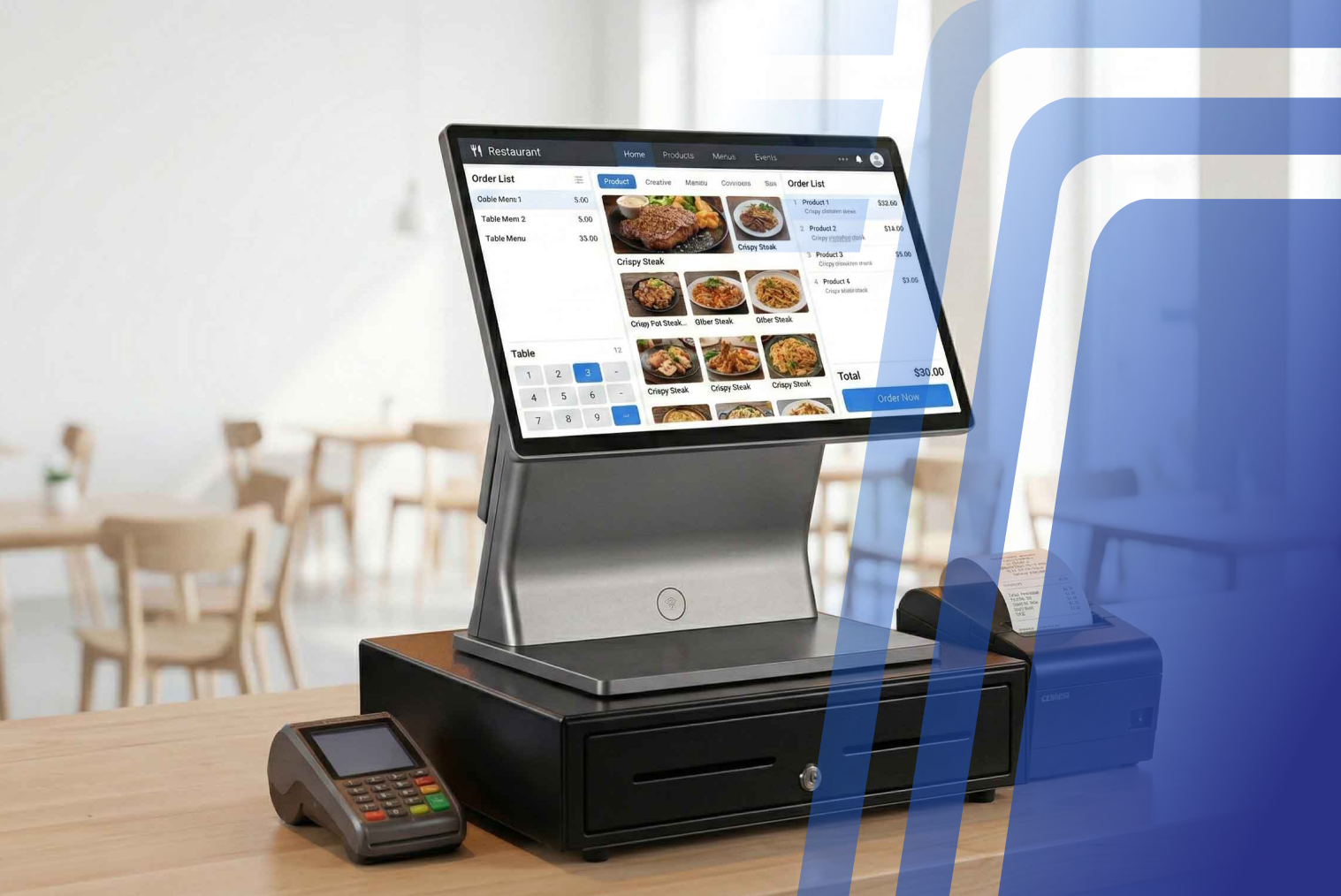
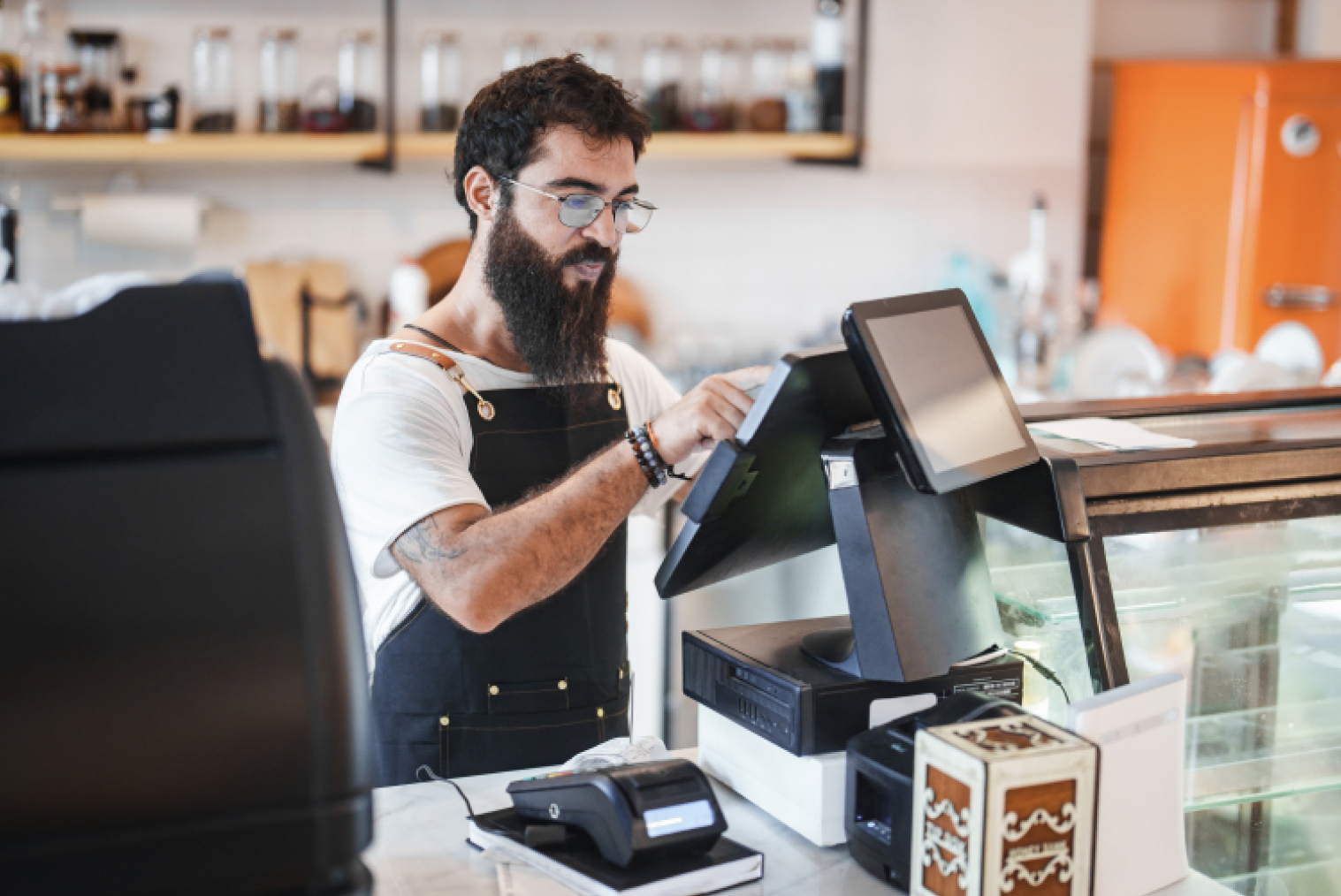
- POS system (order management & reporting)
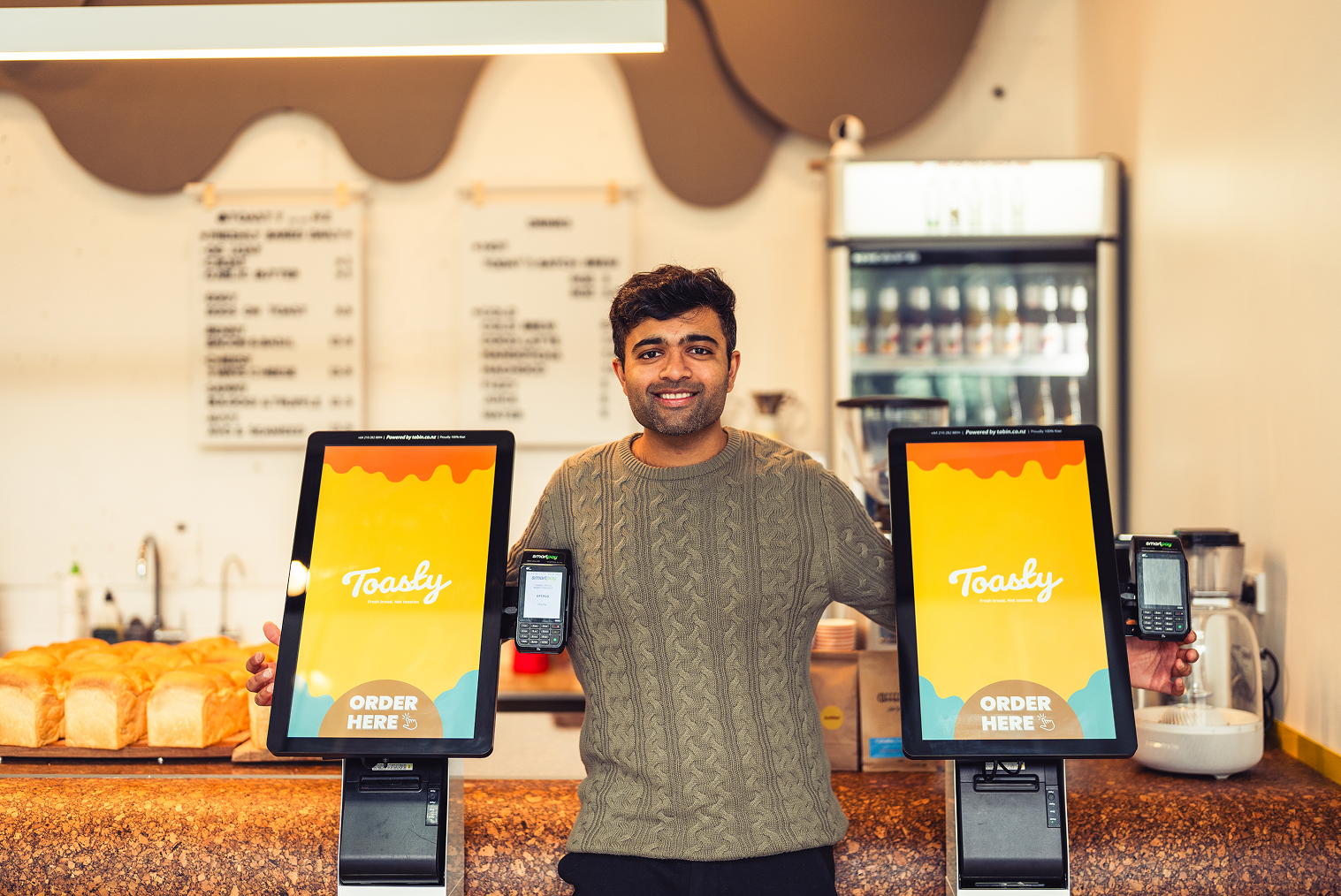
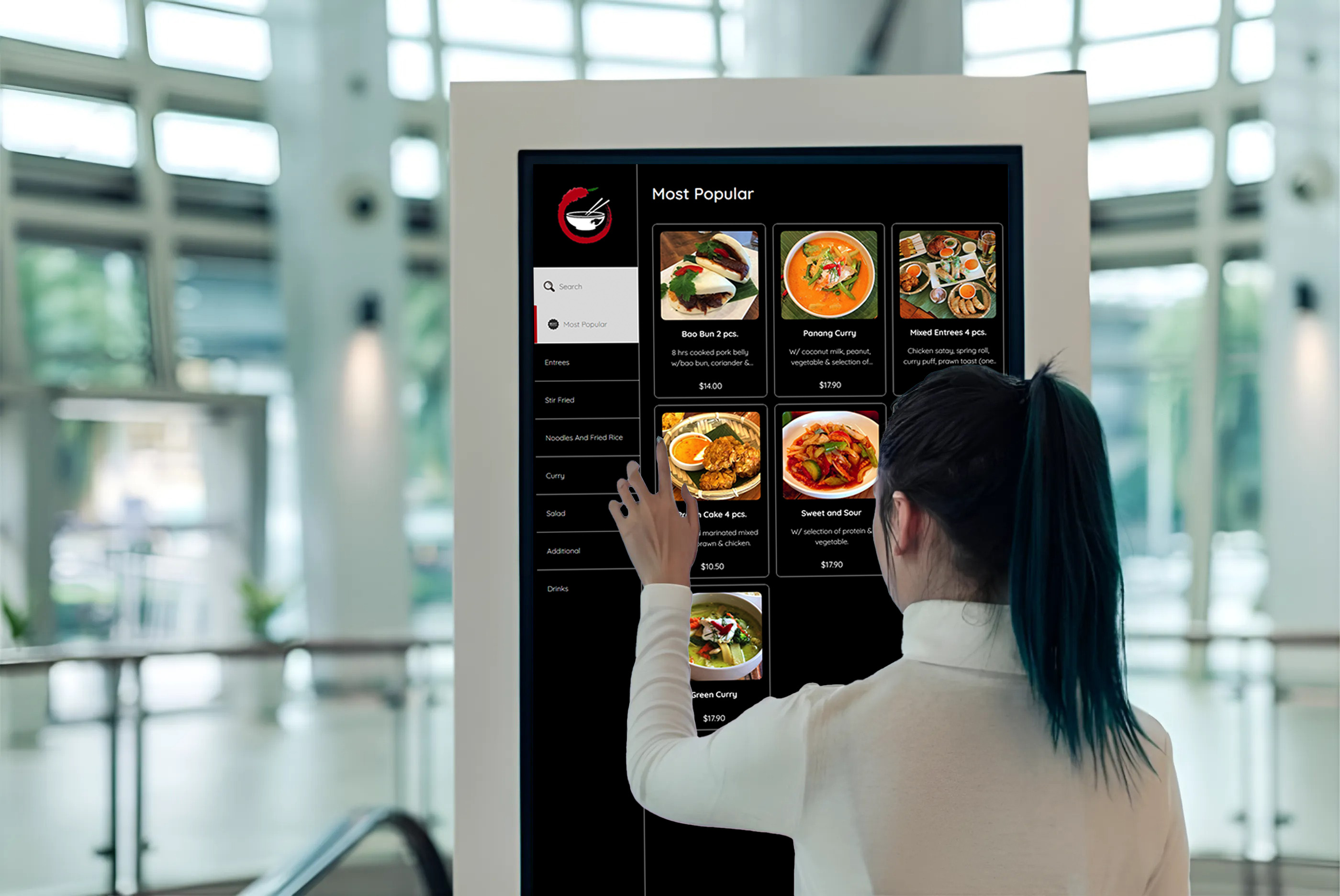
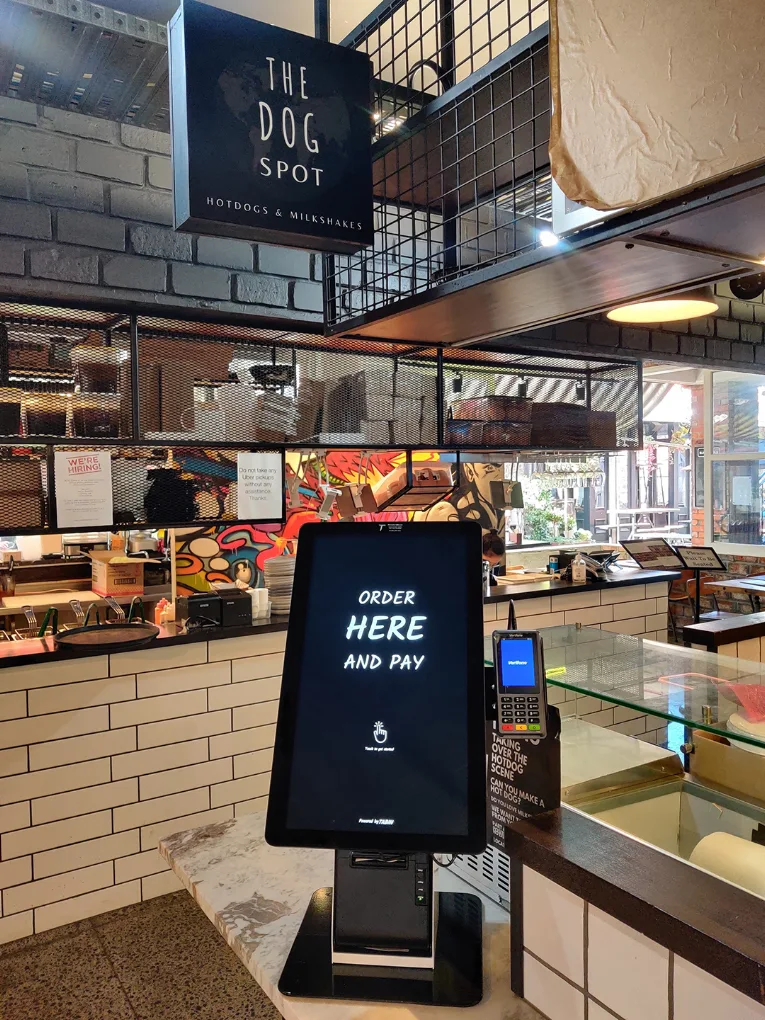
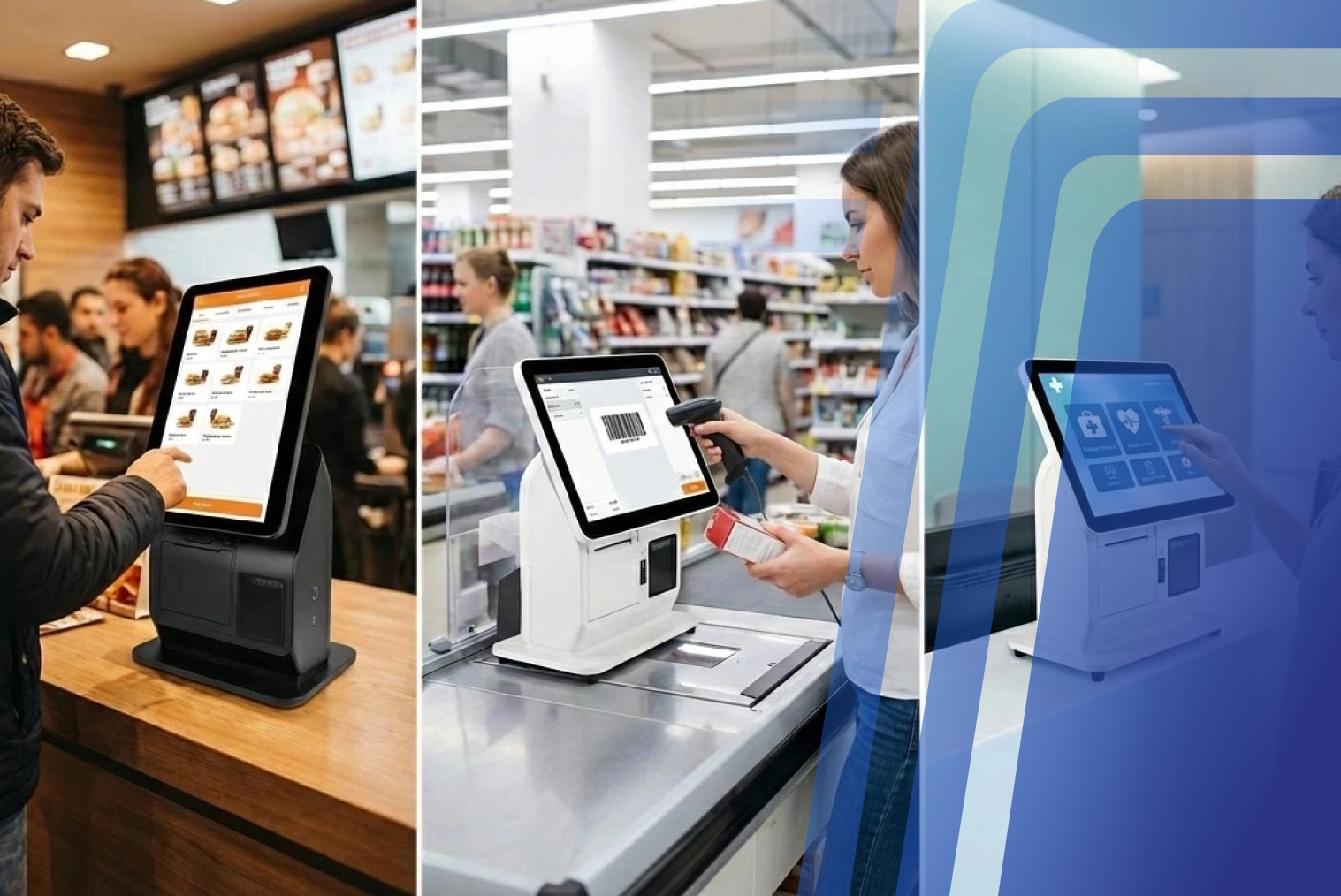
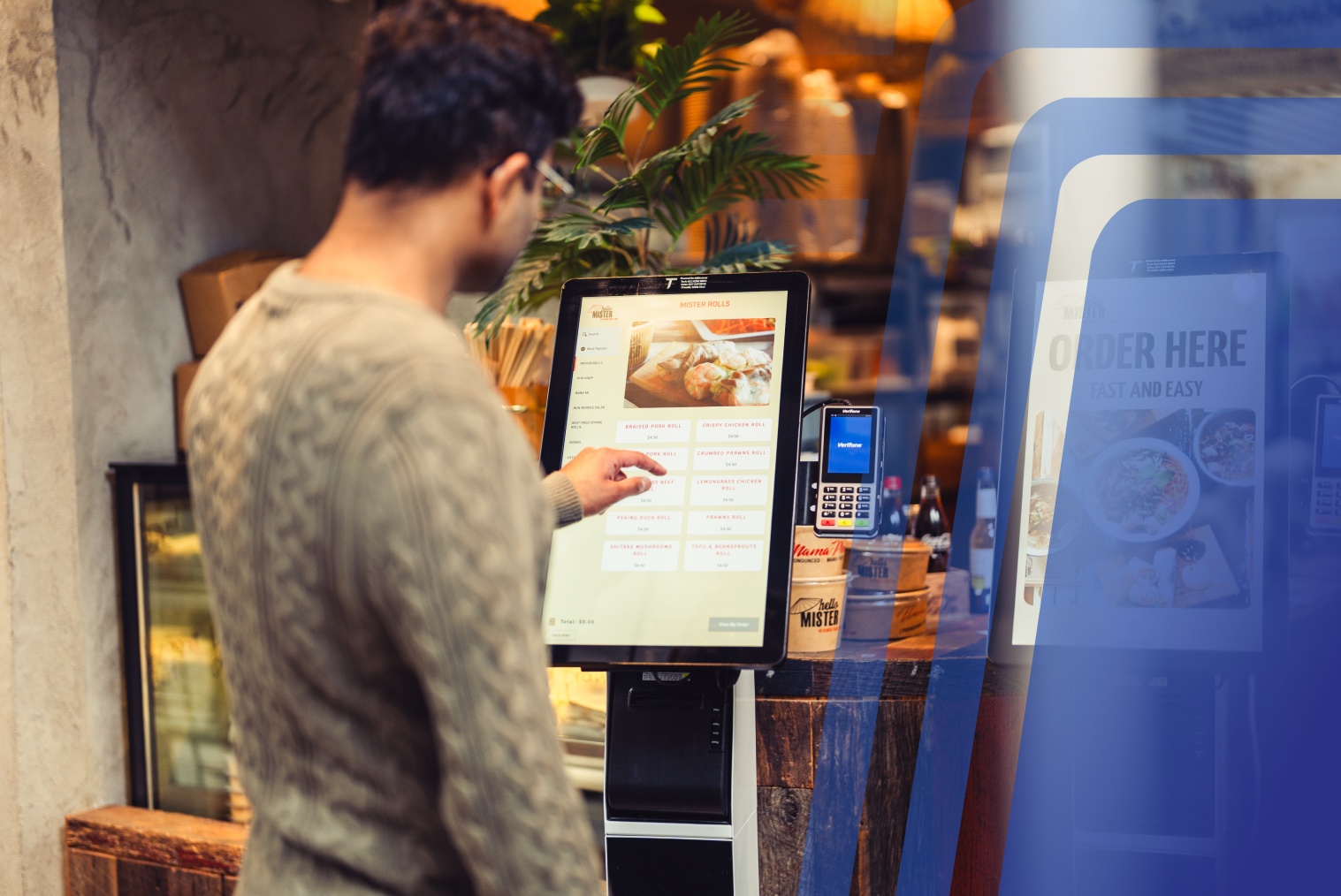
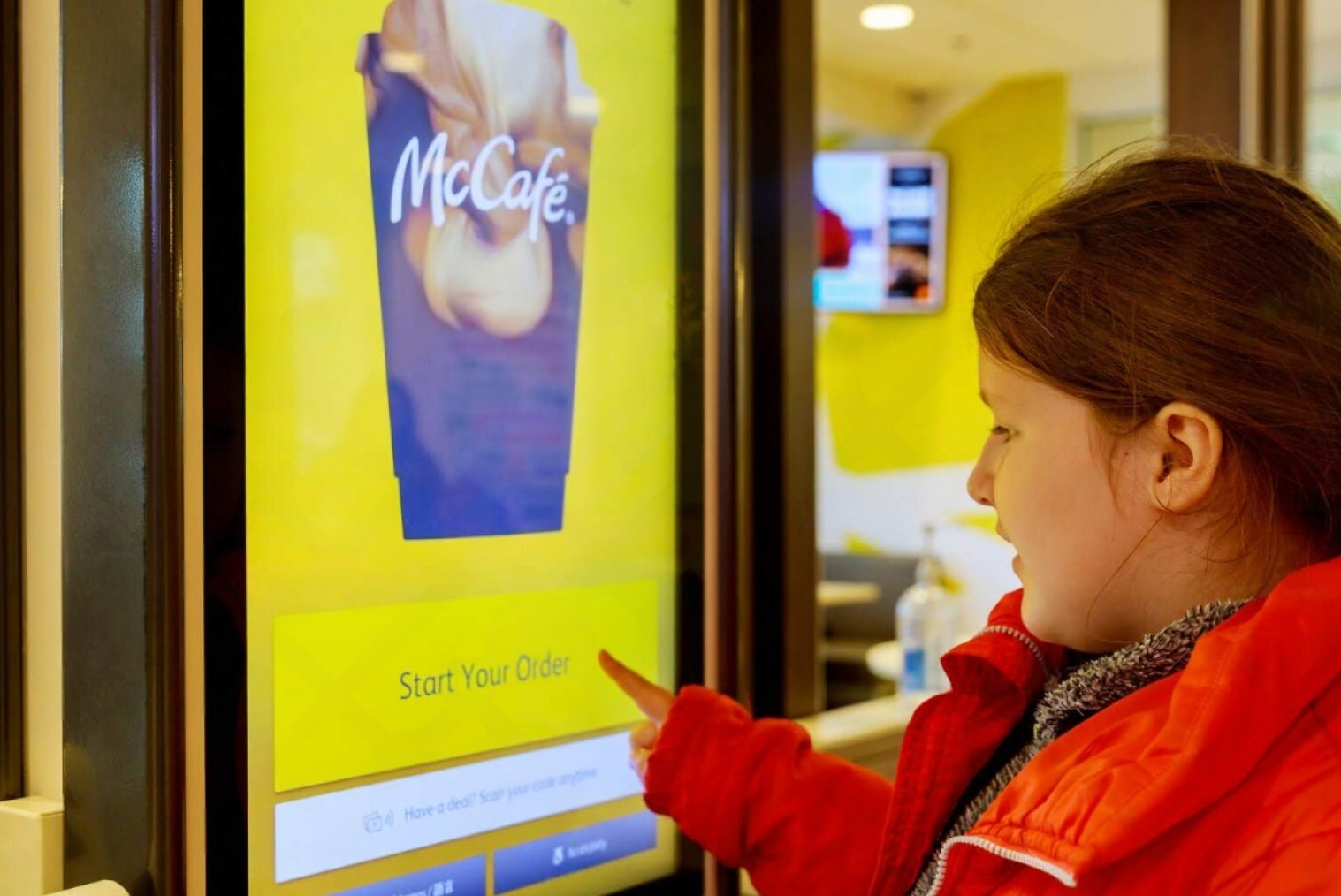
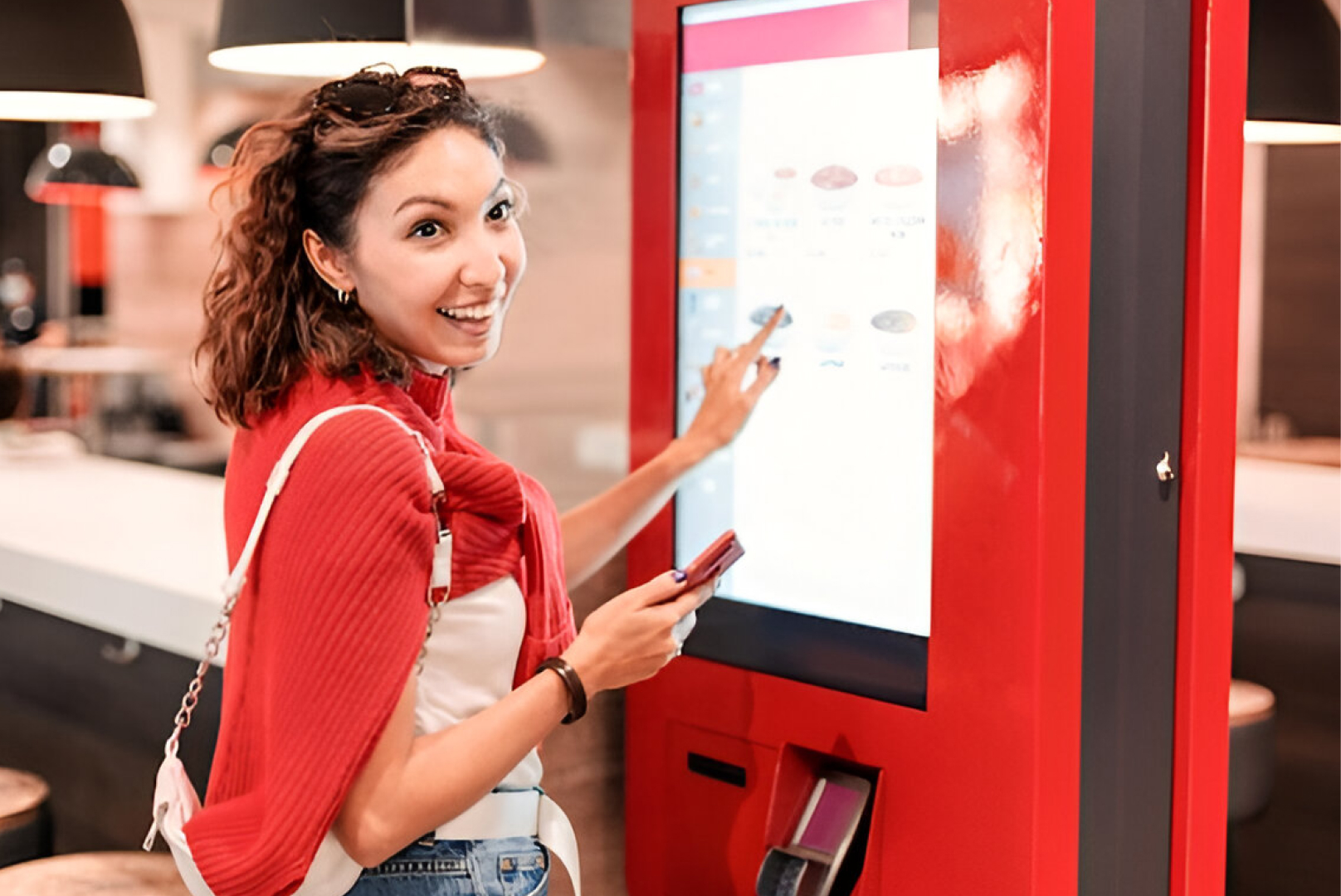
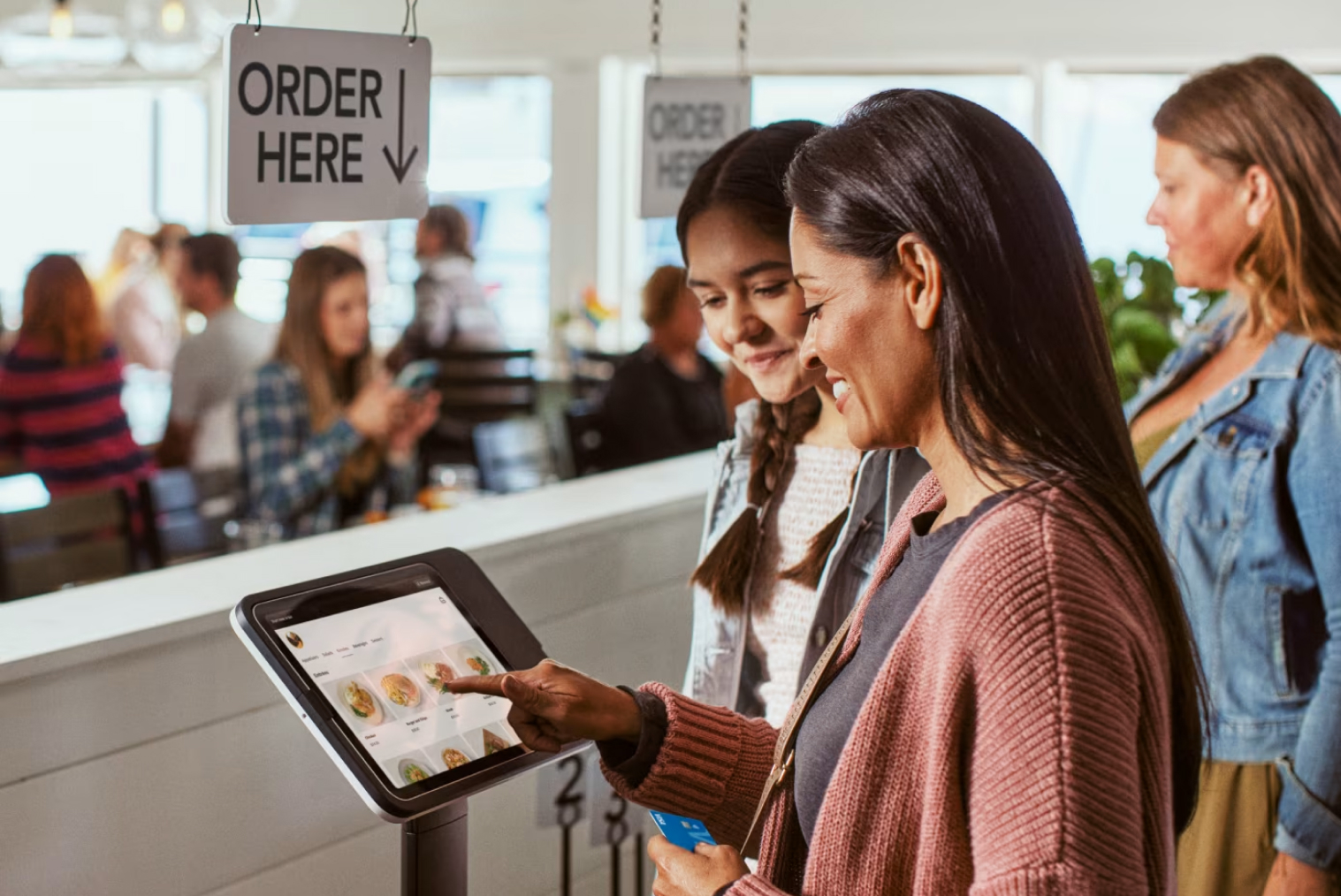
- Kiosk ordering system (in-store self-ordering)
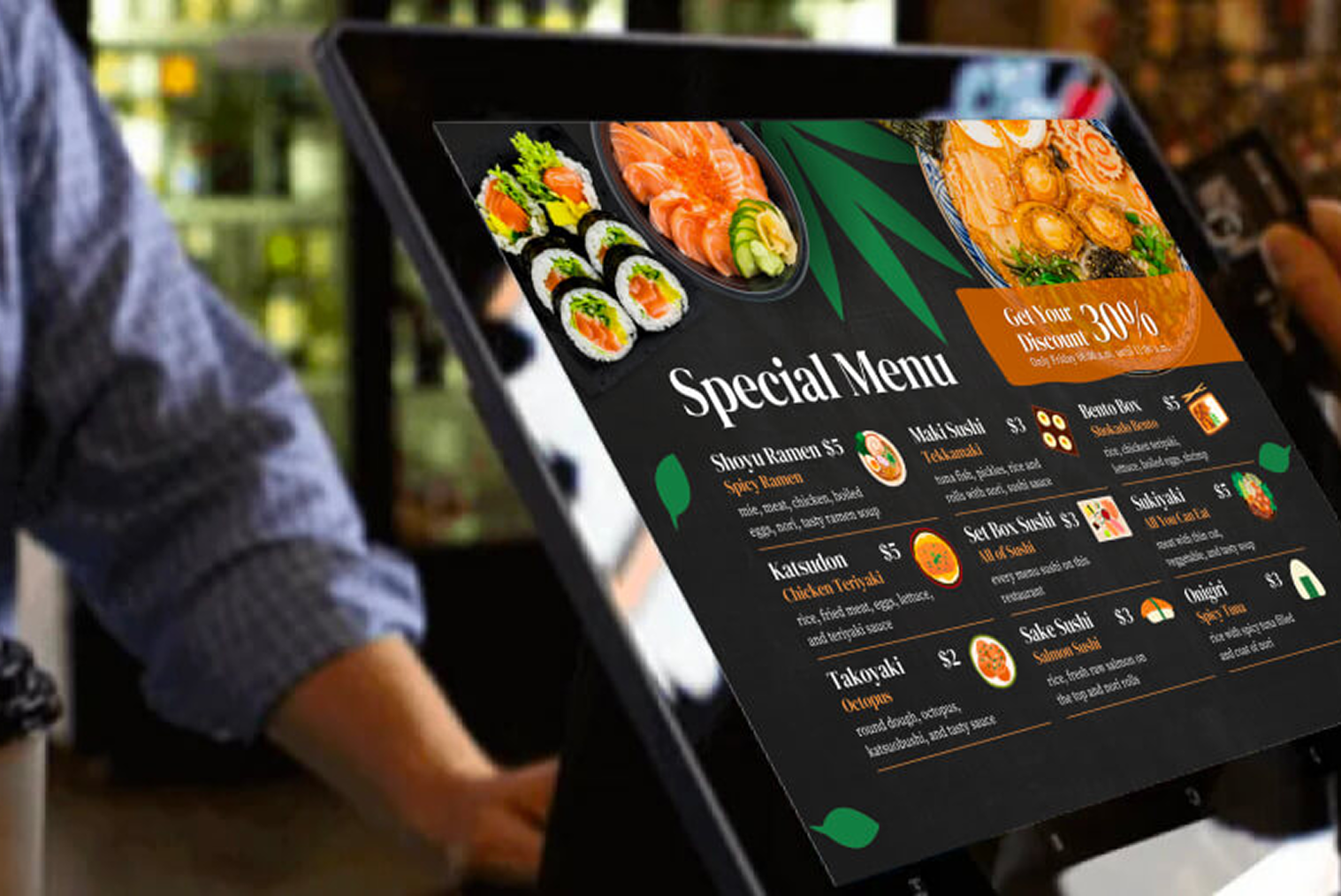
- Restaurant online ordering system (web & mobile orders)
When these systems are connected, orders from all sources automatically sync with the POS. This eliminates manual work and ensures real-time updates.
For example:
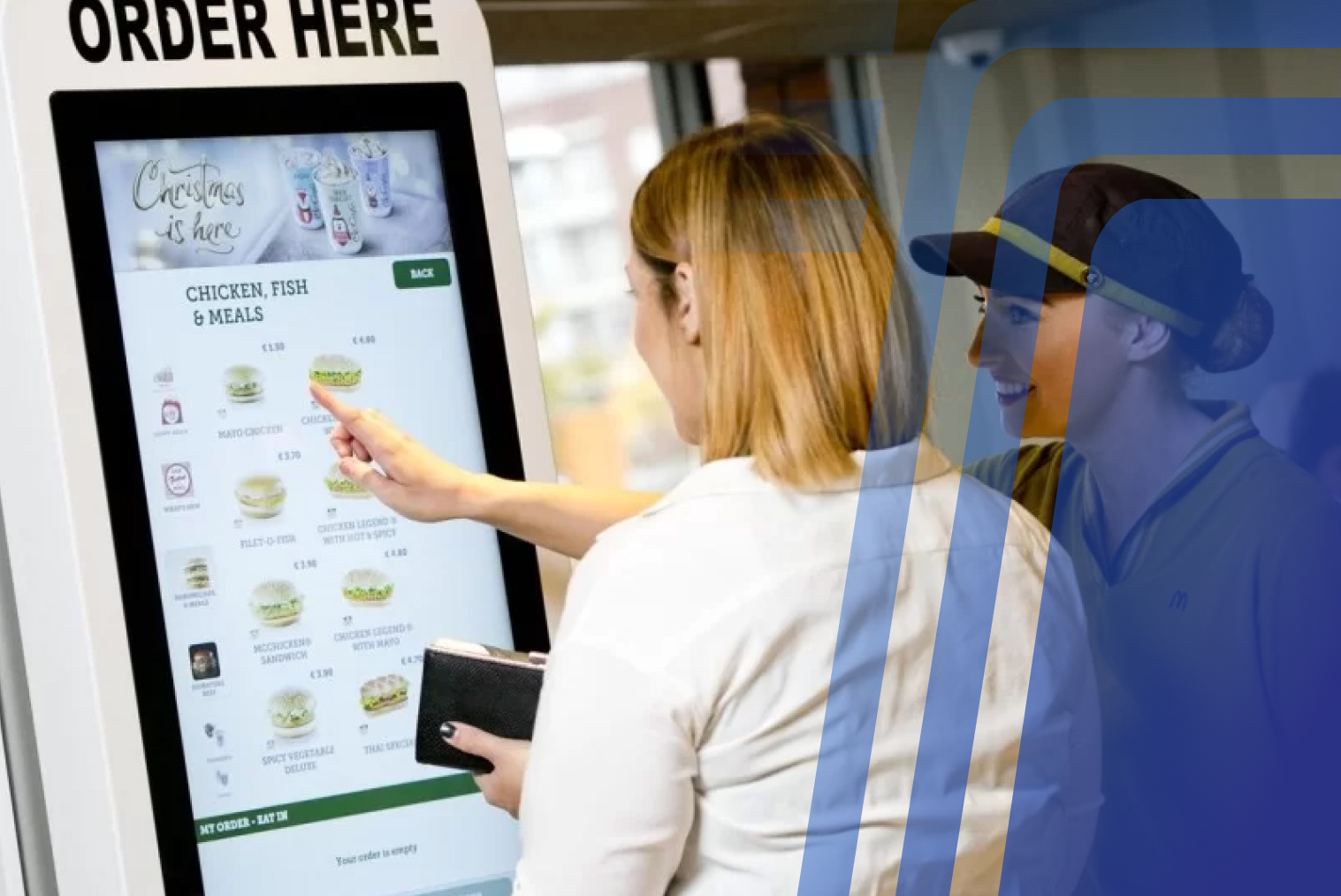
- A customer orders via kiosk → order sent to POS → kitchen receives instantly
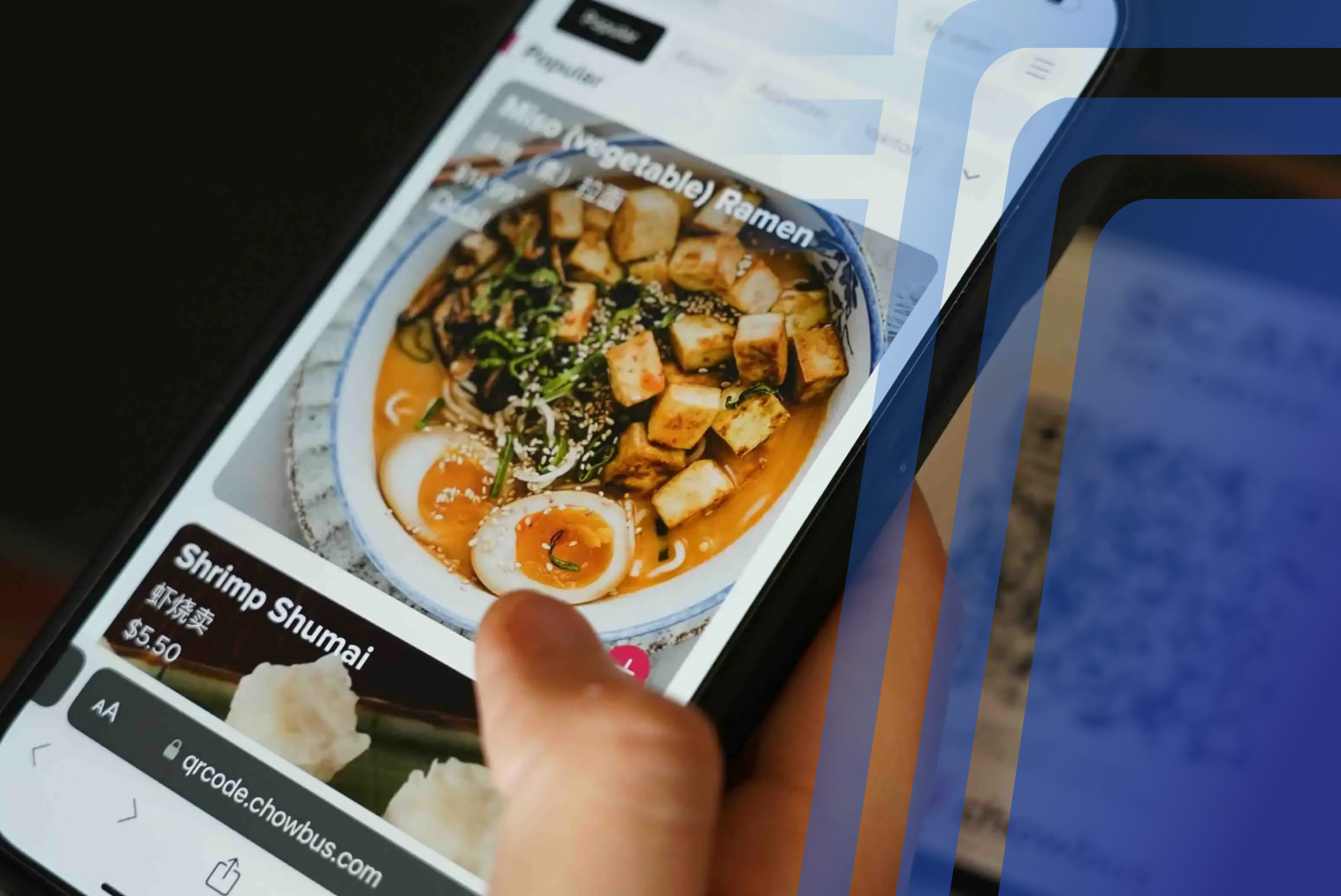
- A customer orders online → order syncs to POS → same menu & pricing
- Staff updates menu in POS → updates reflect everywhere
This is how connect POS with online ordering system functionality works.
How POS, Kiosk, and Online Ordering Work Together
When properly integrated, all ordering channels operate as one ecosystem. The POS acts as the central hub, while kiosks and online ordering systems function as ordering interfaces.
Centralized Workflow
- Customer places order (kiosk / online / counter)
- Order sent to POS system
- POS sends order to kitchen display
- Inventory updates automatically
- Sales recorded in unified reporting
- Customer receives confirmation
This POS kiosk online ordering integration ensures consistent operations across channels.
Key Benefits of Integrating POS, Kiosk, and Online Ordering
Integration provides both operational and financial benefits. Instead of managing multiple systems, restaurants operate from one centralized platform.
Operational Benefits
When systems are integrated, restaurants experience smoother workflows and fewer errors. Key operational benefits include:
- Real-time order synchronization
- Single menu management
- Consistent pricing across channels
- Centralized reporting
- Reduced manual order entry
- Faster kitchen communication
These advantages make integrated POS kiosk and online ordering essential for modern restaurants.
Customer Experience Benefits
Integration also improves customer experience. Customers can order from any channel and receive the same experience.
Customers benefit from:
- Consistent menus across channels
- Faster order processing
- Accurate customization
- Multiple ordering options
- Reduced wait times
This is why many restaurants adopt a kiosk ordering system for restaurants combined with online ordering.
Real-Time Sync: How Orders Flow Across Systems
One of the biggest advantages of integration is real-time synchronization. Without integration, staff may need to manually enter orders from kiosks or online platforms into the POS, which can slow down operations and create inconsistencies. When systems are connected, orders automatically flow from each ordering channel into the POS and then to the kitchen.
With integration:
- Kiosk orders sync instantly to POS
- Online orders appear automatically
- Menu changes update across channels
- Pricing updates reflect in real time
- Inventory syncs across systems
This connect POS with online ordering system functionality helps restaurants maintain consistency across multiple ordering channels. It also ensures that customers see the same menu, pricing, and availability whether they order online, at a kiosk, or at the counter, while reducing manual steps for staff.
Step-by-Step Guide: How to Integrate POS, Kiosk, and Online Ordering
Before starting integration, restaurants should evaluate their current systems. Compatibility between POS, kiosk, and online ordering platforms is essential.
Step 1: Choose a Compatible POS System
Your POS should support third-party integrations or built-in modules. Cloud-based POS systems are typically easier to integrate.
Step 2: Select Kiosk System
Choose a kiosk ordering system for restaurants that connects directly to your POS. This ensures orders flow automatically.
Step 3: Enable Online Ordering
Add a restaurant online ordering system that integrates with your POS.
Step 4: Sync Menu
Upload menu once in POS. The menu automatically updates across kiosks and online ordering.
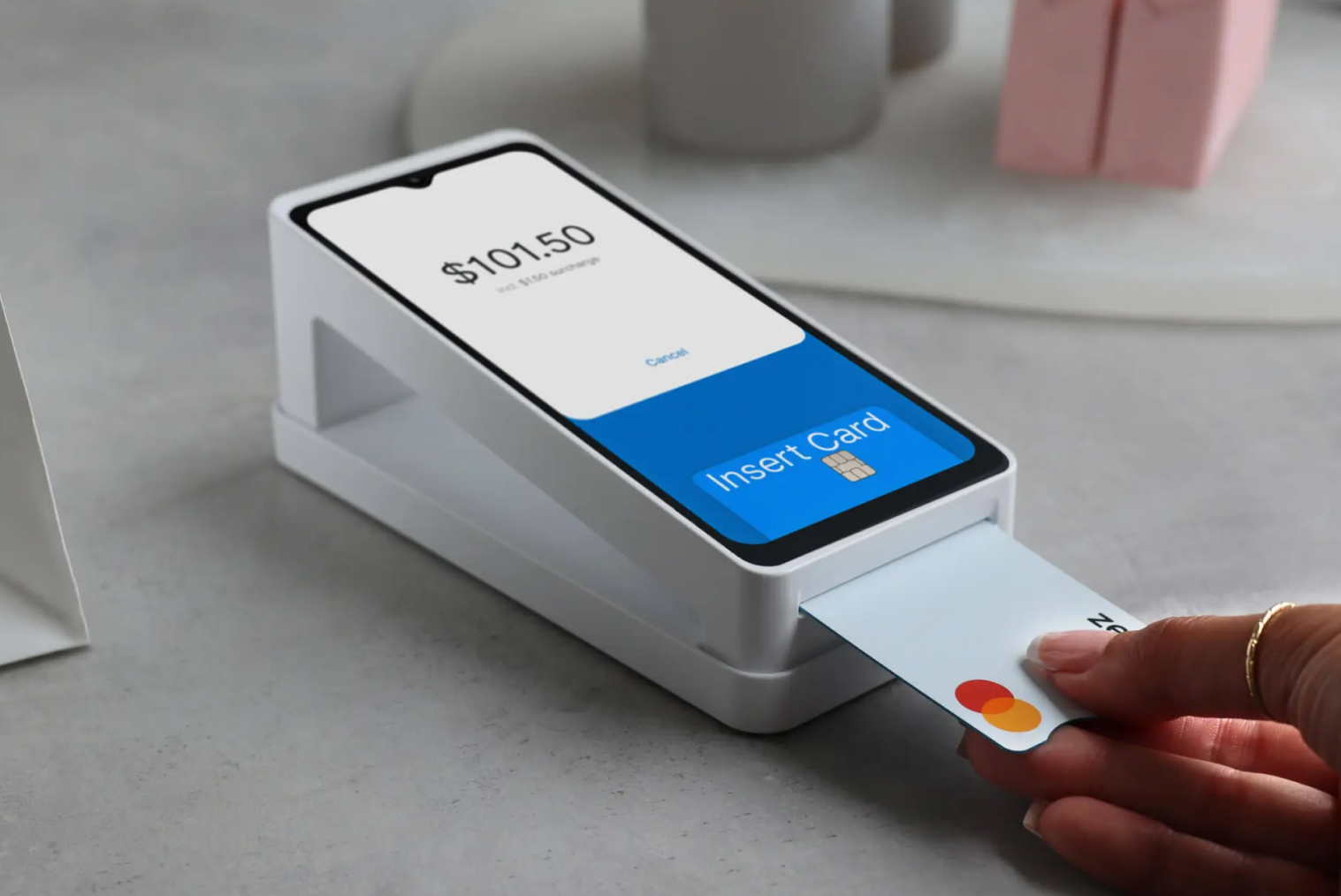
Step 5: Configure Payment Options
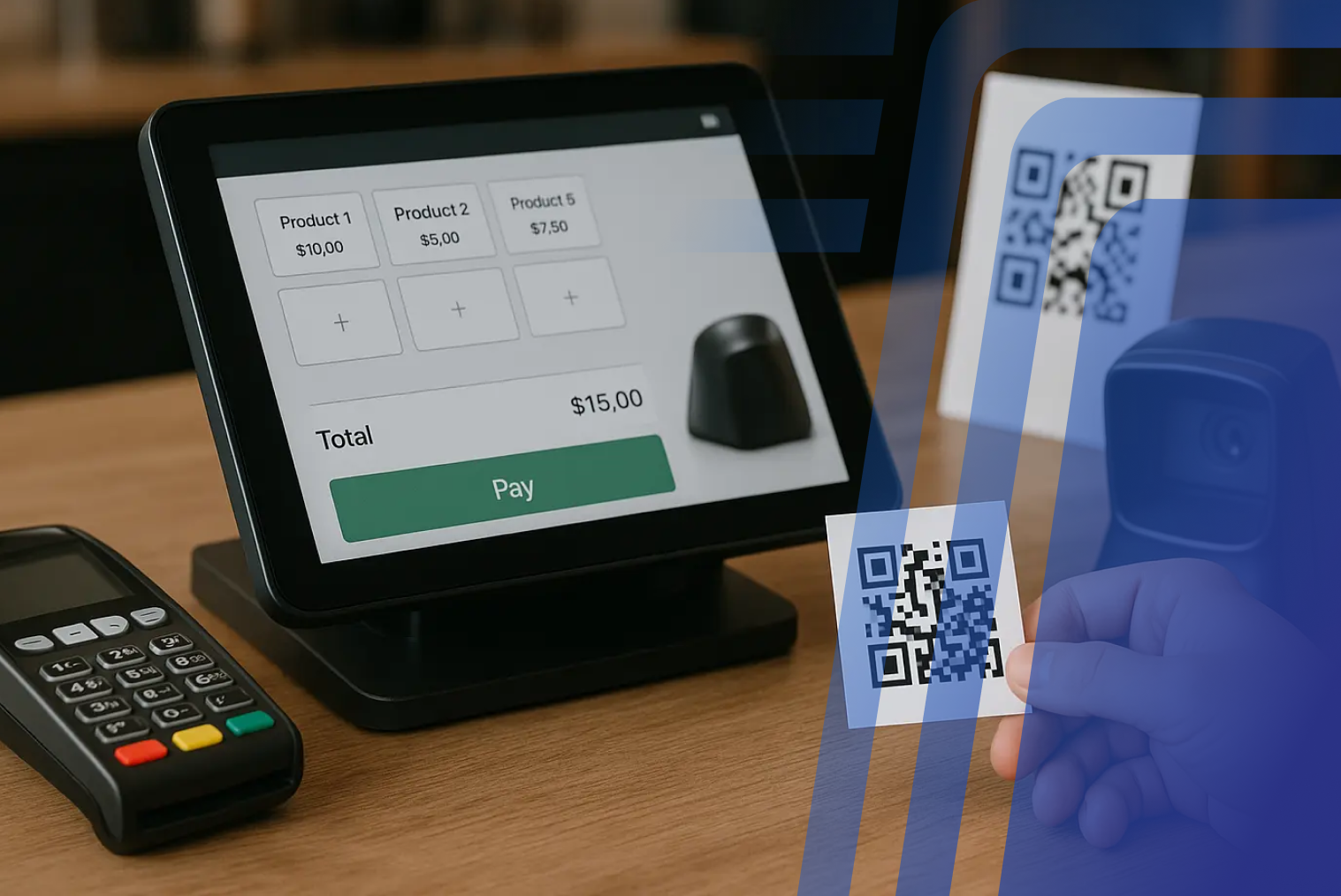
Ensure payments from all channels sync into POS reporting.
Step 6: Test Order Flow
Place test orders from:
- Kiosk
- Online ordering
- POS counter
Verify everything syncs correctly.
Step 7: Launch Unified System
Once tested, go live with full POS kiosk online ordering integration.
Challenges Without POS, Kiosk, and Online Ordering Integration
Restaurants using disconnected systems often face operational issues. These challenges affect both staff and customers.
Common problems include:
- Duplicate order entry
- Menu inconsistency
- Reporting errors
- Staff confusion
- Delayed kitchen orders
- Higher operational workload
Integration eliminates these inefficiencies and improves workflow.
Is Cloud-Based POS Better for Integration?
Yes. Cloud-based POS systems are typically easier to integrate because they allow real-time data sharing. They also support API connections with kiosks and online ordering platforms.
Cloud POS systems provide:
- Real-time syncing
- Remote menu updates
- Multi-location support
- Centralized reporting
- Easier integrations
These features make cloud POS ideal for restaurant system integration POS kiosk setups.
Cost Benefits of POS, Kiosk, and Online Ordering Integration
Although integration requires initial setup, it reduces long-term operational costs. Restaurants save time, reduce errors, and improve efficiency.
Cost-saving advantages include:
- Reduced manual labour
- Fewer order mistakes
- Faster service speed
- Better reporting accuracy
- Simplified menu management
According to HRS Hospitality & Retail Systems, digital restaurant technologies that connect ordering, POS, and operational tools can help streamline workflows and improve efficiency by reducing manual processes and centralizing operations.
Quick Checklist for POS Integration
Before integrating your POS, kiosk, and online ordering systems, it’s important to ensure everything is properly aligned. A quick checklist can help avoid common setup issues and ensure smooth operation across all ordering channels.
Use this checklist before going live:
- POS supports kiosk and online ordering integration
- Menu is centralized and synced across all platforms
- Pricing is consistent across POS, kiosk, and online ordering
- Modifiers and customization options are aligned
- Payment methods are configured for all channels
- Orders route correctly to kitchen display or printers
- Inventory sync is enabled (if applicable)
- Real-time order syncing is tested
- Reporting includes all ordering channels
- Staff training completed for integrated workflow
Completing this checklist helps ensure your integrate POS kiosk and online ordering setup works smoothly and reduces operational issues after launch.
Final Thoughts: Build a Unified Restaurant Ordering System
It's no longer enough for a modern-day restaurant to simply have a POS or kiosk system anymore. The demand by customers for several ways of placing their orders makes management difficult without proper integration.
By implementing integrate POS kiosk and online ordering, restaurants can create a unified restaurant ordering system that improves efficiency and customer experience. Orders sync automatically, menus stay consistent, and reporting becomes centralized.
If your restaurant is using separate systems, now is the time to connect POS with online ordering system and build a fully integrated ordering ecosystem.
Frequently Asked Questions (FAQs)
Q1. Is cloud-based POS better for integration?
Yes. Cloud-based POS systems support real-time syncing and easier integrations with kiosks and online ordering platforms.
Q2. What happens if kiosks are not fully integrated with POS systems?
Orders may need manual entry, which increases errors, slows down service, and creates reporting inconsistencies.
Q3. Are kiosk-integrated systems cost-effective for small restaurants?
Yes. Integrated systems reduce manual work, improve accuracy, and help small restaurants operate more efficiently.
Q4. How do kiosks sync with POS and online ordering in real time?
Kiosks send orders directly to the POS through API or cloud integration. The POS then routes orders to the kitchen and updates reporting automatically.


.webp)











.png)















.webp)


