The best POS system in NZ is the one that fits your venue type, integrates with your EFTPOS terminal, handles NZ GST correctly, and has a clear total cost. This guide gives you seven factors to compare, six questions to ask every vendor, and a simple scorecard to run the comparison.
Why is it hard to find the best POS system in NZ?
Search for the best POS system in NZ, and you will usually get a list ranked by global review score, monthly price or feature count. Many of those systems were built for another market and adapted for NZ, so GST handling and local EFTPOS integration can feel like add-ons.
This guide is not a ranked list. It is a framework: the factors that separate one POS from another for NZ hospitality, the questions to ask before signing, and the mistakes to avoid.
Why does choosing a POS system matter for NZ hospitality?
NZ hospitality sales reached NZD 15.99 billion in the year ended June 2025 (Restaurant Association of NZ, 2025 Hospitality Report), but many operators report ongoing profitability pressure. Your POS touches every order and every payment, so small inefficiencies add up quickly.
What does "best" mean for an NZ hospitality venue?
There is no universally best POS system. The best one handles the workflows your venue actually runs, such as ordering, payments, kitchen routing, loyalty and reporting, without bolting on a separate tool for each. A POS that suits a quick service restaurant can be wrong for a full-service restaurant, and a café POS that is great at coffee modifiers may lack the table management a bistro needs.
The variables that define what's best for you are your venue type, your daily transaction volume, the integrations you need (EFTPOS, delivery platforms, loyalty, online ordering, kitchen display) and your support needs. A POS that covers most of your needs but needs manual workarounds for the rest costs you staff time and errors every shift, however low the monthly fee.
How to compare POS systems in NZ: seven factors
| Factor |
Why it matters |
What to look for |
| Hospitality features |
Orders, tables, splits and modifiers differ by venue type |
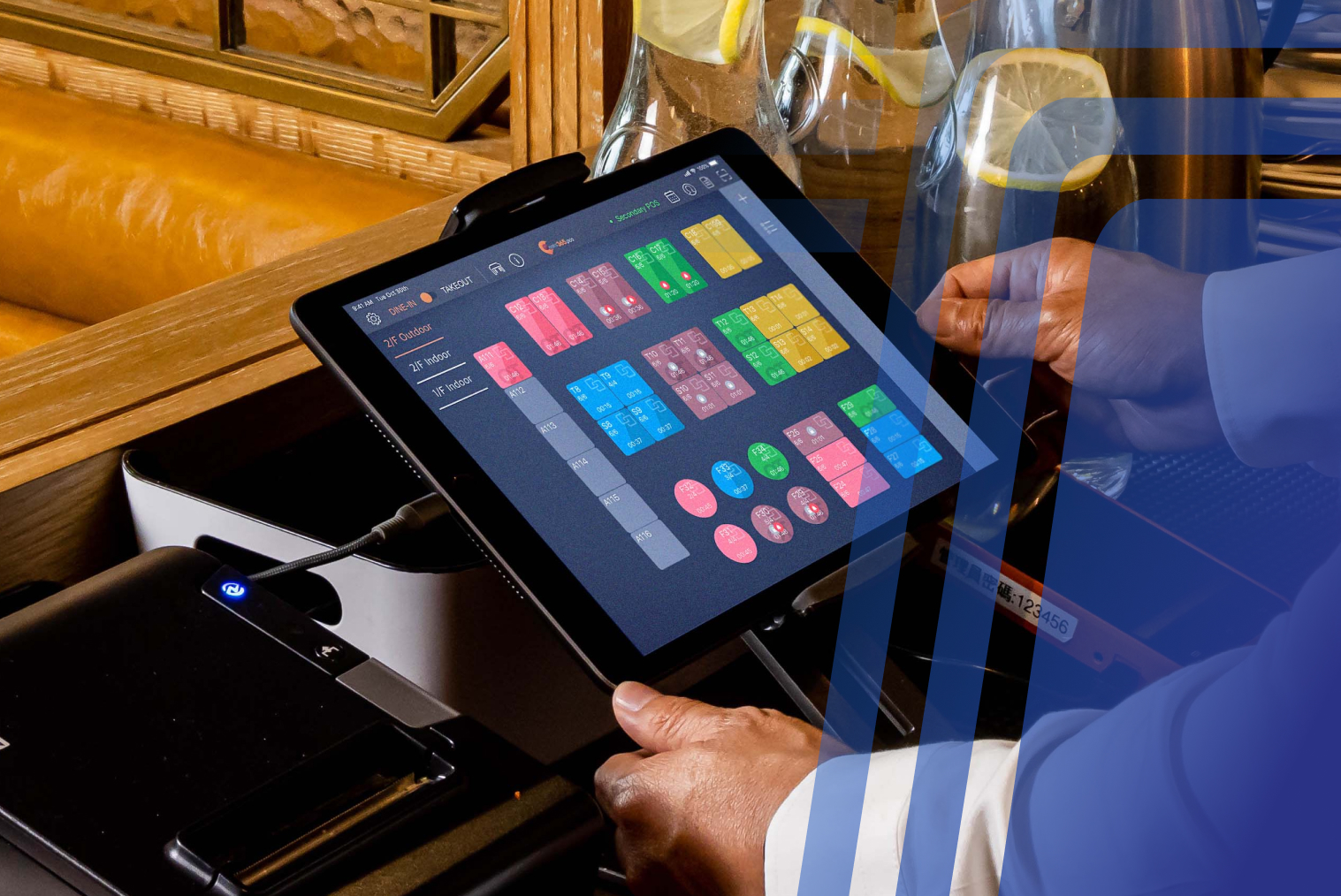
Table management, split bills, modifiers, kitchen display, and self-service options where relevant |
| EFTPOS integration |
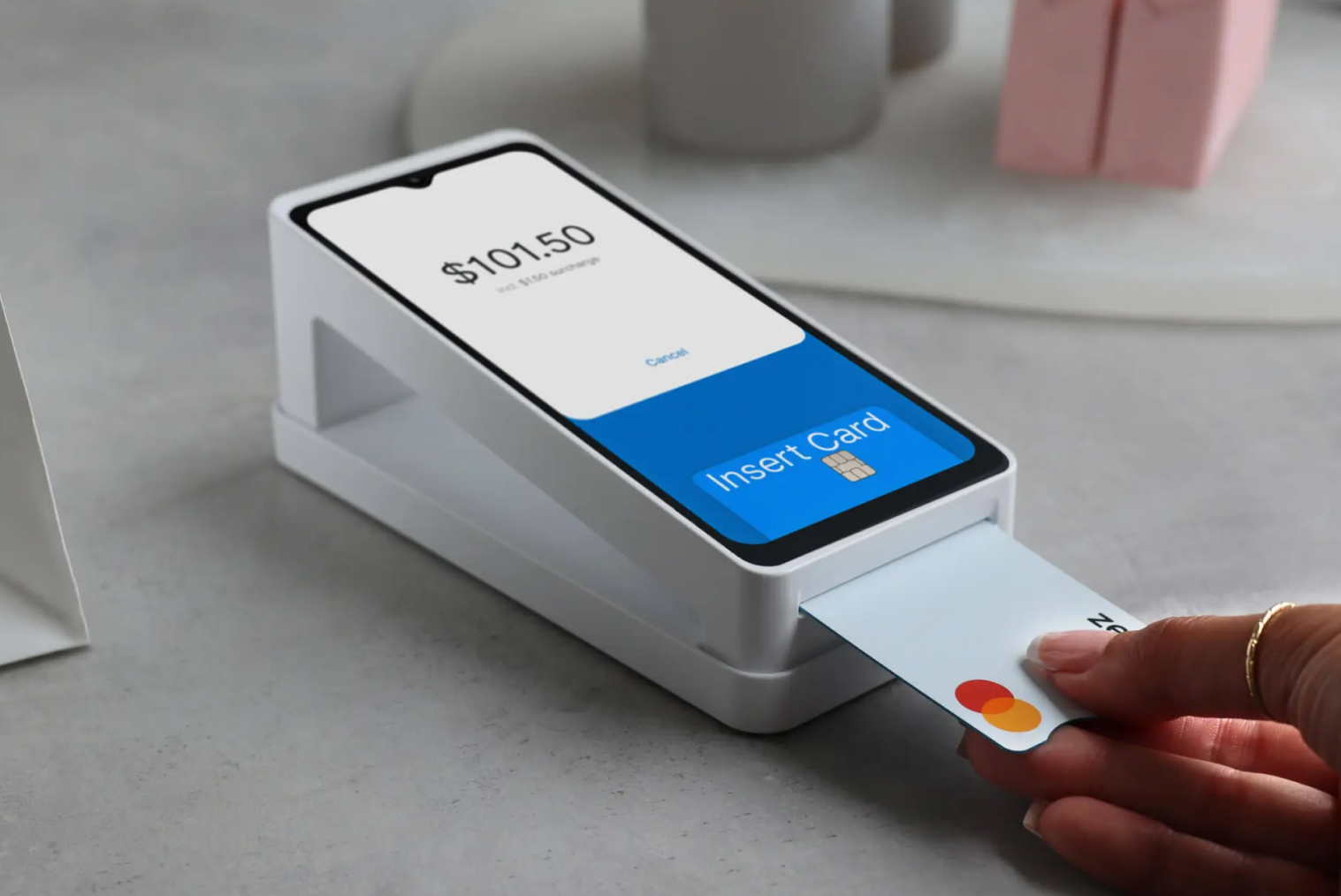
Most NZ payments are by card or contactless |
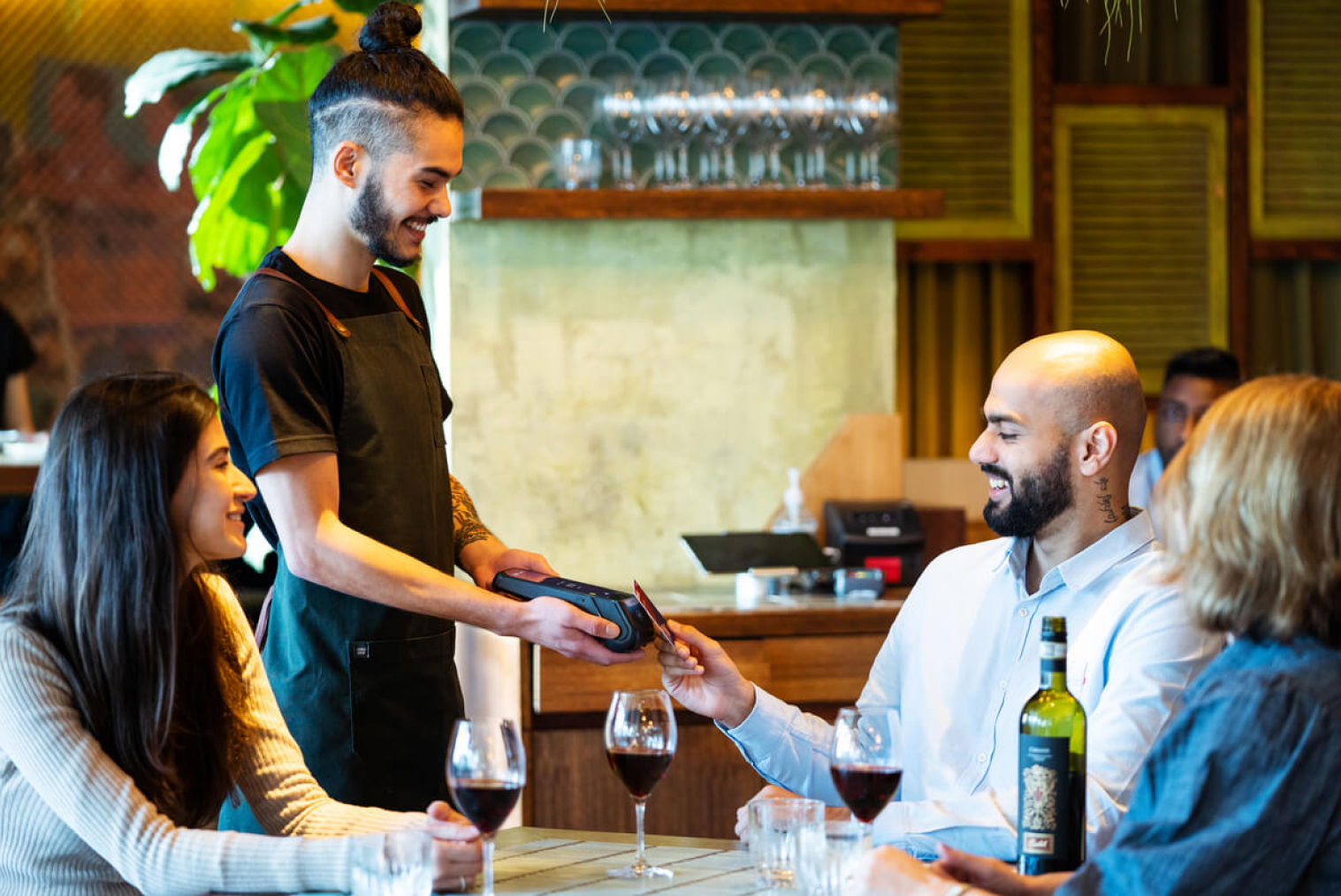
Two-way integration with NZ terminal providers, such as Windcave, Verifone and Shift4 |
| Support |
When the POS fails during a rush, you need a person |
Support hours, the channels available (phone, on-site) and what is included |
| Total cost |
Add-ons, fees and hardware make the advertised price misleading |
Subscription, hardware, terminal rental, payment fees and setup, itemised or clearly packaged |
| Hardware flexibility |
Proprietary hardware can lock you in |
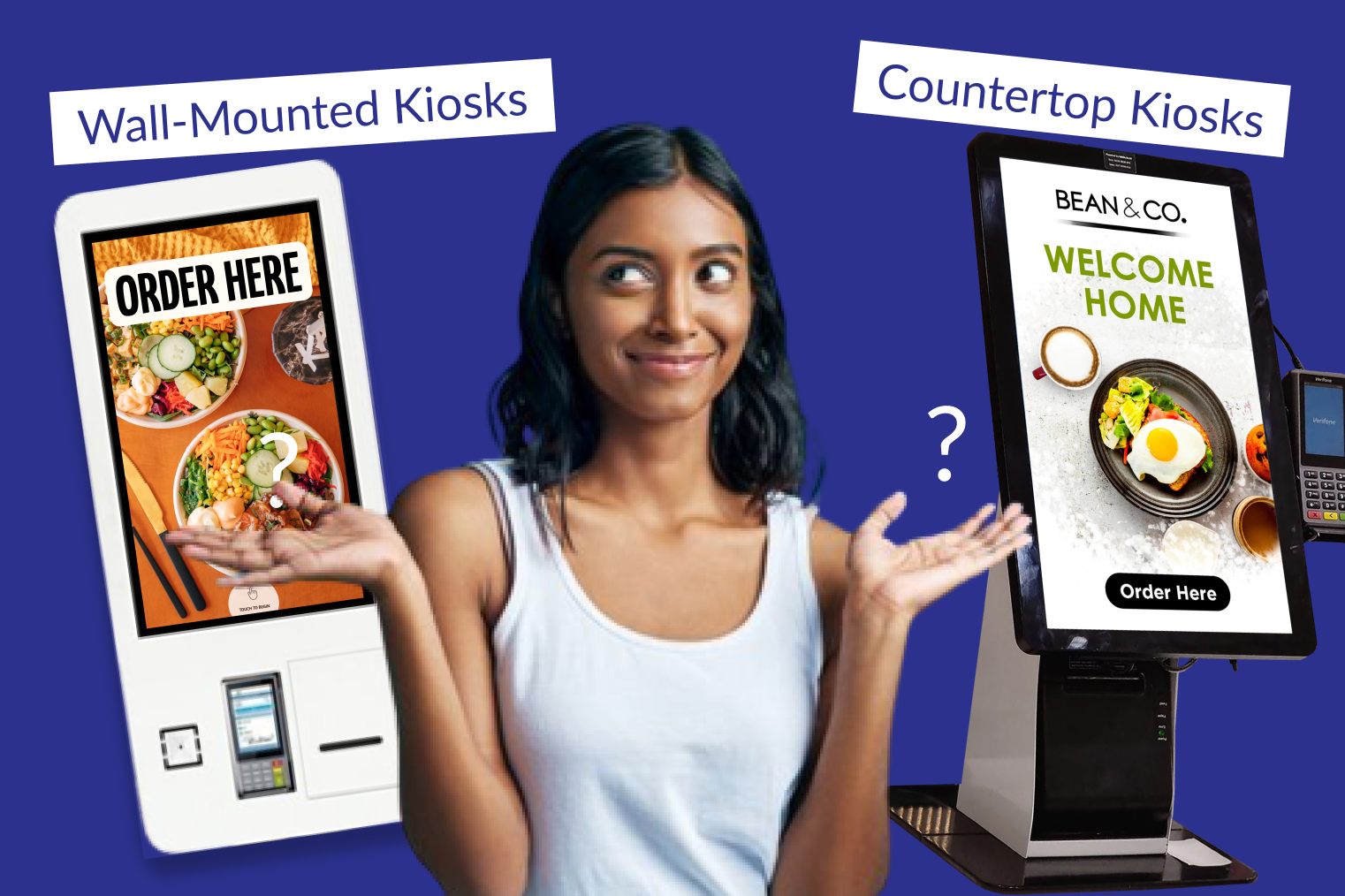
Whether it runs on standard devices or needs proprietary equipment |
| Tax |
15% GST must be calculated and reported correctly |
Correct 15% GST calculation and reporting |
| Scalability and channels |
Separate ordering channels mean separate systems |
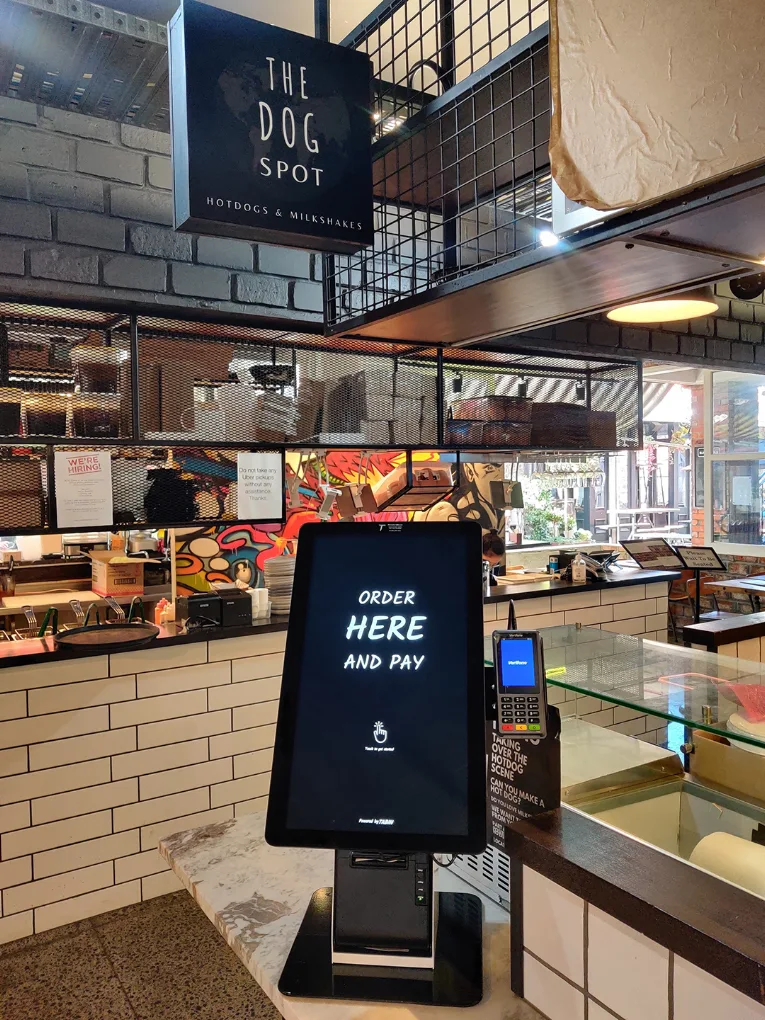
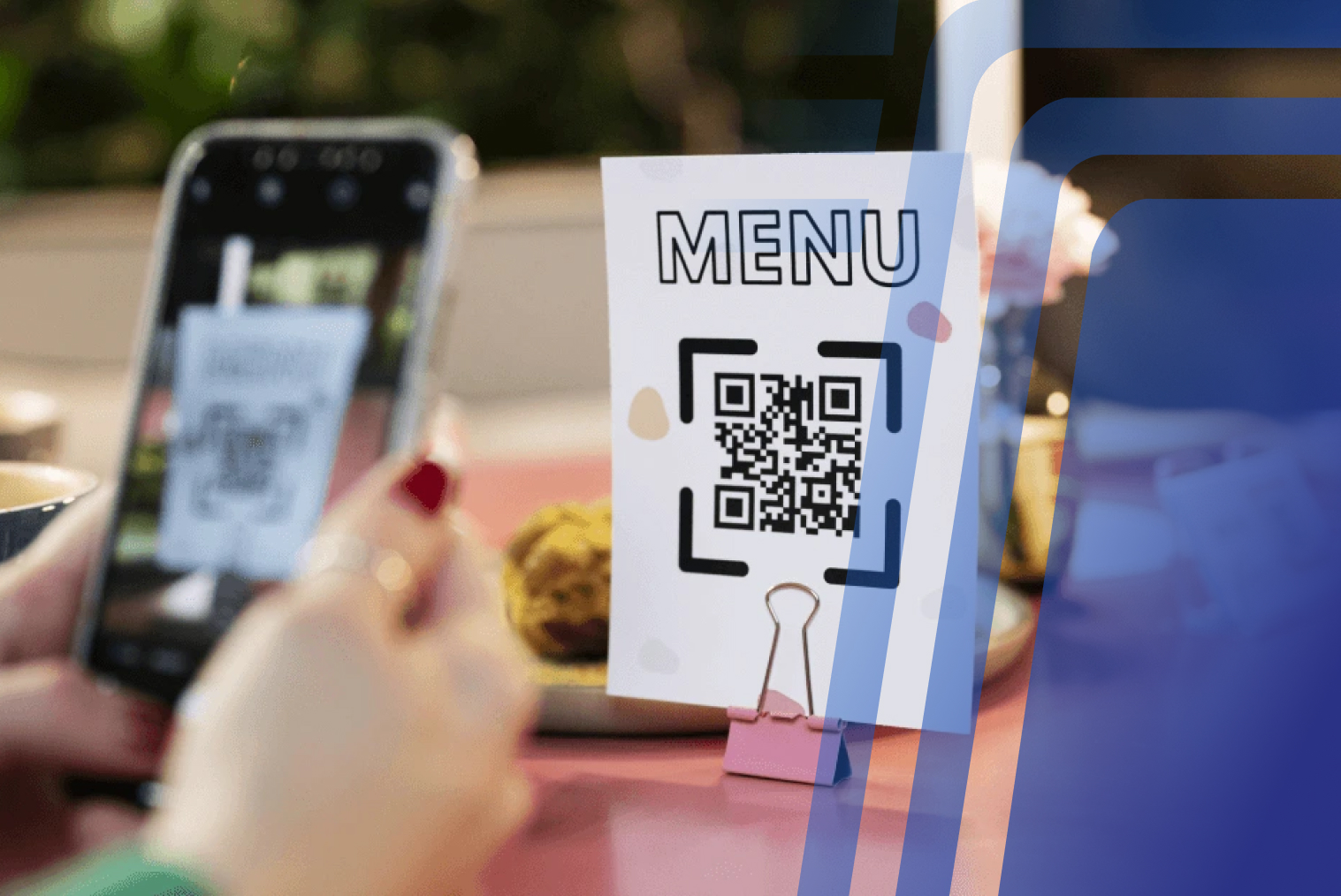
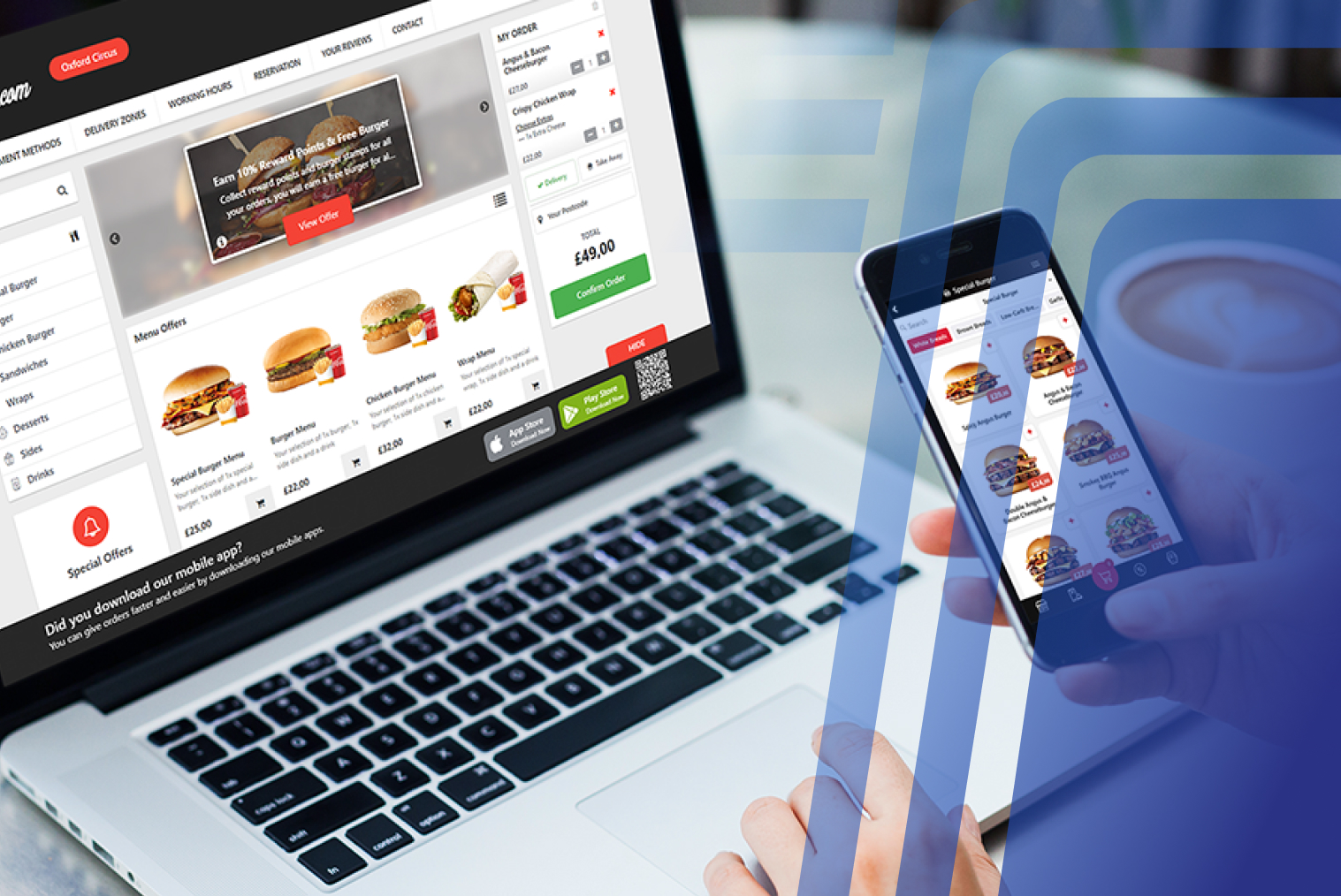
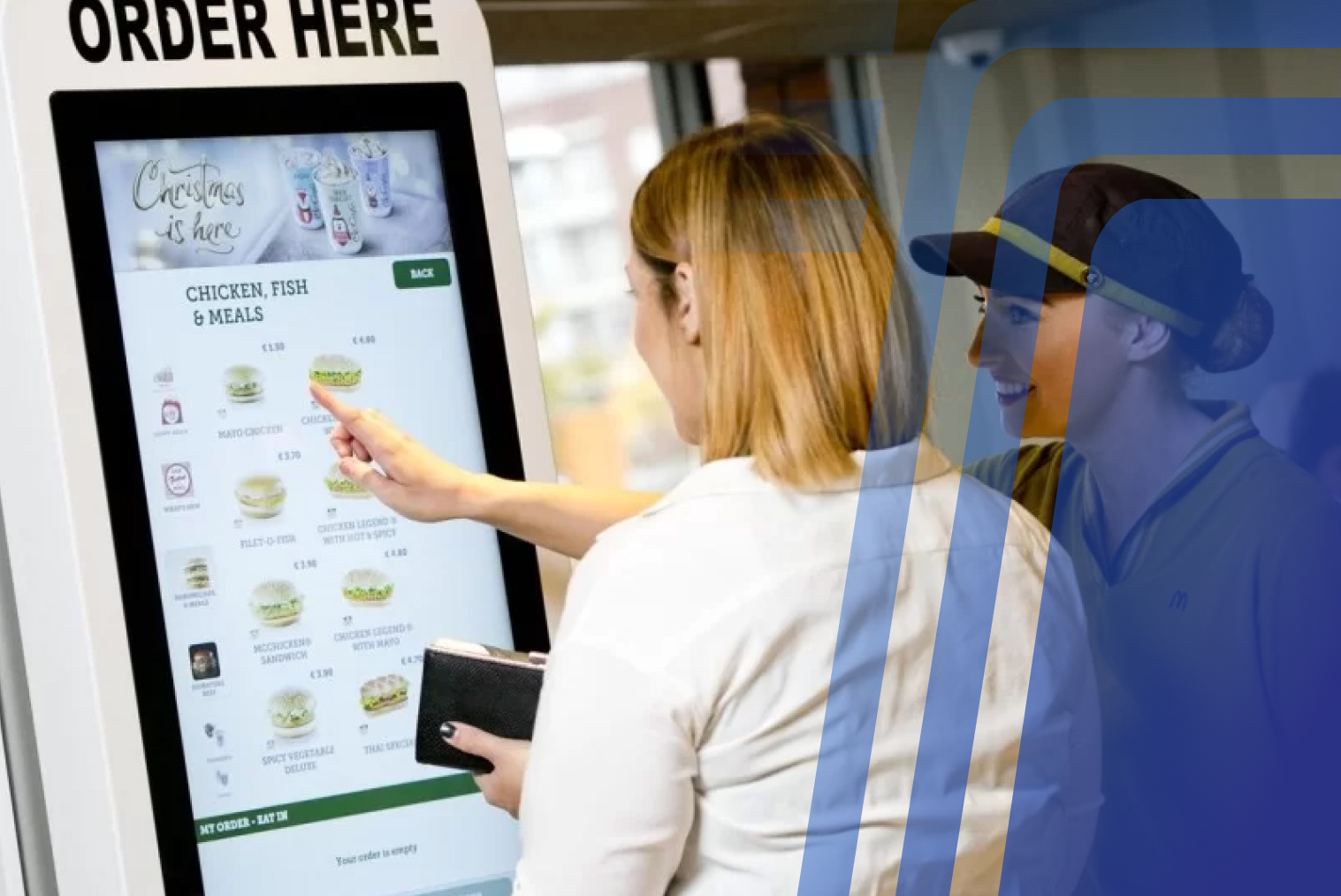
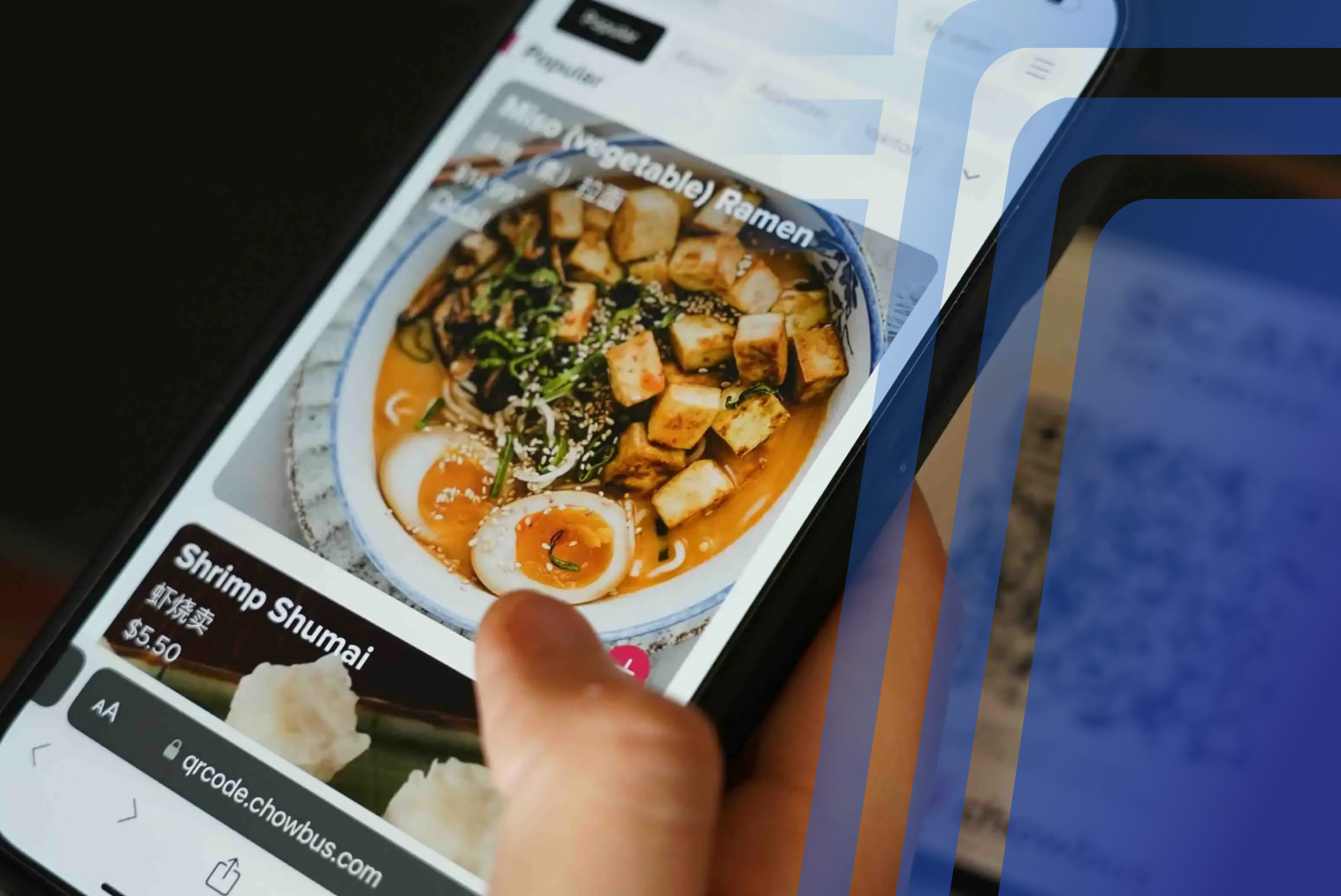
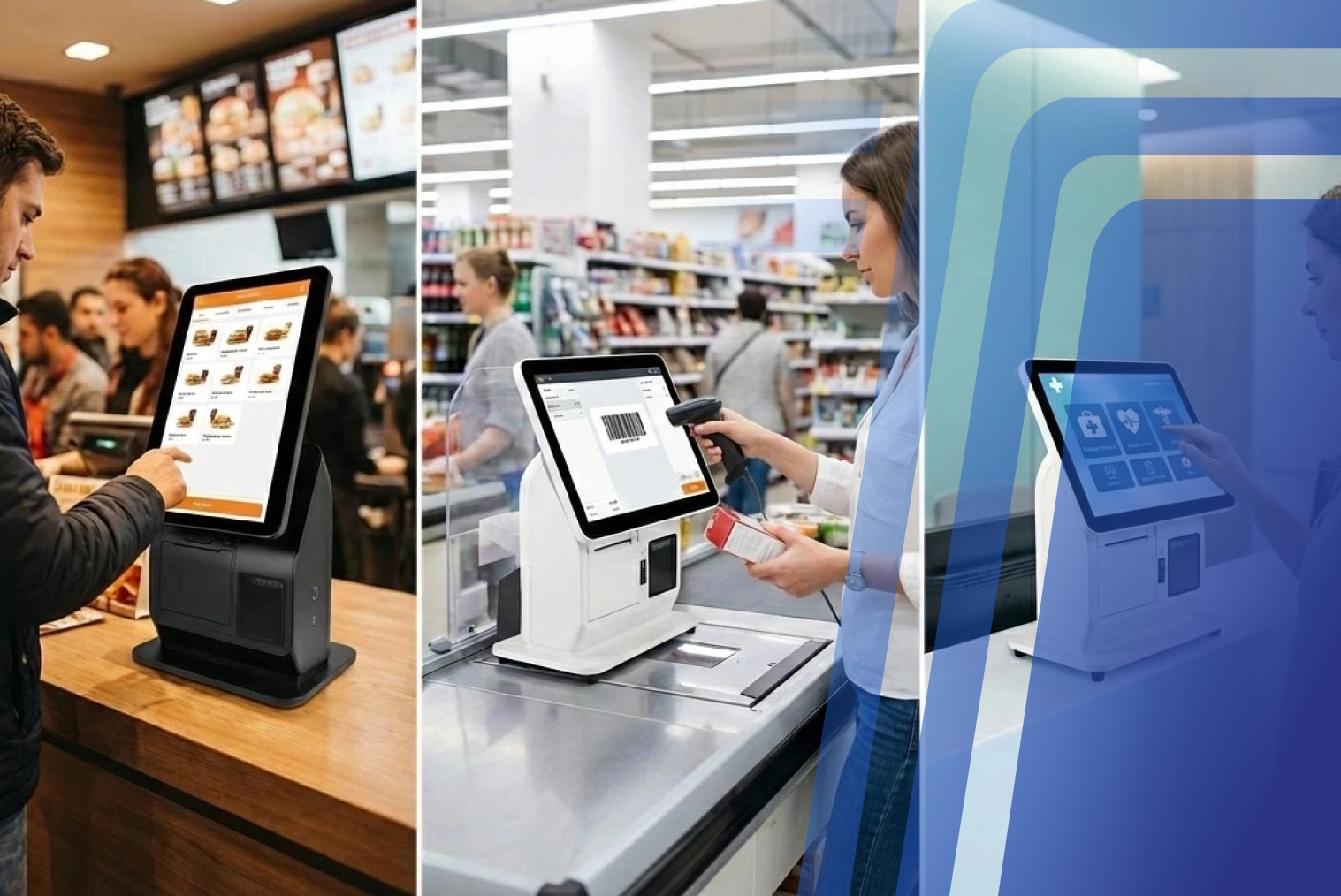
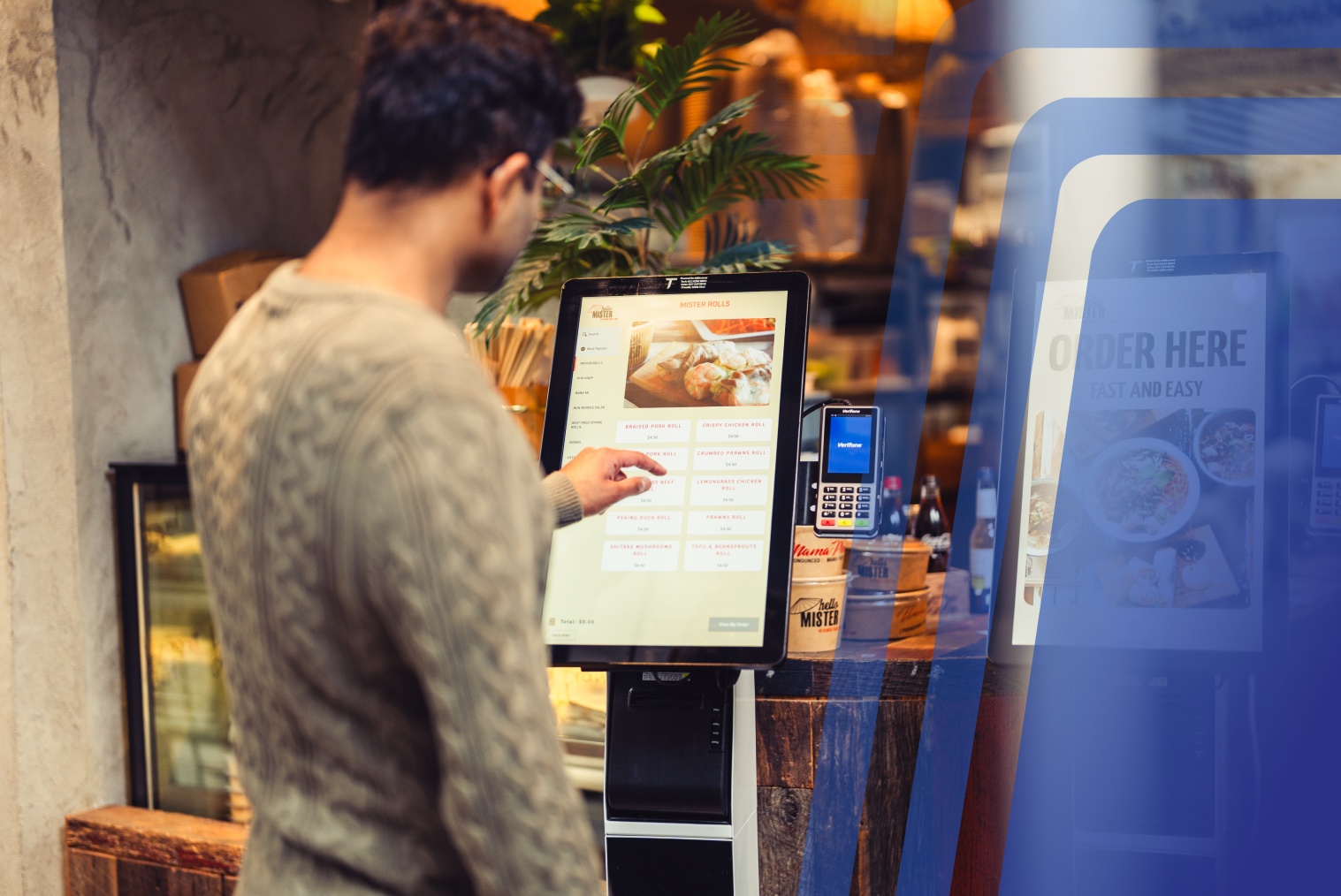
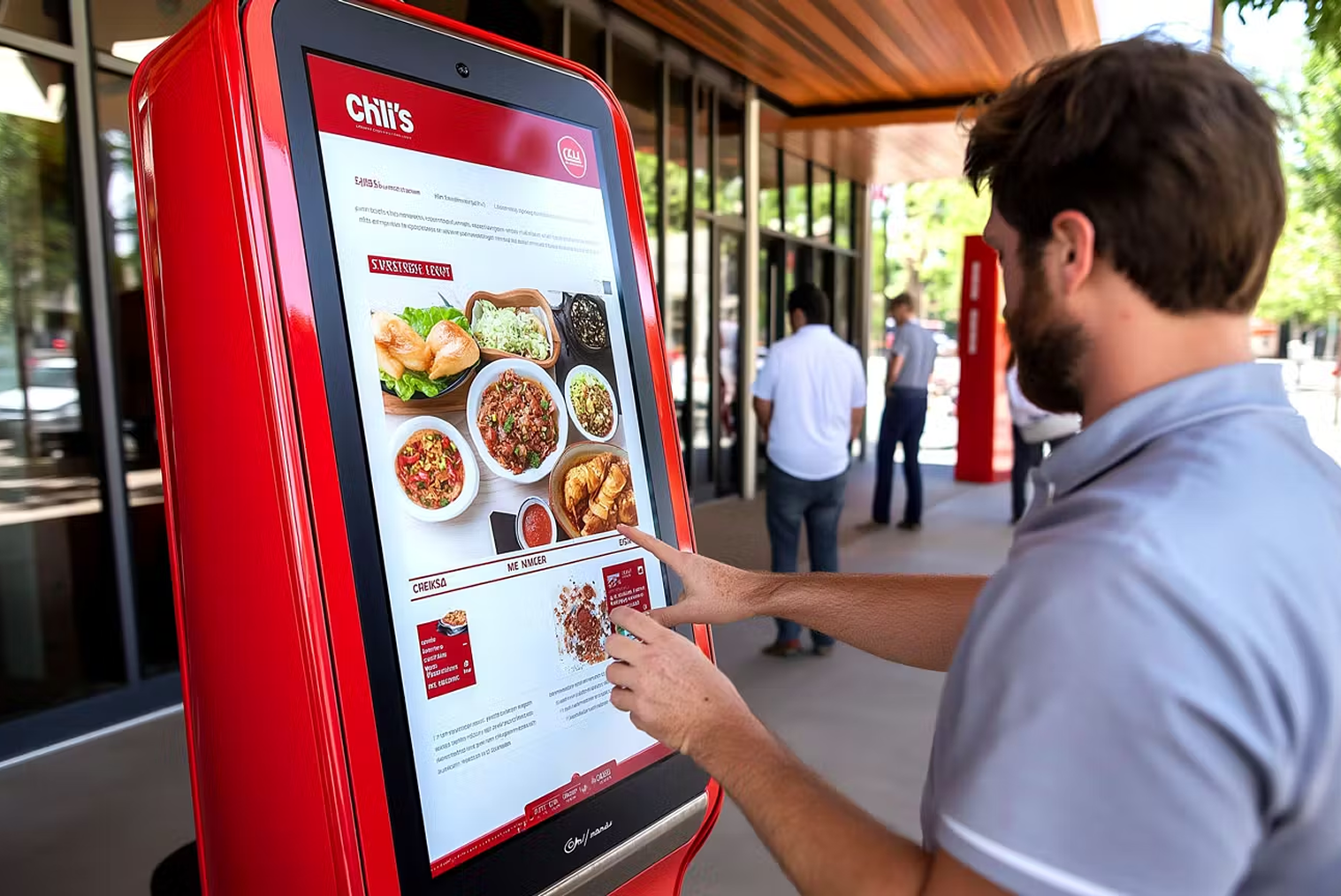
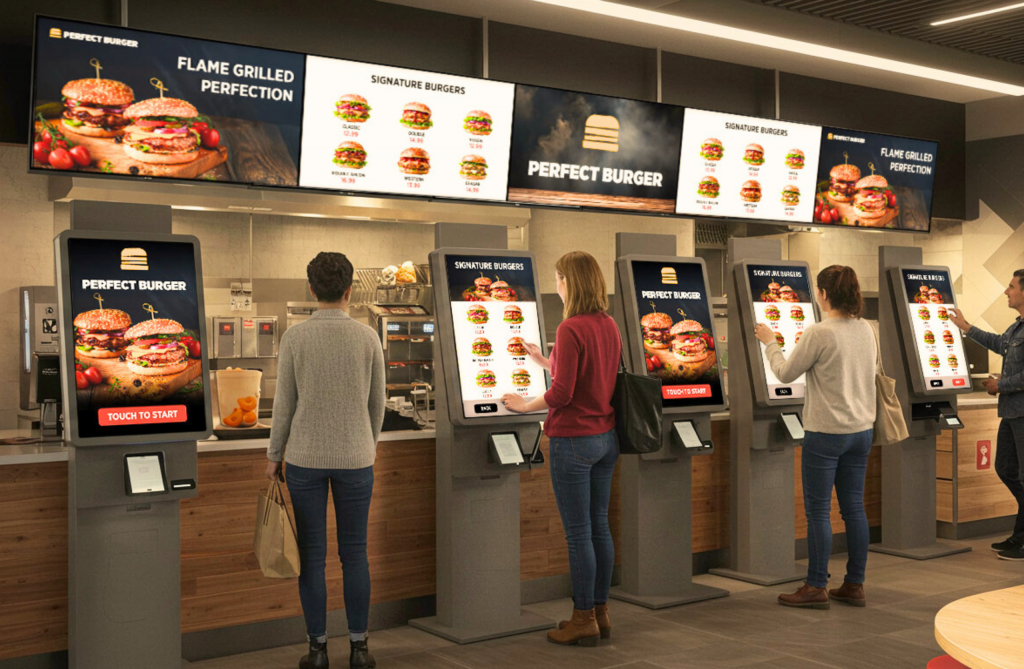
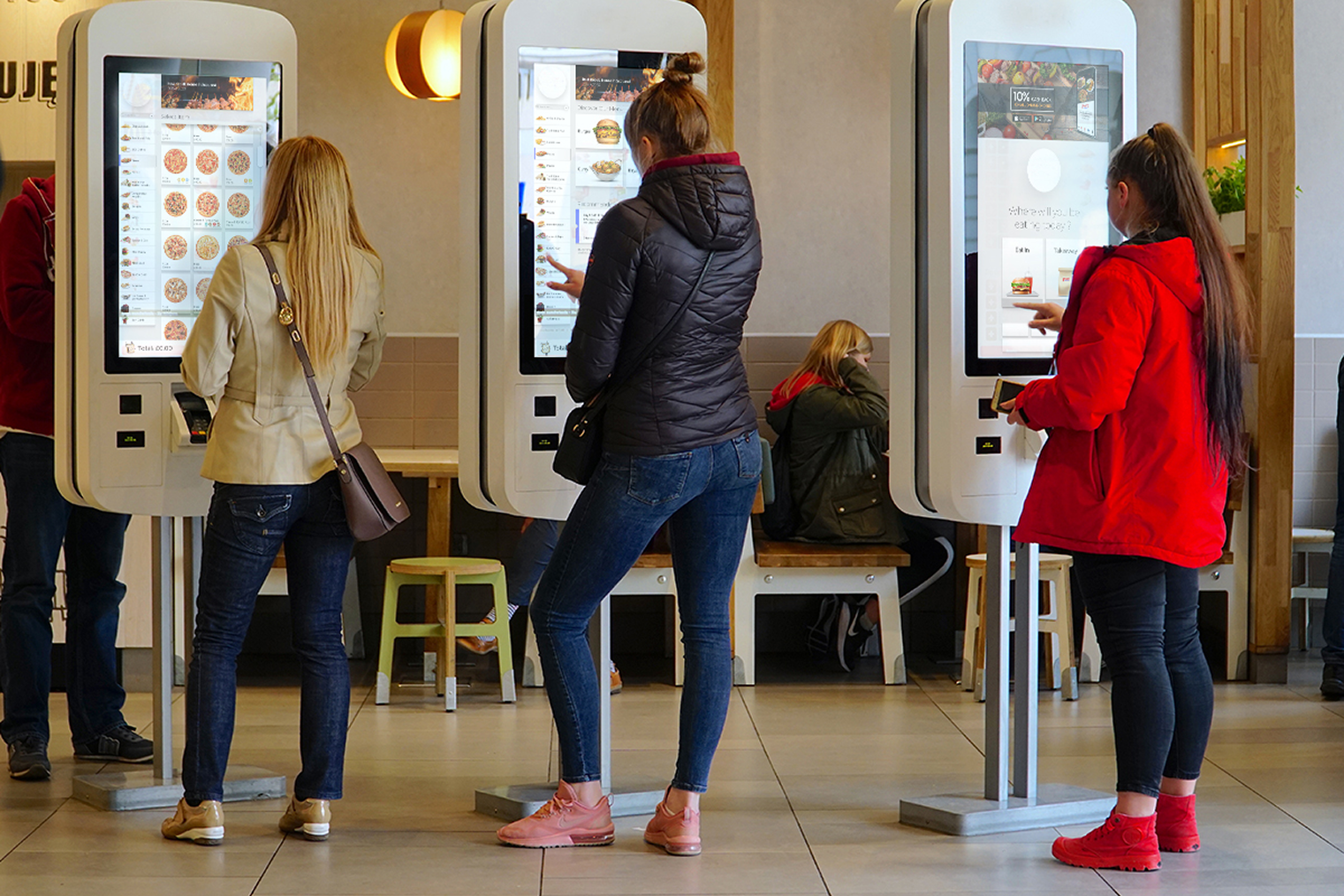
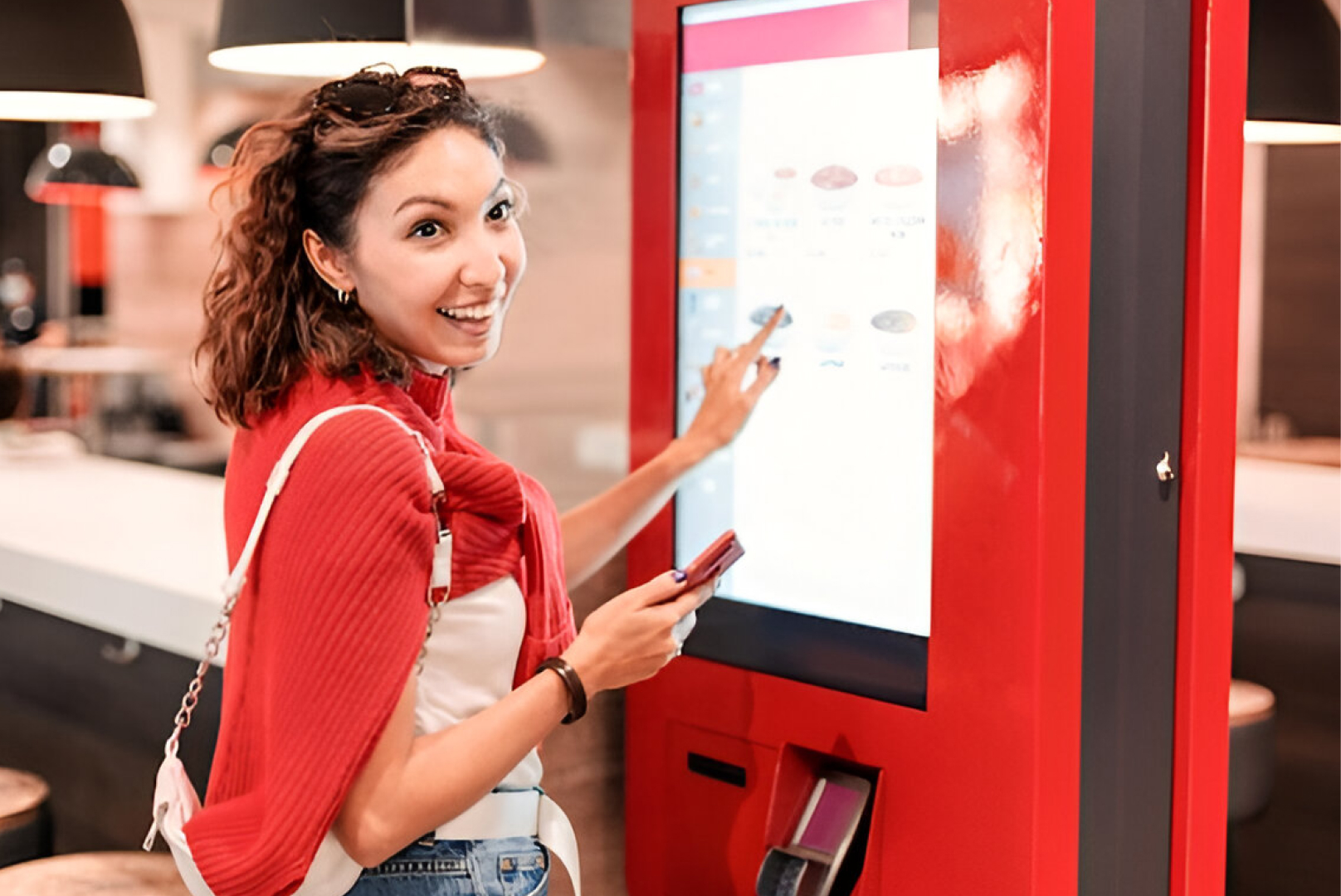
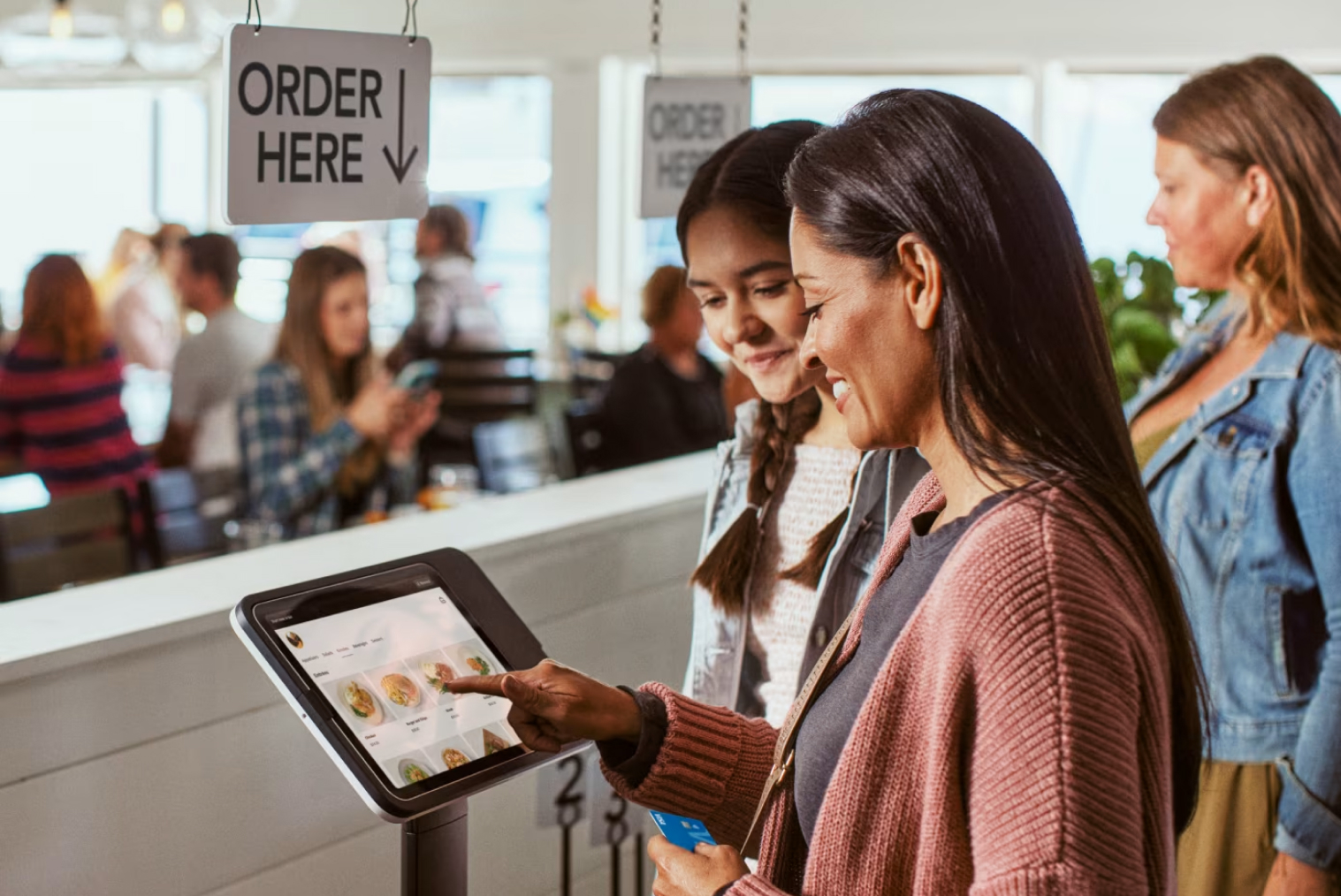
Kiosk, QR and online ordering as built-in channels or add-ons; adding devices, menus or sites without changing provider |
This applies whether you are comparing Tabin with another provider or two alternatives side by side. Run every shortlisted option through all seven factors, then compare POS systems in NZ with the same questions and the gaps become clear quickly.
What matters most for each type of venue?
The seven factors apply to every venue, but the weighting changes. As general guidance:
| Venue type |
What usually matters most |
| Café |
Speed at the counter, modifiers, EFTPOS integration and a quick setup |
| Takeaway or quick service |
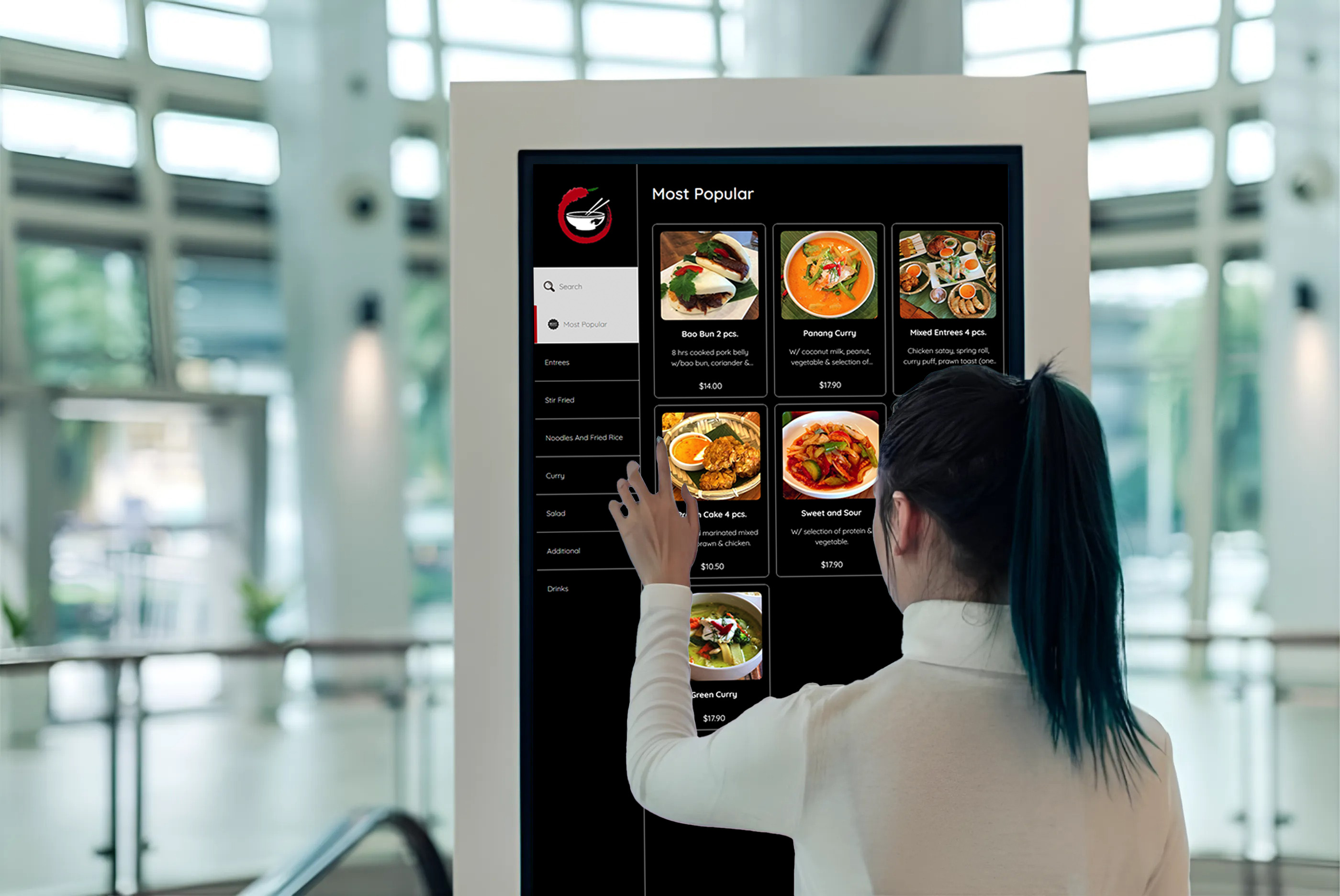
Kiosk and online ordering, kitchen display, order accuracy at peak times and delivery platform integration |
| Full-service restaurant |
Table management, split bills, course timing and kitchen routing |
| Bar |
Open tabs, fast rounds and staff logins |
| Multi-site or franchise |
Central menu control, reporting across sites and adding venues at a known cost |
Cloud POS vs legacy POS
Cloud systems run online, update automatically and work on standard devices. Legacy on-premise systems rely on local servers and proprietary hardware. A legacy system that no longer receives security updates is a liability, while a cloud POS can update overnight without any action from you. Our guide to legacy POS vs cloud POS covers the trade-offs.
Six questions to ask every POS vendor
- What is included in the standard subscription, and what is an add-on? List the features you need and confirm which tier includes each one.
- Which EFTPOS terminals integrate, and who bills for terminal rental? Ask whether the integration is native or goes through a third-party bridge.
- What support is included, through which channels, and during which hours? Test the support channel before you sign.
- Does it handle 15% GST correctly? Check that GST is a built-in setting, not something you configure by hand.
- What does a venue like mine pay in total, and what is included? Any vendor that cannot explain this clearly is one to treat with caution.
- What happens to my data if I leave? Ask whether you can export your transaction history, customer records, and menu.
Common mistakes when choosing a POS system
- Comparing monthly subscriptions without adding hardware, terminal rental and payment fees.
- Ignoring how payments integrate with your EFTPOS terminal.
- Assuming a system built for another market handles NZ requirements such as GST and local terminals.
- Choosing on price alone. As an illustration, a plan at $50 a month plus 2.5% card fees costs more than a plan at $140 a month plus 1.6% once card sales pass about $10,000 a month. Check the maths against your own volumes.
- Ignoring support responsiveness. The quality of a POS shows when something goes wrong in the middle of service, so ask how support works and test it before you commit.
- Underestimating integration needs. A POS that does not connect to your delivery platforms means manual order entry for every delivery order. List every integration you rely on and confirm each one.
- Choosing for today's size only. If you plan a second site, confirm that multi-site management is available at a known cost.
- Treating a trial or demo as representative. Test the system with your real menu, and ask for a reference call with an NZ venue like yours.
How to run the comparison: a simple scorecard
- Shortlist two or three systems.
- Score each one from 1 to 5 against the seven factors, and weight the factors that matter most for your venue type.
- Ask every vendor for the same written quote, and have them confirm each answer in writing.
- Compare the total cost and note the gaps, such as features that are add-ons or integrations that go through a third party.
- Finish with a demo using your real menu, and ask for a reference call with a venue like yours.
Where Tabin fits
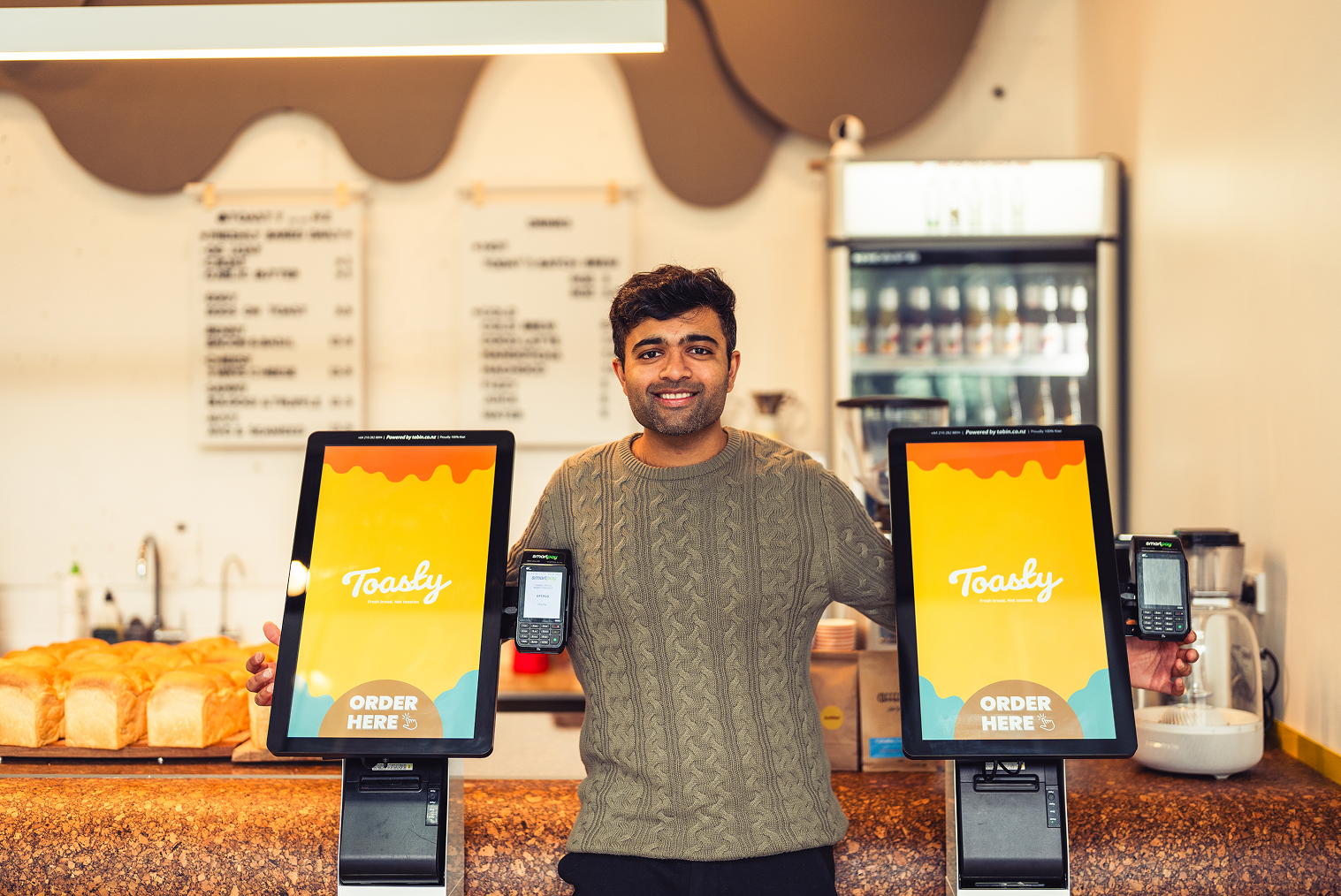
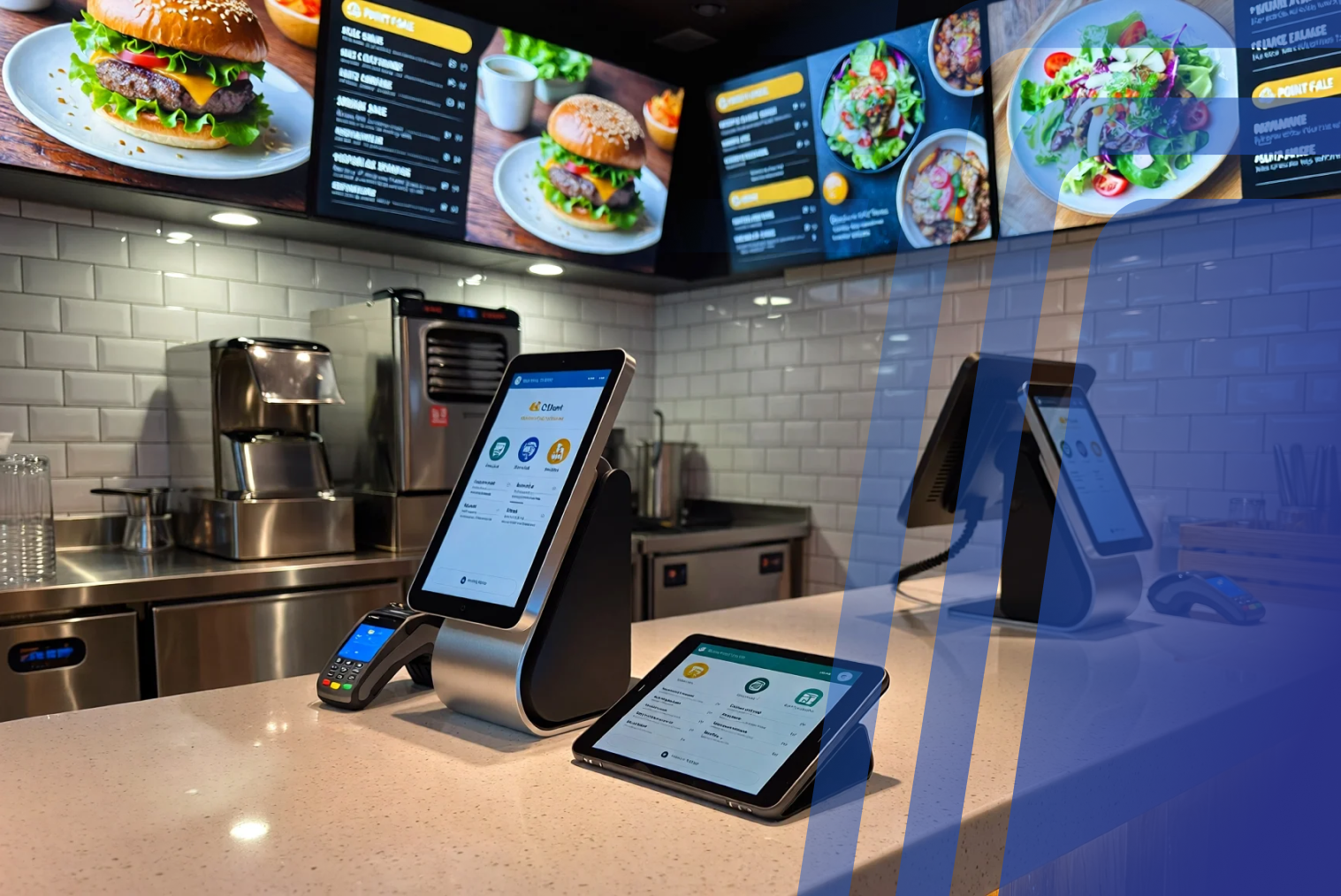
Tabin is one complete hospitality platform: POS, self-service kiosk, online ordering, QR ordering, kitchen display, loyalty and EFTPOS integration in a single system, so you are not stitching separate products together.
The system runs on iOS, Android and Windows. Hardware is supplied as part of the package, and setup includes installation, configuration, menu design and staff training. Most venues are live within days.
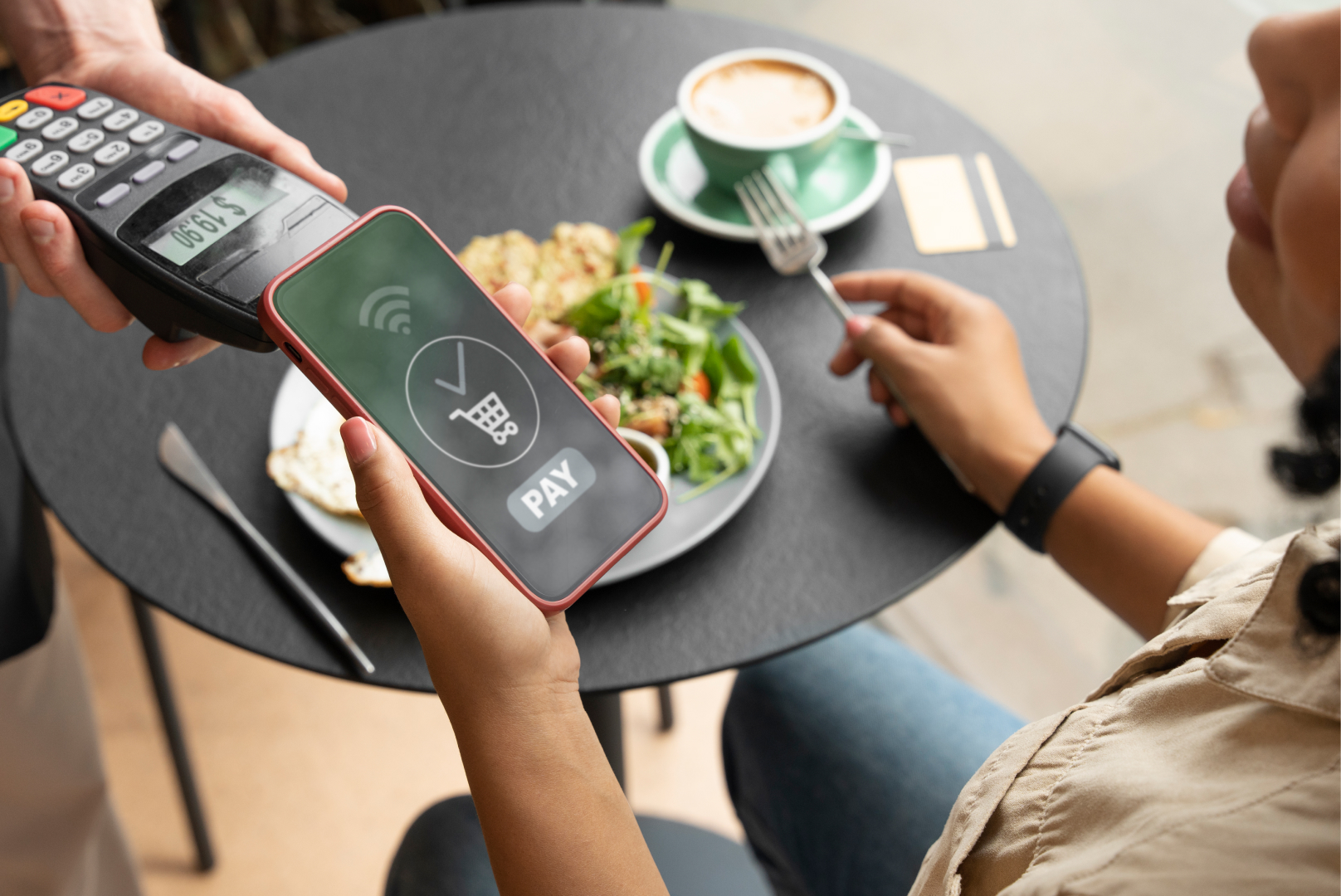
Card payments integrate two-way with Windcave, Verifone and Shift4 (formerly Smartpay), and 15% GST is calculated and reported automatically.
Phone and on-site support are included as part of the package.
Business hours are 8 am to 10 pm NZ time, Monday to Friday. If a technical problem occurs in the system, support is available seven days a week.
Tabin is built for NZ hospitality and backed by a real NZ-based support team.
Explore the point of sale system NZ page, compare POS systems in NZ, or read the Tabin FAQs on the POS page.
Conclusion
There is no single best POS system for every venue. Use the seven factors and six questions above to build a shortlist, ask each vendor for a clear total cost and what it includes, and choose the system that fits how your venue actually trades.
Frequently Asked Questions
Q1: What should a café or restaurant look for in a POS system in NZ?
Look for hospitality features such as table management, split bills and modifiers; integrated EFTPOS; correct 15% GST handling and reporting; support that is included and easy to reach; and a full cost over the contract term rather than a monthly headline price.
Q2: How do I compare POS systems in NZ?
Compare each system on the same factors: hospitality features, EFTPOS integration, support, total cost, hardware flexibility, GST handling and scalability. Ask every vendor for the same written quote, and test the system with your real menu before you sign.
Q3: What is the best POS system for a café or takeaway in NZ?
It depends on how the venue trades. Cafés and takeaways usually put speed at the counter and EFTPOS integration at the top of the list, and takeaways also look at kiosk and online ordering. Compare shortlisted systems against those priorities rather than choosing on price or brand.
Q4: What makes TABIN different from other POS systems in NZ?
TABIN is one complete hospitality platform rather than a stand-alone till: POS, self-service kiosk, online ordering, EFTPOS integration, loyalty and kitchen display work together in one system. It is designed to be easy to use and includes customer support. Whether it is the best fit depends on your venue type, so compare it against your own shortlist using the factors above.
Q5: How much does a POS system cost in NZ?
Costs vary by provider, plan, number of terminals and payment fees. Compare the total cost over the contract term, including subscription, hardware, terminal rental, payment fees and setup, rather than the monthly headline price. TABIN quotes software, hardware, setup and support as one package, so ask the team for a quote for your venue.
Q6: Is cloud POS better than on-premise for NZ hospitality?
Many venues find cloud POS easier to run: it typically needs less upfront hardware, updates automatically and lets you view sales from any device. On-premise systems can suit venues with specific requirements but usually involve more maintenance.


.webp)














.png)


















.webp)


