POS software runs your orders, payments, and reporting. POS hardware is the screens, printers, drawers, and terminals it runs on. Quotes often bundle the two, so ask exactly what hardware is included and how it is paid for. A cloud POS typically runs on standard devices, which can cut upfront hardware cost.
Why do so many NZ venues confuse POS software and hardware?
Most POS quotes arrive as a single monthly figure or a single bundle price. That makes it hard to see what you are paying for the software, what you are paying for equipment, and what is left out. Knowing what software is, what is hardware, and what is bundled is the fastest way to compare providers fairly.
The confusion usually shows up in one of two ways. A software subscription that looked complete turns out to need extra hardware before it can run. Or a quote bundles hardware and software without saying what each part costs, which makes it hard to compare against another provider. This guide separates the two, so you know what you are buying, what is usually included, and what to ask before you commit.
What is POS software?
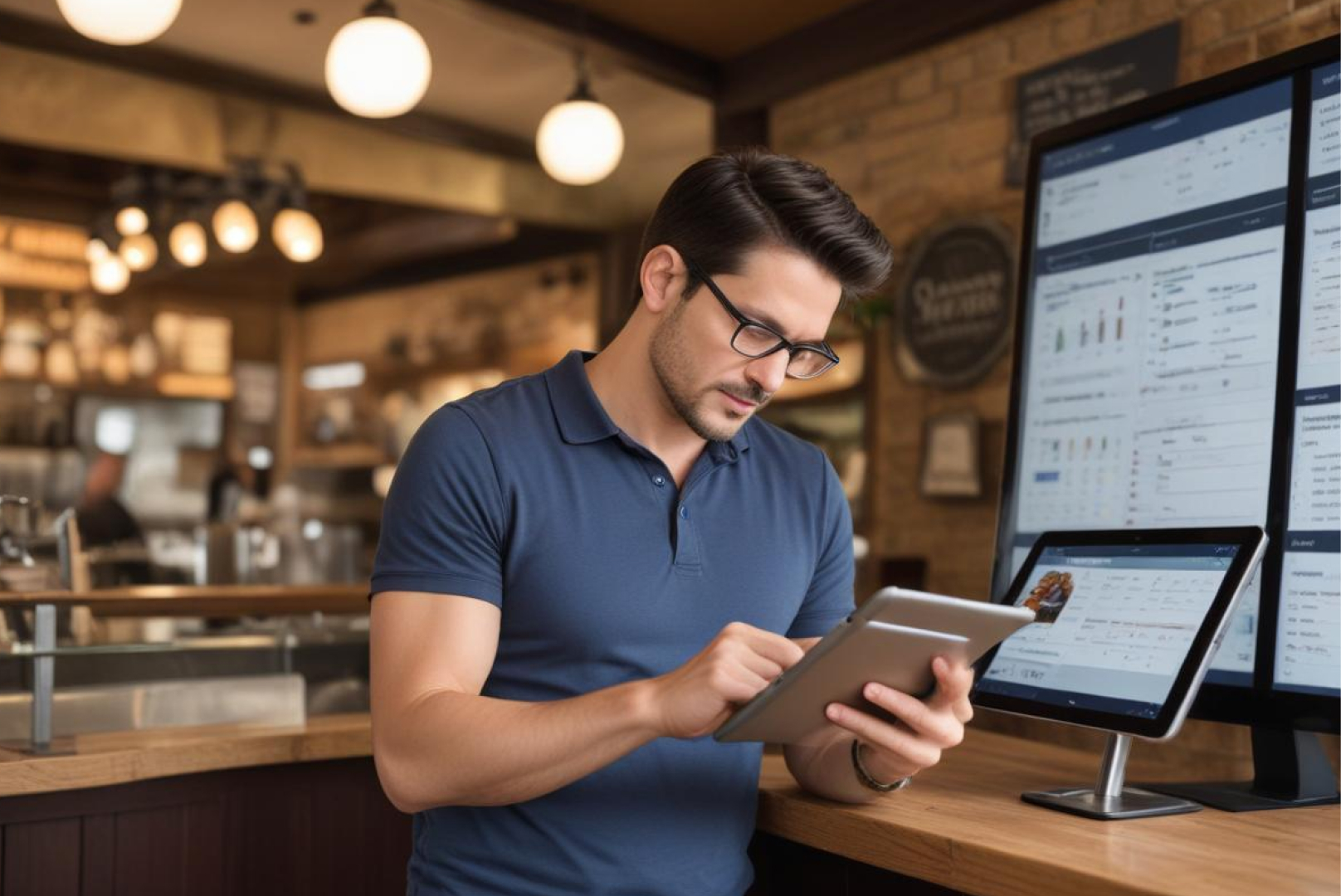
POS software is the application your team uses to ring up orders, split bills, take payments, and see sales reports. Modern cloud POS software is hosted online and usually charged as a monthly subscription, with updates included. That is different from legacy on-premise software, which was installed on one machine and needed a technician to update.
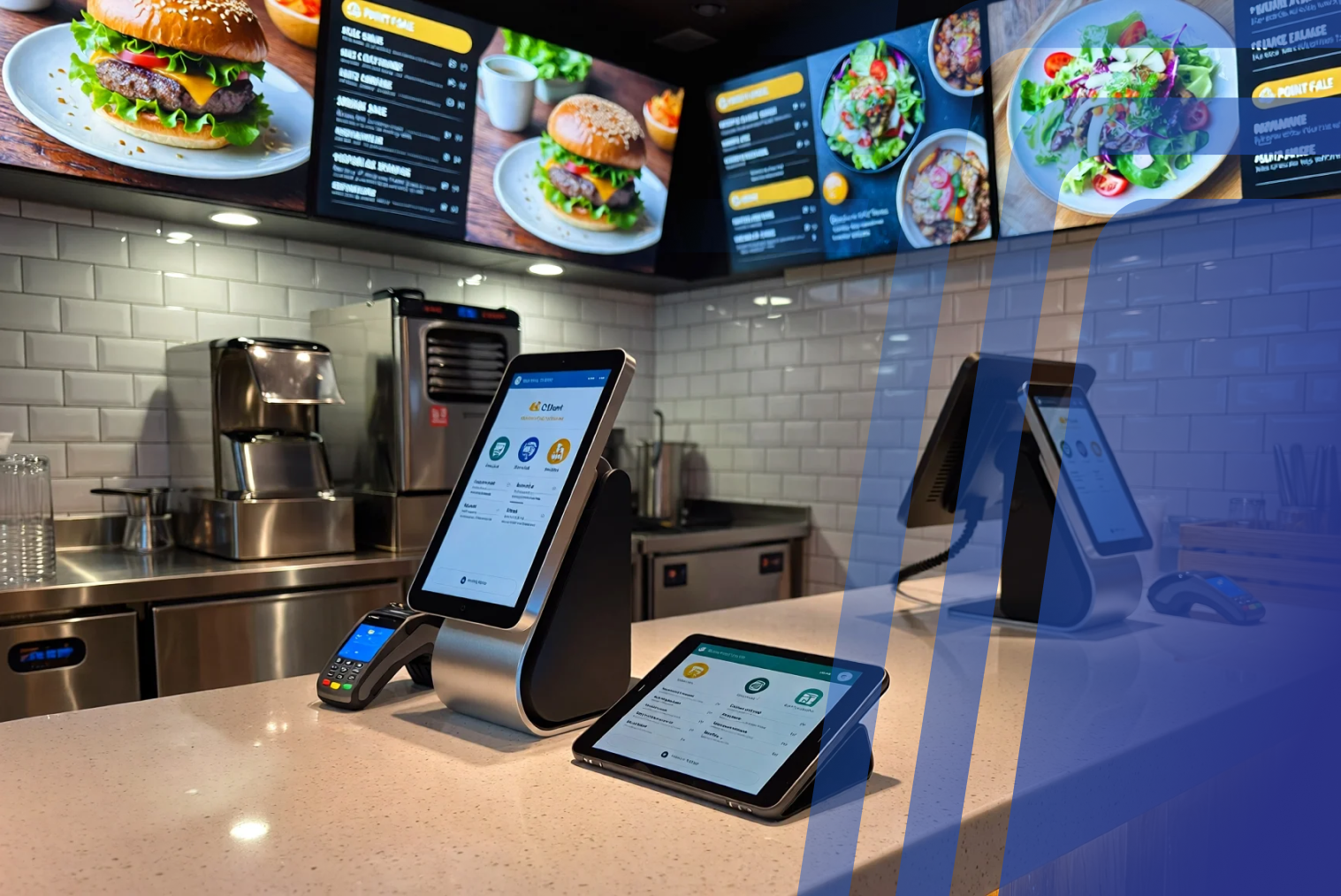
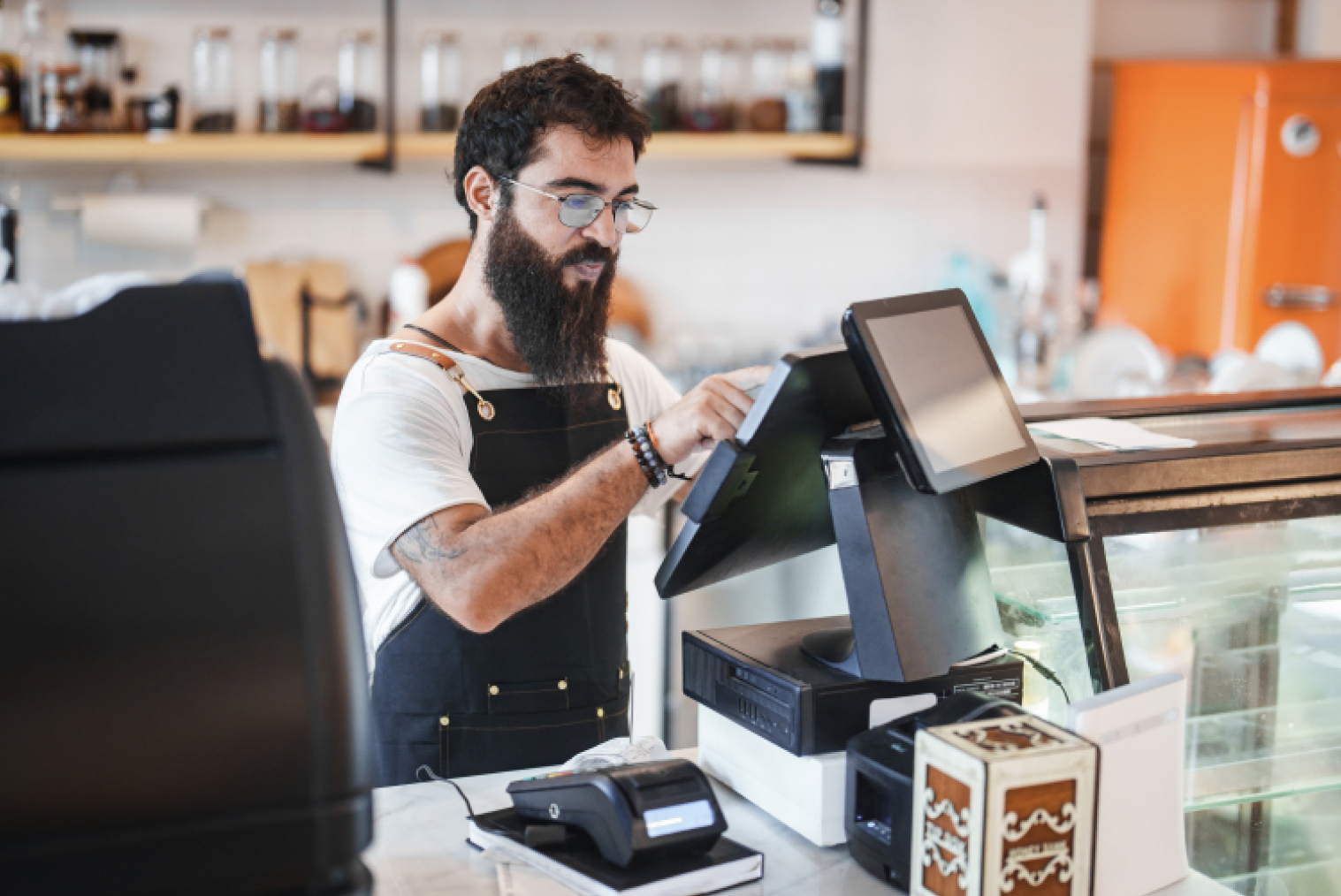
On its own, the software is just an application. It needs hardware to run: a screen to display it, a payment device to take card payments, and usually a printer for receipts and kitchen tickets. The software is the brain and the hardware is the body.
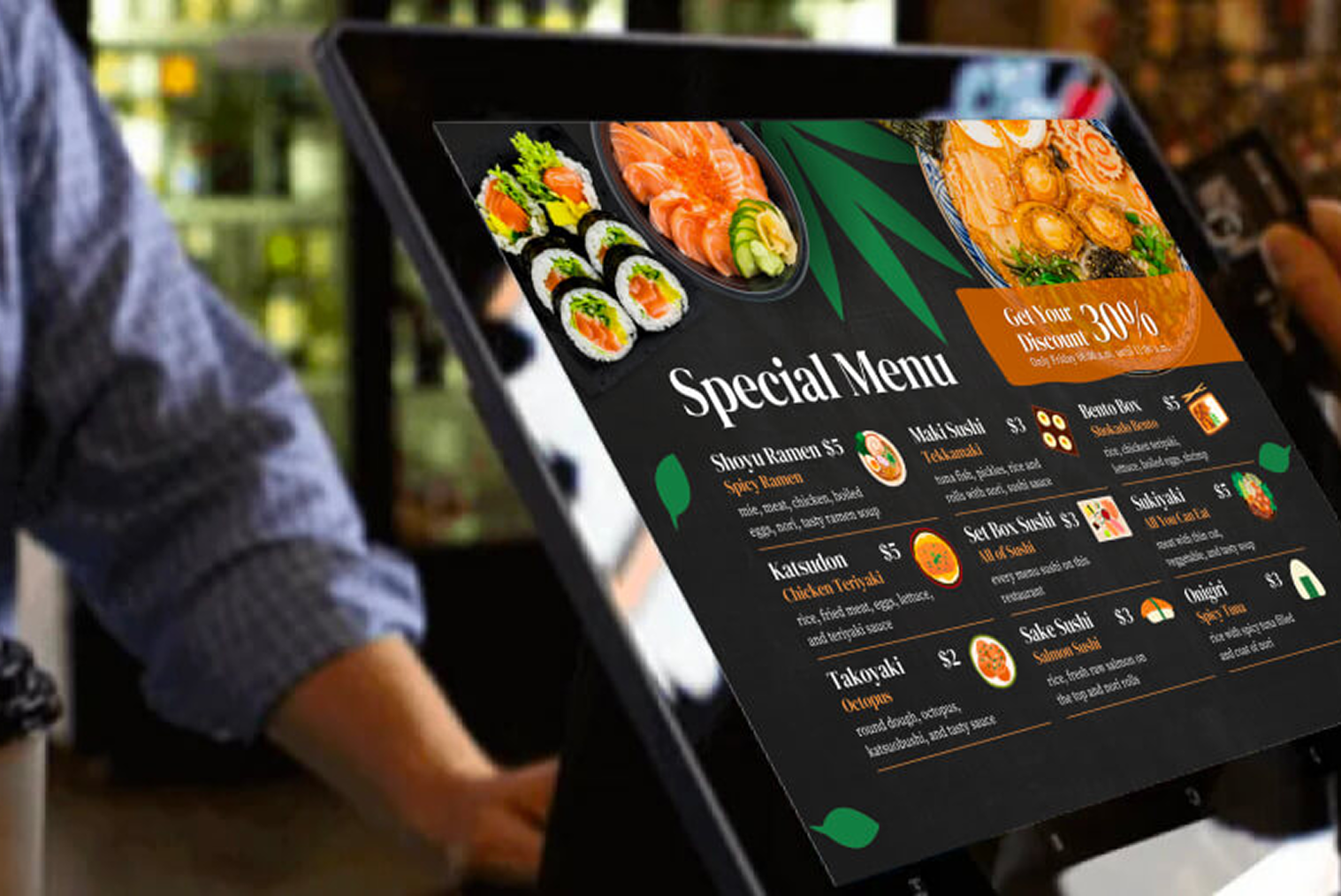
Typical POS software features include menu management, order entry, payment processing through connected hardware, staff logins and permissions, real-time reporting, inventory tracking, loyalty, and integrations with delivery platforms.
What is POS hardware?
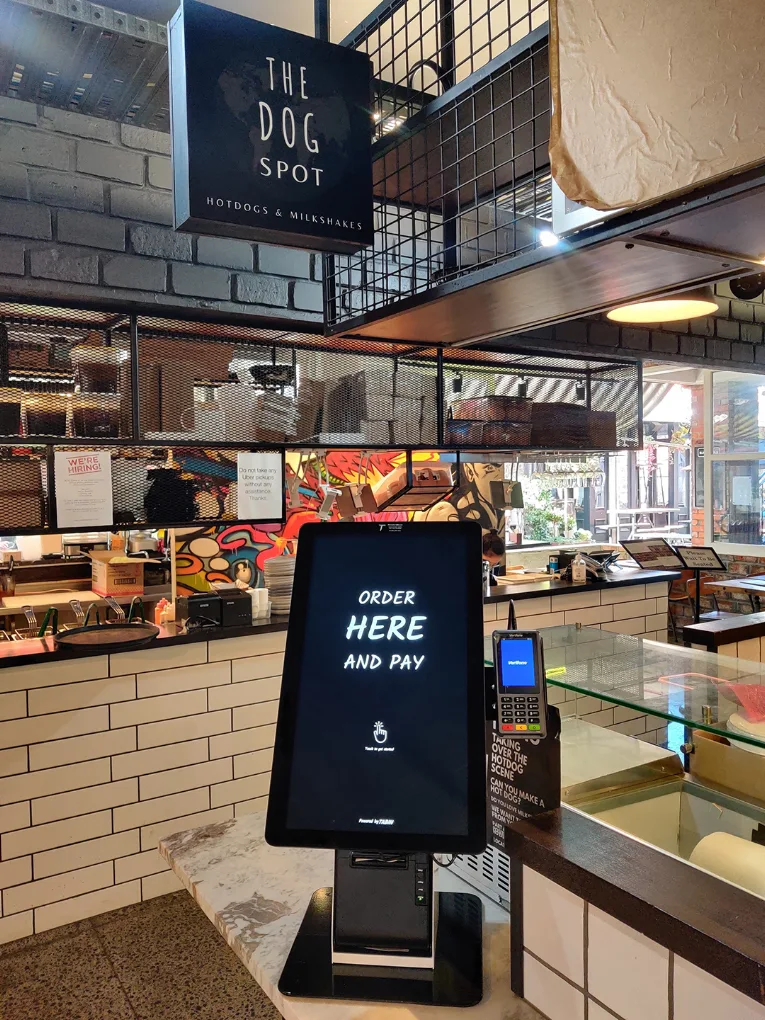
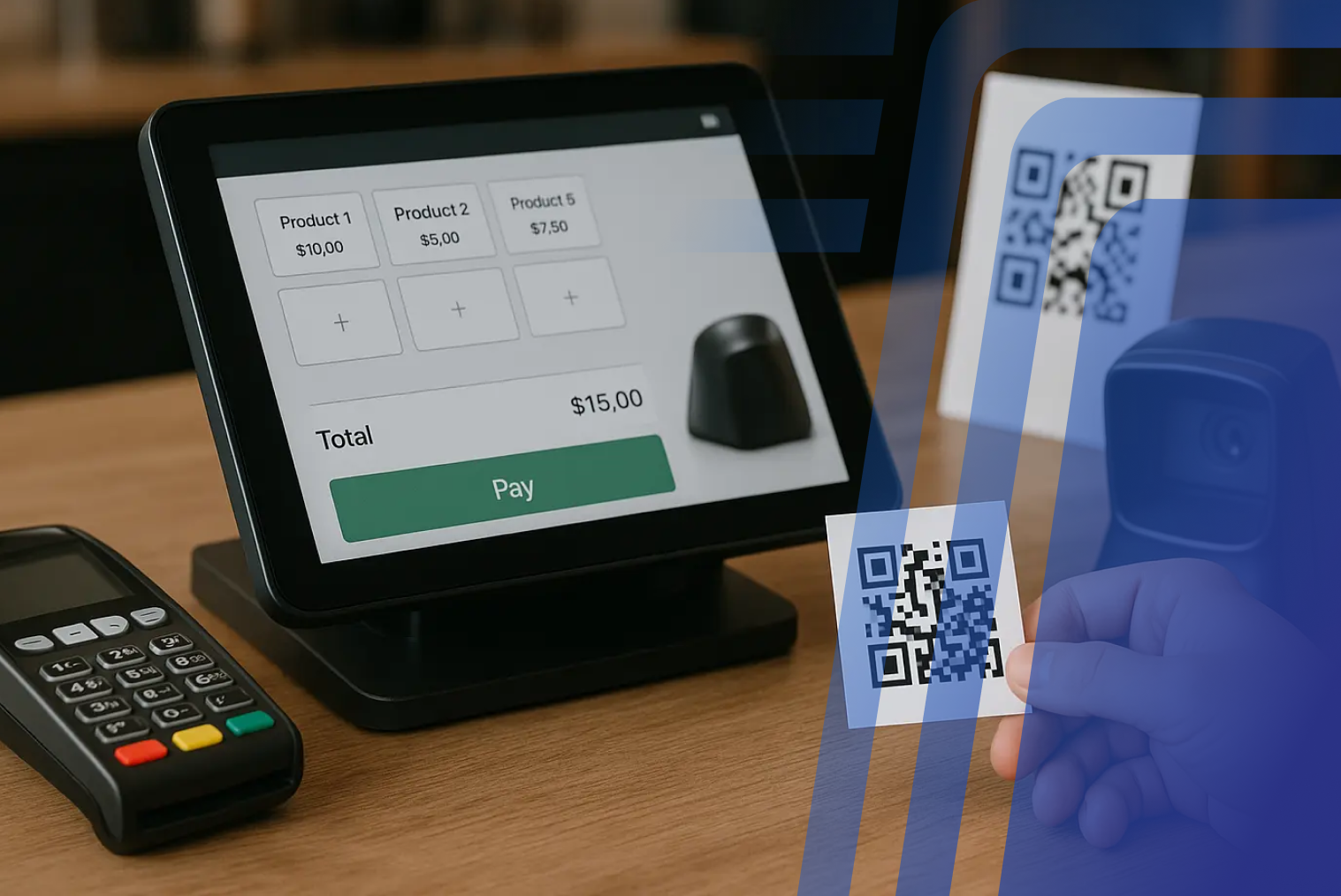
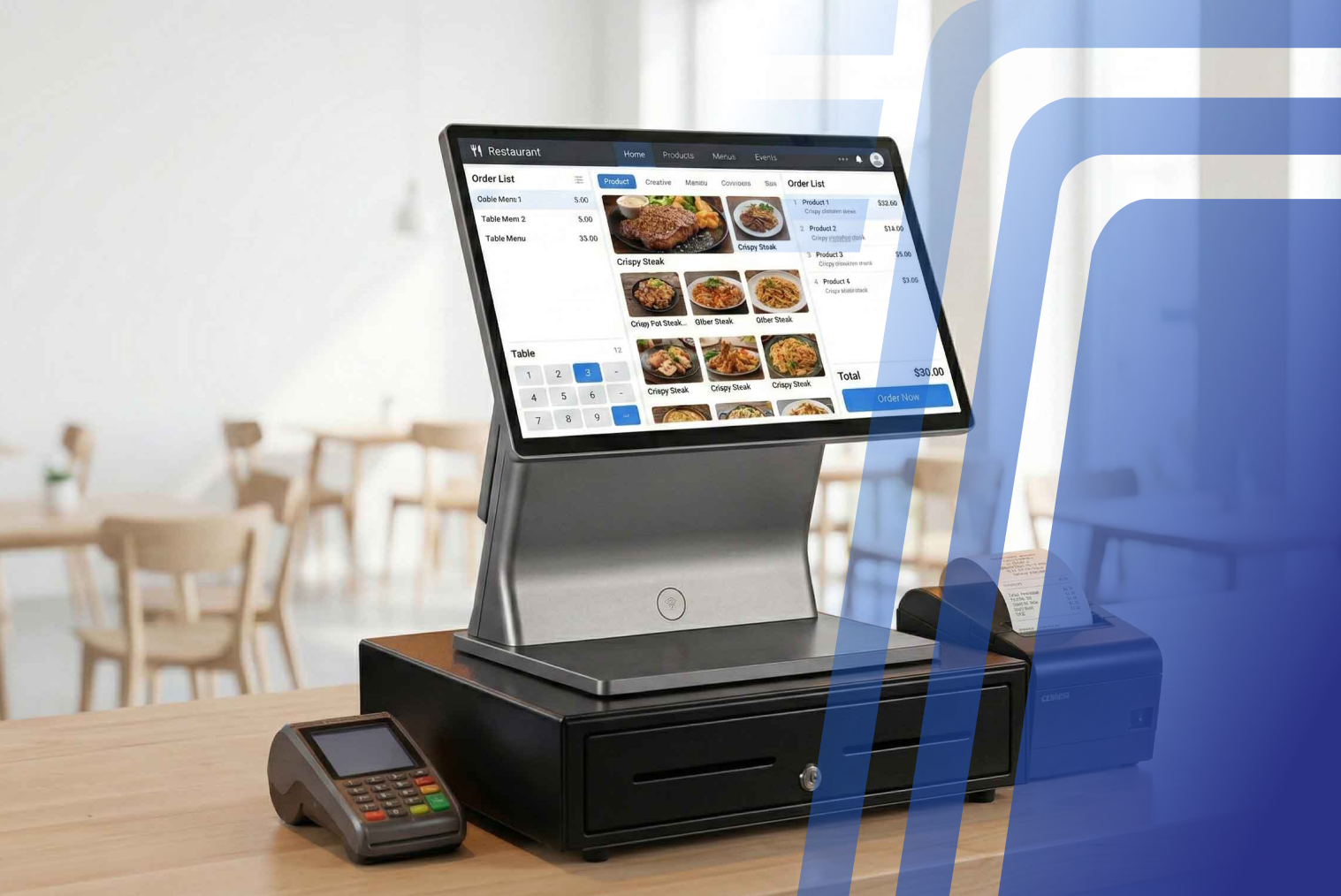
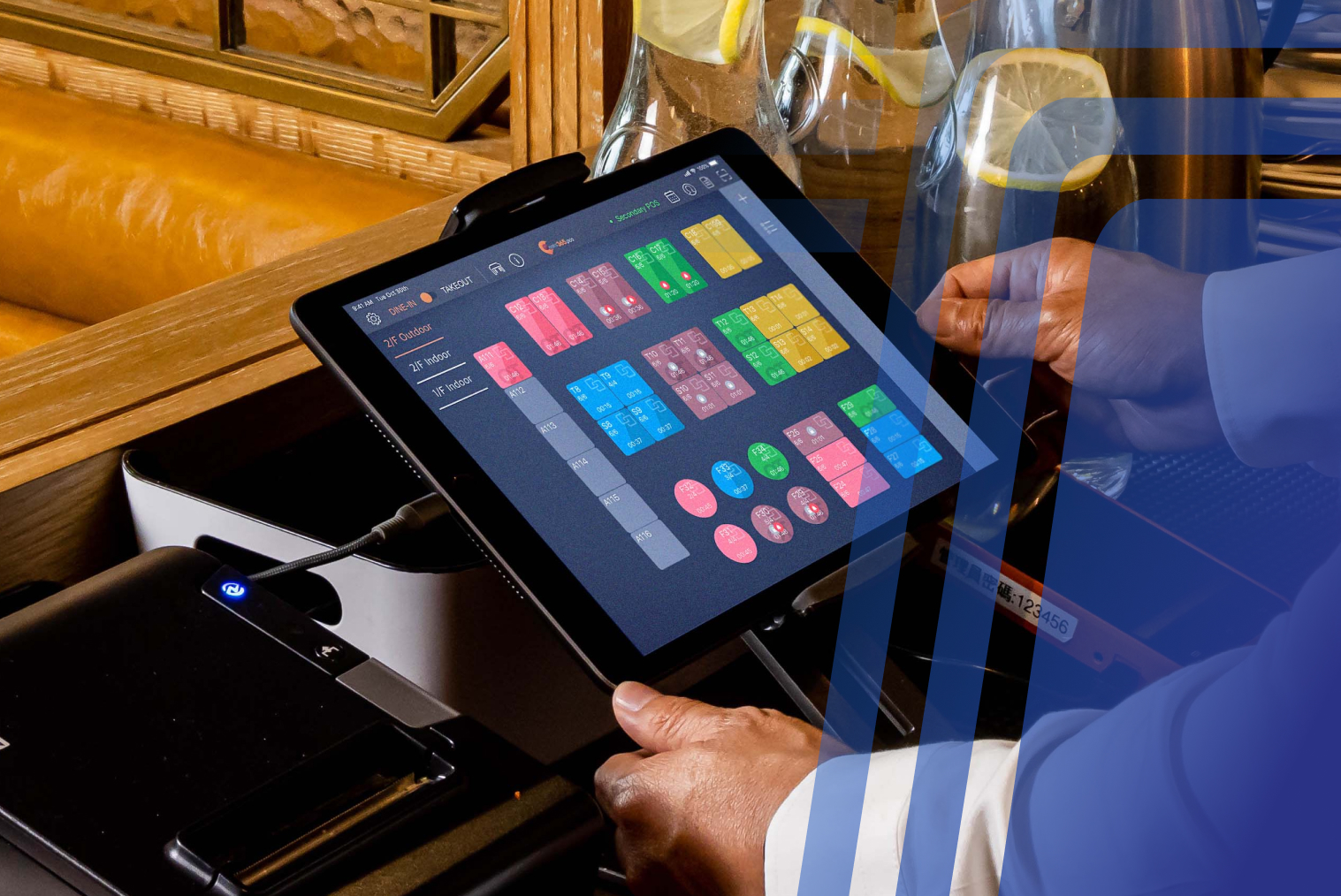
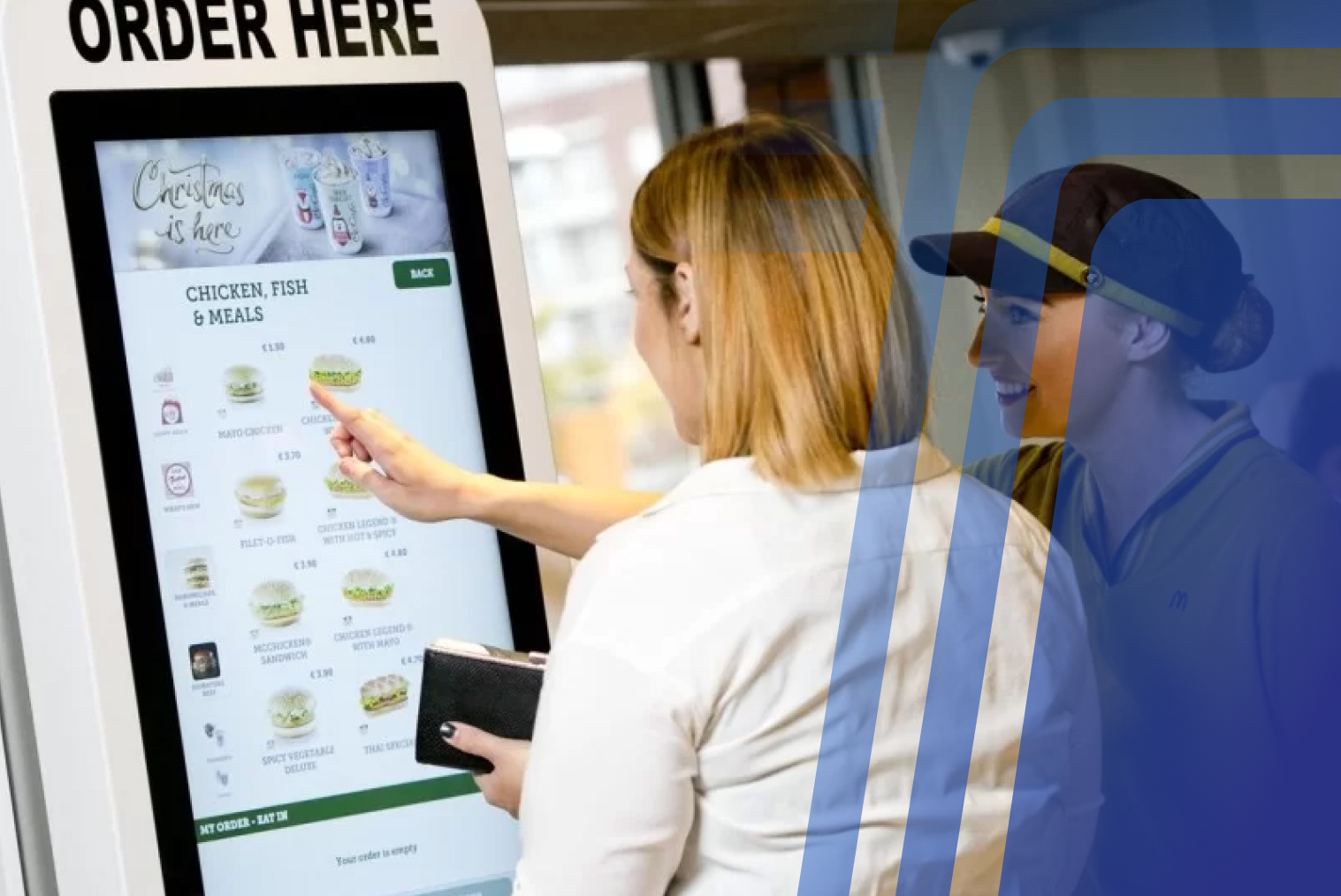
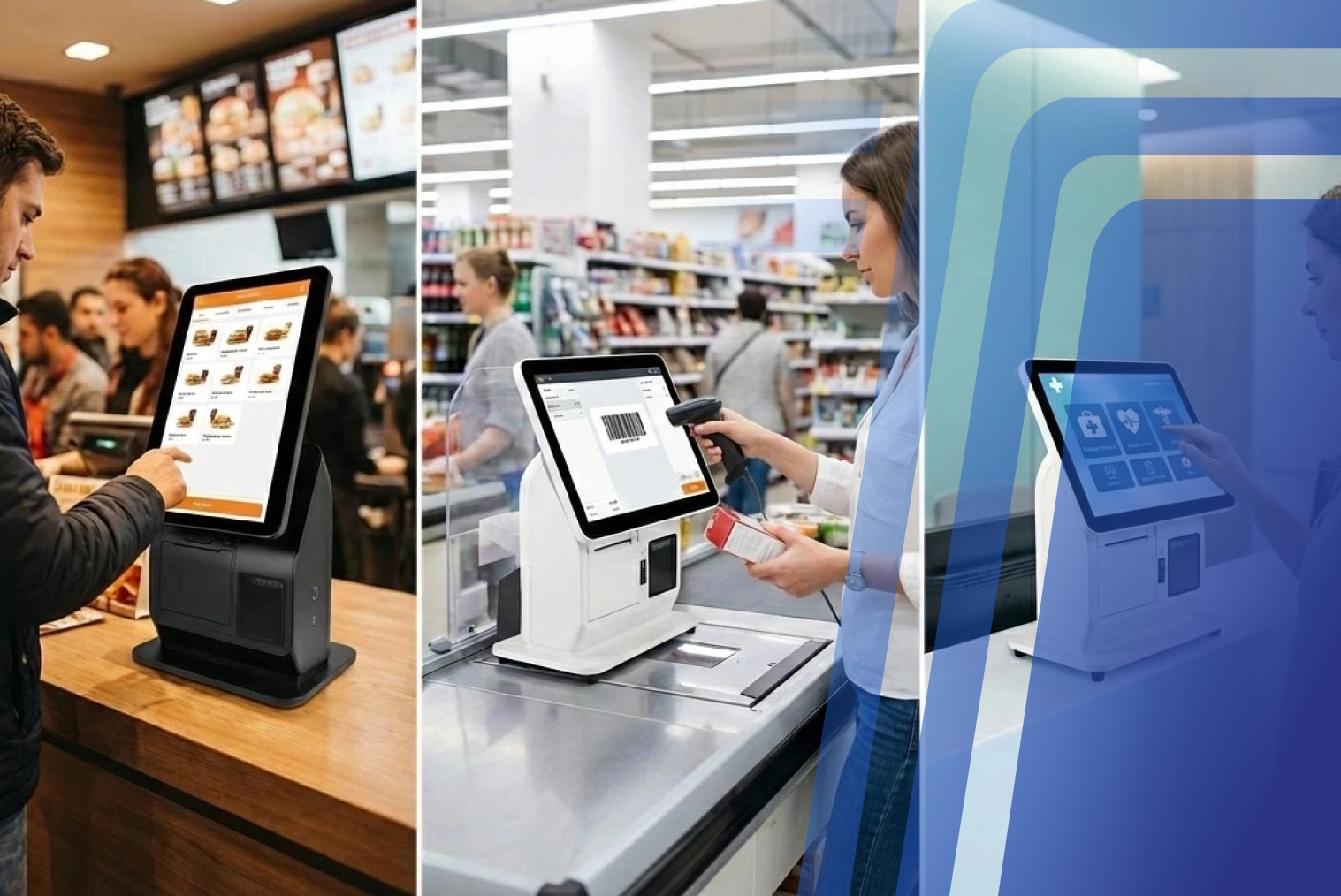
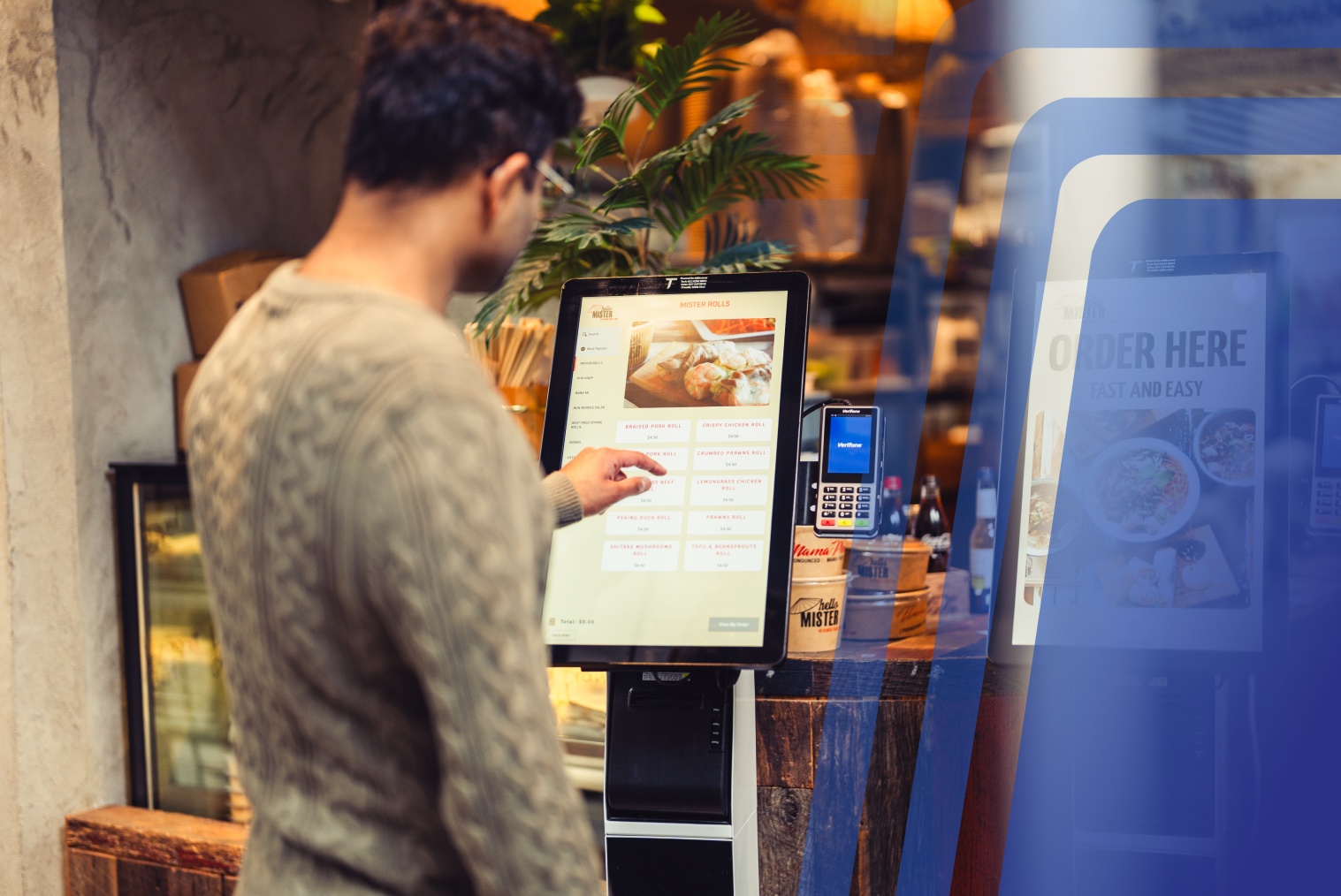
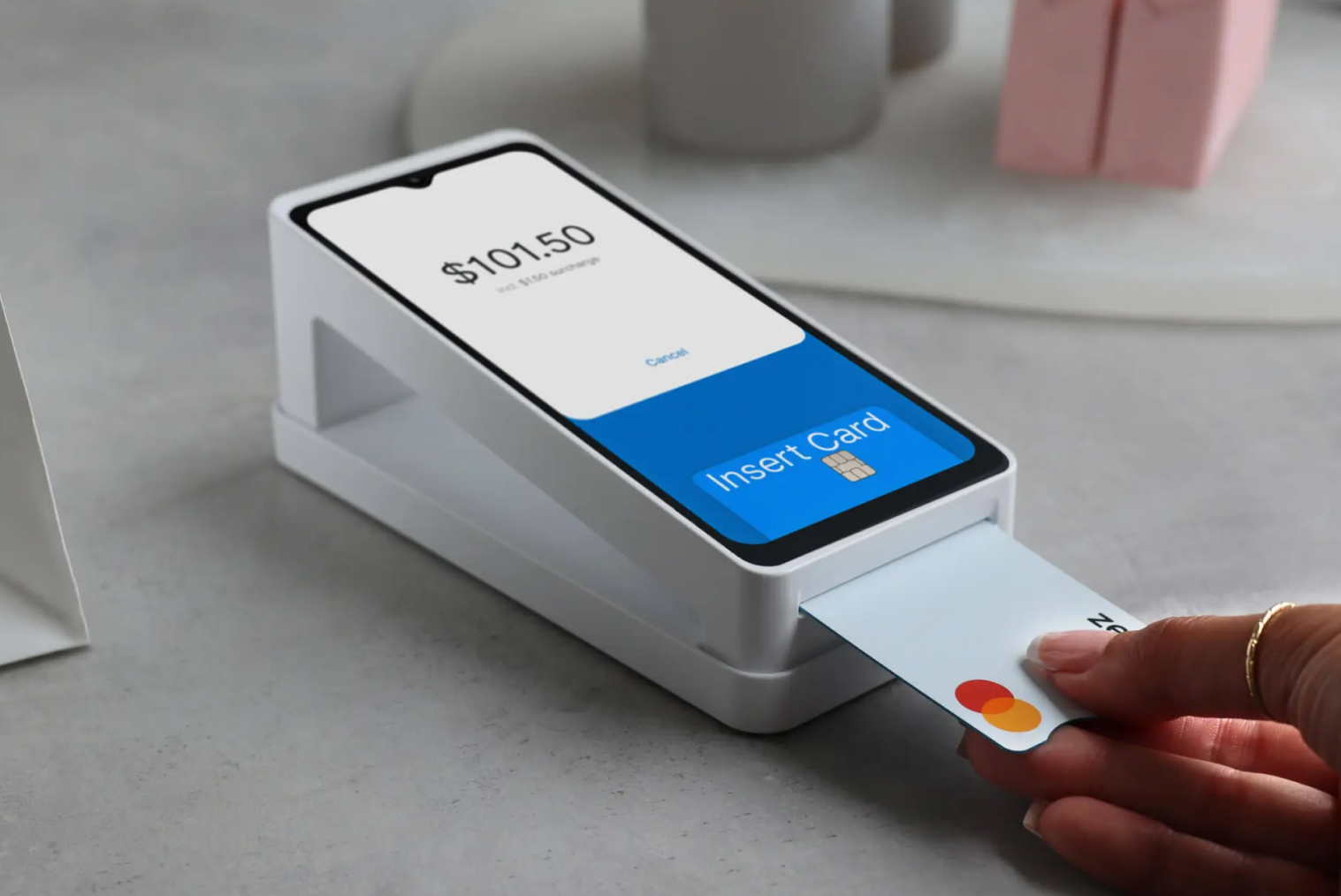
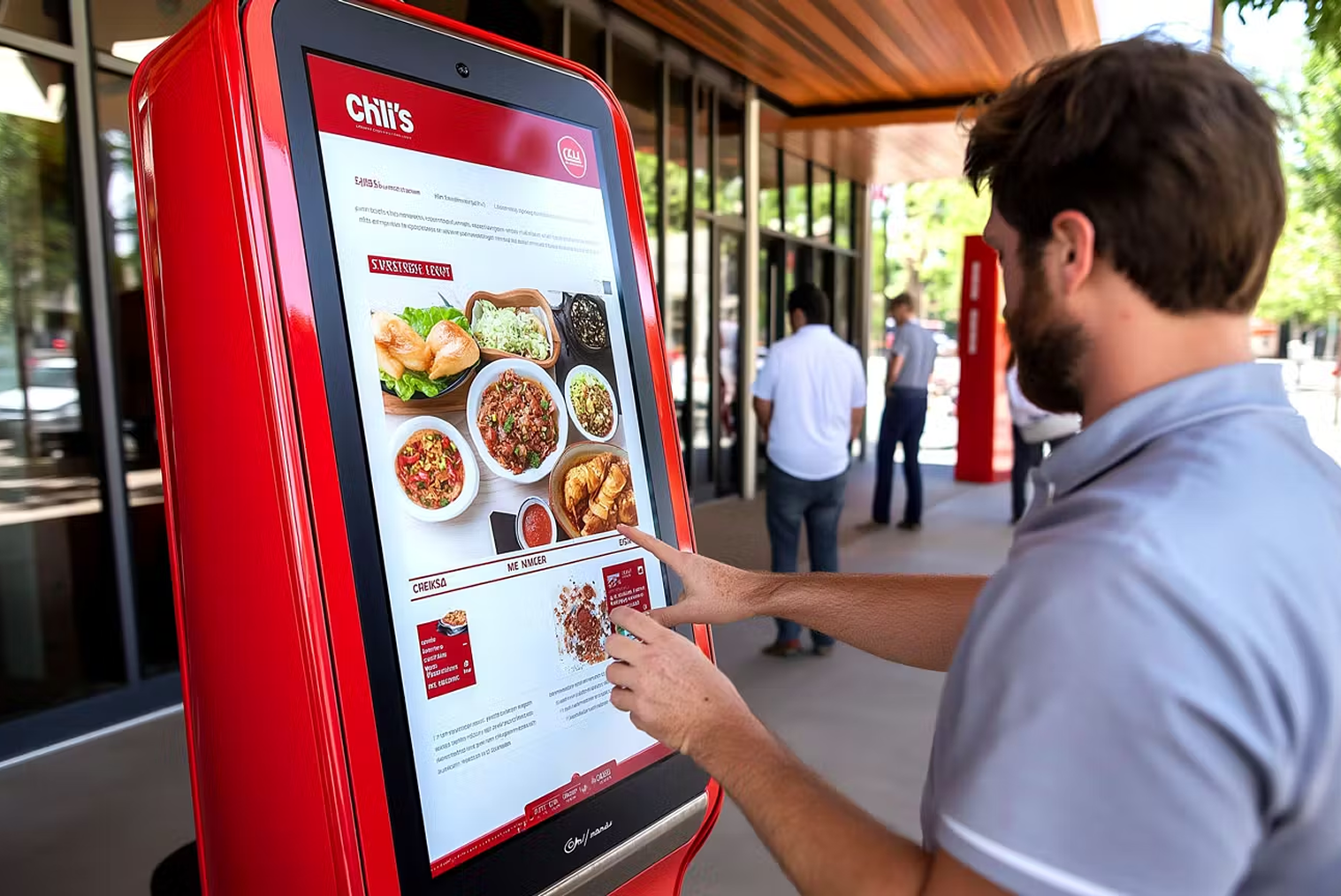
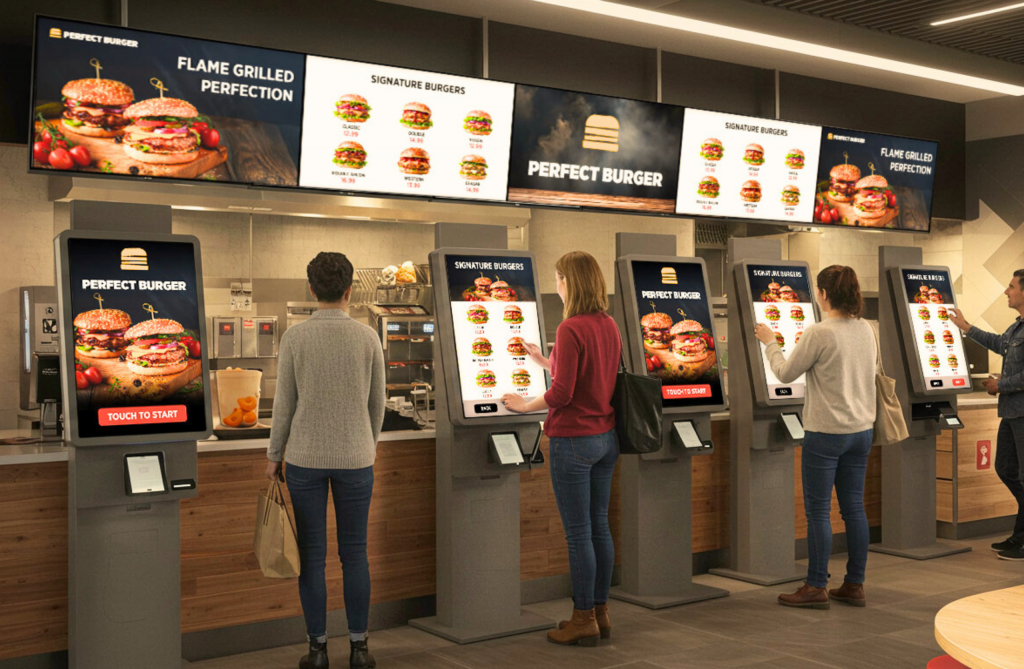
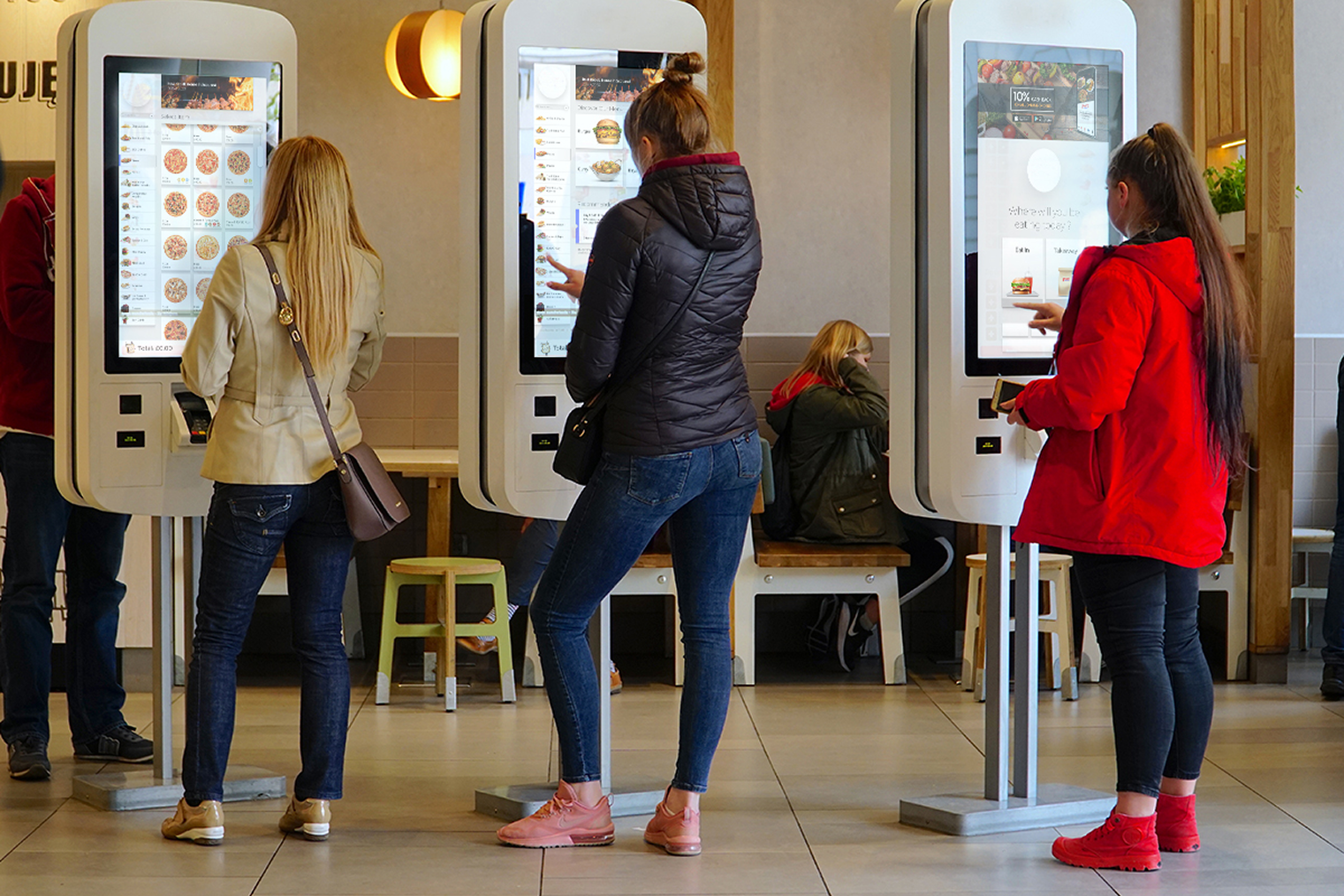
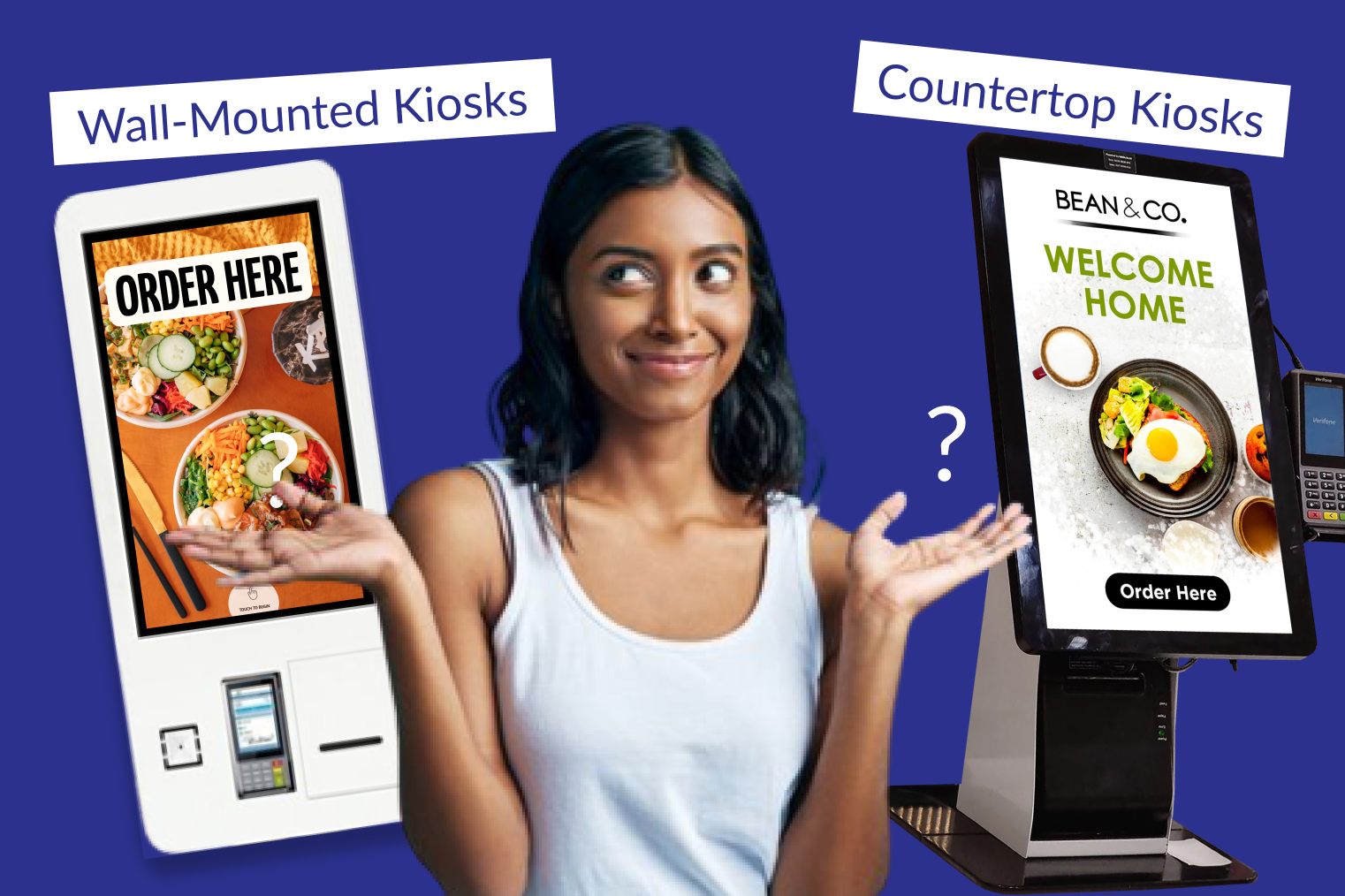
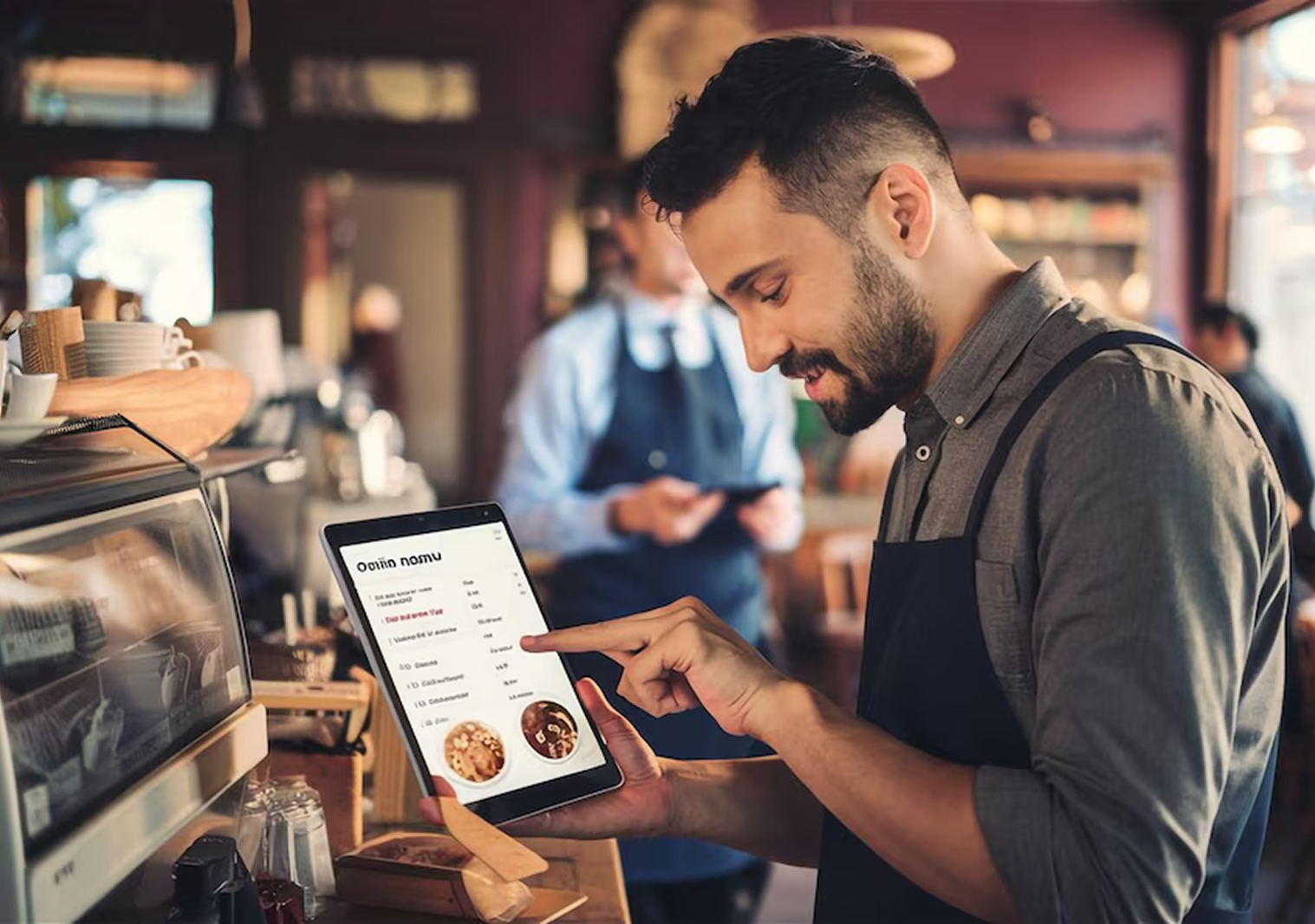
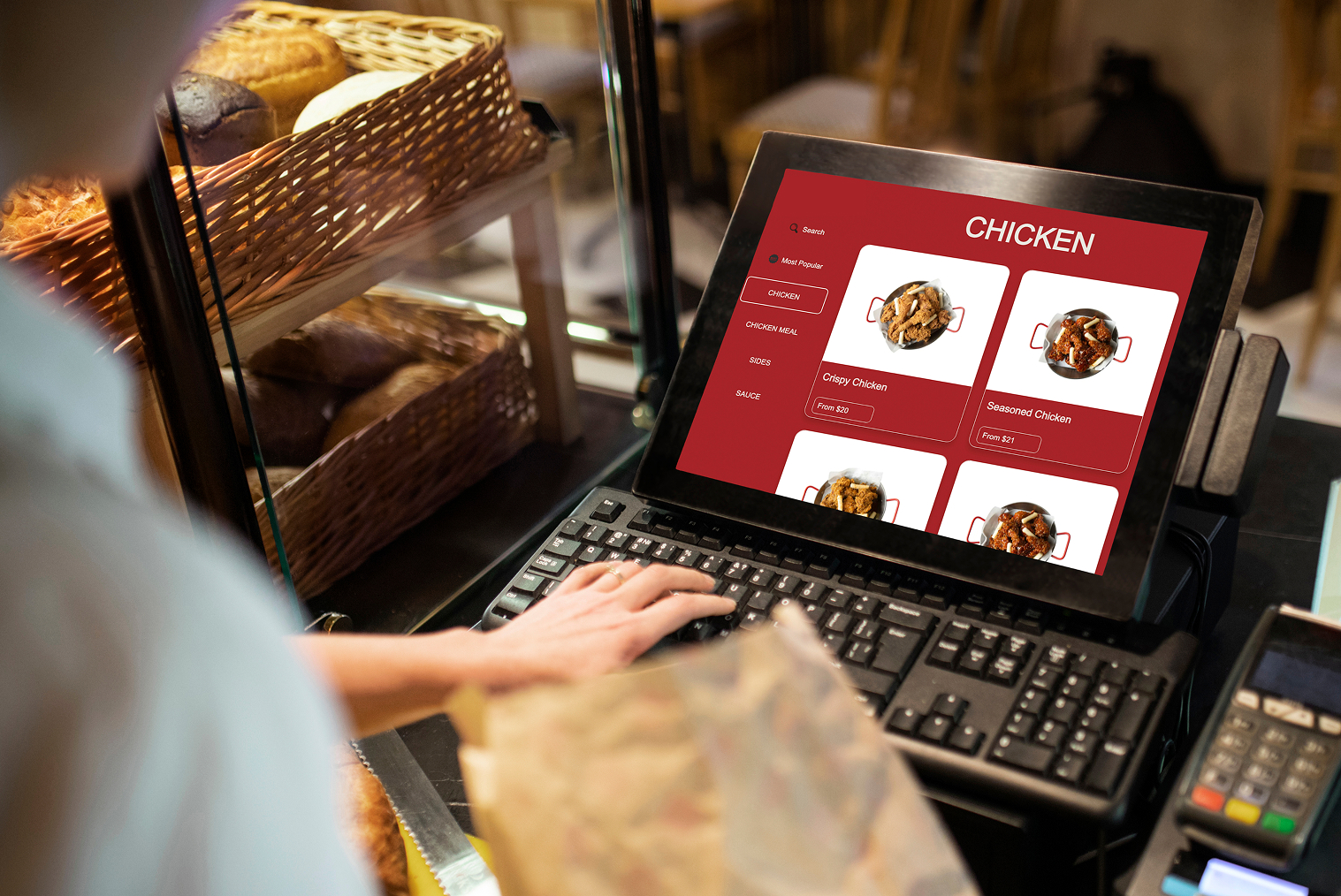
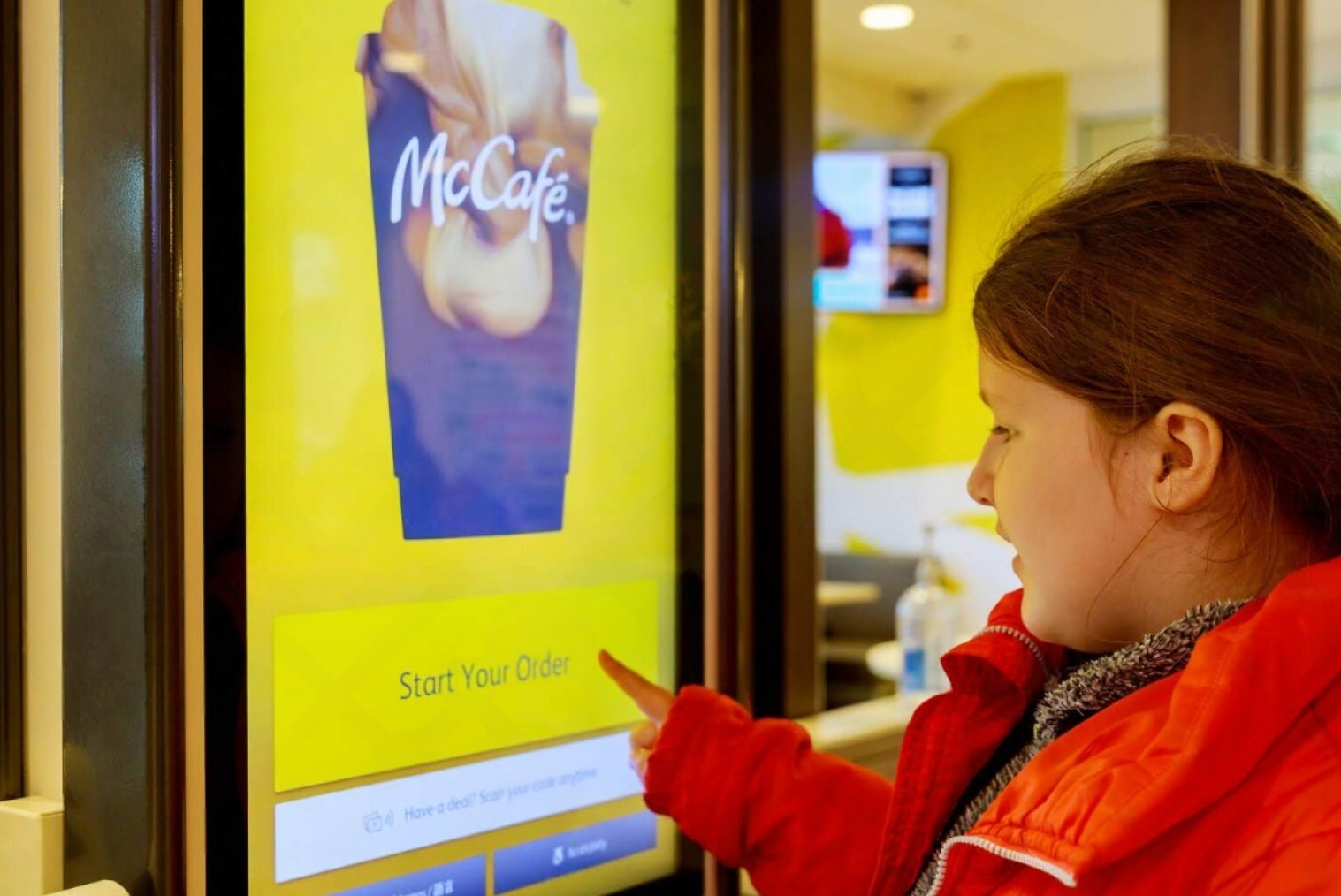
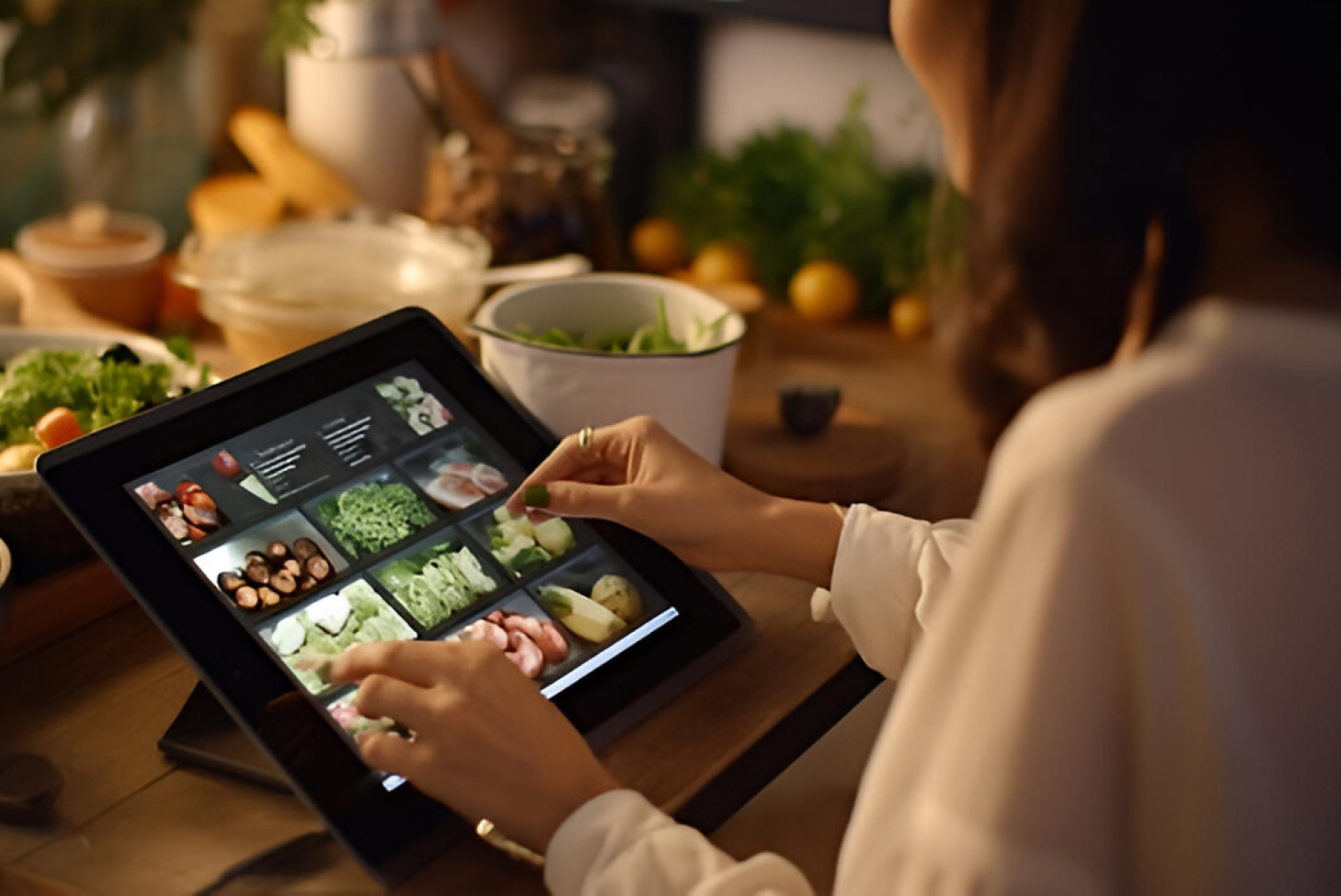
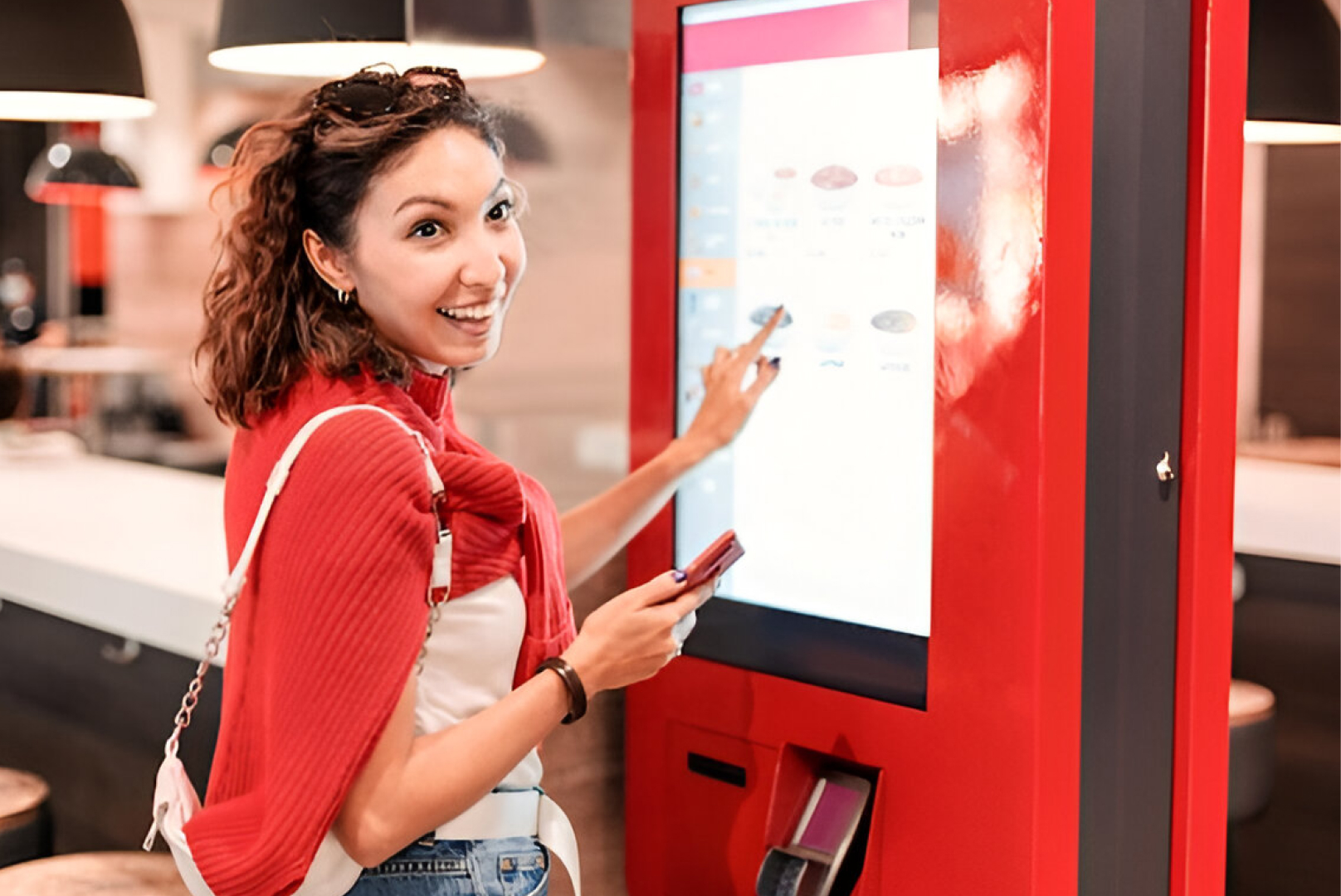
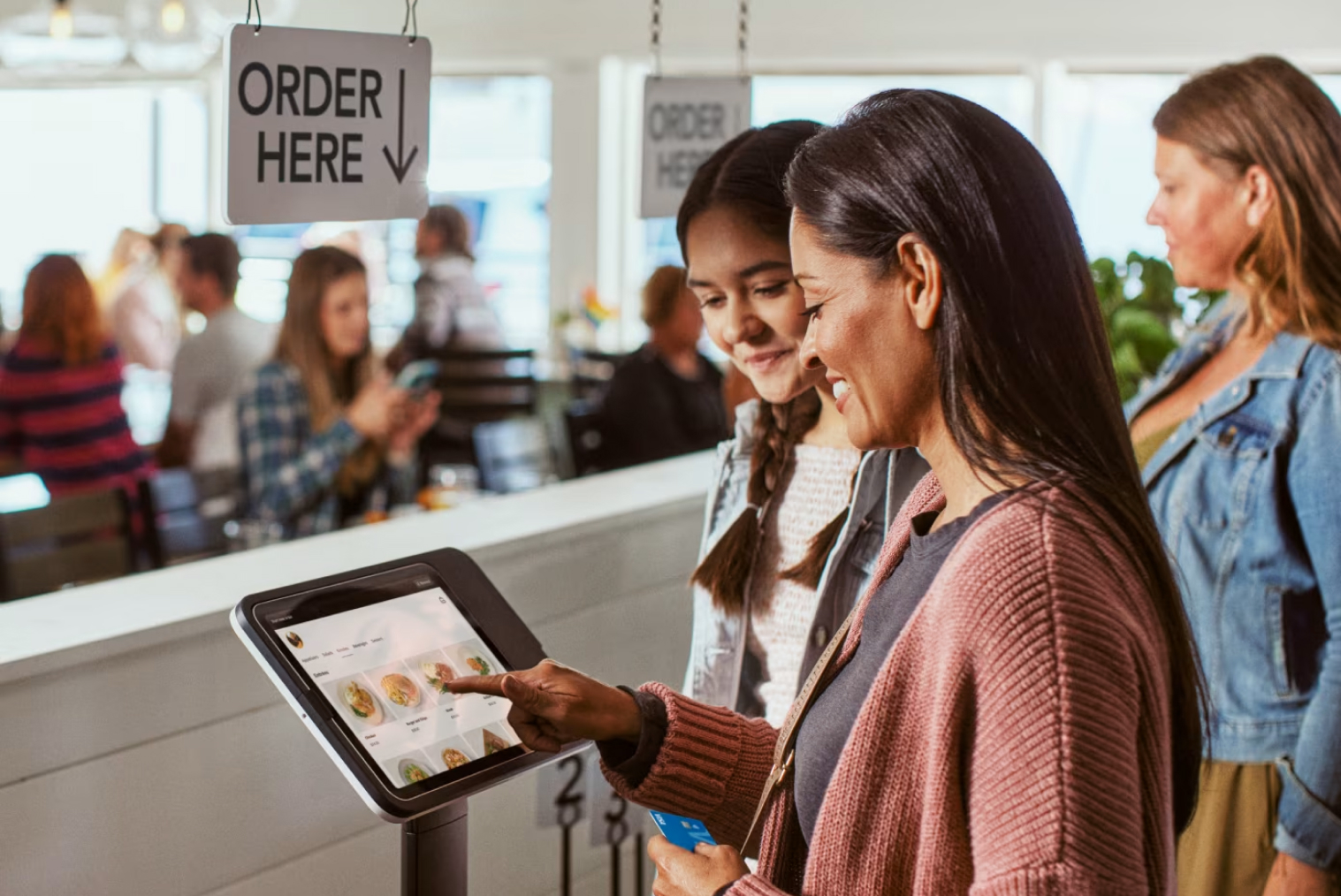
POS hardware is the physical equipment: the touchscreen terminal or tablet, receipt and kitchen printers, cash drawer, and card terminal. Some venues also use a kitchen display screen, a customer-facing display or a self-service kiosk. In many quotes, hardware is a capital cost, but it can also be rented or included in a package, so always ask which model applies.
POS software vs hardware vs a full system
| Component |
What it is |
What to check |
| Software |
The subscription: ordering, payments, reporting, integrations |
Which features are in the base plan and which are add-ons |
| Hardware |
Tablets or terminals, printers, cash drawers |
Whether you can use devices you already own; bought, rented or bundled into the monthly price |
| EFTPOS terminal |
The card payment device |
Whether it integrates with your POS, and who supplies and bills it |
| Full system |
Software plus hardware plus setup and support |
One total for the term of the contract, not just the monthly headline |
The key point: when a provider advertises software at a certain monthly price, that figure may cover only the subscription. Hardware, the card terminal, and setup can be separate line items, so ask for a quote that covers all four parts.
Can you bring your own hardware?
Often, yes. Cloud systems tend to run on standard tablets, so an existing iPad or Android device may be enough. The things to confirm before you commit are device compatibility, whether the receipt printer and cash drawer will connect, and who is responsible if something fails. Some providers, including Tabin, supply the hardware as part of the package instead.
Some providers are hardware-agnostic, which means you can source devices yourself and are not locked in if you switch software later. Others require their own proprietary terminals. That can create a lock-in: if you switch providers, you may need to replace all your hardware at once. A simple question tells you a lot: can I use a standard iPad or Android tablet with your software, or do I need your specific hardware?
What is usually included, plan-dependent, or an add-on?
| Feature |
Usually in the base plan? |
May vary or cost extra |
| Order and menu management |
Usually |
Rarely an add-on |
| Basic reporting |
Usually |
Advanced reporting varies |
| Staff accounts |
Usually |
Number of users may depend on the plan |
| Inventory |
Varies |
May depend on the plan |
| Kitchen display |
Varies |
May need an add-on and extra hardware |
| Online ordering |
Varies |
May be a separate product |
| Loyalty |
Varies |
May be a separate product |
| Multi-site |
Varies |
Often depends on the plan |
| Phone support |
Varies |
Depends on the provider |
| EFTPOS integration |
Varies |
Terminal and provider costs may apply |
This is where the advertised price and the real monthly cost drift apart. As an illustration only, a base plan of $99 a month that adds $40 for kitchen display, $30 for loyalty and $20 for phone support is really a $189 a month system, nearly double the headline price.
How does cloud POS change the hardware question?
Because the software runs online, you are not locked into a proprietary till. That is the main reason hardware costs can be lower than with older on-premise systems. A cloud POS also updates automatically, can be viewed from any device, and stores data online instead of on one machine, so replacing a failed device is simpler. For a fuller comparison, see our guide to legacy POS vs cloud POS.
Questions to ask any POS vendor
- Which features are in the base subscription, and which are add-ons?
- Can I use my existing tablets, printers and cash drawer?
- Is hardware sold, leased, rented or bundled into the monthly price, and who replaces it if it fails?
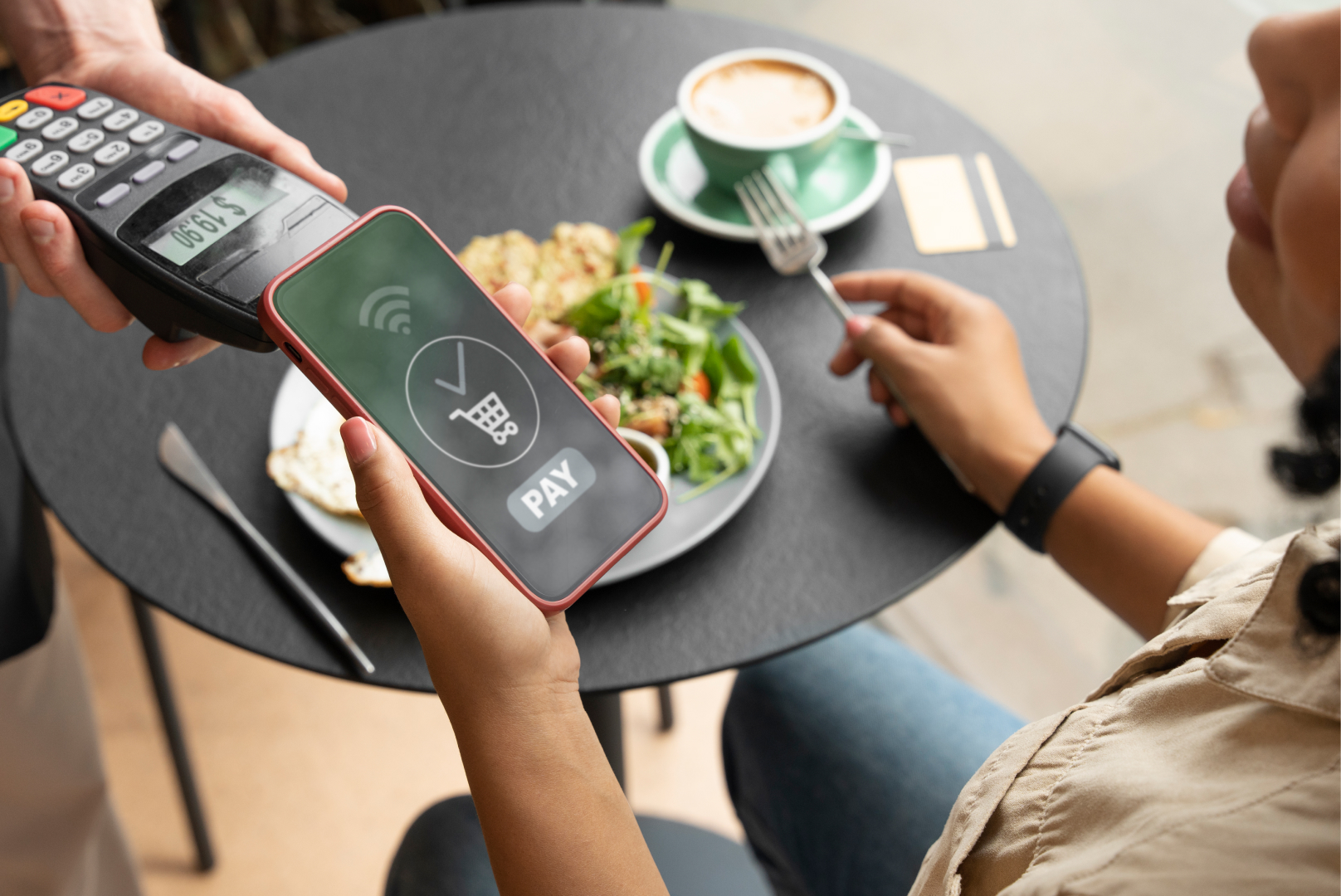
- Which EFTPOS terminals integrate, and is terminal rental billed by you or by the payments provider?
- Which payment providers do you support? (For example, Windcave, Verifone and Shift4, formerly Smartpay.)
- What support is included, and when is it available?
- How are software updates delivered, and do they cost extra?
- Can I export my transaction history, customer data, and menu if I leave?
- What does a venue like mine pay in total, and what is included?
Common mistakes when buying POS software
- Comparing monthly subscriptions without checking whether hardware is included.
- Assuming every feature you saw in a demo is in the base plan.
- Not asking whether the card terminal integrates with the POS or runs separately.
- Signing a contract without checking how you can export your data if you leave.
How Tabin packages software and hardware
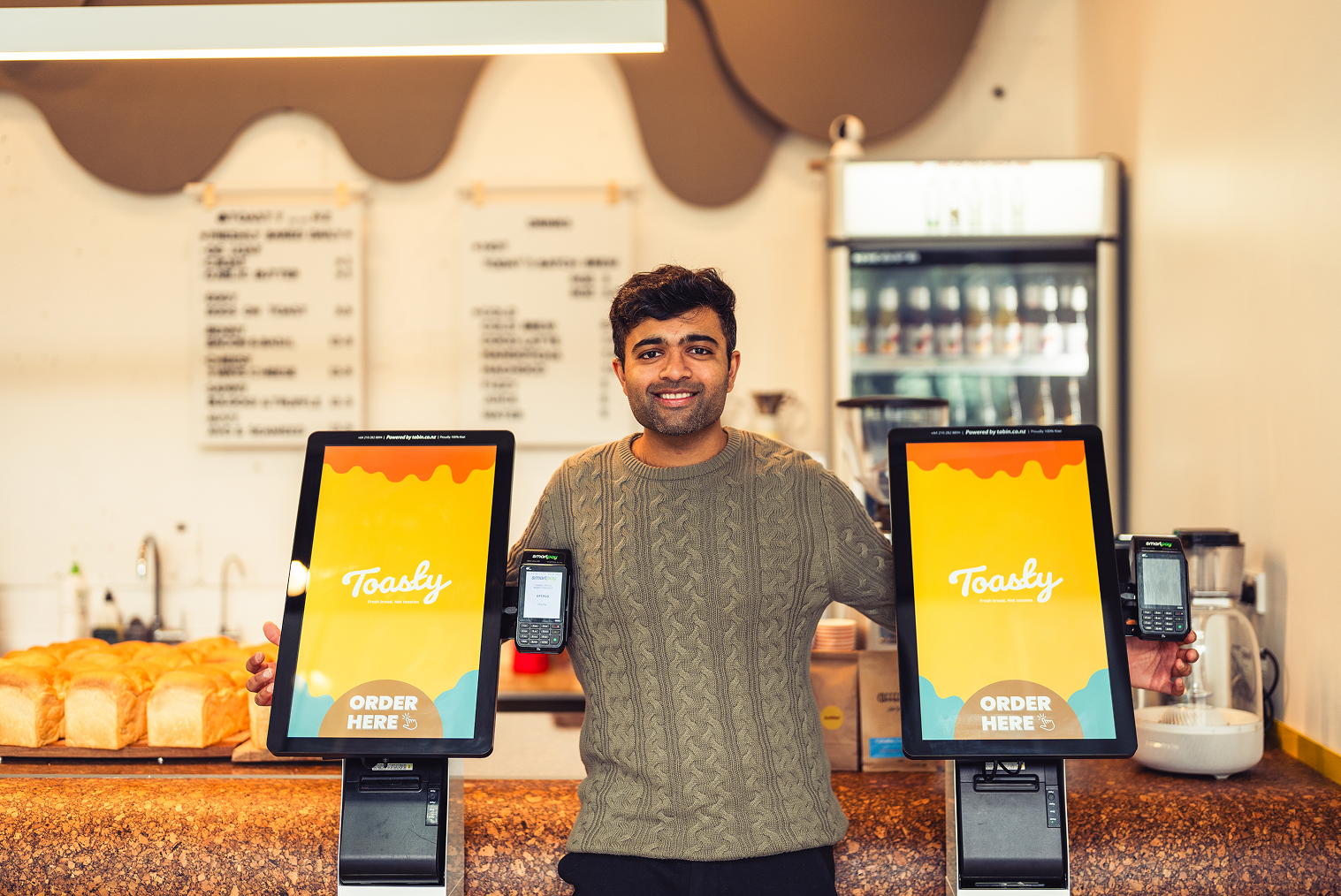
Tabin supplies the hardware and the software together as one package, so there is no separate hardware purchase to manage. The system runs on iOS, Android and Windows, and a venue can mix iPads, Android tablets and Windows terminals.
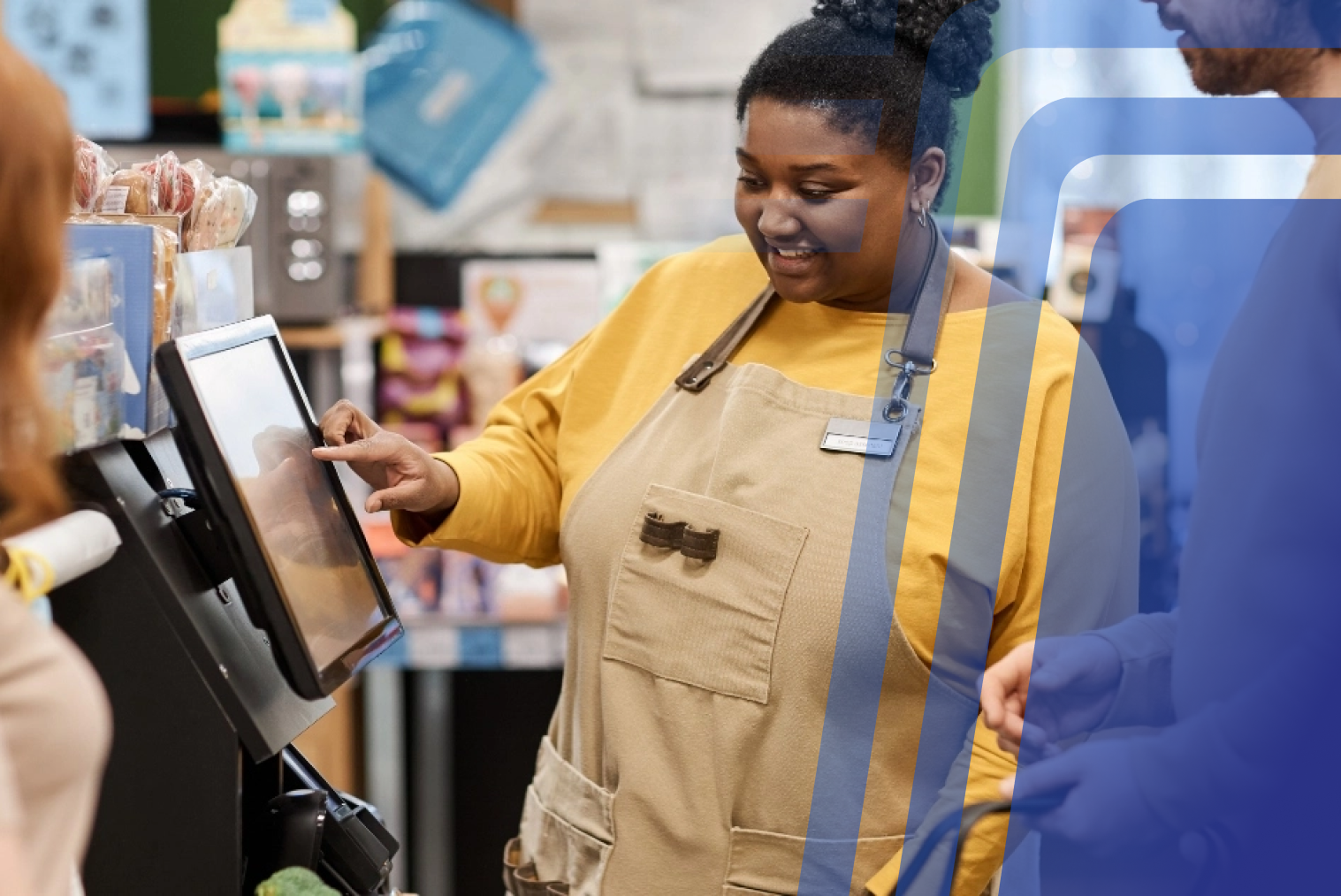
Setup includes hardware installation, software configuration, menu design and staff training, and most venues are live within days. Phone and on-site support are included as part of the package.
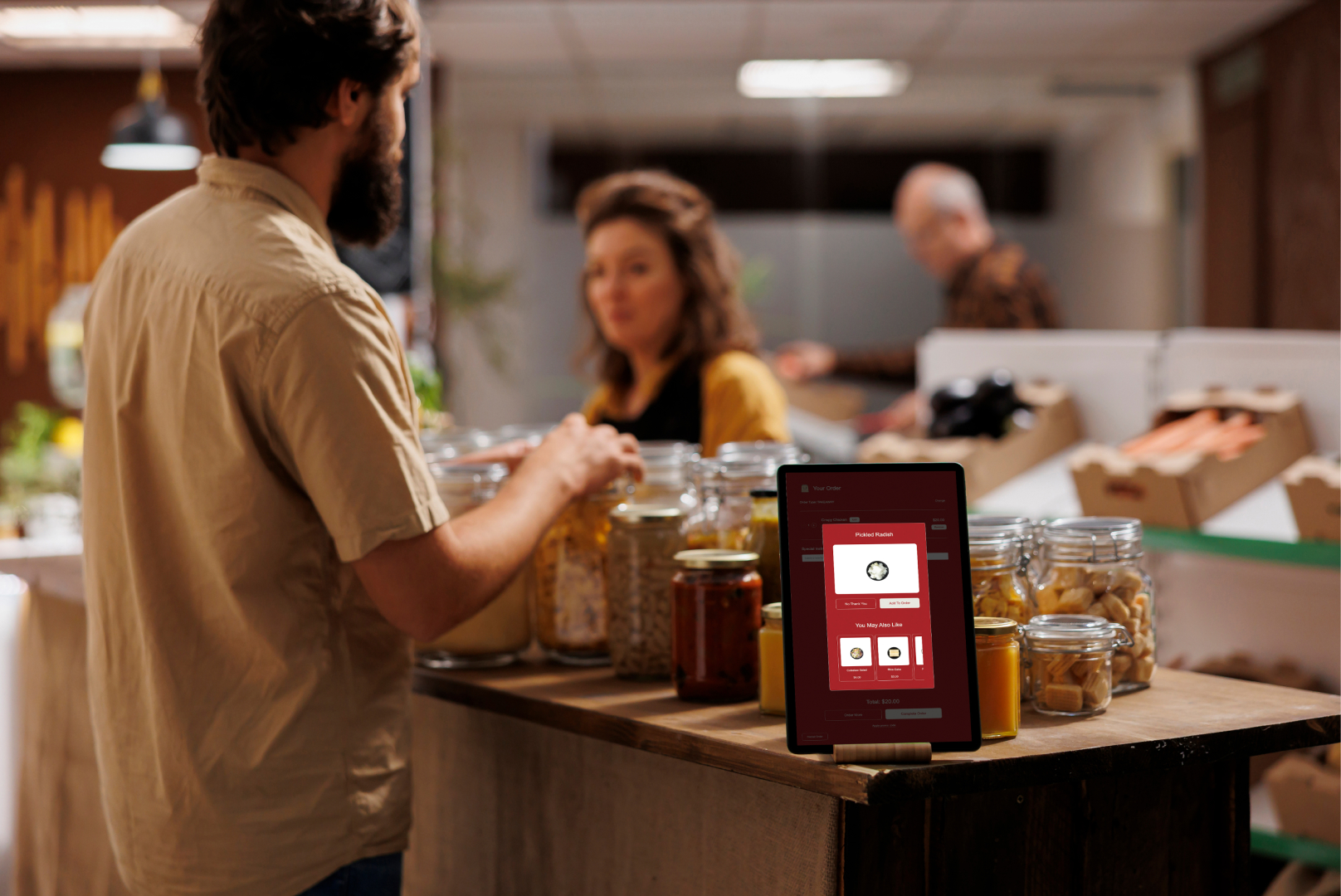
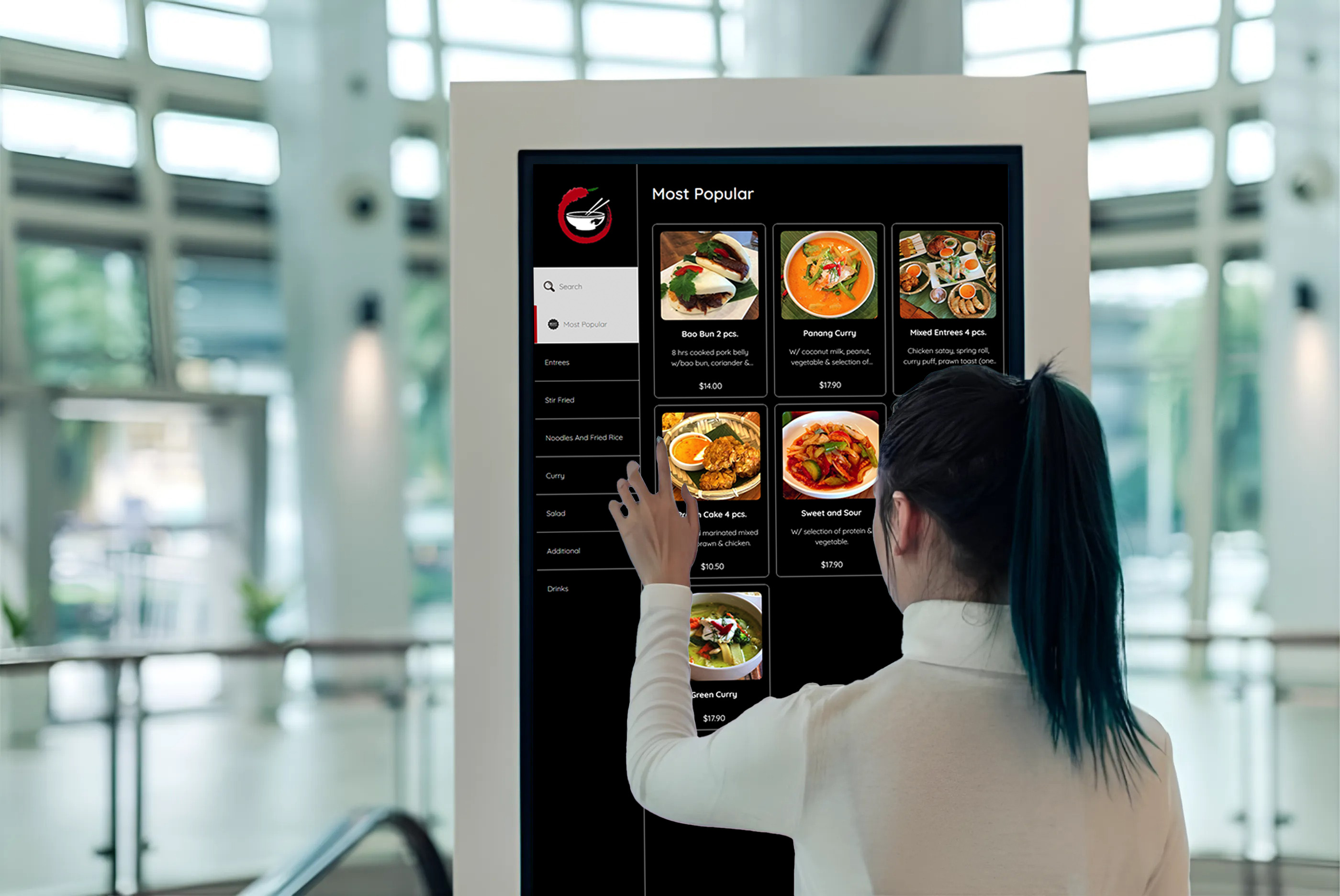
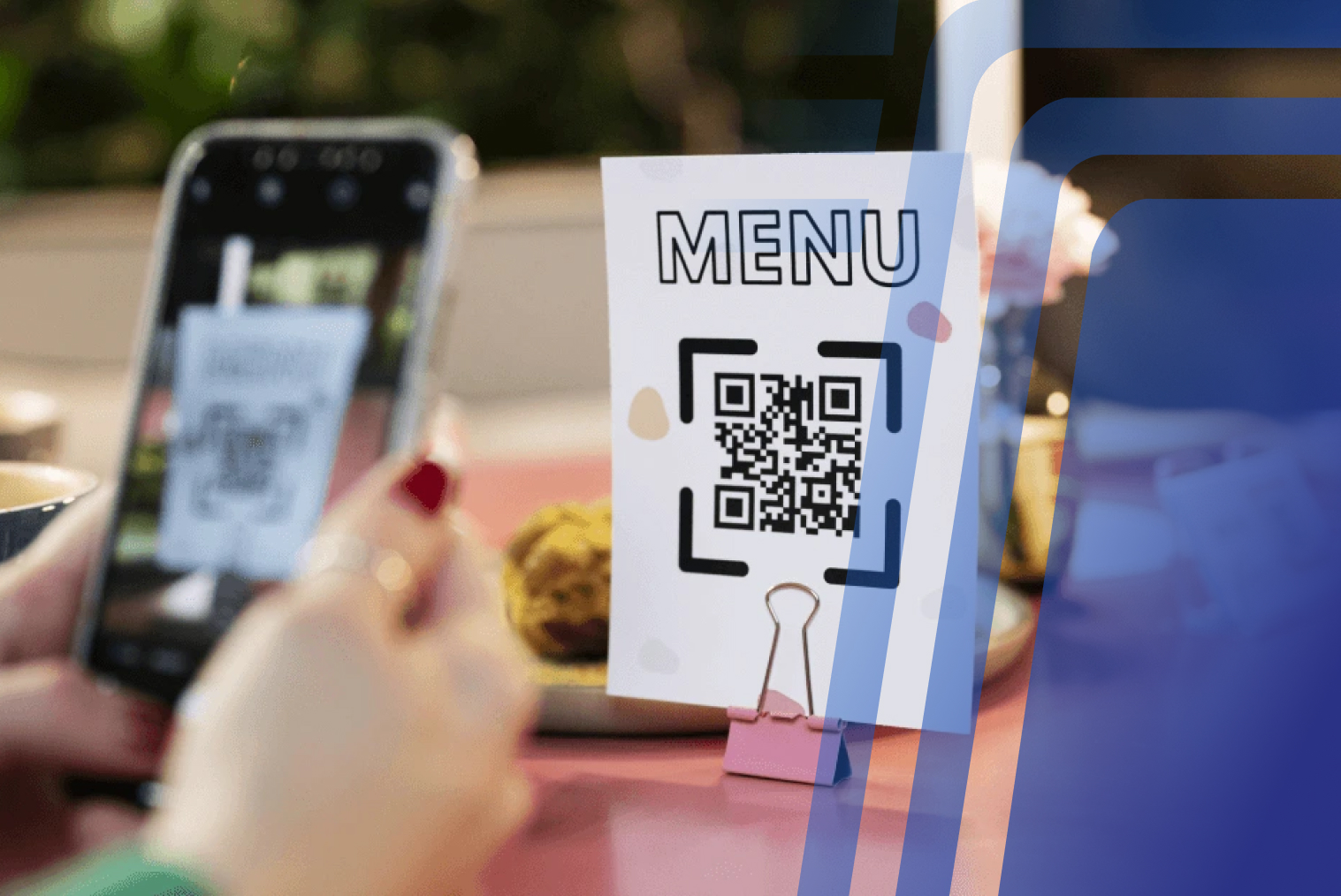
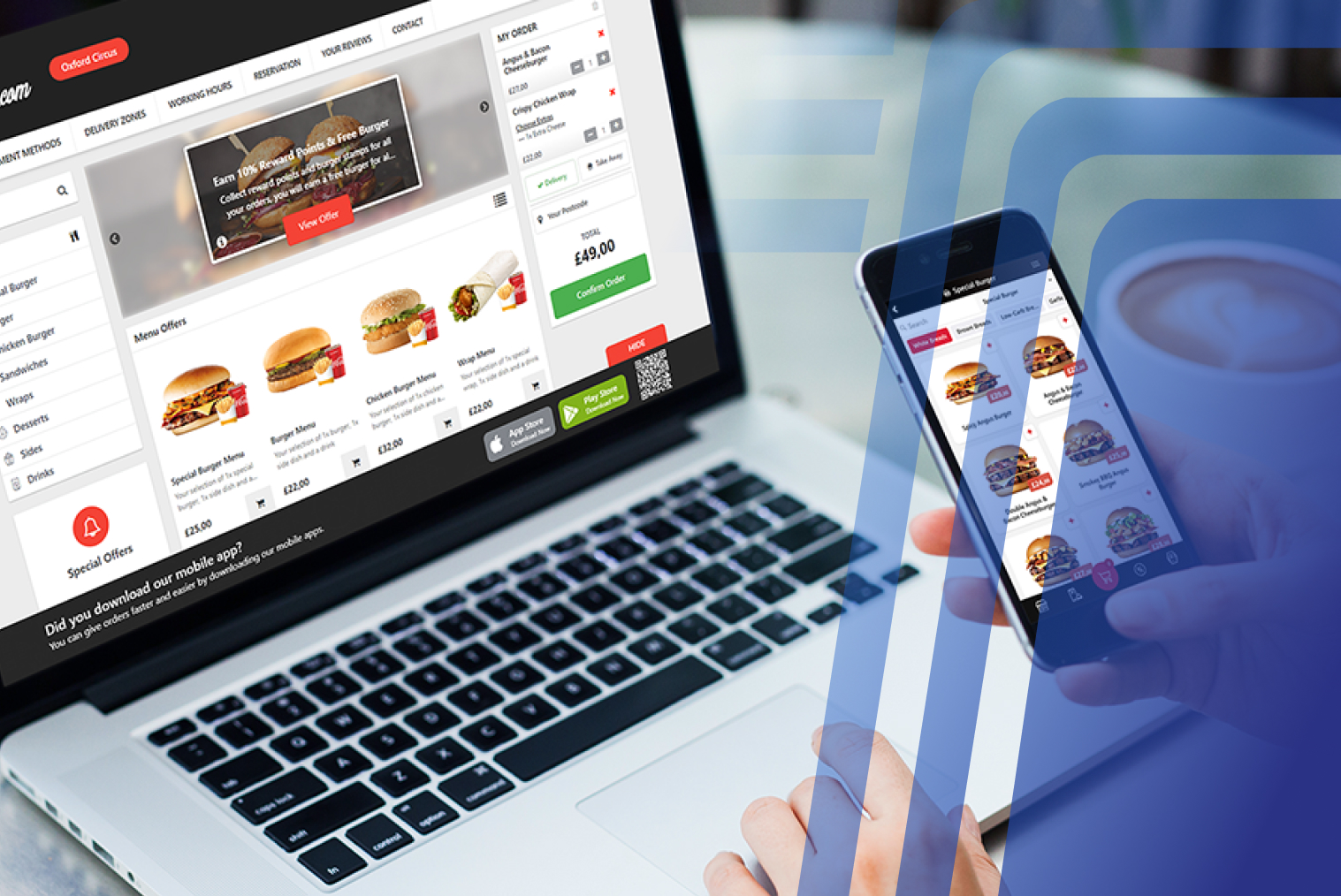
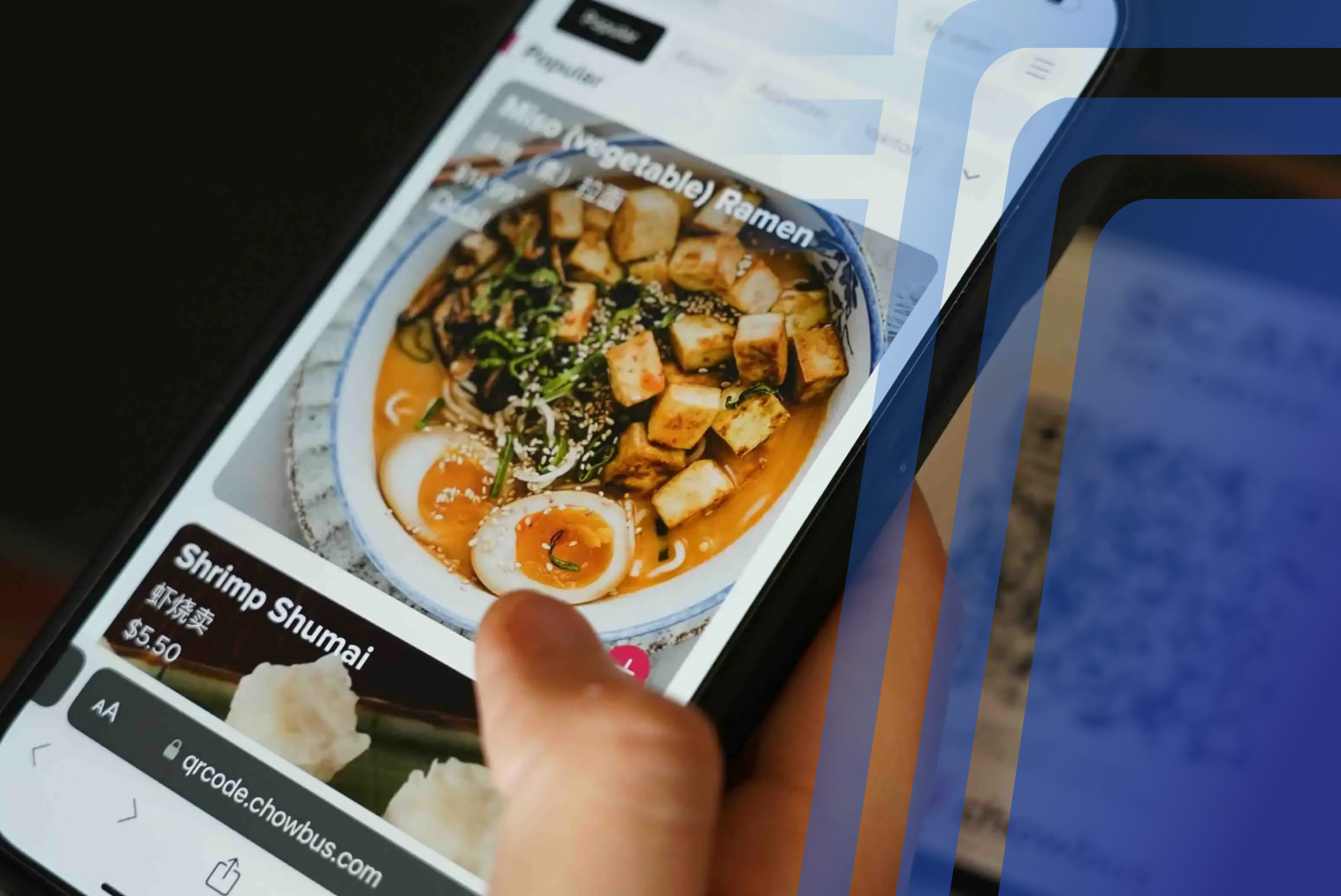
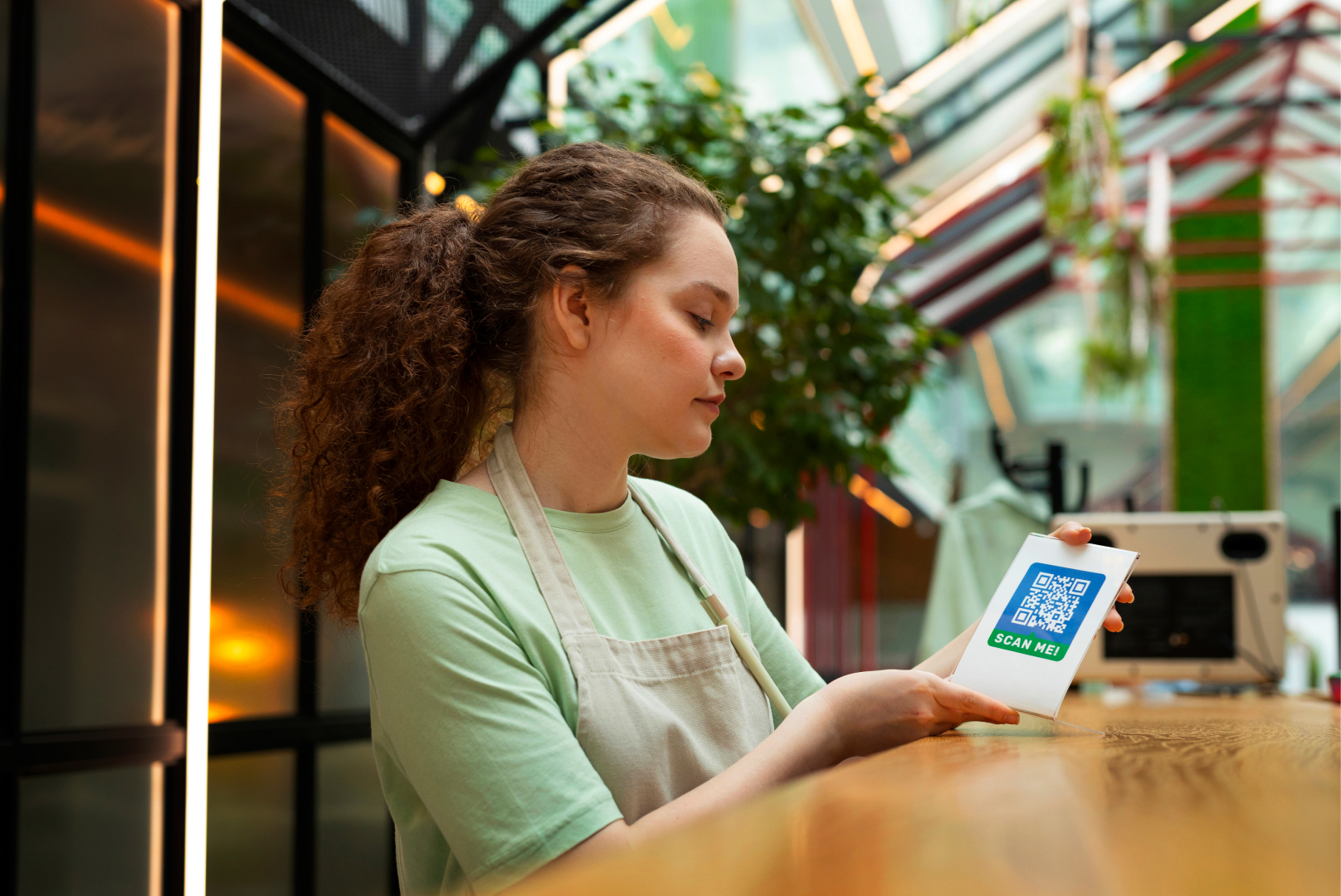
Tabin also covers the rest of the venue in the same system: online ordering, self-service kiosks, QR ordering, kitchen display, loyalty and EFTPOS integration.
You can see the full feature set on our POS system page, or talk to the team for a quote.
Conclusion
Treat software and hardware as two separate things when you compare vendors, even if a provider bundles them into one package. Once you know what each part covers, it is much easier to compare quotes and avoid paying for extras you do not need.
Software is the subscription. Hardware is the equipment. The card terminal is a third item. What matters is the total of all three, and what is included in it.
Frequently Asked Questions
Q1: What is the difference between POS software and POS hardware?
POS software is the program that takes orders, processes payments, and produces reports. POS hardware is the physical equipment it runs on, such as a tablet or terminal, receipt printer, cash drawer, and card terminal.
Q2: What is the difference between POS software and a POS system?
POS software is the application that runs ordering, payments, and reporting. A POS system is the complete setup: the software plus hardware such as a tablet or terminal, printer, cash drawer, and card terminal. When a provider advertises software at a monthly price, check whether the hardware and payment equipment you need are included.
Q3: Do I need to buy POS hardware from my software provider?
Not always. Some cloud POS systems run on standard devices such as iPads or Android tablets, so you may be able to use hardware you already own. Others supply the hardware as part of a package. Either way, ask exactly what hardware is included and what it costs over the contract term.
Q4: Does TABIN supply POS hardware?
Yes. TABIN supplies the hardware as part of one package with the software, so there is no separate hardware purchase. The system runs on iOS, Android, and Windows devices, and a venue can mix iPads, Android tablets, and Windows terminals.
Q5: What should I ask a POS vendor before I sign?
Ask what is included in the subscription, whether hardware is sold, rented, or bundled, which EFTPOS terminals integrate, what support is included and when it is available, how updates are delivered, and whether you can export your data if you leave.


.webp)












.png)

















.webp)


