Delivery apps like Uber Eats charge NZ restaurants up to 30% commission per order — on margins that often sit at 5–10%. The alternative isn't abandoning online ordering; it's owning it. A direct, commission-free ordering setup integrated with your POS gives you the same customer convenience at a fraction of the cost — and you keep the data, the relationship, and the margin.
Introduction
A $40 takeaway order sounds good until Uber Eats takes $12 of it. At 30% commission — the standard rate for most NZ restaurants on full-service tiers — the effective cost of third-party delivery can exceed 40% of revenue once payment processing, marketing fees, and GST are factored in. For a restaurant operating on 5% net margins, that means most delivery orders run at a loss.
In New Zealand, Uber Eats charges around 30% commission while DoorDash and Delivereasy operate in similar bands of 20–35%. Those numbers are widely understood — but many operators sign up without fully calculating what they mean for profitability on a per-order basis.
The answer isn't to exit online ordering. It's to own it. A direct online ordering setup — integrated with your POS, branded to your restaurant, and free of per-order commission — lets you capture the same customer demand while keeping the margin that makes delivery worthwhile.
This guide walks through what that setup looks like, how to build it, and how to transition customers away from delivery apps without losing orders in the process.
What Online Ordering for Restaurants Actually Means
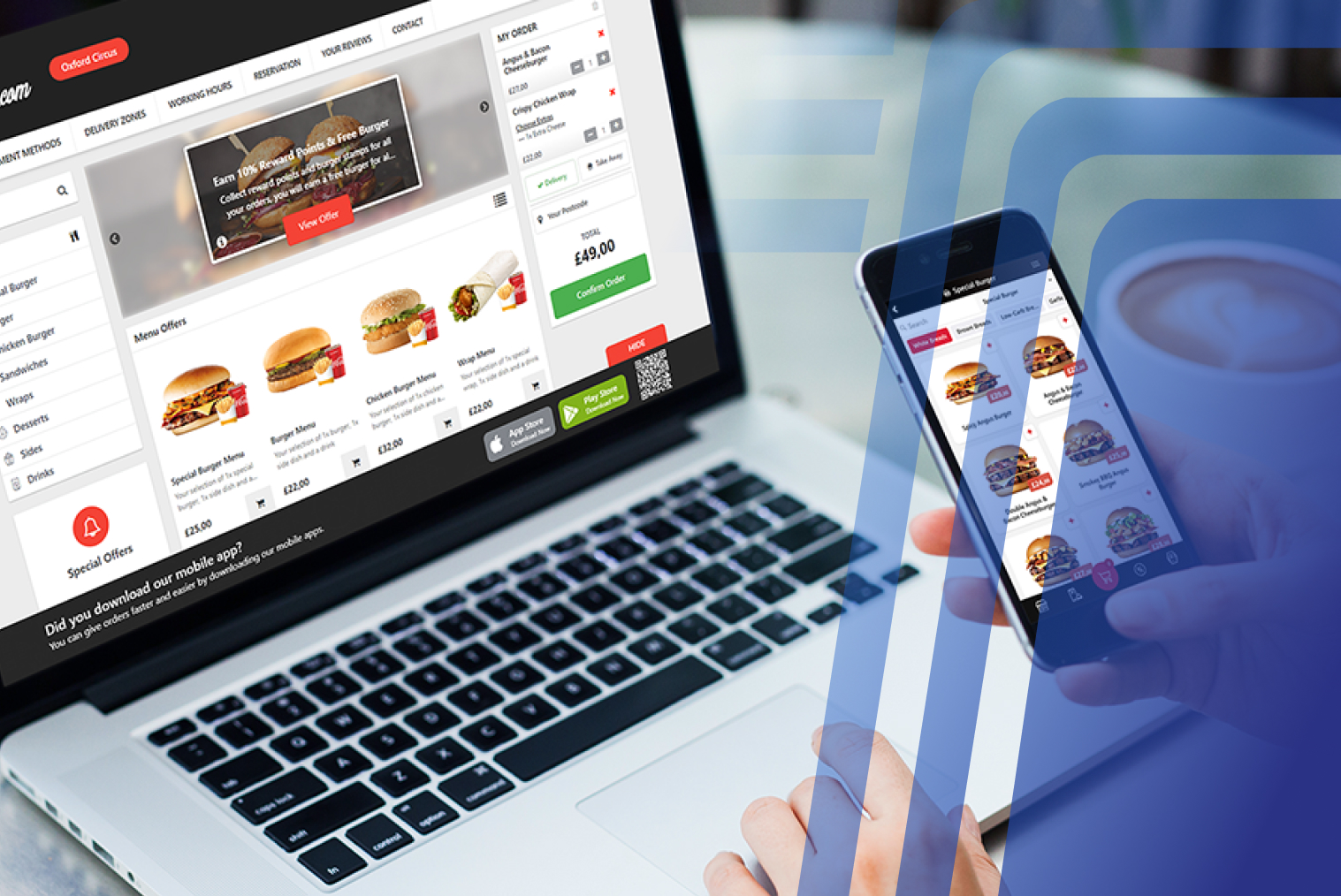
Online ordering for restaurants falls into two categories: marketplace ordering through third-party apps, and direct ordering through your own website or app. The difference isn't just about commission — it's about who owns the customer relationship, the data, and the repeat-order behaviour.
Marketplace ordering (Uber Eats, DoorDash, Delivereasy) puts your restaurant in front of a large existing audience. Discovery is the main value proposition — customers who don't know you yet can find you through the platform. The cost is a commission on every order, including orders from customers who already know you and would have ordered directly if given a simple way to do so.
Direct ordering — through your own website, app, or a white-label ordering page — means the customer lands on your page, places their order, and pays you. Payment processing fees typically run 2.9–5%, compared to 20–30% commission on third-party platforms. Paytronix's 2024 Online Ordering Report found that customers also order 35% more items per transaction through first-party platforms — a meaningful revenue uplift on top of the margin saved.
The most effective approach for most restaurants is a hybrid: staying on marketplace platforms for discovery while actively building direct ordering for existing customers.
Why Delivery-App Commissions Hurt Margin
Restaurant profit margins typically sit at 3–9% of revenue. When a delivery platform takes 20–30% of every order processed through it, the arithmetic on profitability becomes straightforward: most third-party delivery orders are unprofitable at standard menu prices.
The full cost picture is usually worse than the headline commission rate. Industry research shows that when payment processing, paid placement, and promotional fees are included, the actual cost can exceed 40% of order revenue. Many NZ restaurants respond by inflating delivery menu prices — but this creates a different problem: customers comparing prices between your delivery listing and your dine-in menu.
There's a second cost that rarely appears in commission discussions: data. Every order placed through a third-party app is a customer relationship that lives on the app's platform, not yours. The delivery company knows who ordered, how often, and what they bought. You get the order and the commission deduction — nothing else.
Only 40% of restaurants currently have their own commission-free online ordering solution. That gap represents a significant competitive opportunity for restaurants willing to invest in a direct channel.
POS-Integrated vs Standalone Online Ordering — Comparison
Not all online ordering setups work the same way. Here's how the main approaches compare:
|
Third-Party App (Uber Eats, DoorDash) |
Standalone Direct Ordering |
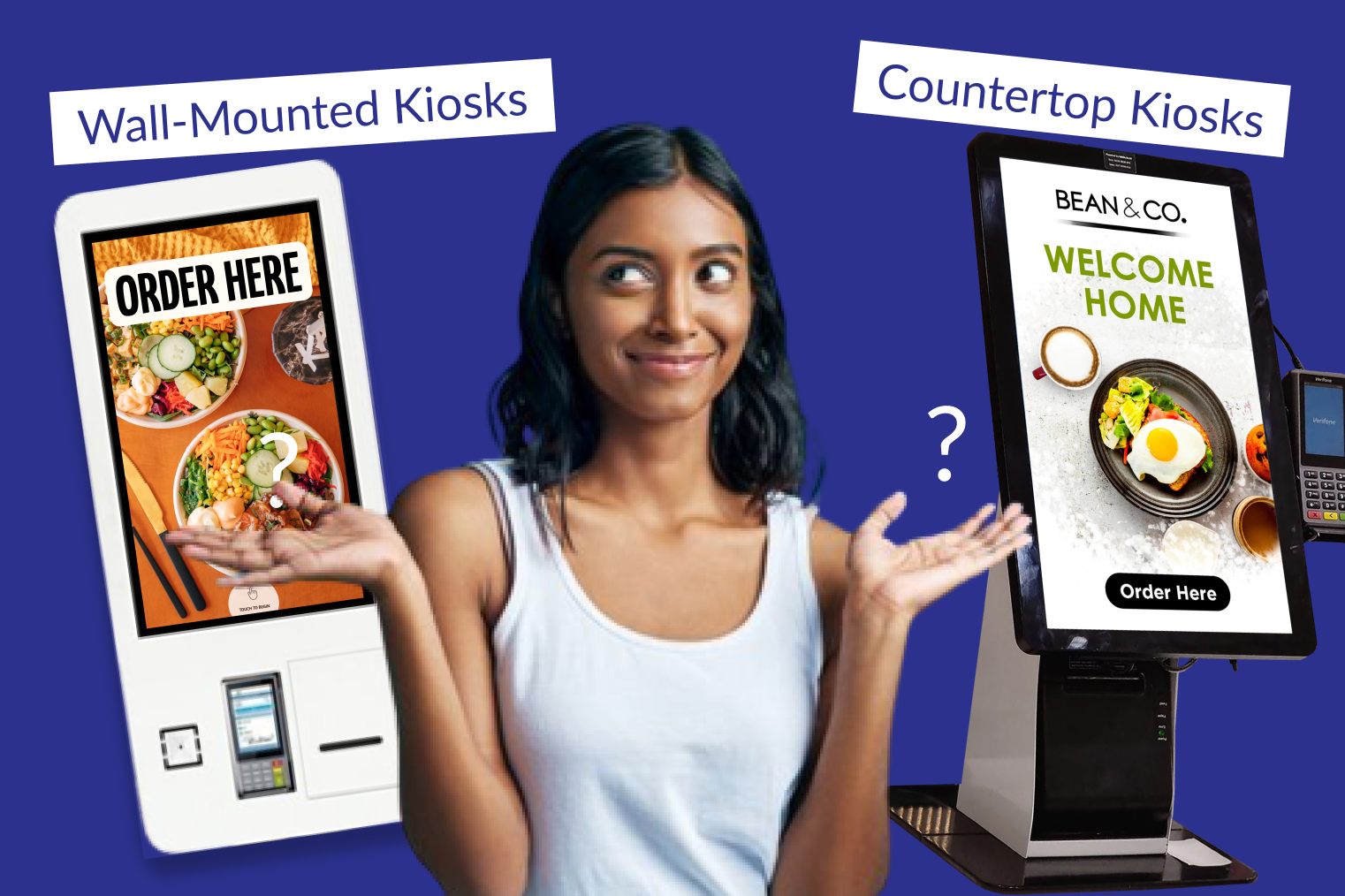
Standalone Restaurant Kiosks |
| Commission per order |
20–30% + fees |
Flat monthly fee or 0–5% processing |
Flat monthly fee or 0–5% processing |
| Customer data access |
Platform owns it |
You own it |
You own it |
| POS sync |
Manual re-entry or middleware |
Manual re-entry |
Automatic, real-time |
| Menu management |
Separate update required |
Separate update required |
Single update syncs everywhere |
| Kitchen integration |
Depends on setup |
Separate printer/tablet |
Direct to KDS |
| Order accuracy |
Moderate (re-entry risk) |
Moderate (re-entry risk) |
High (no re-entry) |
| Discovery value |
High (new customers) |
Low (existing customers only) |
Low (existing customers only) |
| Best for |
New customer acquisition |
Low-volume direct orders |
High-volume direct + margin protection |
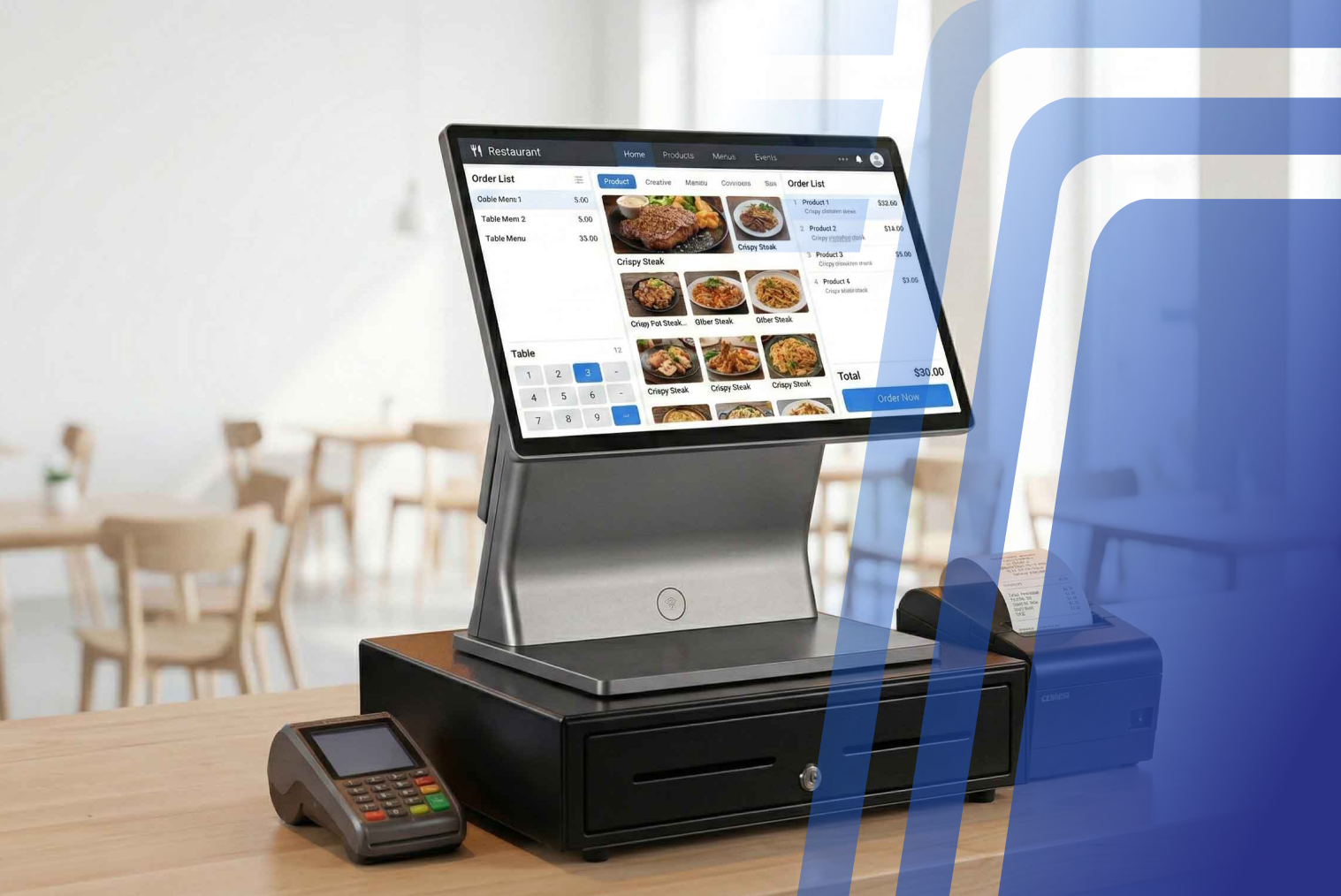
A POS with online ordering integration is the most operationally efficient setup: orders flow directly from the customer's screen to your POS and kitchen without any manual handling, menu updates apply across all channels from one place, and your sales reporting consolidates all order sources automatically.
How to Set Up Online Ordering, Step by Step
Setting up a direct online ordering channel doesn't require a technical team or months of build time. Most modern POS-integrated ordering platforms can be live within a few days.
1. Audit your current delivery costs. Pull three months of payout statements from each platform and calculate your actual effective commission rate per order — including payment fees and any promotional contributions. This gives you a clear baseline for measuring what a direct channel saves.
2. Choose your ordering setup. For most NZ restaurants, a POS-integrated ordering page (hosted on your website or a branded ordering domain) is the right starting point. It handles menu display, customisation, payment, and order routing without separate management.
3. Configure your menu for online ordering. Online menus need clear descriptions, good food photography, and logical category structure. Items that don't travel well should either be excluded or flagged as dine-in only.
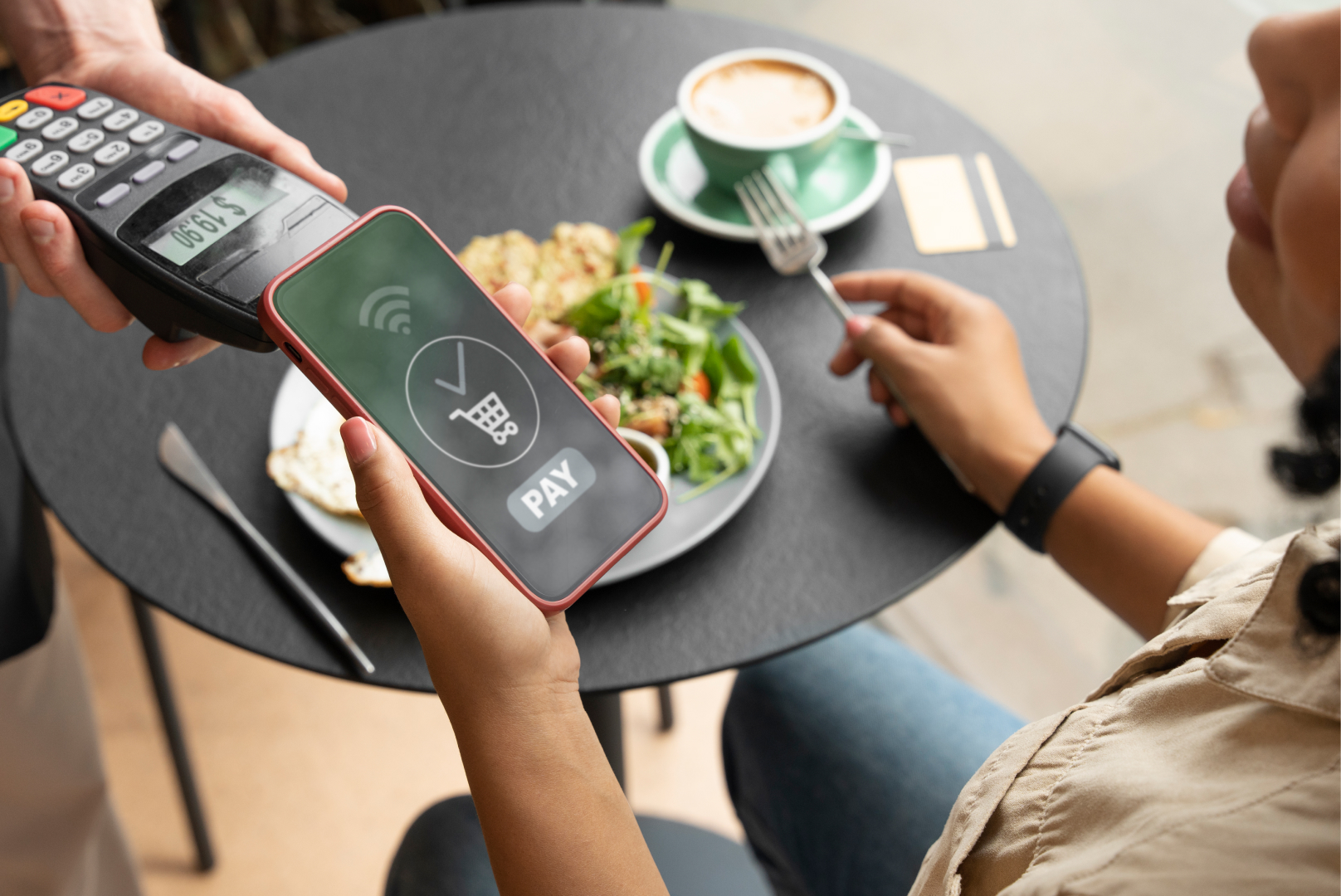
4. Set up payment processing. Choose a payment gateway that supports NZ payment methods including contactless, Visa/Mastercard, and Apple/Google Pay. Ensure GST handling is automatic.
5. Test the full order flow. Place test orders at every stage — browse, customise, checkout, payment, kitchen receipt. Identify any friction points before going live.
6. Launch with a direct-order incentive. Give existing customers a concrete reason to switch: a discount on first direct order, free delivery above a minimum spend, or a loyalty point bonus only available through direct ordering.
How Online Ordering Syncs With POS & Kitchen
When online ordering is integrated with your POS, orders from your website or app appear in the same queue as counter and kiosk orders — with no manual re-entry. The order routes directly to the relevant kitchen station or printer, and your POS records the transaction for end-of-day reporting.
This integration eliminates two common failure points in standalone ordering setups: the manual transfer step (where orders are re-keyed from a tablet into the POS, creating errors) and the separate ticket flow (where online orders appear on a different printer, creating confusion about priority during peak service).
Menu changes work the same way. When you 86 an item or update pricing through your POS, a properly integrated system pushes that change to your online ordering page automatically. With standalone platforms, menu updates require separate login and editing in each system — a routine task that leads to customer frustration when it's missed.
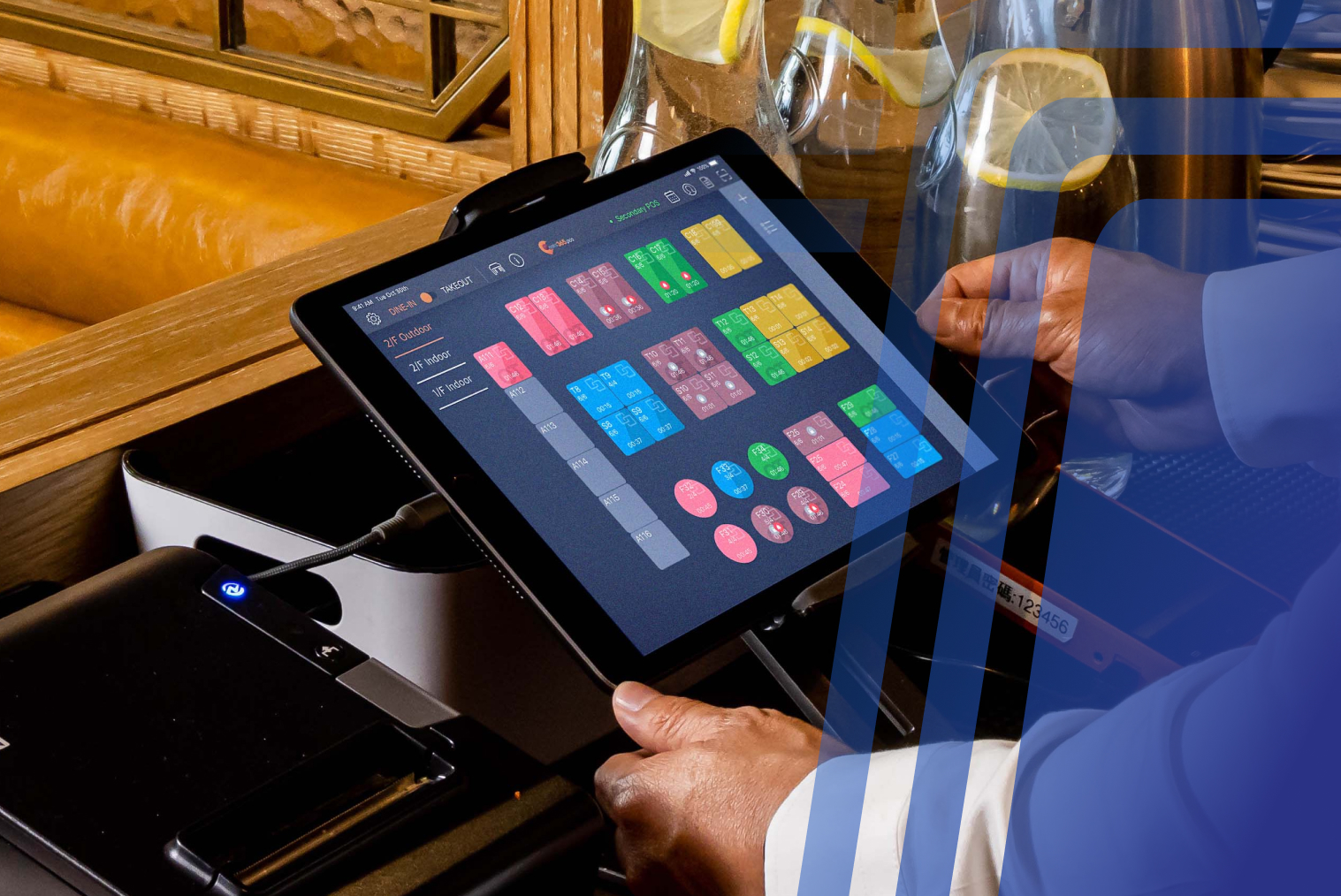
Kitchen display system (KDS) integration is particularly important for busy services. Online orders that appear directly on the KDS — marked with their source, table or pickup reference, and any modifications — give kitchen staff full context without printing tickets or checking a separate device.
Common Mistakes That Cost Restaurants Orders
• Launching without a direct-order incentive. Customers order through Uber Eats because it's the path of least resistance. A direct ordering page on your website won't convert existing delivery customers without an active push — a discount, loyalty points, or a direct-only menu item gives them a reason to change their habit.
• Inconsistent menus across channels. If your delivery menu has items your website doesn't carry (or vice versa), customers get confused and choose whichever channel is easiest, which is usually the app.
• No mobile optimisation. Most online orders are placed on mobile. A direct ordering page that isn't properly optimised for smartphones creates friction at the most important step in the customer journey.
• Slow confirmation and preparation updates. Customers using third-party apps get order tracking and ETAs. A direct ordering setup that provides no confirmation beyond an email creates anxiety and increases "where's my order" contact.
• Treating direct ordering as set-and-forget. Regularly review conversion rates, average order values, and drop-off points. A direct ordering setup that isn't actively maintained — with fresh photography, updated pricing, and current specials — loses effectiveness over time.
How to Keep Customers Ordering Direct
The key to building a direct ordering channel is giving your most loyal customers a better experience through direct ordering than through a marketplace. 67% of consumers say they prefer ordering directly from a restaurant's own website or app — the problem is awareness, not preference.
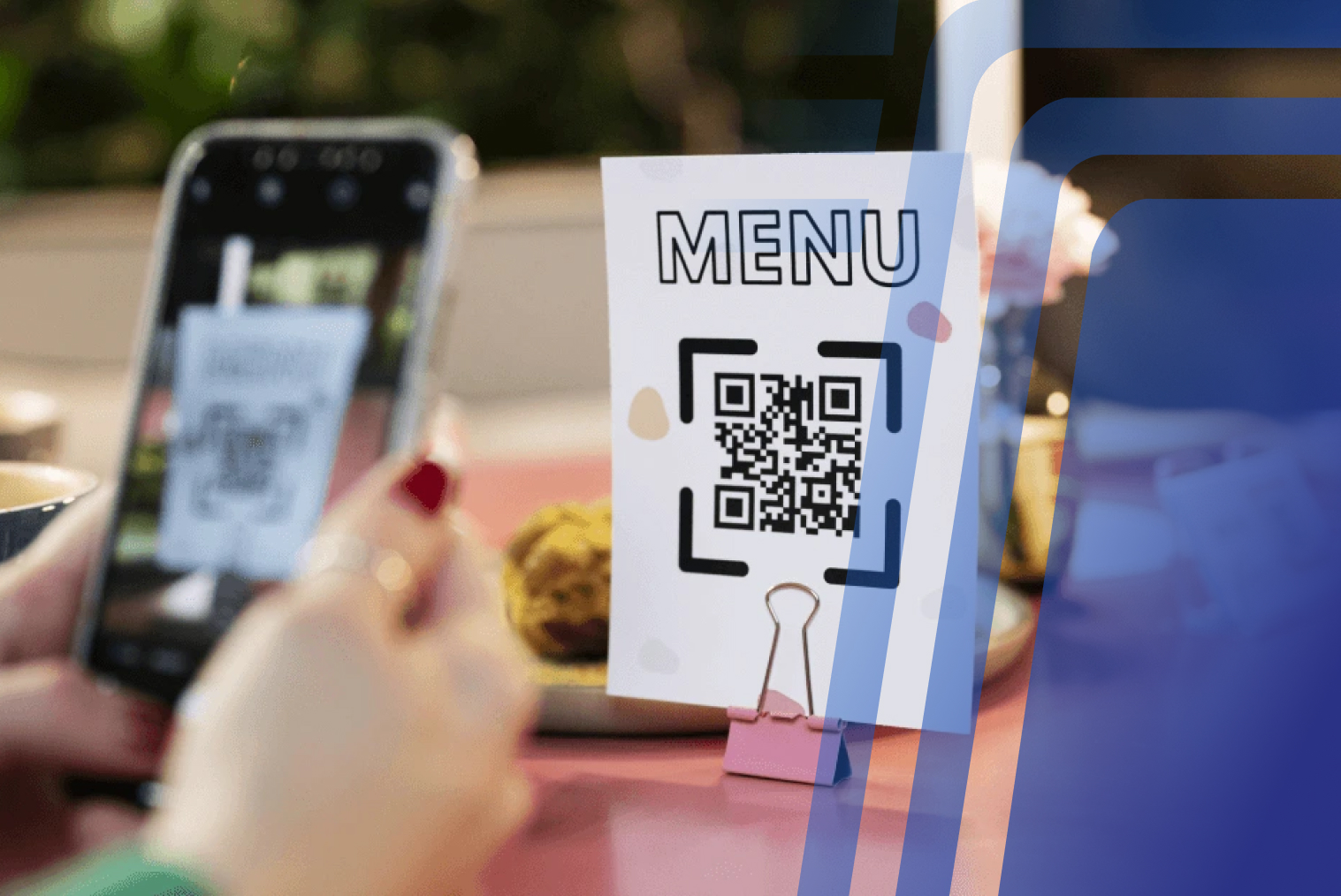
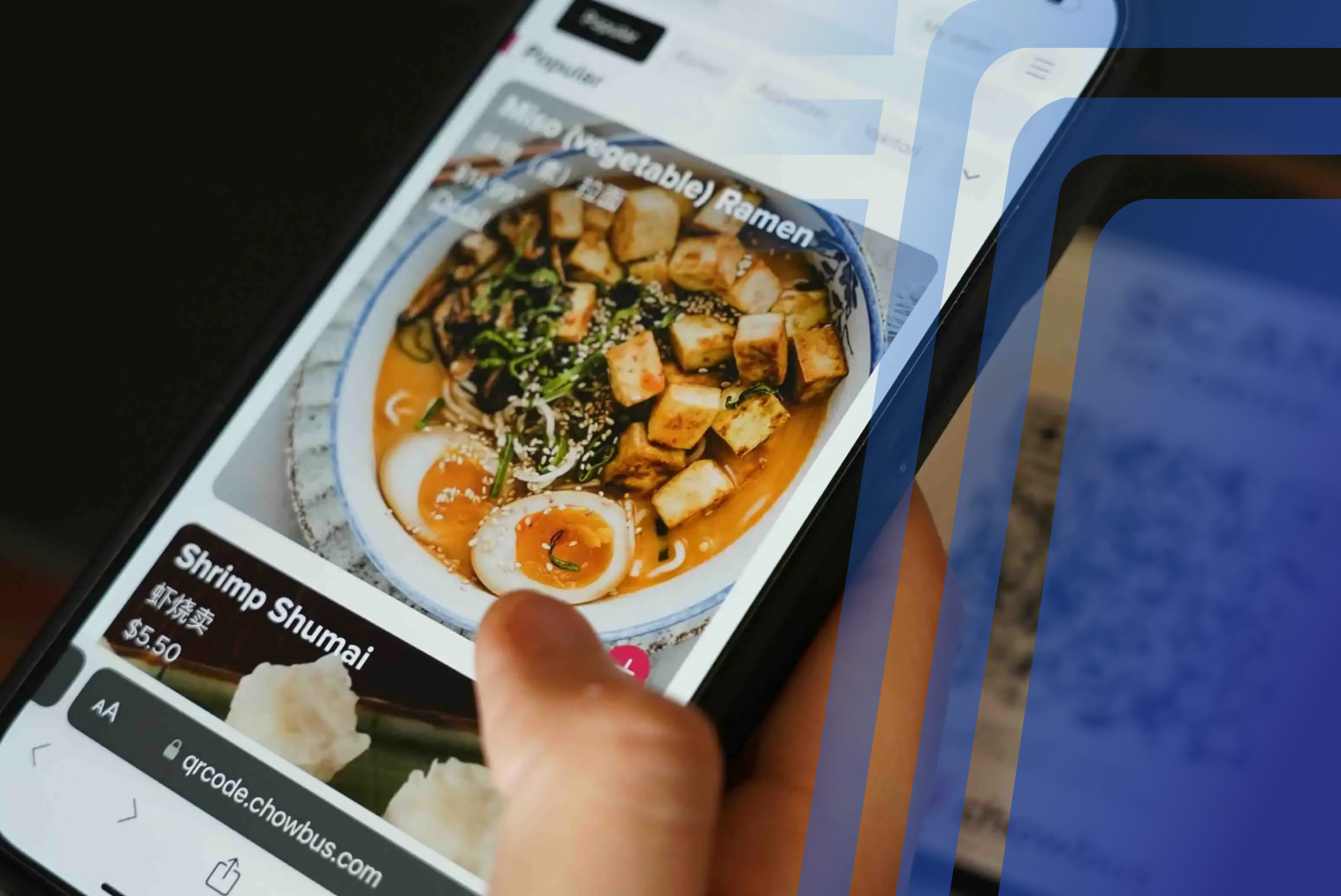
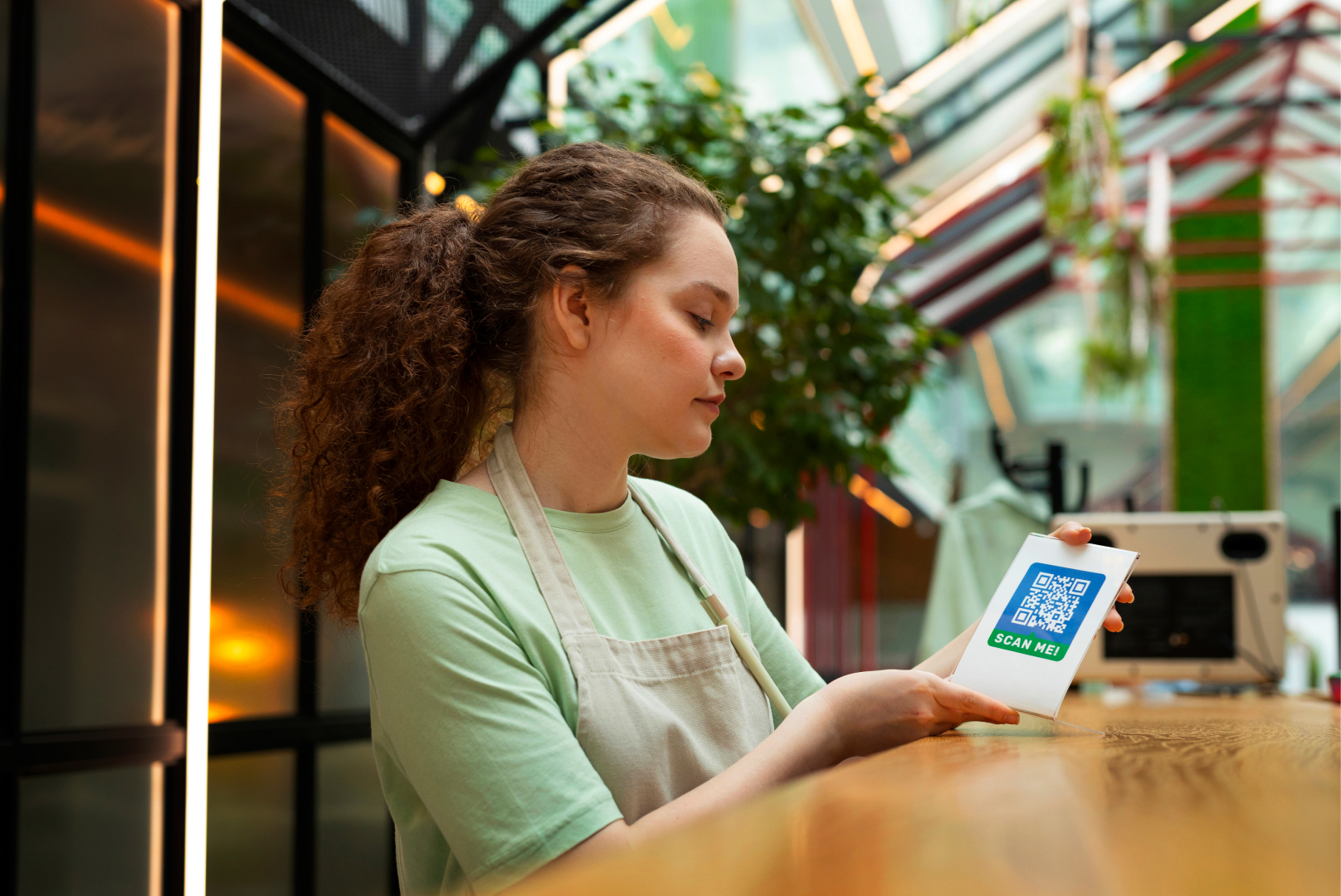
Start by making your direct ordering page visible everywhere your customers interact with you: on your physical menus, on your till receipts, in your social media profiles, and on table cards. QR codes linking directly to your ordering page are the lowest-friction entry point.
A loyalty programme that only applies to direct orders is the most effective retention mechanic. Customers accumulate points on your platform, not on Uber Eats — which means repeat ordering behaviour builds a direct relationship with you, not with the app.
Email marketing to your direct-order customer list is also significantly more cost-effective than running promotional campaigns through a delivery platform. You own the list, you control the timing, and there's no per-order cost.
Choosing an Online Ordering Setup in NZ
For NZ restaurants evaluating direct ordering options, a few local factors matter:
• GST handling — your ordering system needs to calculate and display 15% GST correctly at checkout, and your POS integration must record GST for reporting
• NZ payment methods — integration with Windcave, Verifone, or Paymark for EFTPOS processing alongside card and digital wallet support
• NZ-based support — when ordering goes wrong during Friday night service, you need support in your time zone
• POS compatibility — verify that any direct ordering solution integrates natively with your existing POS rather than using a workaround that still requires manual steps
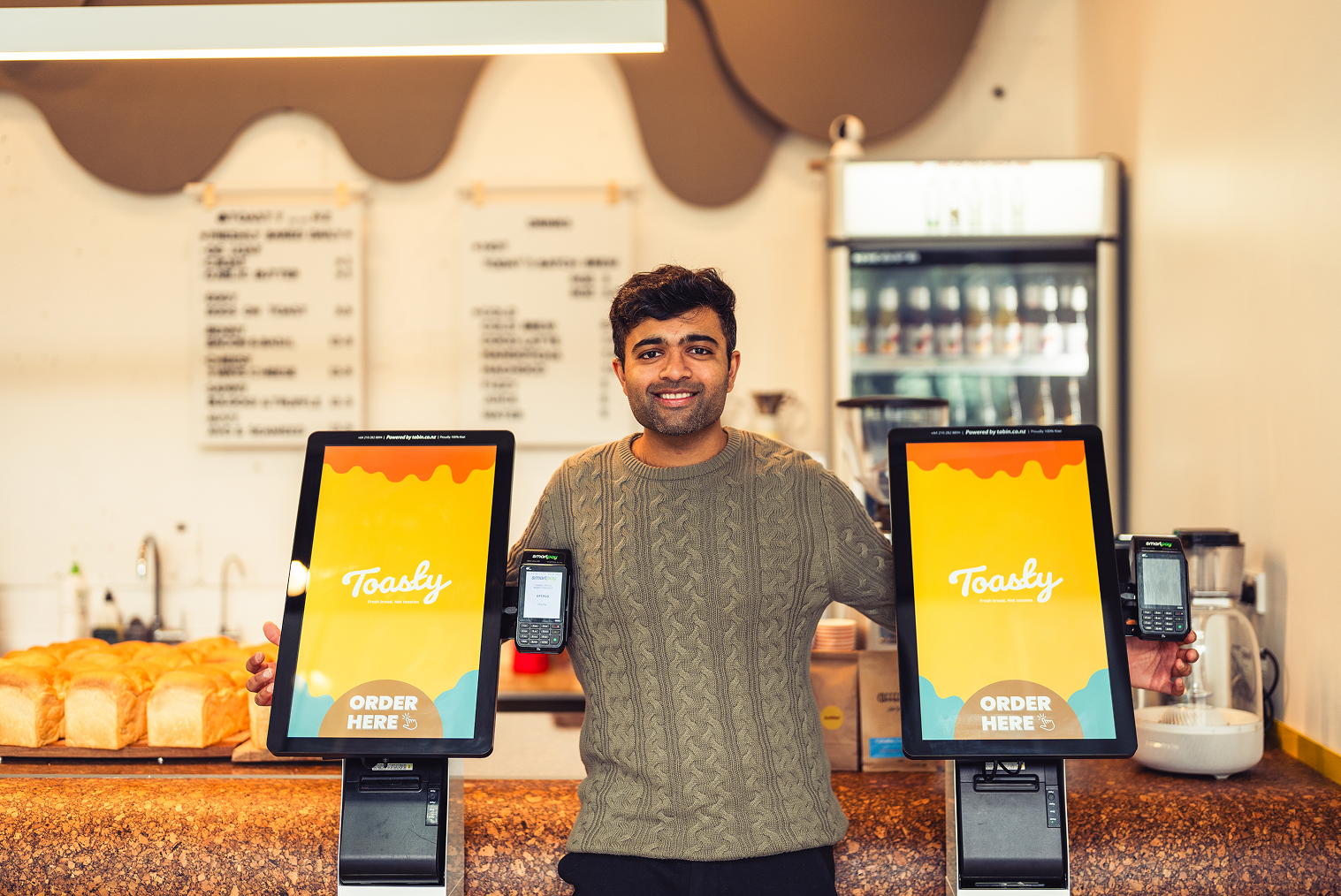
TABIN's online ordering for restaurants is built around the NZ hospitality environment — integrating direct online ordering with your POS, kiosk, and KDS so every order channel flows through a single system. It's designed to help restaurants reduce dependence on marketplace commissions without losing the operational efficiency that comes from having your front-of-house technology connected. Contact the TABIN team to discuss how a commission-free ordering setup would work for your restaurant.
Conclusion
Delivery apps have real value for discovery — for finding customers who don't know you yet. But paying 30% commission on every order from a customer who already knows you and comes back weekly is a margin problem that compounds over time.
A direct, POS-integrated online ordering setup isn't a replacement for marketplace presence — it's the channel that makes delivery profitable by converting existing customers to a commission-free path. The restaurants winning on online ordering in 2025 and beyond are the ones running both: marketplace for acquisition, direct for retention.
Frequently Asked Questions (FAQs)
Q1: How do restaurants set up their own online ordering?
Most NZ restaurants start with a POS-integrated ordering page — a hosted ordering site that connects directly to their existing POS system. Setup typically takes two to five days and involves configuring the menu in the ordering platform, setting up payment processing (Windcave, Verifone, or similar), and testing the full order flow from the customer's perspective. The most important step after launch is actively promoting the direct channel to existing customers — QR codes on tables and receipts, a launch incentive, and social media posts pointing customers to the direct ordering page.
Q2: Is commission-free online ordering worth it?
For most NZ restaurants, yes. Third-party commissions of 20–30% per order are structurally incompatible with restaurant profit margins of 3–9%. Direct ordering costs typically run at 2.9–5% for payment processing — a difference of 20–25 percentage points per order. On 100 direct orders per week averaging $45 each, that difference can represent $4,500–$5,625 in recovered margin weekly. The break-even on any platform subscription fee is usually achieved within the first few weeks.
Q3: Should online ordering be built into the POS?
Yes — POS-integrated online ordering eliminates the manual re-entry step that causes order errors and slows kitchen flow. When an online order arrives in the same POS queue as counter and kiosk orders, kitchen staff see it immediately with full context, modifications, and pickup reference. Menu changes sync automatically, and sales reporting consolidates all channels in one place. Standalone ordering platforms that don't integrate with the POS require staff to monitor a separate tablet and manually enter orders — a step that adds error risk and labour cost.
Q4: How does online ordering sync with the kitchen?
When online ordering is integrated with a POS that connects to a kitchen display system (KDS), orders placed online appear on the KDS screen immediately — without printing, re-entry, or staff intervention. The order includes the customer's name or pickup number, order items, modifications, and any special instructions. The KDS treats it the same as a counter order, routing it to the relevant prep station and flagging it when ready. This eliminates the common failure point where online orders are missed or delayed because staff didn't check the ordering tablet during a busy service.


.webp)











.png)













.webp)


