Table ordering — whether via QR code, tabletop tablet, or linked kiosk — is one of the fastest ways NZ venues are reducing reliance on floor staff without sacrificing the dine-in experience. Orders go directly to the kitchen, average spend increases by 15–25%, and customers control their own pace. This guide covers how each system works, where they fit best, and what to look for when choosing one in NZ.
Introduction
New Zealand's hospitality industry has faced a prolonged staffing squeeze. Operators who once ran a full floor team are now routinely managing with fewer staff — not as a temporary measure, but as an ongoing reality. Table ordering technology has shifted from a novelty to a practical operational response.
A table ordering system lets diners browse the menu, place orders, and pay from their table — using their own phone via QR code, a tablet mounted at the table, or a self-ordering kiosk positioned nearby. Orders go directly to the kitchen or bar without a server as the intermediary. NZ-based QR ordering solutions report that restaurants using table ordering see average order value increases of up to 25% — because customers order at their own pace, without feeling pressure to decide quickly or flag down staff for extras.
Beyond the revenue lift, table ordering changes the operational dynamic of a shift. Staff who would have spent their time taking orders and splitting bills can focus on food delivery, drink service, and customer experience — the parts of hospitality that genuinely benefit from a human touch.
What Is a Table Ordering System?
A table ordering system is any technology that allows customers at a table to place their own orders without waiting for a staff member. It covers three main types: QR code ordering (customers scan a code with their phone), tabletop tablet ordering (a device mounted at the table), and kiosk-linked ordering (a self-ordering kiosk placed near the dining area for table or dine-in orders).
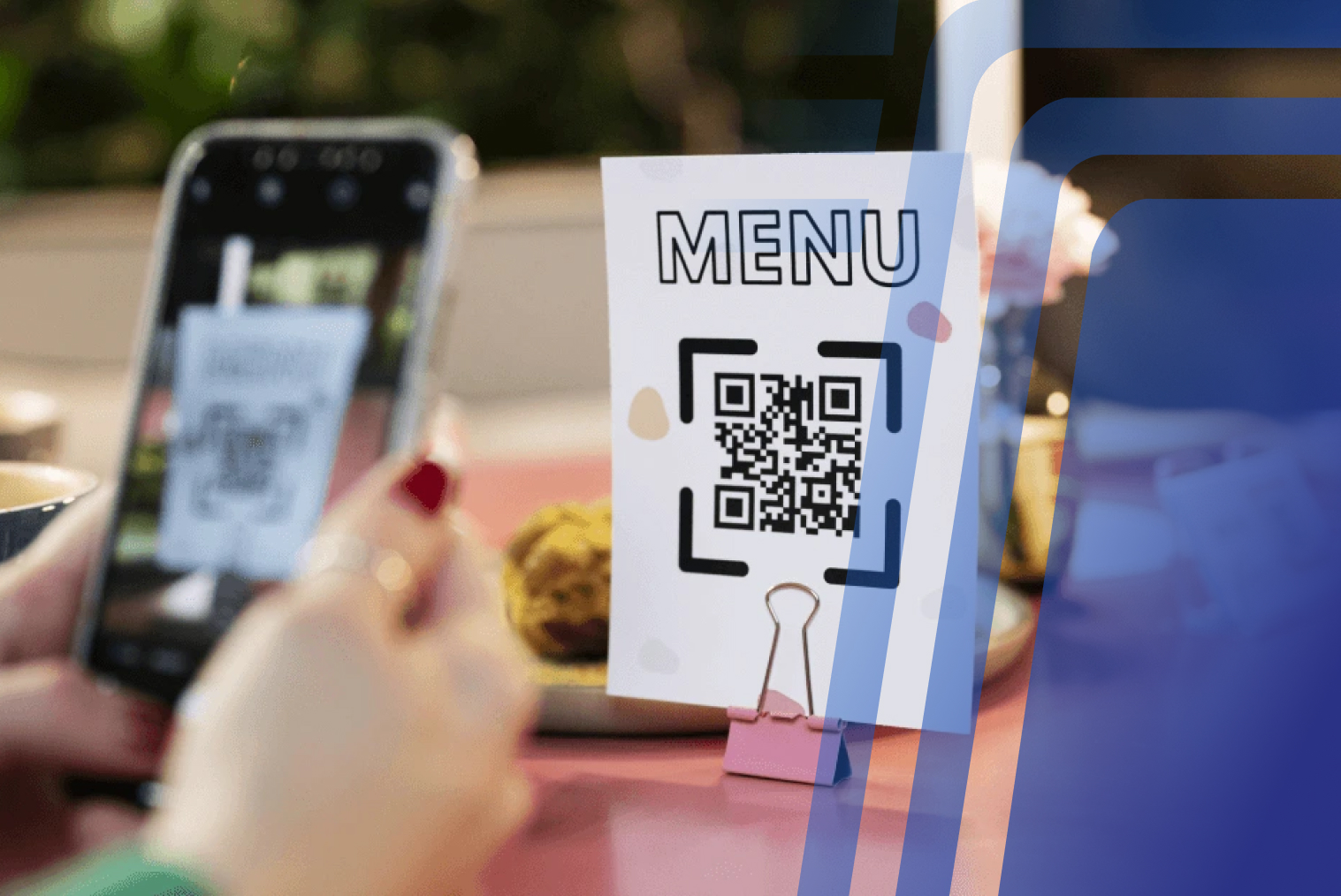
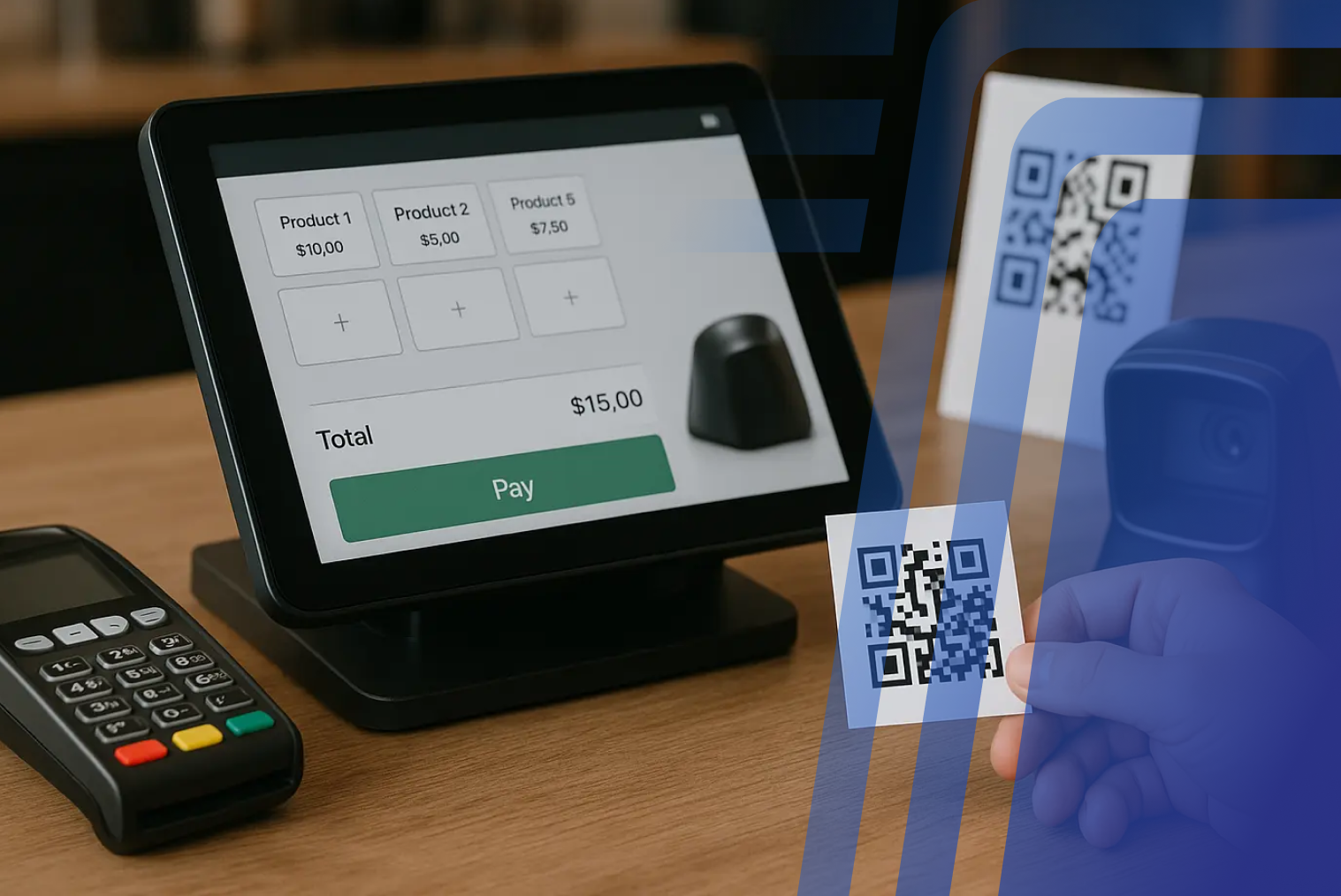
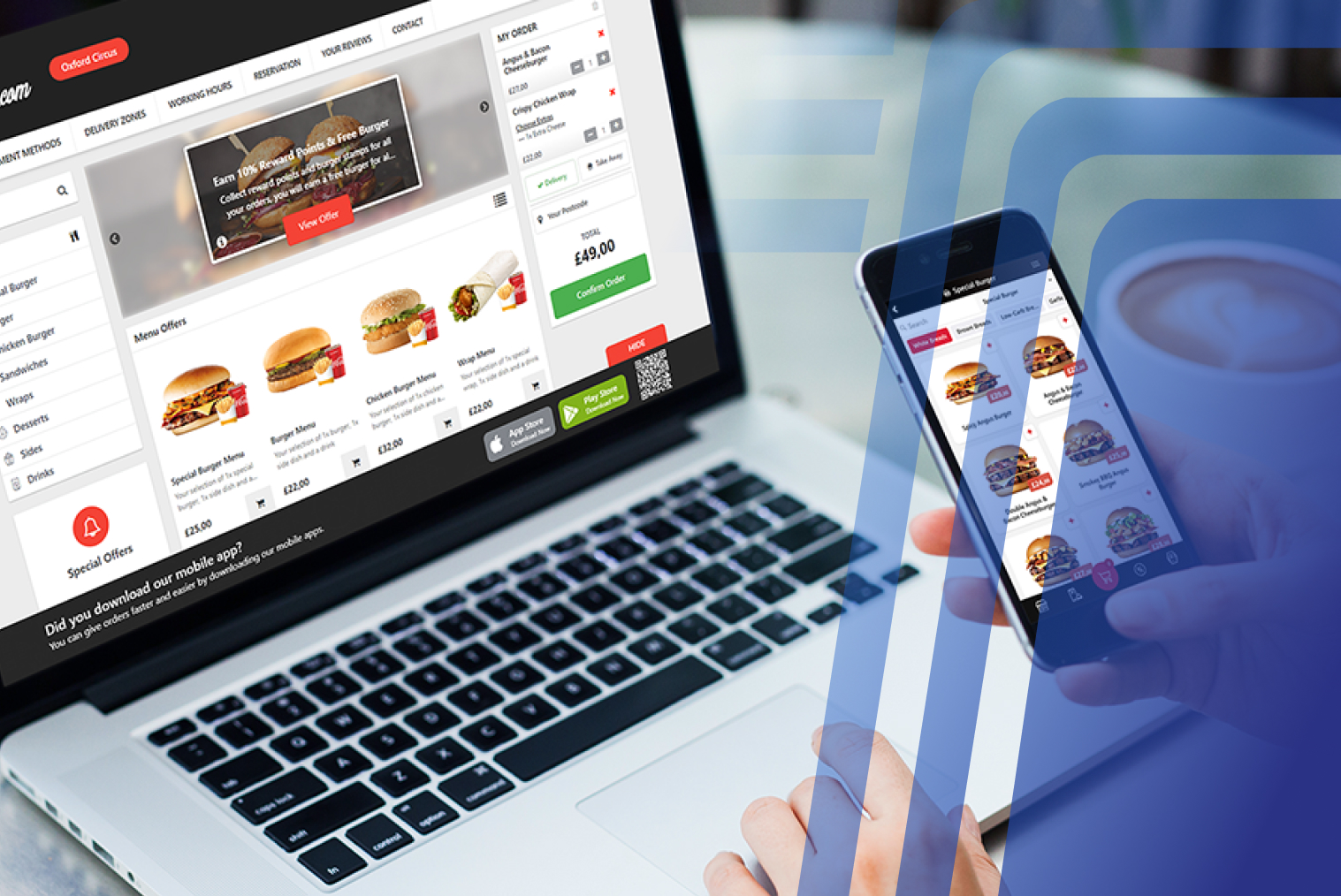
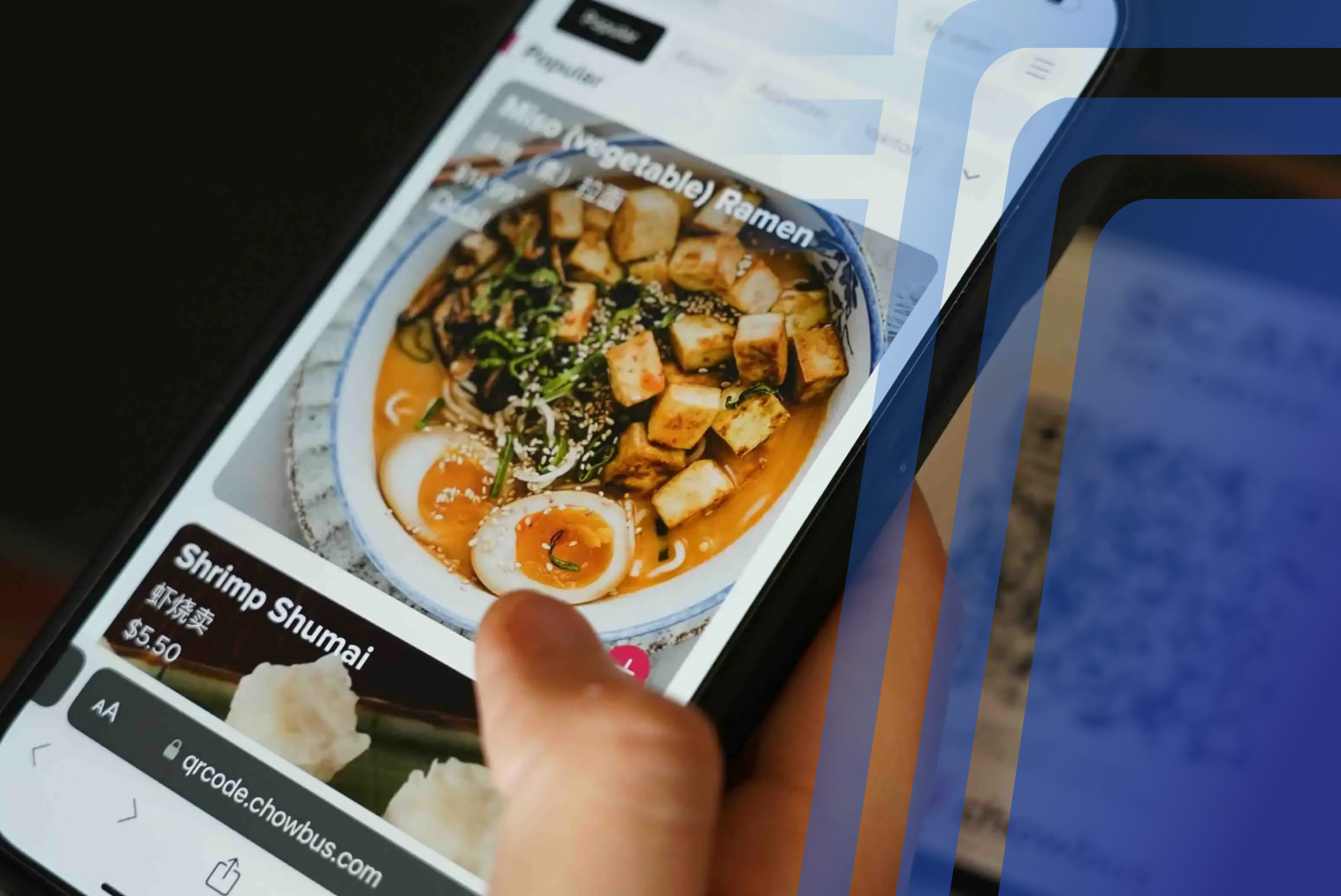
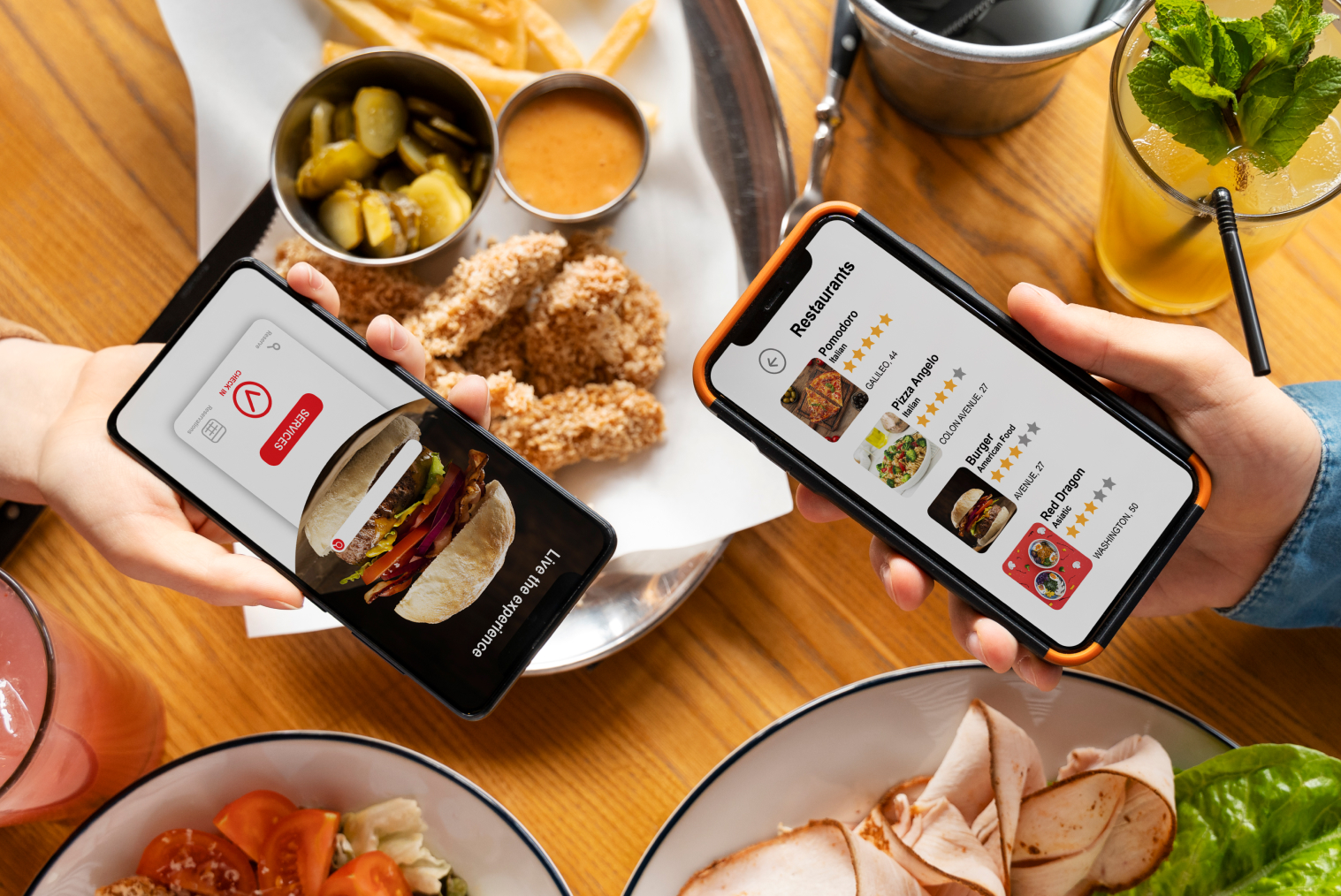
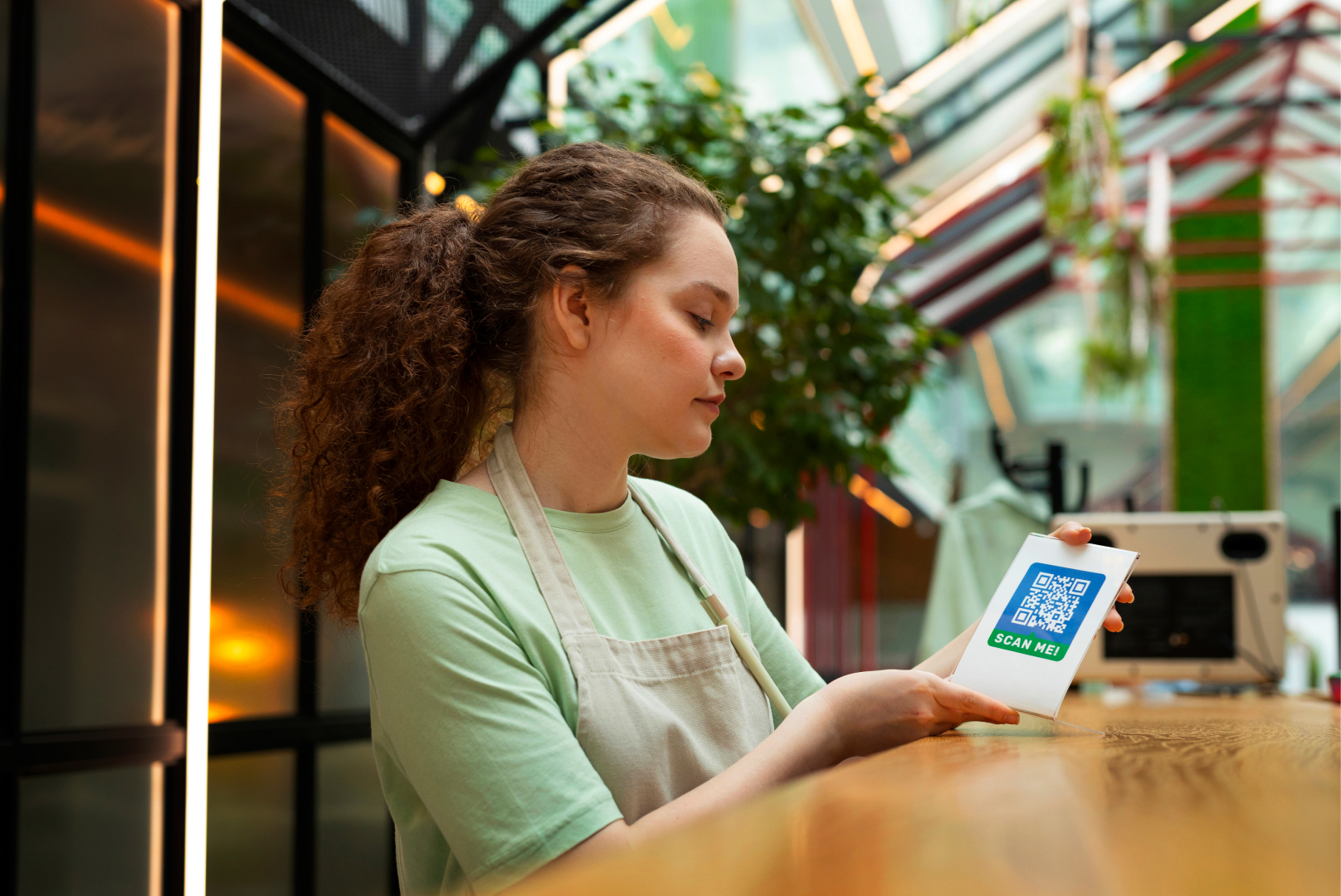
QR code ordering is the most widely adopted format because it requires no hardware at the table — just a code printed on a card, table tent, or sticker. Customers scan it with their phone camera, a digital menu loads in their browser (no app download required), and they can order and pay without leaving their seat.
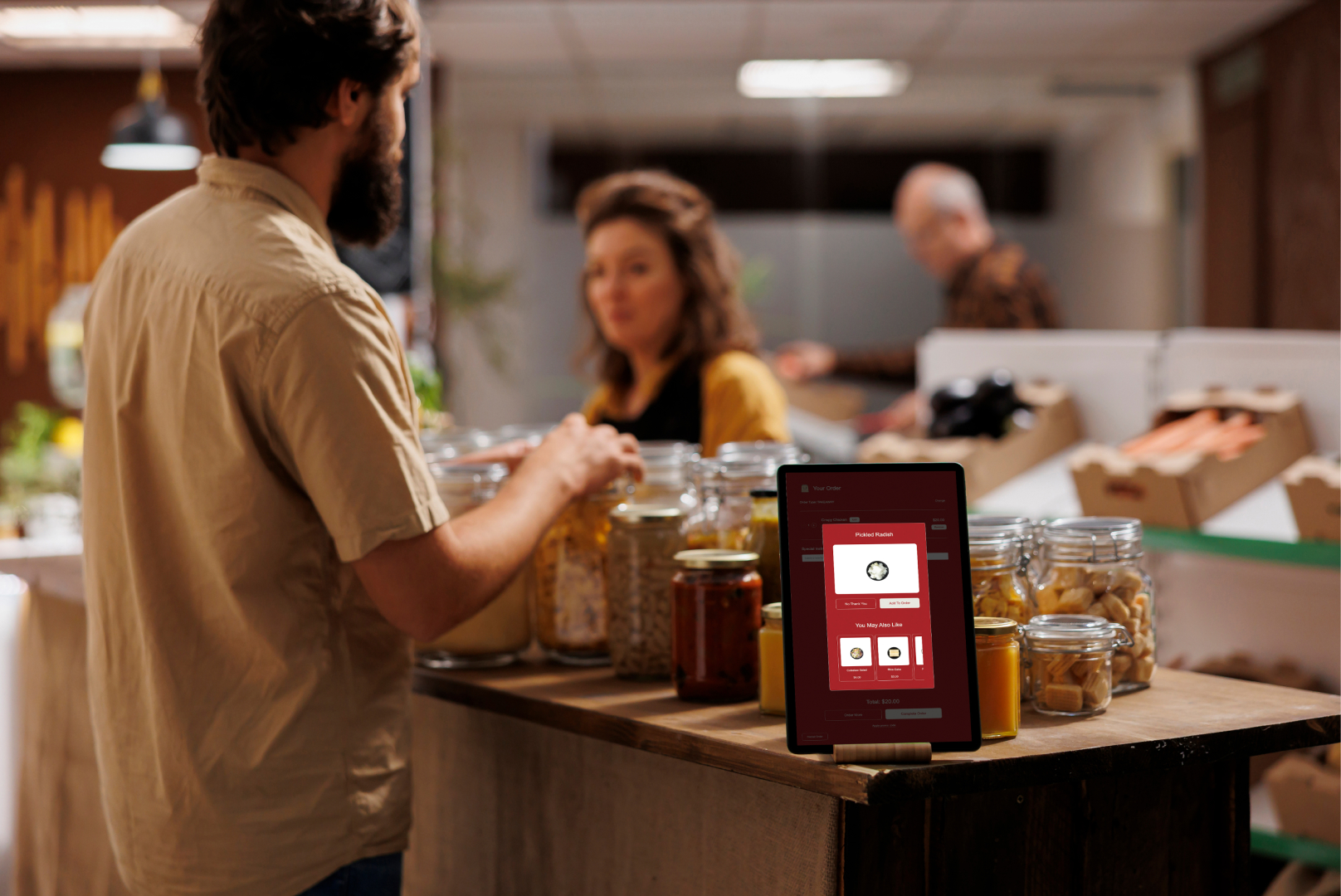
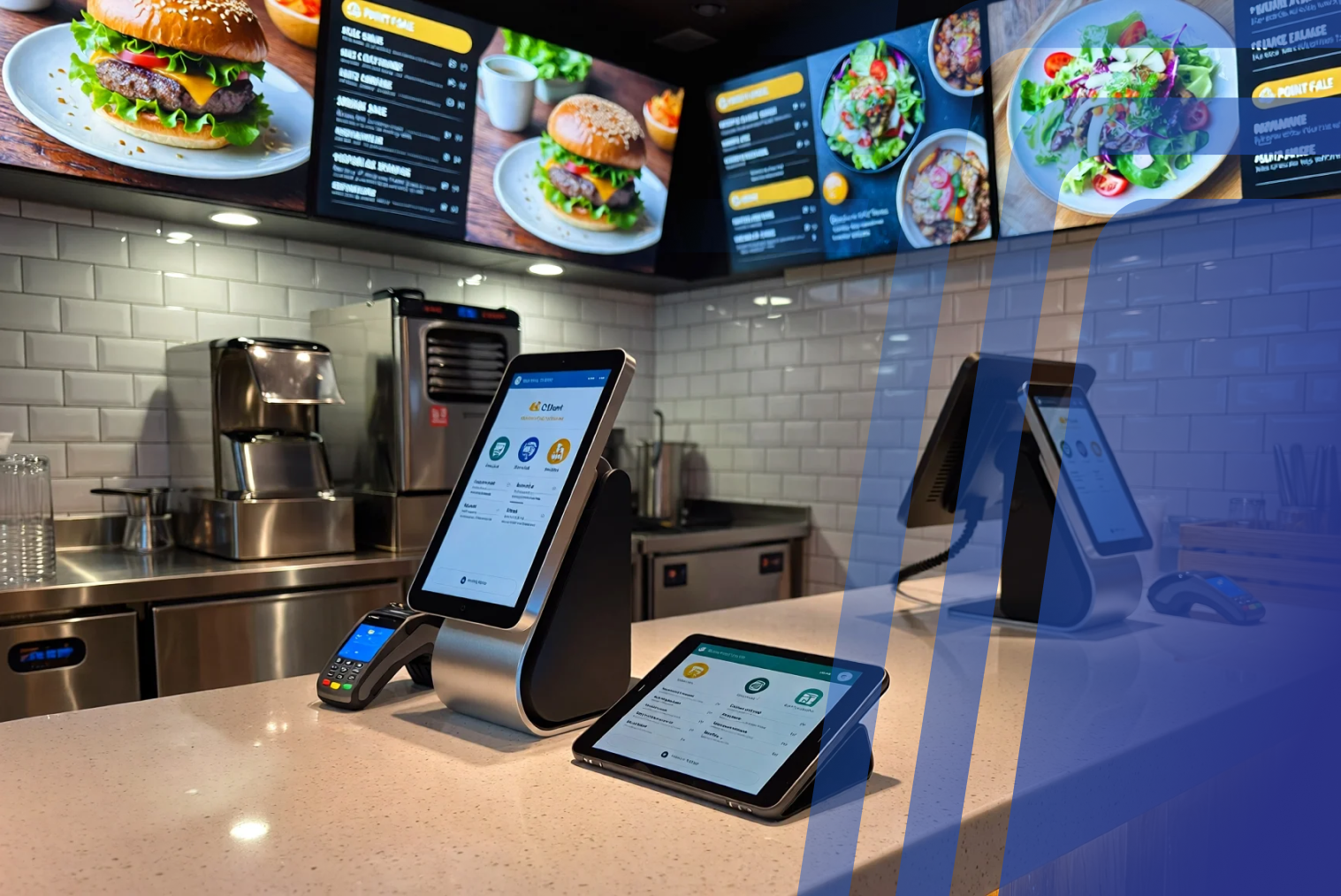
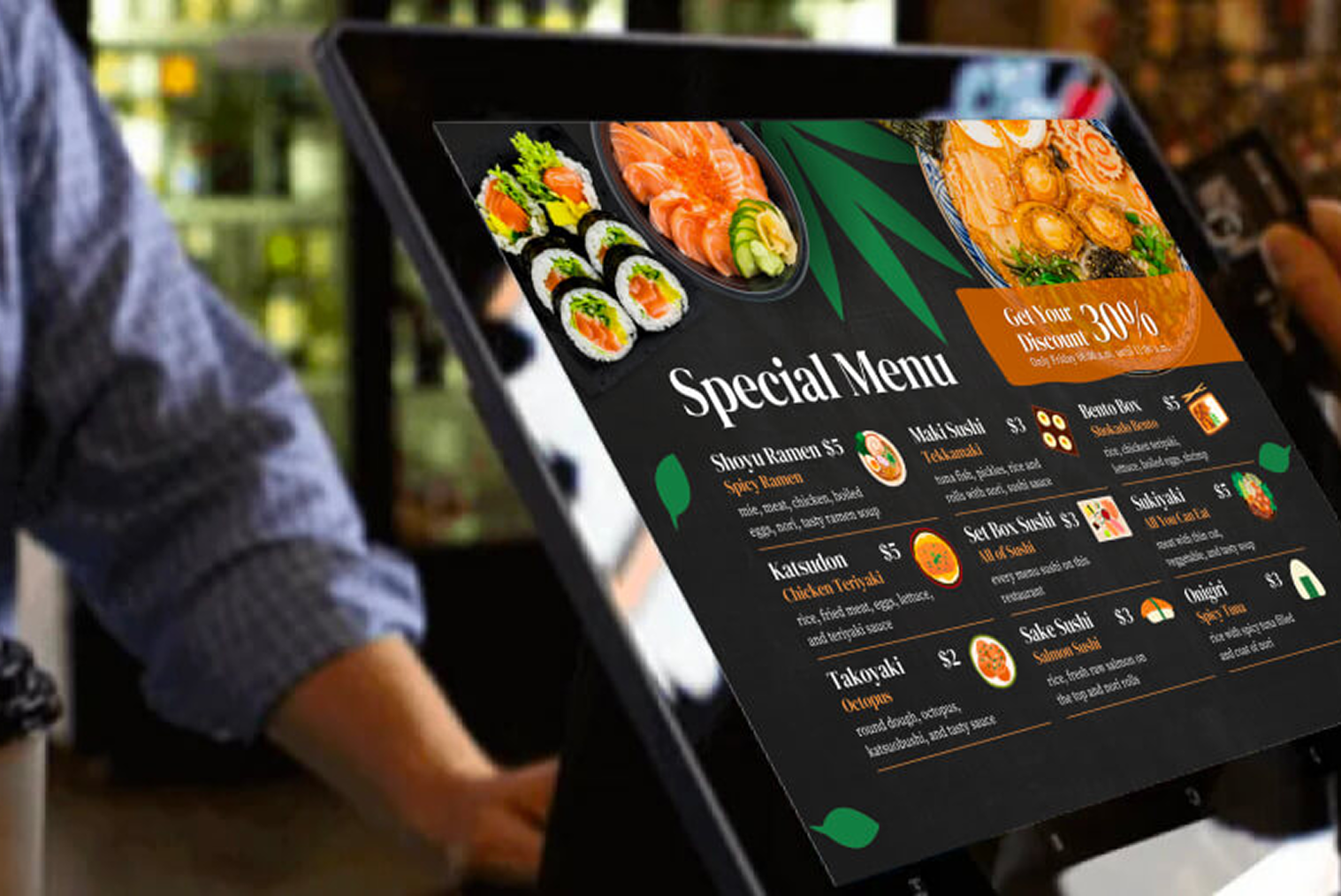
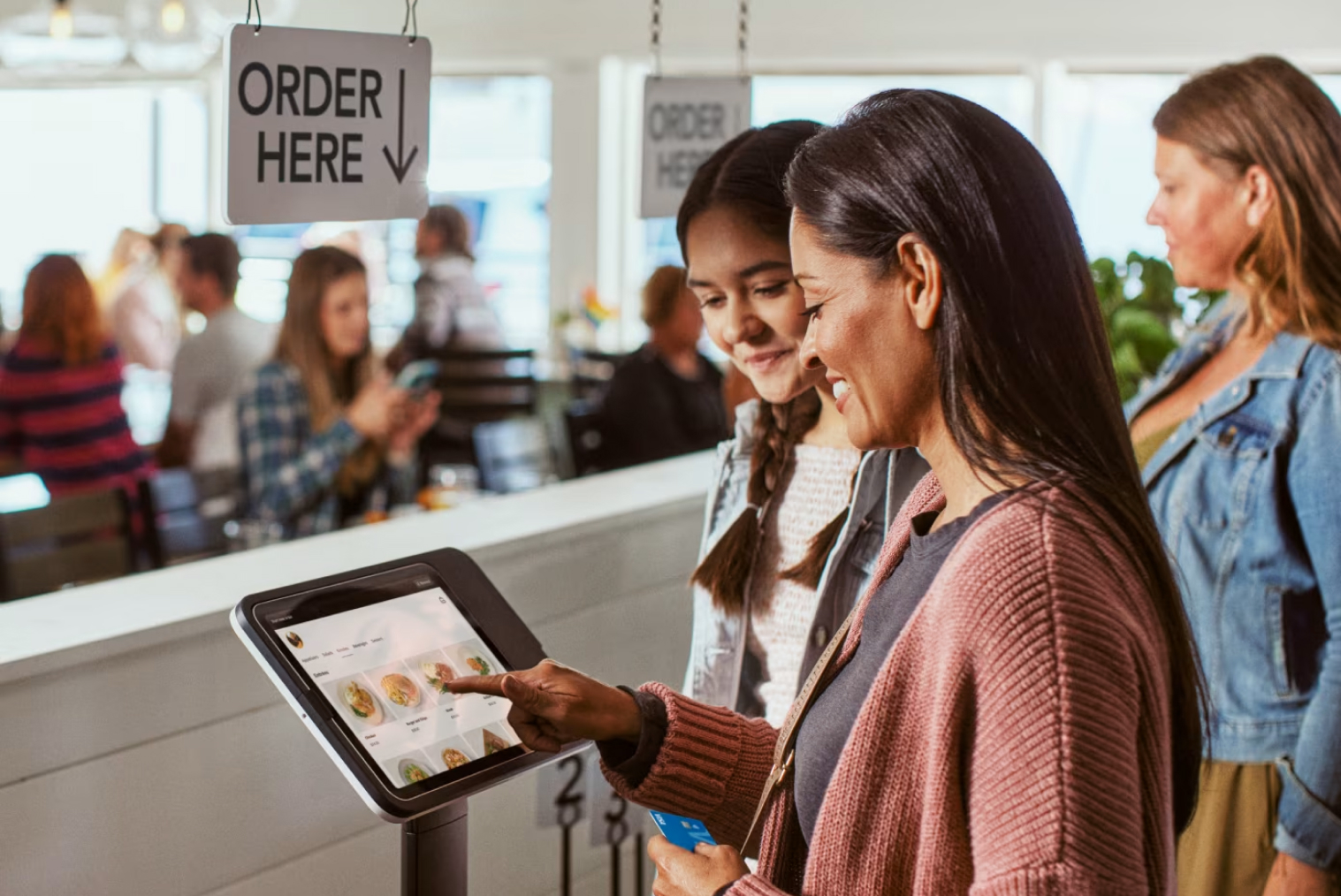
Tabletop tablets are more common in higher-volume environments — food courts, family dining venues, or pubs — where providing a dedicated device at each table simplifies the ordering experience for customers who may be less comfortable with QR codes.
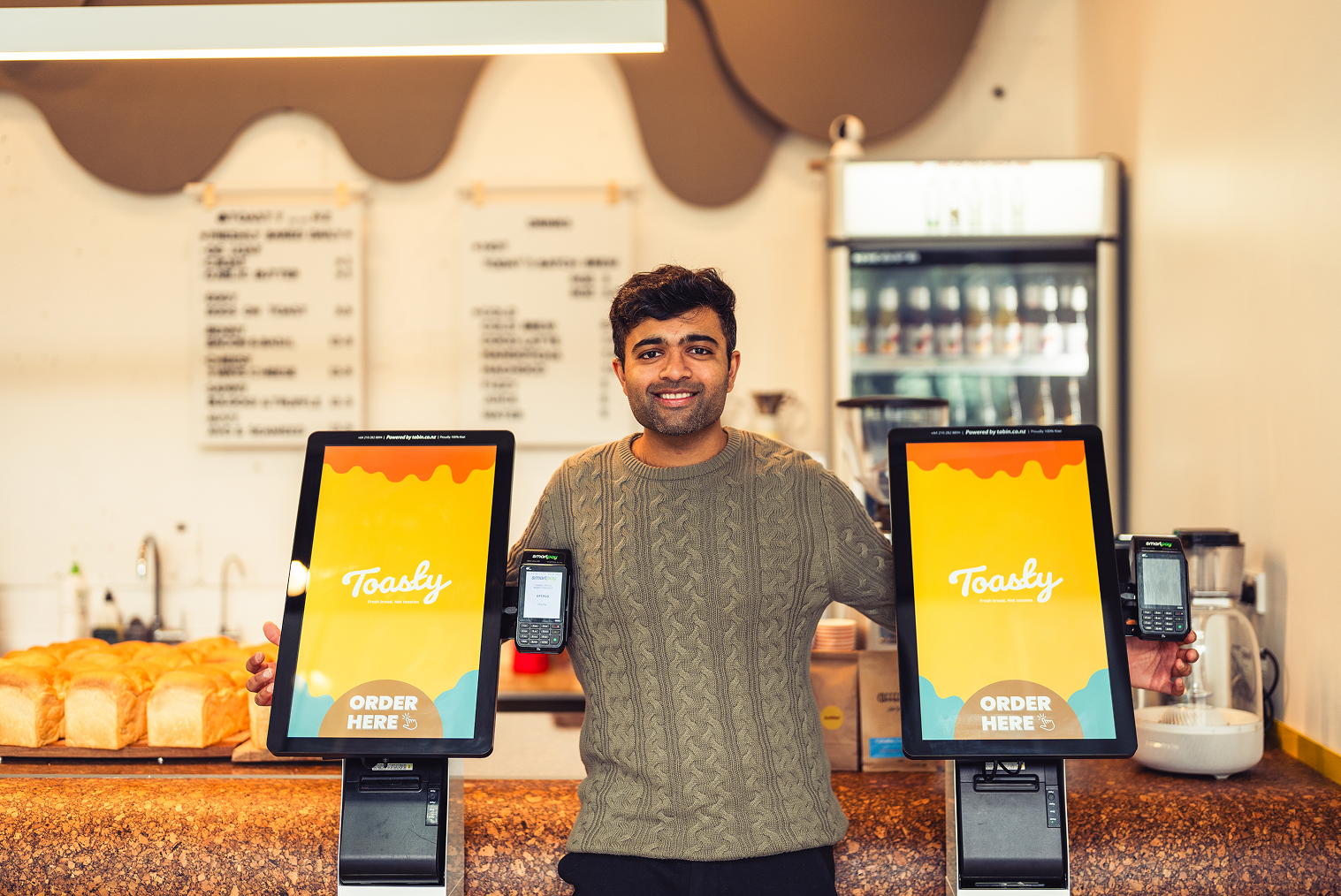
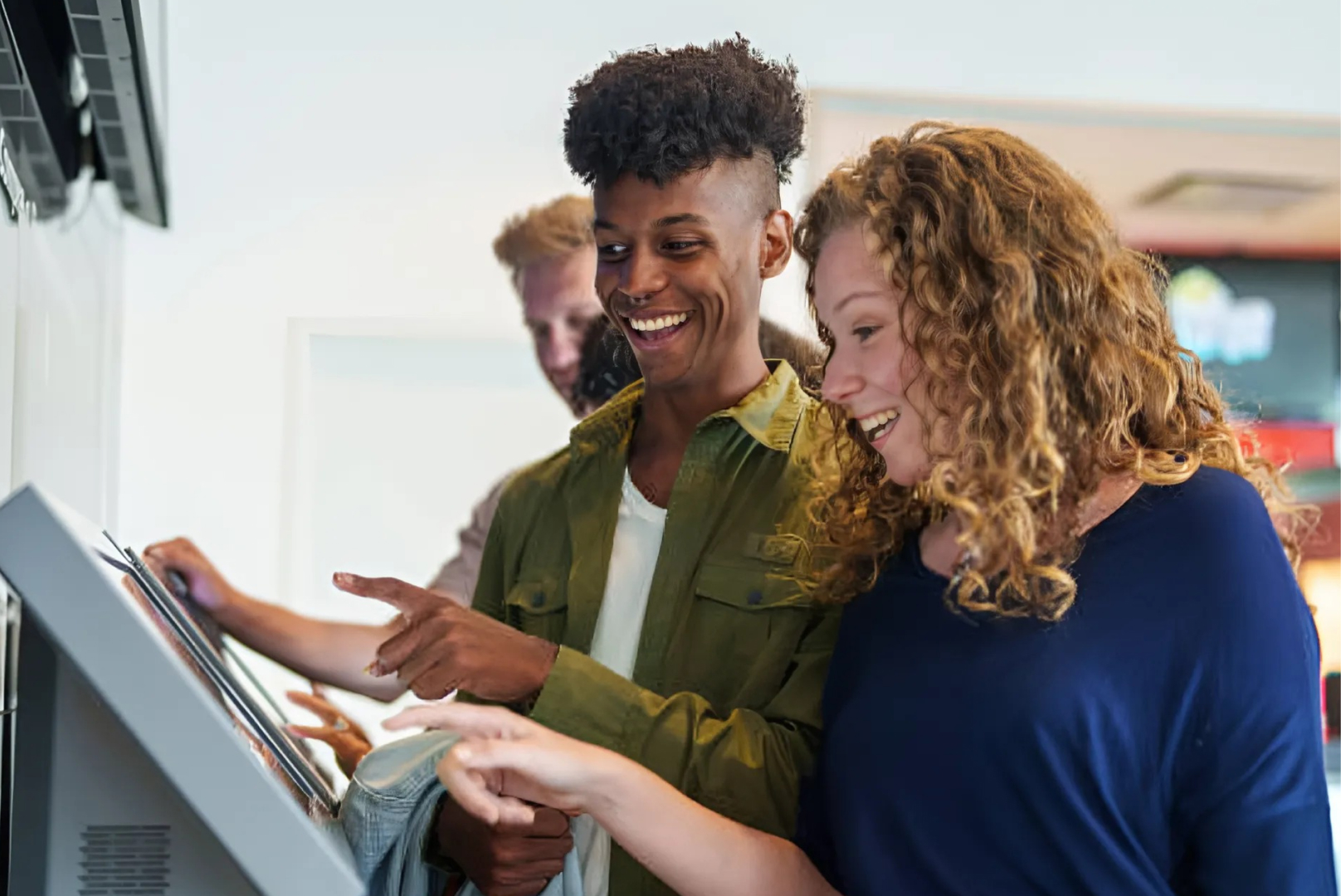
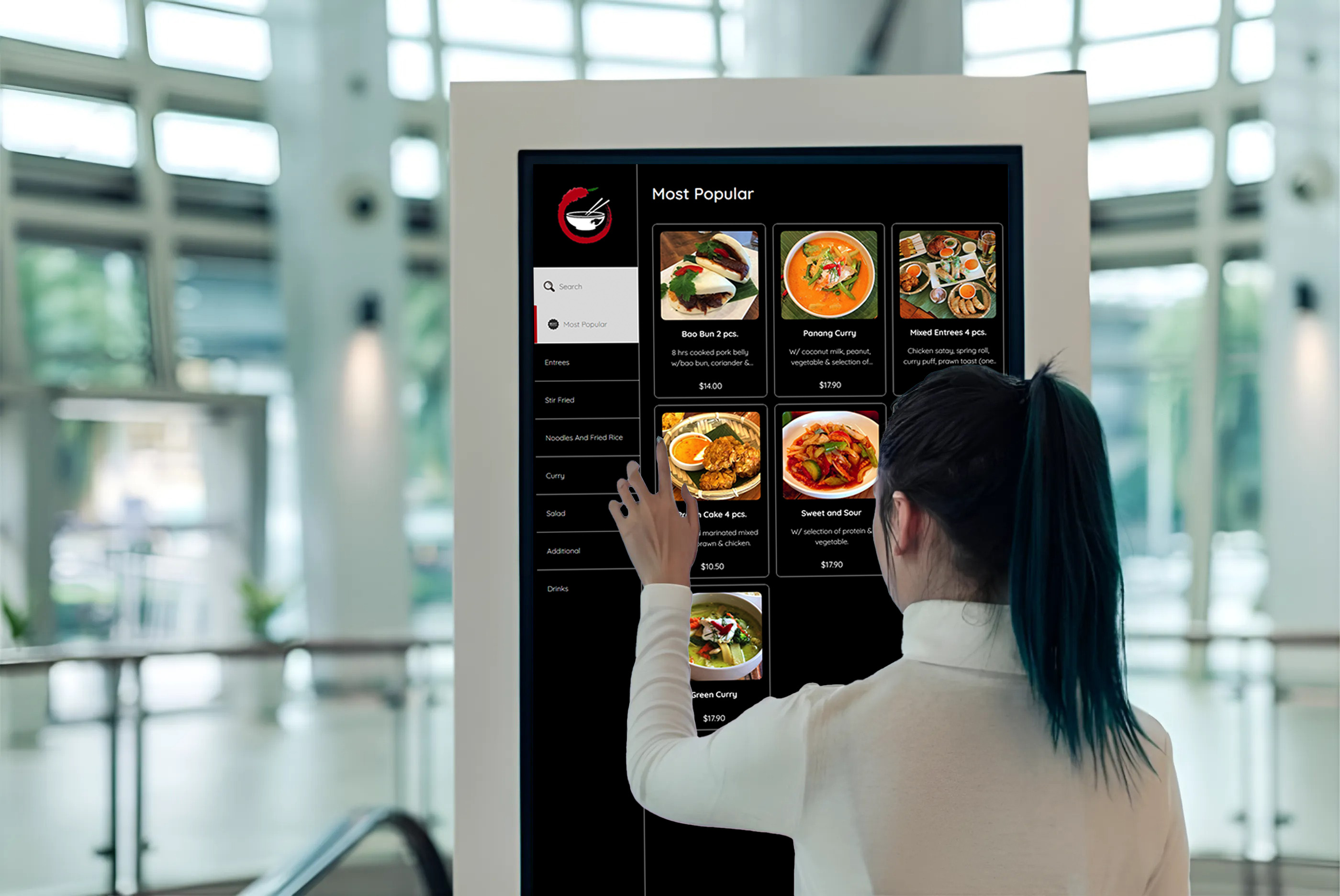
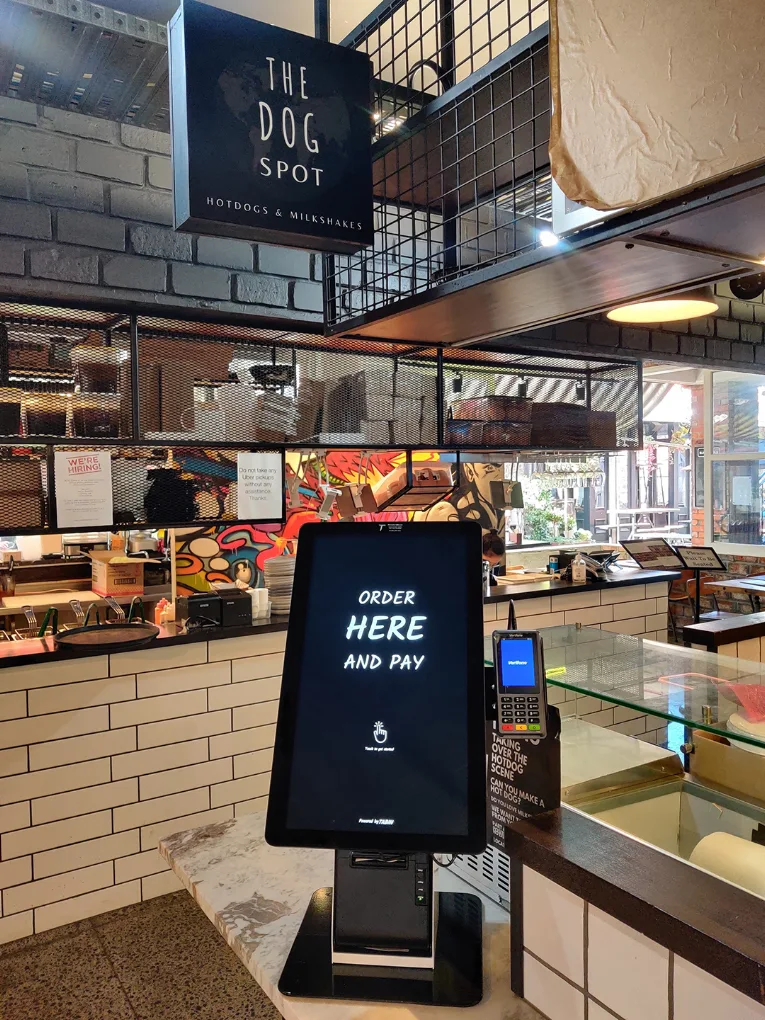
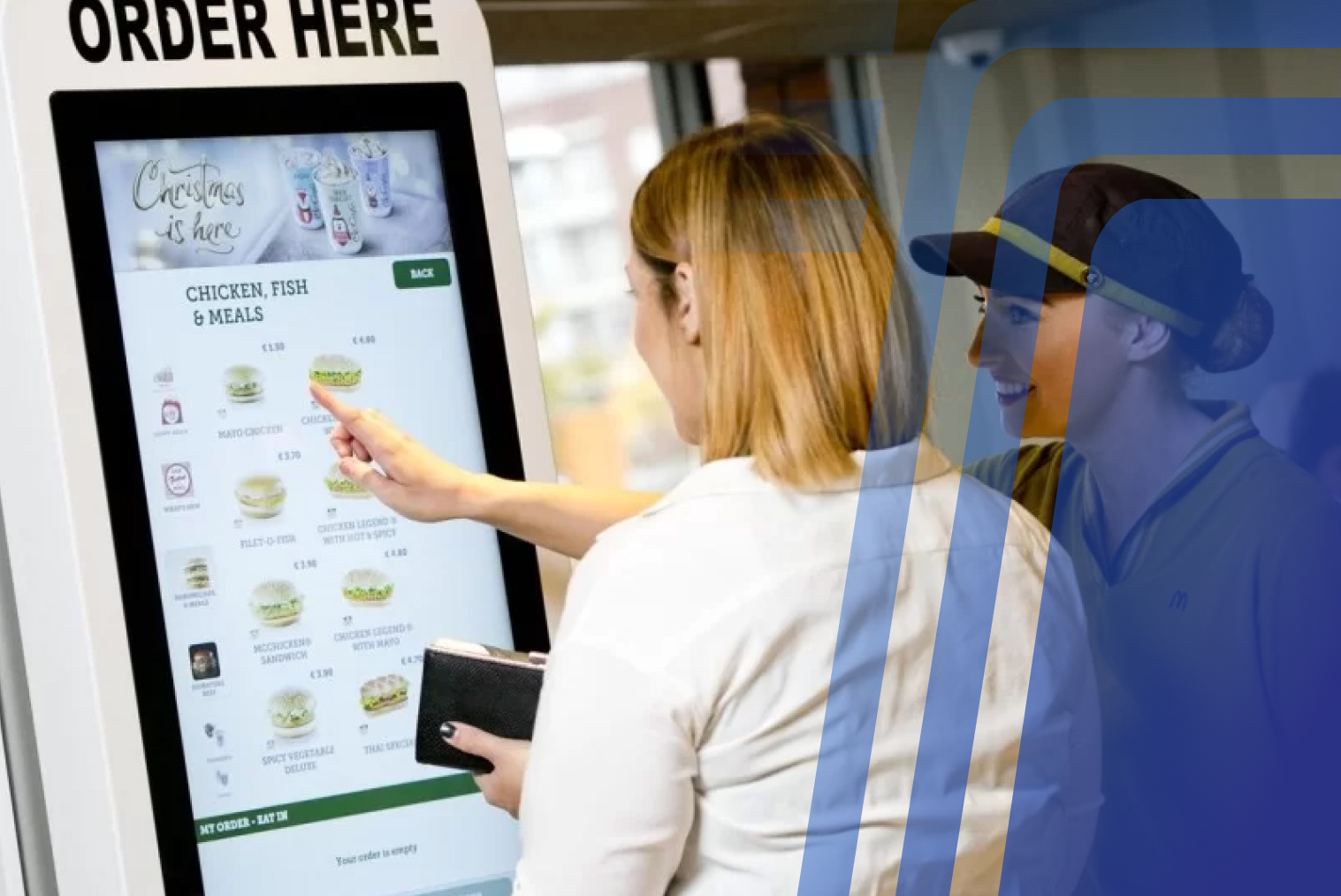
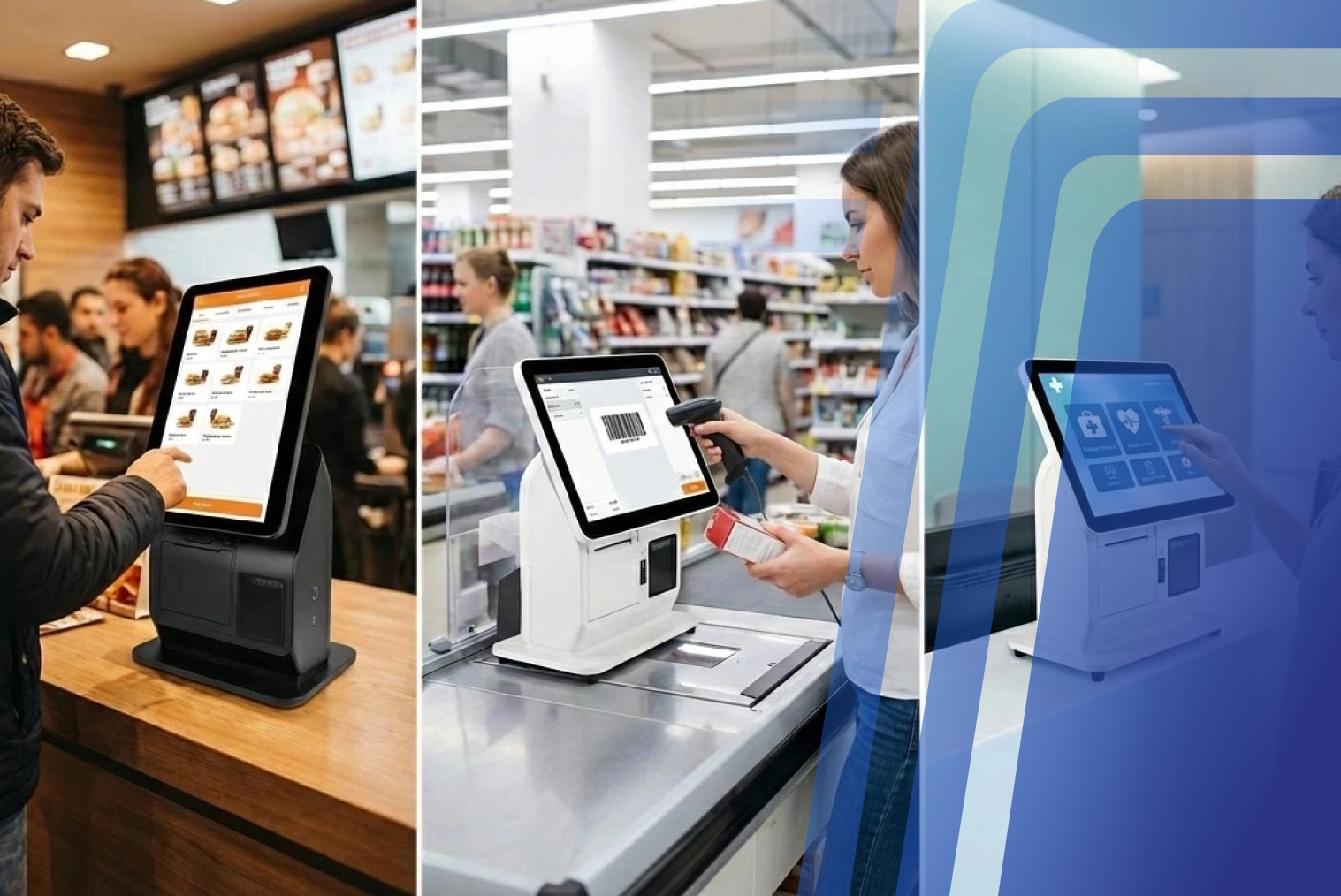
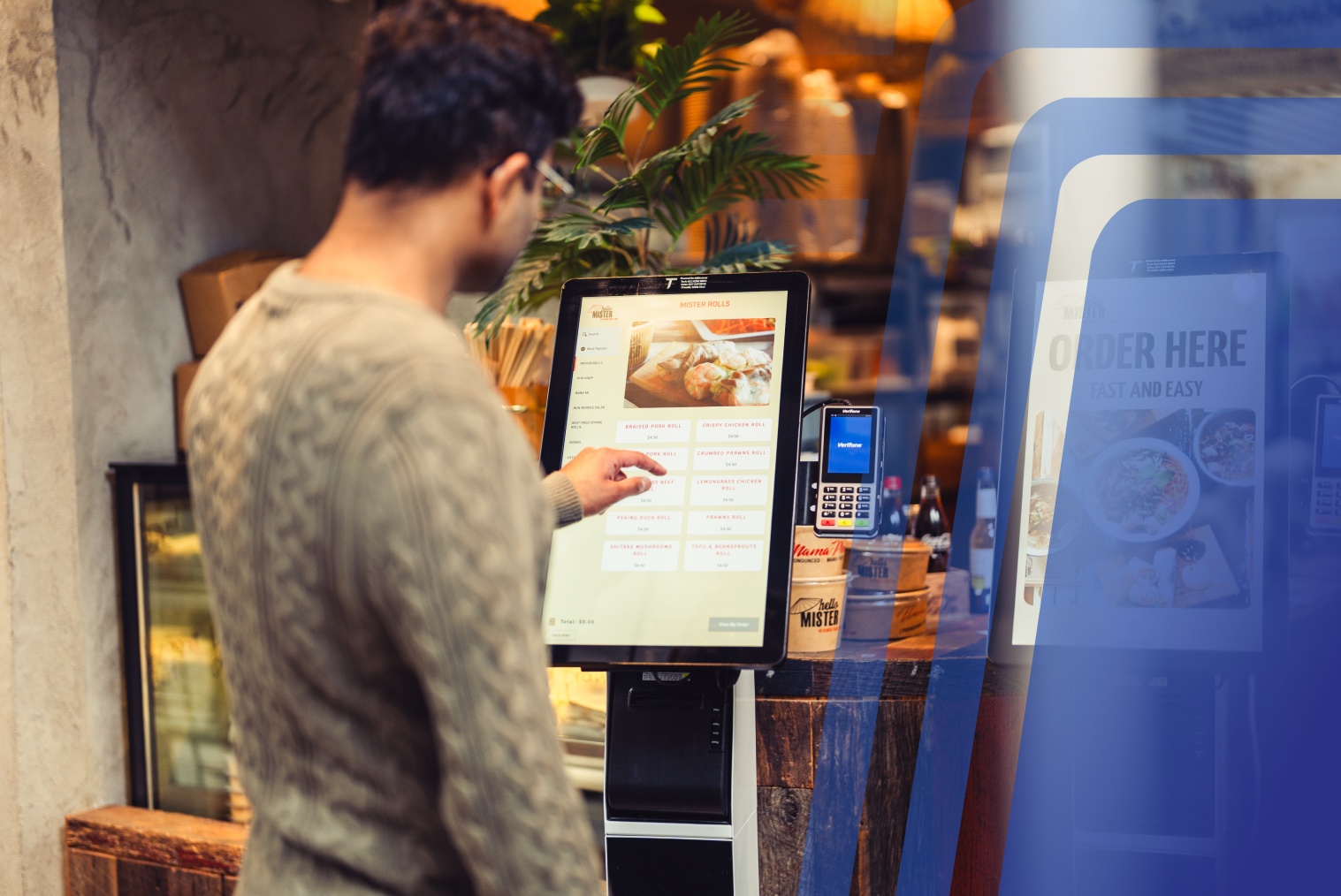
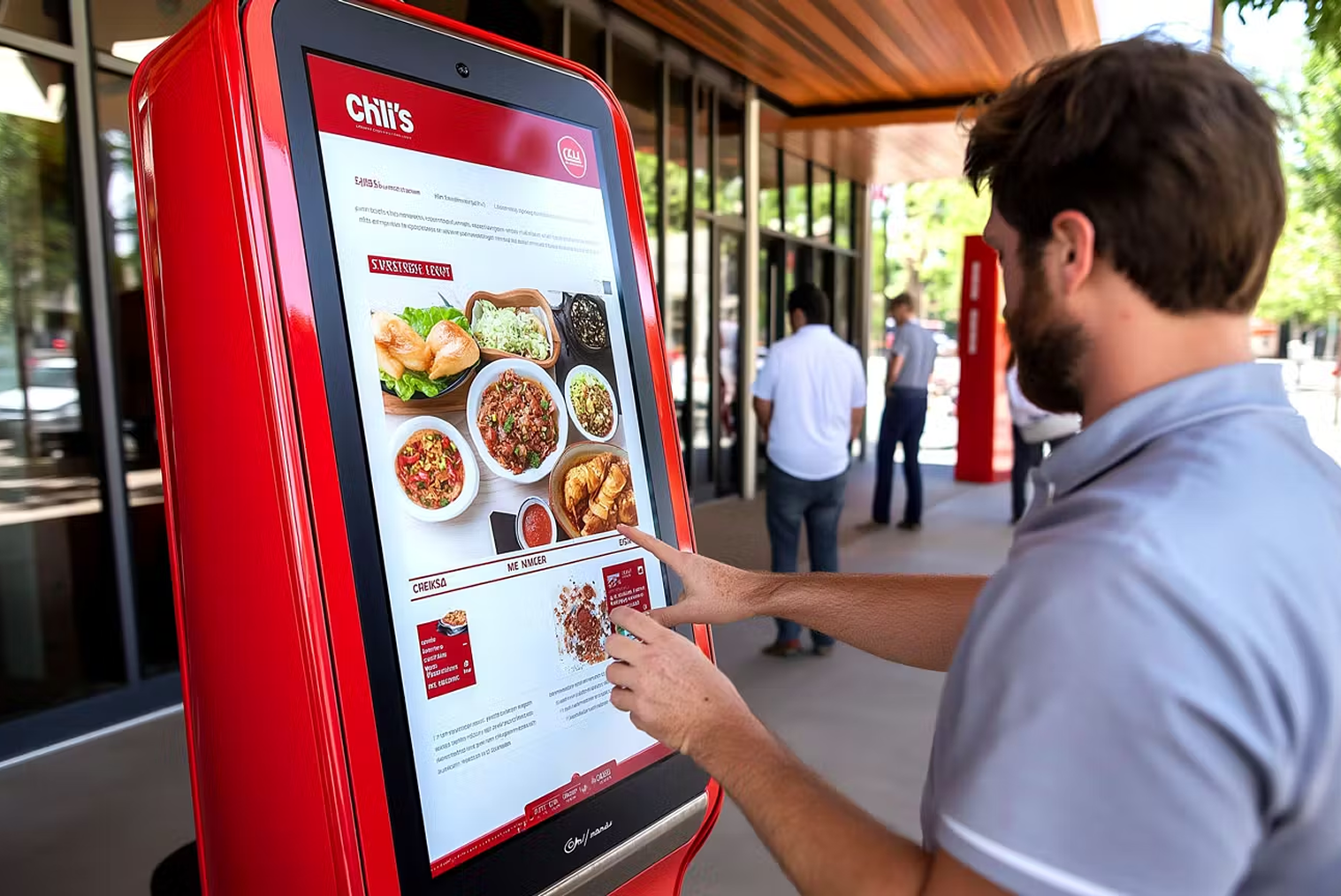
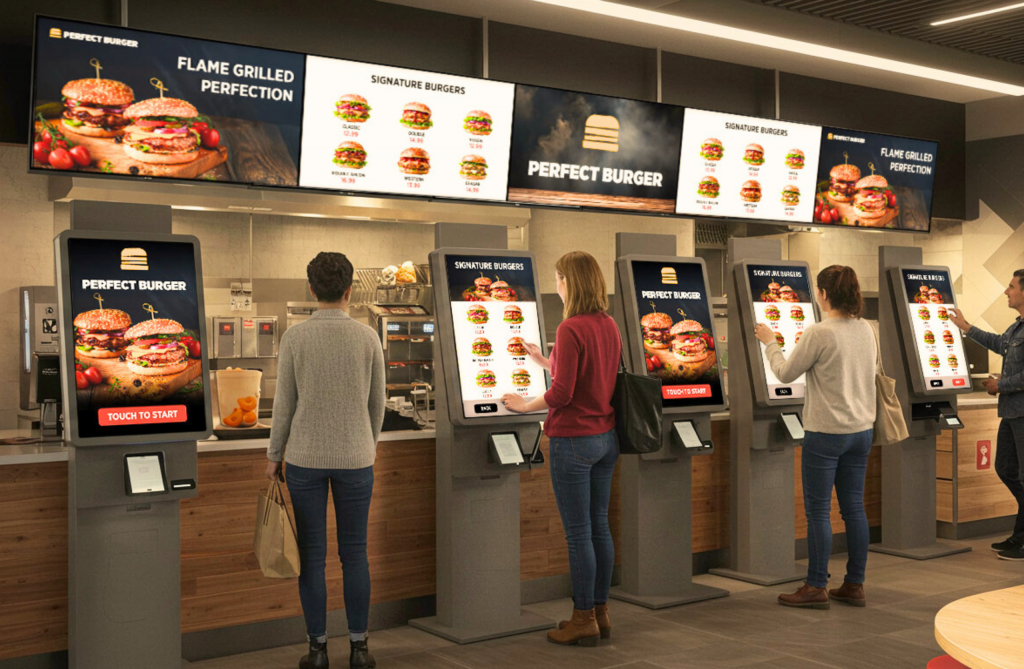
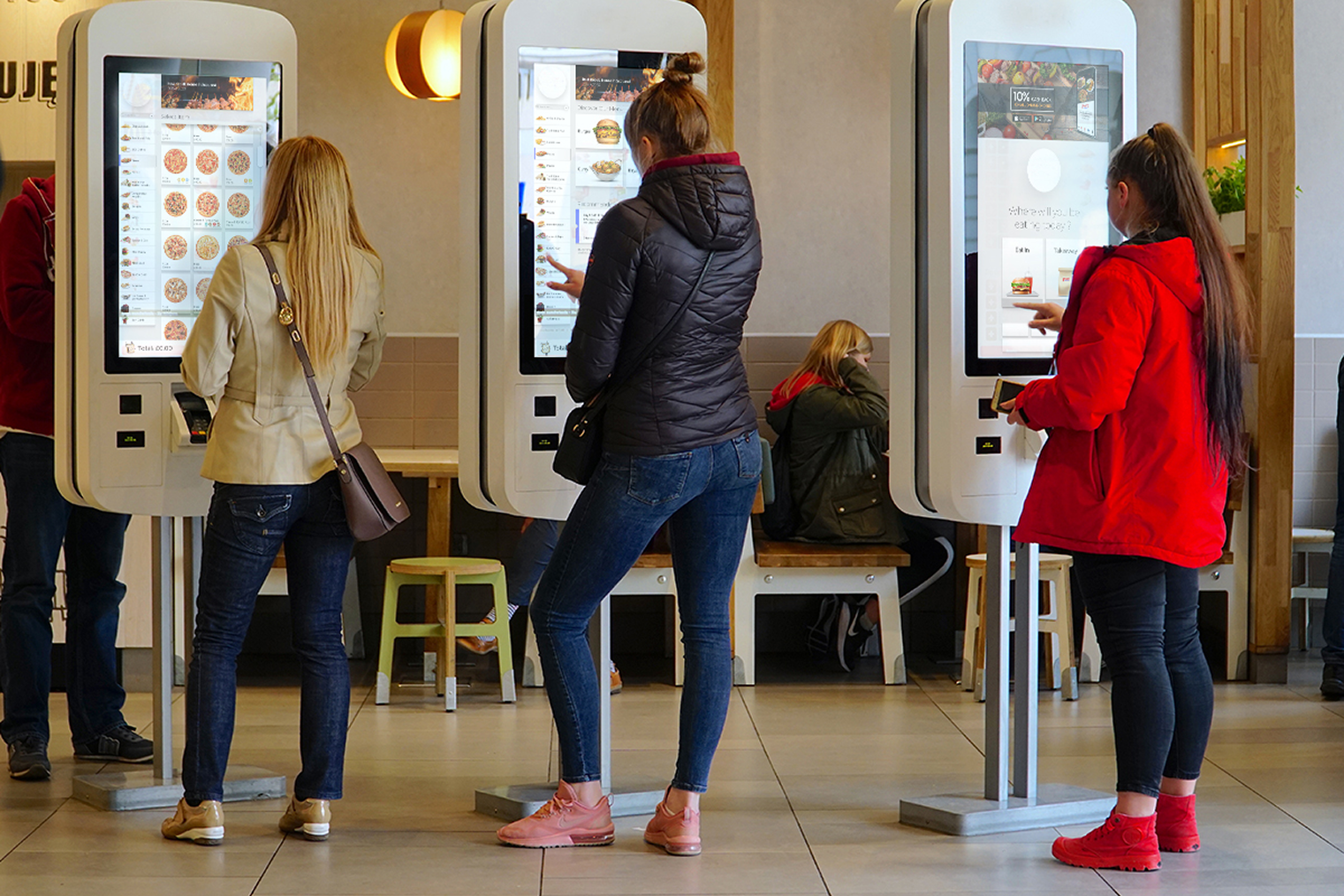
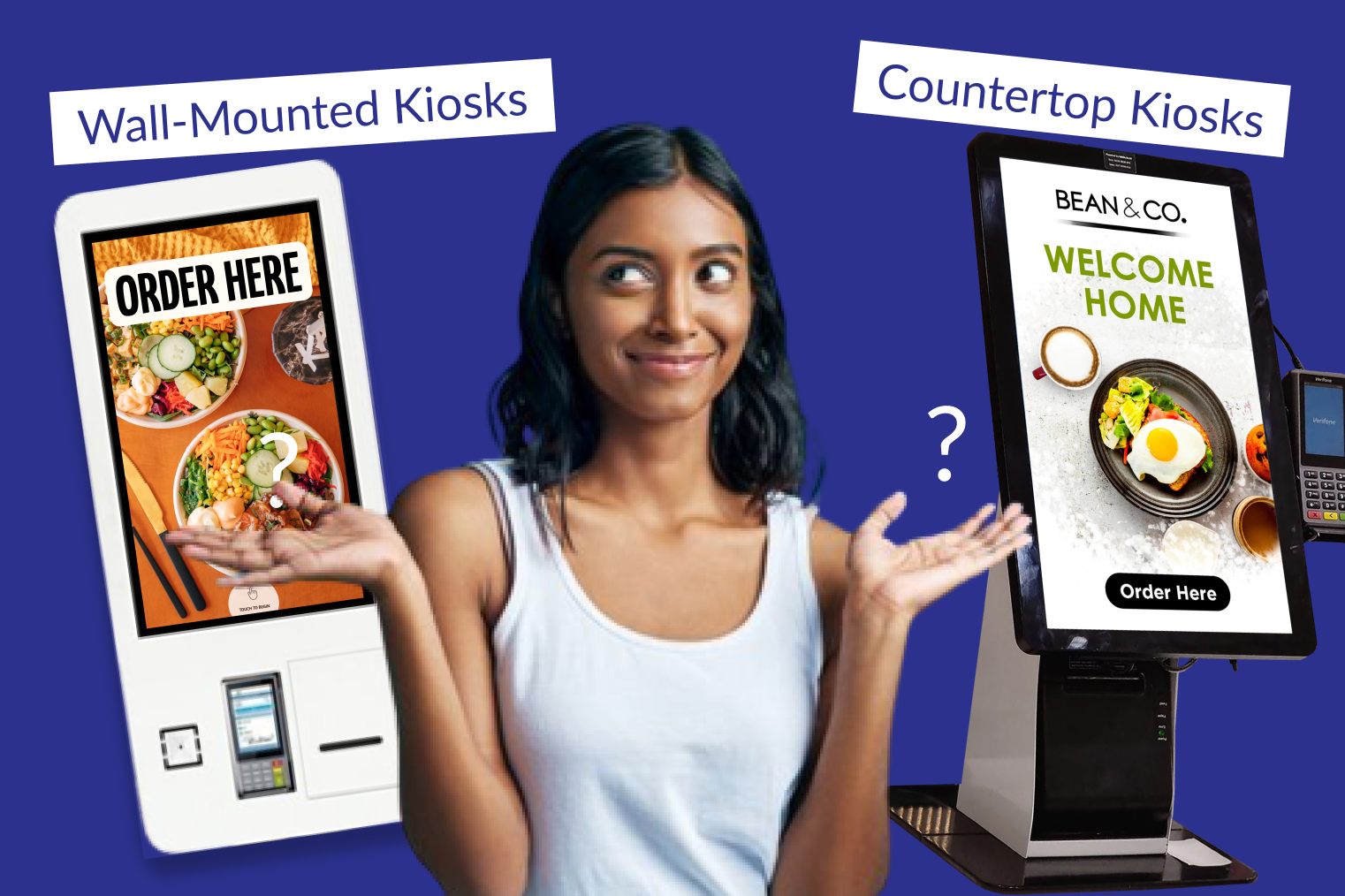
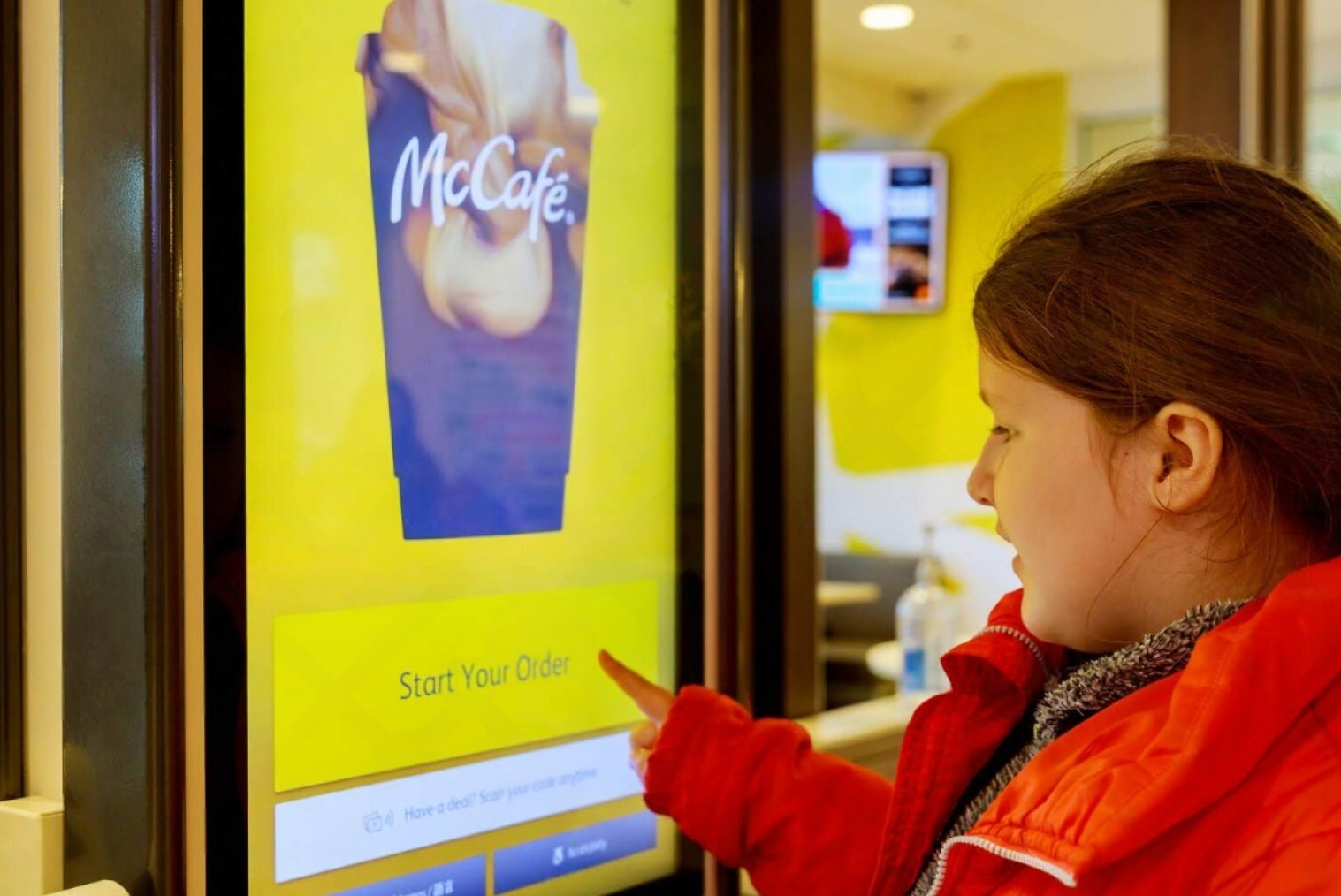
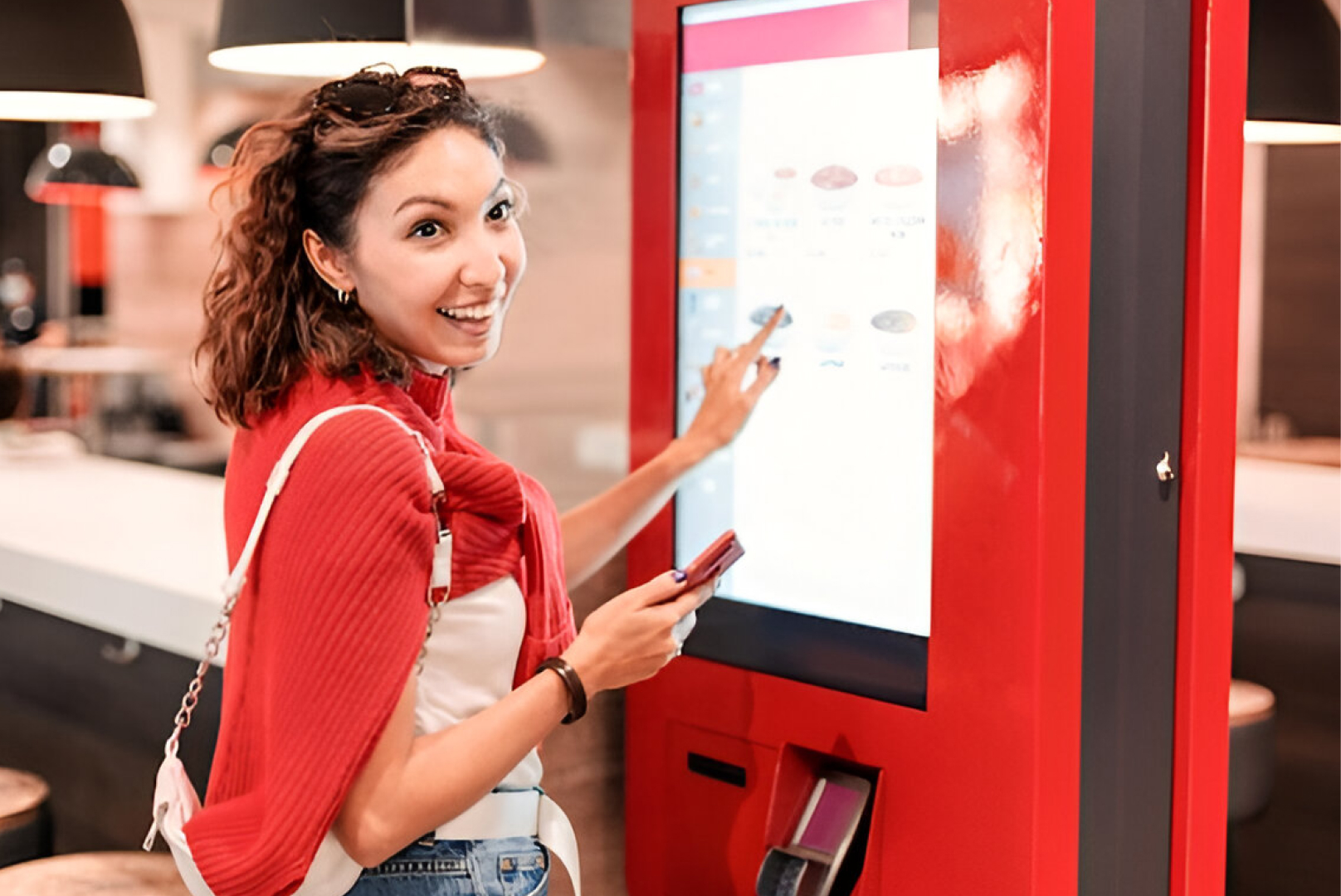
Self-ordering kiosks positioned in the dining area serve a different function: they're typically used for dine-in ordering in formats where customers place orders at a central point rather than from their seat — QSRs with table service, café ordering areas, or food court stalls. Explore table ordering system options suited to different venue formats.
Table Ordering vs Kiosk vs Counter — Comparison
Understanding how these channels differ helps you choose the right setup for your venue:
|
Table QR Ordering |
Self-Ordering Kiosk |
Traditional Counter |
| Order placement |
At table via phone |
At kiosk before seating |
At counter with staff |
| Hardware cost |
Very low (just QR codes) |
Medium ($3,000–$10,000) |
Low (existing counter) |
| Best for |
Dine-in, cafés, bars |
QSR, fast-casual, takeaway |
High-staff environments |
| Average order value impact |
+15–25% |
+15–30% |
Baseline |
| Staff dependency |
Low (delivery only) |
Very low |
High |
| Queue management |
Excellent (parallel ordering) |
Good (multiple screens) |
Limited (single queue) |
| Customer experience |
Relaxed, self-paced |
Fast, self-directed |
Personal, staff-assisted |
| POS/KDS integration |
Essential |
Essential |
Standard |
How QR Code Ordering Works, Step by Step
A QR code ordering system works in five steps: the customer scans the code, the digital menu loads in their browser, they browse and customise their order, they pay via their phone, and the order appears in your POS and kitchen display instantly — no staff involvement required at any stage.
1. Customer scans the QR code placed on their table using their phone camera. No app download is required — the menu opens directly in the browser.
2. Digital menu loads, displaying your full menu with descriptions, images, and modifier options (size, dietary, customisations). The menu can be updated in real time from your POS — sold-out items disappear automatically.
3. Customer builds their order by selecting items, adding customisations, and reviewing their cart at their own pace. Add-ons and upsells are surfaced contextually during the ordering process.
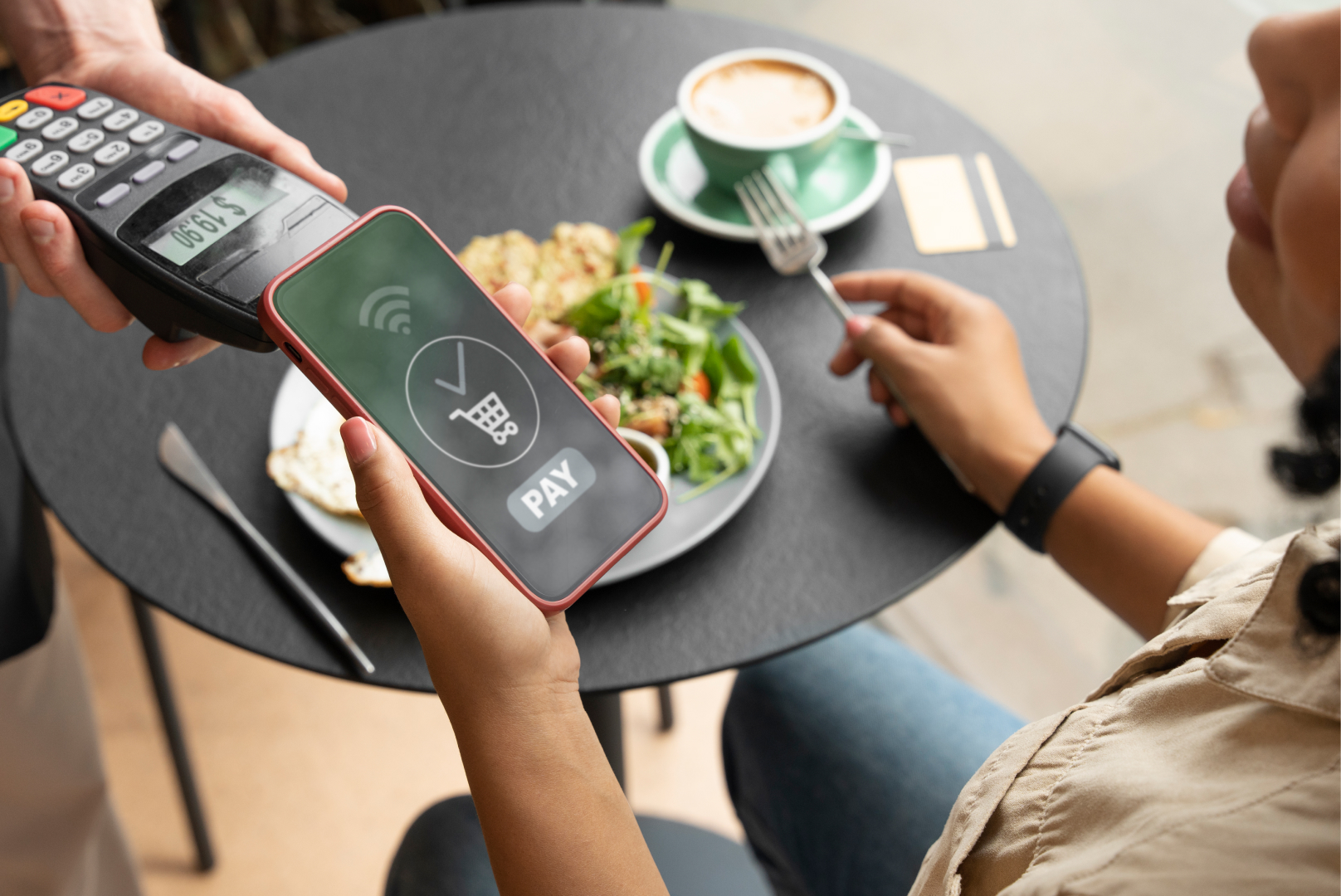
4. Payment is completed at the table via card, Apple Pay, or Google Pay. Split billing between multiple customers at the same table is handled through the same interface.
5. Order is transmitted instantly to your POS and kitchen display system (KDS), including the table number, all items, and any modifications. Staff are notified to deliver food — no order-taking step required.
The entire process takes under two minutes for most customers. QR code ordering systems eliminate the friction points of dine-in ordering: waiting to be noticed by a server, repeating modifications, or holding up the table to flag someone down for another round.
Why Table Ordering Boosts Average Order Value
Customers who order through a digital table system consistently spend more than those who order through a server. The mechanism is straightforward: a digital menu gives customers time to browse without social pressure, surfaces add-ons and upgrades at the right moment in the ordering flow, and makes reordering drinks or extras a frictionless tap rather than a flagging-down exercise.
Research across table ordering deployments shows that customers spend 5–20% more when ordering through digital table systems compared to ordering through a server. The increase comes from two sources: higher initial order value (customers take more time to consider the menu) and higher reorder rate (ordering a second drink doesn't require finding a staff member).
Some NZ operators report average order value increases of up to 25% after implementing table QR ordering. The consistency of digital upsell prompts is a key driver — every customer sees the same upgrade suggestion at the same point in their order, without the variability of staff following upsell scripts under different levels of pressure.
The reorder effect is particularly significant in bars and casual dining venues. When ordering a second drink requires scanning a code and tapping two buttons rather than catching a server's eye across a busy room, customers reorder more often — and earlier in their visit.
Does It Integrate With POS & Kitchen Display?
Yes — and that integration is what determines whether table ordering actually improves your operation. A table ordering system that doesn't integrate with your POS creates a separate order flow that staff has to monitor and manually enter into the system. That defeats most of the efficiency gain.
When QR table ordering integrates directly with your POS, orders appear in the same queue as counter and kiosk orders, with the table number clearly identified. The kitchen display system (KDS) receives the order immediately, routed to the relevant station — grill, cold, bar — with all modifications and item details.
Payment integration is equally important. When the customer pays through the table ordering system, the transaction is recorded in the POS automatically, closing the table and reconciling without staff input. Split payment between diners at the same table is handled through the ordering interface, removing one of the most friction-prone moments in dine-in service.
Real-time menu sync is the third integration to confirm. If your POS marks an item as unavailable, that change should appear on the table ordering menu automatically — without requiring a separate login to the ordering platform.
Best Venue Types for Table Ordering
Cafés
Cafés benefit from table QR ordering primarily for dine-in customers. A QR code at each table lets customers order coffee and food without joining the counter queue — particularly useful during morning rushes when counter staff are managing takeaway volume. It also handles the reorder moment (a second flat white, a piece of cabinet food) without requiring a staff member to come to the table.
Casual Dining Restaurants
For casual dining with table service, QR ordering replaces the order-taking step in the floor staff workflow — staff deliver food and manage the room without taking orders. This typically means a smaller floor team can manage the same number of covers, or the same team can manage more tables more effectively.
Bars and Pubs
Bars see some of the largest reorder-rate improvements from table ordering, because the alternative (queuing at the bar) has a meaningful deterrent effect on repeat ordering. Customers who can reorder from their seat do so more often. Table QR ordering also reduces the pressure on bar staff during peak service and ensures every order is captured without a customer being lost to the queue.
Common Mistakes When Rolling Out Table Ordering
• No onboarding for customers. A QR code on the table means nothing if customers don't know what to do with it. A brief card or table sign explaining the system (and assuring them that staff are still available if needed) significantly improves adoption in the first weeks.
• Poor menu photography or descriptions. Digital menus live or die on their presentation. Items with no images or vague descriptions convert poorly — customers revert to asking staff what something is, which undermines the efficiency gain.
• No fallback option for staff ordering. Table ordering should supplement staff capability, not eliminate it. Customers who struggle with the technology, are elderly, or simply prefer to order from a person should have that option without friction.
• QR codes that go to the wrong place. Test every QR code after printing. Codes that link to a generic menu page (not the table-specific ordering URL) break the order-routing logic that identifies which table placed the order.
• Ignoring split-payment configuration. Group dining tables will want to split the bill. If your table ordering system doesn't handle this cleanly, the efficiency gain evaporates at payment time when staff are pulled in to manage a manual split.
How to Choose a Table Ordering System in NZ
For NZ venues, a few factors are non-negotiable when evaluating a table ordering system:
• POS integration — the system must connect natively to your existing POS, not require manual order transfer
• NZ payment methods — Apple Pay, Google Pay, Visa/Mastercard contactless, and compatibility with your existing EFTPOS setup
• 15% GST handling — NZ GST must be calculated and displayed correctly at checkout without manual configuration
• No-app experience — requiring customers to download an app before ordering is the biggest adoption killer in table ordering; browser-based QR menus are the standard
• Table identification — the system must accurately route orders by table number to the right kitchen station or server
TABIN's self-ordering kiosk solution and QR ordering platform are built for NZ hospitality venues — connecting table ordering directly with your POS and KDS to create a unified order flow across all channels. Contact TABIN to discuss the right table ordering setup for your specific venue type.
Conclusion
Table ordering technology isn't about replacing hospitality — it's about removing the friction that gets between your customers and a good experience. When ordering and payment are handled digitally at the table, staff can focus on delivering food well, managing the room, and building the customer relationships that bring people back.
For NZ venues managing leaner teams, higher customer expectations, and the persistent pressure of thin margins, a well-integrated table ordering system is one of the most practical operational improvements available.
Frequently Asked Questions (FAQs)
Q1: What is a table ordering system?
A table ordering system is technology that allows restaurant customers to place orders and pay directly from their table, without waiting for a staff member to take their order. The most common format is QR code ordering — customers scan a code with their phone, access a digital menu in their browser, and pay through the same interface. The order routes directly to the kitchen display system and POS, with the table number identifying where to deliver the food.
Q2: How does QR code ordering work in a restaurant?
A unique QR code is placed at each table. Customers scan it with their phone camera — no app download required. The restaurant's digital menu loads in the browser, displaying items with descriptions, images, and modifier options. Customers place their order, pay via card or digital wallet, and the order appears instantly on the kitchen display system with the table number and all item details. NZ QR ordering platforms typically handle the full flow from menu browse to payment within a single browser session.
Q3: Is table ordering better than kiosk ordering?
They serve different operational needs. Table QR ordering is best for dine-in venues where customers are seated and service involves food delivery to the table — cafés, casual dining, bars. Kiosk ordering is better suited to QSR and fast-casual formats where customers order before sitting, or in venues with limited floor space for table-mounted QR codes. Many operators use both: kiosks for walk-in and takeaway orders, and QR ordering for dine-in customers at tables.
Q4: Does table ordering integrate with the kitchen (KDS)?
Yes — when the system is properly integrated. A table ordering setup that connects to your POS and kitchen display system (KDS) sends each order directly to the relevant kitchen station the moment it's placed, with full order details and the table reference. This eliminates manual order transfer between a table ordering tablet and the kitchen and ensures orders appear in the same queue as counter and kiosk orders, without requiring staff to monitor a separate device.
Q5: Can table ordering increase average order value?
Consistently, yes. Digital table ordering increases average customer spend by 5–25% across multiple studies and operator reports. The increase comes from two sources: customers spend more on their initial order because they have time to browse without pressure from a waiting server, and they reorder more often because placing an additional order requires only a phone tap rather than flagging down staff.


.webp)











.png)













.webp)


