There's no single number that works for every restaurant — but there are clear signals that point you in the right direction. Your peak-hour customer volume, floor space, and service format are the three factors that matter most. Most restaurants start with 2–3 kiosks and scale from there. This guide breaks down each factor so you can make a confident, cost-effective decision before your first kiosk is installed.
Why Getting the Kiosk Number Right Matters From Day One
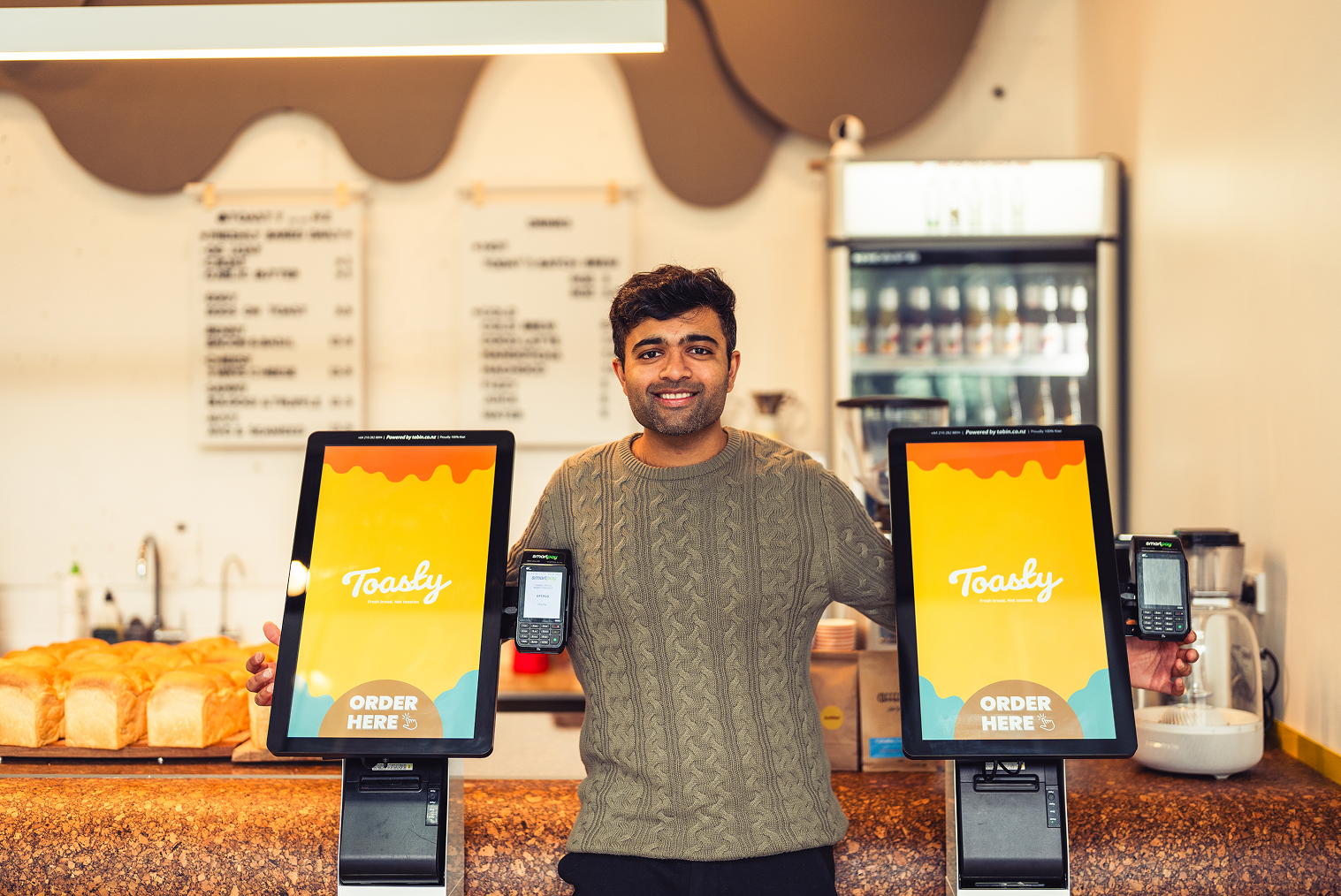
Installing the wrong number of kiosks is one of the most avoidable mistakes in restaurant kiosk planning. Too few and you've just moved the queue from the counter to the kiosk screen. Too many and you've over-invested in hardware that sits underutilised and eats into your floor space. Getting this right from the start saves money, improves customer flow, and makes your staff's lives easier.
Customer demand for self-service kiosks in restaurants has skyrocketed, with 61% of diners now desiring more kiosk options—up from 57% in 2024 and just 36% in 2023. This rapid adoption reflects a broader push toward digital ordering across the fast-casual and quick-service restaurant (QSR) sectors.
The pressure on restaurants to get their restaurant self service kiosk setup right has never been higher. A well-planned installation reduces wait times, keeps customers moving, and protects the return on your investment. A poorly planned one creates frustration on both sides of the counter.
Before you commit to a number, you need to understand what's actually driving that number — and it starts with your busiest hour.
1. Start With Your Peak-Hour Customer Volume
The most reliable starting point for restaurant kiosk planning is your peak-hour customer count. A useful benchmark used by QSR operators is one kiosk for every 30–40 customers served per hour during your busiest period. If your lunch rush typically brings in 90–120 customers per hour, that points toward 3 kiosks as a working baseline.
The logic is straightforward. Kiosks process orders faster than traditional counter ordering — research shows self-ordering kiosks reduce total order time by nearly 40%. But that speed advantage only holds if there's a kiosk available when the customer arrives. If every screen has a queue of four or more people, the efficiency gain disappears quickly.
Pull your POS data and identify your peak 60-minute window. Look at covers per hour, transaction count, or order volume — whichever metric your system tracks most reliably. That number is your anchor for everything else.
If you don't have clean data yet, a manual count over two or three lunch services will give you a solid enough estimate to start planning.
2. Floor Space and Restaurant Layout
How many kiosks you can install and how many you should install aren't always the same number. Your floor plan plays a significant role in both.
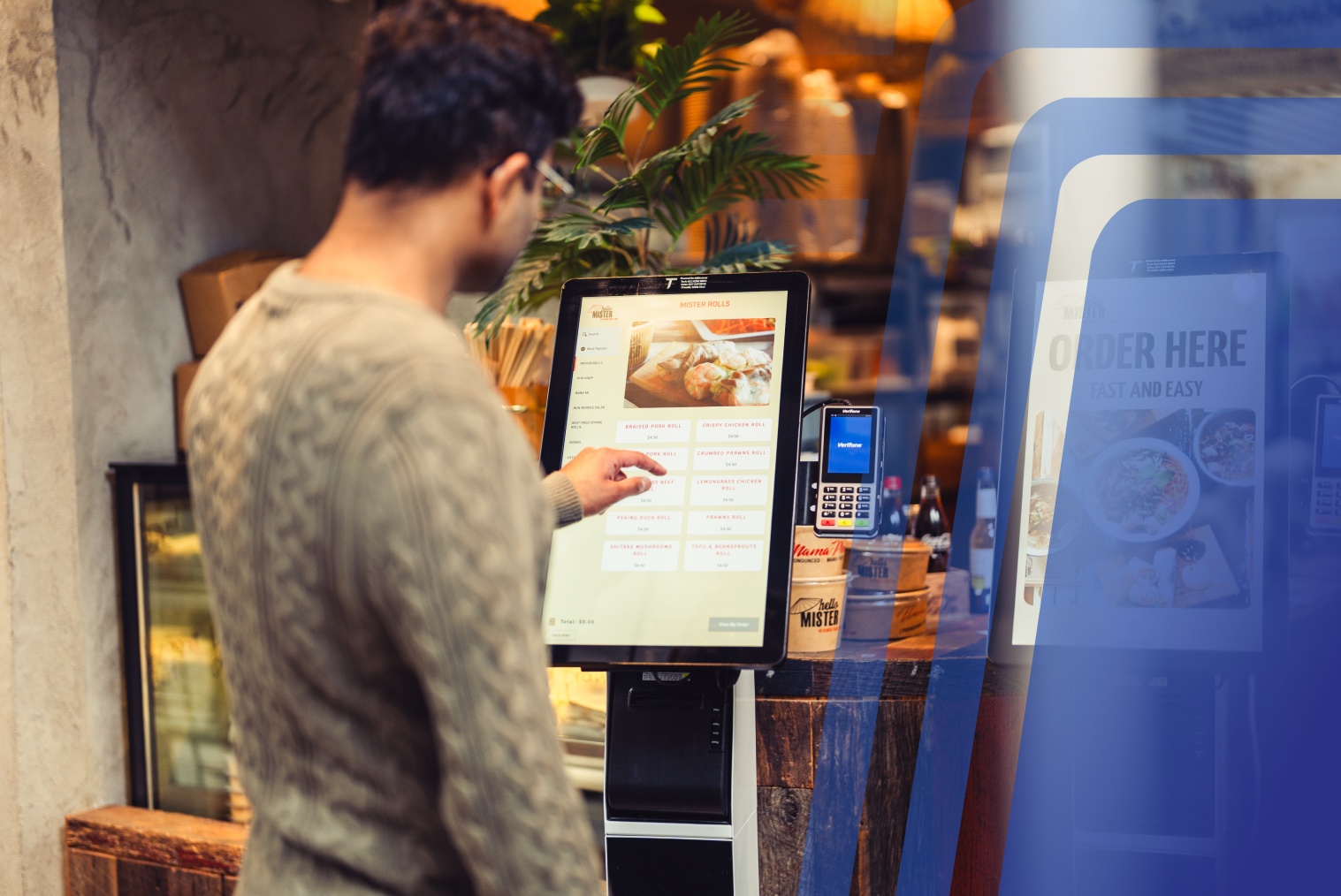
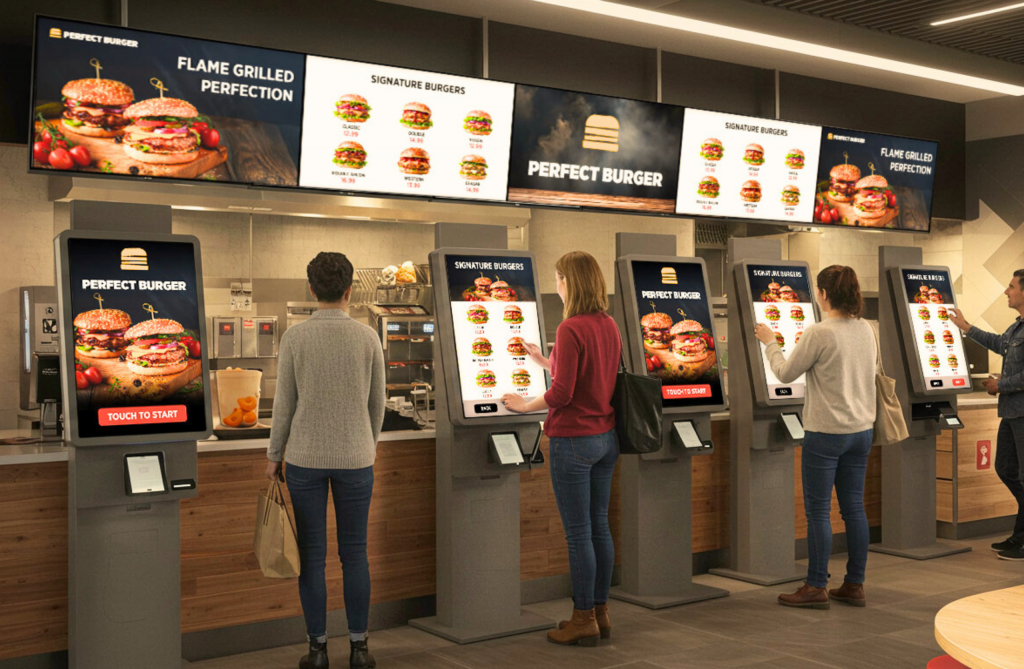
Industry best practice recommends positioning kiosks away from the traditional front counter. When kiosks are clustered near the counter, customers hesitate — they're not sure which queue to join. That confusion creates unnecessary congestion and slows the whole front-of-house down.
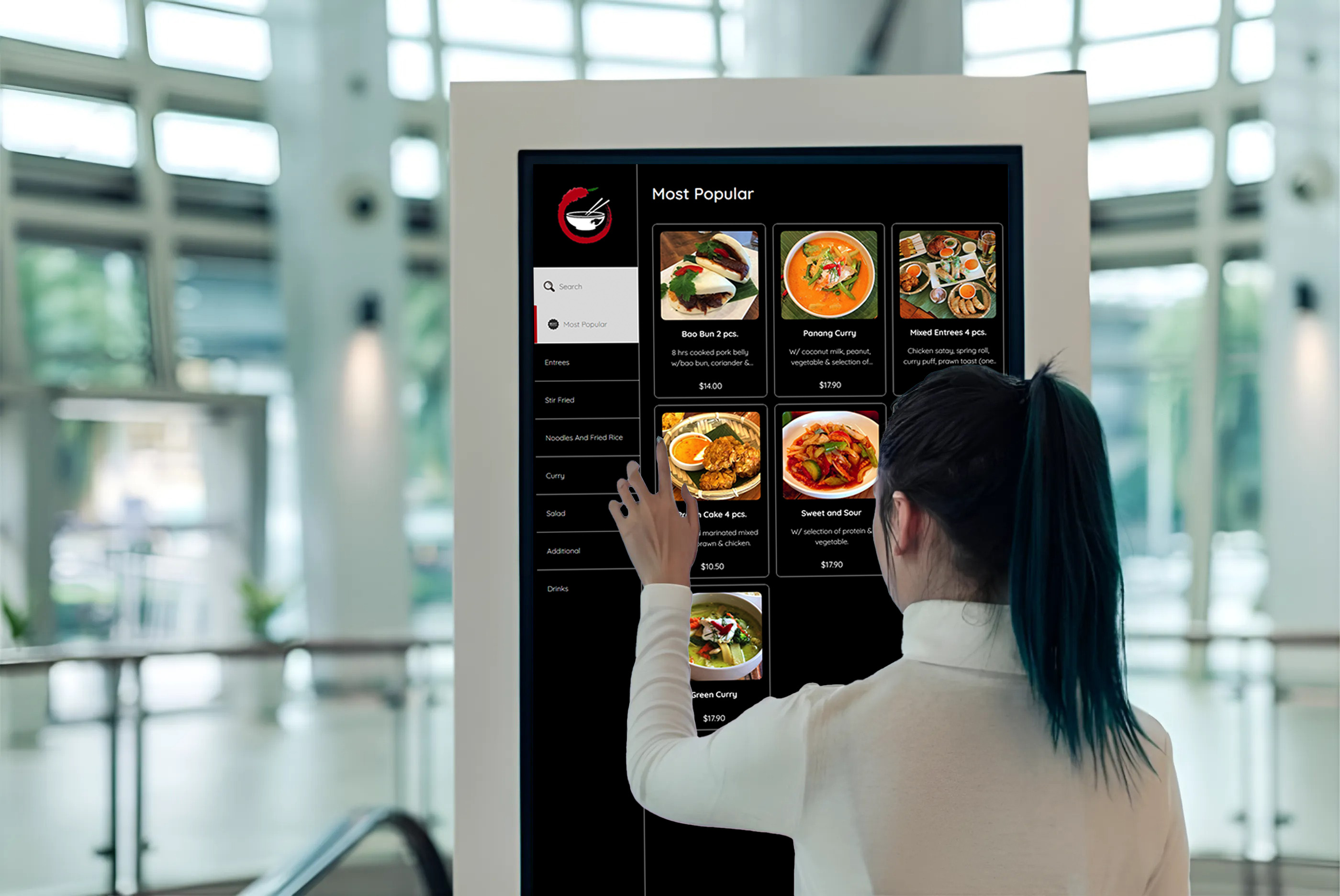
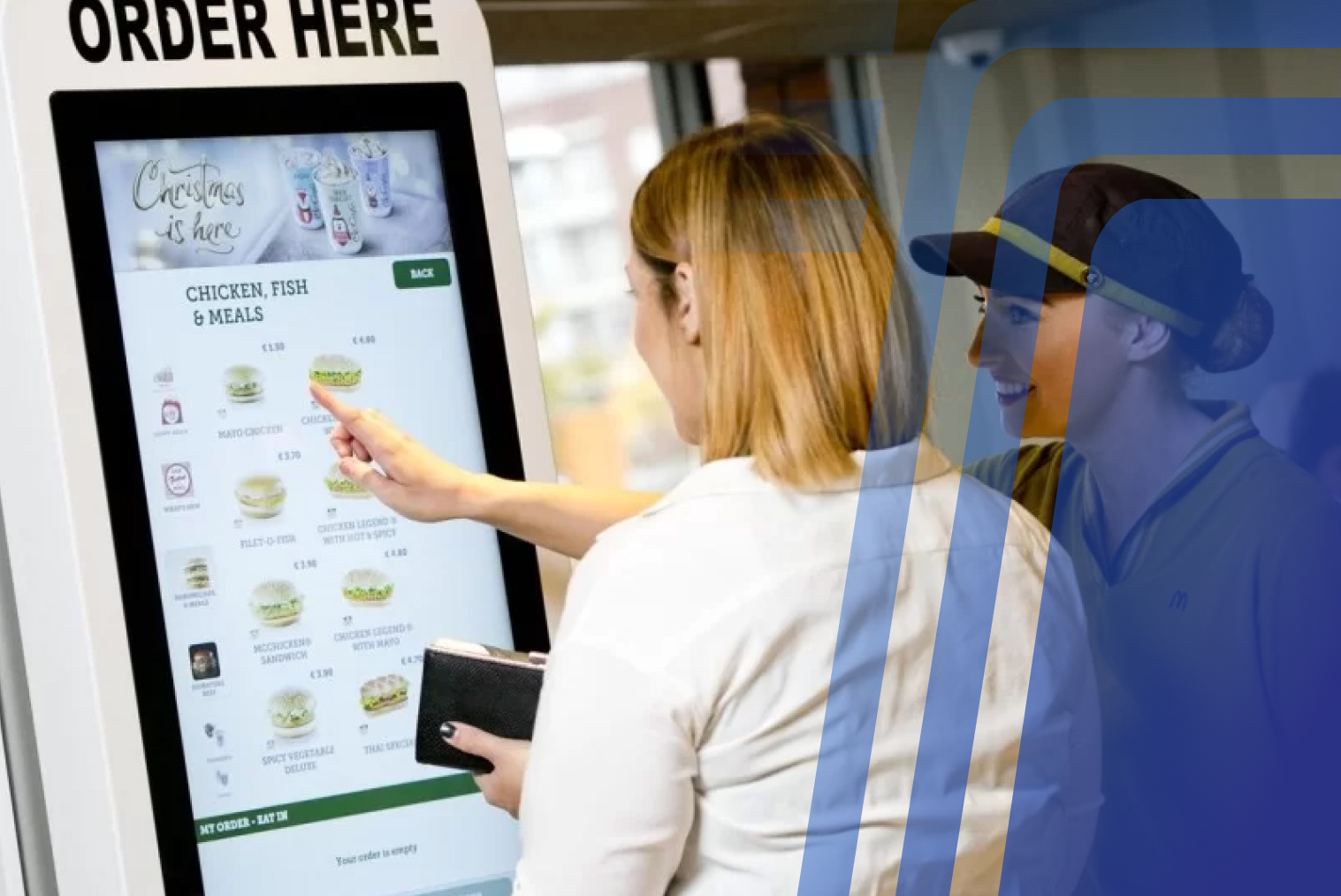
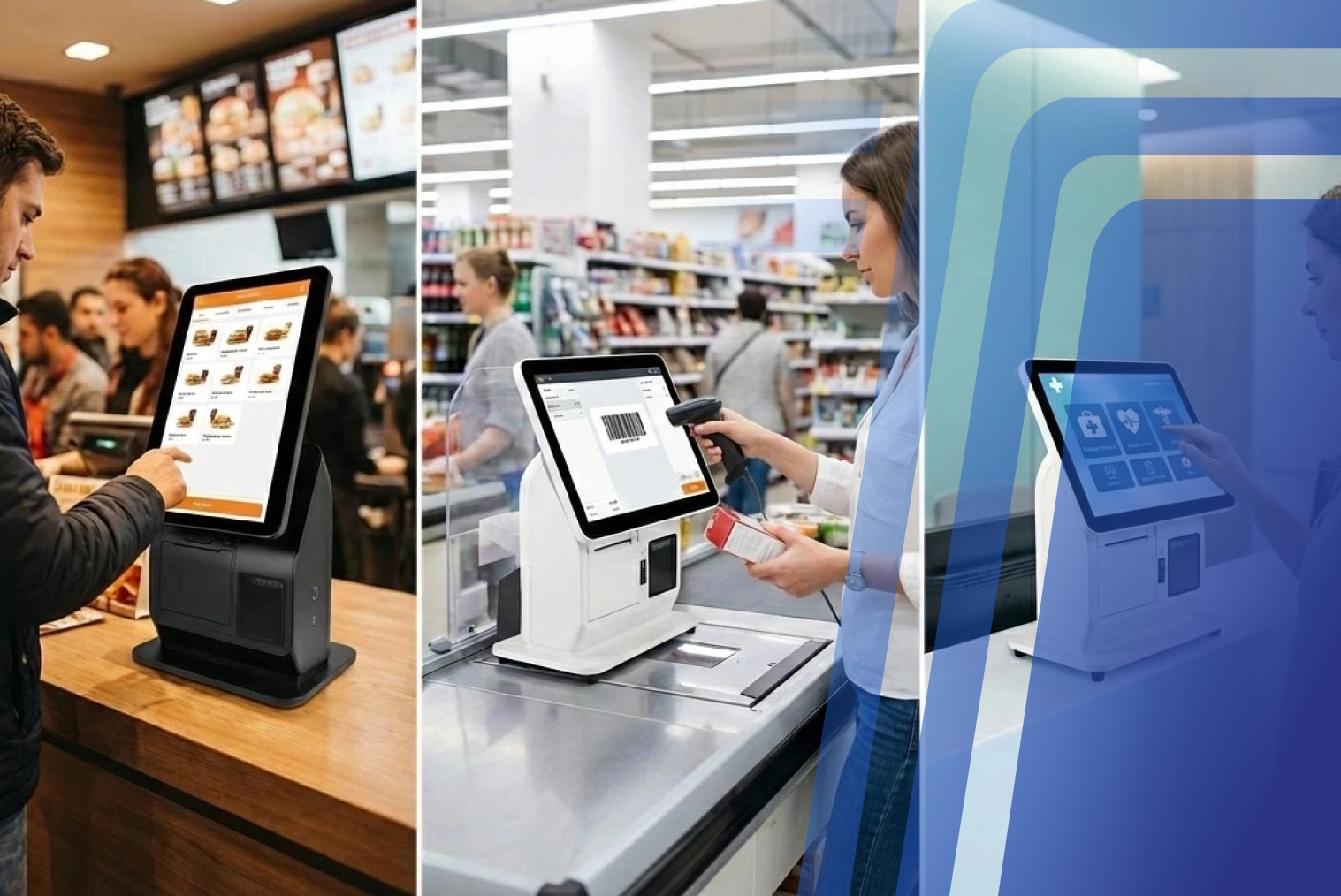
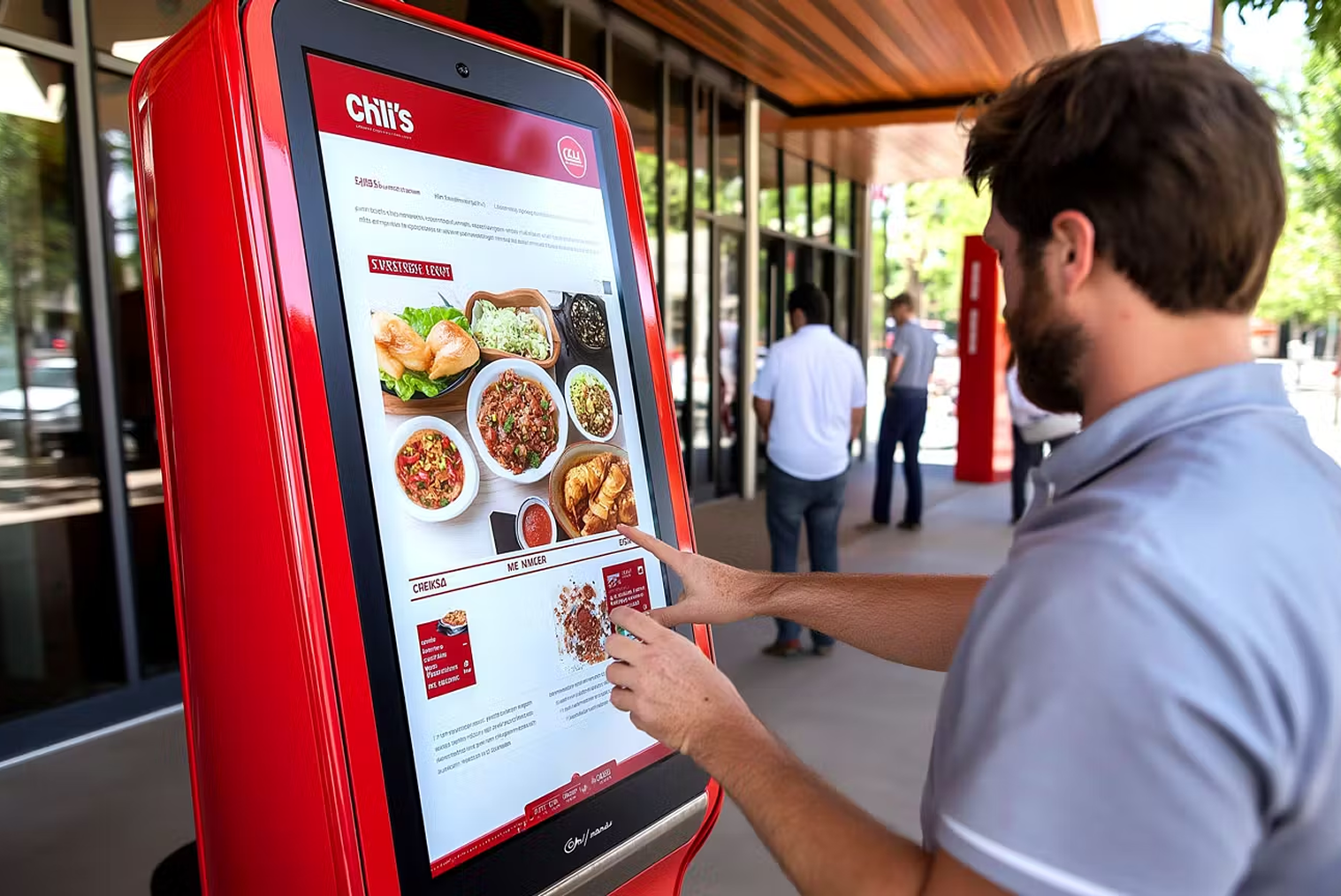
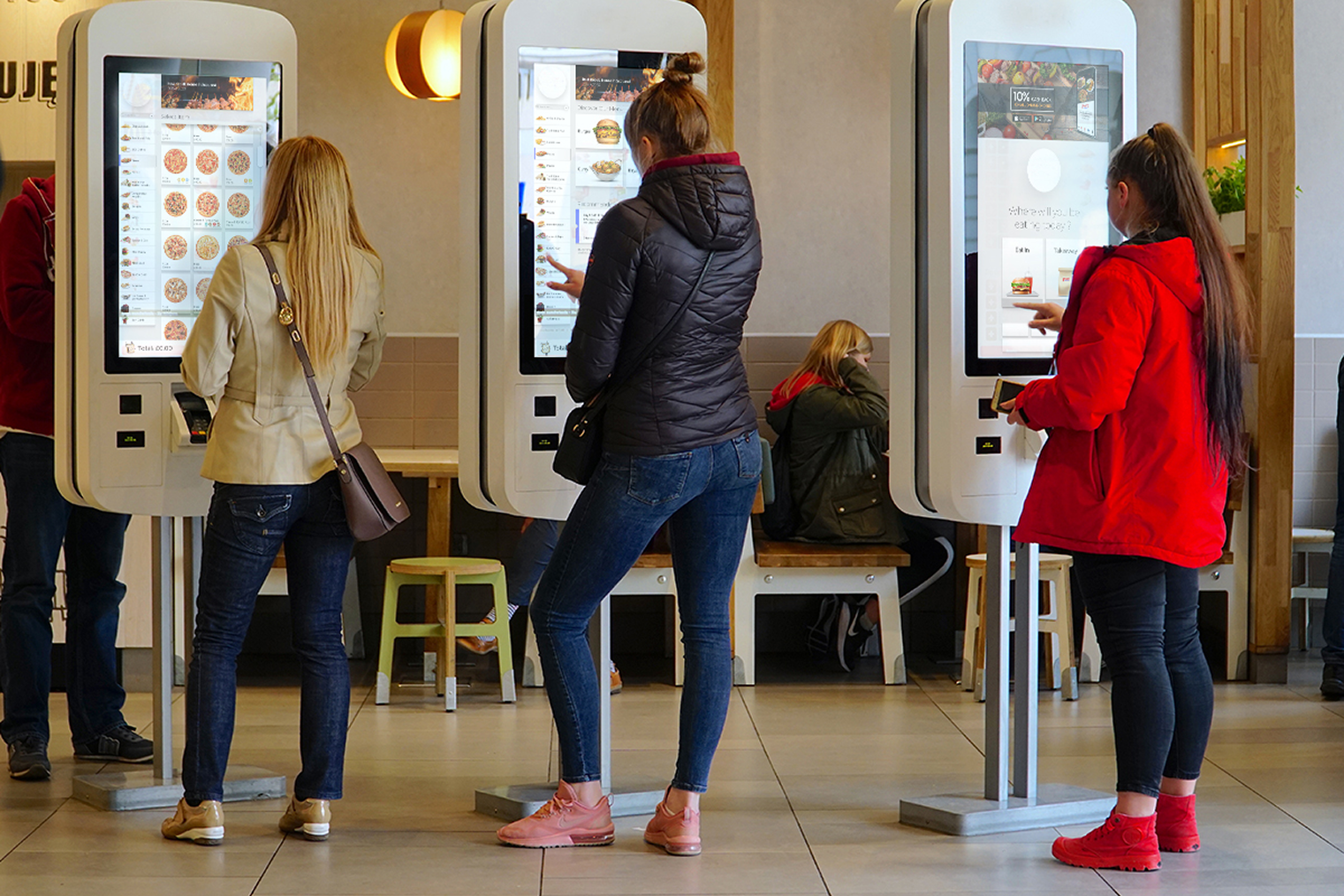
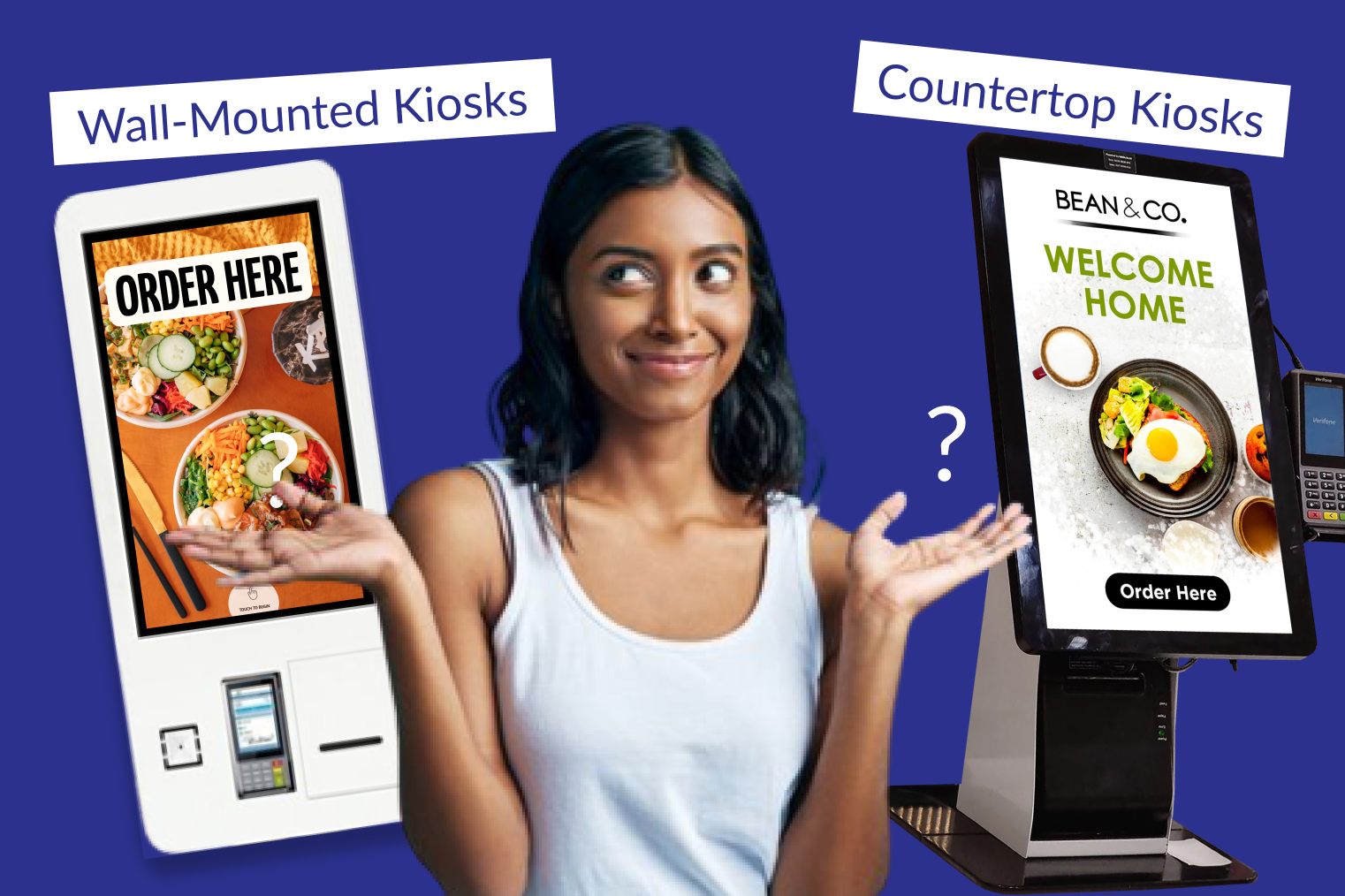
For smaller venues, countertop kiosks are worth considering. They take up far less floor space than floor-standing units and work well in compact ordering areas. Larger formats — QSRs, food courts, high-volume takeaways — typically benefit from floor-standing kiosks arranged in a row or slight arc, giving customers clear visual access and room to browse without feeling crowded.
A useful planning rule: allow at least 0.8–1 metre of clear space in front of each kiosk screen, and ensure customers finishing their order have a natural path away from the unit without crossing incoming customers. That flow design matters more than most operators expect.
3. Restaurant Type and Service Format
The right kiosk count also depends heavily on your restaurant format. QSRs and high-volume takeaways with fast menu turnovers need more kiosks than a smaller café with a shorter menu and slower customer flow. As a general guide: 1–2 kiosks for small or counter-style venues, 3 for mid-size QSRs, and 4–6 for high-traffic locations.
Best practice guidance for QSR operators sets a minimum of 3 kiosks for any location where self-ordering is the primary channel — below that, you risk creating bottlenecks during peak service rather than eliminating them.
Here's a practical breakdown by format:
- Small café or counter-service venue (under 50 covers, low-to-medium traffic): 1–2 kiosks
- Mid-size QSR or fast-casual (50–100 covers, consistent peak traffic): 3 kiosks
- High-volume QSR, food court, or multi-concept venue: 4–6 kiosks
If you're operating a takeaway or quick-service concept and want to see how other restaurants in your format have set up their systems, it's worth exploring kiosk solutions for takeaway restaurants to understand what configurations work best in practice.
Menu complexity also matters. A restaurant with a large, highly customisable menu will see customers spending more time at each kiosk screen. That lengthens the average transaction time and effectively reduces each kiosk's capacity — so factor that in when you're doing your calculations.
How Kiosks Affect Queue Management
This is where the numbers get interesting. Kiosks don't just add ordering capacity — they fundamentally change how queues form and move.
A traditional single-counter setup creates a single point of failure. One slow order, one tricky customisation, or one payment issue and the whole queue stalls. Multiple kiosks distribute that load across parallel ordering channels, so a delay at one screen doesn't affect anyone else.
A 2025 simulation study published in the Journal of Service Operations Management found that a balanced ratio of 3 kiosks to 3 service counters was the most effective hybrid configuration — reducing average wait times by 28% and shrinking average queue length by as much as 77%. That's a meaningful operational improvement, but it only holds when the kiosk-to-counter ratio is properly calibrated.
Customer patience is also worth factoring in. Research shows that 57% of customers are put off when a queue reaches five people, and that rises to 91% when there are ten or more people waiting. More kiosks mean shorter queues, which means fewer walk-aways — and fewer lost sales.
Queue lengths in kiosk-enabled restaurants shrink by 25–40% during peak hours, and the benefit compounds when customers can see multiple available screens on arrival. The psychology of the open kiosk matters as much as the throughput data.
Signs You Need More Kiosks After Installation
You can tell fairly quickly after launch whether your initial kiosk count is holding up. If kiosk queues are consistently forming during peak hours, wait times aren't dropping noticeably, or customers are defaulting back to the counter to avoid the screen queue — those are clear signals that you need more capacity.
Data from kiosk-enabled restaurants shows that 76% report measurable reductions in wait times after installation. If yours isn't in that group within the first few weeks, the kiosk count is usually the first thing to examine.
Here's a practical post-launch checklist:
- Kiosk utilisation over 85% during peak hours — you likely need one more unit
- Average kiosk queue depth of 3+ people during a 15-minute peak window — a strong sign of capacity strain
- Customer dwell time at screens exceeding 3 minutes — review both kiosk count and UI/menu complexity
- Staff being pulled back to the counter to handle overflow — the kiosk setup isn't absorbing enough volume
Starting with a smaller number and scaling up is a legitimate strategy — and often a smarter one. It keeps your initial investment lower, lets you assess customer adoption patterns, and gives you real usage data to justify expansion. Many operators find that launching with 2 kiosks, monitoring for 4–6 weeks, and then adding a third based on actual peak-hour data leads to a more efficient outcome than guessing upfront.
Is There a Maximum Number of Kiosks a Restaurant Should Have?
There's no hard ceiling — but there is a practical one, and it's tied more to your staff capacity than your floor space.
Each kiosk needs to be monitored. Customers occasionally need help navigating the screen, payment issues arise, and screens need to be kept clean and operational throughout service. A single staff member can realistically oversee 4–6 kiosks while also assisting customers — beyond that, oversight starts to slip and the customer experience degrades.
The ROI calculation also changes as you scale. Your first 2–3 kiosks typically deliver the highest return — they absorb the ordering volume that was creating the most friction. Each additional unit beyond that serves a progressively smaller share of traffic and takes longer to pay back its installation cost.
What keeps larger kiosk fleets manageable is seamless POS integration. When your kiosks feed directly into your restaurant POS system, orders flow straight to the kitchen without manual handling, and your analytics give you visibility across every screen. That's what allows a well-run venue to operate 4–6 kiosks without the management overhead becoming a problem. TABIN's kiosk and POS solutions are built with this integration in mind, giving you real-time data across your entire ordering setup from a single dashboard.
The Right Number Is the One That Fits Your Operation
Kiosk quantity isn't a fixed formula — it's a decision that needs to reflect your actual traffic patterns, your floor plan, and your service format.
Start with your peak-hour customer volume. Use the 1-kiosk-per-30–40-customers benchmark as your baseline. Factor in your venue size and format, and plan your layout so kiosks are clearly separated from the counter and easy to approach. If you're unsure, start with 2–3, measure carefully in the first few weeks, and expand based on real data rather than guesswork.
The goal isn't maximum kiosks — it's the right kiosks, in the right configuration, working efficiently for your customers and your team.
If you're ready to plan your setup, explore TABIN's self-service kiosk solutions to see which models suit your restaurant format. Or book a demo and talk through your specific setup with the TABIN team — they'll help you work out the right number for your venue before you commit to anything.
Frequently Asked Questions (FAQs)
Q1: How do kiosks impact queue management in restaurants?
Self-ordering kiosks distribute ordering load across multiple parallel channels, which prevents the bottlenecks that form at a single counter. Research published in the Journal of Service Operations Management found that a balanced kiosk-to-counter ratio can reduce average wait times by 28% and shrink queue lengths by up to 77%. Kiosk-enabled restaurants consistently report 25–40% shorter queues during peak hours.
Q2: Is there a limit to how many kiosks a restaurant should install?
There's no absolute maximum, but a practical ceiling exists. A single staff member can effectively oversee around 4–6 kiosks while still assisting customers. Beyond that, monitoring becomes difficult and service quality can slip. The ROI on each additional kiosk also diminishes once the highest-friction ordering bottlenecks have already been resolved by your first 2–3 units.
Q3: How do I test if I need additional kiosks after installation?
Monitor three key metrics during your peak hour: kiosk utilisation rate, average queue depth at each screen, and whether customers are reverting to the counter to avoid kiosk queues. If kiosk utilisation consistently exceeds 85% or you're seeing queues of 3+ people at the screens during peak service, that's a reliable signal to add capacity. Most restaurants see measurable wait time reductions within the first few weeks — if yours haven't, the kiosk count is the first thing to review.
Q4. Is it better to start with fewer kiosks?
Yes, for most restaurants a phased approach is the smarter strategy. Starting with 2–3 kiosks lets you assess customer adoption rates, identify peak-hour bottlenecks with real data, and justify expansion with actual usage figures rather than estimates. It also keeps your upfront investment lower while you refine your setup. Once you have 4–6 weeks of post-launch data, you'll have a much clearer picture of whether additional units are needed.
Q5. What is the minimum number of kiosks for a small restaurant?
For any venue where self-ordering is the primary ordering channel, industry guidance recommends a minimum of 3 kiosks to avoid creating new bottlenecks. Smaller counter-style venues or cafés with lower traffic volumes can operate effectively with 1–2 kiosks, particularly where staff continue to handle some orders at the counter. The key is ensuring that kiosk capacity matches your peak-hour demand — not just your average throughput.


.webp)











.png)

















.webp)


