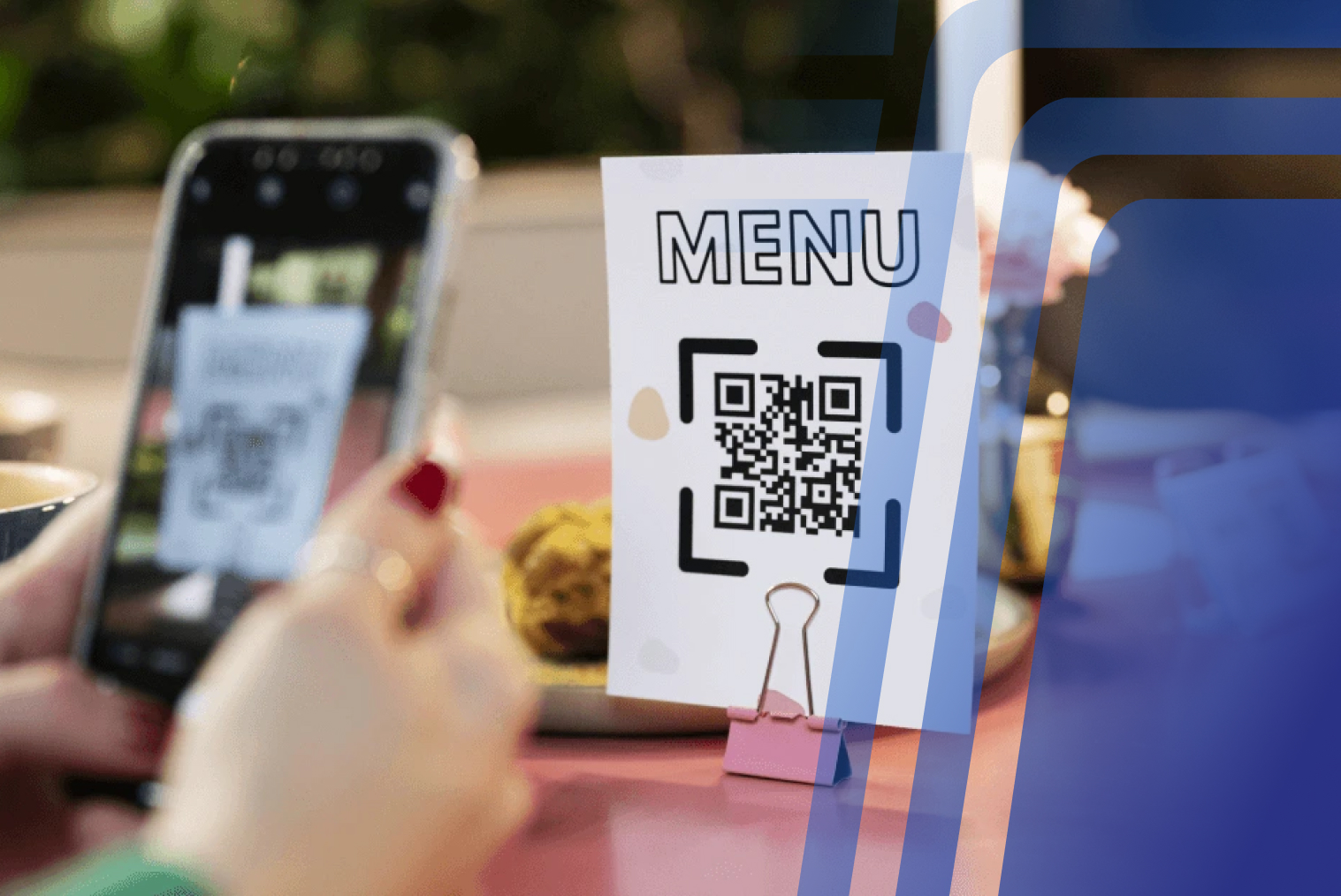
A fast food kiosk system needs to do more than let customers tap their order. It needs to handle a lunch rush where 80 customers arrive in 15 minutes, route orders to the right kitchen station instantly, trigger upsells without slowing the interface down, and integrate tightly with your POS and kitchen display system. This checklist covers every feature a QSR kiosk system must have — and why generic kiosk features often fall short in fast food environments.
Why Fast Food Restaurants Have Different Kiosk Requirements Than Other Restaurants
Not all restaurants use kiosks the same way — and the differences matter more than most operators realise when they're evaluating systems. A café kiosk needs a simple, unhurried interface for a single customer ordering a coffee and a pastry. A fast food kiosk needs to process a family of five in under two minutes during a Saturday lunch rush, in a venue already handling drive-through, counter, and delivery orders simultaneously.
Fast food ordering kiosks operate in an environment defined by volume, speed, and simultaneous demand. The global QSR market hit $971 billion in 2024, and the operational tempo in a high-volume burger chain or fried chicken outlet is fundamentally different from a casual dining or café setting.
Burger chains, fried chicken outlets, pizza QSRs, and food court fast food brands all share the same operational challenge: they need to serve the maximum number of customers in the minimum amount of time, without sacrificing order accuracy. A kiosk system that's fine in a quieter environment will visibly struggle when peak-hour pressure arrives.
What Operational Problems Should a Fast Food Kiosk System Solve?
Before evaluating kiosk features, it helps to be specific about the bottlenecks you're trying to remove. In most fast food environments, the key operational problems are:
- Counter congestion during peak hours — a single queue serving all ordering functions creates a hard ceiling on throughput
- Order entry errors — staff mishearing modifications, missing add-ons, or entering items incorrectly under pressure
- Staff over-allocation to order-taking — in a busy QSR, significant labour time is spent on a task that a kiosk can handle without fatigue or inconsistency
- Missed upsell opportunities — staff under pressure during peak hours rarely follow upsell scripts consistently; kiosks prompt every time
- Kitchen communication delays — orders entered at the counter require a transfer step to the kitchen; slow or error-prone transfers create production bottlenecks
A well-designed fast food kiosk system addresses all of these. Restaurants that deploy kiosks typically see a 10–20% improvement in peak-hour throughput without expanding physical space or adding headcount.
Fast Food Kiosk System Checklist: Features Every QSR Needs
Fast, Single-Path Ordering Interface
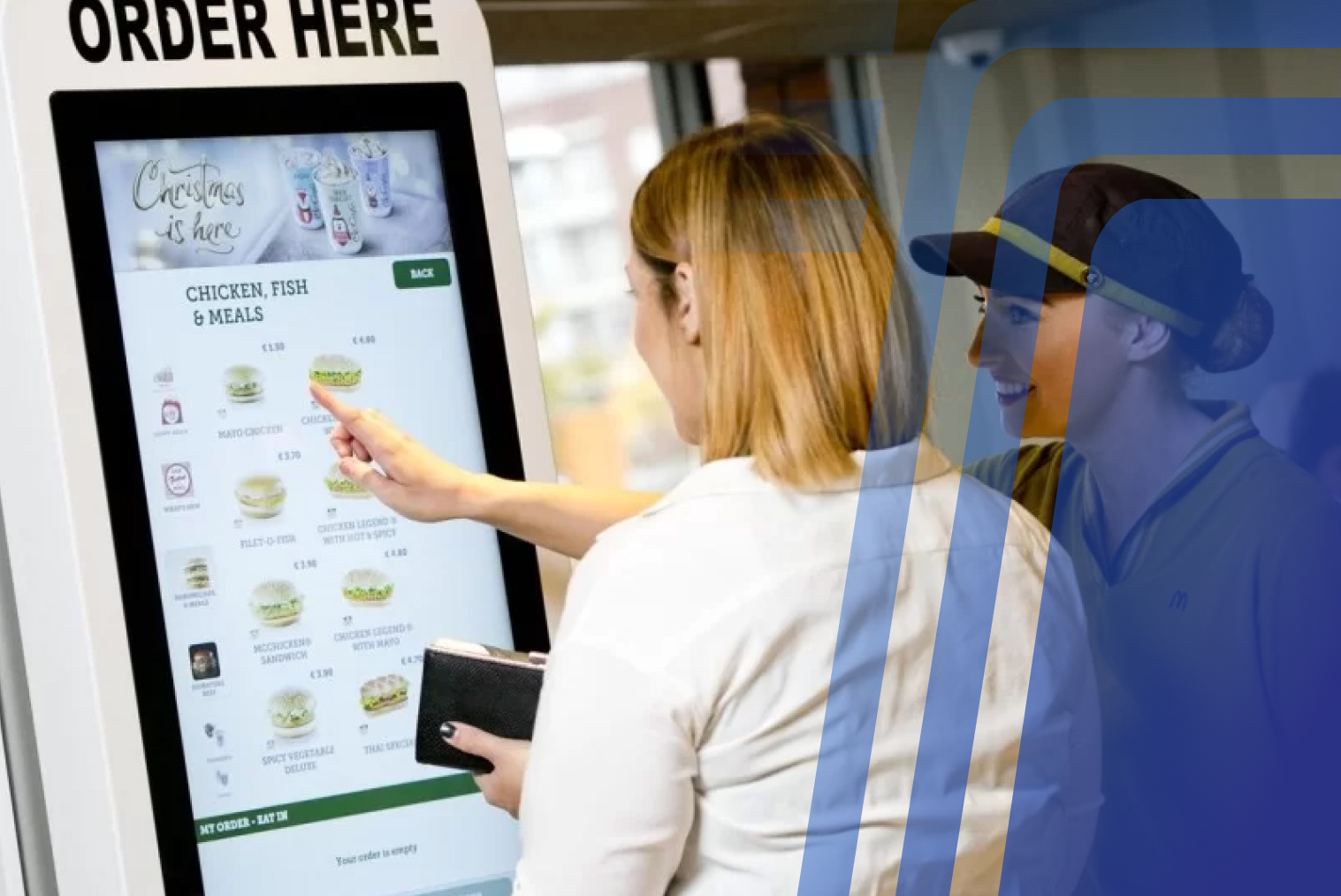
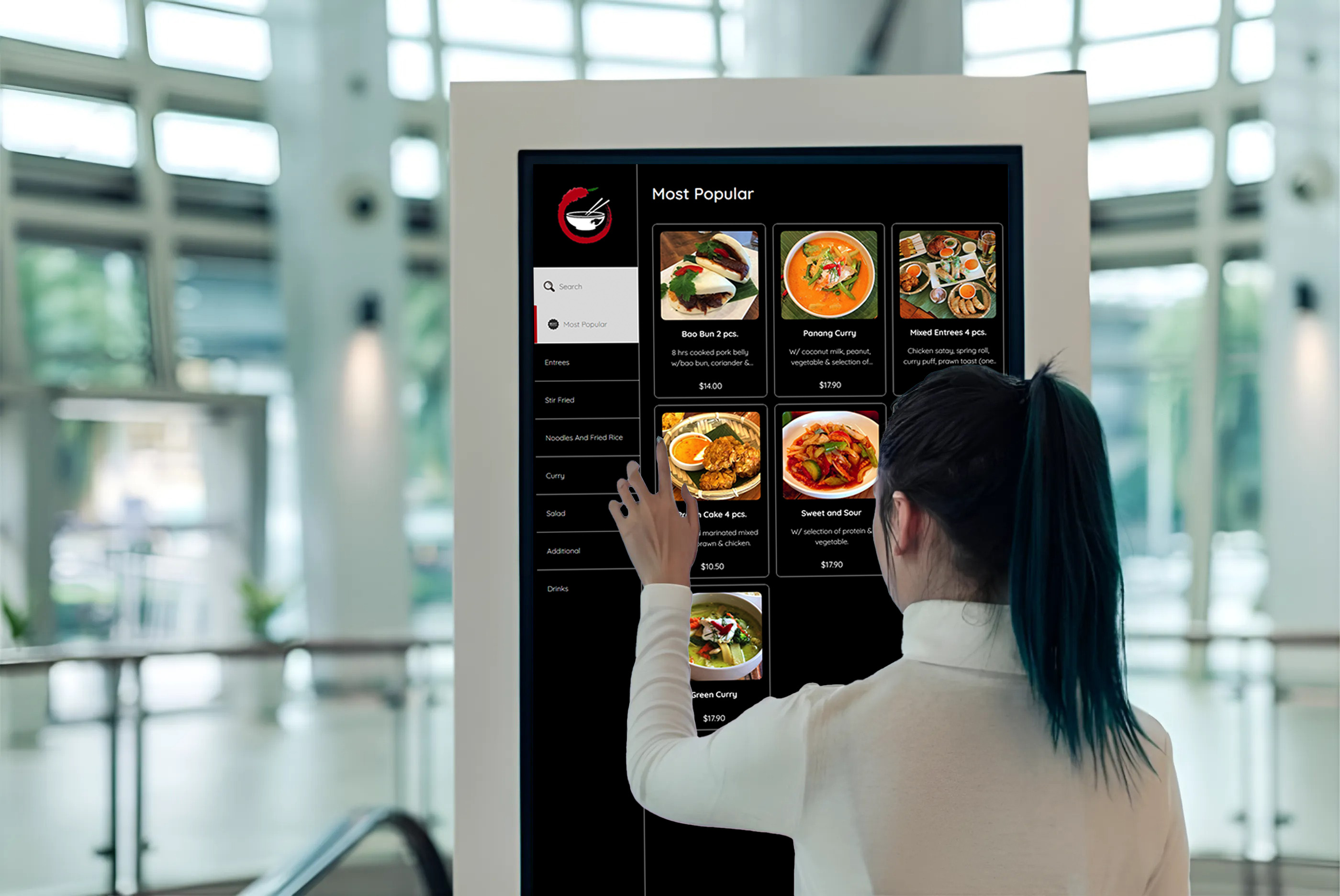
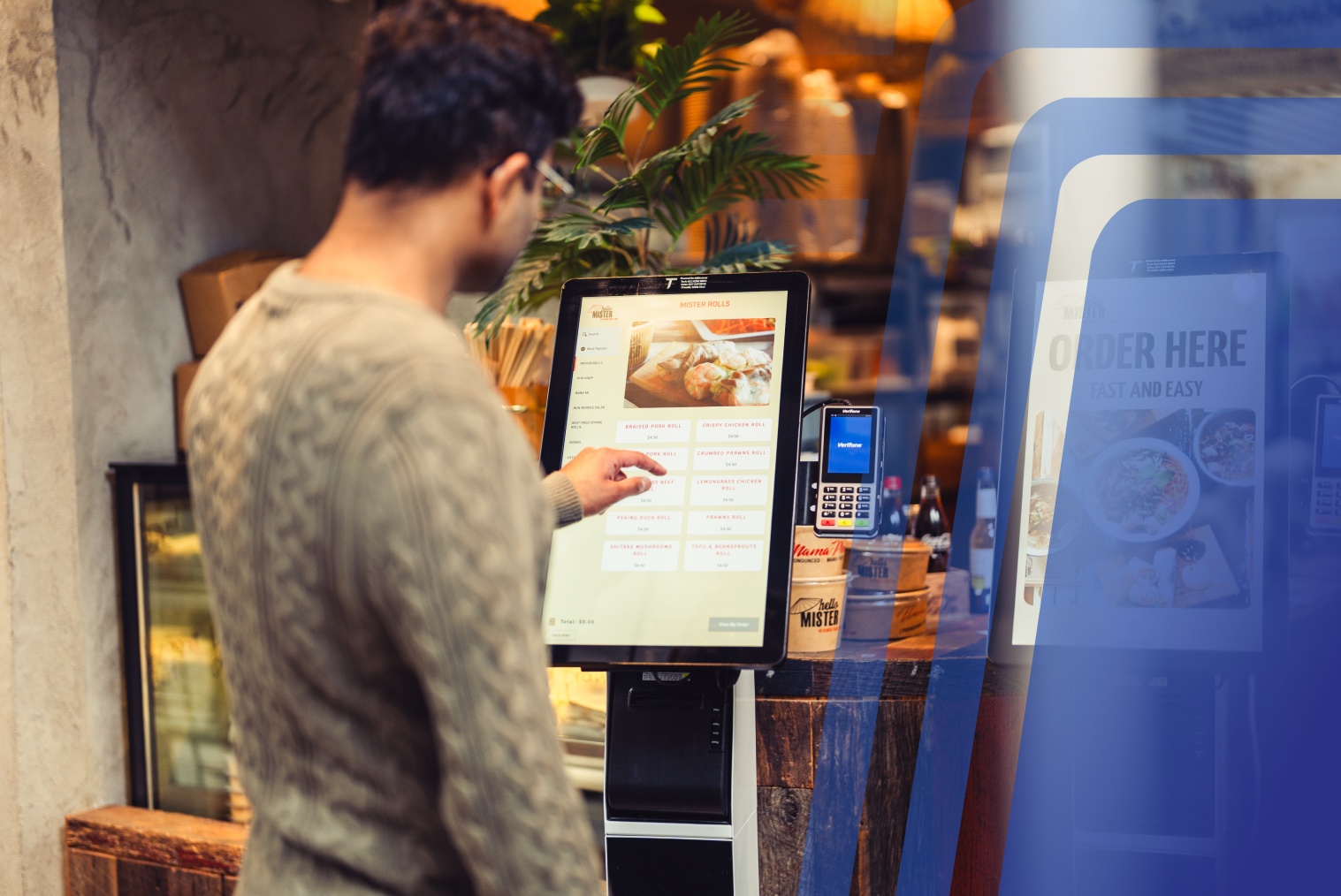
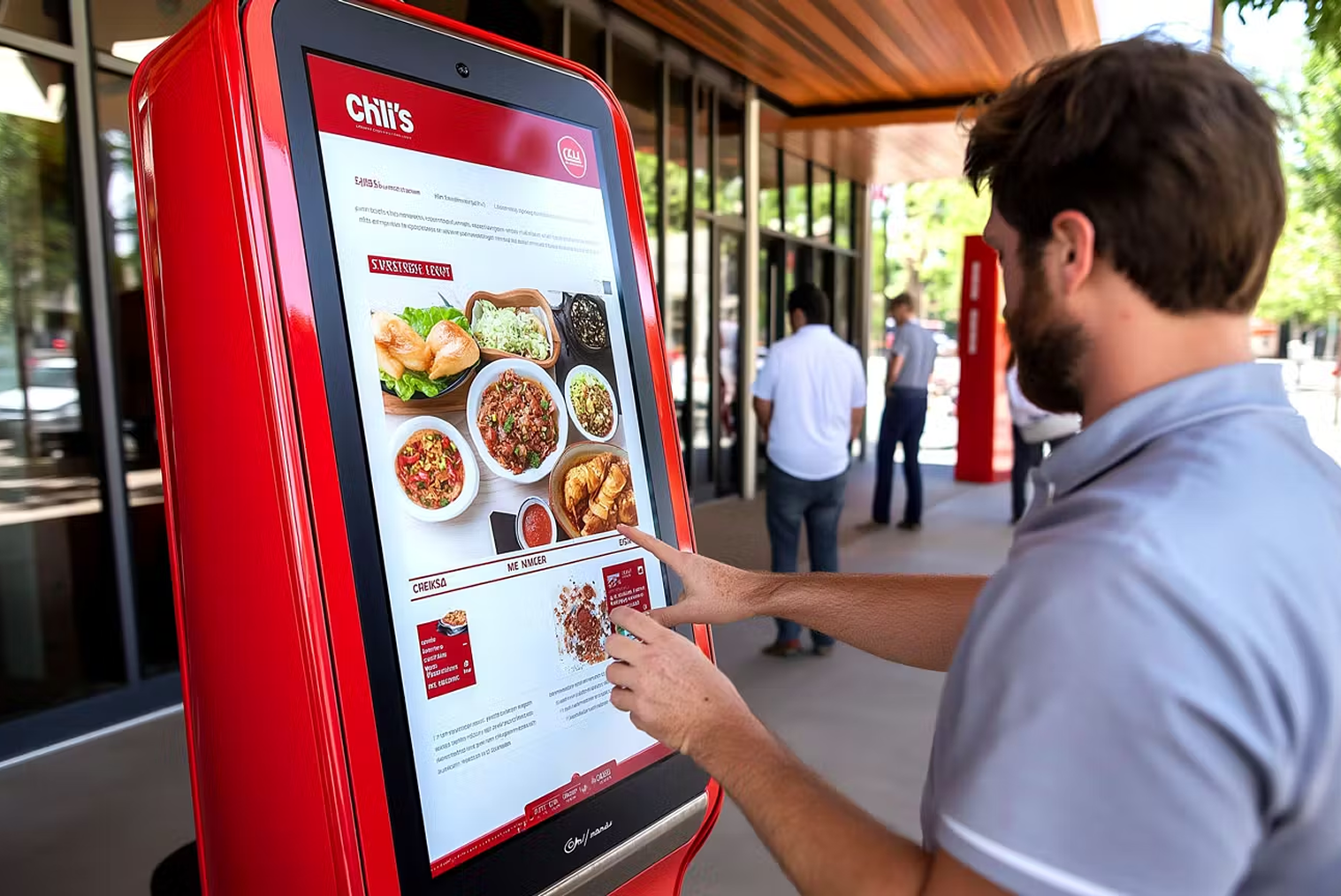
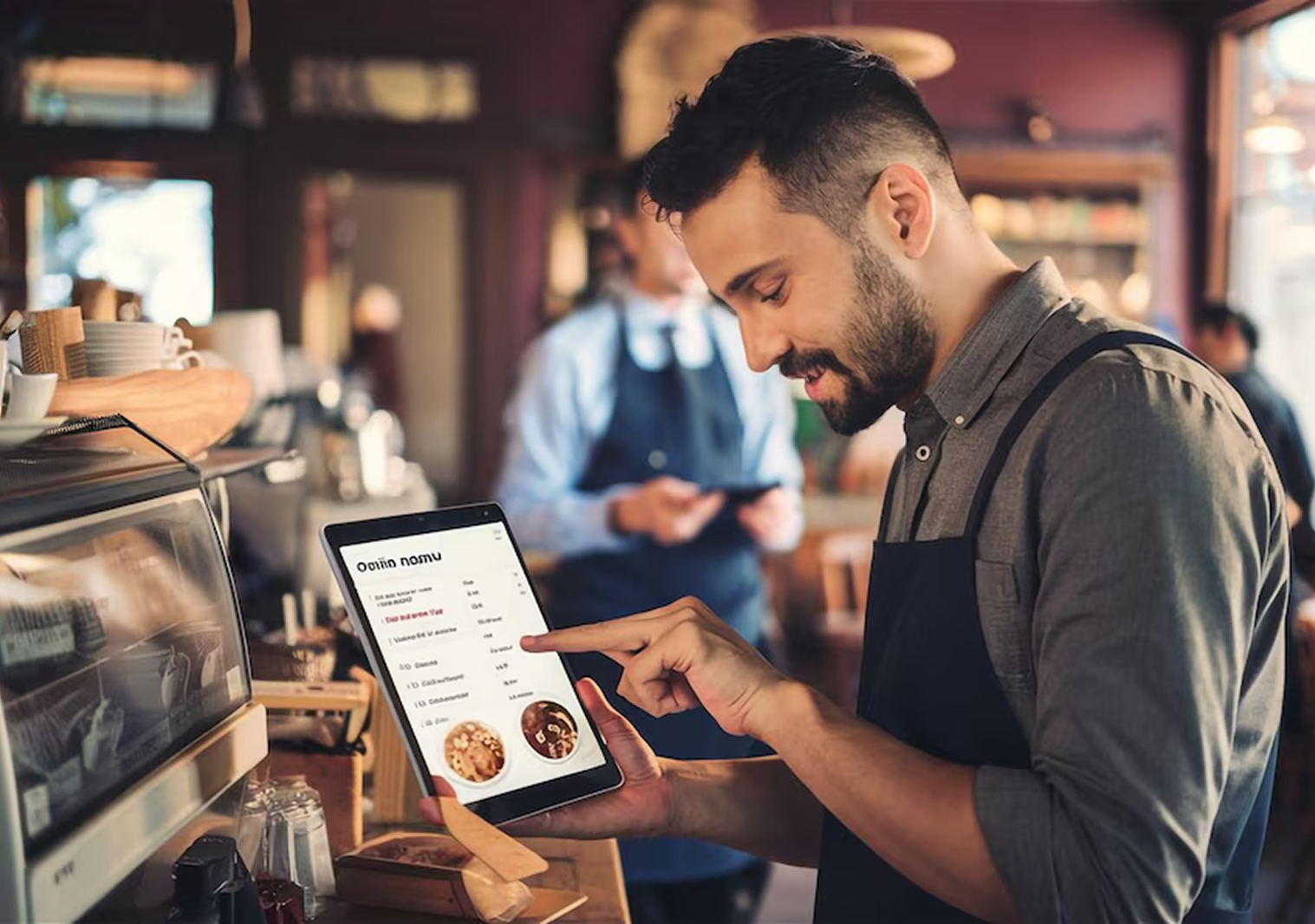
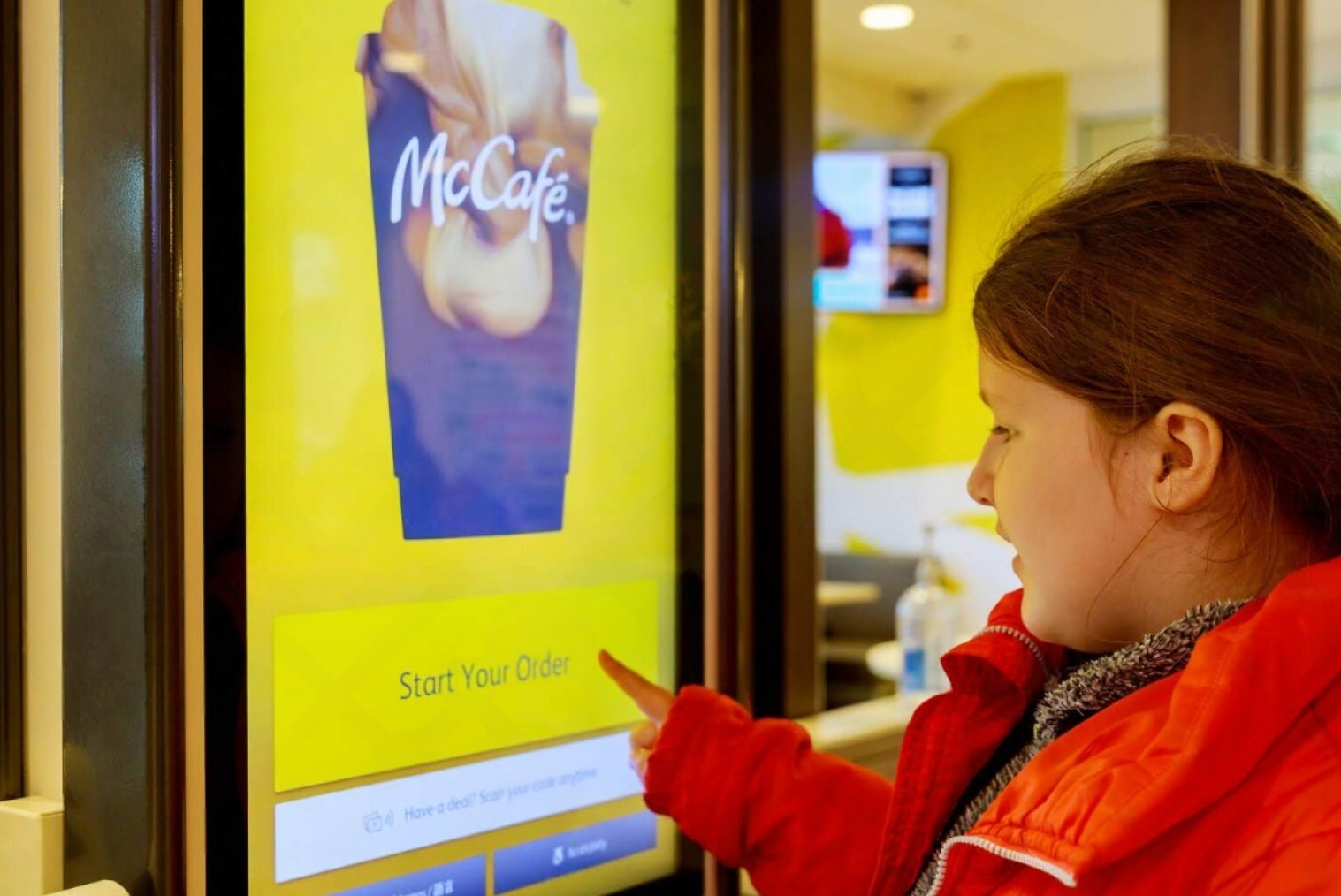
A fast food kiosk interface must be optimised for speed, not flexibility. The fewest possible taps from menu category to order confirmation is the design goal. Every extra screen, confirmation step, or upsell that requires a decision adds time — and in a high-volume environment, those seconds compound across hundreds of orders.
The interface should be visually clear, with large touch targets, high-contrast food photography, and minimal text. Customers of all ages and tech confidence levels need to complete an order without assistance.
Smart Combo Meal and Upsell Configuration
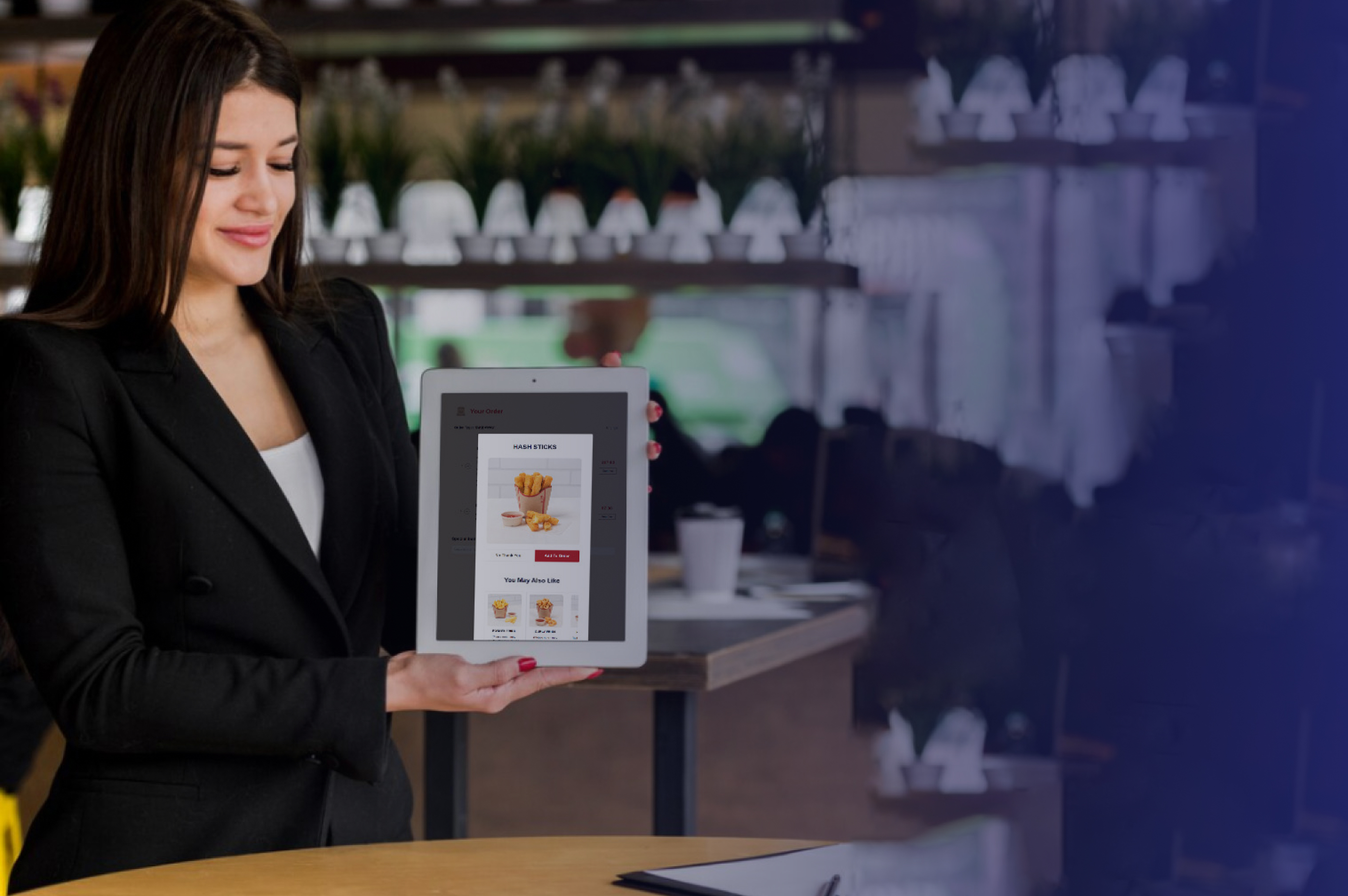
Kiosks consistently outperform counter staff on upselling. Self-ordering kiosks increase average order values by 15–30% — because they prompt every customer with every relevant add-on, every time. That consistency is impossible to replicate through staff-led upselling during a busy service.
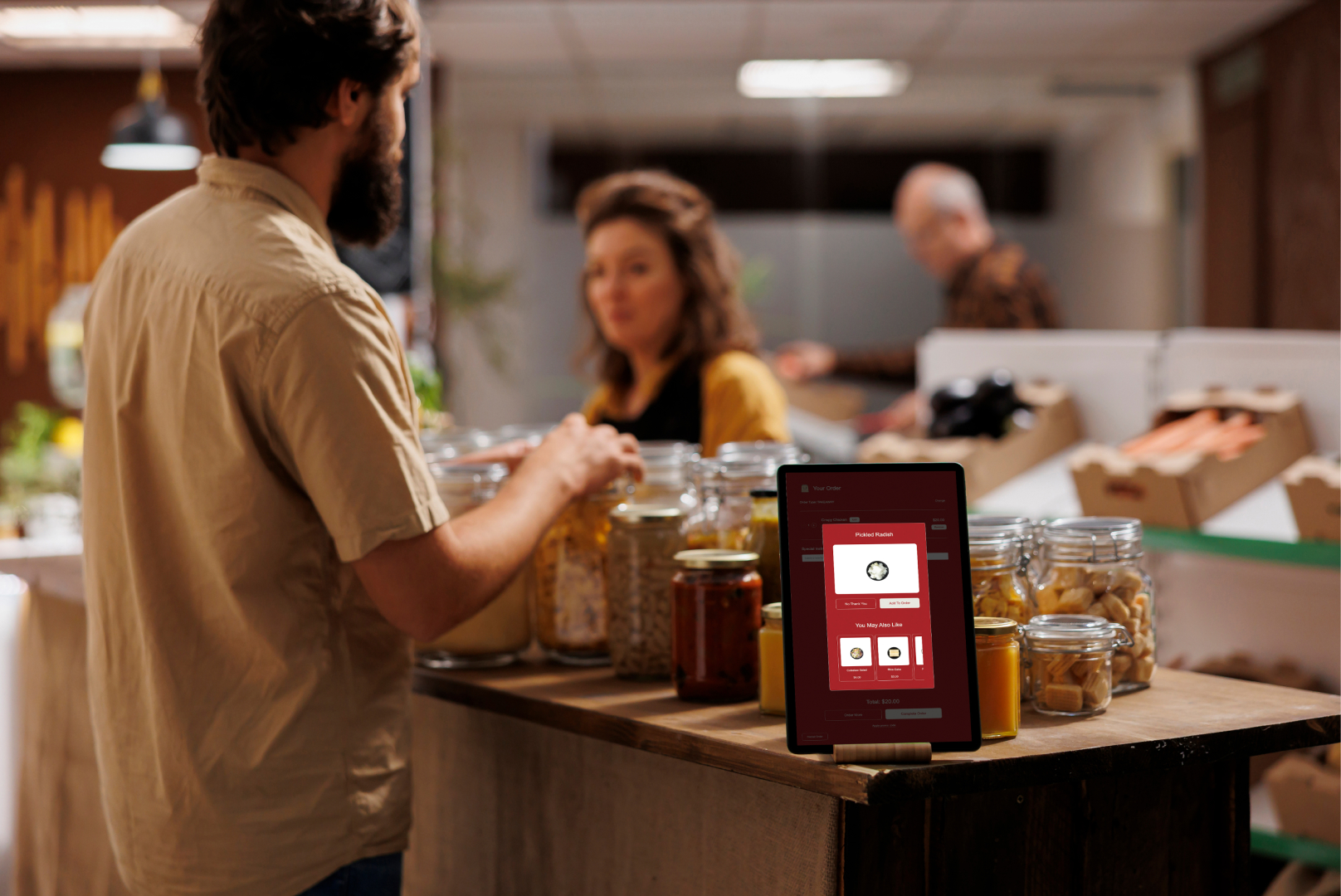
Combo configuration needs to be intelligent, not just mechanical. The system should suggest relevant upgrades (drink size, side swap, dessert add-on) at the right moment in the ordering flow — not as a generic final screen that customers dismiss automatically.
Direct POS Integration
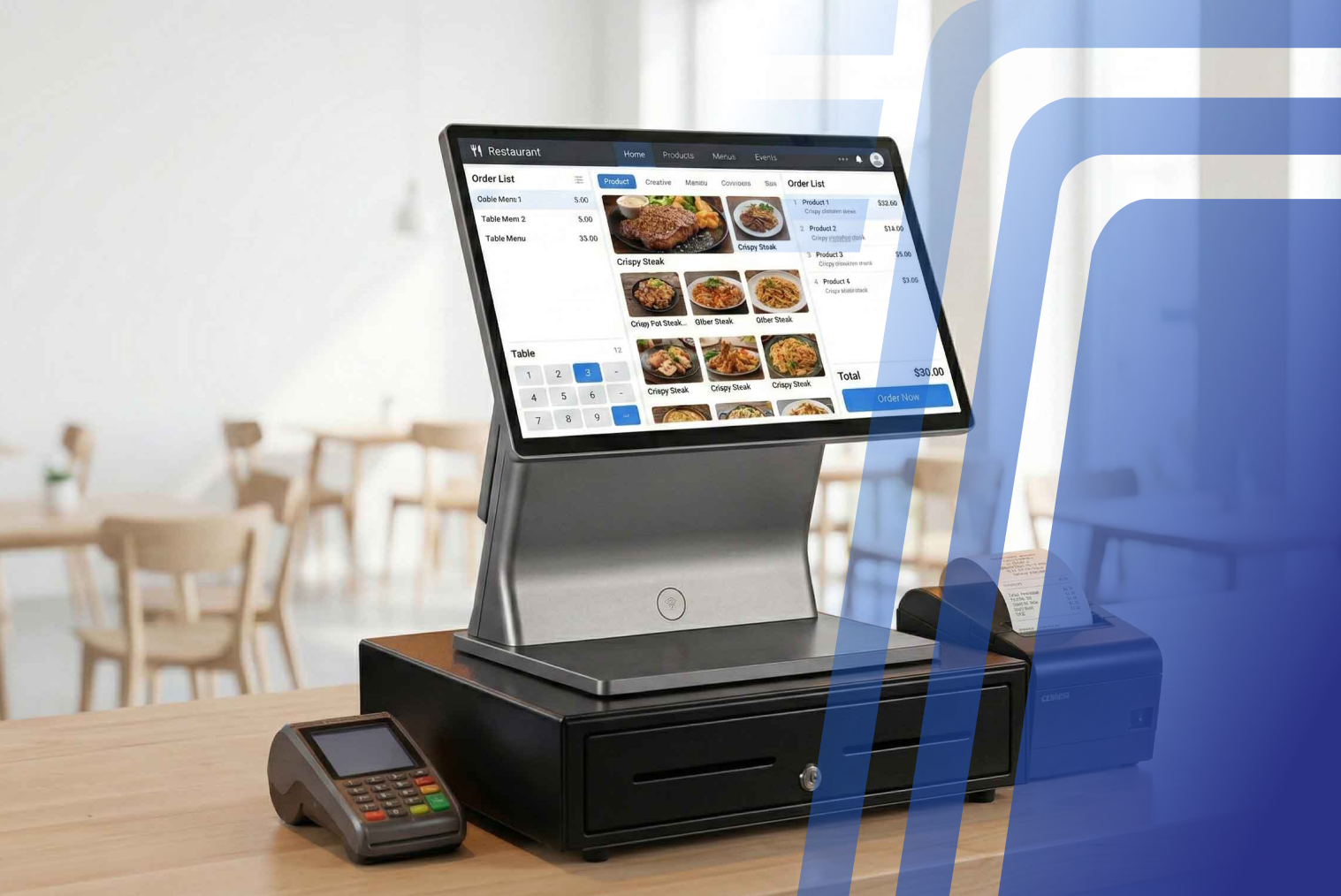
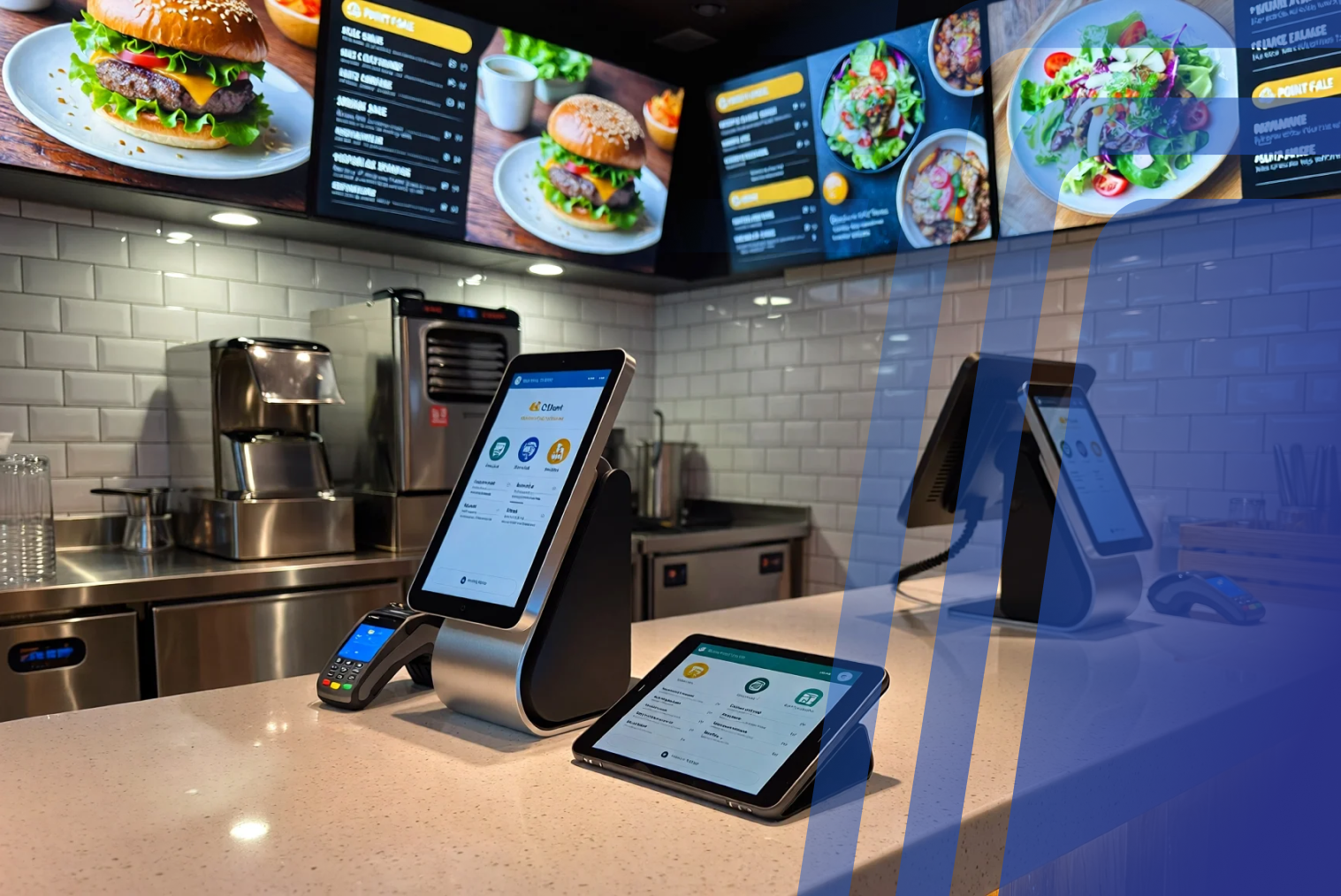
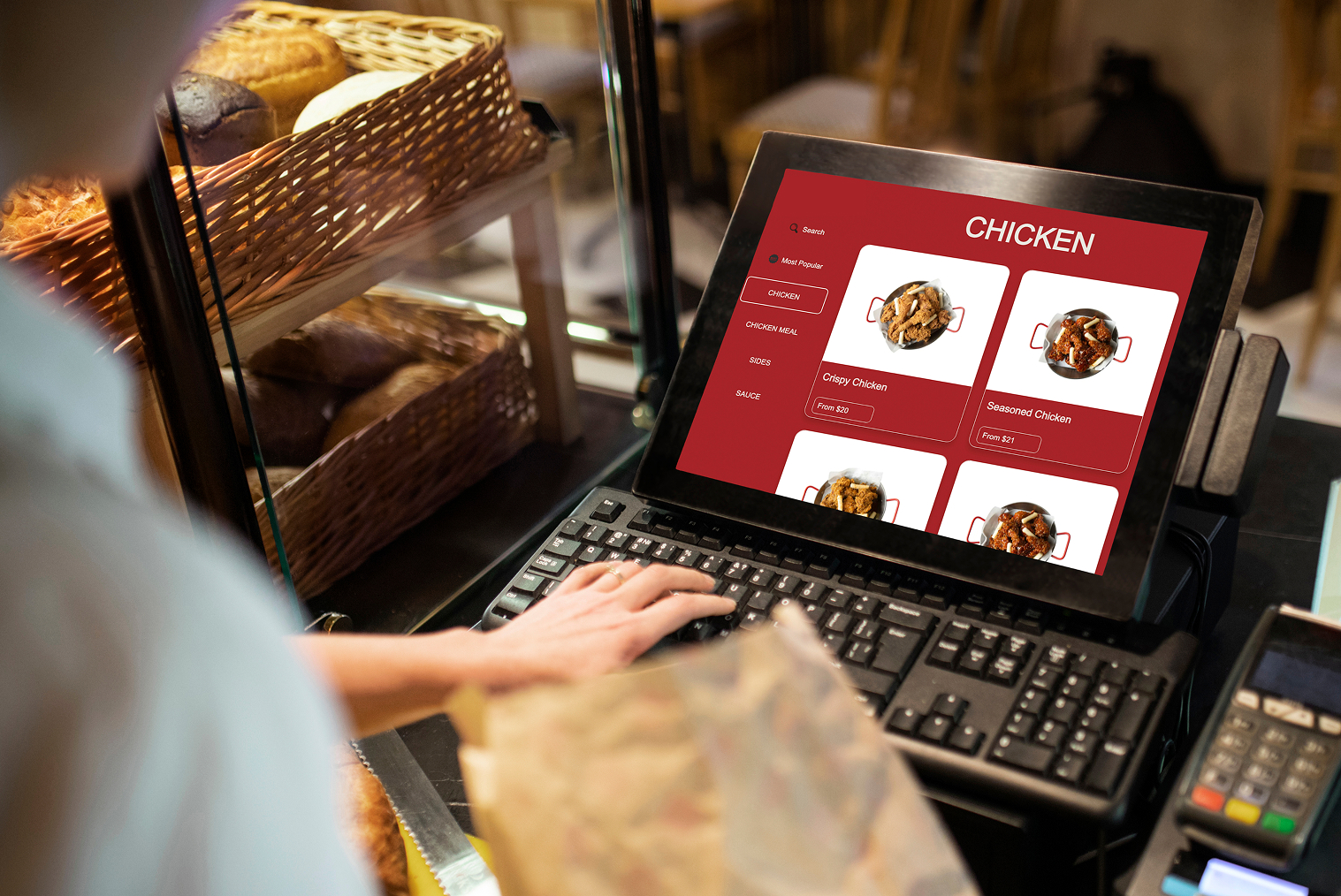
A fast food kiosk that doesn't feed directly into the POS is creating manual work somewhere in the chain — and manual work creates errors and delays. Integrated kiosk-POS systems push orders directly to the kitchen without re-entry, update inventory in real time, and keep all ordering data in a single system for reporting and reconciliation.
POS integration also means that menu changes made centrally update across all kiosk screens simultaneously. For a chain with multiple locations, this is essential for maintaining consistency.
Kitchen Display System (KDS) Integration
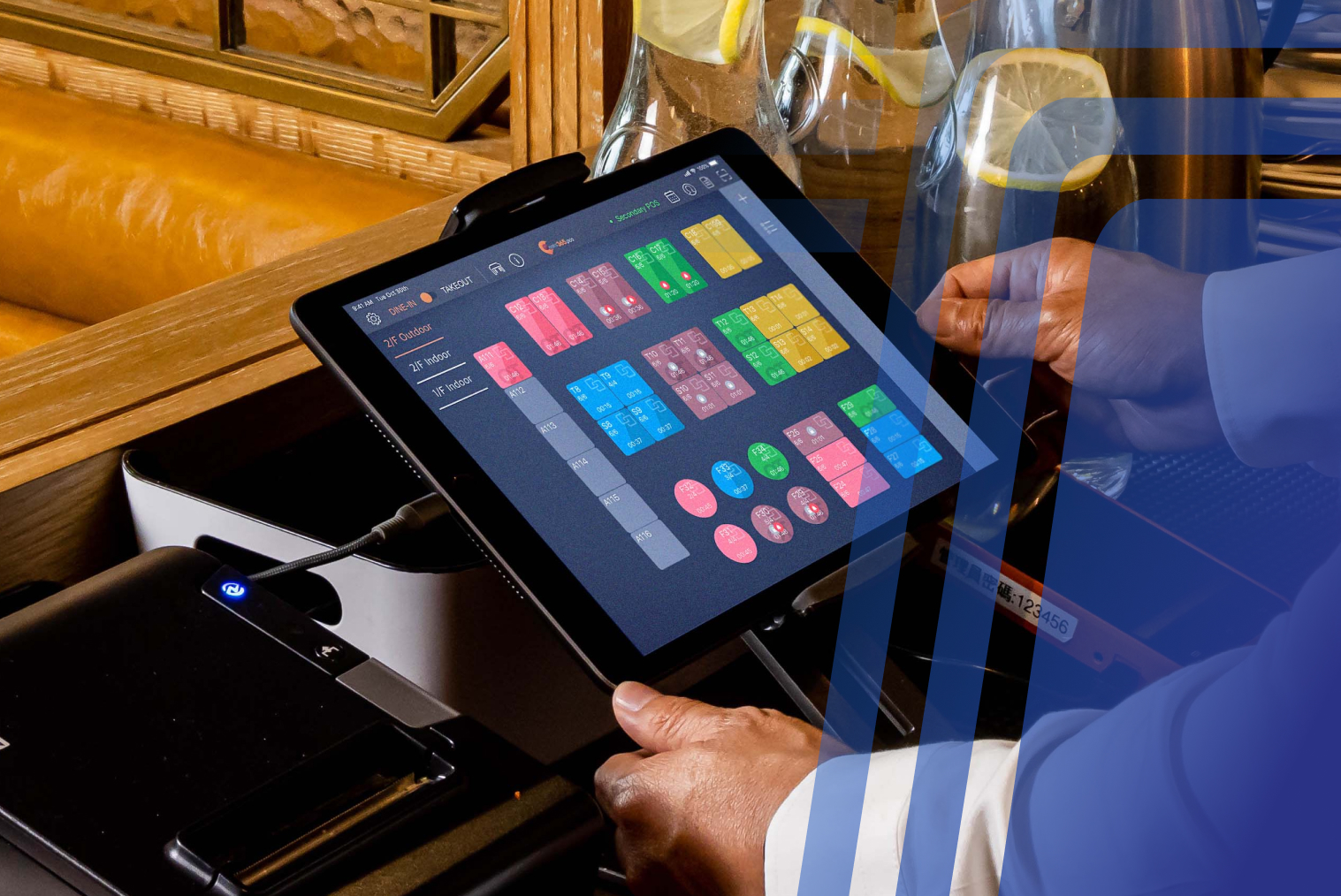
KDS integration is non-negotiable for fast food environments. POS systems with integrated KDS features can shave 10–20 seconds off average ticket times — a significant gain when you're processing hundreds of orders per service. Without direct KDS routing, kiosk orders have to be manually transferred to kitchen stations, which reintroduces the human error that kiosks are supposed to eliminate.
Orders from kiosks, counters, and drive-throughs should all flow into the same KDS queue, with intelligent routing to the relevant preparation station. This keeps kitchen production balanced and prevents any single station from being overwhelmed.
Peak-Hour Queue and Capacity Management
A fast food kiosk system needs to be able to handle simultaneous order volume without degrading performance. During a lunch rush, all kiosk screens may be in use at once, while counter and drive-through orders continue flowing in parallel. The system needs to manage that load without slowing down the interface or creating processing delays.
Queue management features — number display screens, order status notifications, and pickup area organisation — help manage customer flow after ordering. Reducing perceived wait time through real-time order status updates improves satisfaction even when total preparation time is unchanged.
Multiple Payment Options
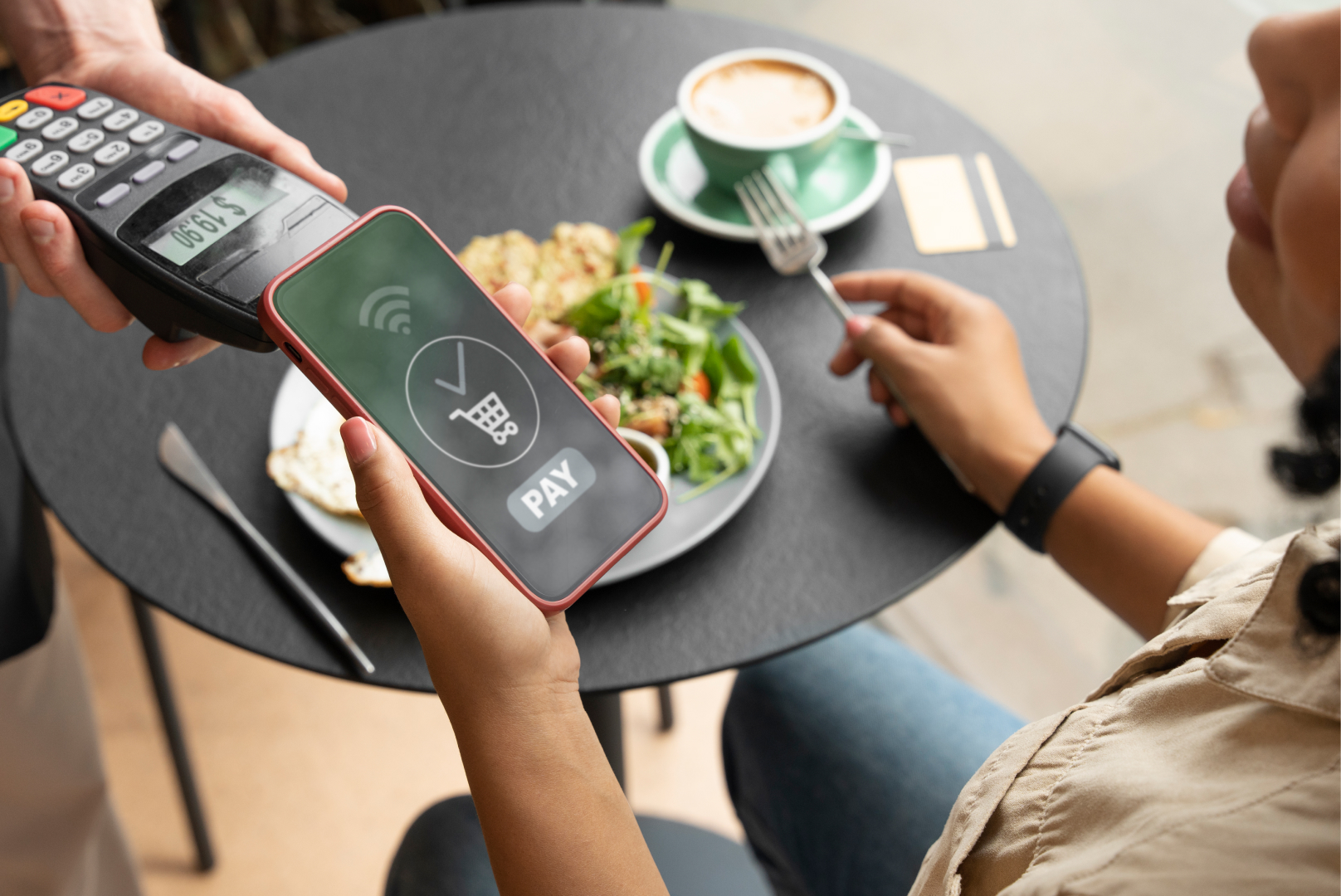
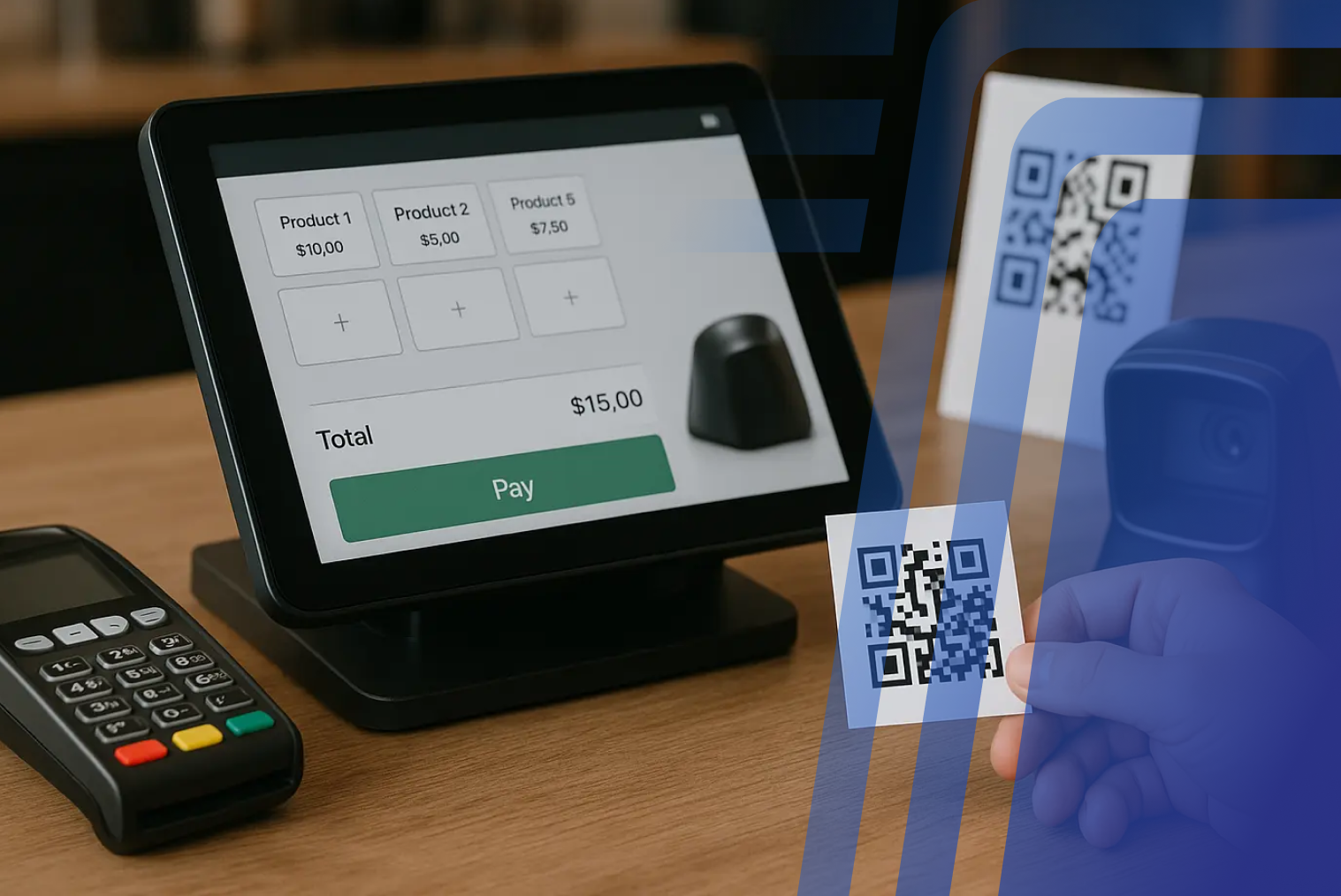
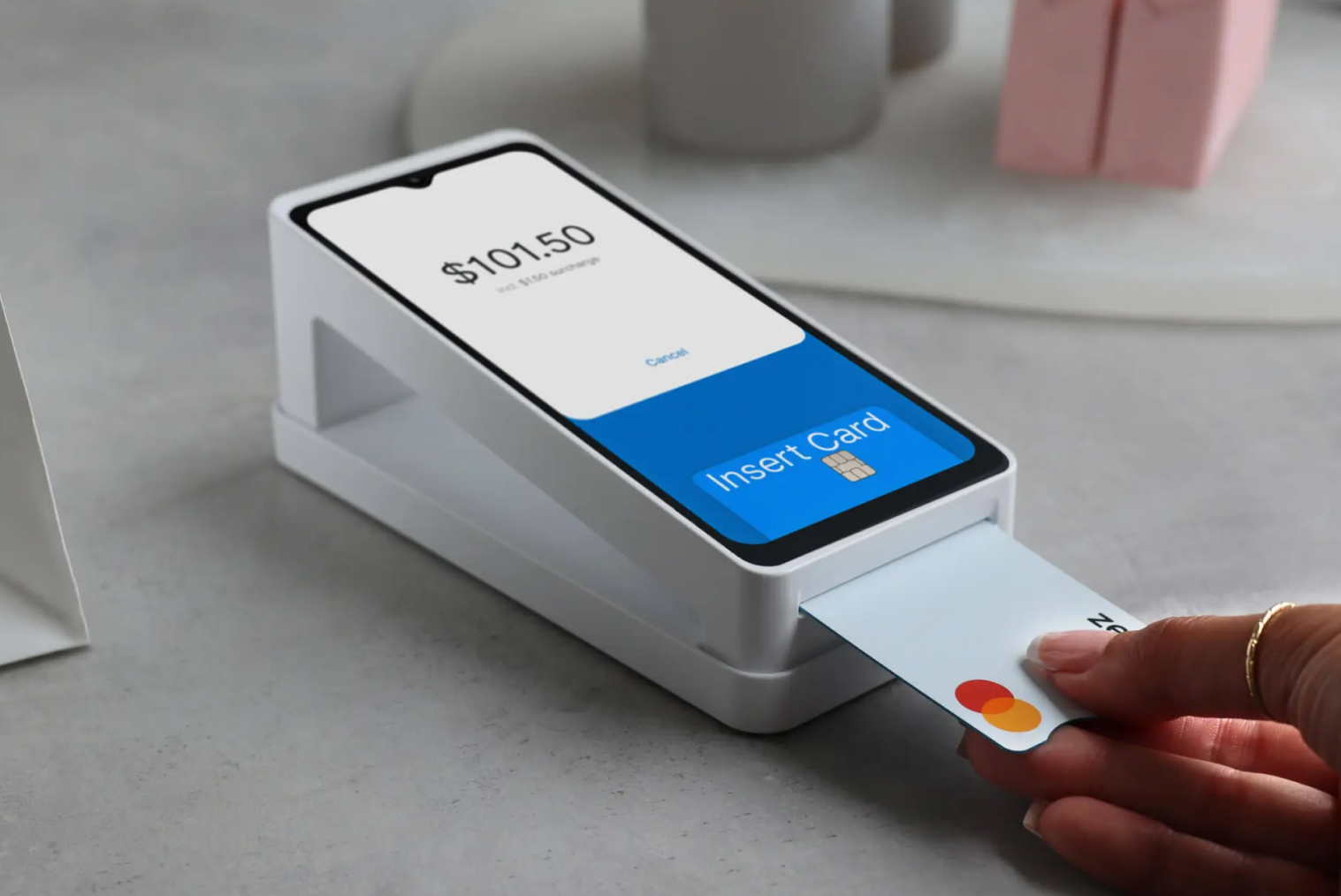
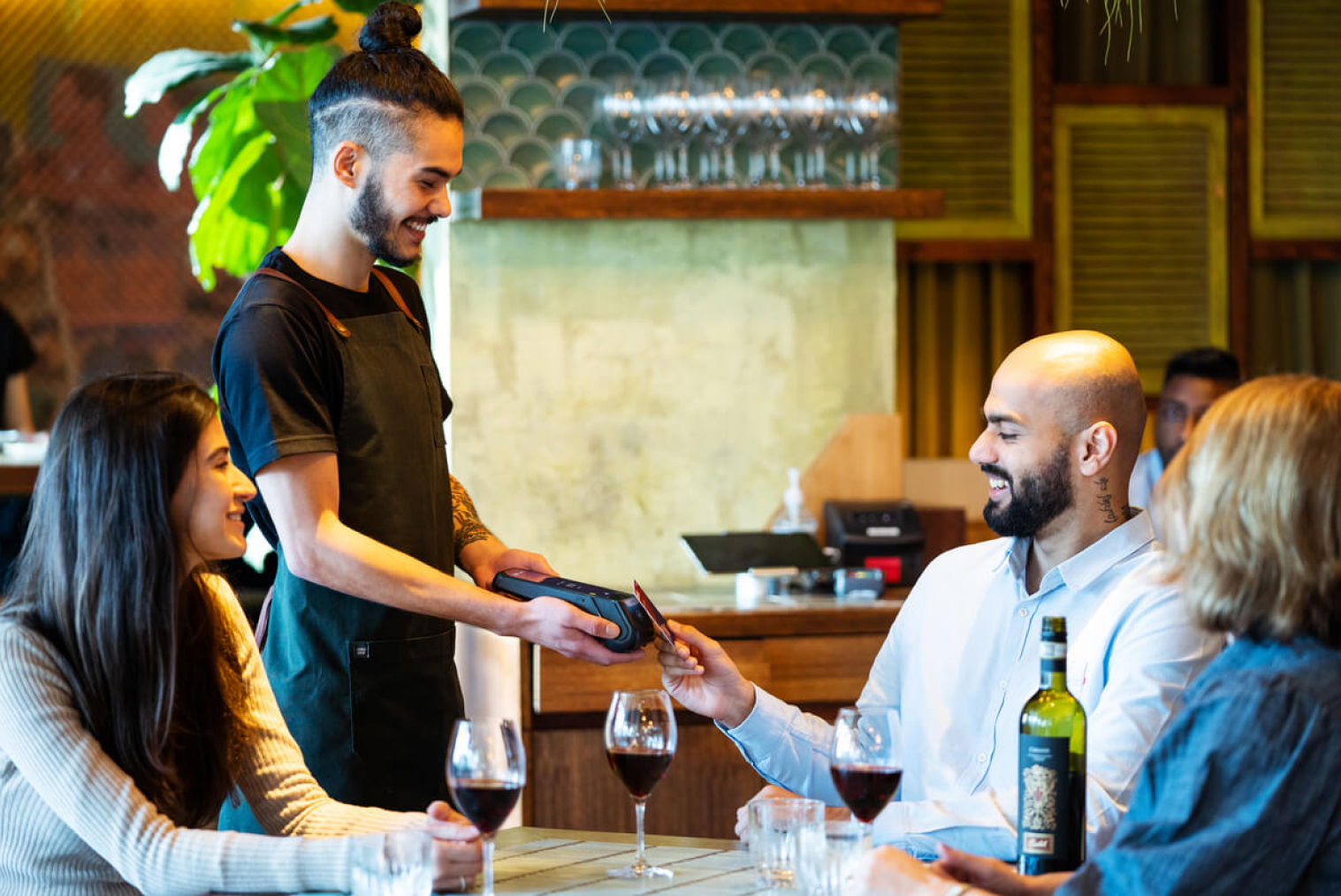
A fast food kiosk that only accepts one payment method is a bottleneck waiting to happen. Credit, debit, contactless, and mobile wallet support (Apple Pay, Google Pay) are all baseline requirements. A customer who can't pay at a kiosk reverts to the counter, which is the queue you're trying to reduce.
Payment processing speed matters as much as payment method breadth. Slow card processing at the terminal kills the throughput advantage of the kiosk ordering itself.
Real-Time Menu and Availability Management
When a menu item sells out, the kiosk should update in real time — not display the item, take the order, and then fail at the production stage. Real-time inventory integration with the POS prevents this and eliminates the friction of customers ordering unavailable items.
For promotions and limited-time offers, the ability to push updates to all kiosk screens from a central management console (without requiring on-site technical intervention) is essential for multi-location operators.
Features That Matter Most During Peak Lunch Rushes
During the 15–30 minute peak window, every feature of your kiosk system is under stress. These are the ones that matter most when volume is highest:
- Transaction processing speed — the time from order confirmation to kitchen transmission must be under three seconds; anything slower creates a visible delay
- Simultaneous screen performance — all kiosks must maintain full interface responsiveness when in simultaneous use; systems that slow under load fail exactly when you need them most
- Automatic failover — if the primary internet connection drops, the system should switch to a backup or local processing mode without interrupting service
- Clear order confirmation — customers need immediate, visible confirmation that their order has been received; without this, they tend to re-submit or return to the counter
- Pickup number/name display integration — connecting kiosk order confirmation to your pickup display reduces congestion at the collection point
What Slows Down Fast Food Kiosk Ordering?
Kiosk performance problems in fast food environments almost always come from the same sources:
- Too many customisation steps — each additional modifier screen adds time; interfaces should surface the most common customisations first and bury edge cases
- Confusing menu layout — items that are hard to find require browsing time; menu structure should mirror how customers actually order, not how the kitchen categorises items
- Slow payment terminals — a fast ordering experience undone by a 20-second payment process, is still a slow experience; terminal hardware matters as much as software
- Cluttered interfaces — too many items, too much text, and too little hierarchy make decisions harder and extend ordering time for every customer
- Laggy touchscreens — in a high-volume environment, a screen that doesn't register taps precisely creates frustration and additional ordering time; commercial-grade hardware is not optional
Should Fast Food Restaurants Use One Large Kiosk or Multiple Smaller Kiosks?
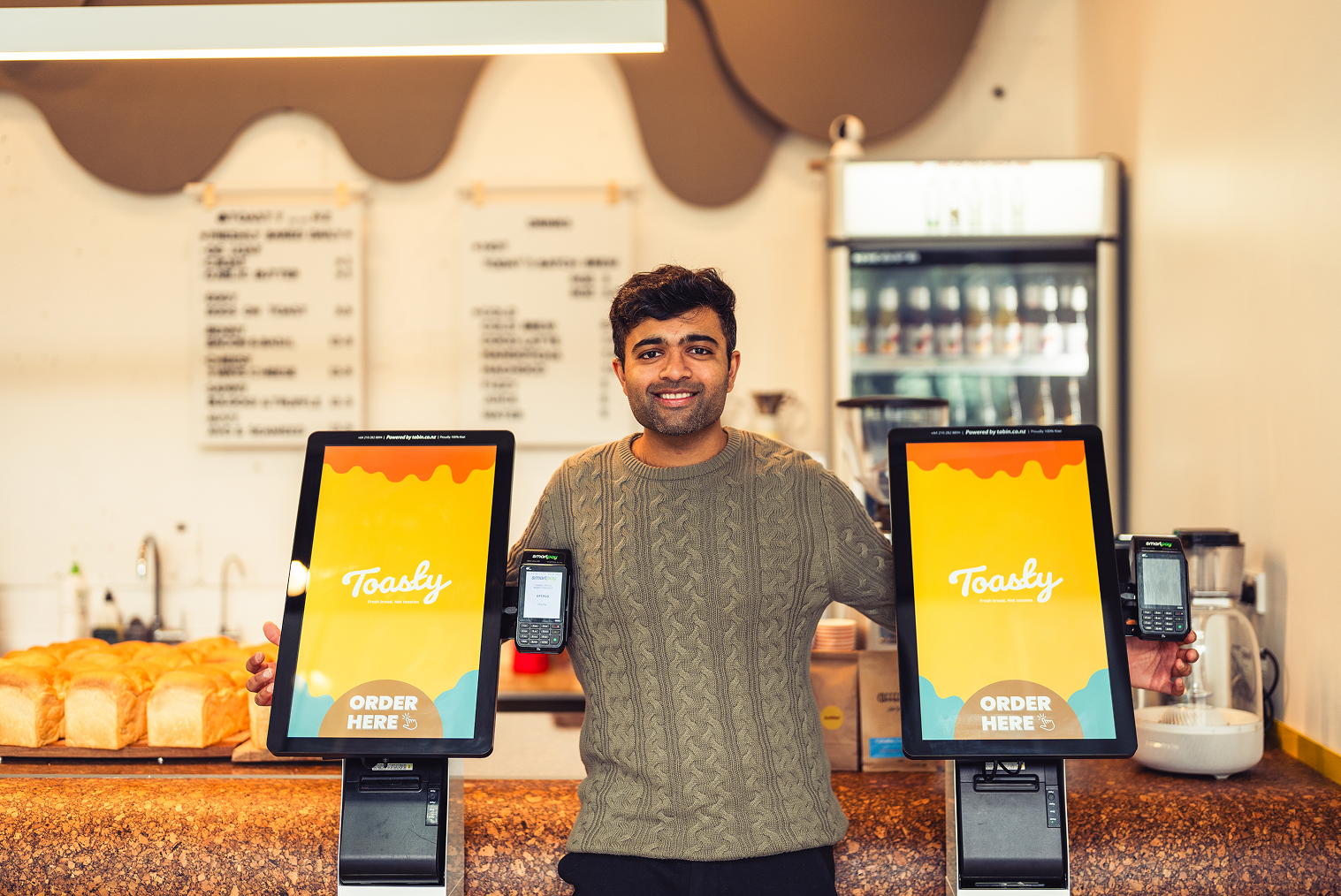
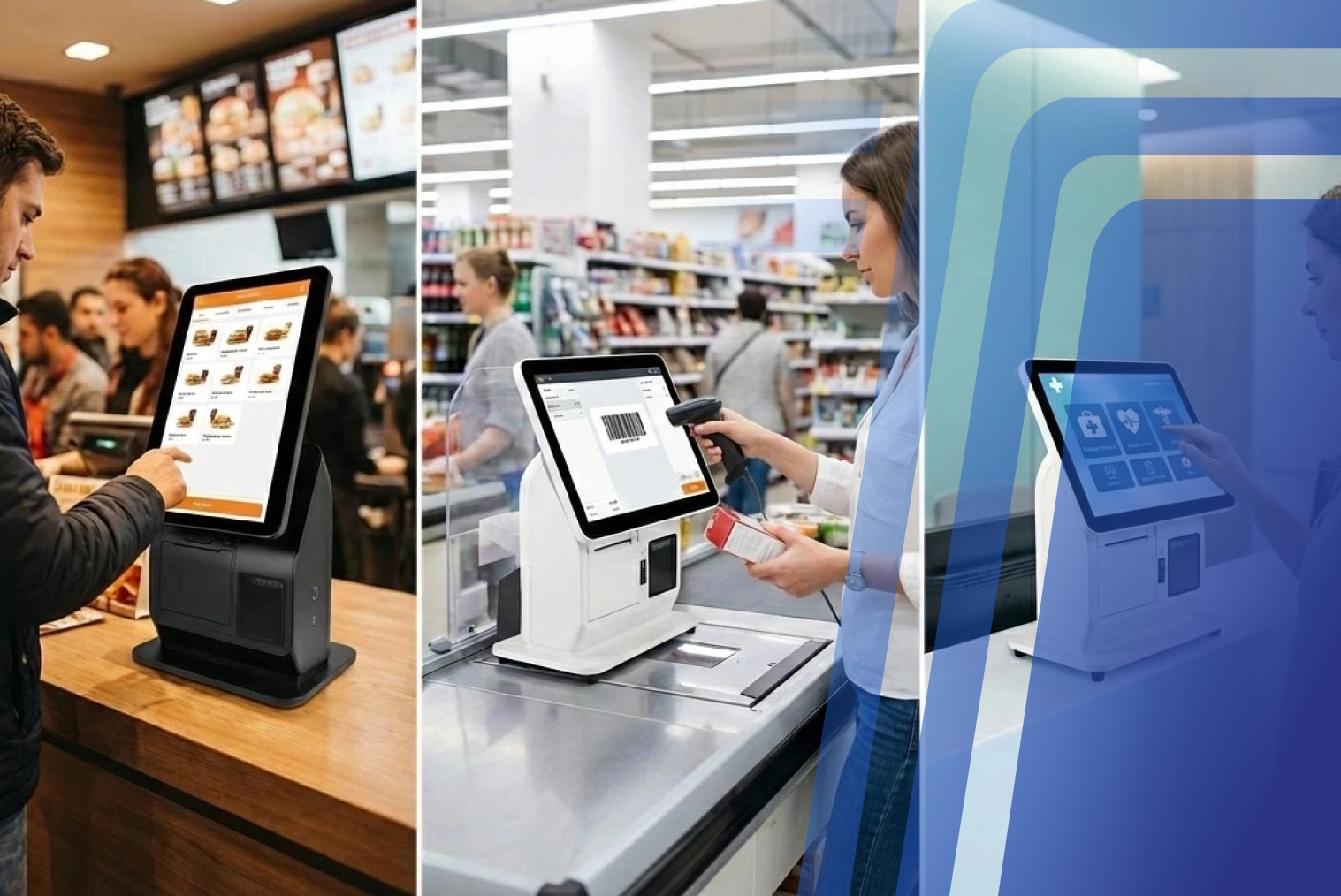
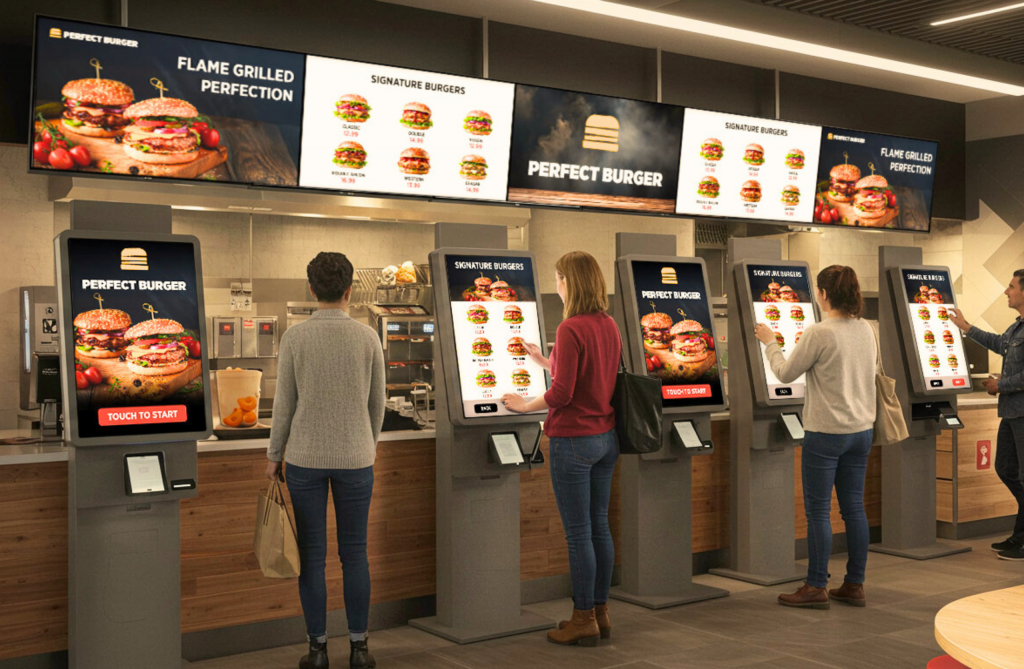
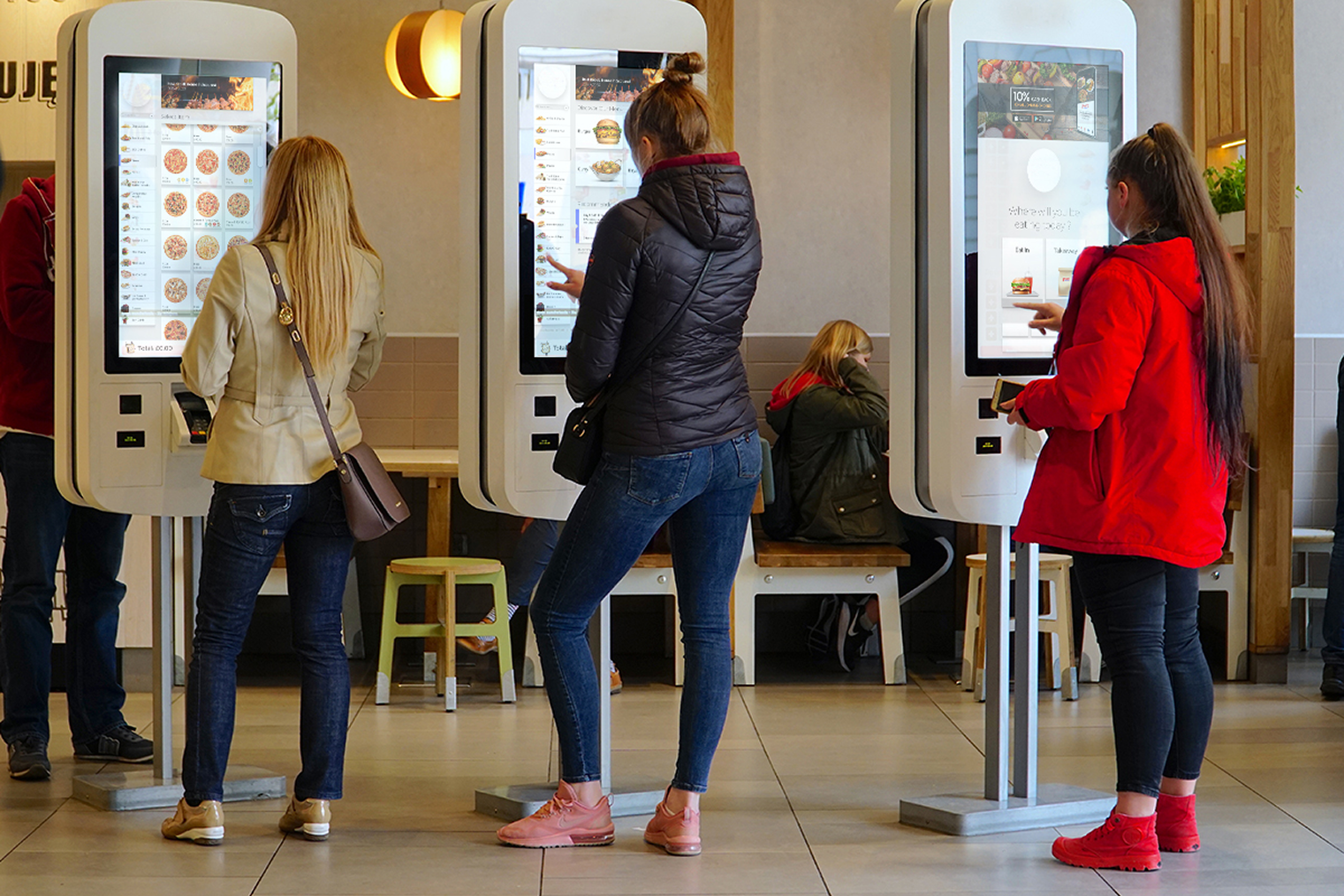
For QSR environments, multiple standard-size units significantly outperform a single large kiosk. The primary reason is throughput: multiple screens allow multiple customers to order simultaneously, while a single screen — however large — creates a queue.
A single large kiosk may make sense as a supplementary channel (in a drive-through lobby or secondary entrance area) or in a venue with very limited floor space. QSR operators are recommended to start with a minimum of three kiosks where self-ordering is a primary channel — below that, the kiosk setup may create a new queue rather than eliminating an existing one.
Common Mistakes Fast Food Restaurants Make When Choosing a Kiosk System
- Prioritising hardware aesthetics over software performance — a visually impressive kiosk with slow software will underperform a modest-looking unit with a fast, well-designed interface
- Choosing a system without native POS integration — manual order transfers reintroduce human error and slow the kitchen-to-counter flow
- Underestimating network requirements — a kiosk that drops connectivity during a lunch rush is worse than no kiosk; infrastructure planning is part of the implementation, not an afterthought
- Buying for average traffic rather than peak traffic — kiosk capacity needs to be sized for your busiest 15 minutes, not your average hour
- Neglecting staff training — kiosks work best when staff actively guide adoption in the first few months; without that, utilisation stays low, and the investment underperforms
How to Choose the Right Fast Food Kiosk Setup
Start with your peak-hour transaction data. How many orders do you process in your busiest 15-minute window? That number, divided by a realistic average kiosk transaction time of 90–120 seconds, tells you the minimum number of kiosk screens you need to absorb peak demand without queue formation.
Then evaluate systems on these criteria in order: POS and KDS integration capability first, interface speed and usability second, hardware durability and touch responsiveness third, and management features (remote menu updates, analytics, multi-site reporting) fourth.
Explore TABIN's digital restaurant kiosk solutions and restaurant POS integration capabilities — built specifically for hospitality environments where speed and accuracy are the operational priorities.
Why Integrated Ordering Systems Matter for Fast Food Restaurants
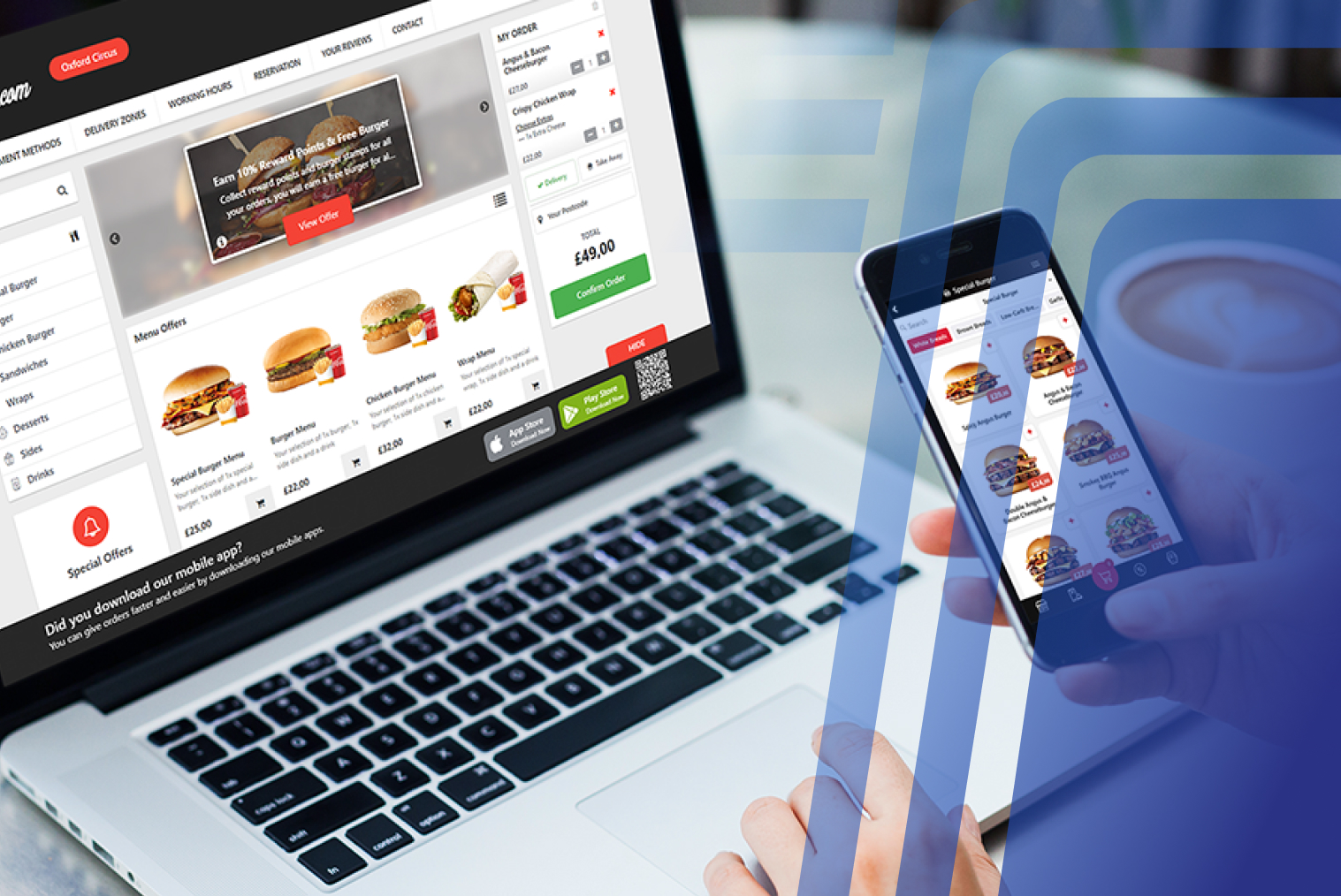
Fast food operations running fragmented technology — separate kiosk software, a standalone POS, and a disconnected KDS — face compounding inefficiencies. Order data has to be transferred between systems manually or through unreliable middleware, menu updates have to be applied in multiple places, and performance reporting requires pulling data from several sources.
A unified ordering system where takeaway ordering technology connects to POS and KDS in a single platform eliminates those friction points. Every order from every channel — kiosk, counter, drive-through, delivery platform — flows through the same system, creating a single source of truth for kitchen production, inventory, and performance analytics.
For multi-location operators, this integration enables centralised menu management and consistent performance visibility across sites — both of which become increasingly important as the operation scales. QSRs that upgrade to modern integrated POS platforms often see 10–20% faster service times within the first few months of deployment.
Conclusion
A fast food kiosk system should improve operational speed and order flow — not just add a screen to your front of house. The features that matter most in a QSR environment are the ones built for volume: direct POS and KDS integration, a fast and simple interface optimised for peak-hour throughput, intelligent combo and upsell logic, and the hardware reliability to perform consistently under continuous use.
If you're evaluating kiosk systems for your fast food operation, explore TABIN's digital restaurant kiosk solutions and see how they connect with restaurant POS integration to create a unified ordering system built for QSR speed and volume. Book a demo with TABIN to see it in action with your menu.
Frequently Asked Questions (FAQs)
Q1. Can self-ordering kiosks increase combo meal sales?
Yes — consistently and reliably. Kiosks prompt every customer with every relevant combo and add-on, without the variability of human staff following up on sales scripts under pressure. Industry data shows kiosk upsells are up to 50% more effective when displayed correctly — and average order values at kiosks are 15–30% higher than counter orders.
Q2. What makes a kiosk system suitable for fast food restaurants?
A fast food kiosk system needs to handle high transaction volumes simultaneously, integrate directly with the POS and KDS, process orders with minimal taps, manage peak-hour load without slowing down, and support all major payment methods, including contactless. Generic kiosk systems designed for lower-volume environments often lack the throughput architecture and integration depth that QSR operations require.
Q3. Do fast-food kiosks help reduce front-counter congestion?
Yes, when correctly deployed. Restaurants implementing kiosks typically see 10–20% improvements in peak-hour throughput by creating parallel ordering channels that distribute demand away from the counter. The degree of congestion reduction depends on kiosk adoption rate, which is influenced by placement, signage, and staff guidance during the first few months of operation.
Q4. Should a fast food kiosk integrate with a kitchen display system (KDS)?
Yes — this is one of the most operationally important integrations a fast food kiosk can have. Without KDS integration, kiosk orders require manual transfer to kitchen stations, reintroducing the human error and delay that kiosks are meant to eliminate. Direct KDS routing ensures every kiosk order appears at the correct station instantly, reducing average ticket times by 10–20 seconds and keeping kitchen production balanced across all ordering channels.


.webp)










.png)















.webp)


