A café POS system does more than process payments — during a morning rush, it's the thing keeping coffee modifiers accurate, EFTPOS running smoothly, loyalty stamps being tracked, and kitchen tickets flowing to the right place. NZ coffee shops have specific requirements that generic retail or international POS systems often miss: flat white modifier depth, EFTPOS NZ integration, 15% GST handling, and local support. This guide covers what to look for before you commit.
Introduction
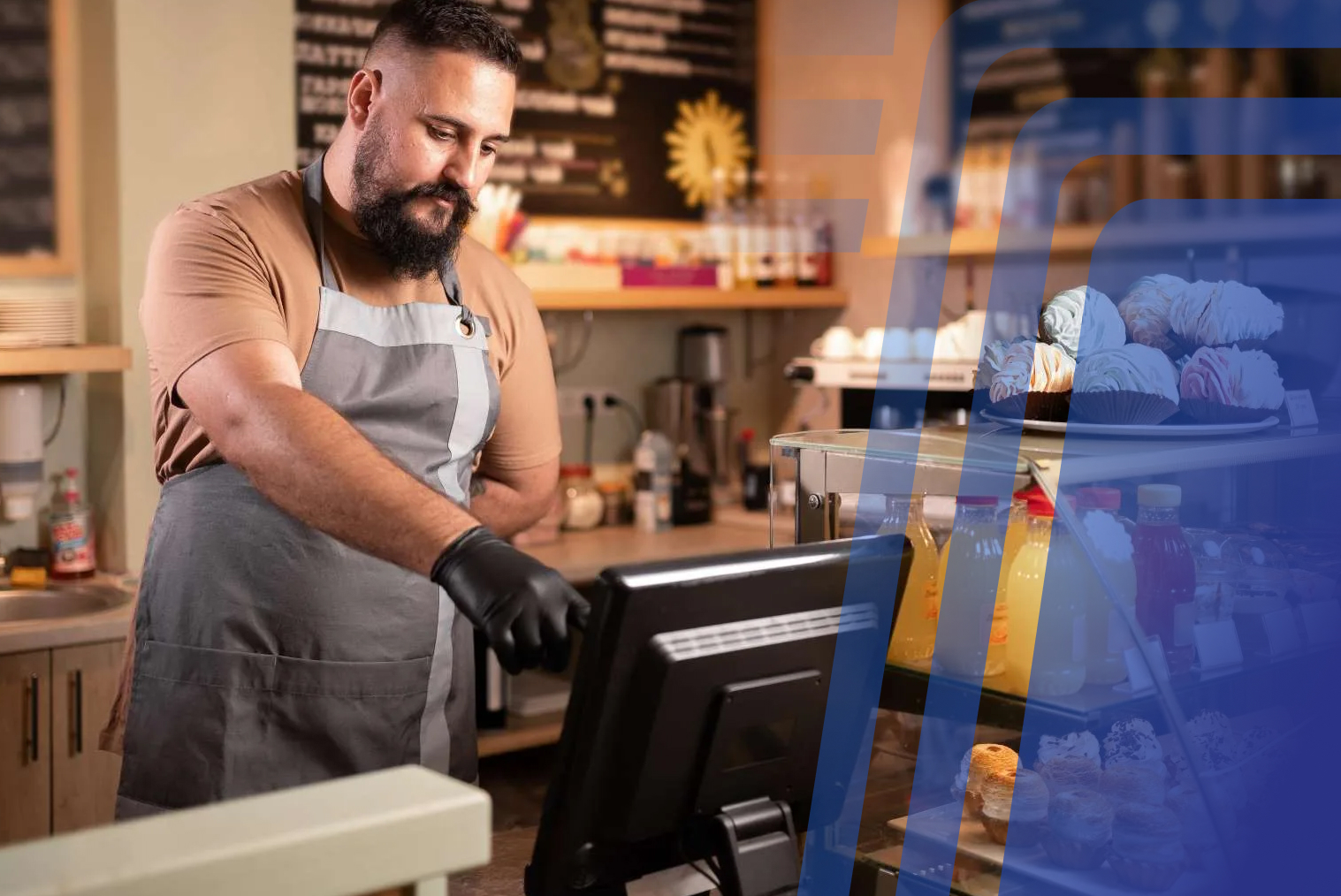
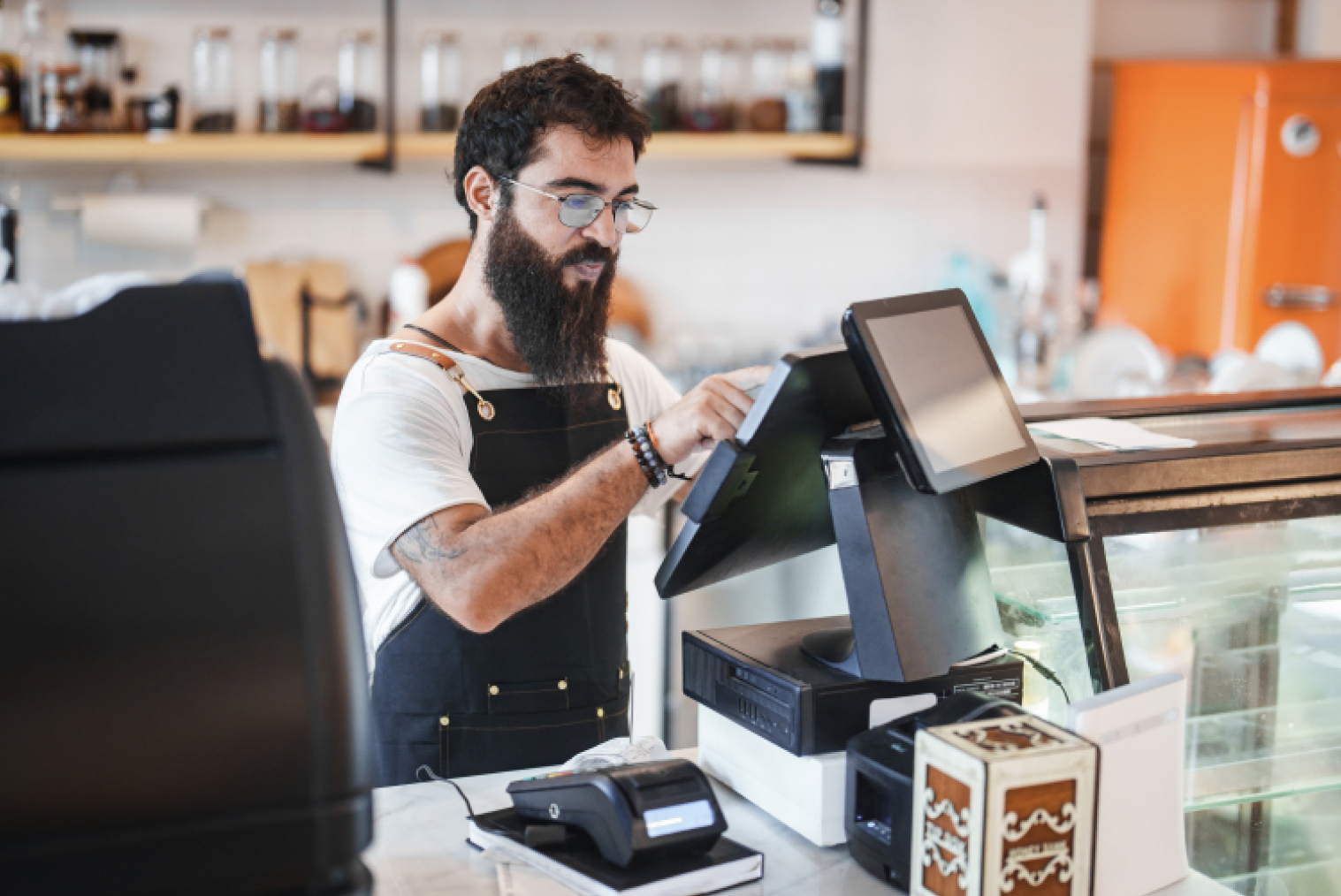
Picture a Tuesday morning at your café. Seven people in the queue. Three takeaway flat whites with variations (oat milk, extra shot, half-strength decaf). A dine-in table that wants cabinet food and two long blacks. A loyalty regular. An EFTPOS tap that fails the first time. And your newest staff member at the till.
A café POS system that isn't built for this moment creates visible, customer-facing problems: slow modifiers, wrong tickets to the kitchen, loyalty not applying, payment re-tries. A well-configured system absorbs all of this without drama — fast order entry, correct routing, and a transaction complete before the customer's patience runs out.
This is why the POS is the operational backbone of a café, not just a payment terminal. The café POS system you choose affects speed of service, order accuracy, staff confidence, and ultimately, how many customers you can move through during peak hours.
NZ cafés have specific requirements that generic retail POS systems or internationally-focused platforms often don't meet out of the box. This guide covers every feature that matters, what to watch for when comparing options, and how to make the right choice for your specific operation.
Why Cafés Have Different POS Needs Than Restaurants
A café operates at a different rhythm than a full-service restaurant. Orders are smaller, faster, and more frequent — and many of them involve a coffee modifier matrix that would confuse a conventional retail POS. Flat white with oat milk, half-strength, extra hot, in a large cup. That's four variations on a single item, entered in seconds, with no margin for error.
Cafés also manage a higher proportion of repeat customers with personalised orders than most other hospitality formats. A regular who comes in every morning and always orders the same thing with the same modifications expects their coffee to start being made the moment they step up to the counter — not after three tap-throughs to build the order from scratch.
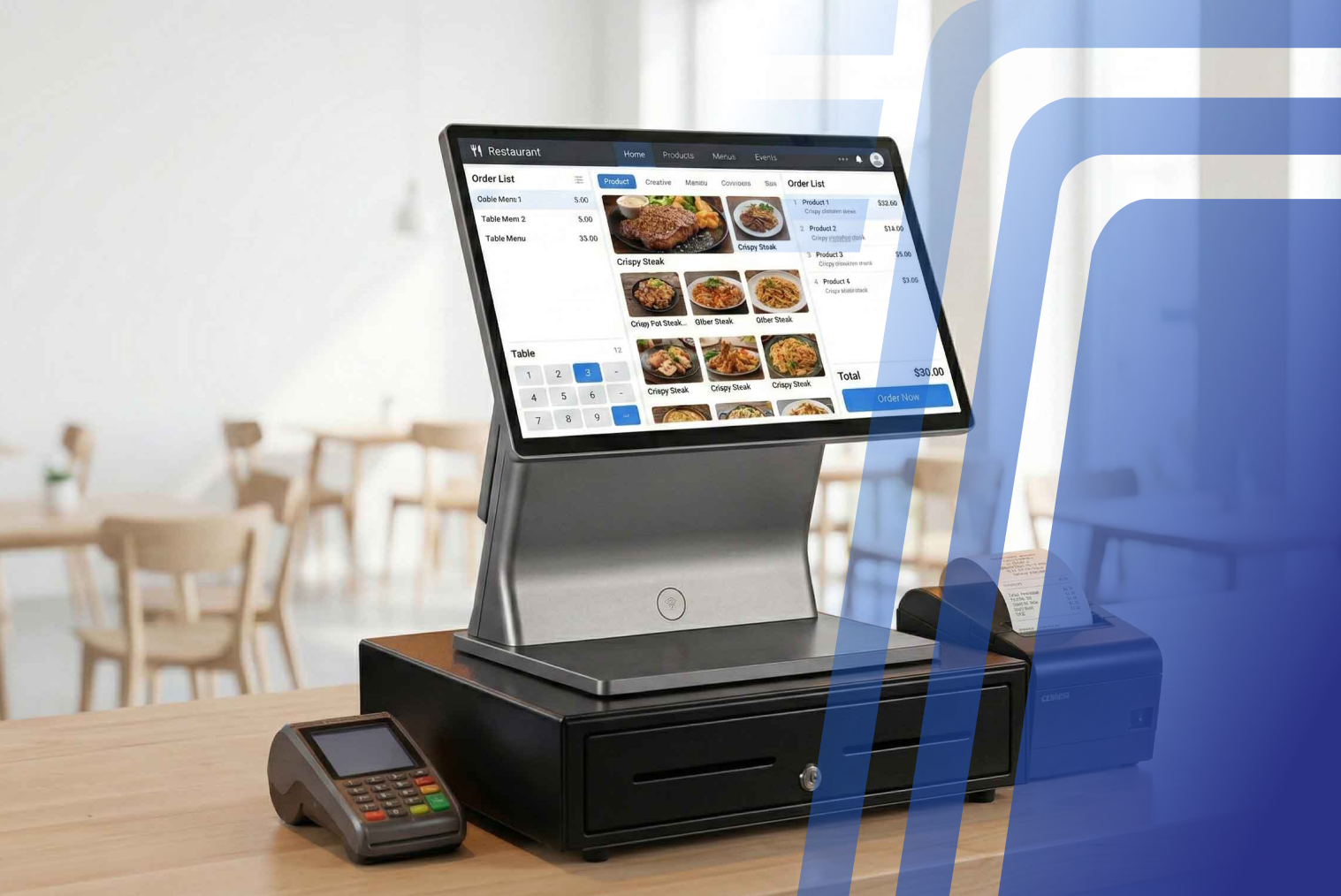
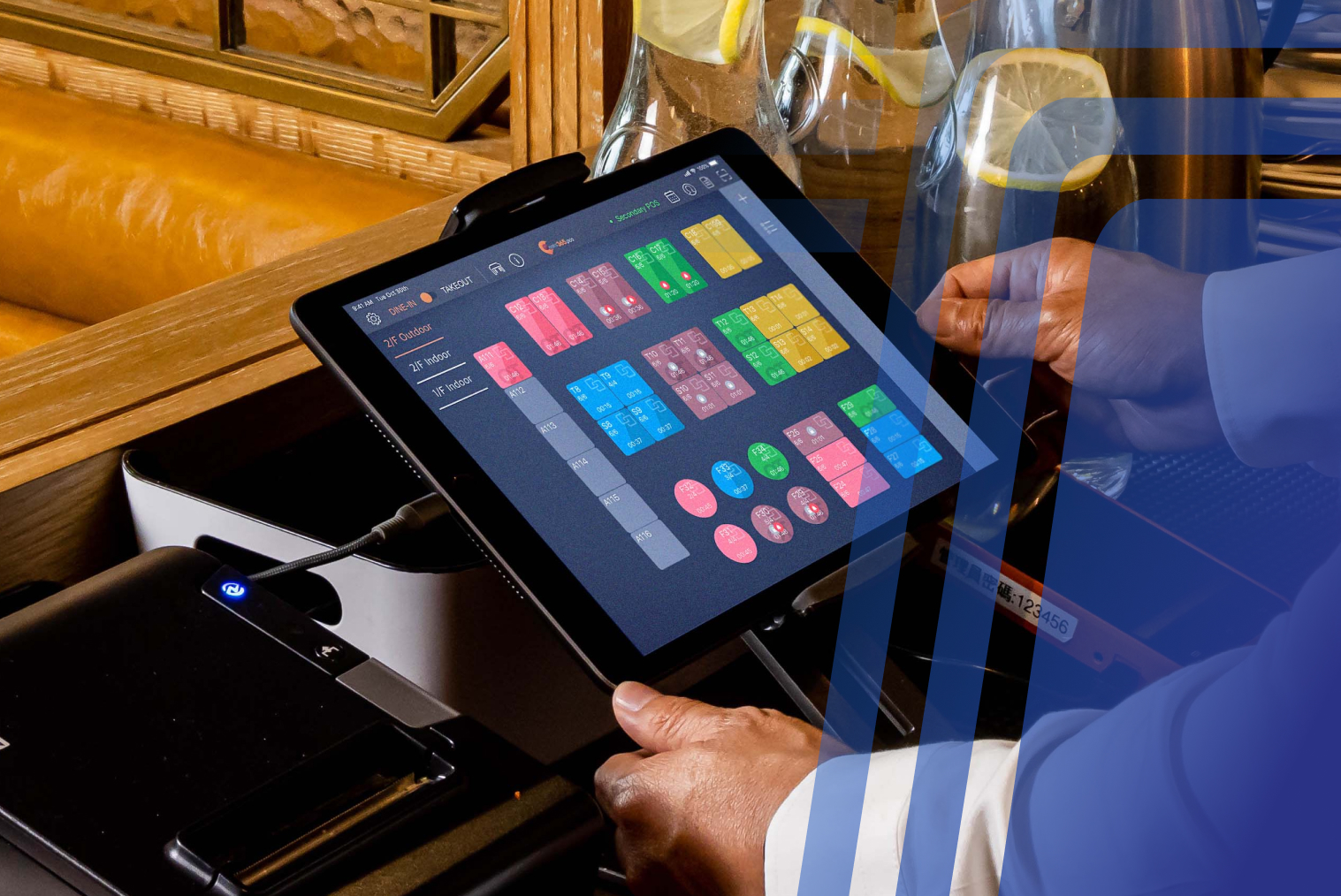
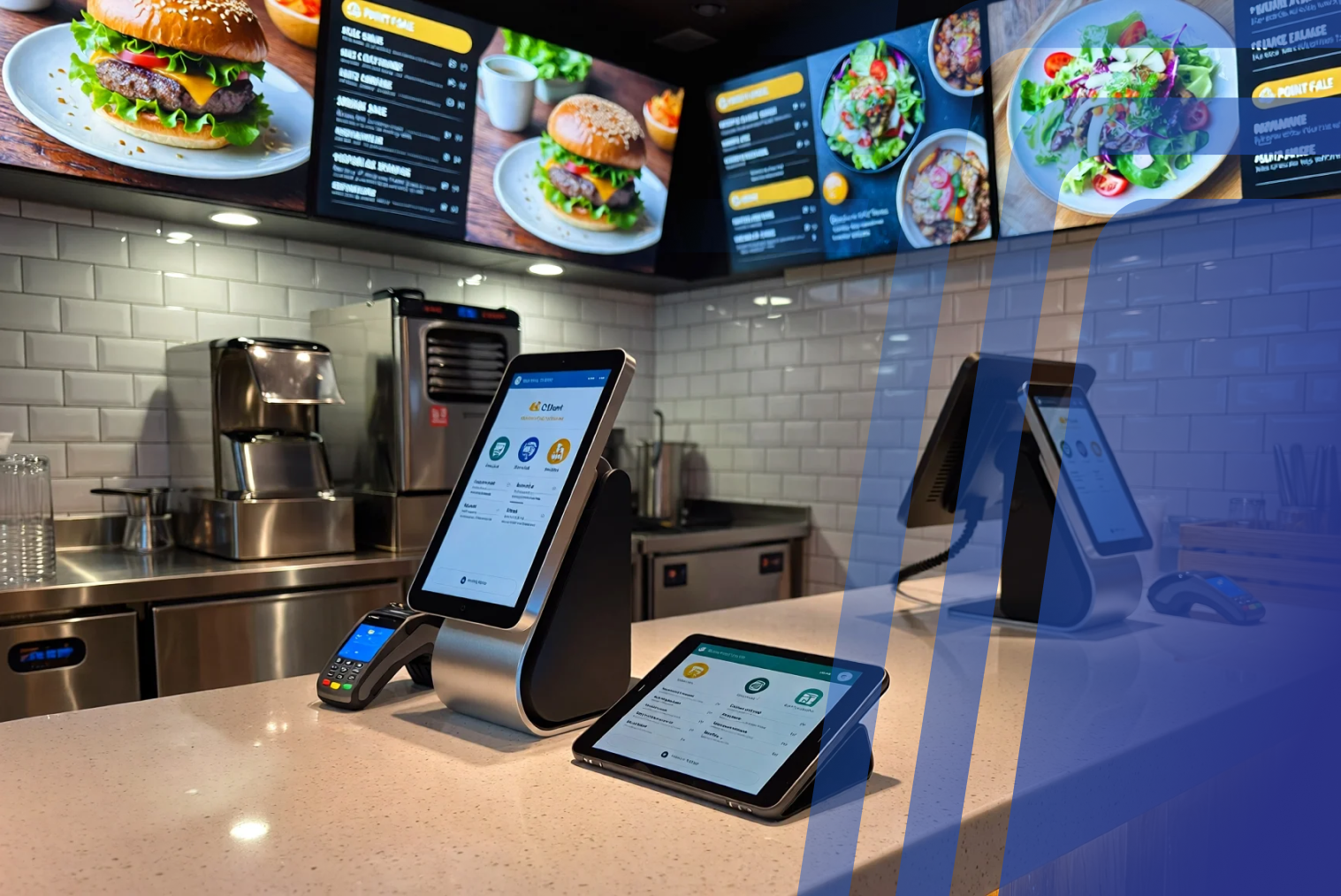
The physical layout of a café POS environment is different too. Counter space is tight. Terminals need to be compact. Staff are often moving between coffee-making and order-taking simultaneously. A POS that requires multiple screens to complete a modifier is a POS that slows down a morning rush.
Loyalty is another café-specific priority. According to the Restaurant Association of New Zealand, operators are facing rising costs squeezing thin margins — loyalty programmes that drive repeat visits are one of the most effective tools for protecting revenue from regular customers. A POS that doesn't handle loyalty natively, or that requires a separate app, adds friction to the most high-value customer interaction.
Café POS Feature Checklist
Use this checklist when evaluating café POS systems. The right system should meet all of these criteria:
| Feature |
What to Look For |
Why It Matters for Cafés |
NZ-Specific Requirement |
| Coffee modifier depth |
Multiple modifier levels per item (size, milk type, strength, temperature, extras) configured as quick-tap buttons |
A flat white has 4–6 common variations; slow modifier entry creates queue buildup |
NZ café culture expects precise coffee customisation — this is non-negotiable |
| EFTPOS NZ integration |
Native integration with Windcave, Verifone (EFTPOS NZ), or SmartPay |
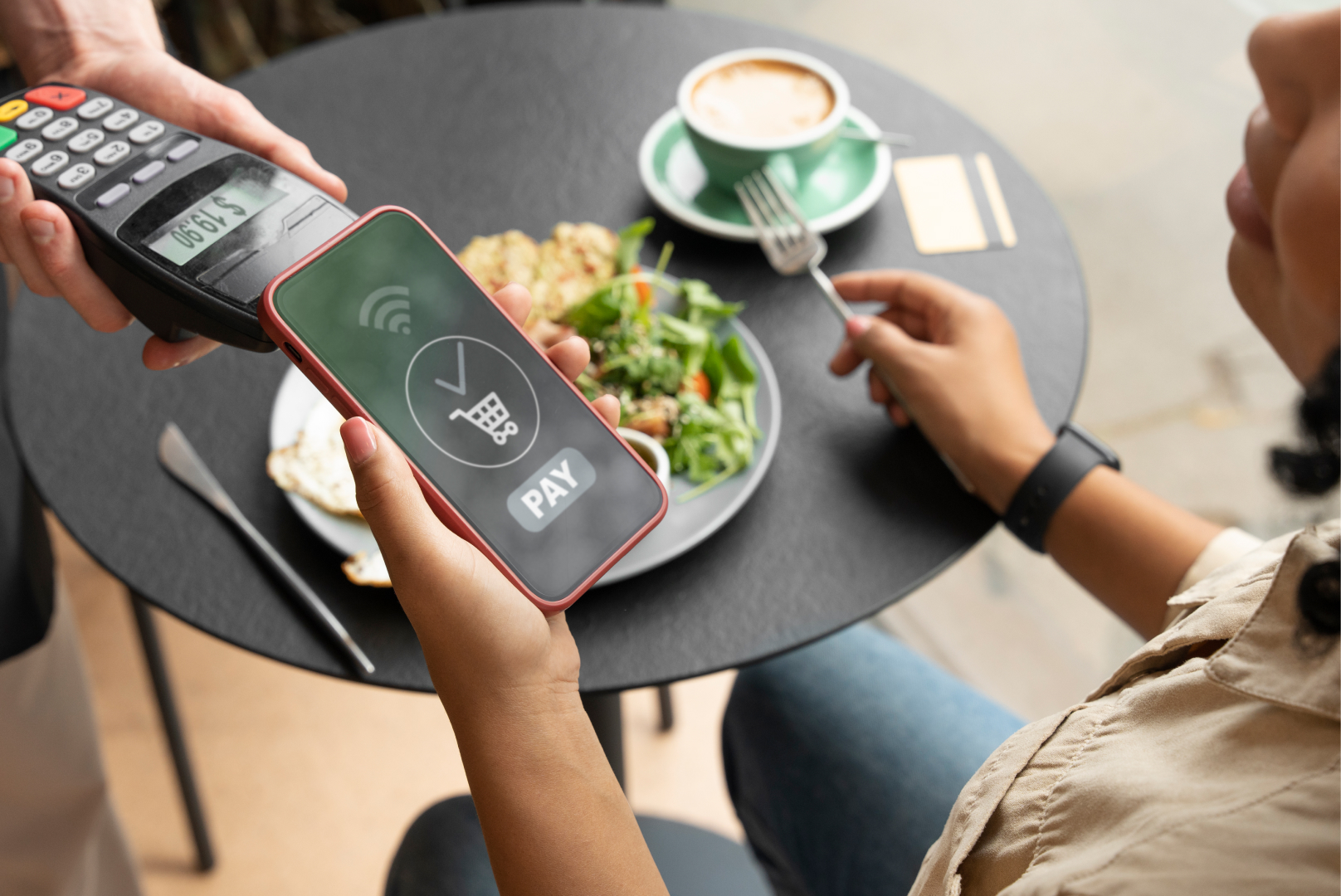
Most NZ café customers pay by tap — a separate EFTPOS terminal that doesn't sync creates reconciliation problems |
Must support Paymark/EFTPOS NZ, not just international card terminals |
| 15% GST handling |
Automatic GST calculation and reporting, not a manual add-on |
Incorrect GST handling creates compliance issues and end-of-day reconciliation errors |
NZ-specific: 15% GST must be built in, not configured manually |
| Offline mode |
Full order entry and payment processing when internet drops |
Morning rushes don't pause for connectivity issues |
NZ rural or suburban cafés with patchy connectivity need reliable offline fallback |
| Loyalty programme |
Native loyalty points or stamp cards, not a separate app |
Regulars expect loyalty to apply at the till without extra steps |
Prefer systems with NZ-based loyalty programme integration |
| Split payment |
Multi-tender transactions (cash + card, card + voucher) |
Café groups often split bills across payment types |
Must handle NZ payment combinations including cash, EFTPOS, and digital wallets |
| KDS / printer routing |
Direct order routing to kitchen printer or KDS screen |
Cabinet food and hot food orders need to reach the kitchen without verbal relay |
Integration with local KDS hardware and standard kitchen printers |
| Tipping |
Configurable tip prompts at checkout (percentage or custom) |
NZ tipping culture is growing — a POS that supports it captures incremental revenue |
Must display tipping options in NZD |
| Reporting and close-of-day |
Shift reports, product mix, GST summary, Xero integration |
Daily reconciliation and GST reporting must be fast and accurate |
Xero is the dominant accounting platform in NZ — direct integration saves significant admin time |
Café POS vs Coffee Shop POS — Is There a Difference?
In practice, café POS and coffee shop POS refer to the same thing — hospitality point-of-sale software optimised for counter-service venues with high modifier depth, fast transaction speeds, and loyalty integration. The distinction that actually matters is between hospitality-specific POS and generic retail POS, which often lack the modifier structure and KDS routing that café operations require.
A generic retail POS can process a sale and print a receipt. It typically can't handle a four-level coffee modifier efficiently, route hot food to a kitchen printer while processing the beverage at the counter, manage split billing for a table of mixed dine-in and takeaway orders, or integrate with NZ EFTPOS providers natively.
When evaluating options, look specifically for POS systems described as hospitality POS or café-specific platforms — NZ-built hospitality POS systems typically handle GST, EFTPOS, and local payment methods as standard, whereas international platforms may require workarounds.
How a Café POS Handles Peak Rushes
During a peak morning rush, the café POS is under the most operational stress it will experience. Order entry needs to be fast enough that a queue of seven customers doesn't build into fifteen before the first coffee is made. The POS must handle simultaneous counter orders, takeaway orders, and potentially table QR orders without slowing down or requiring staff to switch contexts.
Fast modifier entry is the single most important POS feature for peak rush performance. A café POS that requires three taps to select oat milk and a fourth to confirm half-strength is measurably slower than one with a single-screen modifier panel where all options are visible and selectable in one step.
Quick-access buttons for the most popular items — flat white, long black, cabinet food — allow experienced staff to enter common orders in two taps rather than navigating through a menu hierarchy. QSRs using modern POS platforms with fast order-entry features report 10–20% faster service times — the same principle applies directly to high-volume café counter service.
Offline mode is the other peak-rush critical feature. If your internet connection drops during Friday morning service, a POS that requires connectivity to process orders or EFTPOS to function creates a hard stop. Offline capability keeps service moving and queues the transactions for sync when connectivity returns.
Common Mistakes Cafés Make Choosing a POS
• Choosing a POS without testing modifier speed. Ask for a demo where you enter five consecutive coffee orders with variations. The speed of that process is the best predictor of performance during a real morning rush — not the feature list or the pricing page.
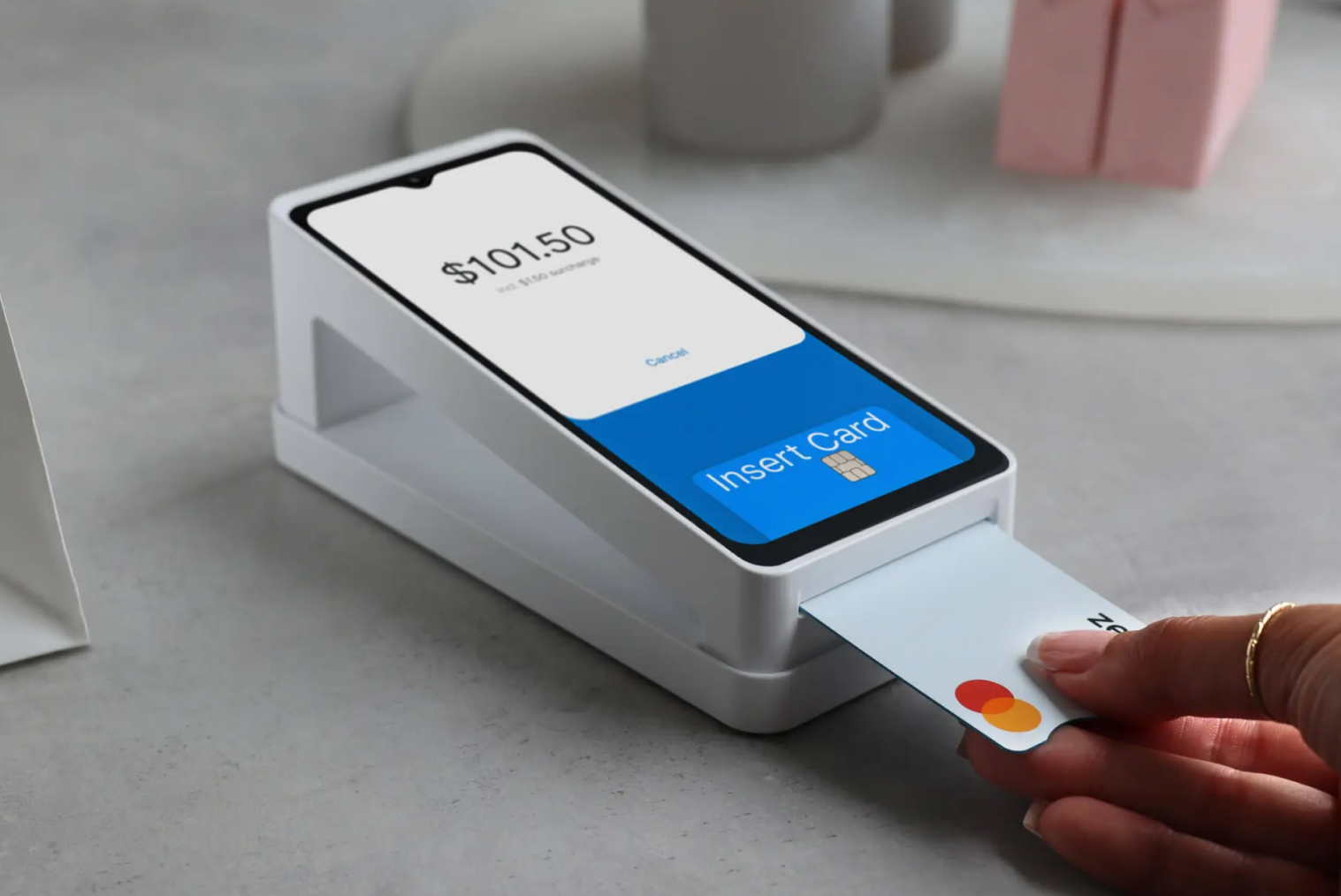
• Buying an international platform without confirming NZ EFTPOS integration. Some international POS systems support Stripe or Square card processing but don't integrate natively with Windcave or Verifone — meaning EFTPOS and POS remain separate systems with separate reconciliation.
• Underestimating the value of local support. When a POS stops working at 7:30am on a Saturday morning, you need to reach someone in the NZ time zone — not log a ticket to be resolved in 48 hours by a support team in a different country. Support availability during NZ trading hours should be a selection criterion, not an afterthought.
• Not configuring loyalty before launch. Loyalty programmes that are added after launch are harder to populate with existing customer history. Configure loyalty before going live, even if you don't promote it heavily on day one.
• Not accounting for hardware costs. POS software pricing is usually monthly — hardware (terminal, receipt printer, cash drawer, card reader) is a separate capital expense. In NZ, café POS hardware typically costs NZD $1,500–$5,000 upfront for a standard single-terminal setup, not including ongoing software subscription.
Should a Café POS Integrate Online Ordering & Kiosks?
For most cafés, the answer is yes — and the integration question is as important as any individual feature of the POS itself.
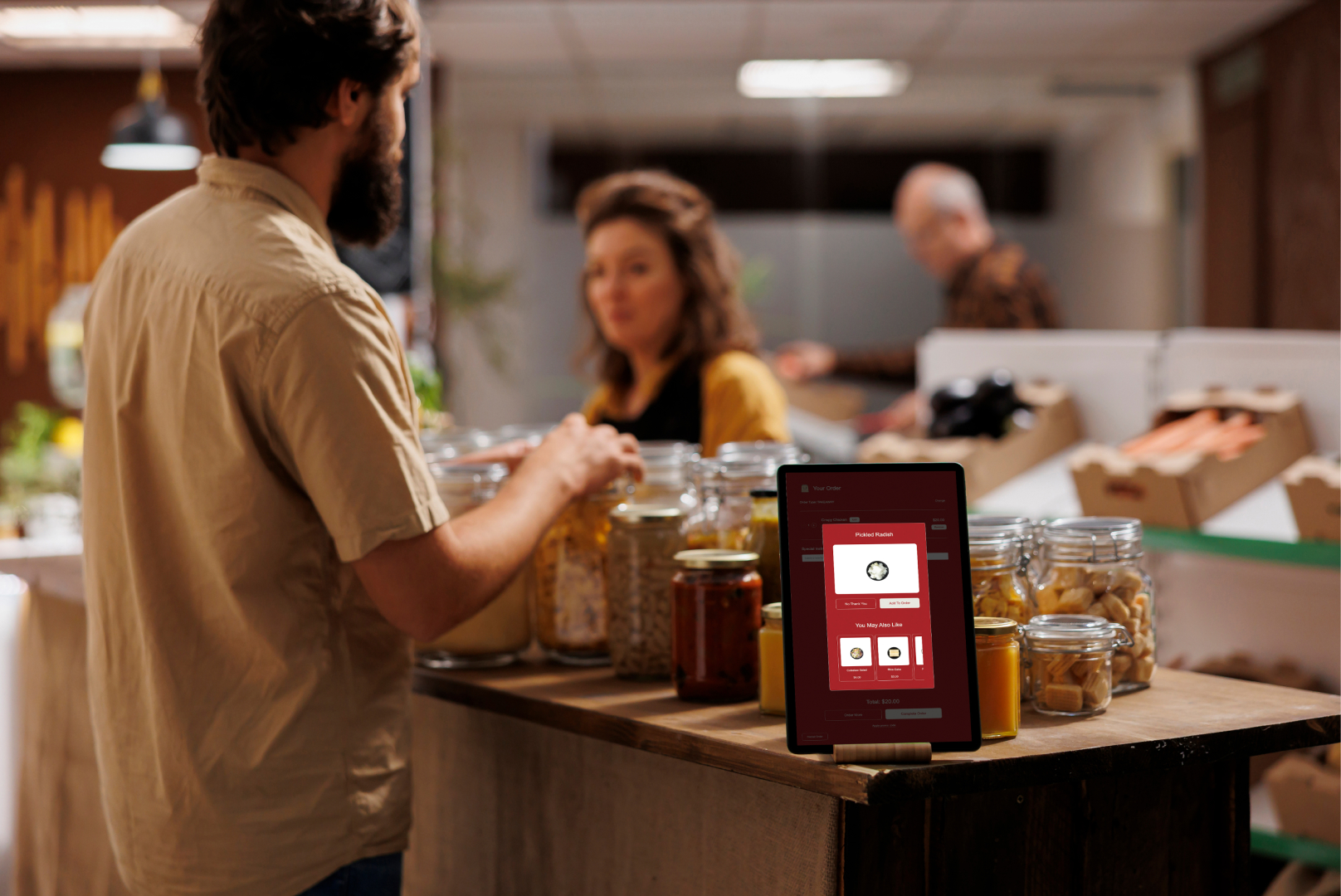
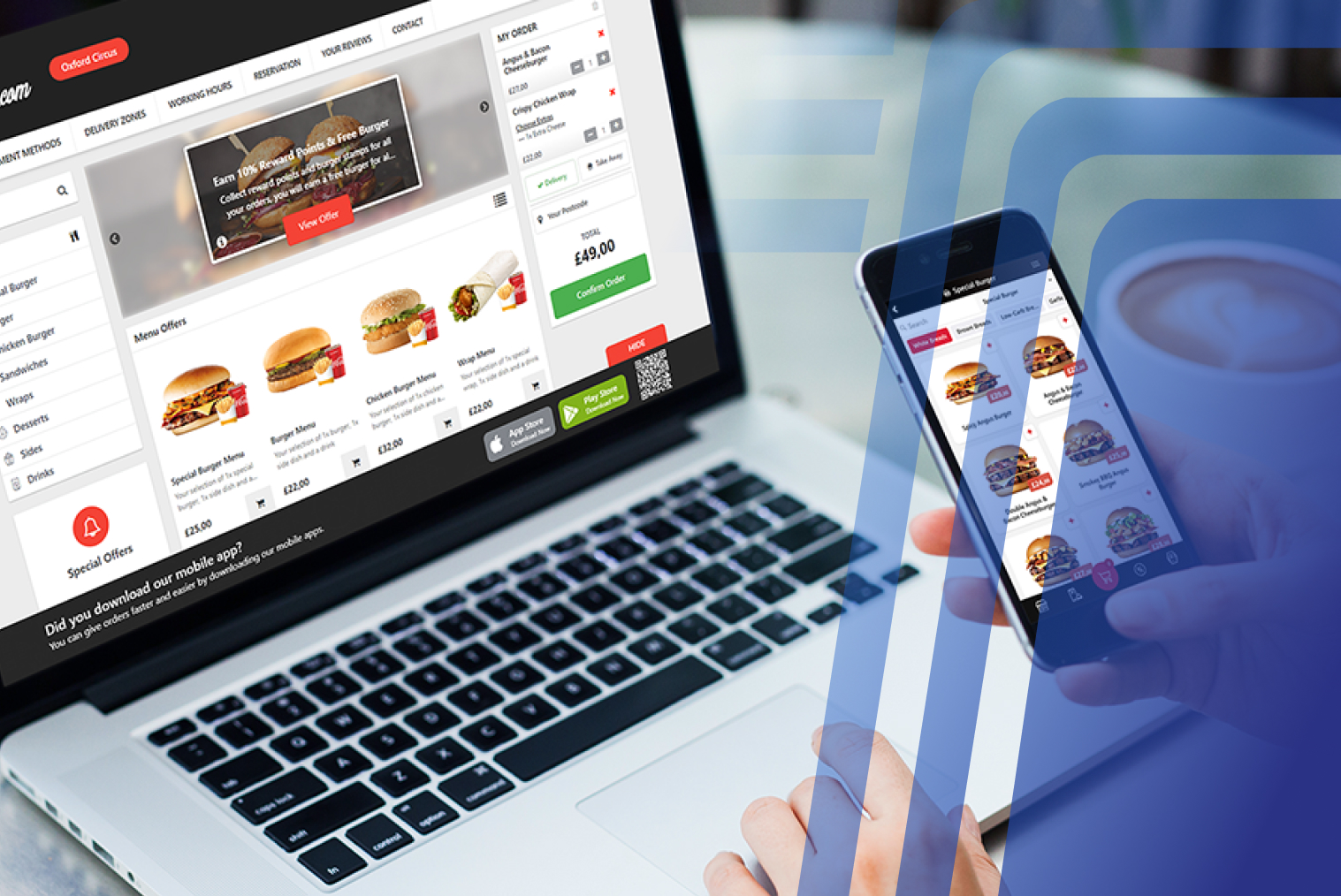
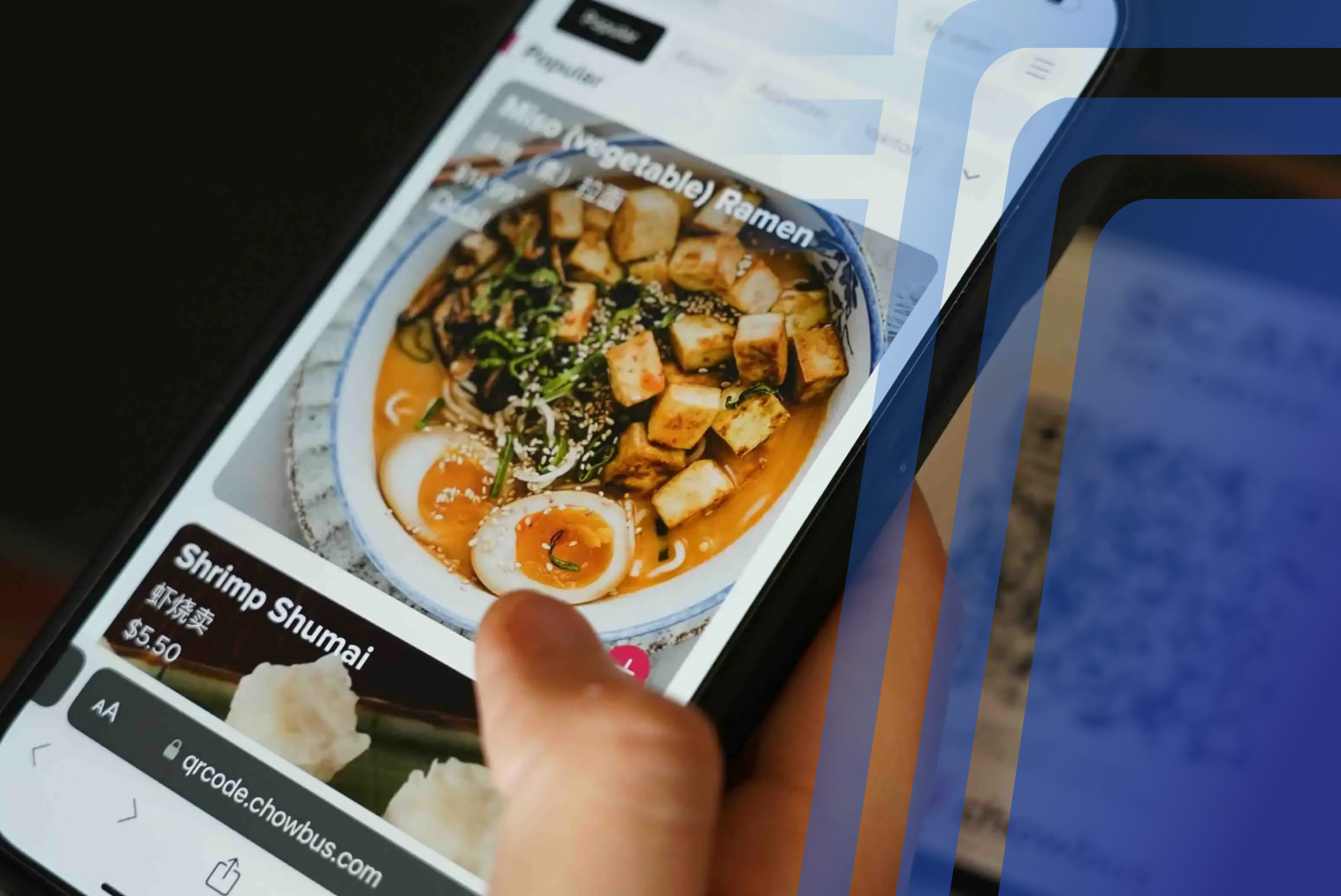
A café with online ordering (click and collect, for example) that doesn't integrate with the POS creates a separate order flow. Staff monitor a tablet for online orders, then manually enter them into the POS. That manual step introduces error, adds labour time, and creates confusion during peak service when orders are arriving from multiple sources simultaneously.
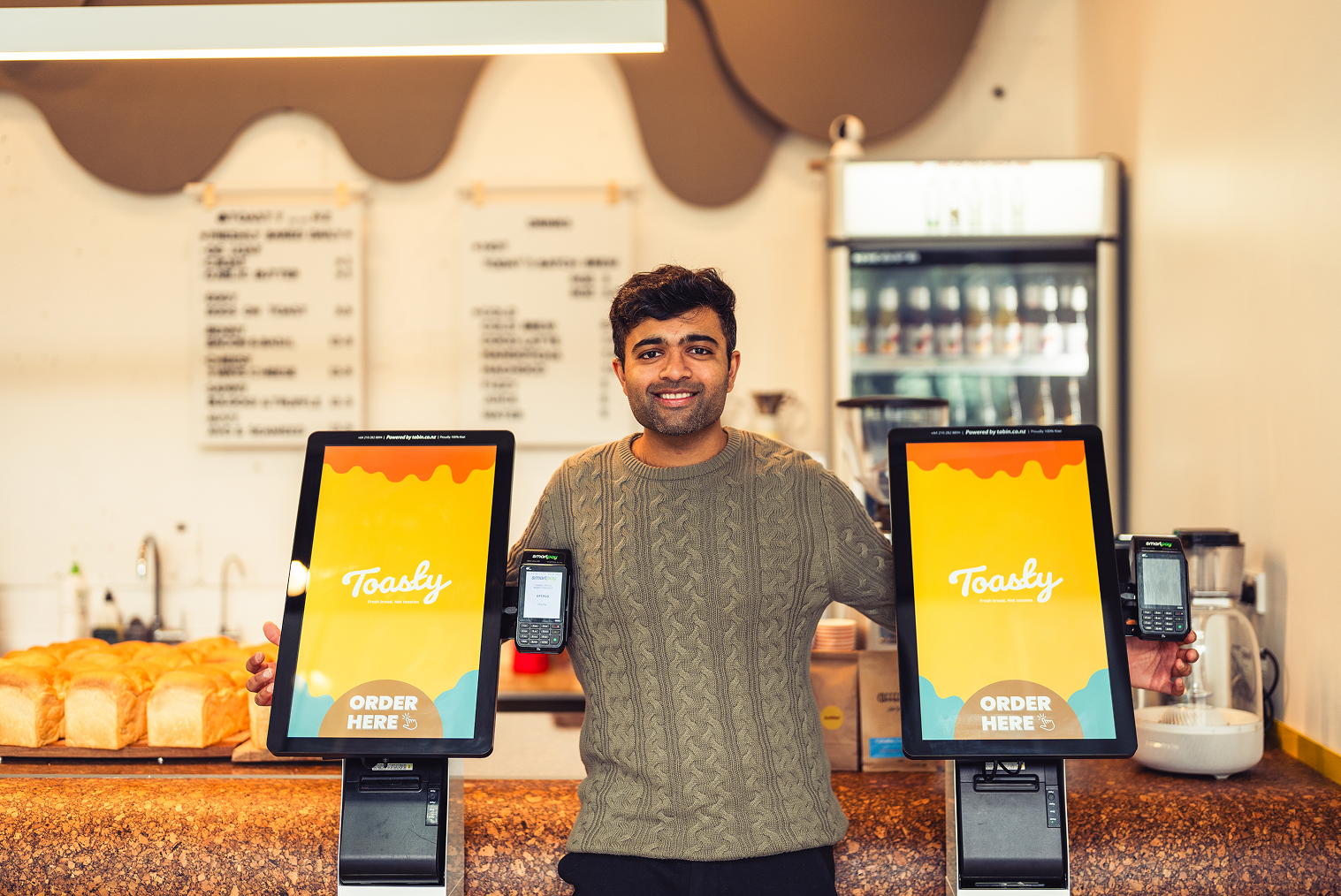
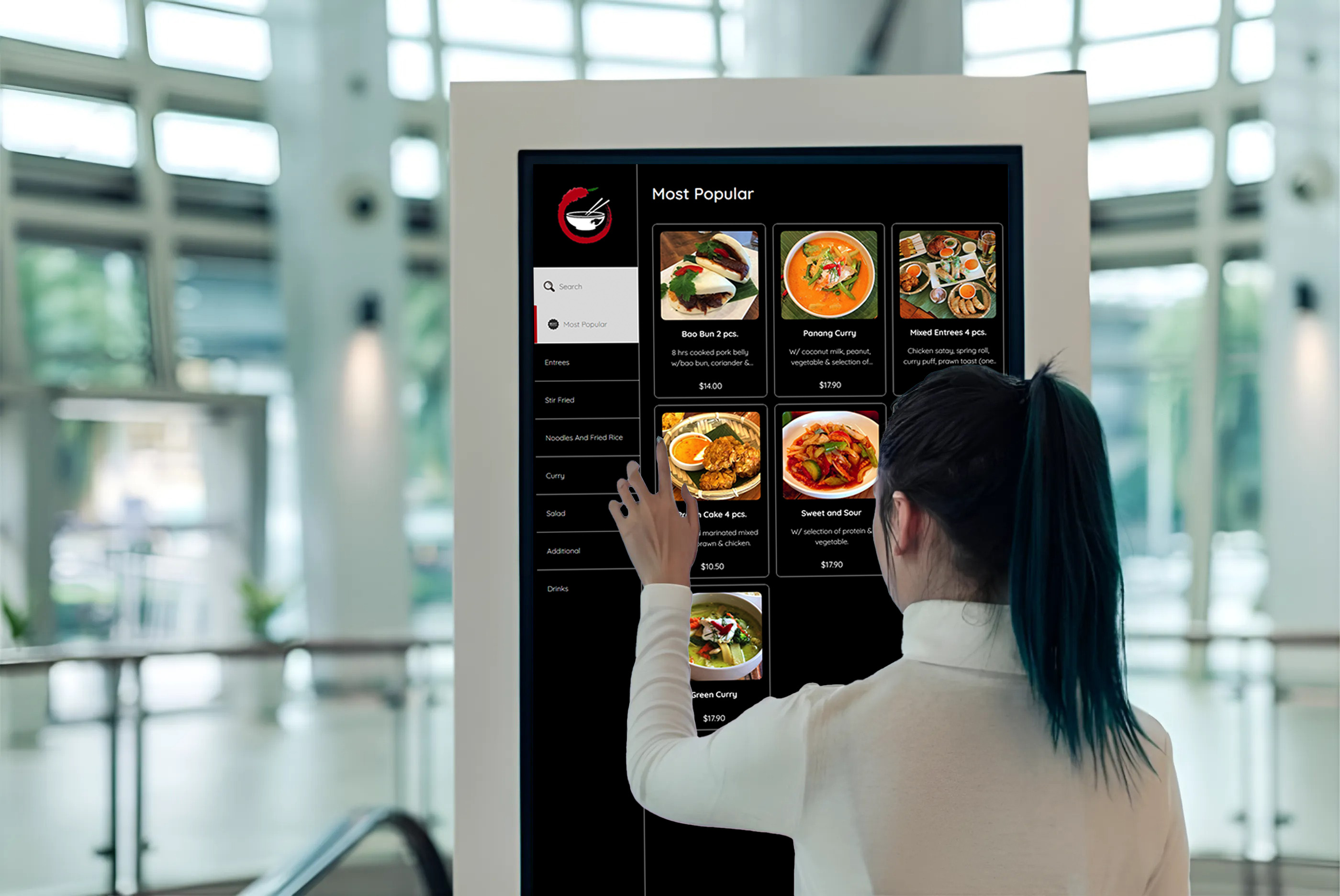
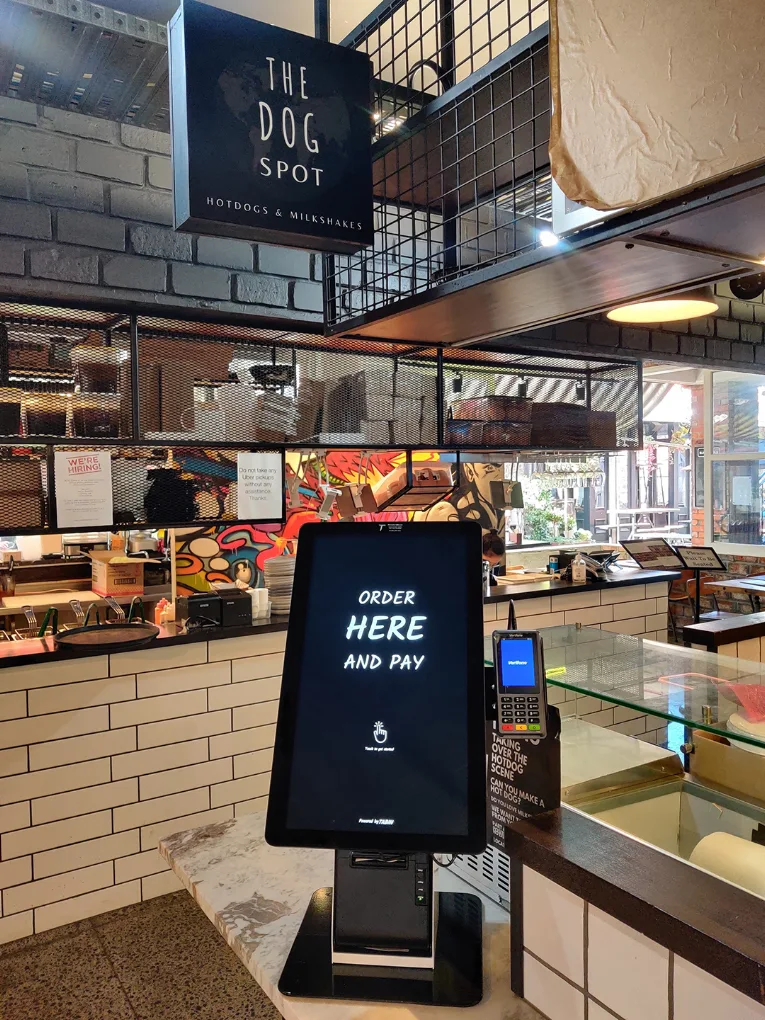
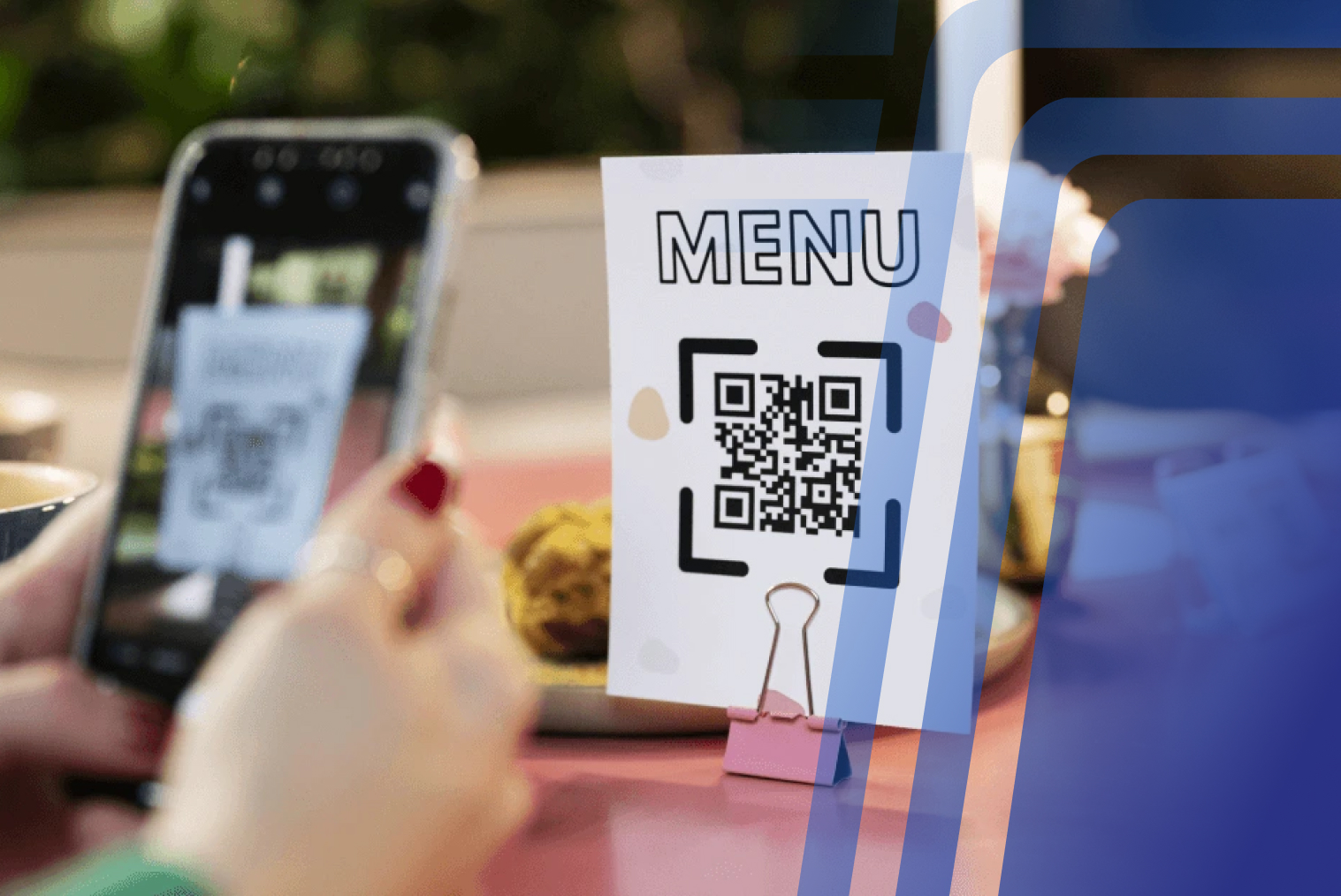
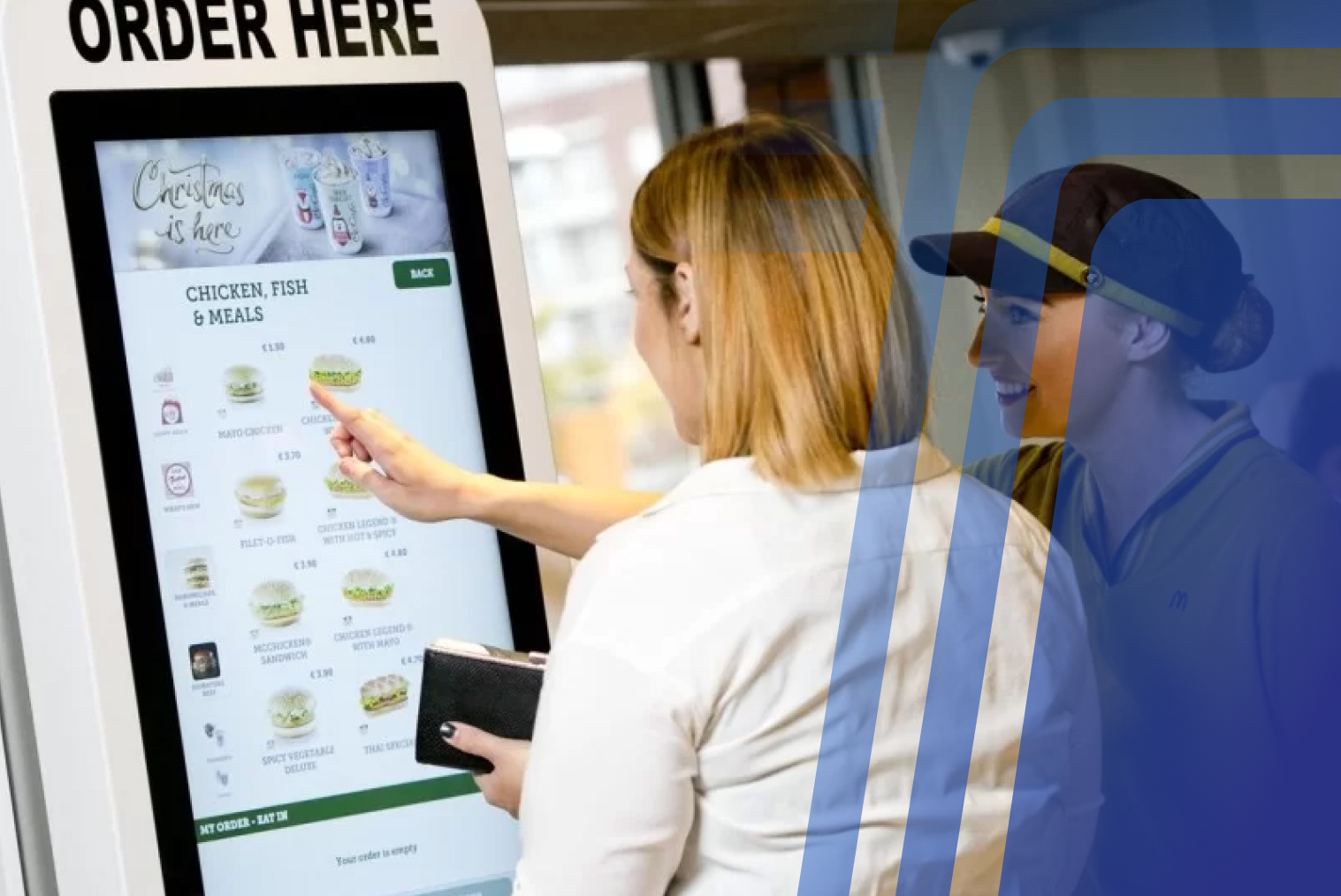
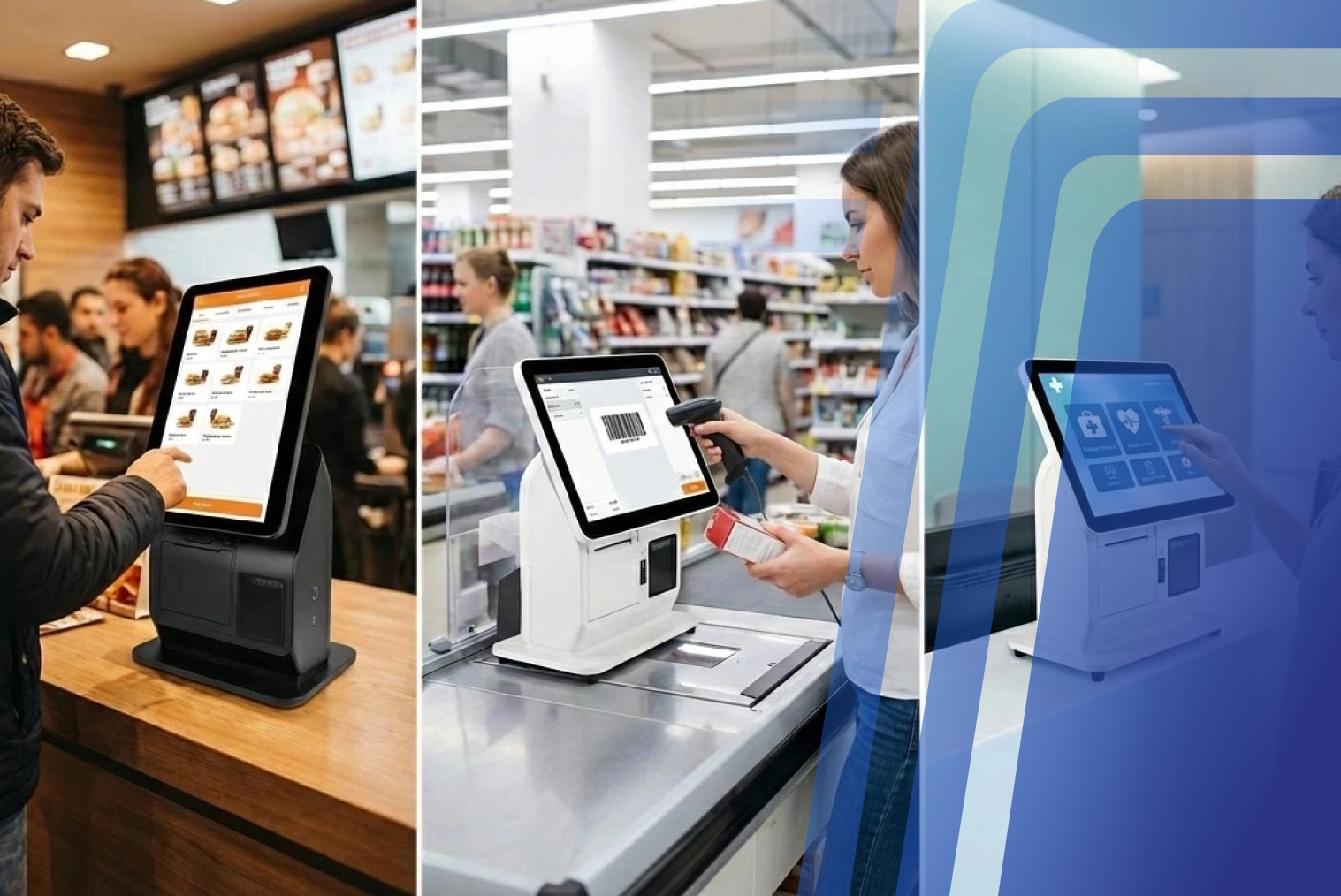
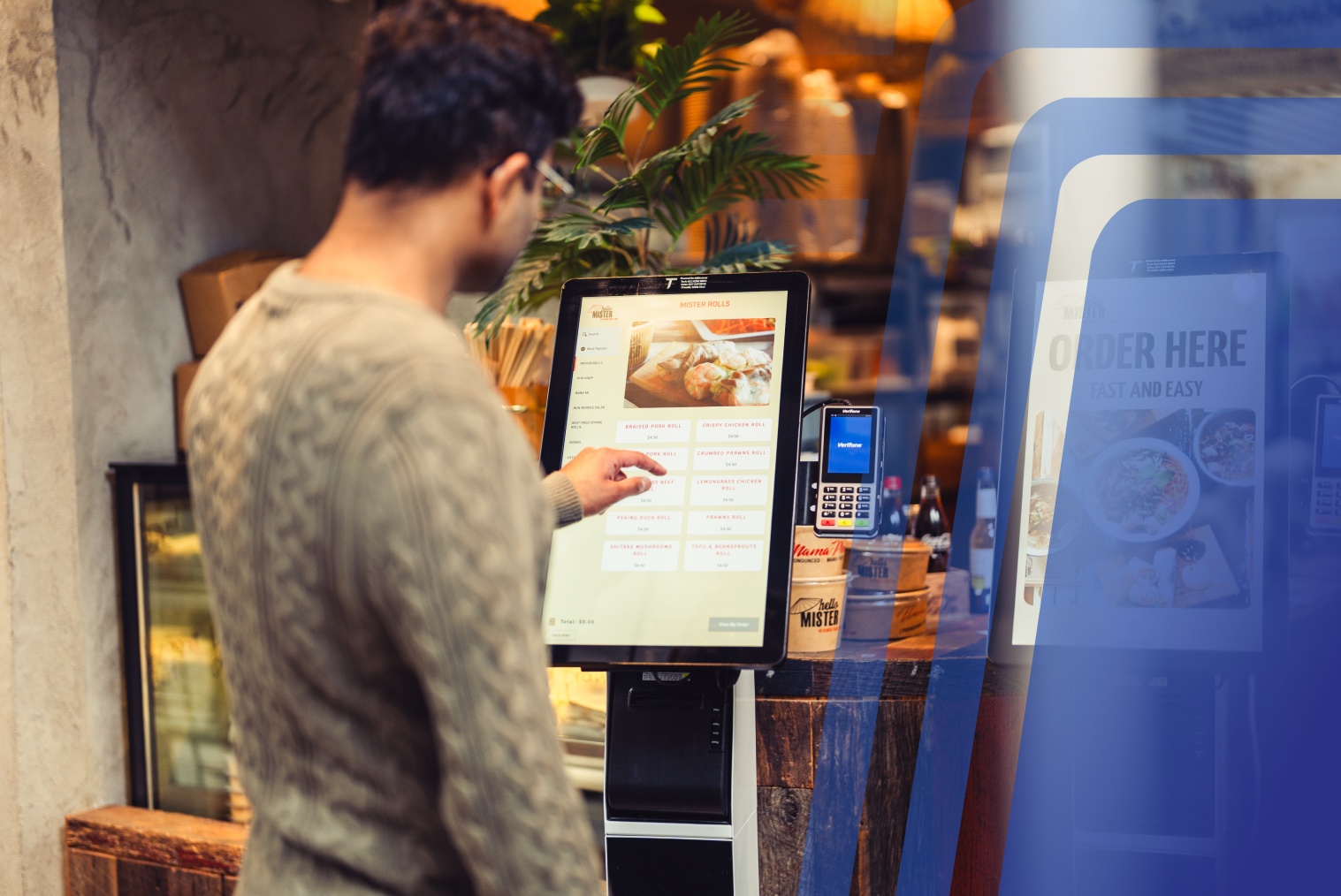
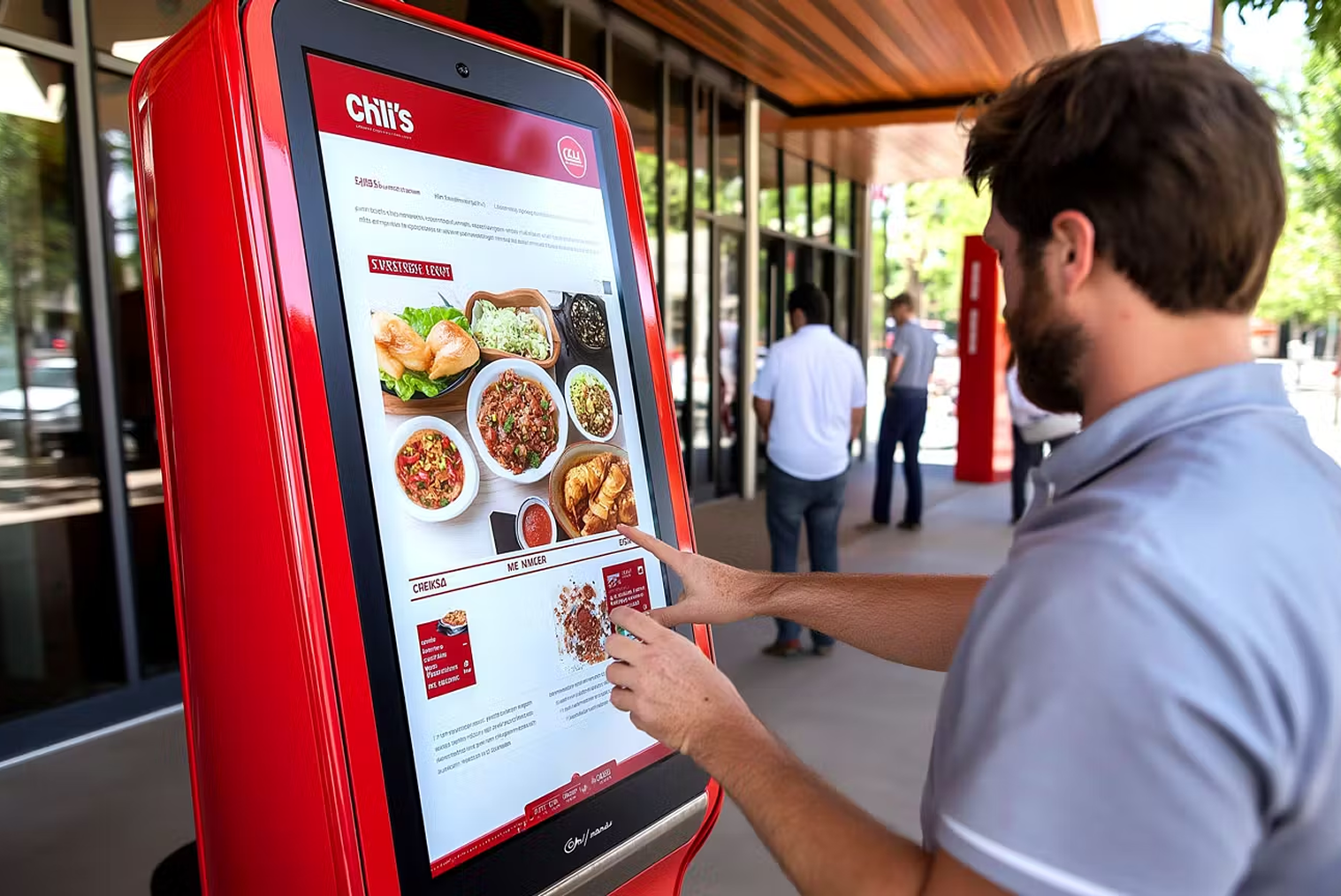
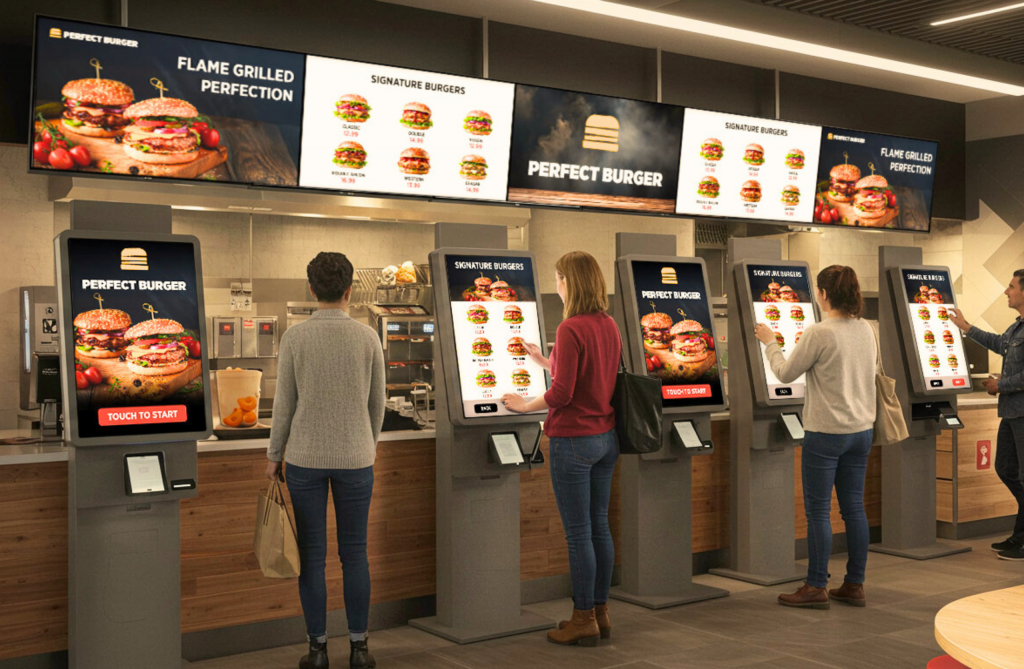
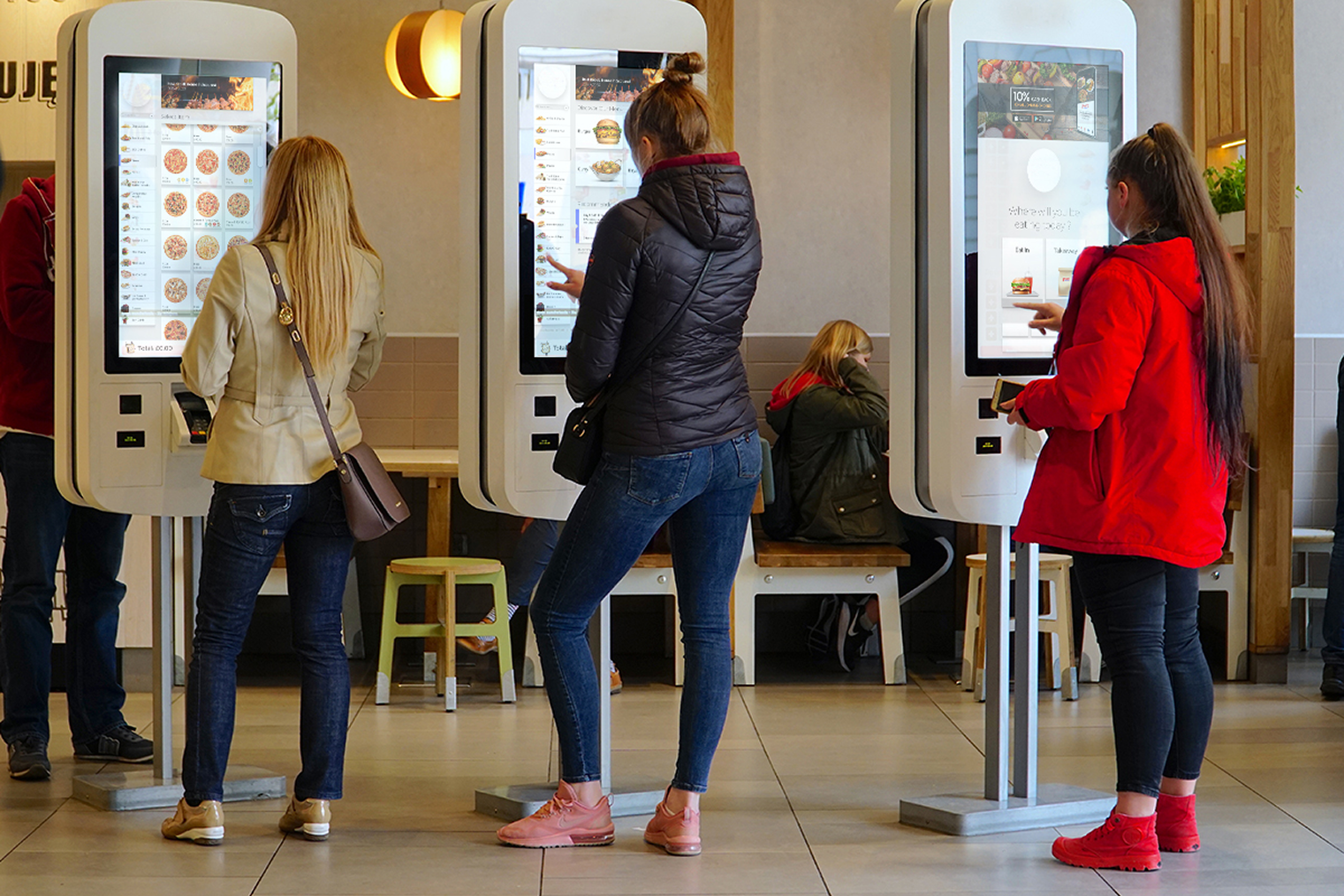
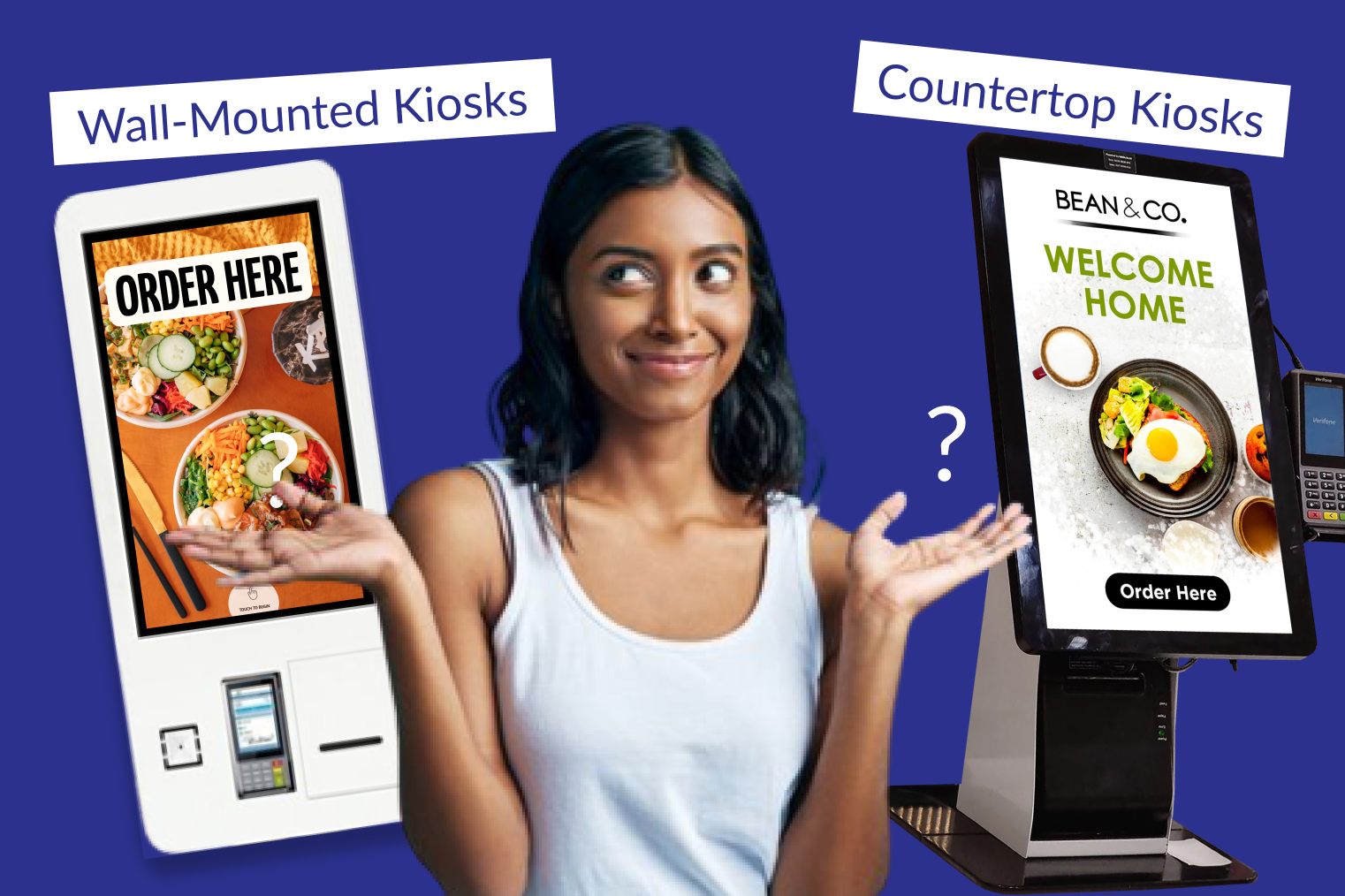
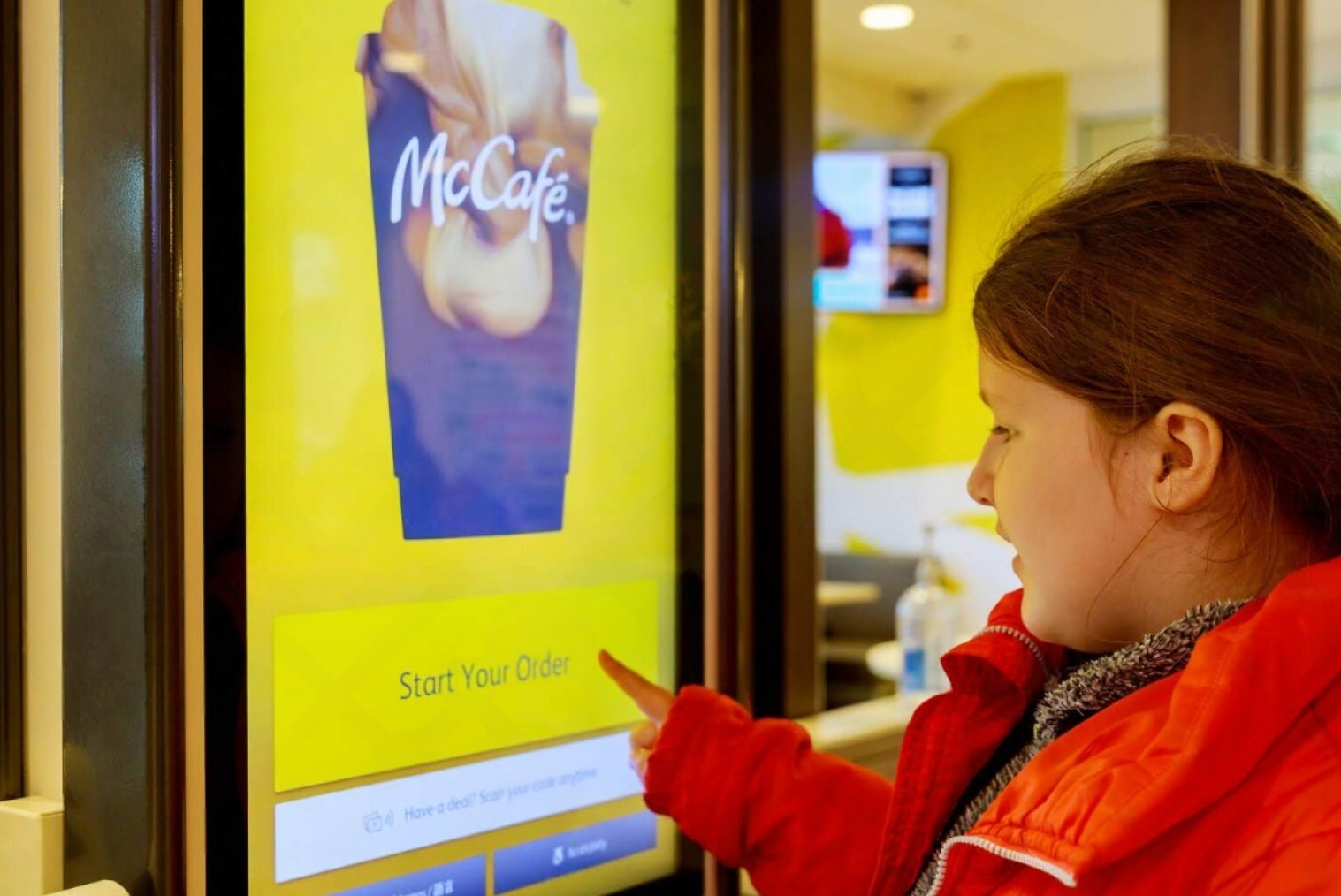
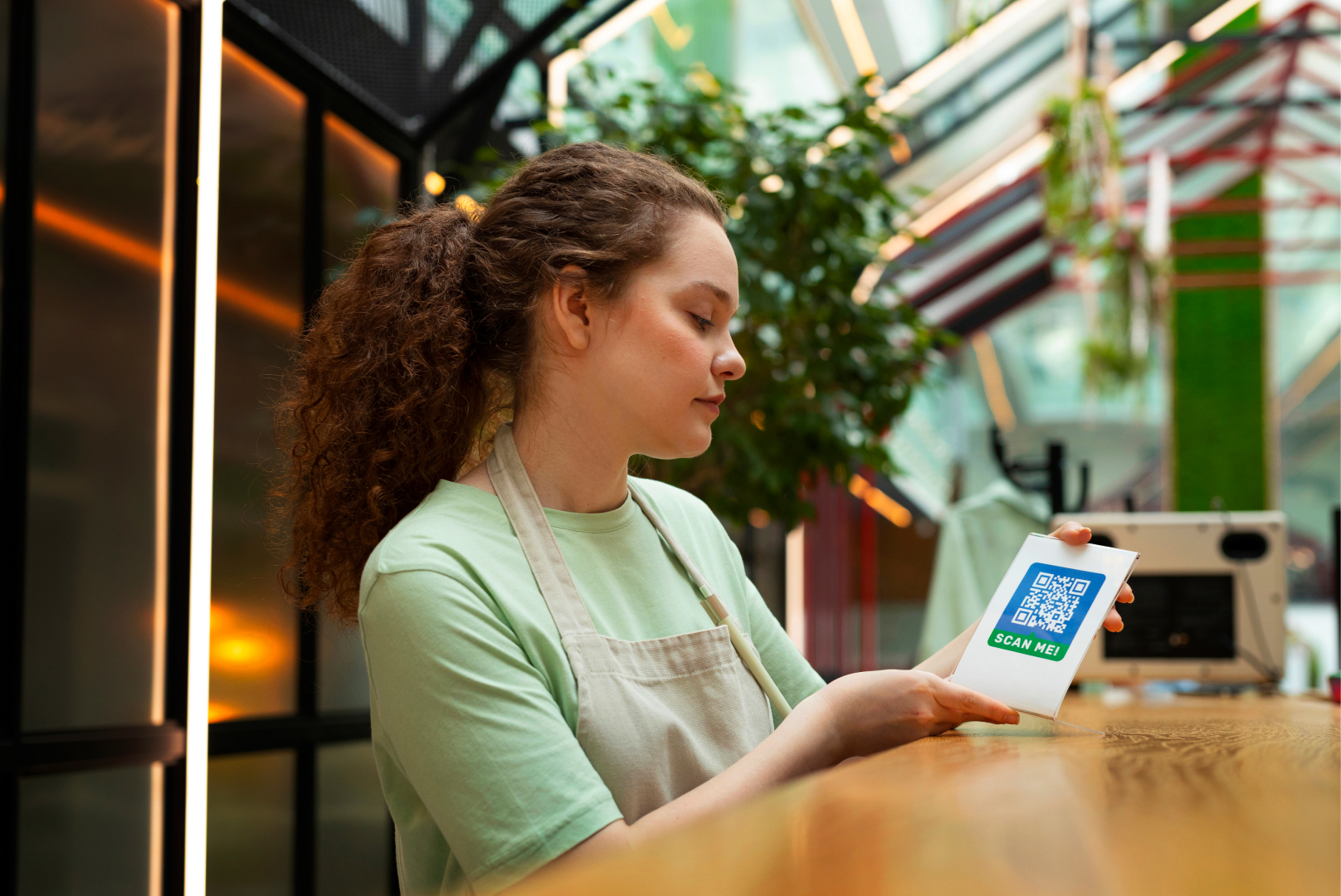
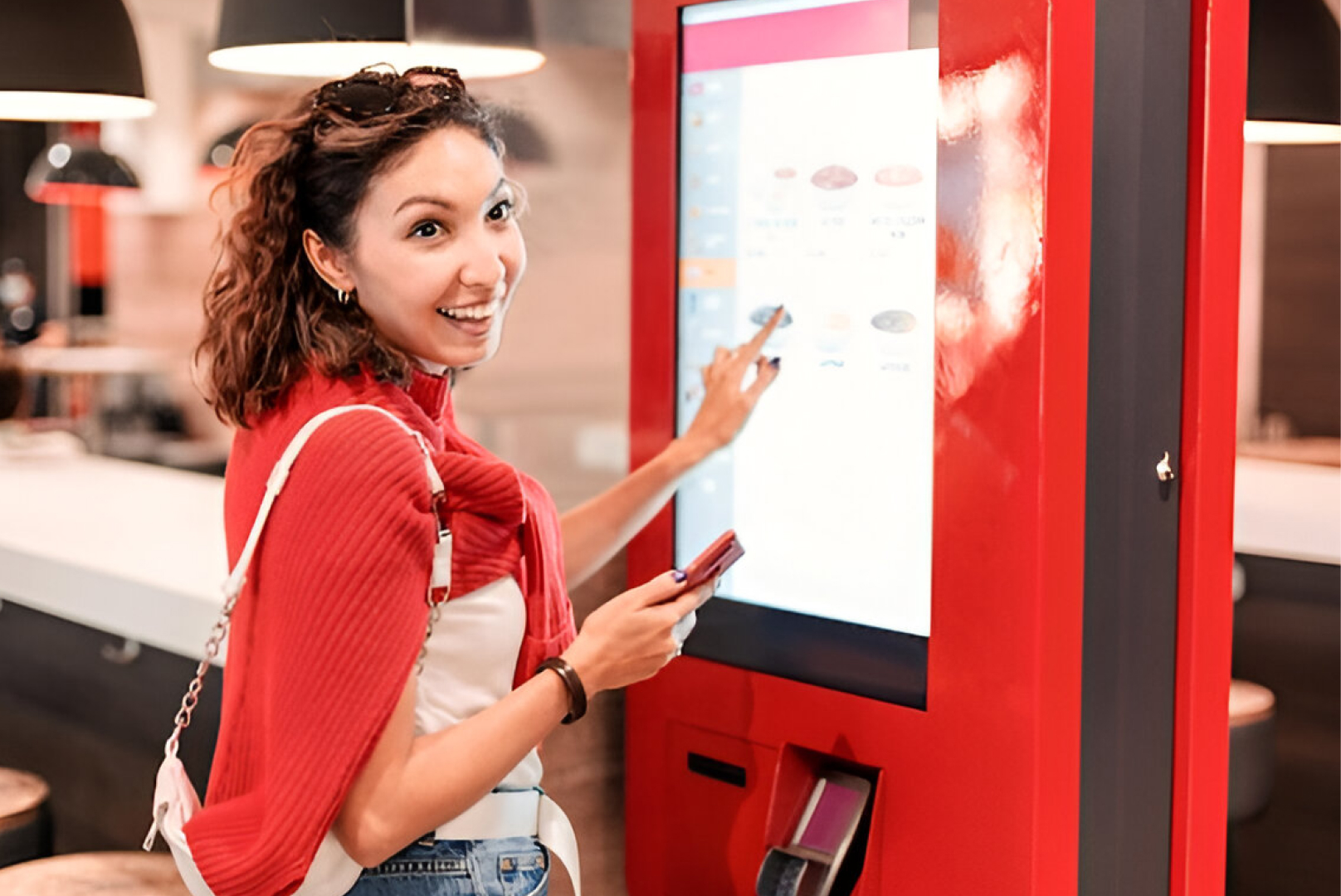
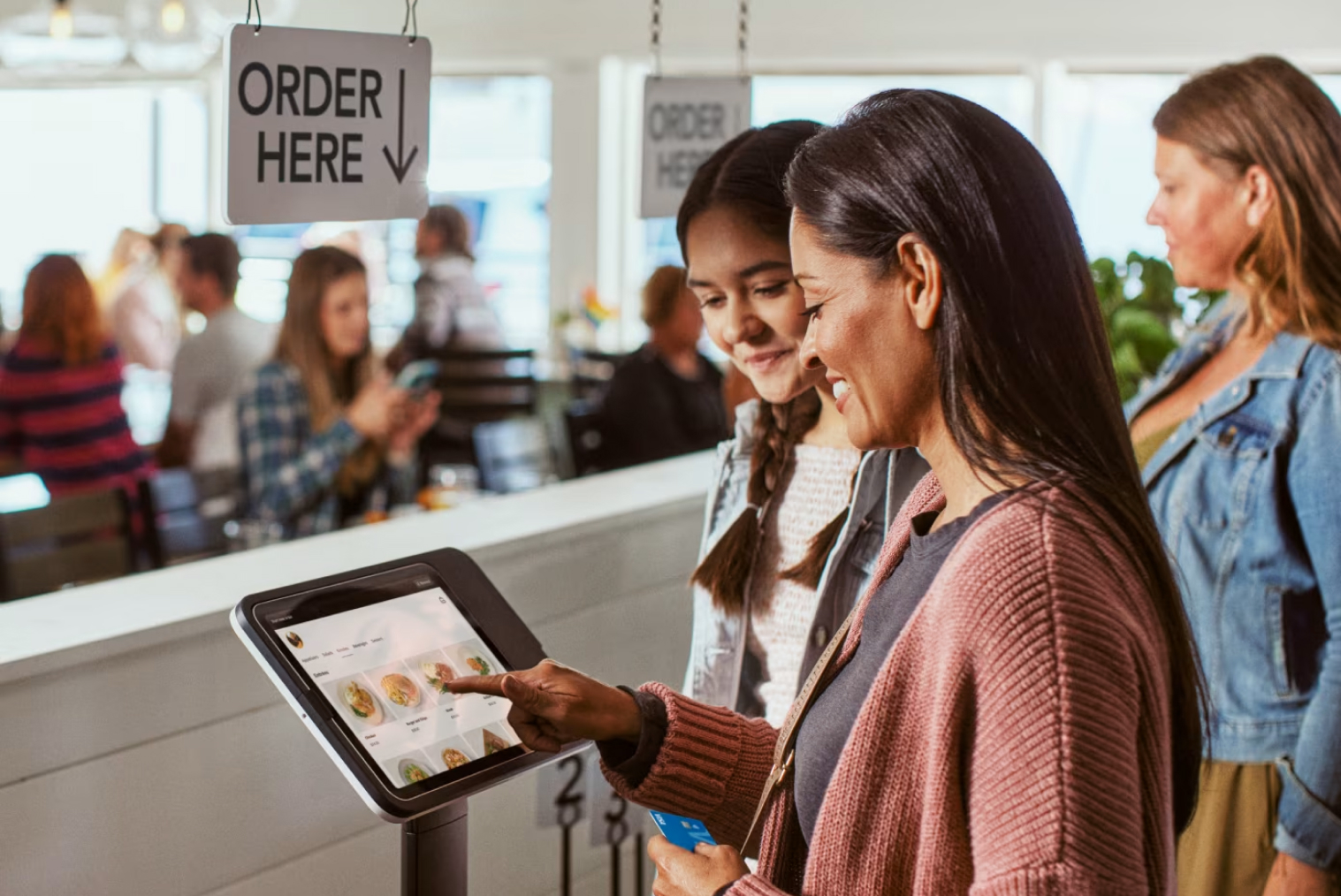
A self-ordering kiosk for takeaway orders creates the same integration question. When a kiosk order routes directly into the POS and KDS, it appears alongside counter orders in the same queue. When it doesn't — when it routes to a separate printer or screen — staff are managing two parallel workflows. TABIN's coffee shop POS solution is designed around this integration: kiosk, QR, online, and counter orders all flow through the same POS, making the management of multiple order channels genuinely unified rather than just technically connected.
The practical benefit shows most clearly during peak service: staff don't need to check multiple screens or manage multiple ticket flows. Every order — regardless of its source — appears in the same place, in the order it was received, with full context and routing.
How to Choose the Right Café POS in NZ
The right café POS for your operation depends on your specific volume, layout, and service format — but these criteria apply across every NZ café considering a new or replacement system:
• NZ-built or NZ-configured — GST, EFTPOS NZ integration, and Xero compatibility should be standard, not add-ons
• Hospitality-specific modifier depth — test coffee modifiers specifically, not just the overall interface
• NZ-hours support — confirm support availability during your trading hours, including weekends
• Offline capability — verify that both order entry and EFTPOS processing continue when internet drops
• Integration path — confirm that online ordering, kiosk, and QR table ordering can connect to the POS natively, not through workarounds
• Transparent total cost — hardware, software subscription, payment processing fees, and setup costs should all be quoted before you commit
TABIN's hospitality POS features are designed specifically for NZ venues — with native EFTPOS integration, café-optimised modifier configuration, and built-in connectivity to self-ordering kiosks and online ordering. Book a demo with the TABIN team to see how the system performs with a real café menu and modifier setup.
Conclusion
Speed and integration are the two things that matter most in a café POS. Speed — because morning rushes don't slow down while a staff member navigates three screens to add oat milk. Integration — because a POS that doesn't connect with your EFTPOS, your kitchen, your online orders, and your loyalty programme creates separate manual steps that compound into meaningful operational cost over time.
The best café POS for a NZ coffee shop is one built for the specific demands of hospitality — not retrofitted from retail — with local payment support, local compliance, and local support to match.
Frequently Asked Questions (FAQs)
Q1: What features should a café POS have?
The essential features for a café POS are: fast coffee modifier entry (multiple levels — milk type, strength, size, temperature — on a single screen), native EFTPOS NZ integration (Windcave, Verifone, or SmartPay), 15% GST calculation and reporting, offline mode for connectivity dropouts, loyalty programme integration, kitchen display or printer routing for food orders, split payment handling, and Xero integration for accounting. Tipping support is increasingly important as NZ tipping culture grows.
Q2: Can a café POS handle both dine-in and takeaway?
Yes — a good café POS distinguishes between dine-in and takeaway orders at the point of entry, routing them appropriately (dine-in orders to a table-identified KDS ticket, takeaway orders to a counter ticket or pickup number). Some café POS systems also handle hybrid orders where a customer orders both takeaway coffee and dine-in food in the same transaction — a common scenario in NZ cafés with both a counter queue and seated tables.
Q3: Does a coffee shop POS integrate with online ordering?
It should — and the quality of that integration is as important as the feature itself. A POS with native online ordering integration receives online orders (click and collect, for example) in the same queue as counter orders, with no separate monitoring or manual re-entry. Only 40% of restaurants currently have commission-free direct online ordering — for cafés, integrating online ordering with the POS is one of the most effective ways to capture takeaway demand without paying platform commission.
Q4: How much does a café POS system cost in NZ?
Café POS costs in NZ typically break into two components: hardware and software. Hardware for a standard single-terminal setup — touchscreen terminal, receipt printer, and card reader — typically costs NZD $1,500–$5,000 upfront. Software is usually a monthly subscription ranging from approximately NZD $80–$300 per month depending on features and the number of terminals. Payment processing fees (per transaction) are separate. Total ongoing cost for a single-terminal café setup is typically NZD $150–$350 per month including software and payment processing, excluding hardware amortisation.


.webp)












.png)

















.webp)


