Kiosk deployment isn't just a hardware question — it's a floor planning and customer flow decision that directly affects adoption rates, ordering speed, and revenue. The most common kiosk installation mistake isn't a bad screen or slow software; it's putting the right technology in the wrong location. This guide covers where to place self-ordering kiosks by restaurant type, what placement mistakes to avoid, and how positioning affects everything from queue management to average order value.
Why Kiosk Placement Matters in Restaurants
A self-ordering kiosk installed in the wrong location can sit almost entirely unused — even in a busy restaurant. Research on kiosk layout design consistently shows that placement determines whether customers discover and use kiosks naturally, or walk straight past them toward the counter.
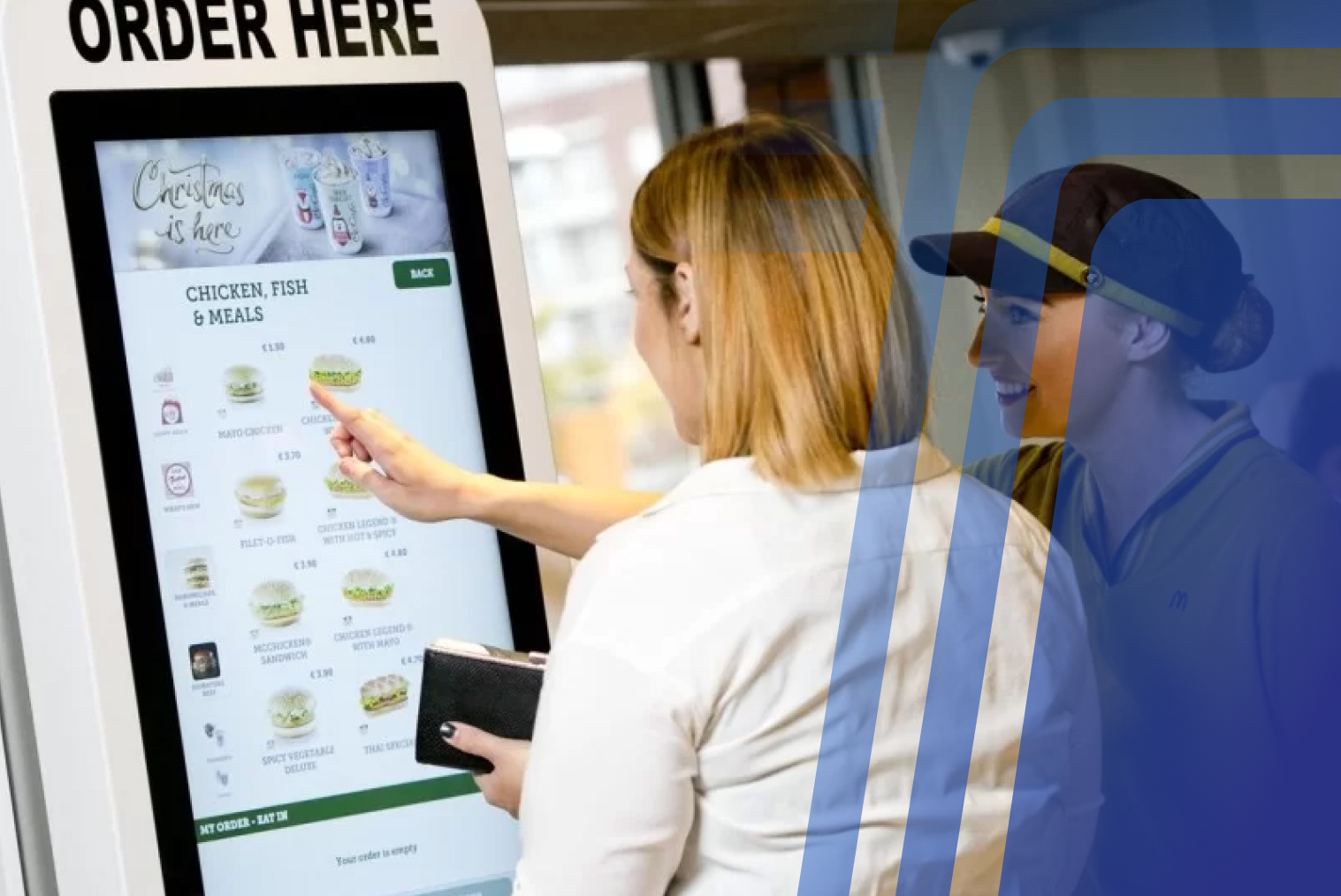
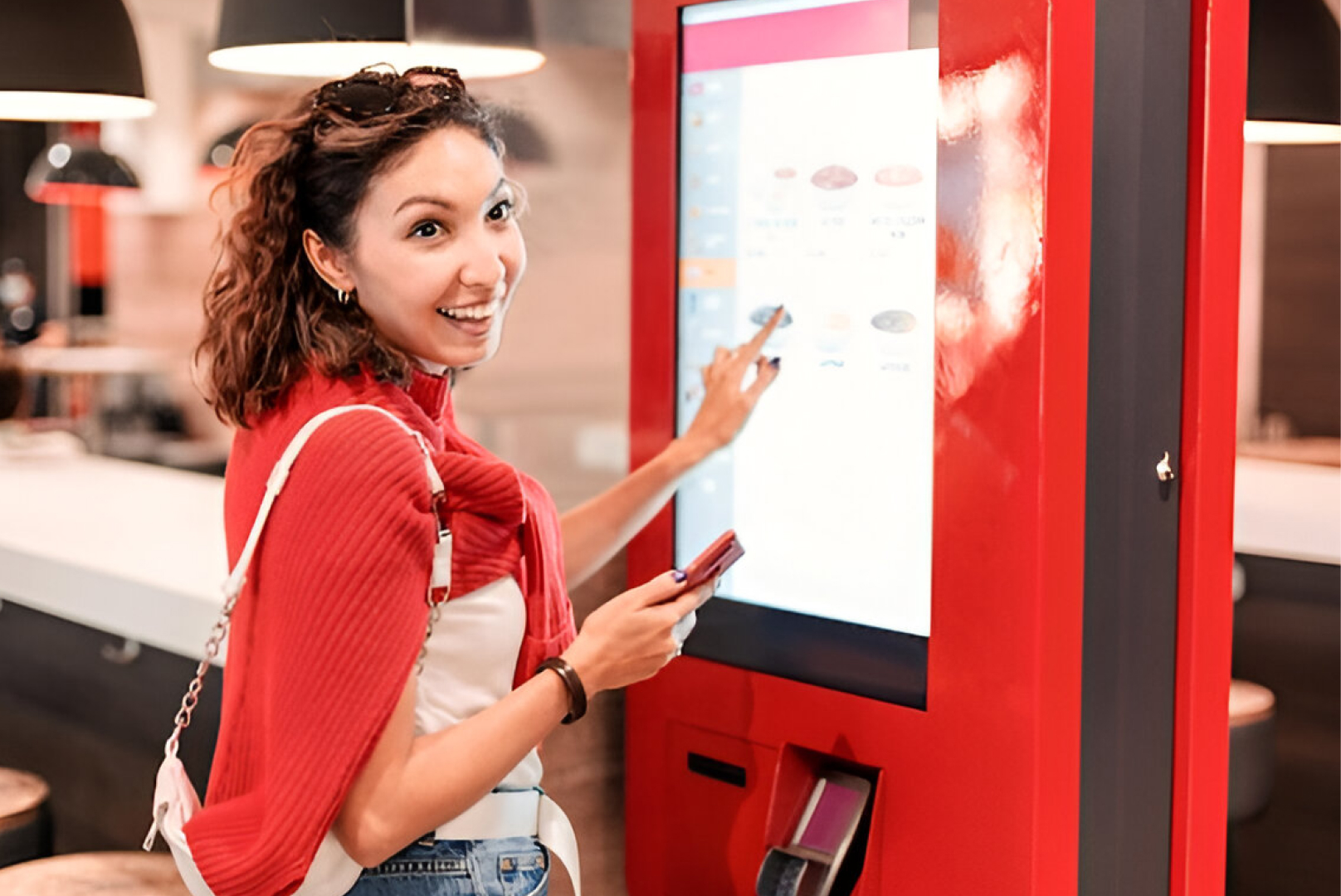
Kiosk deployment is a customer flow decision as much as a technology one. The goal is to position kiosks where customers naturally decelerate after entering — before they've committed to a counter queue. QSR industry guidance recommends placing kiosks in direct line-of-sight from the entrance, away from corners and obstacles, with clear standing space for customers to order without crowding others.
Done well, kiosk placement increases adoption without requiring staff direction, reduces counter congestion during peak hours, and creates a front-of-house flow that feels intentional rather than improvised.
Quick Kiosk Placement Comparison
Use this table as a starting reference when evaluating placement options for your venue:
| Placement Area |
Best For |
Main Advantage |
Potential Limitation |
| Near entrance |
High-traffic QSRs, burger chains, and fried chicken outlets |
Maximum visibility; customers self-direct before reaching the counter |
Requires clear signage; can create entry congestion if poorly spaced |
| Mid-floor (halfway to counter) |
QSRs with wide floor plans |
Natural interception point on the path to the counter; strong adoption rates |
Needs deliberate wayfinding; may not suit narrow layouts |
| Counter-adjacent |
Cafés, smaller venues |
Familiar positioning for customers used to counter service
|
Risk of queue overlap between kiosk and counter; can cause confusion
|
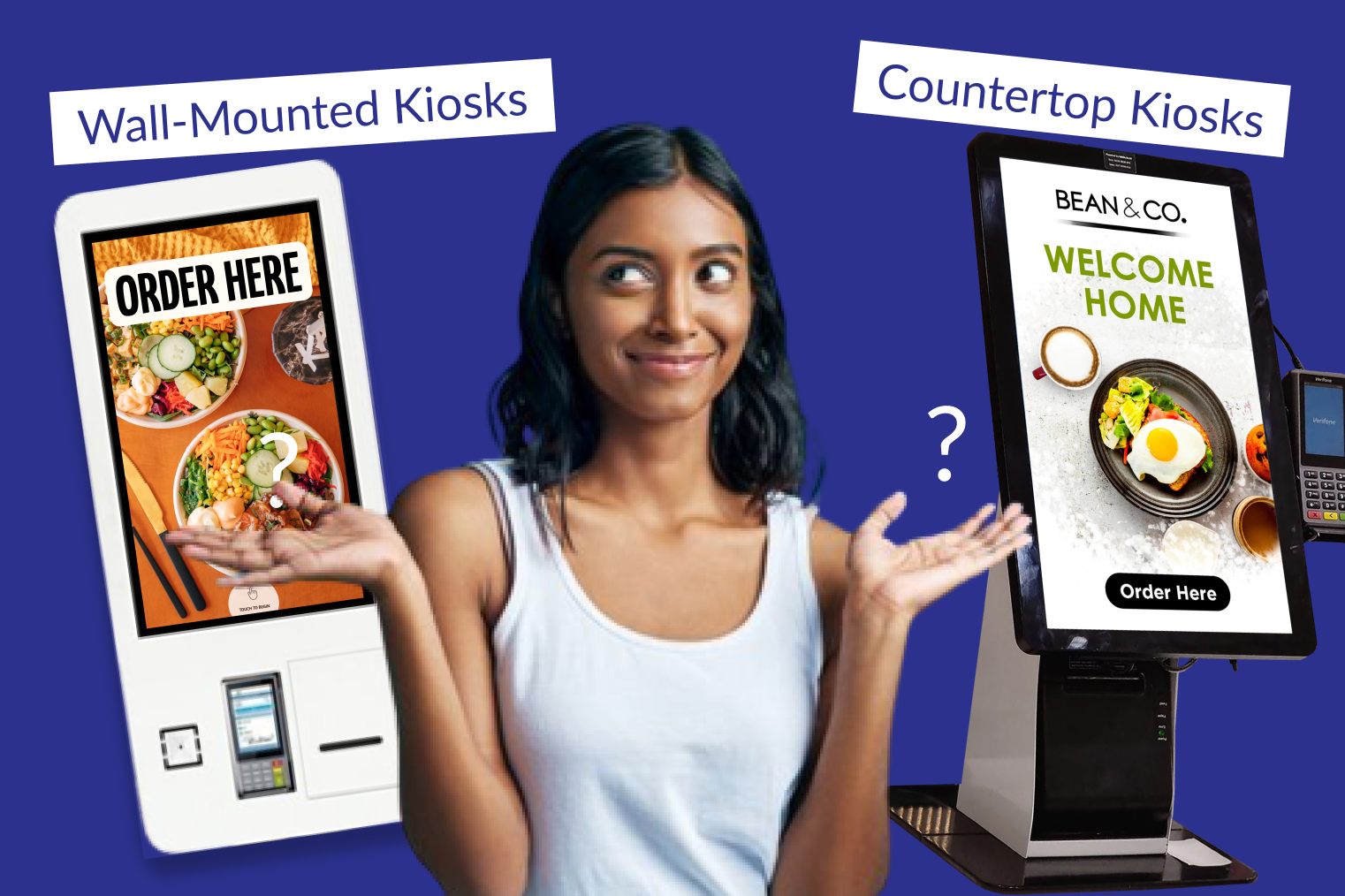
| Wall-mounted |
Space-constrained venues, kiosks as a secondary channel
|
Saves floor space; good for venues with limited footprint
|
Lower visibility; customers are less likely to discover and use them
|
| Outdoor / drive-through adjacent |
QSRs with drive-through, food courts, and high foot traffic locations
|
Captures outdoor queues; expands ordering capacity beyond the dining room
|
Requires weatherproofing, additional hardware and maintenance costs
|
Factors Restaurants Should Consider Before Kiosk Deployment
Before deciding where to place kiosks, answer these questions about your specific operation:
- Peak-hour customer flow — where do customers naturally congregate and decelerate when they enter your restaurant? That's your best placement zone.
- Counter proximity — kiosks placed too close to the counter create queue overlap; customers aren't sure which line to join, and both channels slow down
- Available floor space — a minimum of 0.8–1 metre of clear standing space in front of each kiosk is needed for comfortable ordering without crowding
- Sight lines — if a customer can't see a kiosk from the entrance, they won't use it; visibility is as important as proximity
- Menu complexity — restaurants with longer, more customisable menus benefit from kiosk placement in low-pressure zones where customers can browse without feeling rushed
- Outlet and network connectivity — kiosk positioning must account for power and internet access; plan the infrastructure before choosing the spot
Best Locations for Self-Ordering Kiosk Placement
The single most important placement principle is this: kiosks belong on the path to the counter, not at the counter itself. When kiosks are positioned as an alternative to the counter — rather than a competitor sitting beside it — customers self-direct naturally without staff intervention.
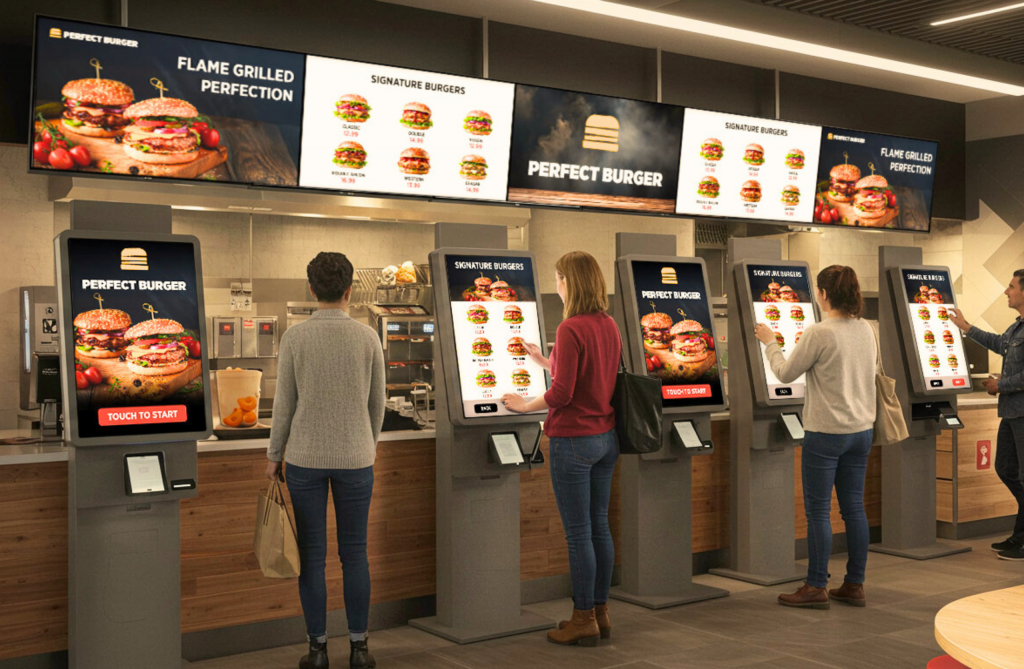
The ideal location for most QSRs is halfway to two thirds of the distance from the entrance to the front counter, positioned along the main customer walkway. This placement intercepts customers before they commit to the counter queue, gives them space to order without pressure, and keeps the path from the entrance to the ordering zone clear.
Kiosks should be visible from the main entrance — customers make ordering channel decisions in the first few seconds after entering. If a kiosk can't be seen on entry, most customers won't look for it.
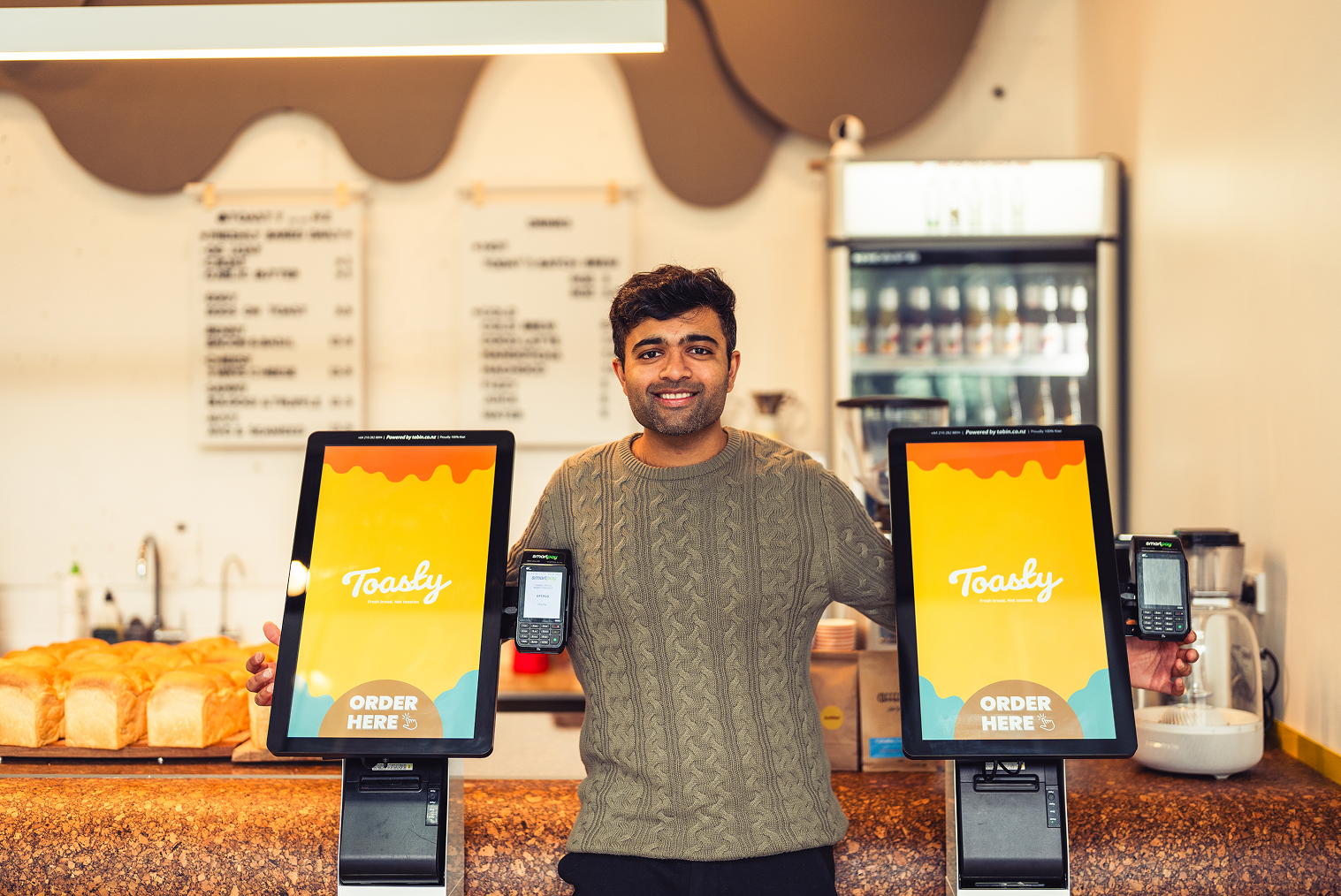
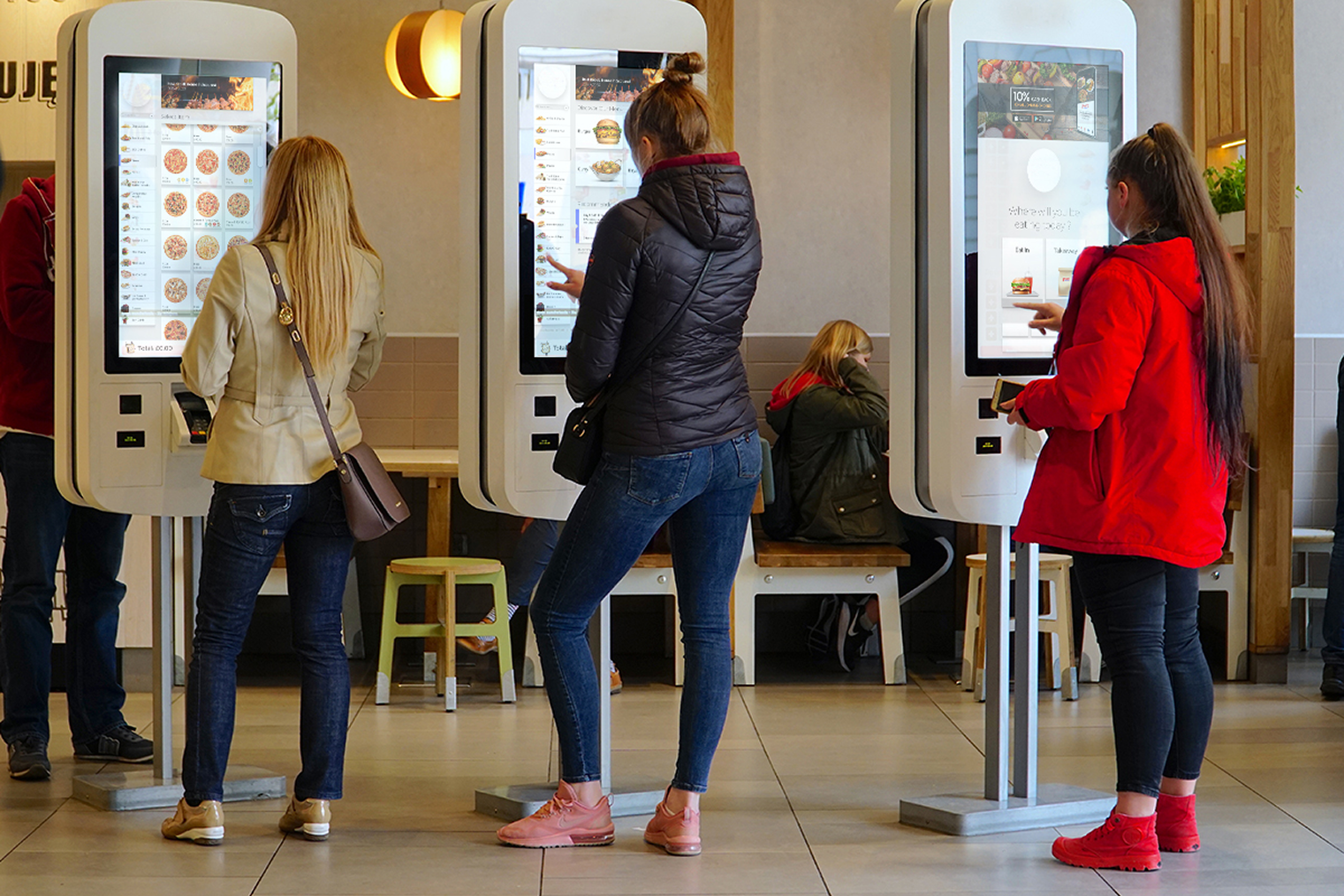
A cluster arrangement (two to three units side by side) is more effective than isolated single kiosks. Multiple screens together signal a primary ordering channel rather than a secondary option, and they naturally manage queue distribution across units.
Common Self-Ordering Kiosk Placement Mistakes
These are the placement errors that most often undermine kiosk adoption and operational performance:
- Placing kiosks directly beside the counter — this creates confusion about which queue to join and undermines both the kiosk and the counter's efficiency
- Installing kiosks in corners or against side walls — out of the natural customer flow, these units are discovered by chance rather than encountered naturally
- Insufficient standing space in front of kiosks — crowded kiosk areas deter customers from approaching, especially groups ordering together
- Placing kiosks near the pickup counter — this creates congestion where waiting customers and ordering customers compete for the same space
- Treating kiosks as a side product — when kiosk signage is minimal, and staff don't acknowledge the units, adoption stays low regardless of placement
How Kiosk Placement Affects Customer Behaviour
Where you place a kiosk directly influences how customers interact with your menu. Customers using kiosks spend 15–30% more than those ordering at the counter — and the placement conditions that encourage comfortable, unhurried browsing are a major factor in that uplift.
Kiosks in low-pressure zones — where customers aren't blocking an aisle or feeling the queue behind them — produce higher average order values. Customers take more time to explore the menu, review combo options, and add items they might skip at the counter.
Placement also affects error rates. Kiosk orders are significantly more accurate than counter orders because customers confirm their own selections — but this advantage only holds when customers have adequate space and time to review their order before confirming.
How Self-Ordering Kiosk Placement Improves Restaurant Operations
Strategic kiosk placement doesn't just improve customer experience — it changes the operational dynamic of your front of house. When kiosks successfully absorb a significant proportion of orders, counter staff can shift their focus from transaction processing to order fulfilment, customer assistance, and food quality.
Peak-hour capacity expands meaningfully when kiosks and counters operate as parallel ordering channels rather than competing ones. At peak times, well-positioned kiosks allow up to 50% more customers to be served simultaneously — without adding headcount or extending the physical footprint.
This is the operational case for treating kiosk placement as seriously as kitchen layout or counter design. The return on investment from a kiosk installation is largely determined by whether the placement actually drives adoption.
Best Kiosk Placement Strategies by Restaurant Type
QSR and Fast Food
Speed-driven, high-volume operations need kiosks positioned for quick decision-making. A central ordering area visible from the entrance, with kiosks side by side (not competing with the counter), is the standard model. Prominent signage and a clear pickup zone are essential to avoid congestion at the collection point.
Café and Counter-Service Venues
Cafés typically have less floor space and a more relaxed ordering pace. One to two kiosks near the ordering area — positioned so they don't obstruct the natural entry-to-counter path — work well. In tight layouts, a countertop kiosk may be more practical than a floor-standing unit.
Fast-Casual Restaurants
Fast-casual venues benefit from kiosks placed slightly further from the counter, giving customers space to browse a more complex menu. Group-ordering scenarios are common in this format, so adequate standing space in front of kiosk units is especially important.
How Many Kiosks Should Restaurants Install?
A useful rule of thumb is one kiosk for every 30–40 customers served during your peak hour. For most QSRs, a minimum of three kiosks per location is recommended, where self-ordering is the primary channel — fewer than that creates its own bottleneck. A phased approach (start with two or three, measure adoption and wait times, then expand) is sensible for operators new to kiosk deployment.
Explore TABIN's kiosk ordering system for restaurants for a closer look at sizing options and configurations suited to different venue types.
Kiosk Placement and Queue Management
Placement is the most important variable in how kiosks affect queue dynamics. Kiosks positioned in clear view of the entrance, away from the counter, and with adequate standing space create genuinely parallel ordering channels — distributing demand rather than concentrating it.
When a kiosk queue forms at the screen itself (rather than at the counter), the placement is usually too close to the counter or too confined. QSR Magazine guidance recommends at least 1.8 metres (six feet) of clear queuing space in front of each kiosk — enough for customers to approach without crowding those already ordering.
Indoor vs Outdoor Kiosk Deployment
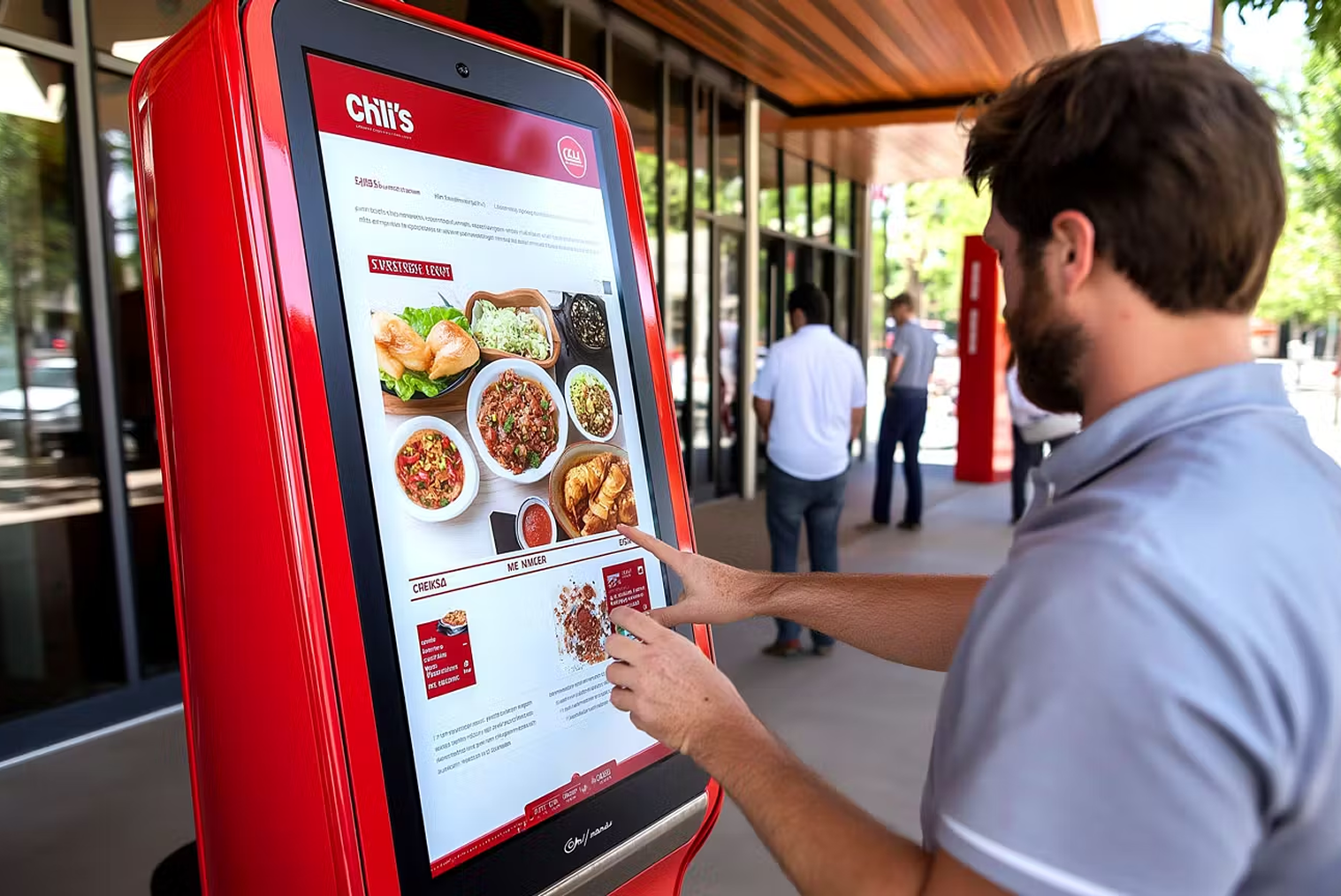
Indoor kiosk placement is the standard starting point, but freestanding kiosks near entrances or outdoor ordering zones are increasingly common in high-foot-traffic environments. Food courts, shopping centre QSRs, and venues with outdoor dining areas can extend their ordering capacity significantly with weatherproofed units positioned to intercept customers before they reach the door.
Outdoor deployment requires hardware rated for environmental exposure, reliable network connectivity (wired preferred over Wi-Fi for production environments), and a maintenance plan that accounts for the increased cleaning and inspection requirements of outdoor units.
Best Practices for Successful Kiosk Deployment
- Make kiosks visible from the entrance on day one — signage, positioning, and lighting all contribute to first-impression adoption
- Separate kiosks from the counter — both physically and visually — so customers understand them as a distinct, primary ordering channel
- Plan the pickup flow before installing kiosks — congestion at the collection point is the most common post-installation complaint
- Train staff to guide customers to kiosks actively in the first few weeks — natural adoption typically takes three to four months to establish
- Pilot one or two locations before a wider rollout — use real usage data to refine placement and configuration before scaling
How to Choose the Right Kiosk Setup for Your Restaurant
The right kiosk setup is the one that fits your floor plan, customer flow, and ordering volume — not the largest or most feature-rich system available. Start with a realistic assessment of your peak-hour transaction volume and your physical space, then plan placement before selecting hardware form factor.
TABIN's team works directly with restaurant operators to plan kiosk deployments based on real operational data rather than generic recommendations. Contact TABIN for a kiosk deployment consultation tailored to your venue.
The Future of Restaurant Kiosk Deployment
The global self-service kiosk market is projected to grow from around $36 billion in 2025 to over $64 billion by 2030. AI-powered kiosk features — dynamic menu adjustments, demand-based upselling, and customer recognition — will make placement strategy even more important, as the value of each kiosk interaction increases with intelligence.
The restaurants that get kiosk placement right now are building the operational foundation for those more sophisticated capabilities. A well-placed kiosk that customers consistently use is far more valuable — today and in the future — than a technically advanced unit that customers routinely walk past.
Conclusion
Kiosk deployment decisions made during installation are very hard to reverse without disrupting operations. Getting placement right from the start — by understanding customer flow, respecting counter separation, providing adequate standing space, and choosing the right form factor for your venue — determines whether your kiosk investment delivers the return you're expecting.
Frequently Asked Questions (FAQs)
Q1. Why do many QSRs install kiosks near entrances?
Entrance-adjacent placement ensures customers see kiosks immediately on entry — before they've committed to the counter queue. QSR best practice recommends positioning kiosks halfway to two thirds of the way from the entrance to the counter, along the main customer walkway. This creates natural self-direction without requiring staff involvement, and increases kiosk adoption rates significantly compared to counter-adjacent placement.
Q2. Are entrance kiosks suitable for small restaurants?
Entrance kiosks work best in venues with enough floor space to maintain clear walkways and provide adequate standing room in front of each unit. For smaller restaurants, a mid-floor or countertop placement is often more practical — the priority is always that kiosks are visible and accessible without creating a bottleneck near the door. A single well-placed countertop unit can outperform two poorly placed floor-standing units in a compact venue.
Q3. Can counter-side kiosks reduce cashier queues?
Counter-side kiosks can reduce queue pressure, but only if customers clearly understand them as an independent ordering channel. When kiosks are placed directly beside the counter without adequate separation, customers often queue for both simultaneously, which can worsen congestion rather than relieve it. Physical separation, clear signage, and staff guidance during the early adoption phase are all important for counter-side kiosks to function as intended.
Q4. How do restaurants avoid queue overlap near kiosks?
Queue overlap happens when kiosks are placed too close to the counter or to the pickup area. Allowing at least 1.8 metres (six feet) of clear standing space in front of each kiosk reduces overlap significantly. Establishing a clear, separate pickup zone — physically distinct from both the counter queue and the kiosk ordering area — prevents collecting and ordering customers from occupying the same space.


.webp)











.png)
















.webp)


