If staff type each sale into a separate EFTPOS terminal, you are paying for the same transaction twice, in time and in avoidable errors. Integrating the terminal with your POS removes the re-keying. Standalone terminals can still work for very low-volume venues.
What happens when your EFTPOS terminal is separate from your POS?
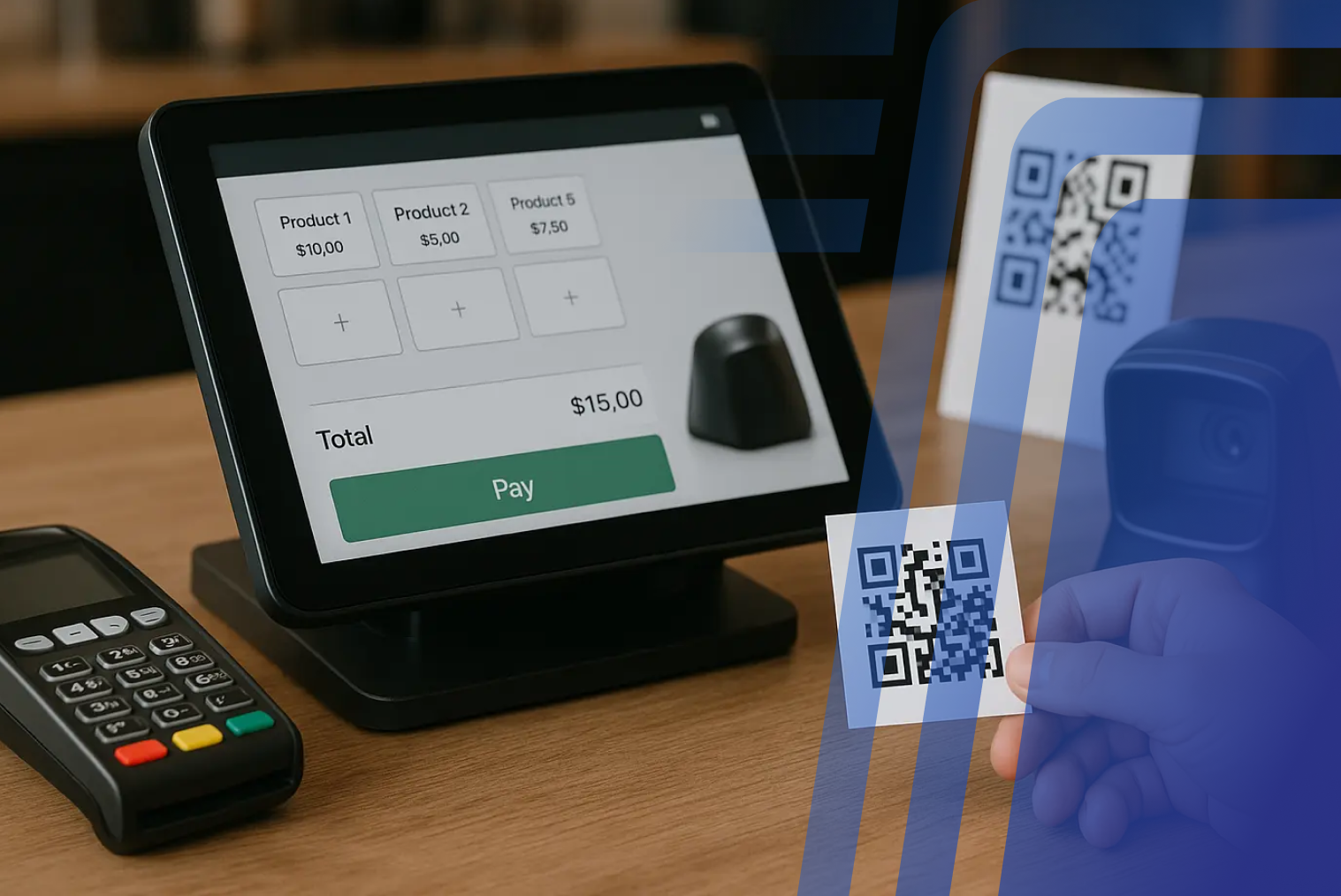
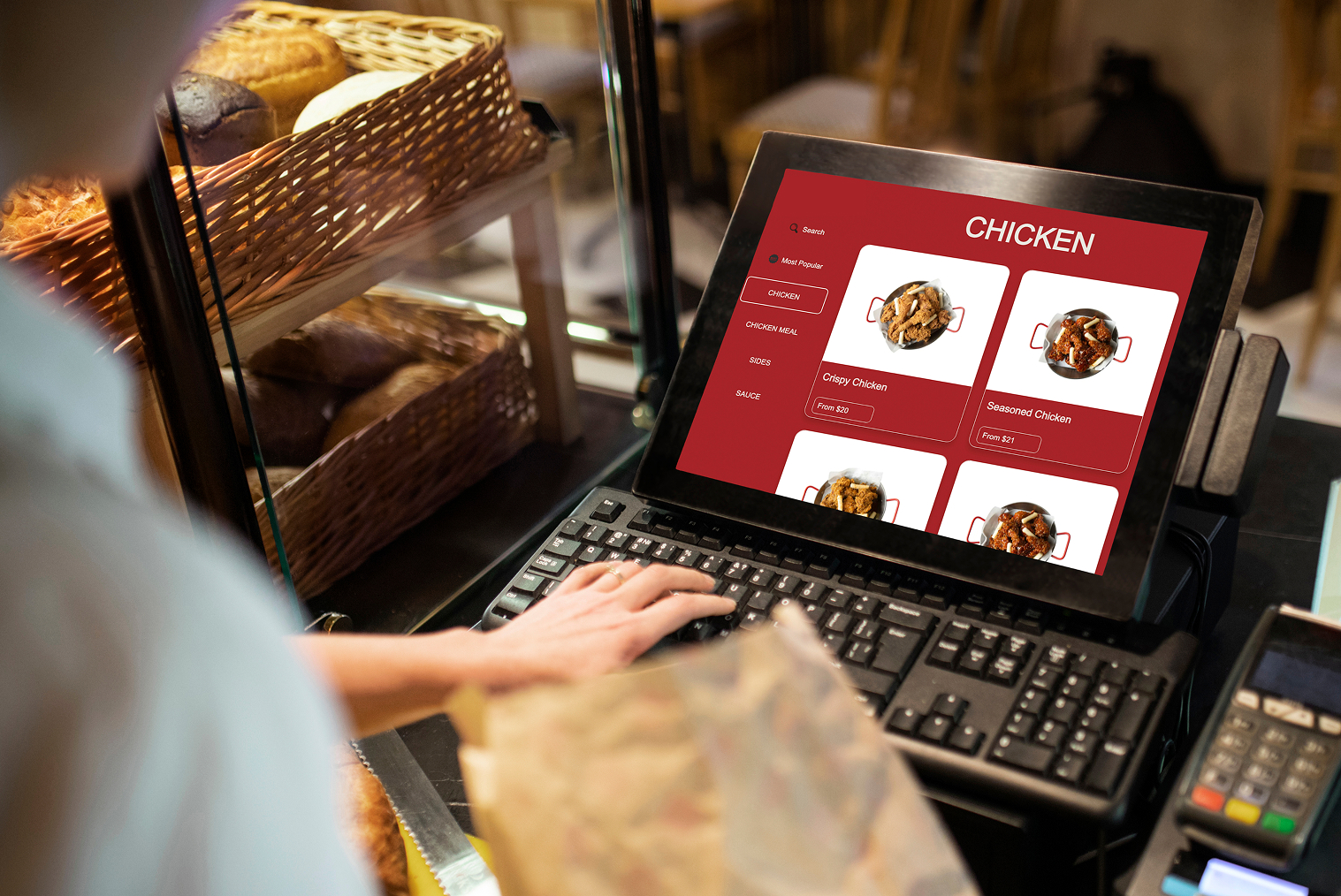
Staff ring up the order in the POS, then type the same total into the card terminal. At a quiet table, that is a few seconds. At a Friday-night rush, it is a steady source of mismatched totals, wrong amounts, and queues at the counter.
This is the most common starting setup for a small NZ venue: a POS from one provider and an EFTPOS terminal from a bank or payments provider. Two devices, two systems, used one after the other. It works. But over a full day of service, the manual sequence adds friction to every payment, creates chances for keying errors, and leaves two separate records that must be matched at the end of the shift.
How do standalone EFTPOS terminals work day to day?
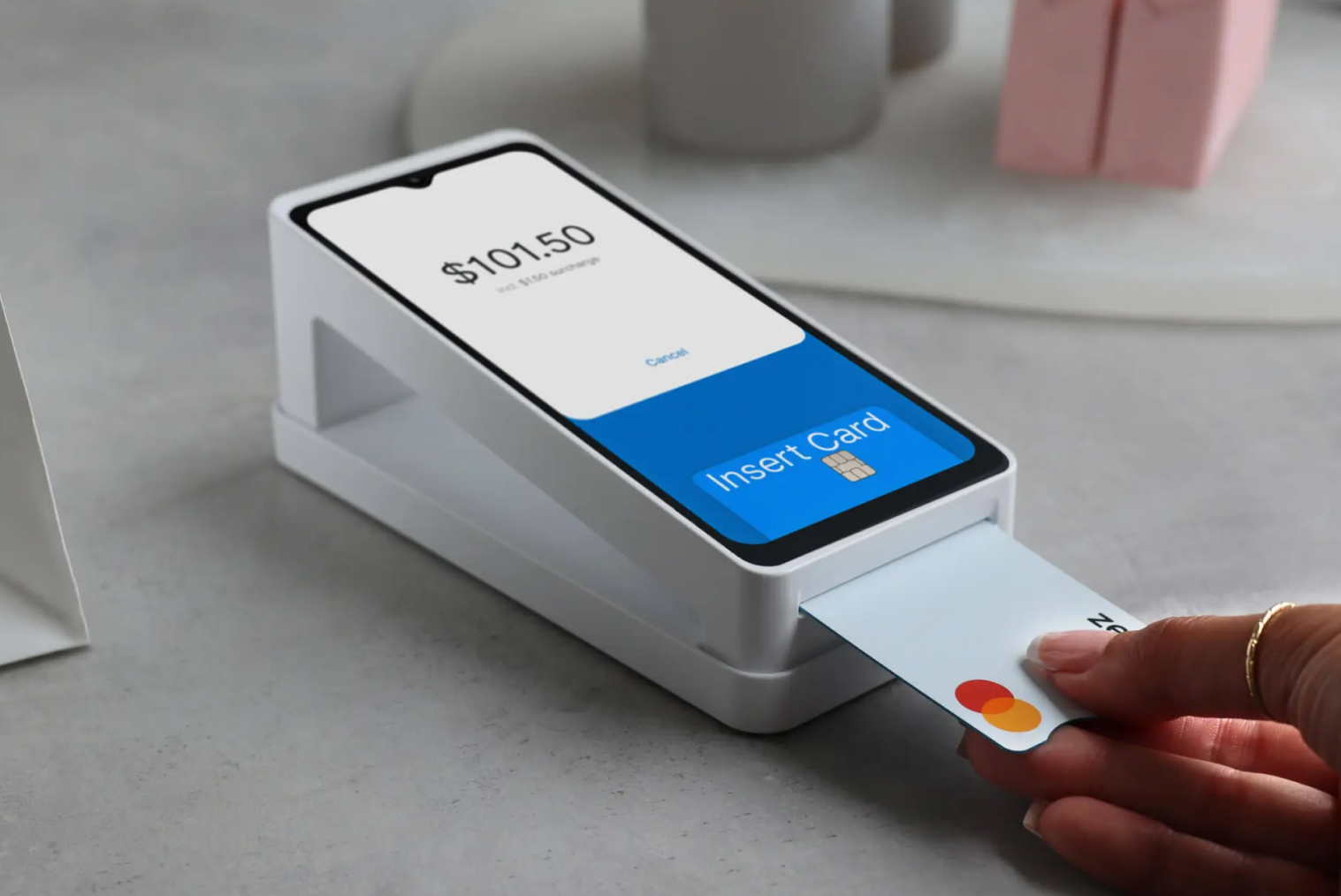
A standalone terminal runs independently of the POS. Staff read the total on the POS and type it into the terminal. The customer taps or inserts their card, and the payment completes on the terminal. The POS records a sale, and the terminal records a payment, and neither knows about the other.
At close, someone has to match the POS sales total against the terminal settlement total and investigate any gap. A transposed amount (typing $61.50 instead of $16.50), a misread total on a busy counter, or a failed payment that was not voided in both systems can all create a gap that takes time to find and fix.
How much admin this creates varies a lot between venues. Payment volume, staff habits, the POS, the payments provider, and the reconciliation process all matter.
What does an integrated EFTPOS terminal do differently?
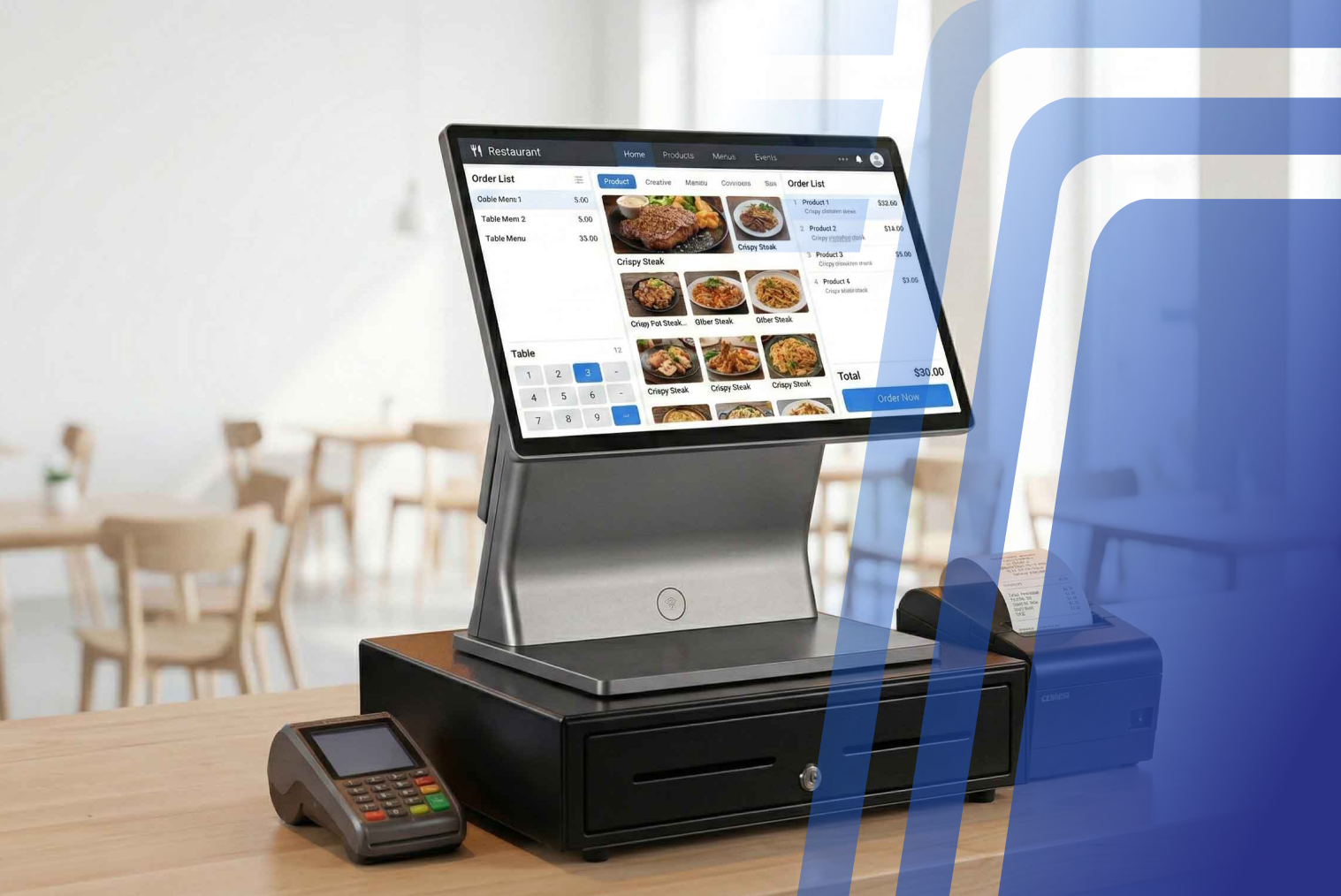
In practice, integration means no re-keying, no mismatched totals, and fewer avoidable errors at busy times. The POS sends the amount to the terminal and receives the result back, so the order and the payment are matched automatically.
In short, EFTPOS handles the card payment, while the POS manages the sale, the order, and the records. Integration connects the two, so they work together automatically."
Why does this matter for NZ hospitality right now?
Cost pressure is a constant theme for NZ operators. The Restaurant Association's 2025 Hospitality Report points to ongoing pressure on margins, which makes wasted staff time harder to absorb.
Standalone vs integrated: side by side
| Feature |
Standalone terminal |
Integrated terminal |
| Amount entry |
Typed by hand into the terminal |
Sent automatically from the POS |
| Error risk |
Mismatched totals are possible |
Totals match the order |
| Split bills |
Each split keyed separately |
Handled in the POS and passed to the terminal |
| Checkout steps |
Two input steps per payment |
One confirmation step once the POS total is set |
| Reconciliation |
Manual comparison at end of day |
Payments recorded against orders |
| Setup |
Nothing to configure |
Needs a compatible terminal and POS |
| Best for |
Very low volume, mobile-only or backup use |
Venues with regular card payments and counter or table service |
What could manual re-entry cost? An illustration
As an illustration only, not a measured figure: a venue takes 200 card payments a day. If one in 200 is miskeyed and each error takes 15 minutes to find and fix, that is about 15 minutes a day. Over 300 to 365 trading days, that adds up to roughly 75 to 90 hours a year. Use your own volumes to see where your venue sits.
Each re-entry is a small risk: a typo, a misread digit, a rushed entry during service. Individually, they are easy to miss. Together they create a reconciliation task that takes management time every week, a cost that does not appear in the terminal's rental fee.
How does this relate to EFTPOS card vs debit card?
If you are also unsure how card types are processed, our guide to EFTPOS card vs debit card covers the difference.
Integrated EFTPOS setup checklist
- Confirm your existing terminal model supports integration with your POS.
- Ask who supplies and bills the terminal: your payments provider or your POS vendor.
- Confirm the integration is two-way: the POS sends the amount, and the terminal sends the accepted or declined result back.
- Check that you get one reconciliation record, not two reports to compare by hand.
- Check that split payments and tipping work from the POS.
- Check that contactless cards and digital wallets such as Apple Pay and Google Pay are supported.
- Check whether you need portable terminals for tableside payment.
- Ask for all payment costs: merchant service fees, terminal charges and any integration costs.
- Surcharging rules may change. A bill to ban some card surcharges passed its first reading in 2025; check the latest position before you set your pricing.
Is your existing terminal still supported?
Payments NZ set 30 April 2026 as the date by which EFTPOS terminals certified to the older PCI PTS 4.x standard had to be replaced. After that date, remaining 4.x devices are non-compliant and subject to disconnection. If you are not sure which standard your terminal meets, ask your payments provider or terminal supplier before you decide anything about integration.
When is a standalone terminal still fine?
If your venue processes very few card payments, rarely splits bills and has no need to reconcile payments to orders, a standalone terminal can be a reasonable choice. Typical cases are a market stall, a pop-up or a sole trader, a mobile-only setup where a full POS is not needed, or a backup terminal in case the main setup has a problem.
The case for integration grows with volume, table service and the number of staff using the system. As more card payments come through, reconciliation errors and management time add up.
How Tabin handles EFTPOS integration
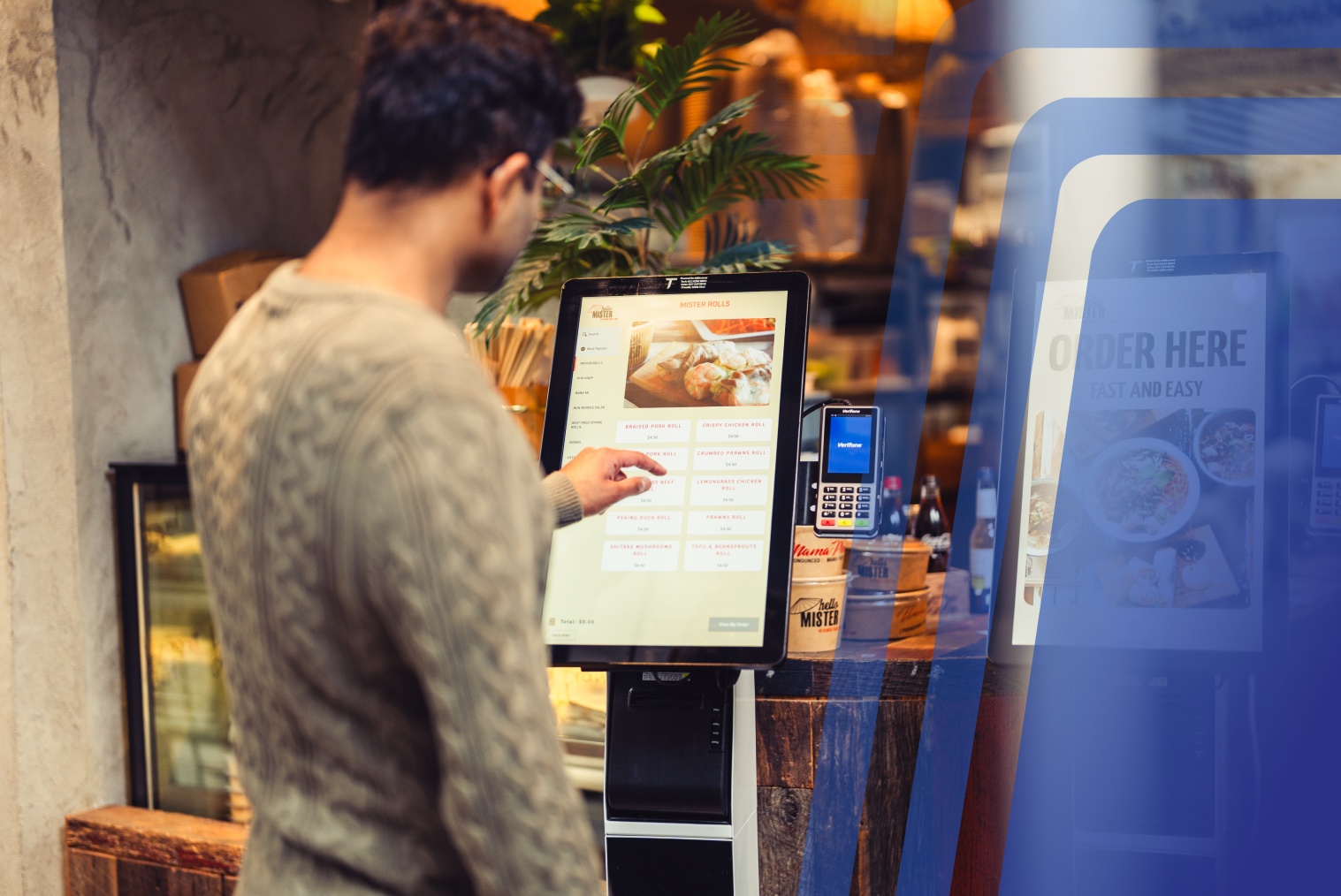
Tabin integrates with Windcave, Verifone and Shift4 (formerly Smartpay) terminals, with two-way communication between the POS and the terminal: the amount goes to the terminal and the result comes back to the POS.
Wireless portable terminals are available for tableside payment.
Split payments, Apple Pay and Google Pay are supported, and payment history is available in real time from any device.
See how this fits into the full system on our POS system page.
Conclusion
Separate terminals are not wrong, but they carry a hidden labour and error cost that grows with volume. If you take regular card payments, ask whether your current terminal can integrate before replacing anything, and check that it is still supported.
Whatever you choose, compare the whole arrangement: POS software, terminal hardware, integration, payment fees and how reconciliation will work day to day.
Frequently Asked Questions
Q1: What is the difference between a standalone EFTPOS terminal and an integrated one?
With a standalone terminal, staff key the amount into the terminal manually after ringing up the sale in the POS. With an integrated terminal, the POS sends the amount to the terminal automatically and records the result, keeping both systems in sync.
Q2: Can I use a standalone EFTPOS terminal with any POS system?
Yes. A standalone EFTPOS terminal can work alongside any POS because the two systems operate independently. However, they do not communicate with each other. Staff must enter the amount into the terminal manually, and reconciliation requires matching two separate end-of-day reports.
Q3: Does TABIN integrate with EFTPOS terminals?
Yes. TABIN integrates with Windcave, Verifone and Shift4 (formerly Smartpay) terminals, enabling two-way communication between the POS and the payment terminal. Wireless portable terminals can also be used for tableside payments.
Q4: Do I have to replace my EFTPOS terminal to integrate it with my POS?
Not necessarily. It depends on your terminal model and payments provider. Before investing in new hardware, check with both your payments provider and POS vendor to confirm whether your existing terminal supports integration.
Q5: Do I need a separate EFTPOS provider if I already have a POS system?
It depends on your POS system. Some POS systems include payment processing through their own gateway, while others integrate with external New Zealand providers such as Windcave, Verifone and Shift4. In the latter case, you may need an account with the relevant provider. Check whether payment processing is included in your POS subscription or whether you need a separate merchant account.


.webp)
















.png)

























.webp)


