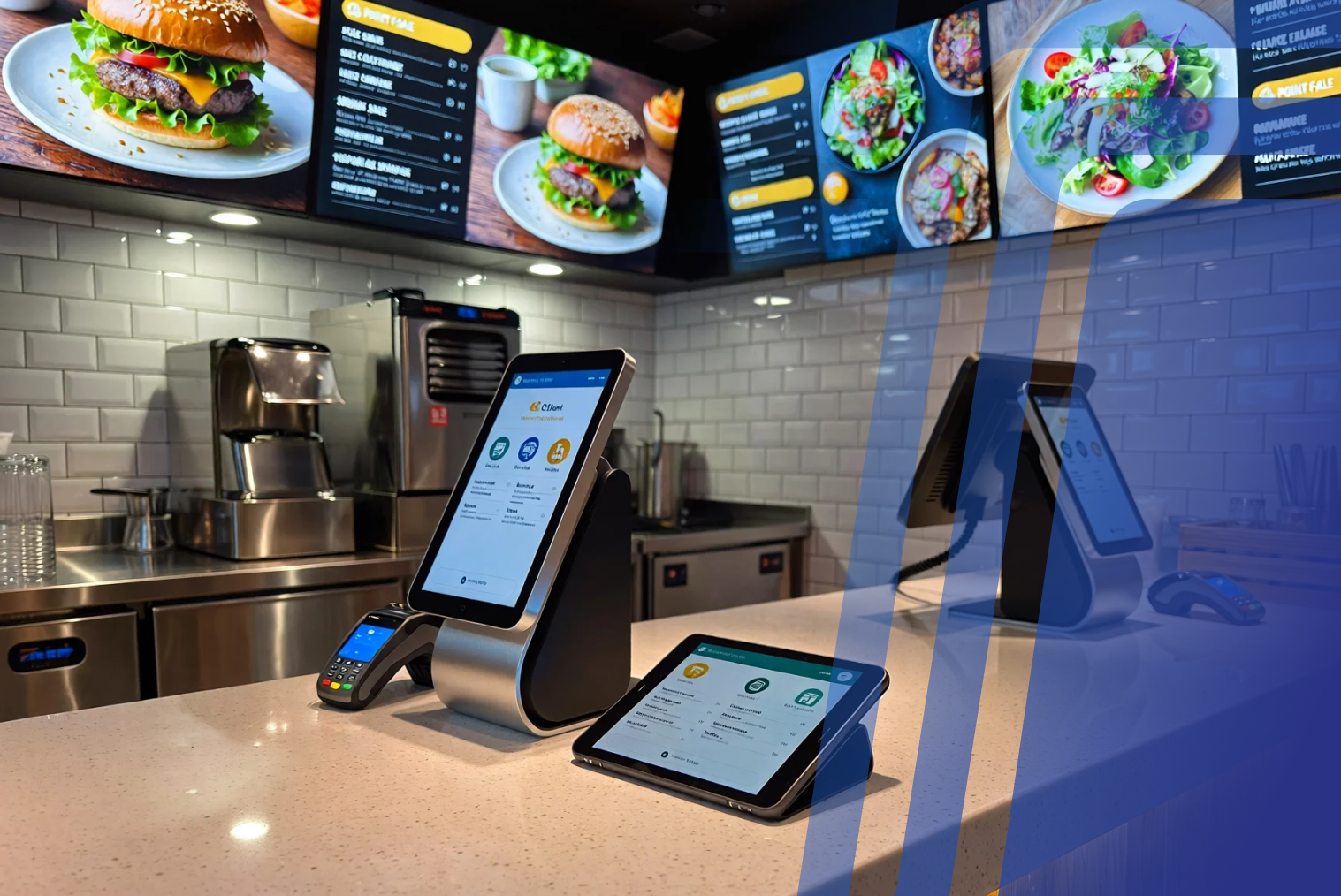
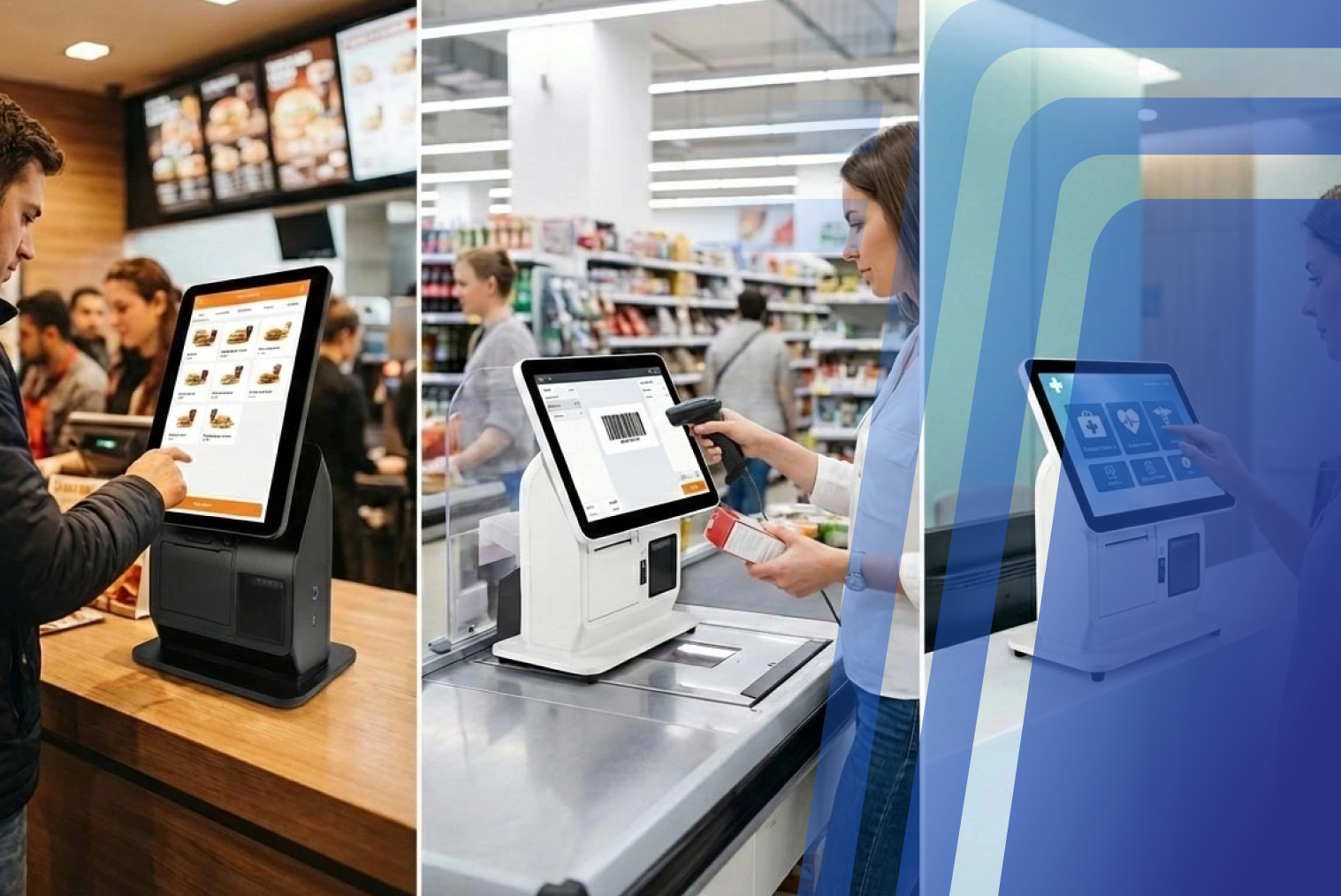
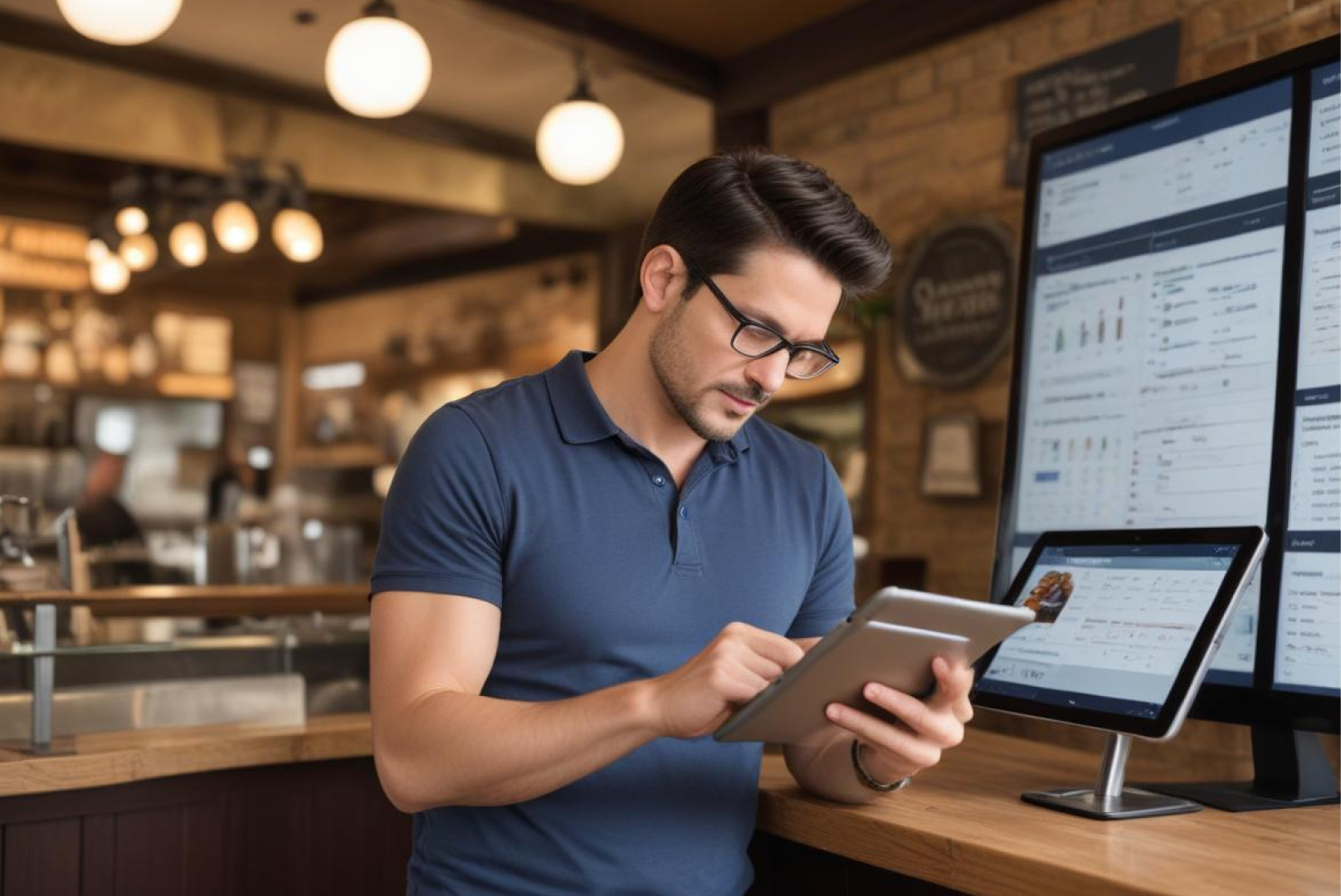
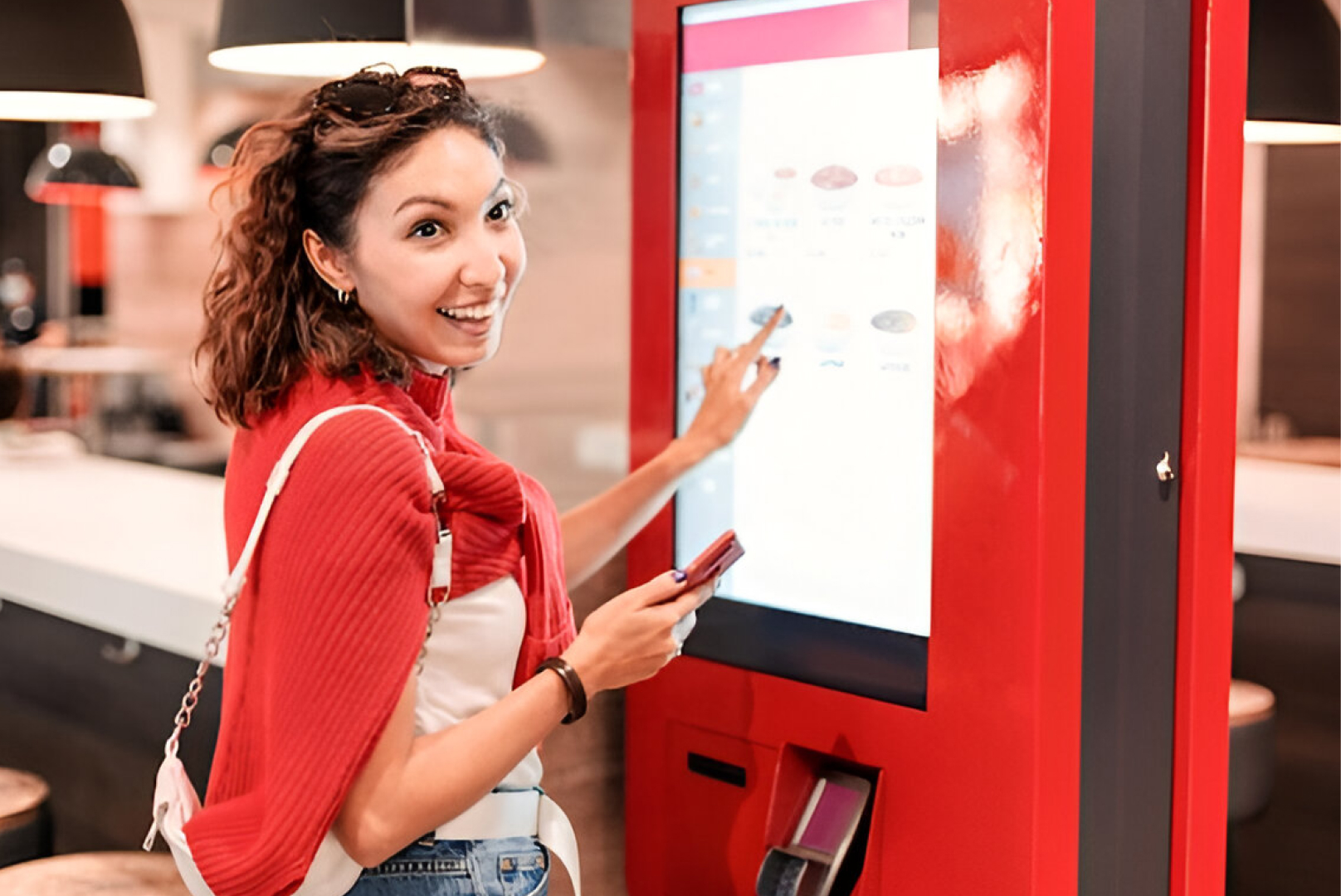
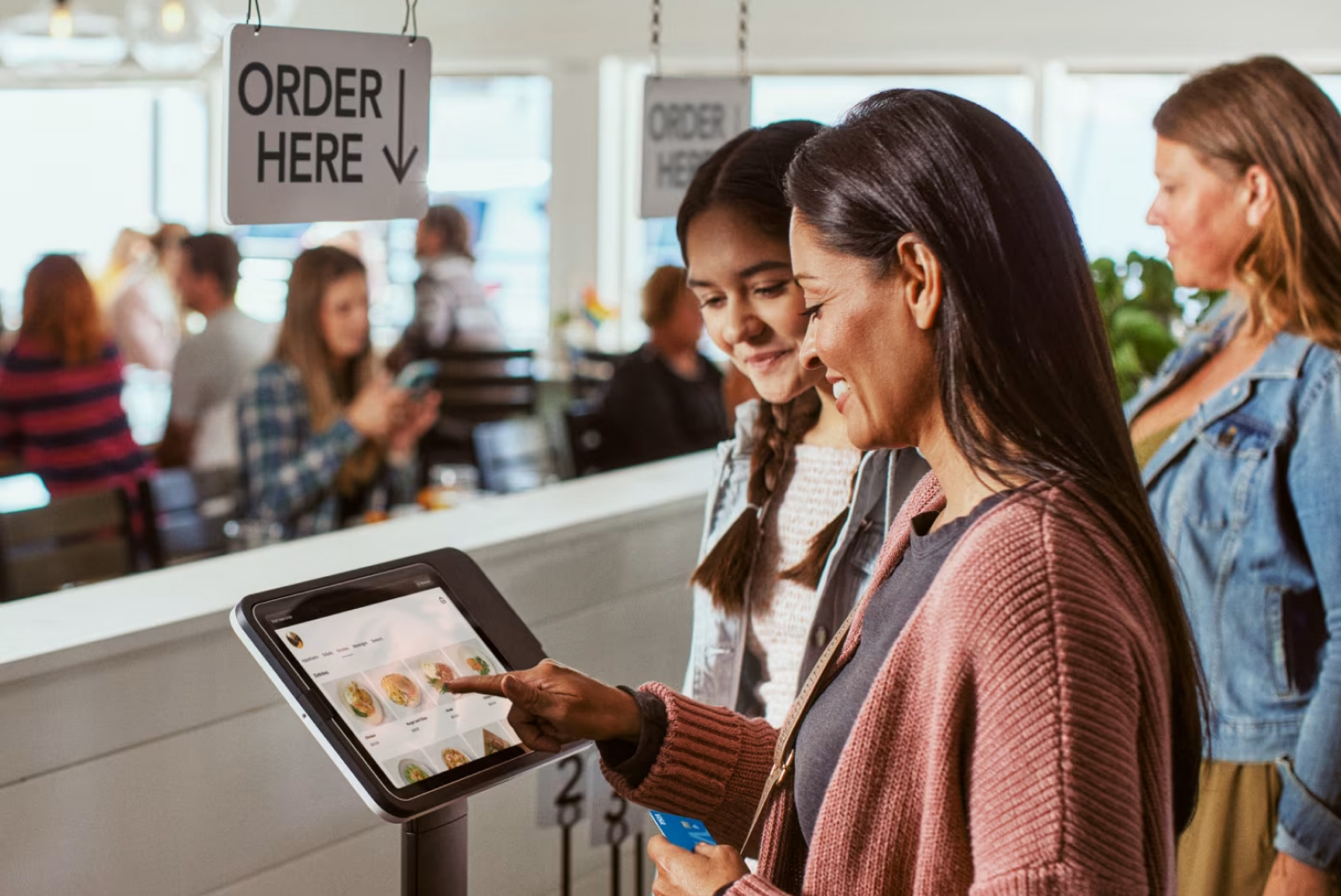
A reliable bar POS system must handle open tabs, split bills, fast re-orders, staff PIN logins, table and QR ordering, kitchen routing, payment terminals, and end-of-day cash-up. Before buying, test these eight capabilities using live peak-night scenarios in a demo rather than relying on a basic feature list.
Introduction
It's Friday night. The bar is three deep, customers are opening tabs, bartenders are firing repeat rounds, and groups at the door want to split their bills before leaving—all while meal orders flow in from the pub floor. A checkout till built for a quiet daytime café slows service down fast, which is why choosing a dedicated bar POS system is critical before peak trading hits.
The difference isn't just screen layout. It comes down to how quickly staff can retrieve an open tab, ring up repeat drinks, split payments accurately, and route food orders to the kitchen without creating bottlenecks.
When comparing a bar POS system NZ venues can rely on, look beyond basic order entry. Whether you run a late-night cocktail bar, a neighbourhood tavern, or a busy dining pub, this guide outlines eight essential checks, comparison tables, and live demo scenarios to test before choosing a pub POS system.
What Makes a Bar or Pub POS Different From a Cafe or Restaurant POS?
A café POS is built around single counter transactions paid upfront. A traditional restaurant POS focuses heavily on seated table courses and formal dining workflows.
Bars and pubs blend high-speed counter service with ongoing tabs and casual dining. Customers open a tab at the bar, order multiple rounds, add meals from a table, and split the total at closing. Staff need to locate an existing tab in seconds, add new rounds without creating duplicate accounts, and close the right balance cleanly.
A busy pub also runs several connected service areas simultaneously:
- The bar: Bartenders take rapid drink orders, process card payments, and manage open tabs.
- The floor: Guests order from tables via staff or table QR codes.
- The kitchen: Meal orders route directly to kitchen prep stations with accurate table numbers.
- Management: Duty managers track live takings, staff activity, and end-of-day cash-up totals.
In New Zealand's hospitality sector, getting these workflows right matters more than ever. The Restaurant Association reported that pubs, taverns, and bars recorded 3.4% year-on-year sales growth in Q2 2026 as total hospitality sales reached NZD 4.02 billion—yet rising operating costs and uneven trading conditions continue to pressure margins. Choosing technology that speeds up service and tightens reporting helps protect profitability during peak shifts.
8 Things to Check Before You Buy
When evaluating a bar POS with tab management, ask every provider to demonstrate these eight core capabilities in a live workflow rather than ticking boxes on a brochure.
| Capability |
Why It Matters at the Bar |
What to Ask |
| 1. Open tabs and bar mode |
Staff must open a customer tab, add rounds throughout the night, and retrieve the right account in seconds. |
Can staff open, name, and search tabs quickly, add repeat orders, and close accounts cleanly at checkout? |
| 2. Bill splitting |
Groups frequently want to divide a shared tab by item, equal share, or custom dollar amount at closing. |
Can a bill be split multiple ways, and does the POS clearly show the remaining unpaid balance after each payment? |
| 3. PIN staff logins and permissions |
Shared bar terminals need individual accountability and tight controls over voids, refunds, and discounts. |
Can every staff member log in with a unique PIN, and can managers restrict refunds or price overrides by role? |
| 4. Fast re-orders and modifiers |
Repeat rounds and quick drink adjustments are constant during peak hours; extra taps slow down the rail. |
How many taps does it take to repeat a previous round, adjust quantities, or add drink modifiers? |
| 5. Table and QR ordering for the pub floor |
Table ordering reduces bar queues and lets seated guests order drinks or meals without waiting at the counter. |
Can guests scan a table QR code, customise items, and send orders straight to the POS or an open table tab? |
| 6. Kitchen routing for pub meals |
Food orders taken at the bar or via QR codes must reach the kitchen clearly with accurate table references. |
Do food items automatically route to kitchen printers or KDS screens while drinks stay at the bar? |
| 7. End-of-day cash-up and reporting |
Duty managers need accurate shift totals, payment breakdowns, and open-tab alerts before locking up. |
Can reports filter by business trading day (past midnight) and break down sales by payment type and staff PIN? |
| 8. Payment terminal setup |
Countertop and portable EFTPOS terminals must sync amounts automatically to avoid manual entry errors. |
Which NZ EFTPOS providers and terminals integrate directly, and can portable terminals take tableside payments? |
1. Open tabs and bar mode
Effective tab management for bars is the backbone of busy evening service. Instead of paying per drink, customers run a single tab and settle at the end of their visit.
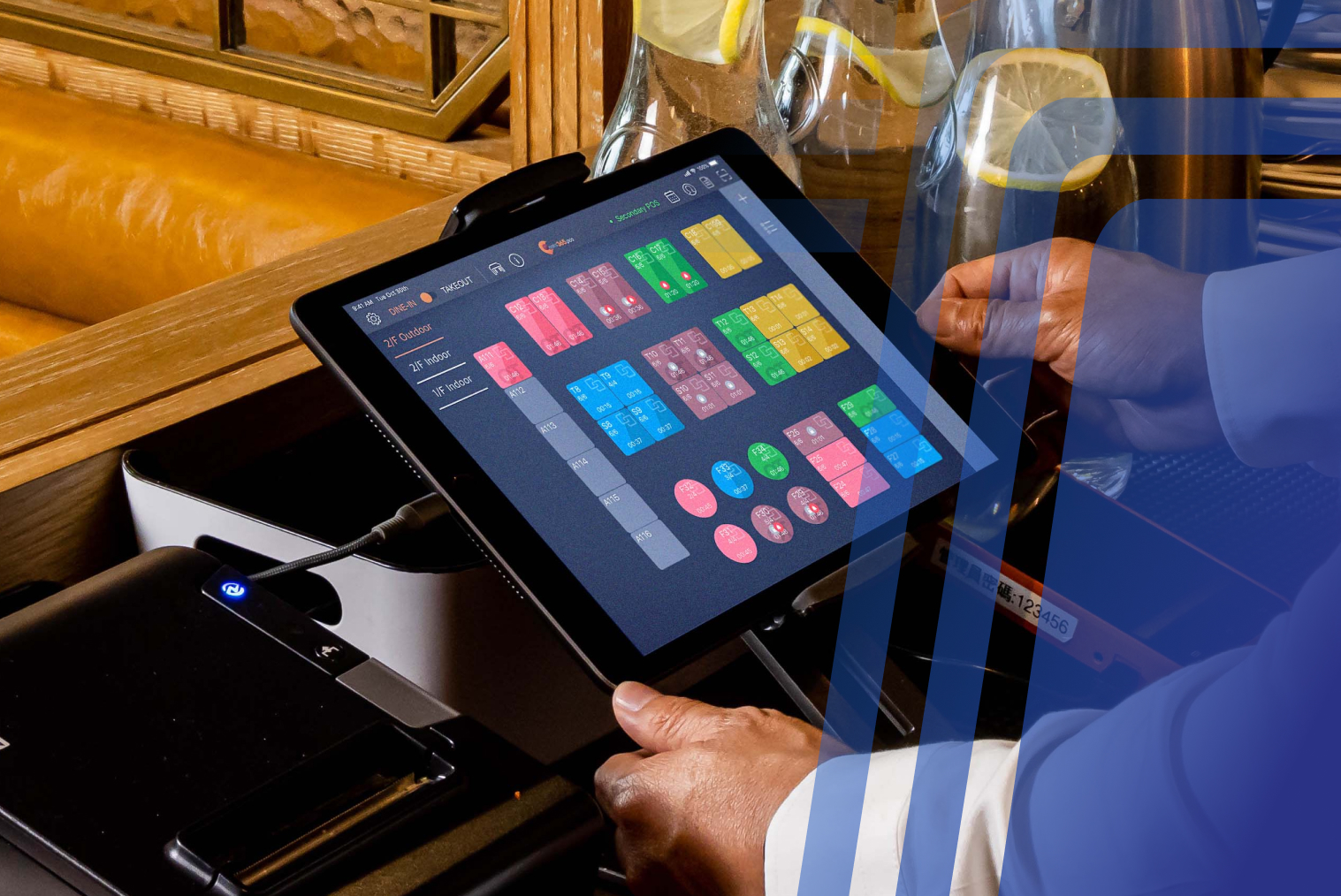
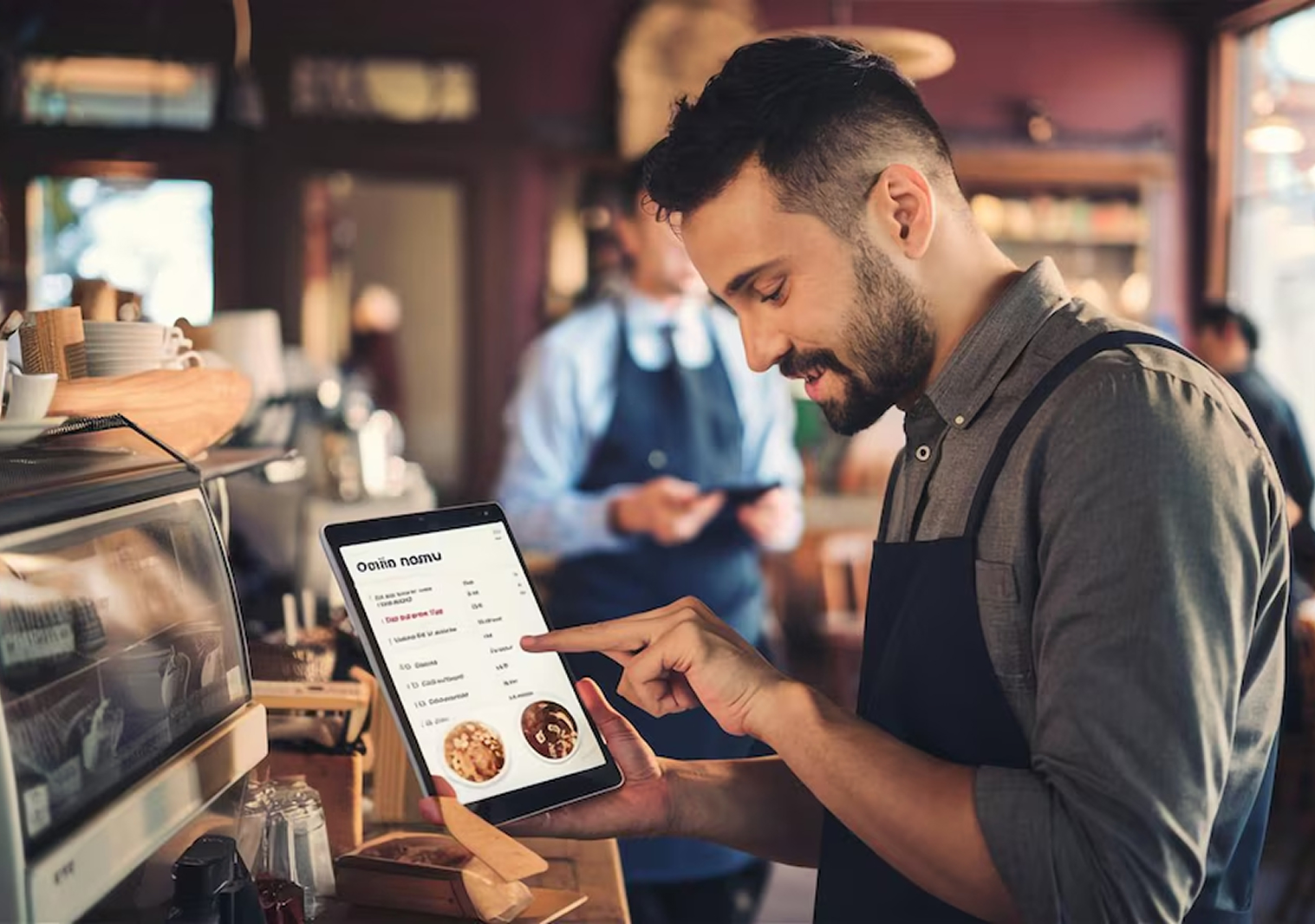
During a demo, ask the provider to walk through this exact sequence: open a new tab, add drinks, retrieve the tab among multiple open accounts, add a second round plus a food item, view the running total, and close the tab with a payment.
What to look for: Fast search by customer name or table number, plus clear visual indicators showing which tabs remain open at closing time.
2. Bill splitting
Groups rarely want one person to cover the entire night. A capable bar POS handles splitting by individual items, equal splits across guests, and partial custom payments.
Ask the vendor to take a tab containing both drinks and food, split it across three people paying separately, and show how the remaining balance updates after each transaction.
What to look for: Flexible split options on a single screen without forcing staff to void and re-enter items.
3. PIN staff logins and permissions
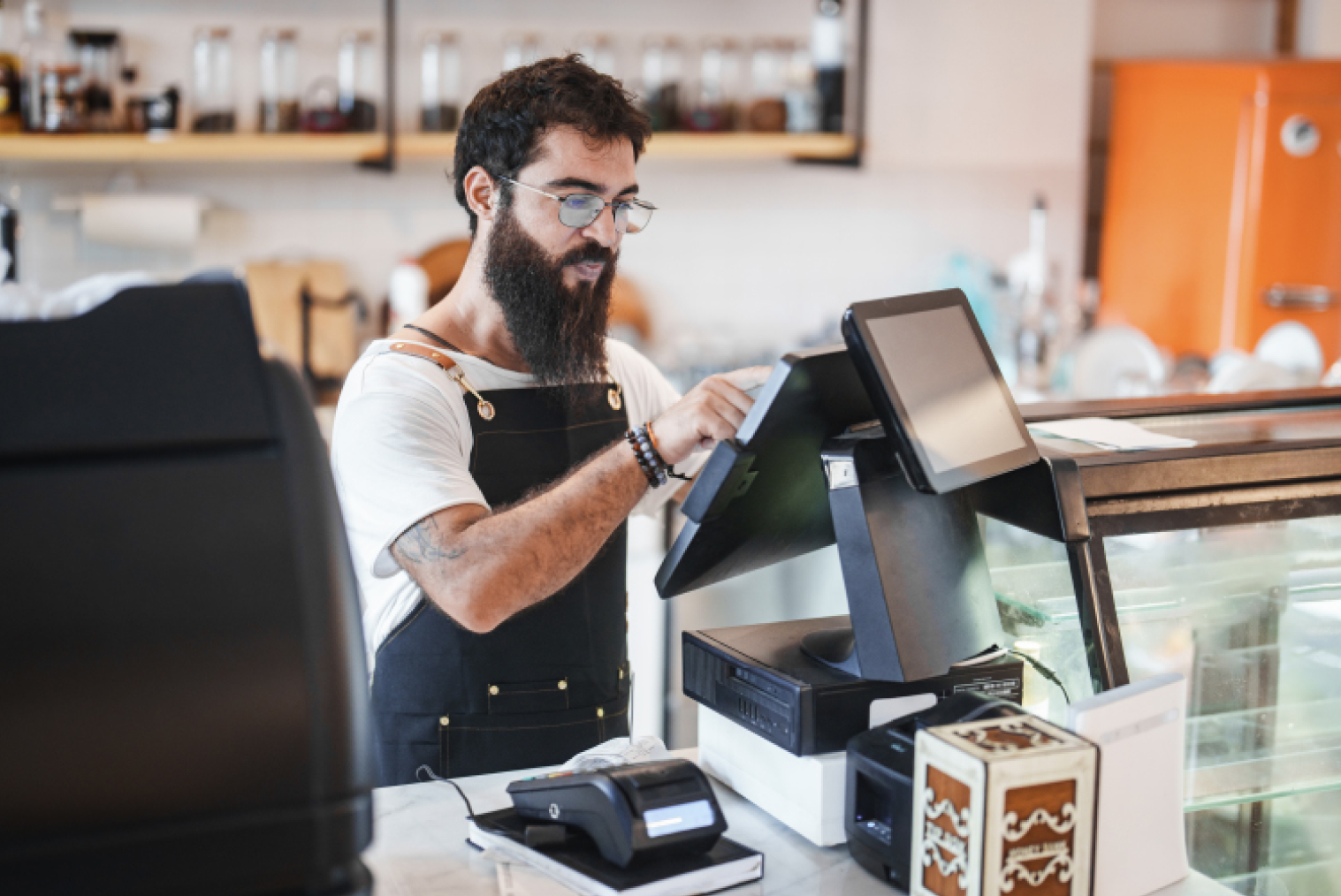
When several bartenders share the same terminal across a busy shift, unique staff PINs create clear accountability for every order, void, and refund.
Role-based permissions let frontline staff ring up drinks and take payments quickly while requiring a duty manager's PIN for voids, comps, or cash drawer overrides.
What to look for: Instant user switching via PIN so bartenders never share a single generic login.
4. Fast re-orders and modifiers
When the bar is three deep, saving three seconds per order adds up across hundreds of transactions. Bartenders need one-tap repeat rounds, quick quantity adjustments, and clear modifiers (such as ice, mixers, or spirit choices).
Ask to test repeating a round, editing an item mid-order, and adding a quick note before sending to the bar or kitchen.
What to look for: An intuitive bar-mode layout designed for rapid tapping rather than deep nested menus.
5. Table and QR ordering for the pub floor
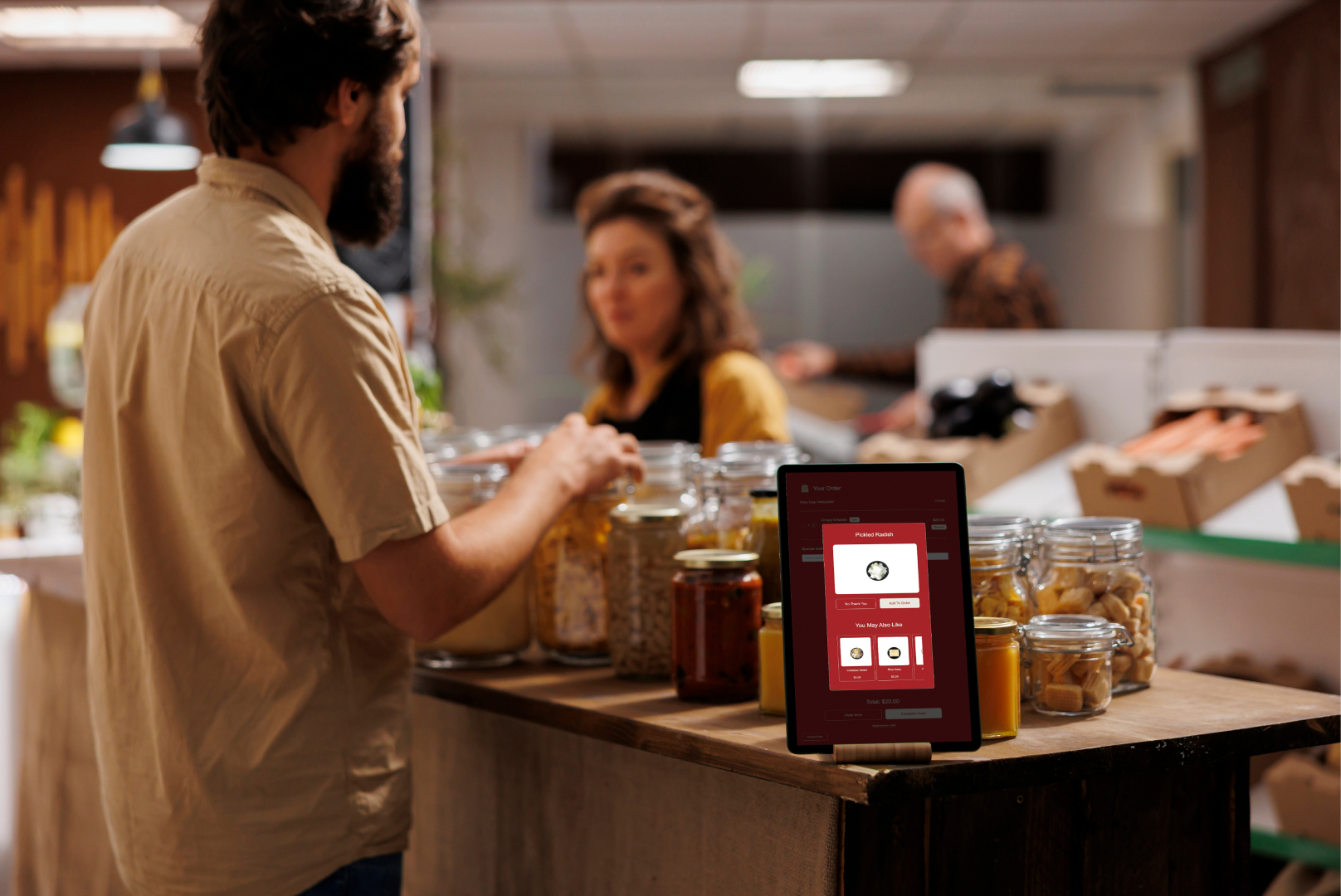
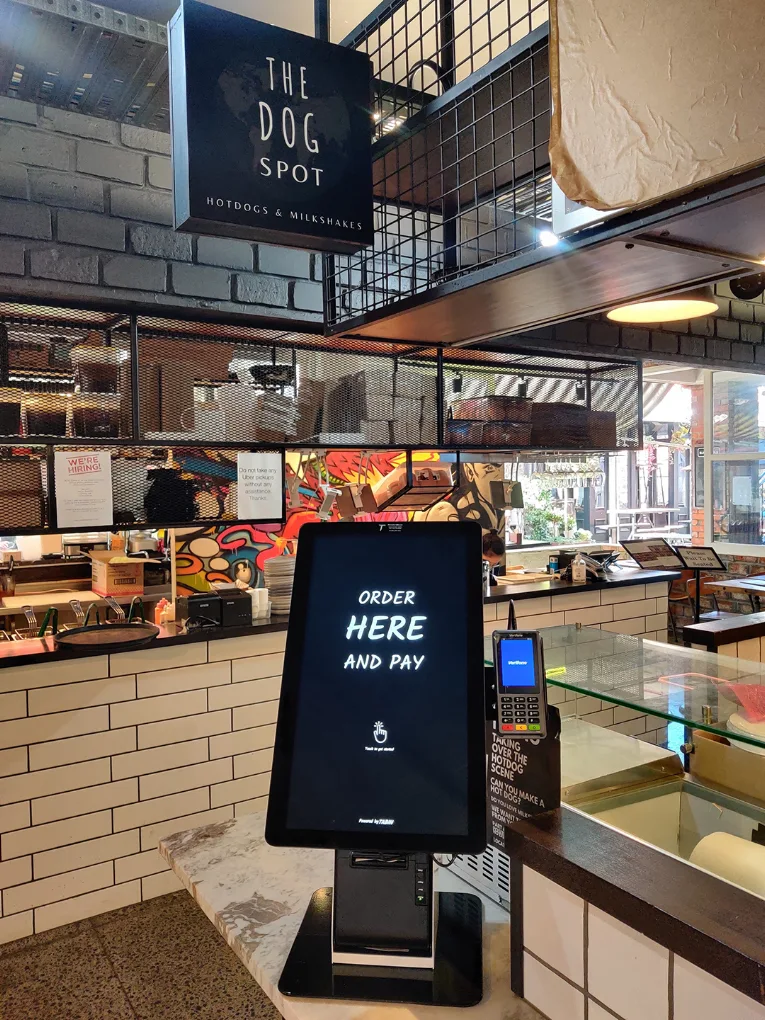
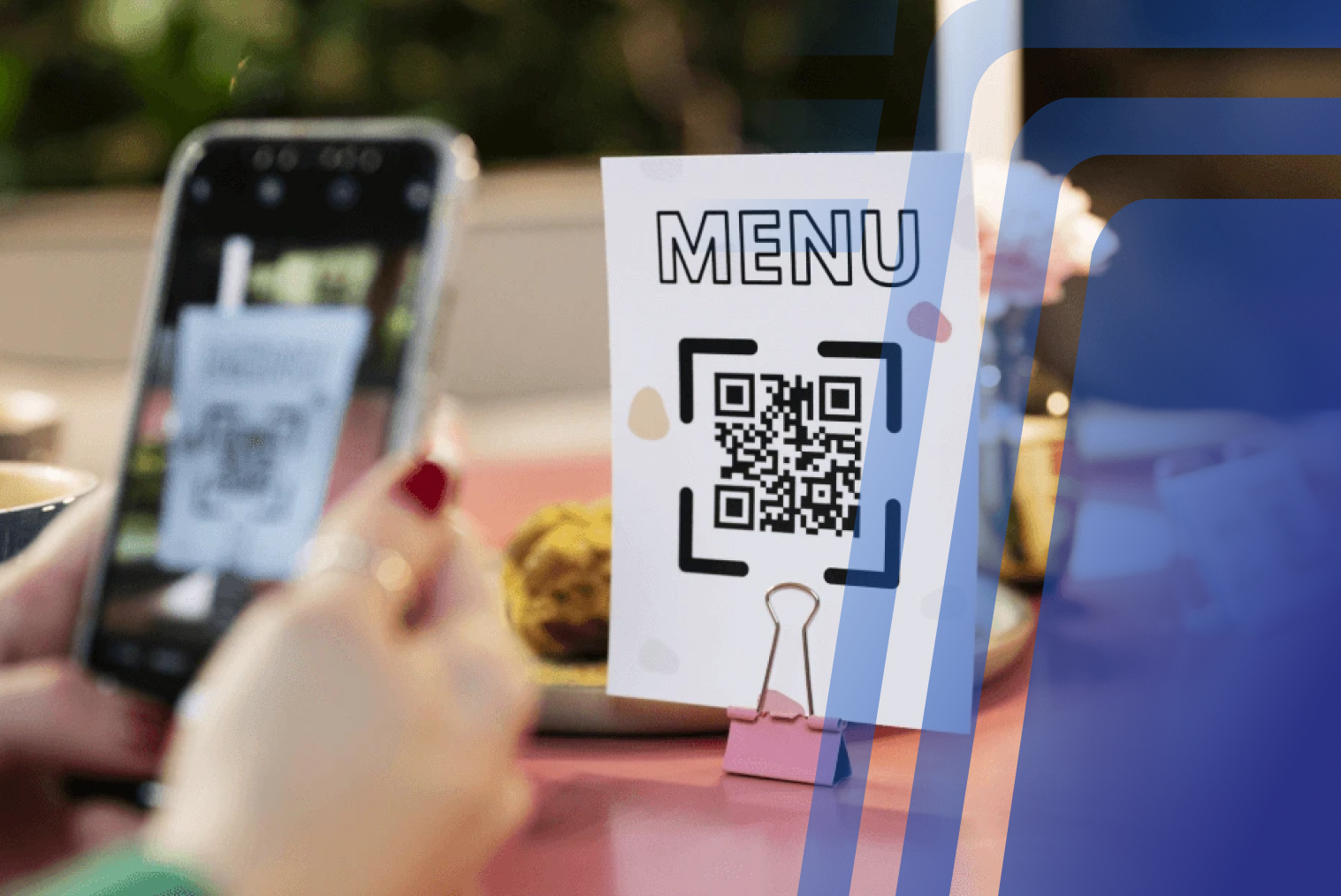
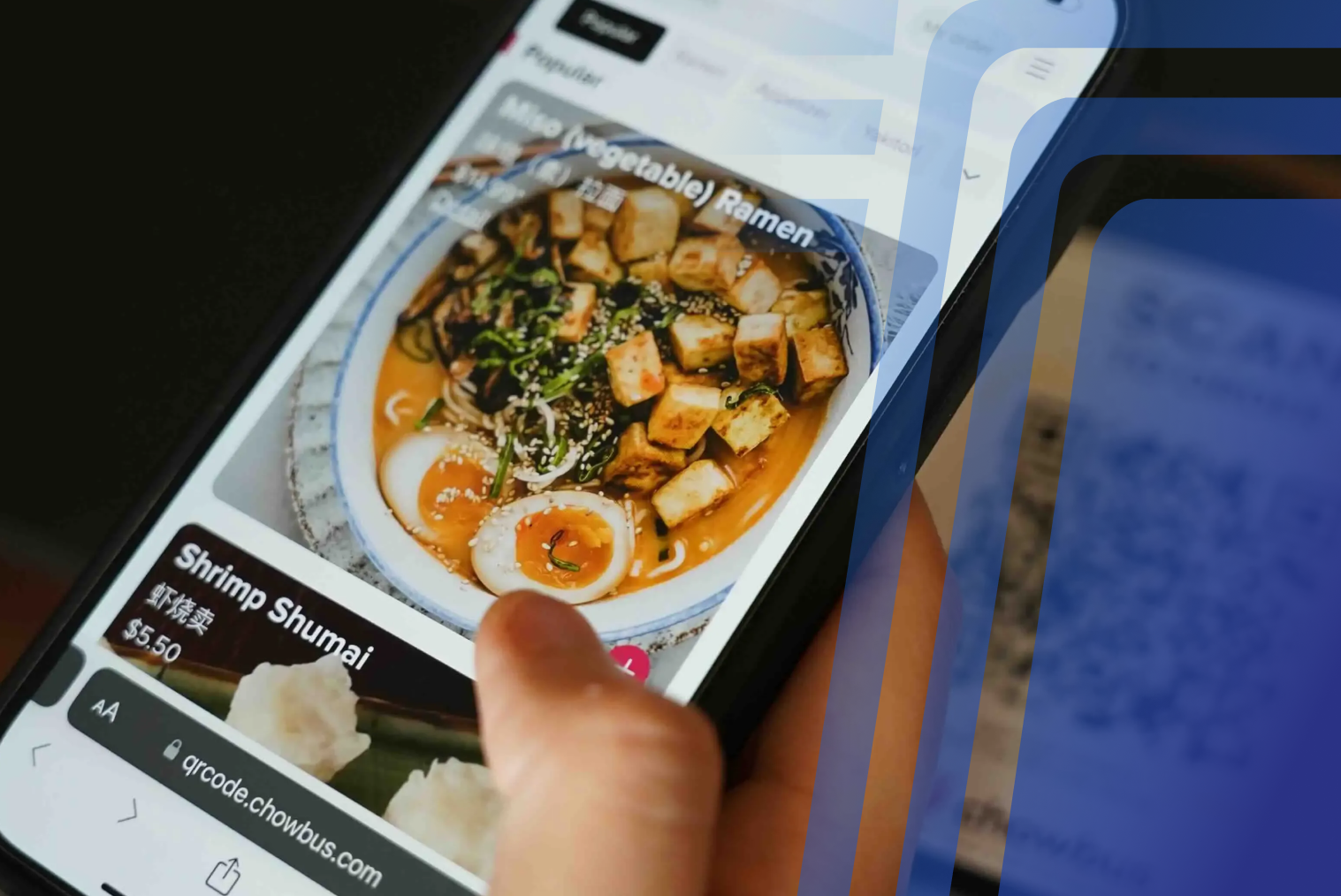
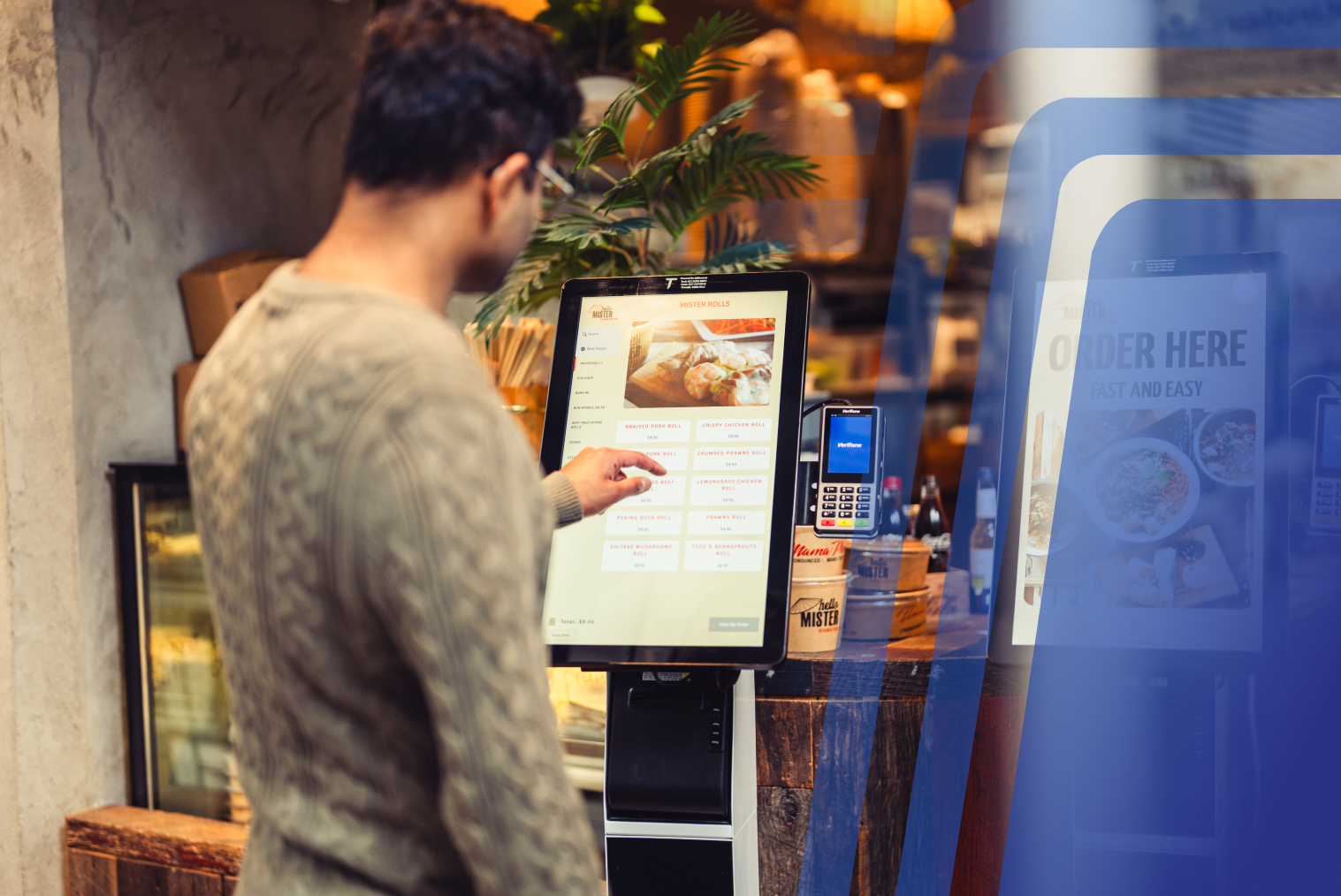
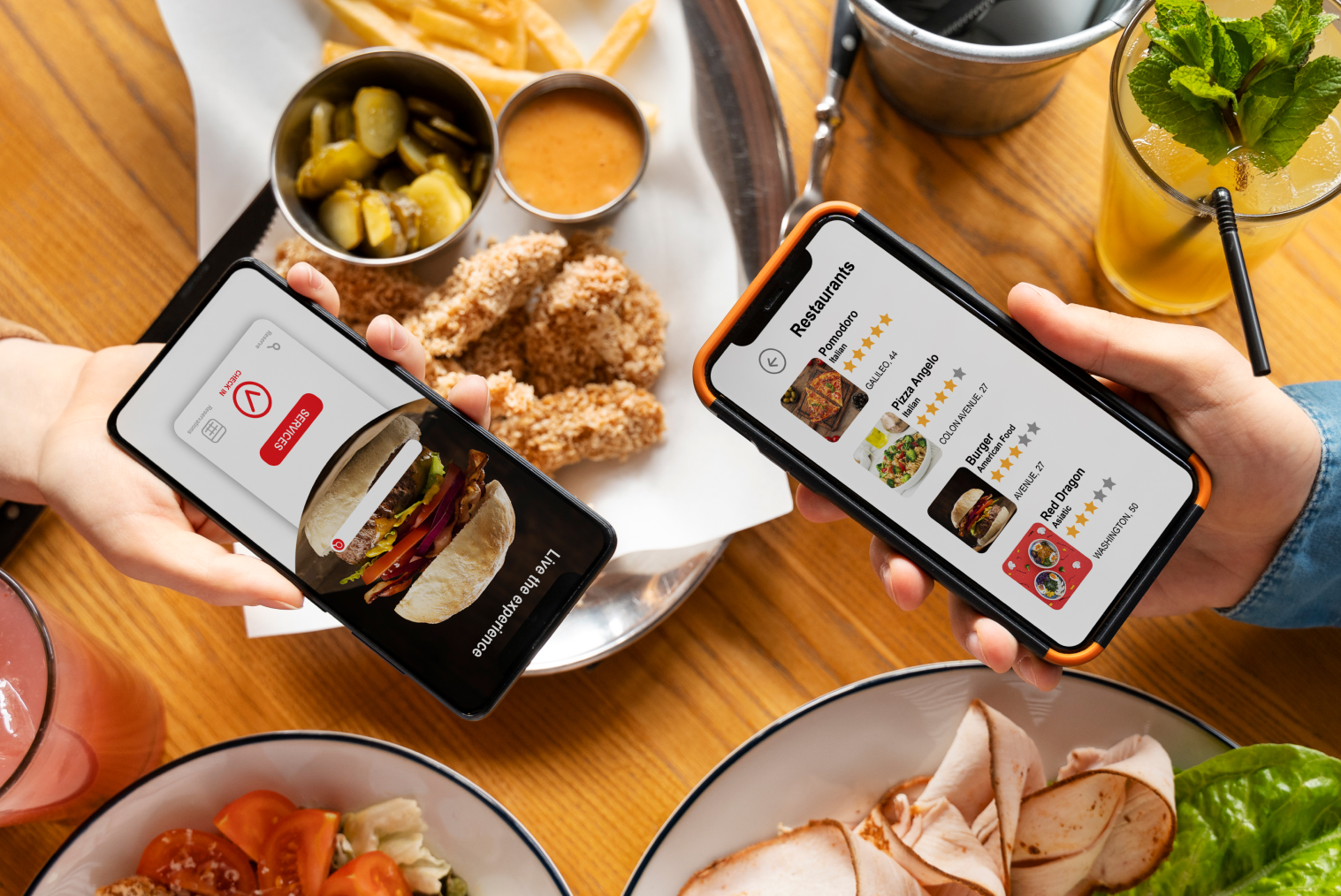
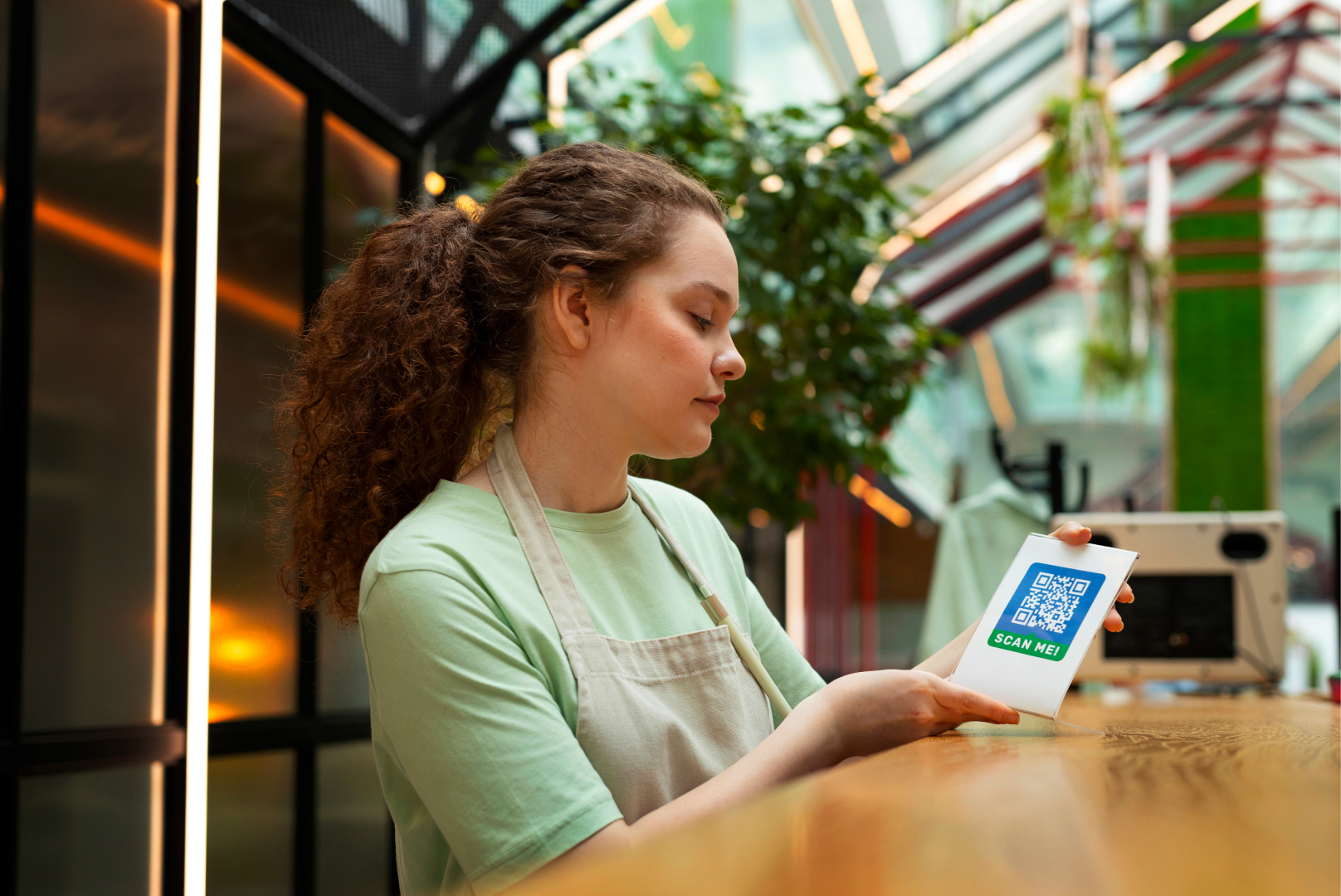
Adding table and QR ordering for pubs takes pressure off the main bar during peak hours. Guests scan a table-specific QR code on their phone, browse the menu, customise their order, and pay online or add to their table tab without downloading an app.
With Tabin's QR ordering, guests scan, order and pay from their phone with no app to download, and orders reach the POS and kitchen with the table number attached.
What to look for: Automatic table number tagging and seamless syncing with your live menu stock-outs.
6. Kitchen routing for pub meals
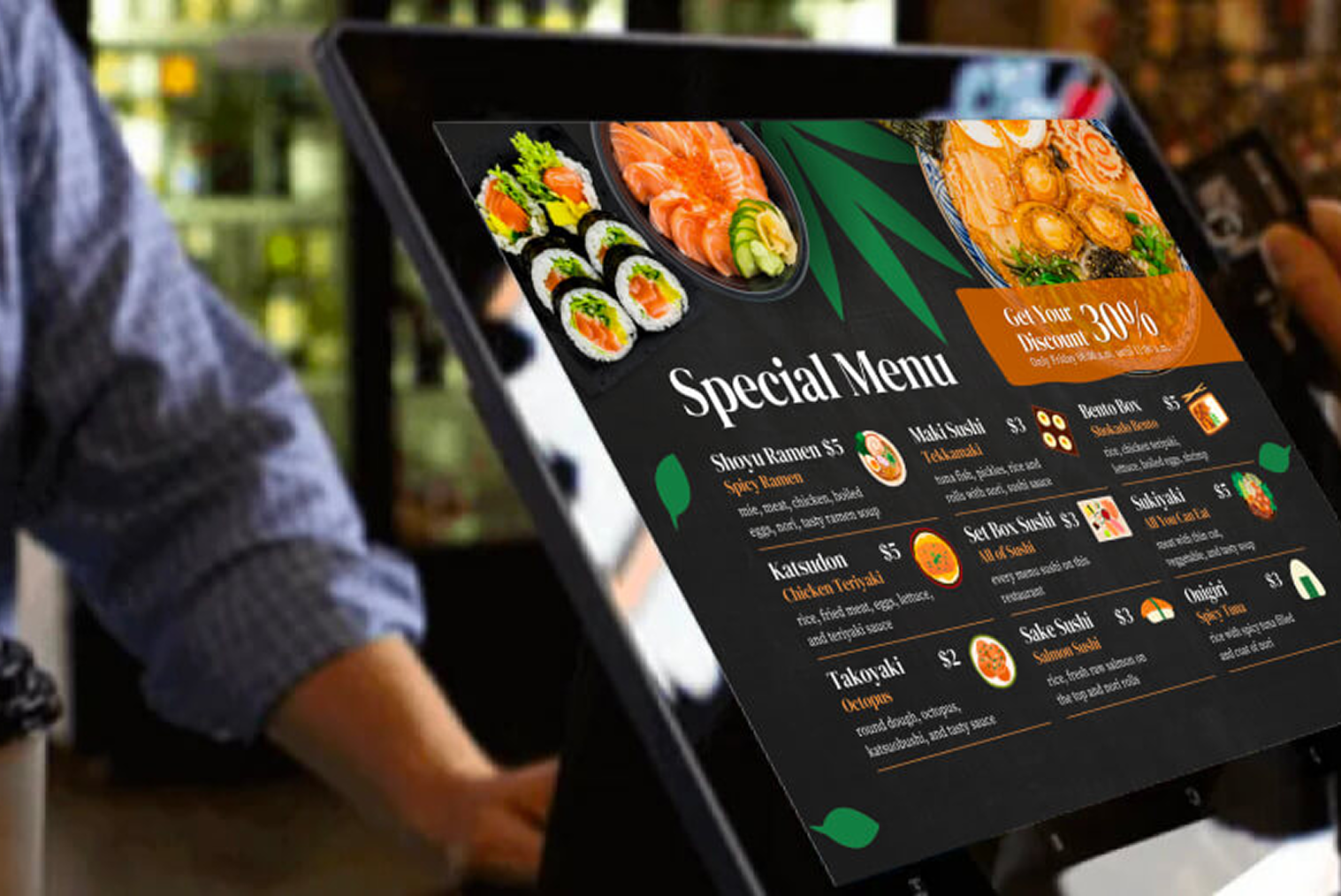
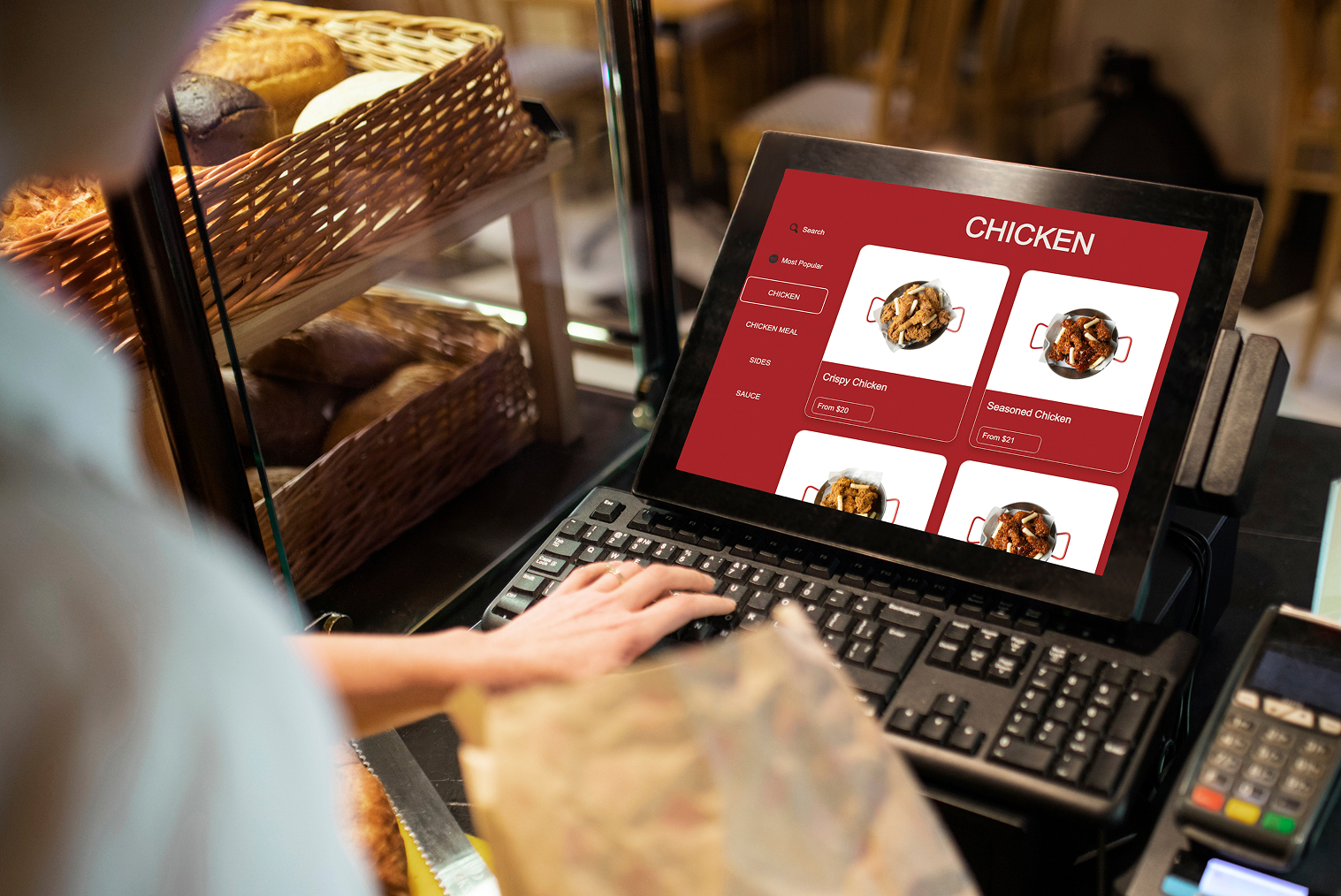
Pubs serving bistro meals or bar snacks need clean separation between drink orders and kitchen prep. When a customer orders two pints and a burger at the bar, the drinks should stay on the bar screen while the burger prints or displays in the kitchen with the right table number and cooking modifiers.
What to look for: Automated category routing so food orders never get lost during a busy drinks rush.
7. End-of-day cash-up and reporting
Closing up after a late shift should not require an hour of manual spreadsheet reconciliation. Your POS should generate clean shift summaries covering total sales, cash vs. EFTPOS totals, voids, refunds, and any unclosed tabs.
MBIE's 2026 Business Digital Capability research found that 56% of businesses using digital and online tools for external purposes said those tools helped generate some of their revenue, and 51% were interested in making greater use of digital tools in future. Connected POS reporting ensures your sales data actually informs staffing and stock decisions.
What to look for: Trading-day reporting that groups late-night sales past midnight into the same shift rather than splitting them across two calendar dates.
8. Payment terminal setup
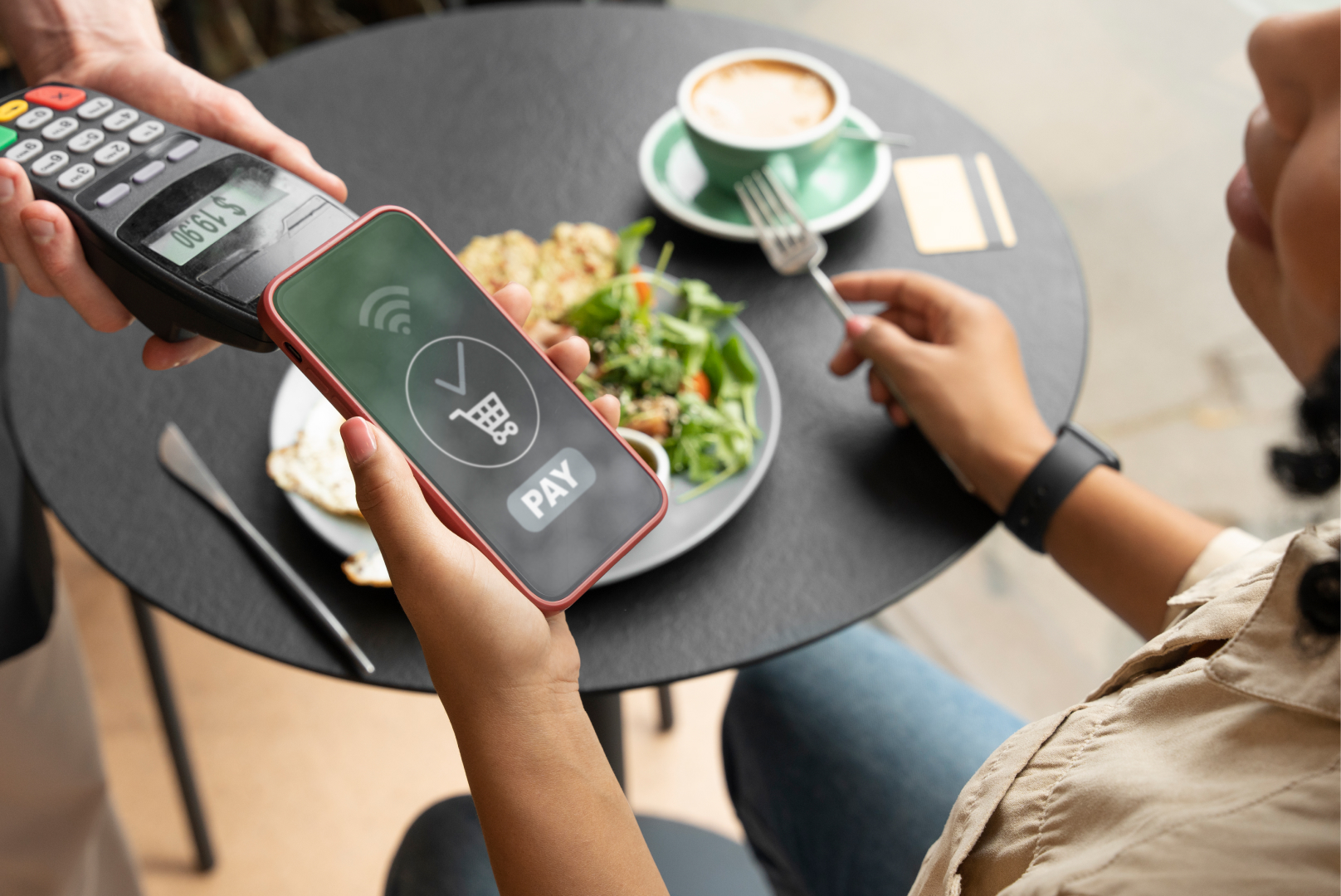
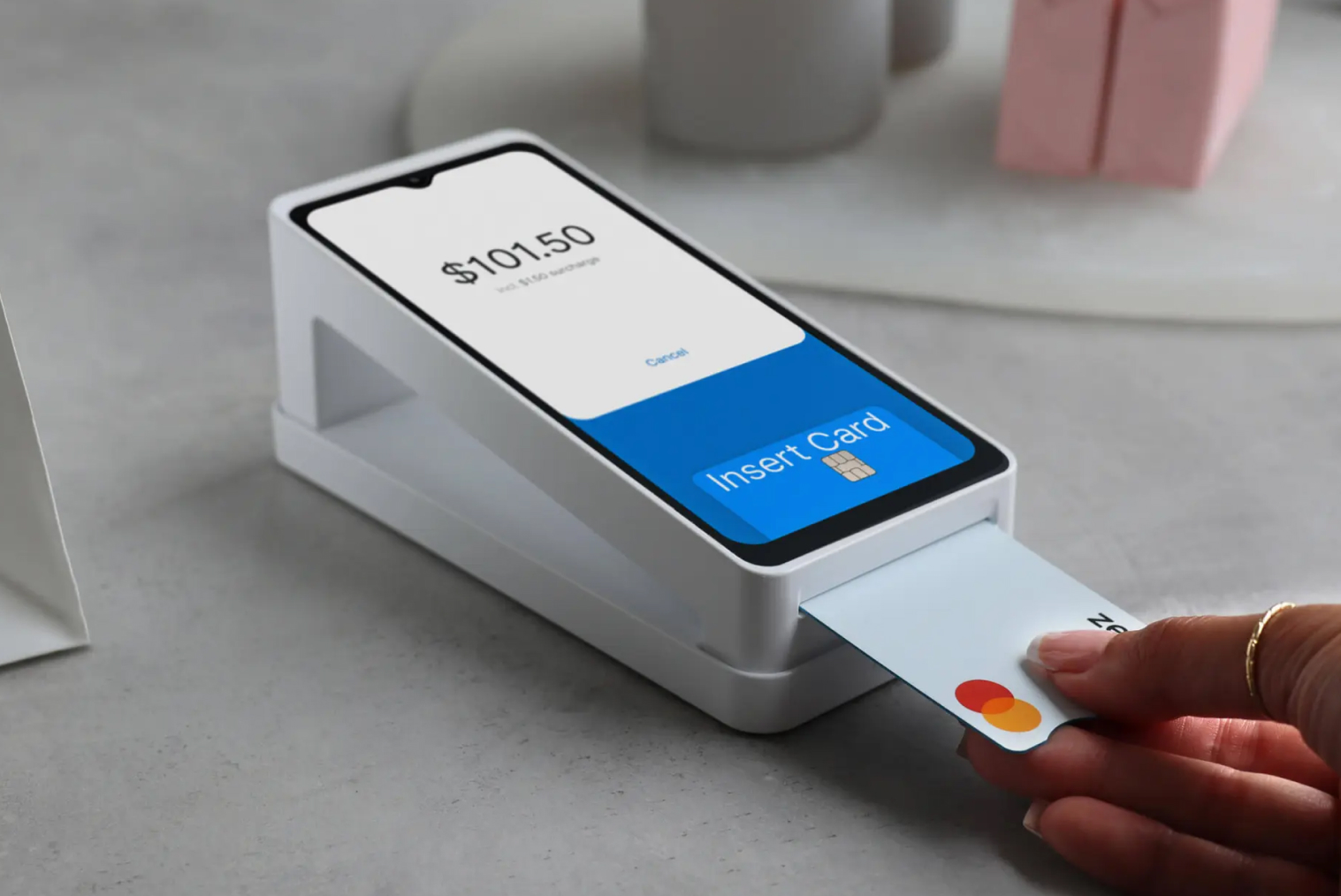
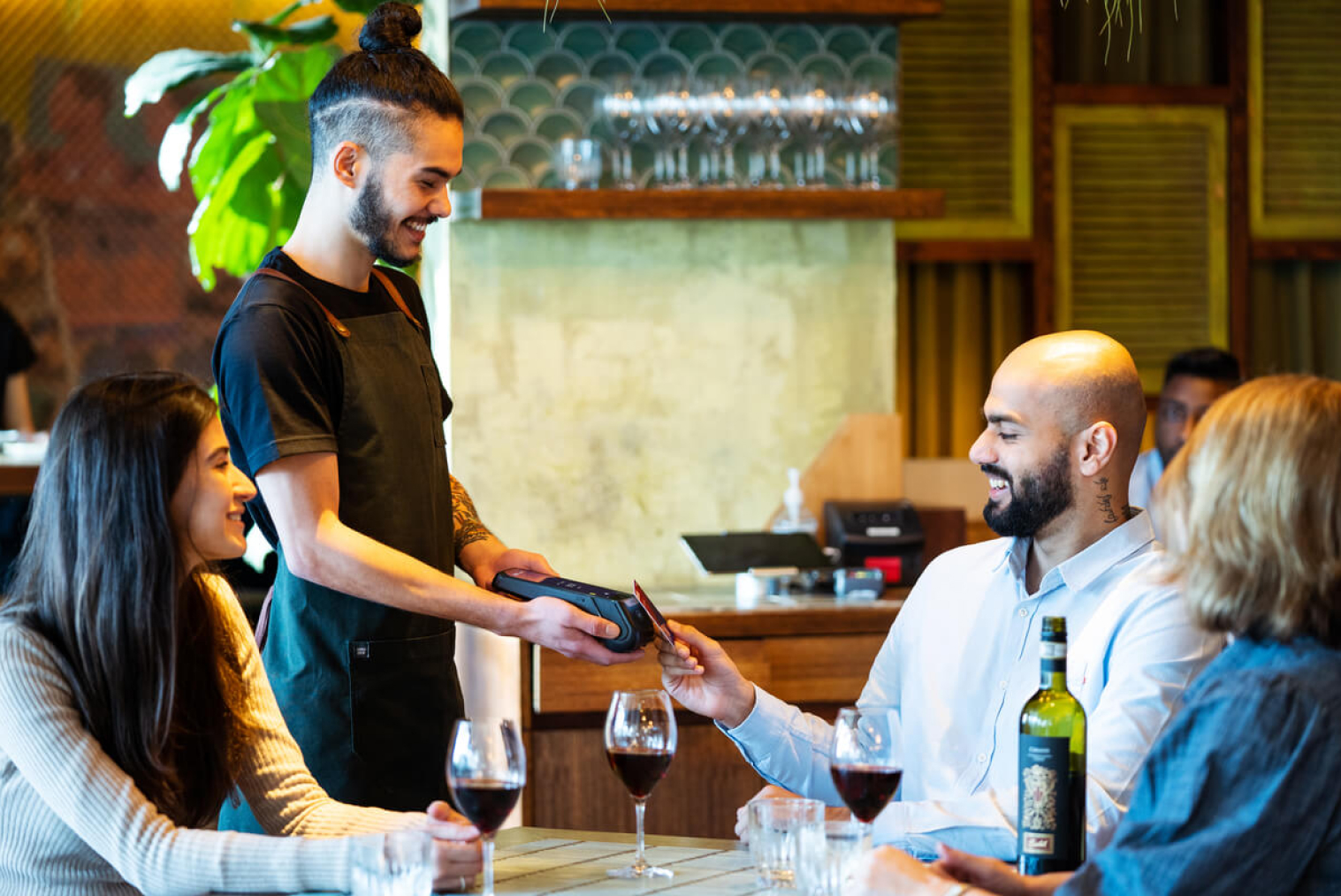
Integrated EFTPOS eliminates double-keying dollar amounts during a rush and prevents costly undercharges. Check whether the POS supports both fixed countertop terminals at the bar and portable terminals for table service.
Payments NZ's 2026 consumer research revealed that 40% of Kiwis have changed how they pay to avoid surcharges or fees, while 76% express concern about payment fraud and scams. Offering reliable, transparent payment options builds guest trust at checkout.
What to look for: Direct terminal integration, clear surcharge controls, and transparent merchant hardware costs.
Bar POS vs Café or Restaurant POS: Comparison Table
While many POS systems handle basic order entry, the daily workflows of a bar or pub differ significantly from a daytime café or formal restaurant.
| Area |
Bar or Pub POS |
Café or Restaurant POS |
| Order speed |
Optimised for rapid repeat rounds, bar mode, and high-volume drink queues. |
Built around counter orders or multi-course table pacing. |
| Open tabs |
Core workflow—designed to open, search, and add to running accounts quickly. |
Optional or secondary to immediate counter payment or table seating. |
| Bill splitting |
Essential for groups splitting large shared tabs by item or amount at closing. |
Used primarily for seated dining tables. |
| Staff logins |
Fast PIN switching across shared terminals with strict void/refund permissions. |
Often fewer terminals per shift or table-assigned server logins. |
| Floor & QR ordering |
Lets pub floor and beer-garden guests order without crowding the bar rail. |
Used to streamline dine-in table service or reduce counter queues. |
| Kitchen routing |
Splits mixed orders automatically—keeping drinks at the bar and sending food to kitchen prep. |
Focuses primarily on food courses and kitchen station timing. |
| Reporting & cash-up |
Supports late-night trading periods past midnight and shift-based cash-ups. |
Typically aligned with daytime trading hours and daily product summaries. |
Peak-Night Scenarios to Test in a Demo
Never buy a bar POS based solely on a slide deck. Ask every shortlisted vendor to run through these real-world peak-night scenarios using your actual menu items:
| Scenario to Test |
What the POS Should Demonstrate |
| 1. Open and find a tab |
Create a named customer tab, ring up drinks, navigate away, and retrieve the tab in under three seconds. |
| 2. Add a repeat round |
Select an existing tab and repeat the previous round of drinks without re-entering every item. |
| 3. Split a group tab |
Take a mixed food-and-drink tab and split it across three guests paying separately, showing the live balance due. |
| 4. Switch staff PINs |
Switch between a bartender PIN and a supervisor PIN to test how voids or discounts are restricted. |
| 5. Fire a table QR order |
Place a test QR order from a phone and verify that the table number appears automatically in the POS and kitchen. |
| 6. Route food vs. drinks |
Ring up a combined food and drink order at the bar and confirm food routes to the kitchen while drinks stay at the bar. |
| 7. Run an integrated EFTPOS sale |
Push a payment amount directly to the EFTPOS terminal and confirm the approved receipt closes the order automatically. |
| 8. Complete late-night cash-up |
Generate an end-of-day shift report covering transactions before and after midnight, highlighting any open tabs. |
For a complete preparation checklist, read Tabin's guide on questions to ask in a POS demo so you can compare every provider against identical service scenarios.
Questions to Ask Before You Sign
Before signing an agreement, look beyond the advertised monthly software fee and confirm every commercial and support detail in writing:
| Question |
Why It Matters |
| What is the total first-year cost? |
Uncovers upfront hardware, installation, EFTPOS integration, and onboarding fees alongside monthly licences. |
| Are open tabs and bill splitting included in the base plan? |
Ensures essential bar workflows aren't locked behind expensive add-on tiers. |
| Is pricing charged per terminal or per venue? |
Clarifies how your monthly bill changes if you add a second bar till or portable tablet. |
| What is the minimum contract length and exit process? |
Protects your business from restrictive lock-in clauses or unexpected termination fees. |
| Which EFTPOS providers and terminals are supported? |
Confirms whether you can keep your existing payment terminals or need new hardware. |
| Is technical support available on weekends and late nights? |
Confirms you can get help with system problems during peak trading, including Friday and Saturday nights. |
| Is staff training included before go-live? |
Helps ensure bartenders and duty managers are confident before your first busy weekend. |
| Can we export full sales and transaction data? |
Guarantees you retain ownership of your historical financial and product reporting data. |
To avoid common contract traps and verify service-level response times, review Tabin's guides on POS contract terms and clauses to check before signing and what support you should expect from a POS provider in NZ.
How Tabin Handles Bars and Pubs
Choosing the right setup depends on your venue's layout, bar terminal count, kitchen workflow, and how guests order across your floor.
Tabin's website highlights bar-ready workflows including open tabs and bar mode, bill splitting, PIN staff logins, and end-of-day cash-up—alongside table and QR ordering for pubs that sends customer orders directly into the POS and kitchen display workflow.
If you are comparing bar or pub POS options in New Zealand, book a demo with Tabin and bring your menu, EFTPOS terminal details, and peak-night workflows so the team can walk through a setup tailored to your venue.
Conclusion
A bar or pub POS needs to do far more than tally up basic counter sales. On a busy night, it must keep service moving across open tabs, rapid repeat rounds, group bill splits, staff PIN controls, floor QR ordering, kitchen routing, integrated EFTPOS, and late-night cash-ups.
Test all eight areas in a live demo using realistic Friday-night scenarios, and compare total first-year costs, payment compatibility, and evening support before signing a contract.
Ready to see how a faster bar workflow looks in practice? Book a demo with Tabin to discuss your venue's setup and test the features that matter most to your team.