A multi-site POS system should give you one menu, one report, and one support contact across your venues—without forcing every site to operate identically. Before rolling out a new platform, verify group-wide reporting, central menu and pricing controls, site-level permissions, hardware compatibility, support processes, data exports, and how easily you can add new locations.
Introduction
Expanding from one restaurant to two, three, or a nationwide franchise network quickly exposes the limits of a single-venue setup. What works smoothly at one counter often breaks down when multiple sites trade simultaneously—so moving to a dedicated multi-site POS system becomes essential early in your growth.
Without centralised technology, menus start drifting between locations, prices vary unintentionally, sales reports get stitched together manually in spreadsheets, and venue managers waste time calling separate support lines when issues arise. Head office ends up spending more time collecting data than acting on it.
If you are comparing a franchise POS system NZ operators can scale with, your evaluation must go beyond checkout speed at a single counter. You need to know how the platform handles group visibility, local flexibility, hardware, and onboarding across every venue. This guide breaks down exactly what to check before choosing and rolling out a POS across multiple New Zealand hospitality locations.
What Changes When You Go From One Venue to Several?
A single restaurant has a straightforward POS setup. The owner or manager oversees the menu, roster, and daily takings from one location. If a price or item changes, there is only one site to update.
Operating multiple locations multiplies those everyday tasks. A hospitality group running three venues across different suburbs—each with its own manager, trading hours, and local customer base—still needs unified visibility at head office.
The core operational shifts include:
- Consolidated reporting: Individual site figures must roll up into one clear view so you can compare venue performance without manual spreadsheets.
- Menu consistency: Item names, modifiers, and availability can easily fall out of sync across locations.
- Pricing and promotions: Group-wide campaigns and location-specific price tiers need tight controls so the right prices apply at the right sites.
- Staff permissions: Venue managers need full control over their own floor without gaining access to group-wide settings or other locations' data.
- Hardware and payments: Different counter layouts, kitchen setups, and EFTPOS terminals require flexible hardware compatibility per site.
- Support and maintenance: Every location needs a clear, reliable escalation path when technical issues happen during service.
- Repeatable expansion: Opening a fourth or fifth venue should follow a standard template rather than starting from scratch.
Scaling successfully isn't just about adding more checkout terminals—it is about establishing the right balance of central control and local autonomy.
8 Things a Multi-Site POS System Should Handle
When evaluating platforms for a multi-location restaurant or chain, look past single-venue features. A capable system should handle these eight core areas:
| Capability |
Why It Matters |
What to Ask the POS Provider |
| 1. Group-wide reporting |
Head office needs to review total sales and compare performance across sites without manually stitching reports together. |
Can I view consolidated sales and individual venue reports from one dashboard? Can I compare locations over identical date ranges? |
| 2. Central menu with site-level differences |
Groups need a consistent core menu while allowing specific sites to offer local items or manage stock-outs independently. |
Can core menus be pushed centrally while letting individual venues adjust local items, modifiers, or availability? |
| 3. Price and promotion control |
Pricing errors or mismatched promotions confuse customers and erode margins. |
Can prices and promos be scheduled across selected venues, and can changes be reviewed before going live? |
| 4. Staff permissions per site |
Frontline staff, venue managers, and head office executives require different levels of system access. |
Can permissions be assigned by both role and location, restricting venue managers to their own site while giving head office group access? |
| 5. Hardware and payment setup per site |
Different venues have different counter footprints, kitchen workflows, and payment terminal requirements. |
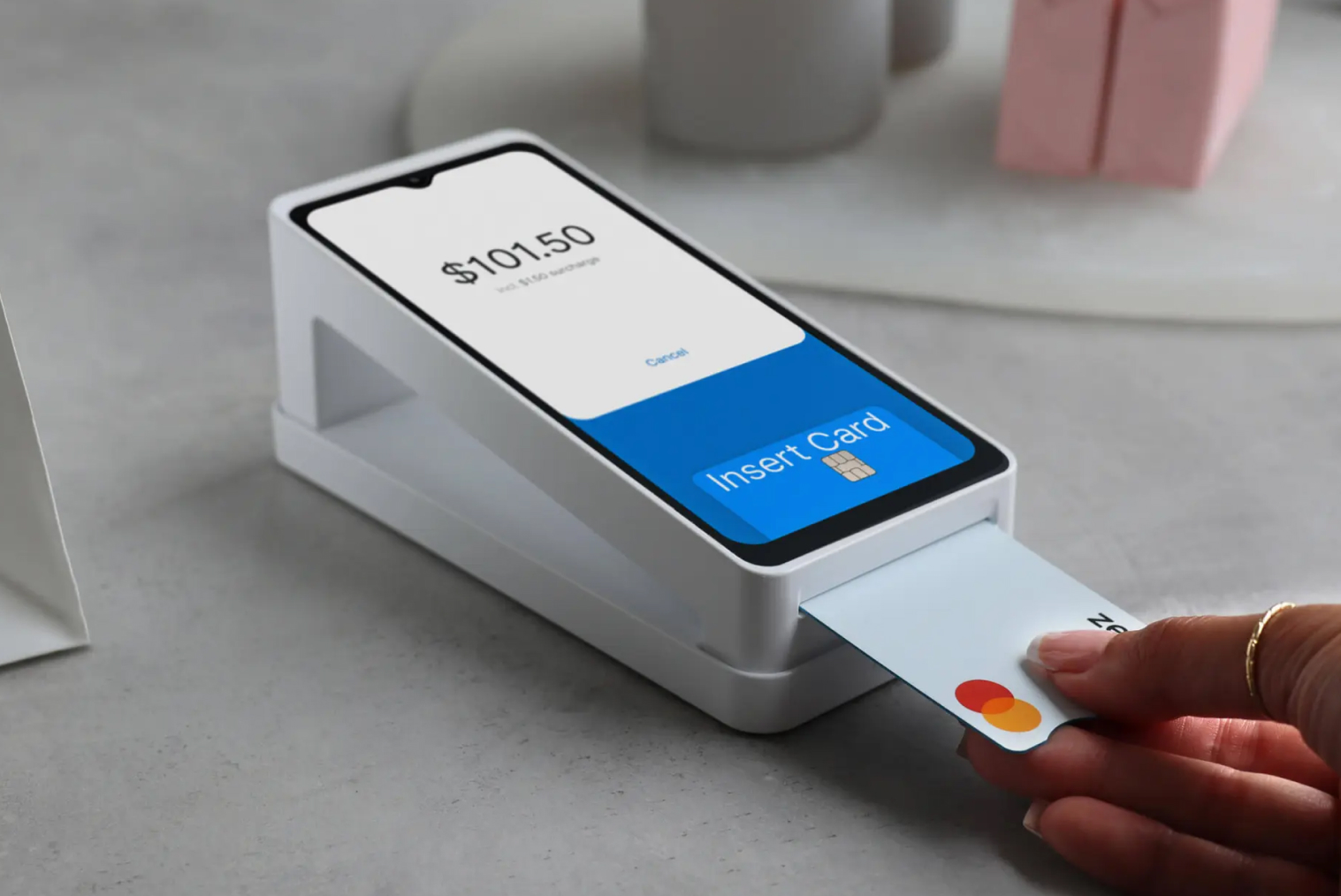
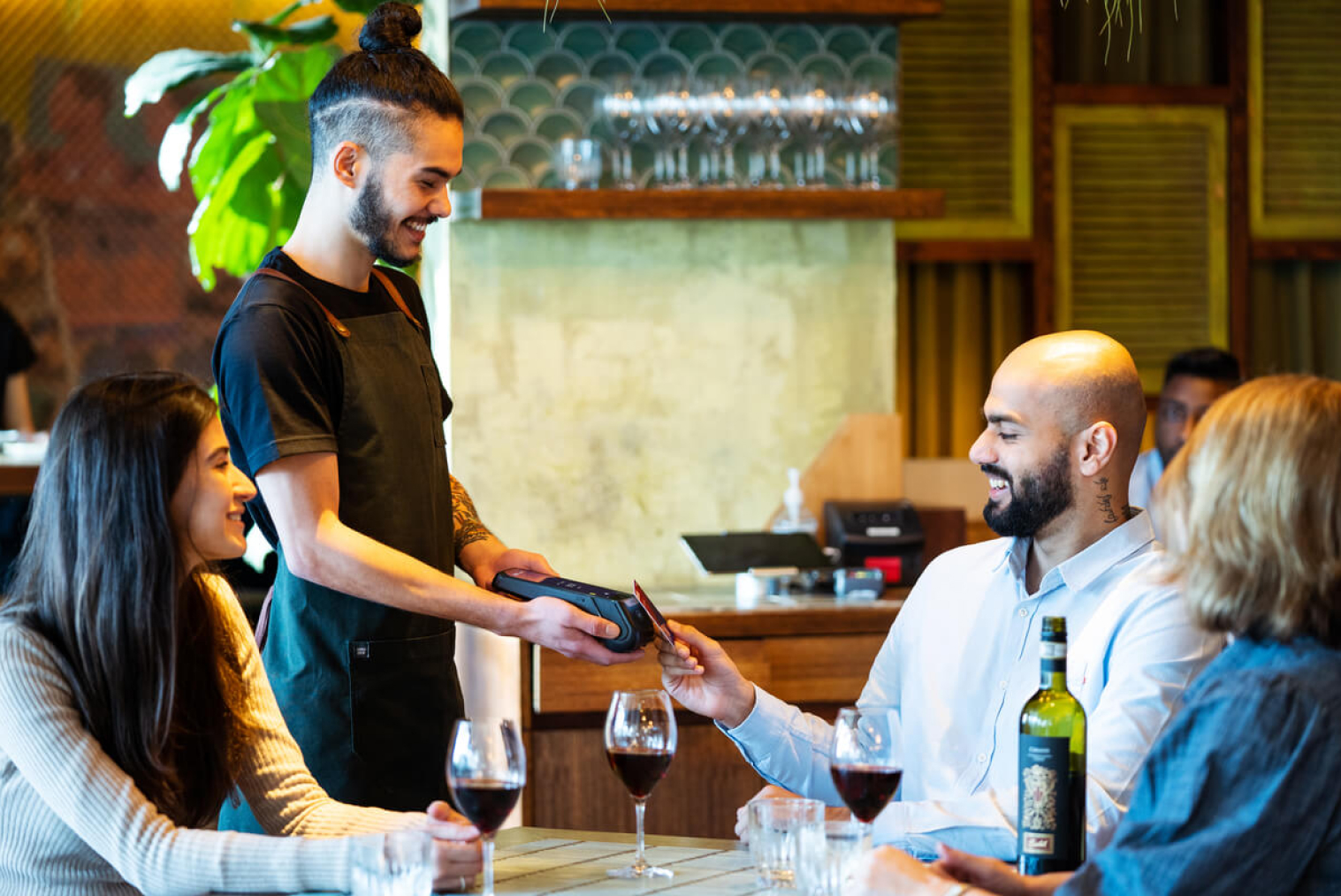
Can each venue run compatible hardware and integrated EFTPOS terminals tailored to its layout? |
| 6. Adding a new venue |
Growth should follow a predictable onboarding process rather than a full system overhaul. |
What is the exact process and cost to add a new location, including software licences, hardware, setup fees, and training? |
| 7. Support across sites |
A technical issue at one venue should never leave managers guessing who to call during peak service. |
Is direct support available to every site? What are the support hours, contact channels, and escalation procedures? |
| 8. Data export |
You need clean, accessible data for accounting, external BI tools, and future business planning. |
Can I export sales, product, transaction, and customer data for both individual venues and the entire group? |
The key distinction: Some providers simply sell multiple single-site licences under one billing account without true multi-location management tools. Always ask the provider to demonstrate these workflows using a live multi-venue environment rather than a standard single-site demo.
Single-Site POS vs Multi-Site POS: Comparison Table
While a single-venue system handles basic order-taking well, multi-site platforms are built to solve coordination and visibility challenges across locations.
| Area |
Single-Site POS |
Multi-Site POS |
| Business visibility |
Focuses strictly on one venue's daily operations and performance. |
Delivers group-wide visibility alongside individual site metrics. |
| Sales reporting |
Reports are isolated to a single location. |
Combines individual venue reports with consolidated group dashboards. |
| Menu management |
Updates are made manually at one venue. |
Supports central menu updates alongside approved site-level variations. |
| Pricing |
One static price list per venue. |
Enables group pricing policies with controlled regional or site adjustments. |
| Staff permissions |
Configured around a single venue's team hierarchy. |
Supports tiered access across head office, regional managers, and site staff. |
| Hardware |
Chosen for one specific floor plan. |
Accommodates varied terminal, kitchen, and payment setups across locations. |
| Support |
Tailored to a single operating site. |
Structured to support multiple sites and managers simultaneously. |
| Expansion |
Adding a second venue often requires duplicating setups manually. |
Built for repeatable onboarding as new sites join the network. |
Adopting a multi-site system does not mean every venue must operate identically. The most effective operators standardise reporting, branding, and core menus while leaving day-to-day floor workflows flexible for each site.
Franchise, Restaurant Group or Hotel Outlets: What Is Different?
Franchises, multi-brand restaurant groups, and hotel hospitality teams all manage multiple outlets, yet their operational priorities differ significantly.
Franchise businesses
Franchises depend on brand consistency so customers get the same experience at every branch. Franchisors typically define core menus, brand standards, and reporting metrics, while individual franchisees manage day-to-day staffing and local operations.
When selecting a franchise POS system, check how the software separates franchisor oversight from franchisee autonomy:
- Can head office view network-wide sales and product performance in real time?
- Can individual franchisees manage their own staff rosters, logins, and local settings?
- How cleanly does the system handle regional pricing tiers or local menu variations?
- How straightforward is onboarding when a new franchisee signs on?
Restaurant groups
Restaurant groups often operate multiple venues under one ownership structure—sometimes spanning different concepts, such as a café, a fast-casual takeaway, and a full-service bistro.
A dedicated POS for restaurant groups allows owners to benchmark revenue and product margins across the portfolio while letting each venue run workflows tailored to its specific service style.
Hotels and multi-outlet hospitality businesses
Hotels frequently run several distinct food and beverage outlets under one roof—such as a lobby café, main restaurant, cocktail bar, and in-room dining.
When evaluating a multi-outlet POS for hotels, focus on how the system separates and consolidates outlet performance. Confirm whether a multi-outlet POS lets each outlet manage its own menu, kitchen routing, and hardware while giving hotel F&B managers consolidated reporting across the property.
Note on hotel integrations: Hotel operations often require property management system (PMS) integration and room-charge capabilities. Because these sit outside standard F&B workflows, always verify directly with the provider whether PMS and room-charge features are supported rather than assuming they come standard.
How to Roll Out a New POS Across Venues Without Disrupting Service
Even the best POS software can stumble if rolled out poorly. A structured, phased implementation protects service quality and builds staff confidence across every venue.
- Start with a pilot location
Test the new system at one representative venue before rolling it out network-wide. Use the pilot during real trading hours to verify menu configuration, order flow, kitchen dockets, EFTPOS integration, staff permissions, and end-of-day reconciliation.
Key takeaway: Iron out configuration quirks in one venue so you don't repeat them across five. - Document what stays central vs. what stays local
Before onboarding your remaining sites, lock in your group standards—such as product naming conventions, tax settings, reporting categories, and manager permissions—while clearly defining where local managers can make adjustments.
Key takeaway: A documented template makes configuring venues two through ten dramatically faster. - Roll out in manageable phases
Avoid switching every location over on the same day. Schedule go-lives in waves so your internal team and the POS provider can give hands-on support to each venue as it goes live.
Key takeaway: Staged rollouts keep support focused and let later sites benefit from early lessons. - Train venue managers and frontline staff before go-live
Ensure frontline teams are comfortable with everyday tasks—taking orders, splitting bills, processing refunds, updating item availability, and running end-of-day cash-ups—before the old system is switched off. Give venue managers extra training on local reporting and staff access controls.
Key takeaway: Confident staff prevent checkout bottlenecks during the first week of live service. - Review performance after each launch
Gather feedback from site managers and check reporting accuracy 48 to 72 hours after each go-live. Resolve any workflow friction before moving on to the next location in your schedule.
Key takeaway: Treat every launch as a feedback loop to refine your rollout playbook.
Questions to Ask Before You Sign
A multi-venue POS agreement involves software licensing, hardware, payment processing, and ongoing support across multiple sites. Review these commercial details carefully before signing:
| Question |
Why It Matters |
| Is pricing charged per venue, per terminal, or per group? |
Reveals how your monthly software bill scales as you add terminals or open new sites. |
| What is the minimum contract term? |
Clarifies how long your business is locked in before you can renegotiate or switch. |
| What happens if we close or sell a location? |
Confirms whether you can remove a site from your billing agreement without heavy penalties. |
| Are hardware and EFTPOS costs upfront or bundled? |
Prevents unexpected capital expenses when outfitting new venues. |
| What support is included across all locations? |
Ensures every venue gets timely help during hospitality trading hours, not just head office. |
| Is onboarding and staff training included for future sites? |
Helps you budget accurately for training new managers and future store openings. |
| Can we export full data for individual sites and the group? |
Guarantees you retain ownership and access to your historical sales and customer data. |
| How are software updates rolled out across venues? |
Ensures updates don't disrupt live service or unexpectedly alter site configurations. |
Never compare providers on monthly software fees alone—request a complete cost breakdown covering hardware, payment integrations, setup, training, and per-site additions. For a deeper checklist on commercial terms and service-level agreements, read Tabin's guides on POS contracts in NZ: what to check before you sign and what support you should expect from a POS provider in NZ.
How Tabin Supports Multi-Venue Operators
For growing restaurant groups and franchise networks, clear visibility across locations is essential to maintaining consistency and profitability.
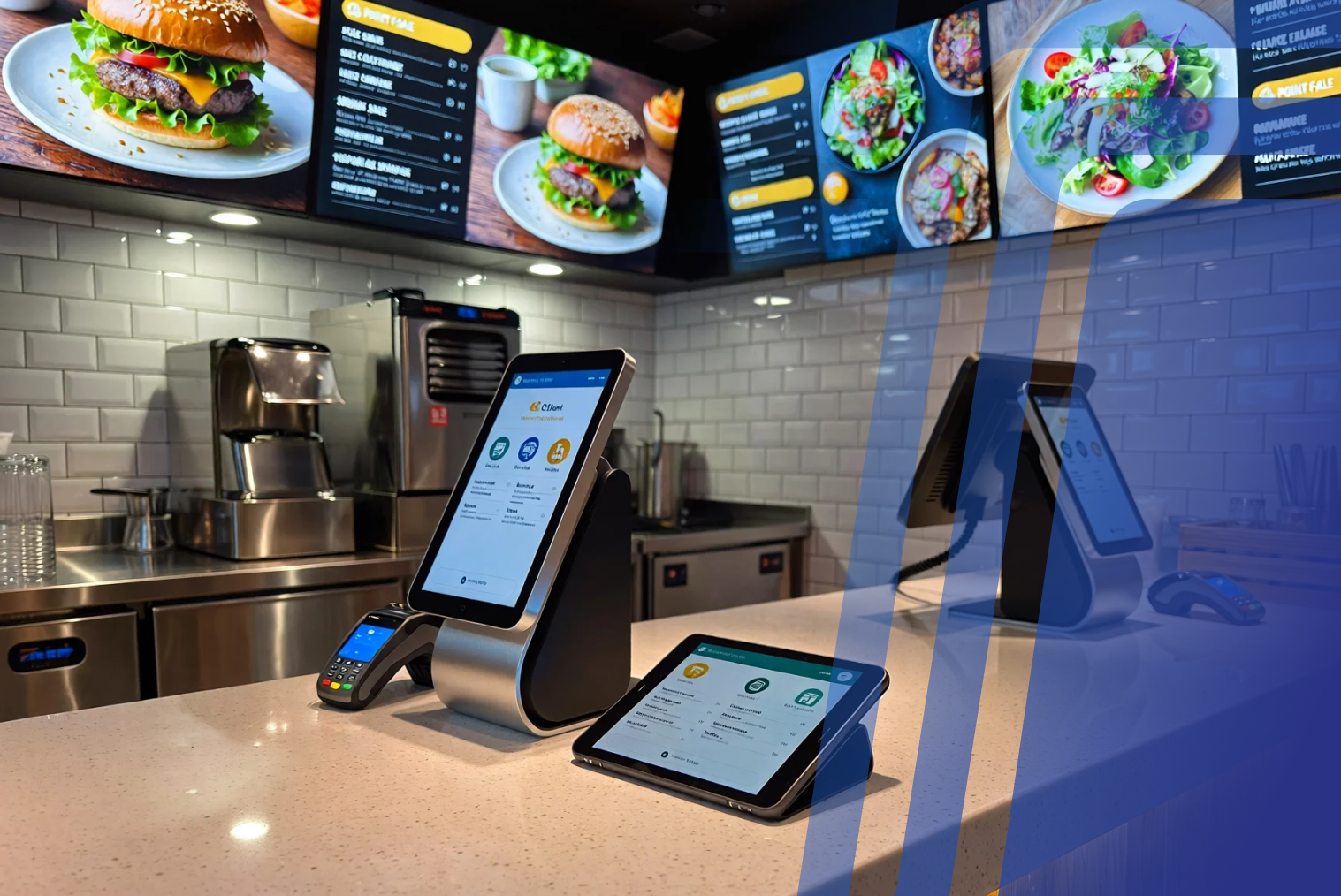
Tabin's platform includes multi-site reporting capabilities, allowing operators to access sales reporting across multiple venues rather than relying solely on isolated site reports. When evaluating food and beverage POS systems, it is important to see how central reporting connects with the hardware, payment terminals, and counter workflows at each individual site.
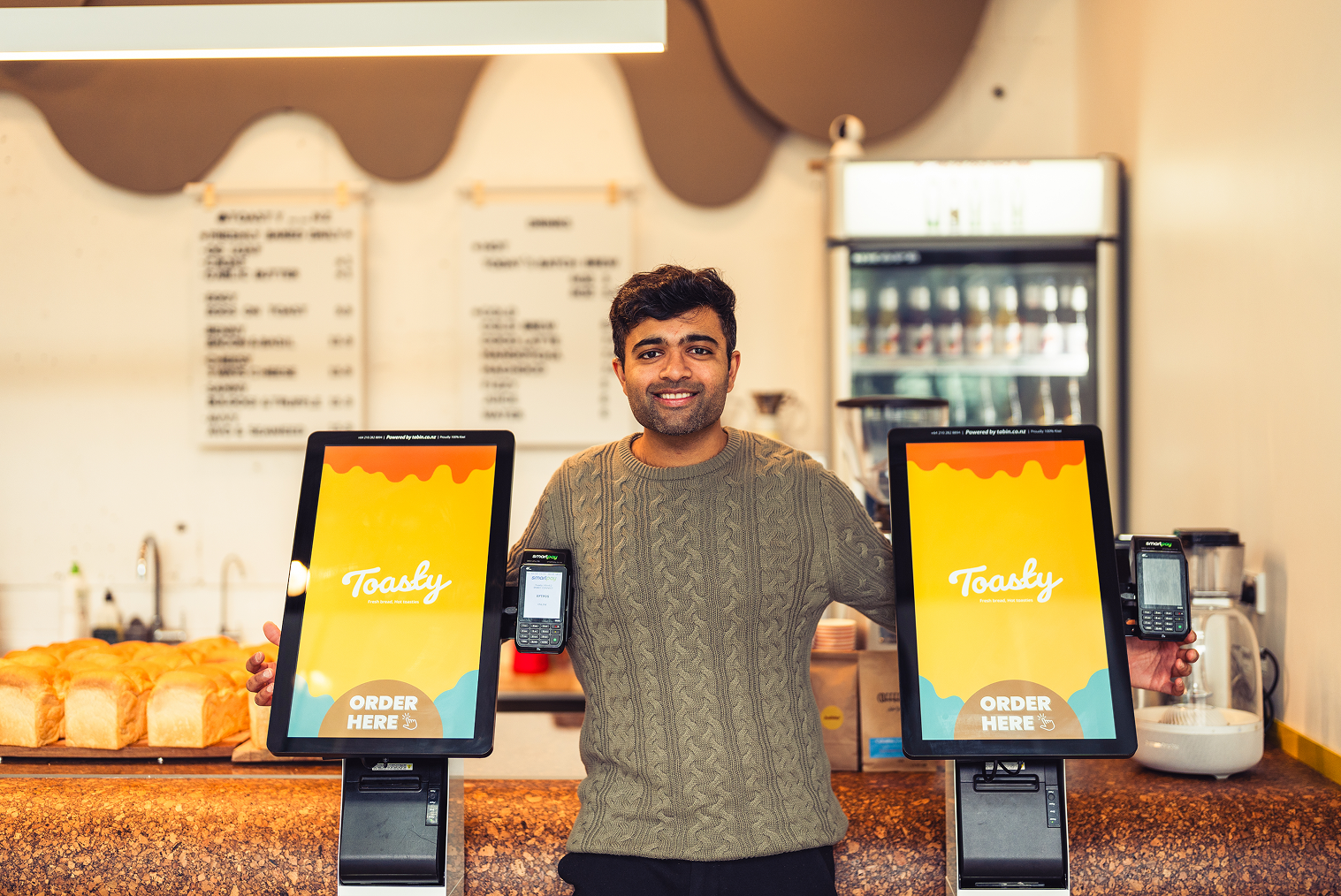
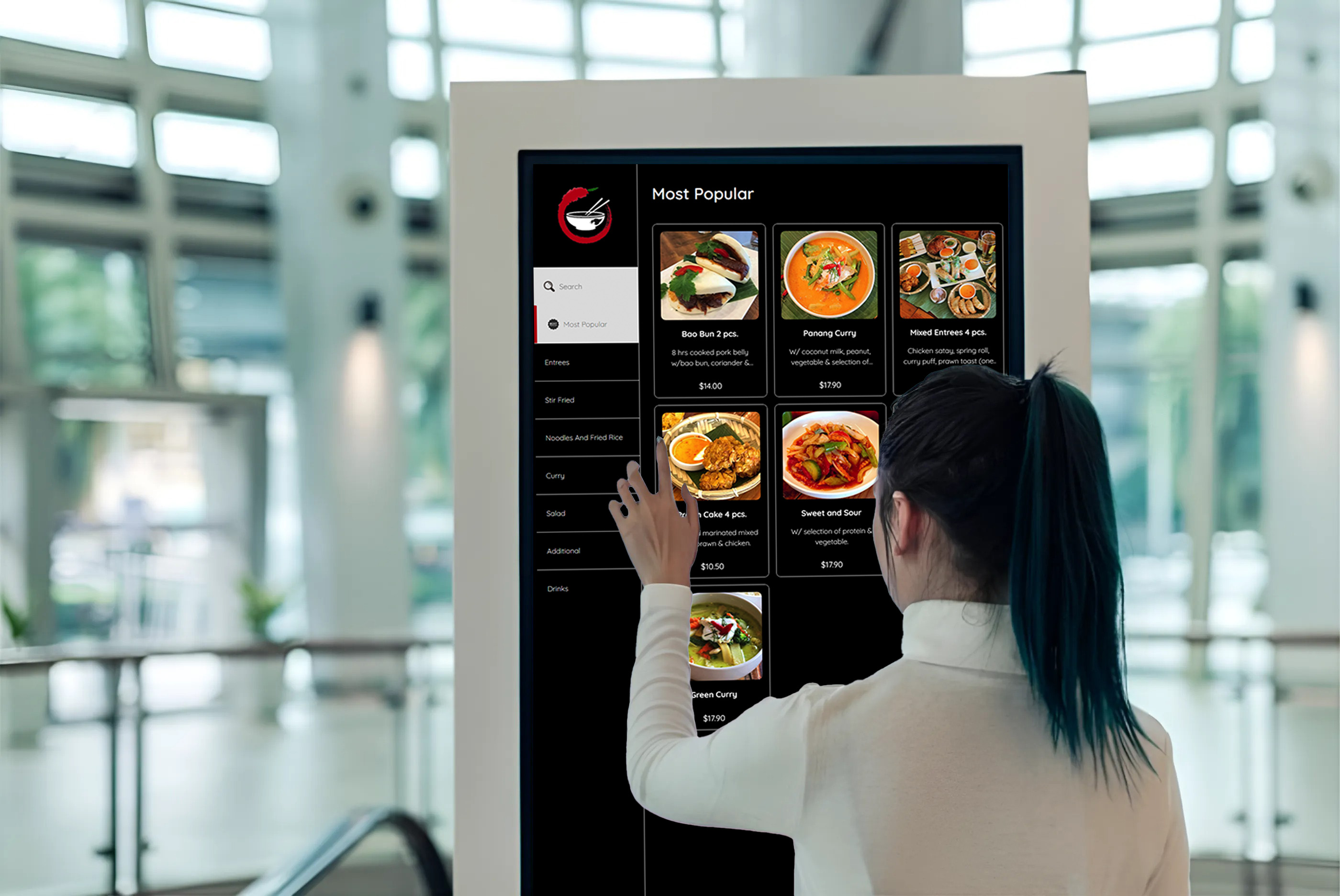
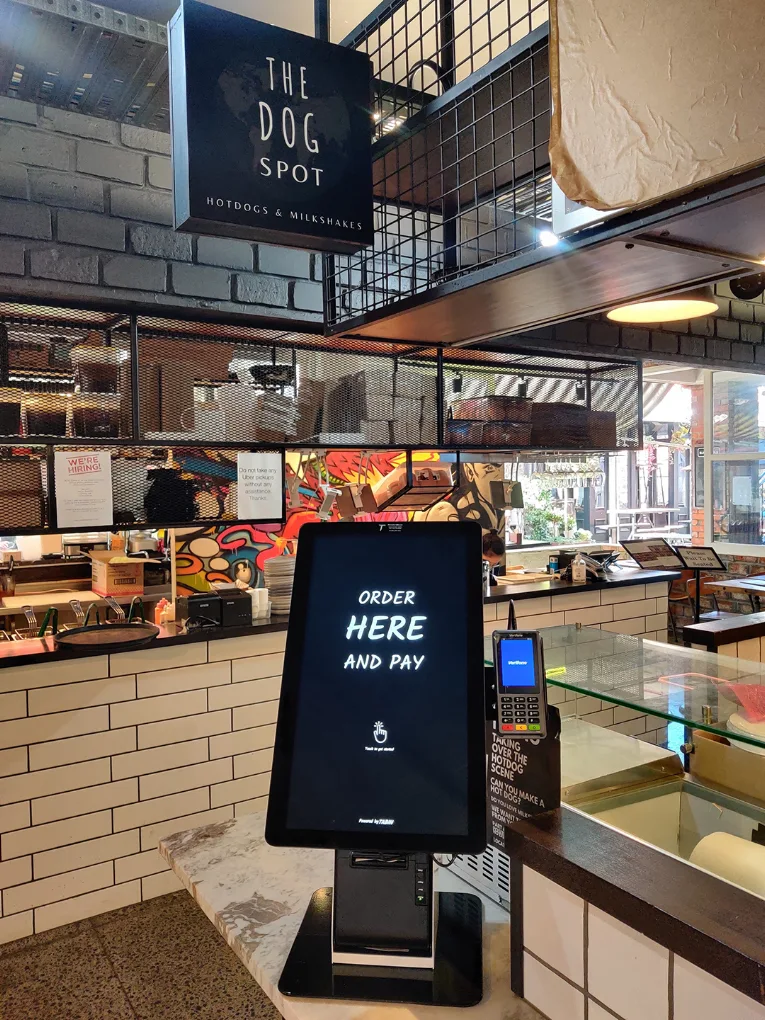
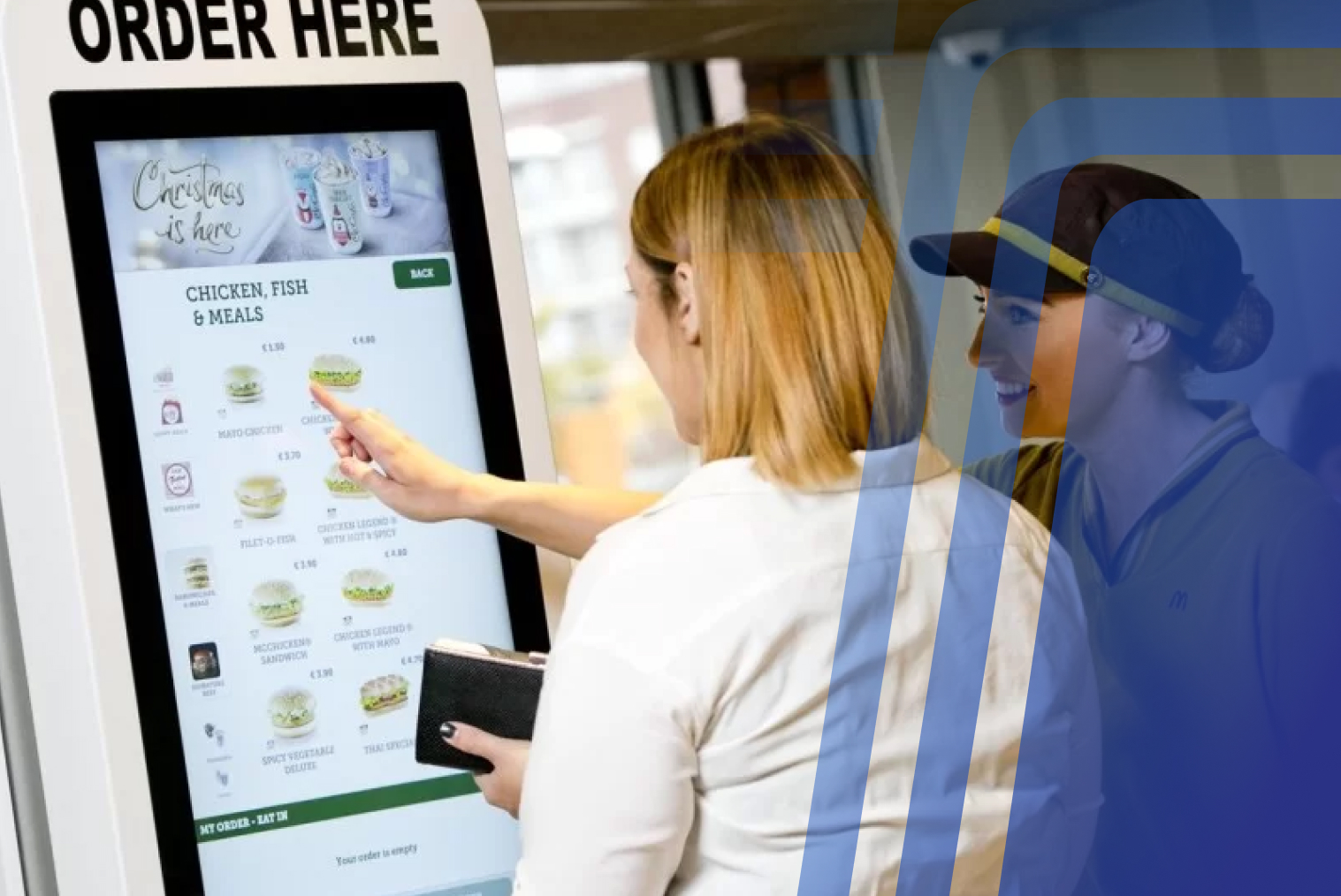
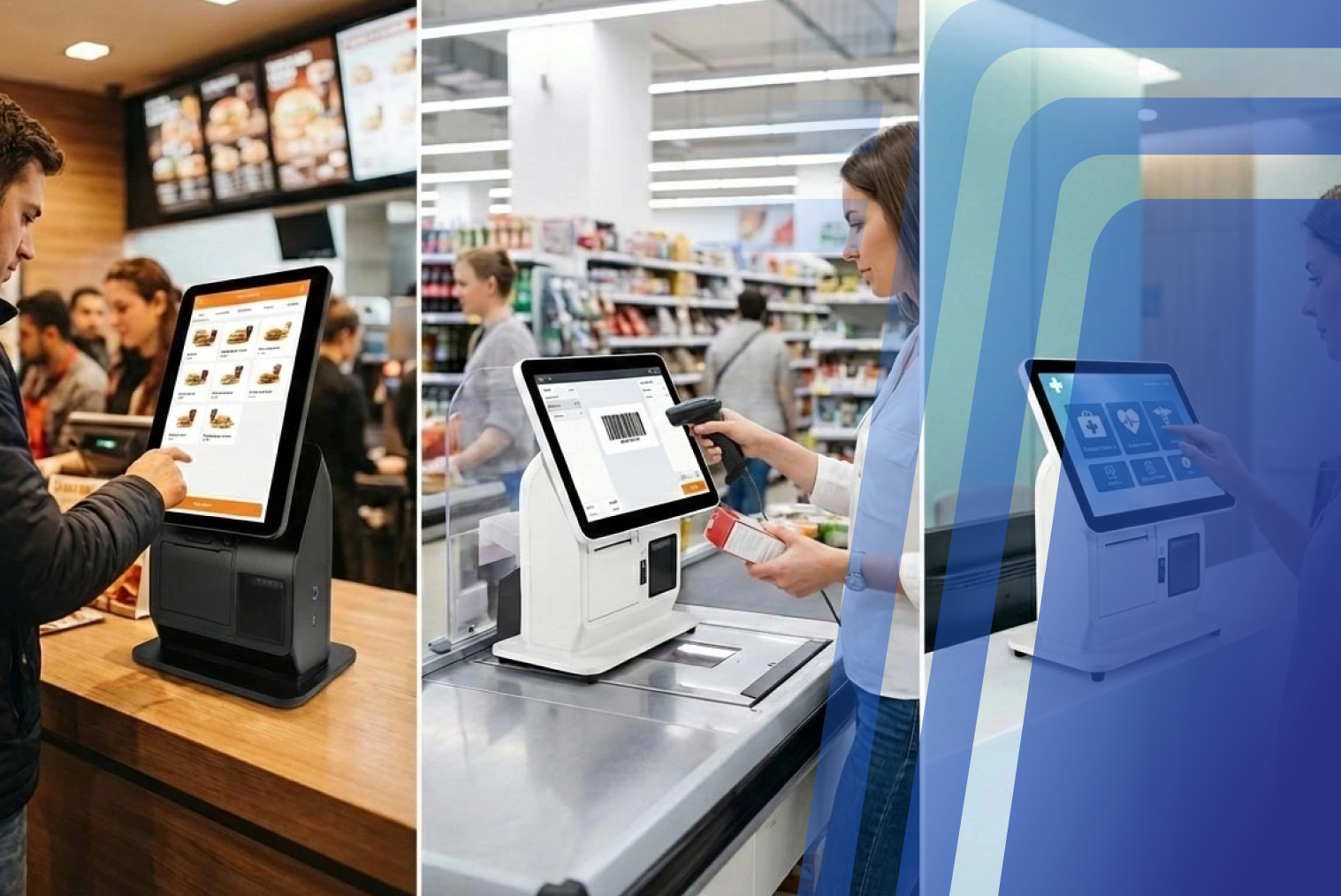
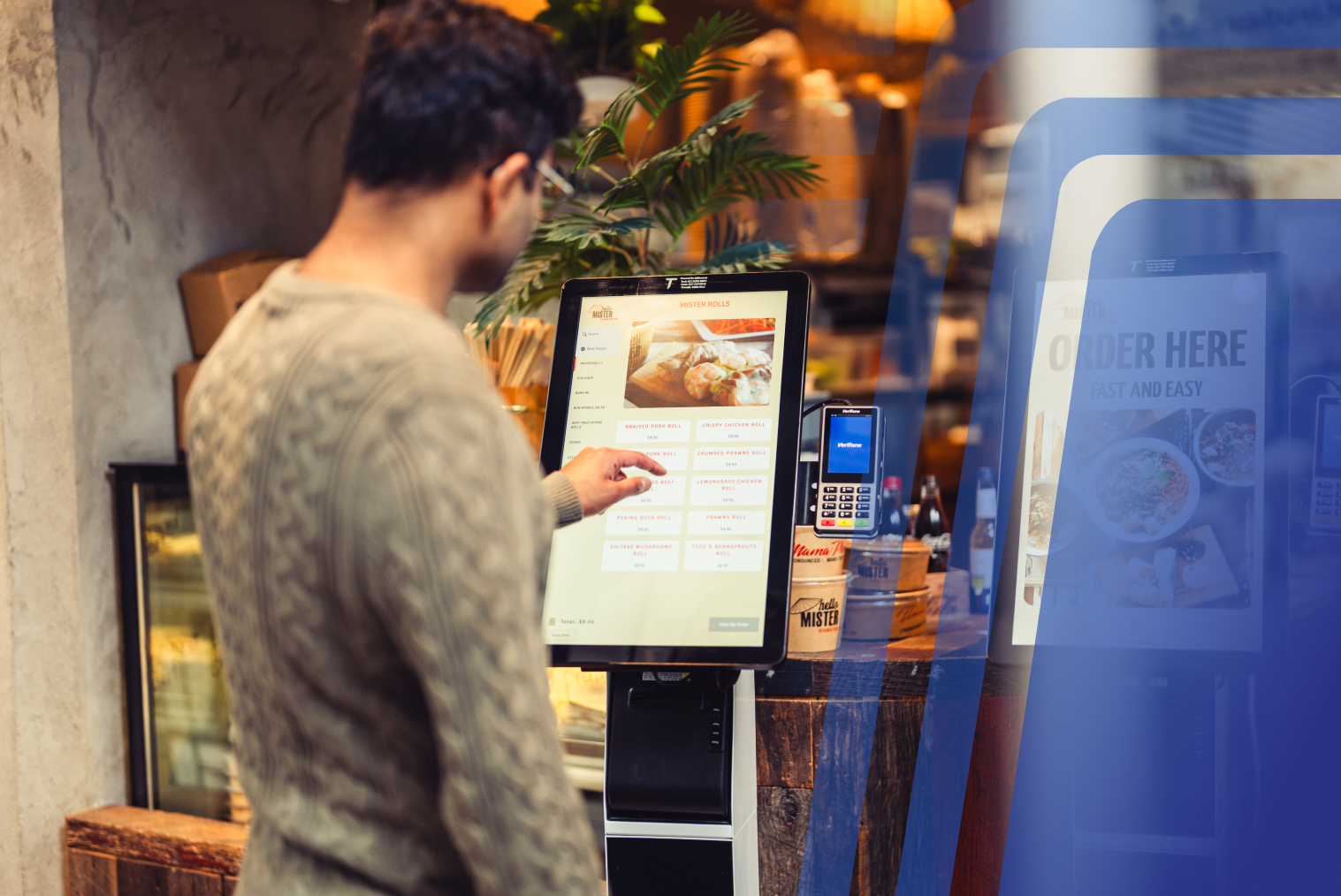
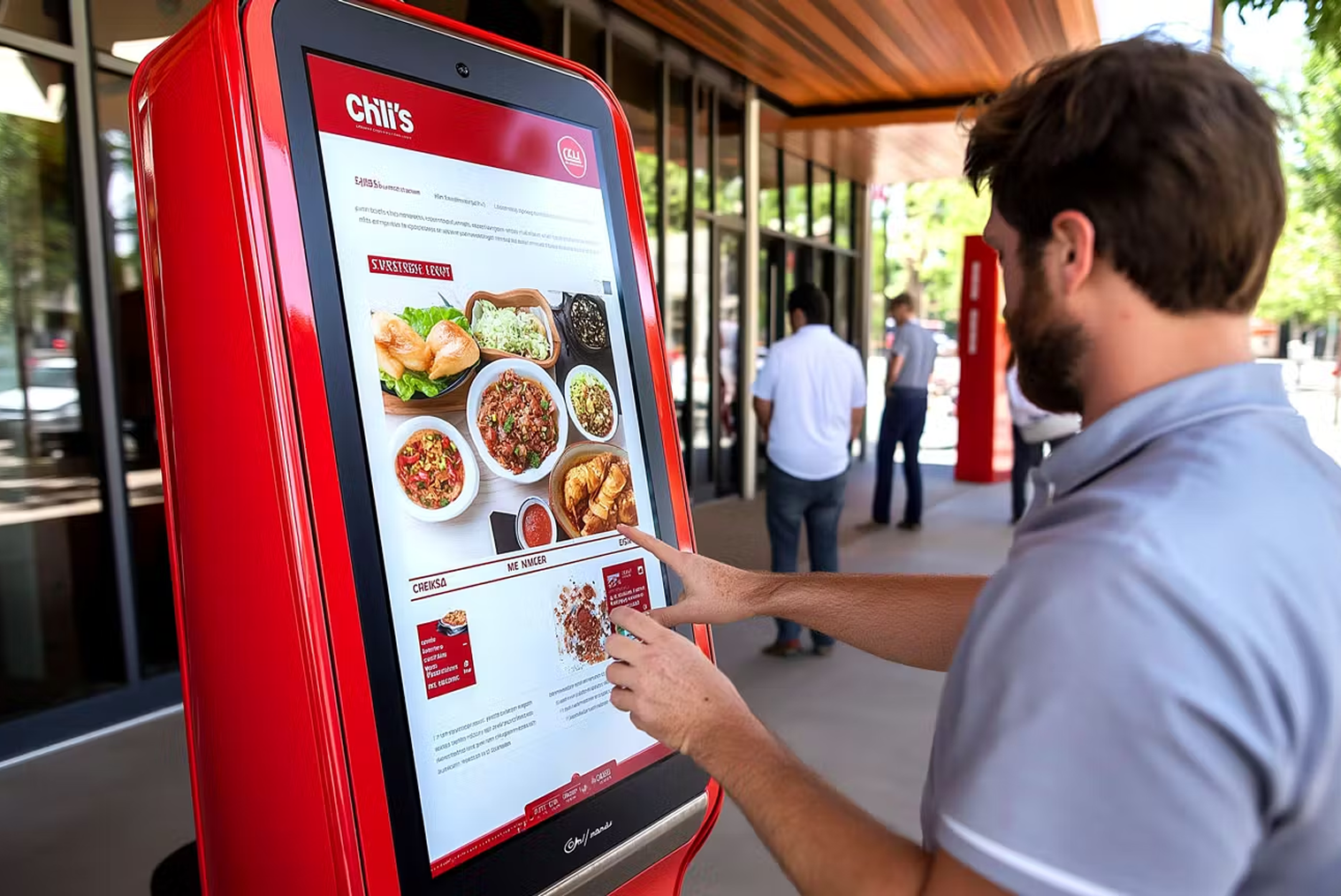
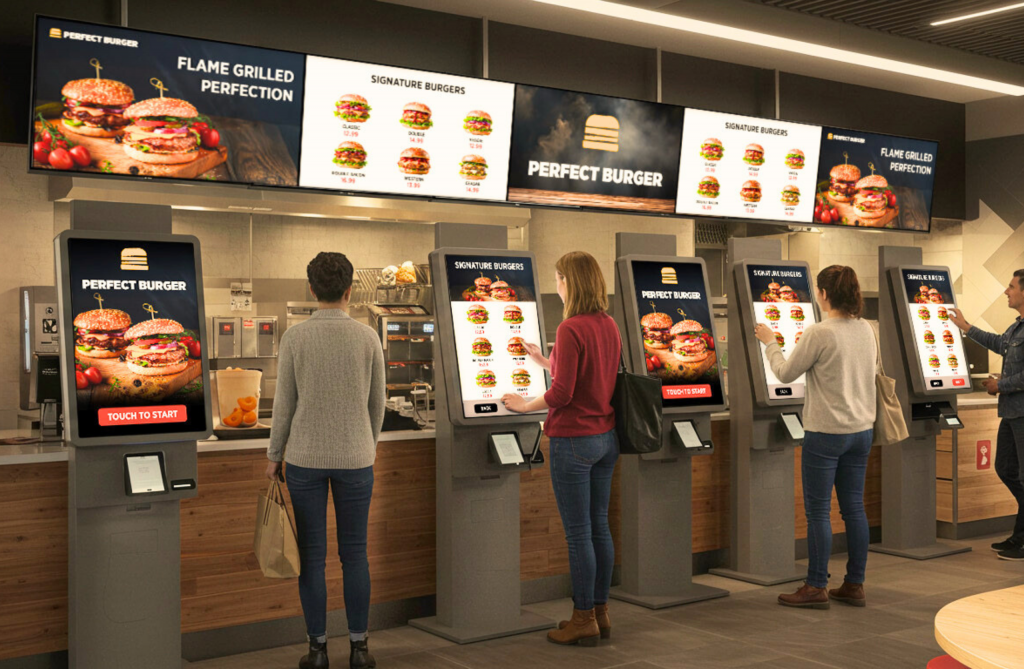
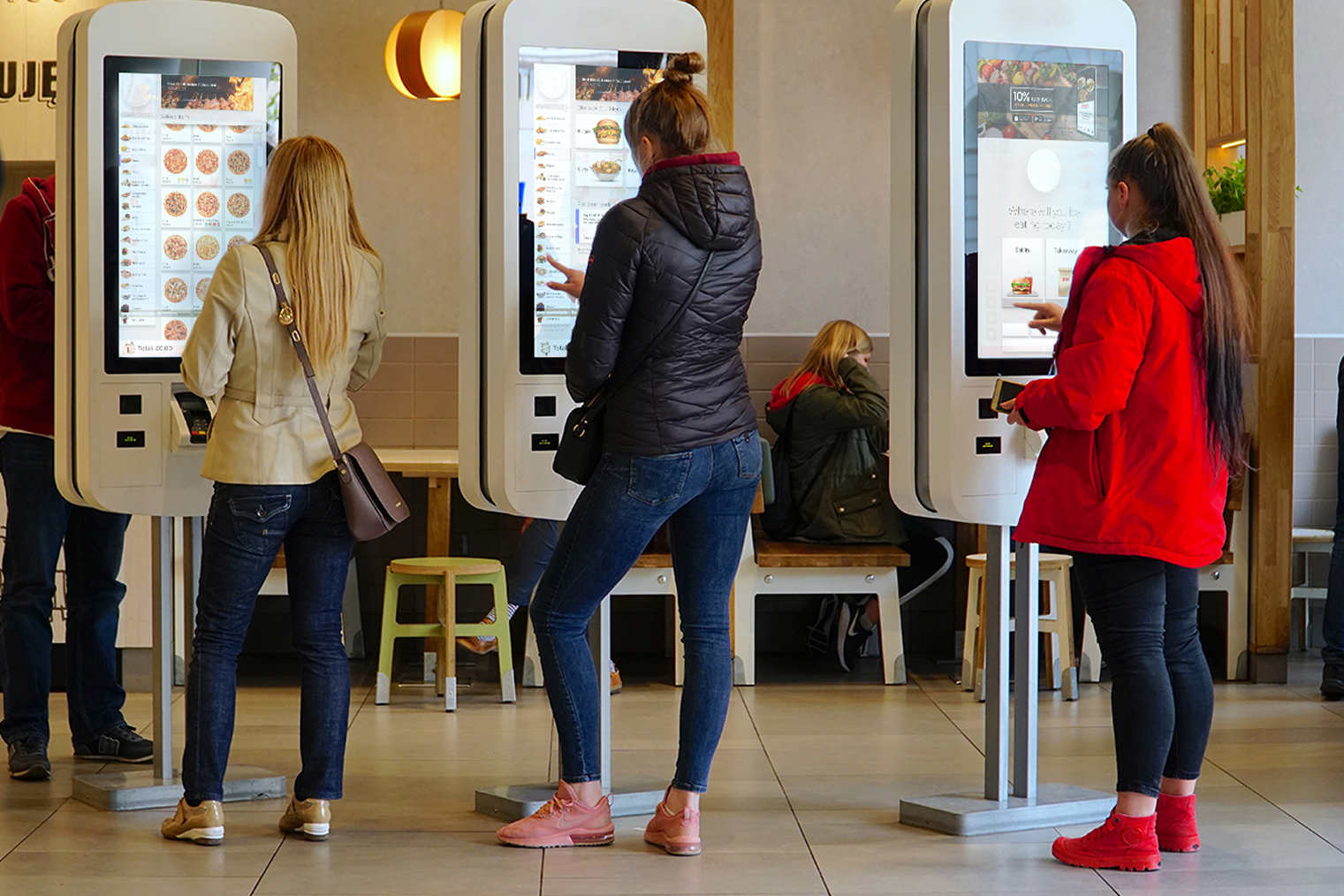
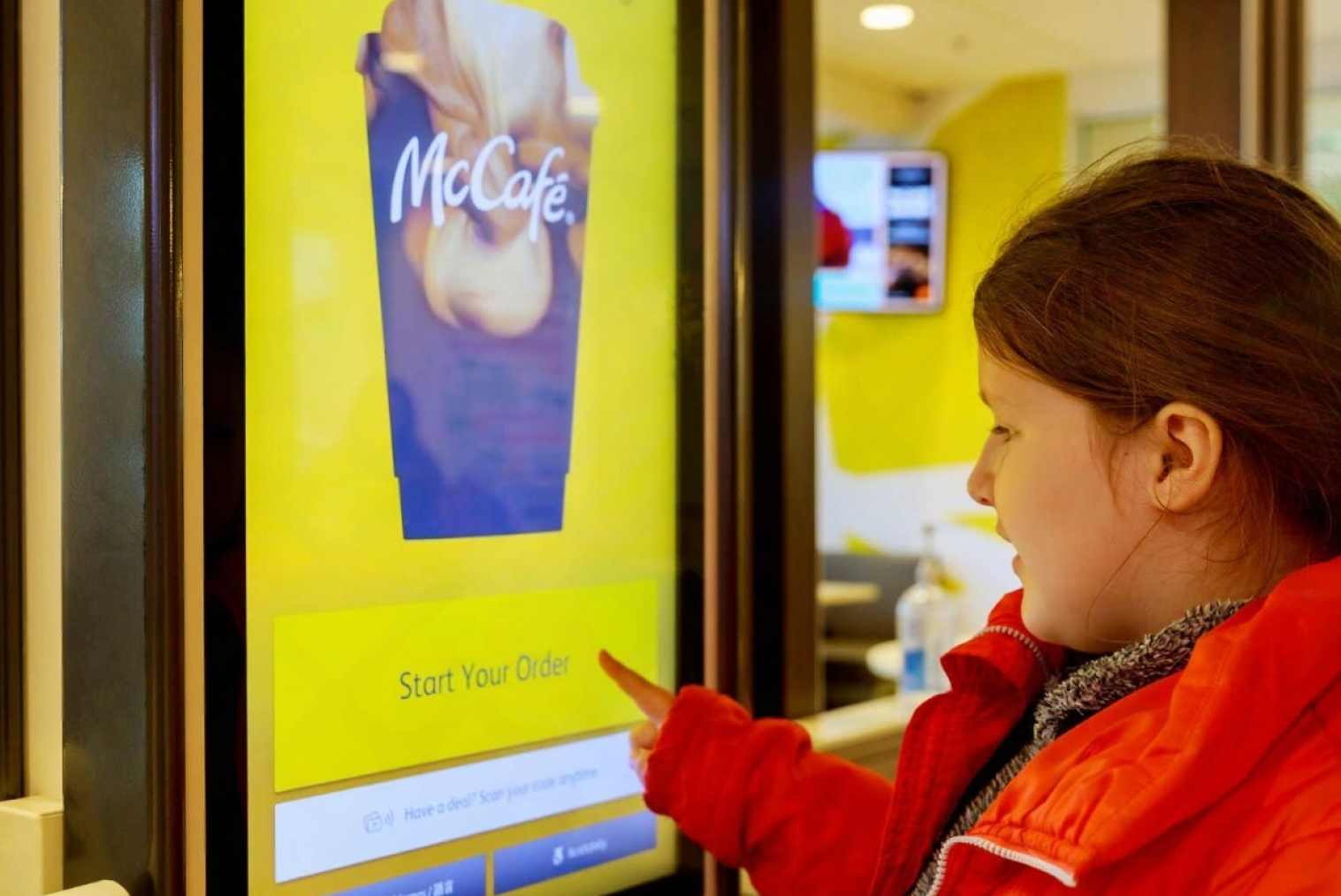
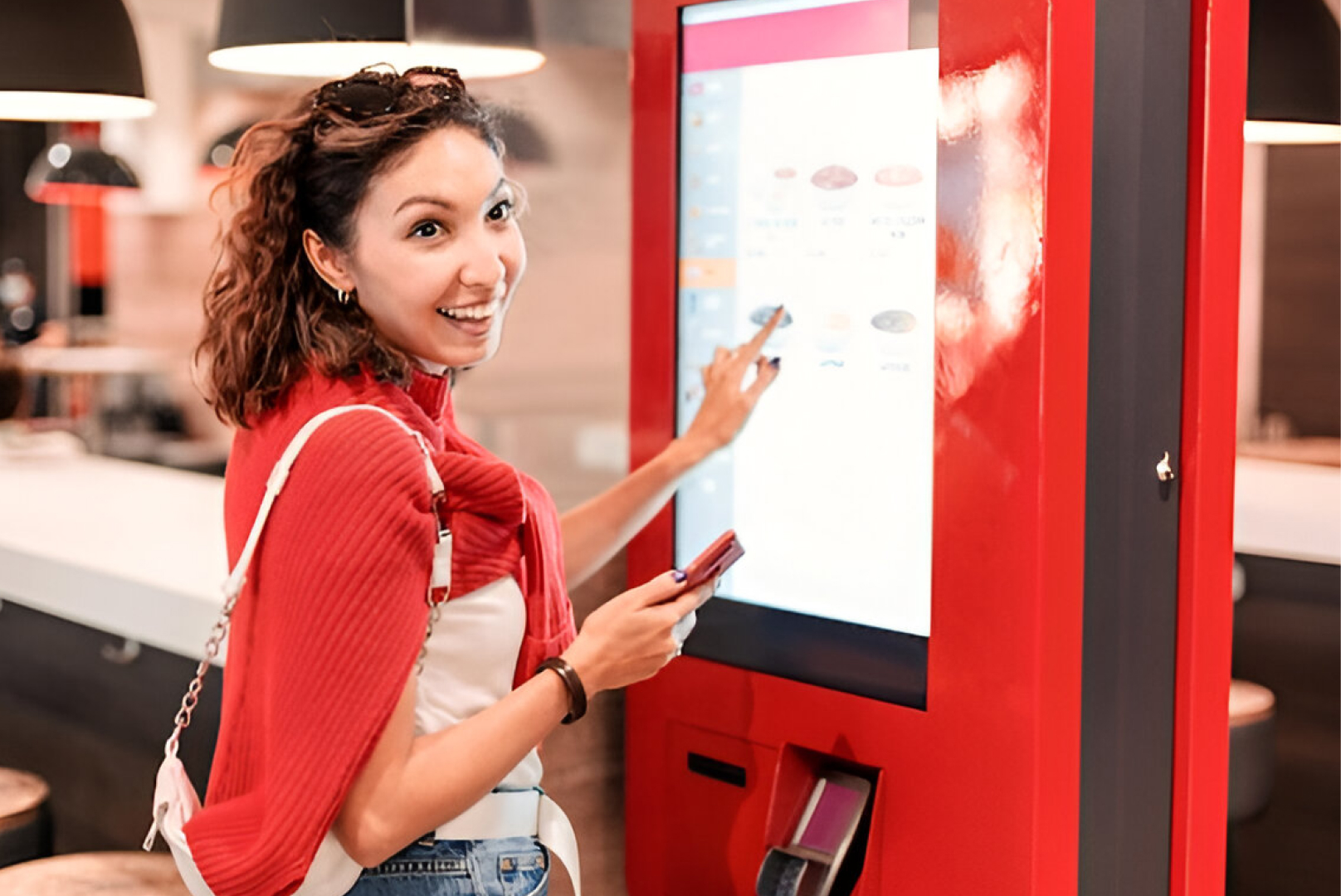
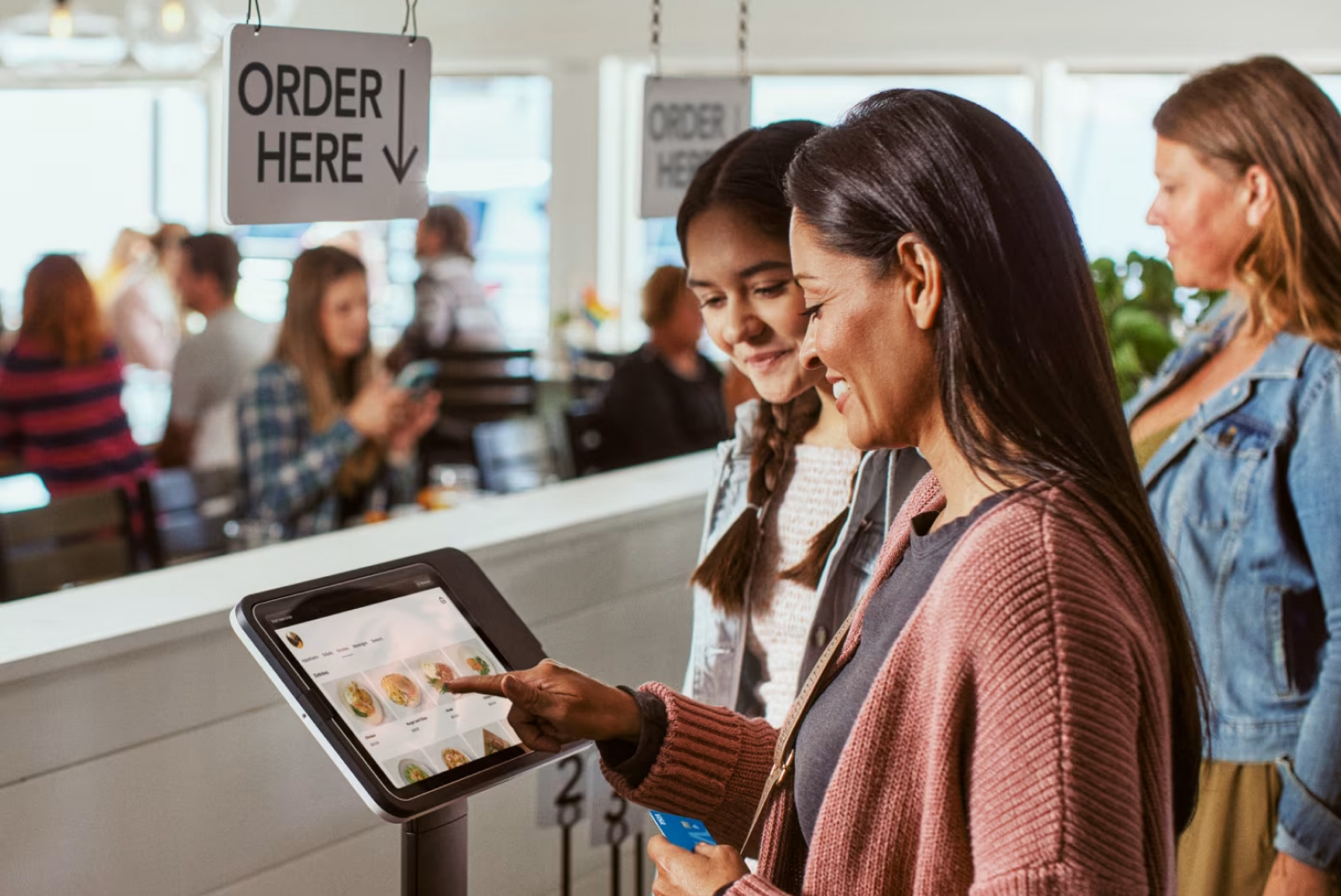
For quick-service and franchise brands looking to streamline ordering and reduce queue times, Tabin also provides self-service kiosks for franchise restaurants as part of a connected hospitality setup.
Because every multi-site hospitality business is structured differently, it is best to walk through your exact operational needs before committing. During a consultation, you can discuss your venue count, existing hardware, EFTPOS setup, and reporting requirements—and confirm specific capabilities such as central menu controls, site-level configurations, and franchise rollout timelines directly with the team.
To see how Tabin fits your group or franchise setup, book a demo with the team.
Conclusion
Growing from a single restaurant into a multi-venue operation or franchise network changes what you need from your point of sale. Every venue still needs fast, reliable service at the counter, while head office needs consolidated reporting, clear controls, and a repeatable way to launch new sites.
Before choosing a provider, test how the platform handles group reporting, menu and pricing governance, role-based permissions, hardware flexibility, and multi-site support. Most importantly, evaluate the system against your actual operating model—whether you run a franchise network, a multi-concept restaurant group, or multiple hotel food and beverage outlets.
Planning to expand or upgrade your POS across multiple New Zealand venues? Book a demo with Tabin to discuss your setup and explore the right solution for your venues.
Frequently Asked Questions
Q1: What should a multi-site POS system do?
A multi-site POS system should help a business manage sales and operations across multiple locations. Important capabilities include group-wide reporting, location-level reporting, menu and pricing management, staff permissions, hardware and payment compatibility, support across venues and a clear process for adding new locations. The exact features available depend on the POS provider and plan.
Q2: Can I see sales for all my venues in one place?
Some multi-site POS systems provide consolidated reporting, allowing head office to review sales across multiple venues from one dashboard. Depending on the platform, you may also be able to compare individual locations, products and sales trends. Confirm which reports are available and whether they can be filtered by venue and reporting period.
Q3: Can each venue have its own menu and prices?
That depends on the POS platform. Some systems support central menu management with location-specific products, prices or availability, while others require changes to be made separately at each venue. Ask the provider to demonstrate how group-wide menu settings and individual venue differences are managed.
Q4: How long does it take to roll out a POS across several venues?
The rollout time depends on the number of locations, menu complexity, hardware requirements, data migration, staff training and the provider's implementation process. A phased rollout that starts with one pilot location can help identify issues before the remaining venues go live. Ask the provider for a location-by-location implementation plan and realistic timelines.
Q5: Can I add a new venue without changing systems?
A multi-site POS platform may allow you to add another location within the existing system, but the process and costs depend on the provider. Confirm whether a new venue requires an additional subscription, hardware, configuration, training or payment integration, and whether it can use the existing group reporting structure.
Q6: How do I book a TABIN demo?
You can book a demo directly through the TABIN website. Sharing how many venues you currently operate or plan to open, your existing POS hardware, and your reporting priorities will help the team tailor the walkthrough to your business.